Introduction
Are you a beginner eager to dive into the world of video editing but concerned about the costs involved? Finding the right tools that won't break the bank can be overwhelming, especially when you're just starting out. Fortunately, there are excellent free video editing software options available that can help you learn and grow your skills without any financial burden.
Why Beginners Struggle With Beginners need access to no-cost tools to learn video editing.
Many aspiring video editors face challenges when trying to find affordable or free tools that provide the features they need to learn effectively. The sheer number of options can lead to confusion, often resulting in wasted time and effort on tools that are either too complicated or lacking in essential features. Beginners also struggle with the learning curve associated with professional-grade software, which often requires not just a financial investment but a significant time commitment as well. Without accessible tools, the journey to becoming a proficient video editor can feel daunting and discouraging.
What to Look For in Video Production Tools
- User-Friendliness: A beginner-friendly interface is crucial for those new to video editing. Simple navigation and intuitive controls can significantly reduce the learning curve.
- Essential Features: Look for tools that offer basic editing functionalities like trimming, splitting, and merging videos. These features are foundational for any beginner.
- Learning Resources: Software that provides tutorials, support forums, or community resources can be invaluable for beginners seeking to enhance their skills.
- Export Options: Ensure the software allows you to export your projects in various formats suitable for different platforms, including social media, YouTube, and personal use.
- Cloud Capabilities: Tools that offer cloud storage can help you save your work and access it from anywhere, which is beneficial for beginners who may work on multiple devices.
Best Free Video Editing Software for Beginners
DaVinci Resolve - Best for Professional Features
DaVinci Resolve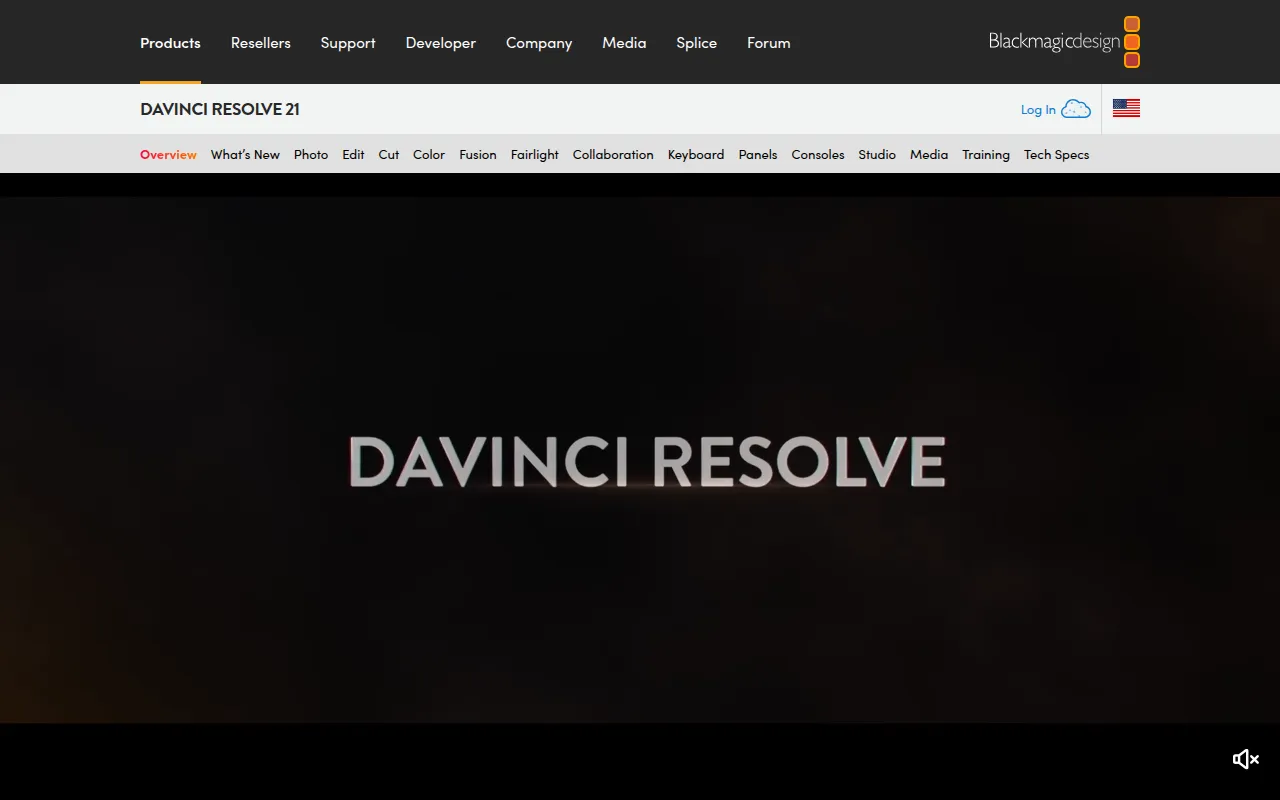 stands out as one of the most powerful free video editing tools available. It's a comprehensive software that integrates video editing, color correction, visual effects, and audio post-production in one package. For beginners, it provides a unique opportunity to learn professional-grade features without any cost. The user interface may seem overwhelming at first, but its extensive range of tutorials and community support makes it manageable for newcomers willing to invest the time.
What makes DaVinci Resolve particularly appealing is its advanced color correction capabilities, allowing users to enhance their visual storytelling. Beginners can experiment with visual effects and motion graphics, giving them a taste of what professional video editing can achieve. This versatility means that as you grow in your editing skills, you can continue using the same software without needing to switch to a more advanced paid tool.
- Professional video editing tools: Perfect for precise cuts, transitions, and overall video assembly.
- Advanced color correction features: Enhances visual storytelling, crucial for engaging content.
- Visual effects capabilities: Adds dynamic elements to videos, making them more captivating.
- Motion graphics tools: Enables creation of custom animated titles and effects.
- Audio post-production tools: Mix and master sound effectively for professional quality.
Pricing: Freemium - DaVinci Resolve is free with the option to upgrade to DaVinci Resolve Studio for $295. Best for: Professional video editors, filmmakers, and content creators on platforms like YouTube.
VideoGen - Best for Quick Video Creation
VideoGen is an AI-powered video generator that allows users to create and edit videos quickly and effortlessly. It’s designed for those who may not have extensive editing experience but want to produce high-quality content in a short amount of time. The AI capabilities simplify the process, making it an excellent choice for beginners who want to focus more on creativity rather than technical details.
The standout feature of VideoGen is its AI voiceover integration, which allows you to add narration to your videos without the need for external recording equipment. This is particularly useful for beginners who might not have access to professional audio recording tools. With its image-to-video conversion feature, you can also transform static images into engaging video content, making it ideal for social media marketing or personal projects.
- AI Video Generation: Quickly creates videos from text or images, saving time for beginners.
- Image to Video Conversion: Transforms still images into dynamic video presentations.
- AI Voiceover Integration: Adds professional-sounding narration without needing a microphone.
- AI Sound Effects: Enhances videos with background sounds that match the content.
- AI Image Editing: Allows for basic edits on images before they are included in videos.
Pricing: Freemium - VideoGen offers a single pricing plan at $16 per month with additional credits available for purchase. Best for: Small businesses, freelancers, and marketing teams needing quick turnaround for promotional content.
Wondershare Filmora - Best for Ease of Use
Wondershare Filmora is a user-friendly video editing software that provides a balance between powerful features and simplicity. Its intuitive interface makes it ideal for beginners who want to create professional-looking videos without getting bogged down by complex tools. Filmora’s extensive media library, which includes stock footage and music, allows beginners to enhance their projects easily.
One of Filmora's major advantages is its built-in motion graphics and titles customization, which enables users to create engaging intros and outros for their videos. This feature is particularly useful for content creators who want to establish a professional brand identity across their video projects. With options for audio editing and color tuning, Filmora equips beginners with the tools they need to refine their content effectively.
- Video trimming and splitting: Essential for basic editing tasks, allowing users to cut unwanted segments easily.
- Audio editing tools: Enable users to synchronize audio with video seamlessly.
- Color tuning options: Helps improve visuals, making videos more appealing.
- Extensive media library: Provides stock footage and music that can be used in projects.
- Motion graphics and titles customization: Enhances videos with professional-looking graphics.
Pricing: Freemium - Wondershare Filmora offers a subscription-based model and a one-time purchase option. Best for: Small businesses, content creators editing YouTube vlogs, and educators producing online courses.
Adobe Premiere Pro - Best for Advanced Learning
Adobe Premiere Pro is a leading professional video editing tool that offers a vast array of features geared towards serious filmmakers and content creators. While it is a paid tool, beginners who are serious about learning video editing might consider it for its industry-standard capabilities. The learning curve can be steep, but the investment in time and resources can pay off significantly for those who intend to pursue video editing as a career.
The non-linear editing system allows users to work on multiple video tracks simultaneously, and its advanced color grading options enable precise adjustments that can elevate video quality. Premiere Pro also supports multi-camera editing, which is beneficial for filmmakers working with various angles. With robust audio mixing and motion graphics templates, Premiere Pro provides a comprehensive toolkit for producing high-quality videos.
- Non-linear editing: Facilitates complex video projects with multiple tracks and layers.
- Multi-camera editing: Allows editing from various camera angles seamlessly.
- Advanced color grading: Provides professional-level adjustments for more impactful visuals.
- Audio mixing: Ensures sound quality is on par with visual elements.
- Motion graphics templates: Offers premade templates for quicker production.
Pricing: Paid - Adobe Premiere Pro operates on a subscription-based model with various pricing tiers. Best for: Independent filmmakers and content creators for social media.
Wonder Studio - Best for Animation and Effects
Wonder Studio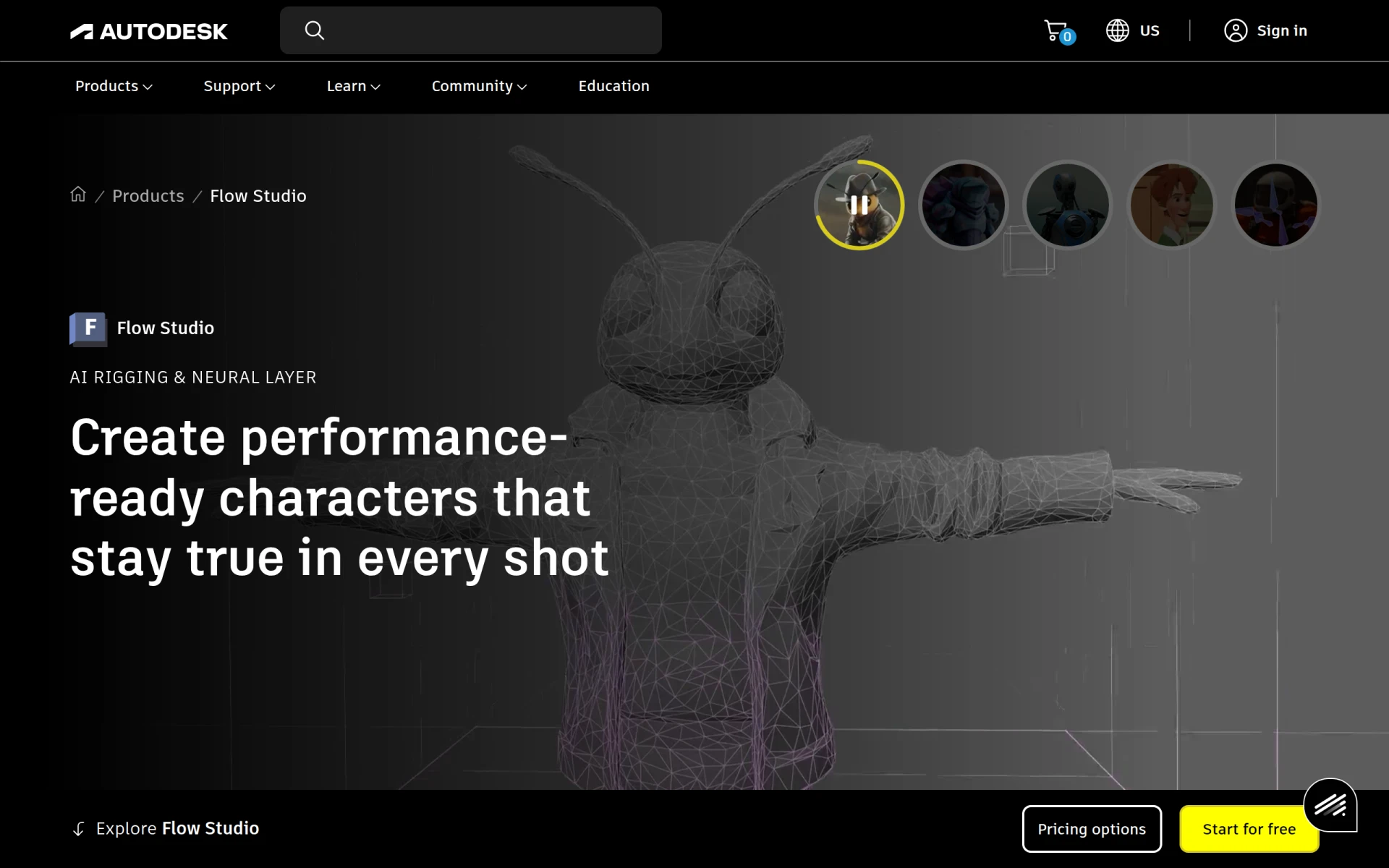 is an innovative video editing tool that excels in creating high-quality animations and visual effects. For beginners interested in venturing into the realm of animated content, Wonder Studio provides a user-friendly platform to experiment with these advanced features. Although it may not be the first choice for traditional video editing, its unique capabilities make it an attractive option for those looking to stand out.
The automatic character rigging feature simplifies the animation process, allowing beginners to bring their creations to life without extensive knowledge of animation techniques. Additionally, the scene compositing tools enable users to blend various elements seamlessly, creating visually appealing content. This makes Wonder Studio particularly suited for marketing teams and independent filmmakers seeking to add a creative flair to their projects.
- AI-driven animation creation: Streamlines the process of creating animated sequences.
- Automatic character rigging: Simplifies the animation process for beginners.
- Scene compositing tools: Enhances visuals by allowing users to combine different elements.
- 3D object integration: Offers opportunities to incorporate 3D elements into videos.
- Voice and motion capture capabilities: Provides realistic animations based on voice and movement.
Pricing: Contact - Pricing details for Wonder Studio are not provided on the website. Best for: Independent filmmakers and marketing teams.
AutoCut - Best for Efficient Editing
AutoCut is an AI plugin designed for both Premiere Pro and DaVinci Resolve, aimed at automating various video editing tasks. This tool is perfect for beginners who may find the editing process tedious and time-consuming. By streamlining workflows, AutoCut allows users to focus more on creativity rather than technical intricacies.
With features like AutoCaptions and AutoCut Silences, beginners can easily add captions and eliminate unnecessary pauses from their videos. This is especially beneficial for podcasters looking to enhance their video content with captions, making it more accessible to viewers. The updated AutoZoom feature also ensures that the focus remains on the subject, which can significantly improve the viewing experience.
- AutoCaptions: Automatically generates captions, making videos more accessible.
- AutoCut Silences: Eliminates dead air, enhancing the flow of videos.
- AutoCut Podcast: Tailored features for podcasters looking to optimize video content.
- Updated AutoZoom: Keeps the focus on the main subject in videos.
- AutoViral: Helps identify and enhance shareable moments within videos.
Pricing: Freemium - AutoCut offers a free 14-day trial, with specific pricing details not provided. Best for: Podcasters and freelancers needing to speed up video projects.
Captions - Best for Shareable Videos
Captions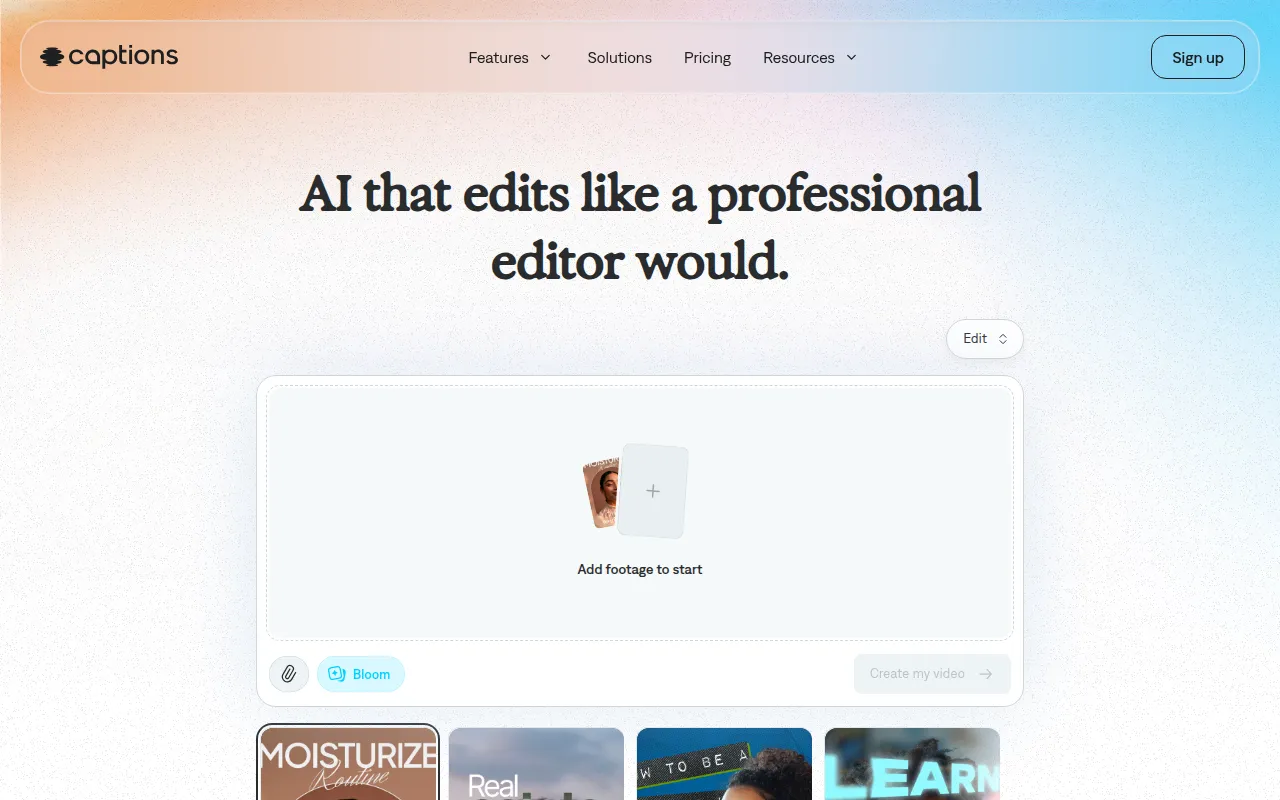 is an AI video editing tool designed to transform ideas into shareable videos effortlessly. Its chat-based editing interface is particularly appealing for beginners who may feel intimidated by traditional editing software. This makes it easy to produce content quickly and effectively, allowing users to focus on storytelling rather than technical details.
The platform's library of curated AI edit styles helps beginners choose the right aesthetic for their videos, enhancing viewer engagement. Additionally, the inclusion of digital twins or custom AI actors allows for creative storytelling options that can appeal to a wider audience, making it a great choice for content creators looking to expand their reach.
- AI Video Generation: Quickly creates videos from text-based ideas.
- Chat-based Editing: Simplifies the editing process in a user-friendly manner.
- Library of Curated AI Edit Styles: Provides aesthetic guidance for beginners.
- Digital Twins or Custom AI Actors: Adds a unique storytelling element to videos.
- Custom B-Roll Generation: Enhances narrative flow with relevant footage.
Pricing: Freemium - Captions offers a free sign-up, with the most popular subscription priced at $24.99 per month. Best for: Small businesses and content creators needing quick video production.
Clipchamp - Best for Online Editing
Clipchamp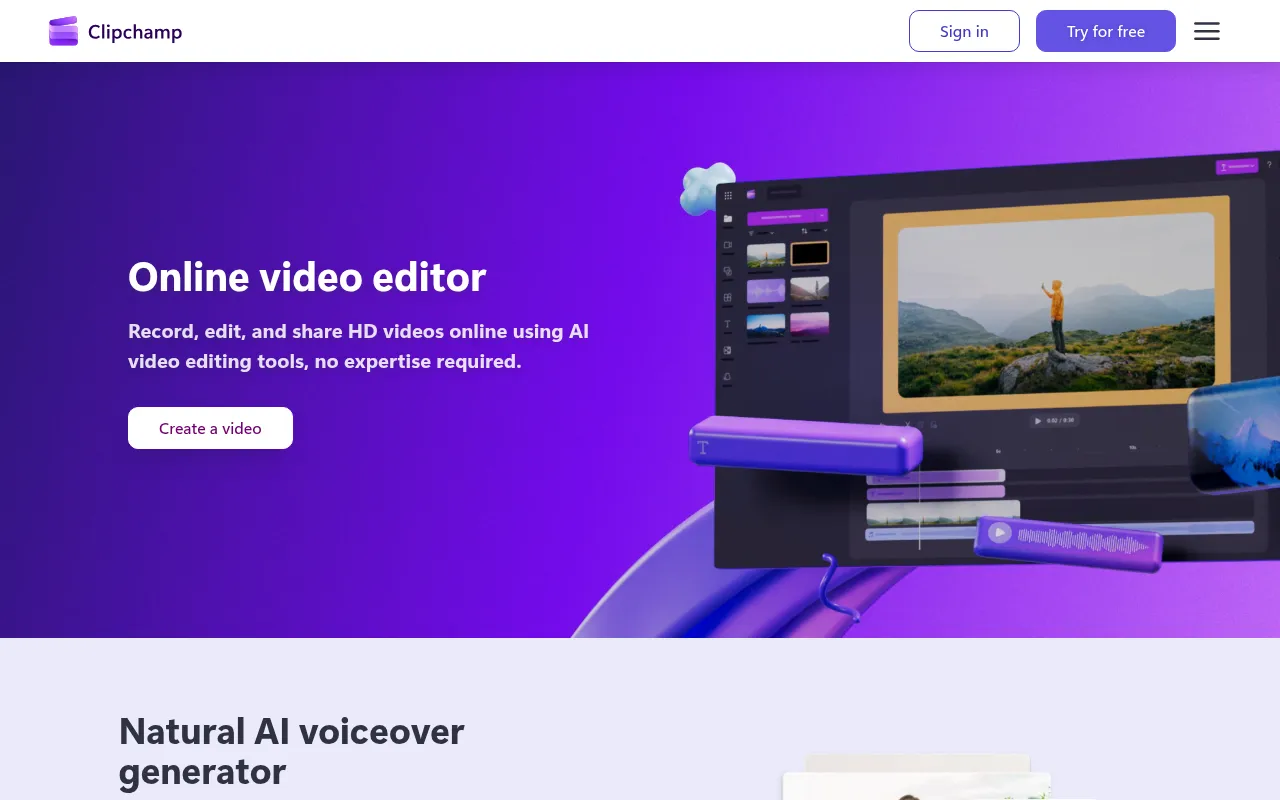 is an online video editing tool that allows users to create and edit videos without needing to download software. This is especially beneficial for beginners who may prefer a more flexible, cloud-based solution. With features like video recording, AI voiceover generation, and a stock footage library, Clipchamp provides everything a beginner needs to get started.
The platform's user-friendly interface and video templates make it easy for anyone to jump into video editing without prior experience. This accessibility encourages creativity and experimentation, which are vital for beginners looking to find their style in video production.
- Video recording: Enables users to record footage directly within the platform.
- AI voiceover generator: Adds narration effortlessly to videos.
- AI subtitle generator: Automatically generates subtitles for increased accessibility.
- Stock footage library: Provides a range of clips to enhance projects.
- Video templates: Offers pre-designed layouts for quick project starts.
Pricing: Freemium - Clipchamp offers a free version with premium features available through Microsoft 365 subscriptions. Best for: Small businesses and educators developing instructional materials.
Gling - Best for YouTube Creators
Gling is an AI-driven video editing software tailored specifically for YouTube creators. Its automatic pause detection and viral clip generation features streamline the editing process, allowing beginners to focus on content creation rather than technical details. Gling’s user-friendly interface makes it accessible for those who may be new to video editing.
The easy link-based video creation process allows users to easily compile video clips and create engaging content in no time. This is particularly beneficial for vloggers and content creators who need to produce videos quickly while maintaining quality. Gling's support for various video formats further enhances its usability, ensuring that users can publish their content wherever they like.
- AI-driven video editing: Automates many editing tasks, saving time for beginners.
- Automatic pause detection: Improves video flow by eliminating unnecessary pauses.
- Viral clip generation: Identifies and creates shareable moments from longer videos.
- Easy link-based video creation: Simplifies the assembly of video clips.
- Support for various video formats: Ensures compatibility with different platforms.
Pricing: Freemium - Gling offers a free trial to explore its features, with specific pricing details currently unavailable. Best for: YouTube content creators and vloggers needing quick editing solutions.
Levio - Best for Engaging Content
Levio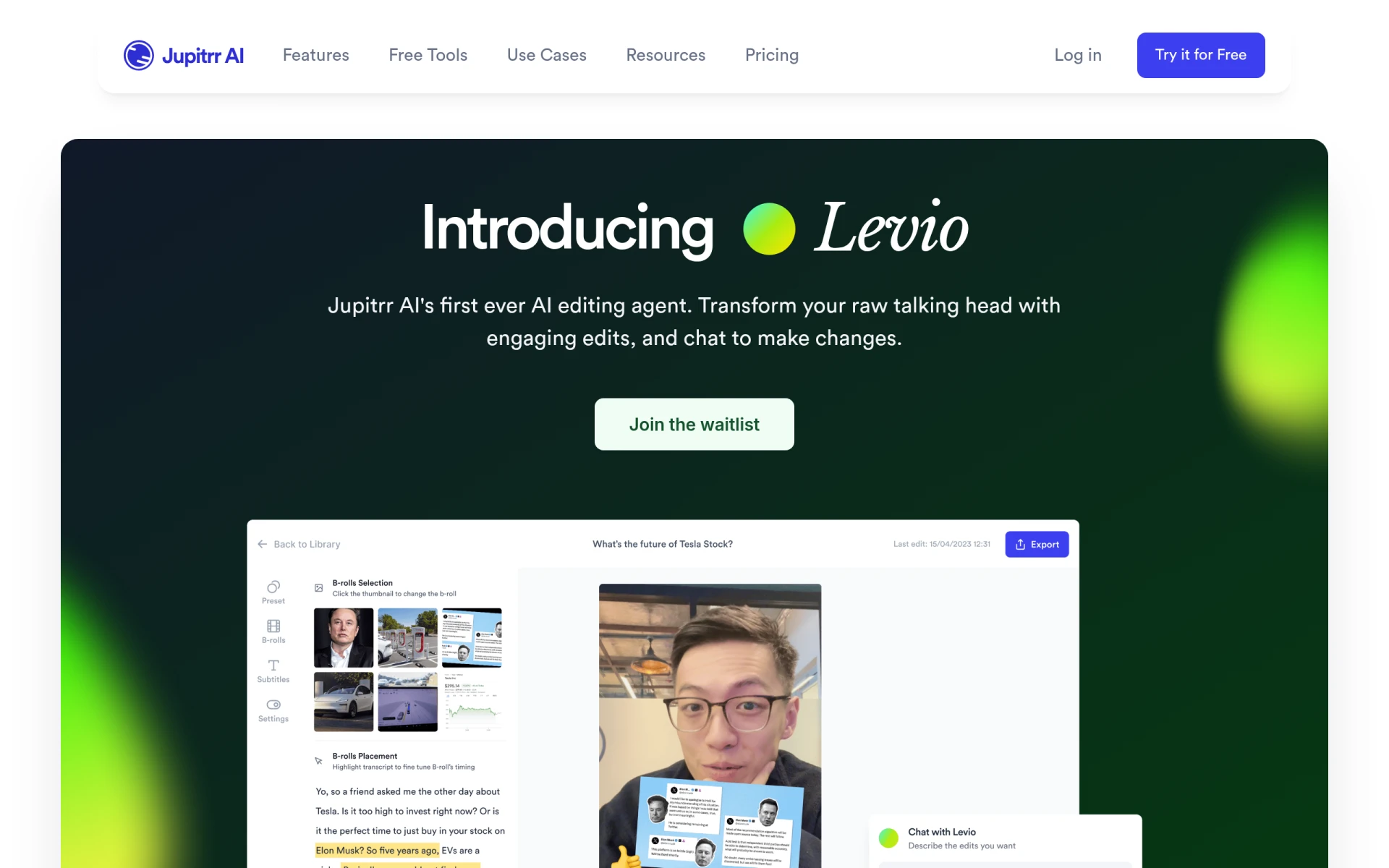 is an AI-powered video editing assistant that helps users create engaging videos quickly. Its automatic generation of engaging video hooks and animated subtitles makes it a great choice for beginners looking to capture and maintain viewer attention. By simplifying the editing process, Levio allows users to focus on creative storytelling.
The integration of B-roll footage enhances narrative flow, while the addition of GIFs and emojis makes videos more relatable and fun. This is particularly appealing for social media managers and content creators aiming to engage audiences effectively without extensive editing experience.
- AI-driven editing assistance: Provides suggestions and enhancements to improve video quality.
- Automatic generation of engaging video hooks: Captures viewer interest from the start.
- Addition of animated subtitles: Increases accessibility and engagement.
- Integration of B-roll footage: Enhances storytelling with additional visuals.
- Inclusion of GIFs and emojis: Makes videos more relatable and engaging.
Pricing: Contact - Pricing details for Levio are currently not available. Best for: Content creators and marketing teams needing efficient video editing solutions.
Quick Comparison
| Tool | Best For | Starting Price | Rating |
|---|
| DaVinci Resolve | Professional features | Free / $295 | 0.0/5 |
| VideoGen | Quick video creation | Free / $16/mo | 0.0/5 |
| Wondershare Filmora | Ease of use | Free / Subscription | 0.0/5 |
| Adobe Premiere Pro | Advanced learning | Paid | 0.0/5 |
| Wonder Studio | Animation and effects | Contact | 0.0/5 |
| AutoCut | Efficient editing | Free trial | 0.0/5 |
| Captions | Shareable videos | Free / $24.99/mo | 0.0/5 |
| Clipchamp | Online editing | Free / Subscription | 0.0/5 |
| Gling | YouTube creators | Free trial | 0.0/5 |
| Levio | Engaging content | Contact | 0.0/5 |
Best Choice for Beginners
For beginners, Wondershare Filmora is the best choice due to its user-friendly interface and essential editing features. It provides a gentle learning curve, allowing new editors to create high-quality videos without feeling overwhelmed by complex tools. The extensive media library and built-in templates further enhance the experience, making it easy to produce polished content quickly.
Best Choice for Professionals
The best choice for professionals is DaVinci Resolve, as it offers industry-standard capabilities that can cater to advanced editing needs. Its comprehensive features, including precise color grading and visual effects, allow professional editors to create high-quality content that meets demanding standards. The ability to scale from a free version to a paid version means that users can continue using the software as they grow in their skills.
Best Value Pick
AutoCut stands out as the best value pick due to its automation features that save time and enhance productivity. With a free trial and the ability to integrate with popular editing software like Premiere Pro and DaVinci Resolve, it offers a cost-effective way for beginners to improve their editing efficiency. The time saved on repetitive tasks can lead to a significant return on investment for those looking to produce content more quickly.
Conclusion
With a plethora of free video editing software options available, beginners can confidently embark on their video editing journey without any financial investment. Whether you're looking for ease of use, professional features, or unique creative tools, there is a solution tailored to your needs. Start exploring these tools today and unleash your creativity.