Why Look for Alternatives to Adobe Premiere Pro?
Adobe Premiere Pro is a widely recognized video editing software, favored by professionals for its robust capabilities and integration with the Adobe Creative Cloud. However, its subscription-based pricing model can be a barrier for many users, especially freelancers, hobbyists, and small businesses. The cost can accumulate quickly, making it less appealing for those who don’t require all of its advanced features. Additionally, Premiere Pro's interface, while powerful, can be overwhelming for beginners or those looking for a more straightforward editing experience. Users often report a steep learning curve that can deter creative individuals from fully utilizing the software's potential.
Another common pain point is the performance issues that some users experience, especially when working with high-resolution footage or complex projects. This can lead to frustration and reduced productivity. Furthermore, while Premiere Pro is exceptional for detailed editing and effects, it may not cater well to specific needs such as quick content generation for social media or simple video cutting. As a result, many users are seeking alternatives that are more cost-effective, user-friendly, and tailored to specific video editing tasks.
Best Alternatives to Adobe Premiere Pro in 2026
AICUT - Best for Faceless Video Creation
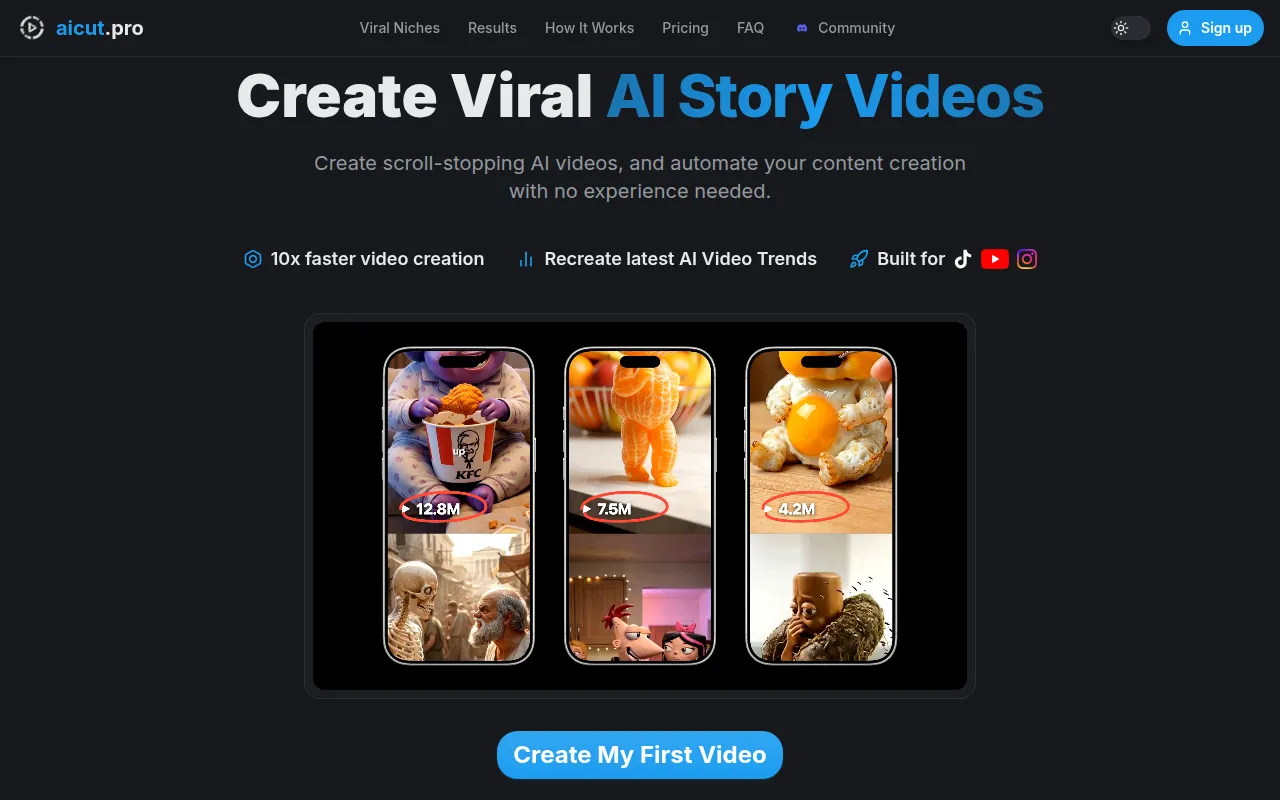
AICUT is an innovative AI video generator that focuses on creating faceless videos tailored for platforms such as YouTube, TikTok, and Instagram. Unlike Adobe Premiere Pro, which is more suited for detailed editing, AICUT simplifies the video creation process, making it accessible to users who may not have extensive video editing skills. This tool leverages AI to automate various aspects of video production, enabling users to generate engaging content quickly. The intuitive interface allows you to create videos without the need for traditional editing techniques, making it an excellent choice for content creators looking to produce videos rapidly.
For those who primarily create content for social media, AICUT stands out by offering features that are specifically designed for this medium. Its AI capabilities assist in selecting the best clips and crafting narratives that resonate with audiences on platforms like TikTok and Instagram. While Adobe Premiere Pro is a powerful editing tool, it may be overkill for users whose primary goal is to produce short, engaging videos without the complexities of traditional video editing software.
- Key Strength: AI-driven automation simplifies video creation, reducing the time spent on editing.
- Key Strength: Tailored features for social media content creation, enhancing engagement.
- Key Strength: User-friendly interface that caters to beginners.
- Limitation: Lacks the depth of advanced editing features found in Premiere Pro.
Pricing: Freemium - Pricing information is currently unavailable. Best for: Social media content creators seeking quick and easy video production.
AI Studios - Best for All-in-One Video Generation
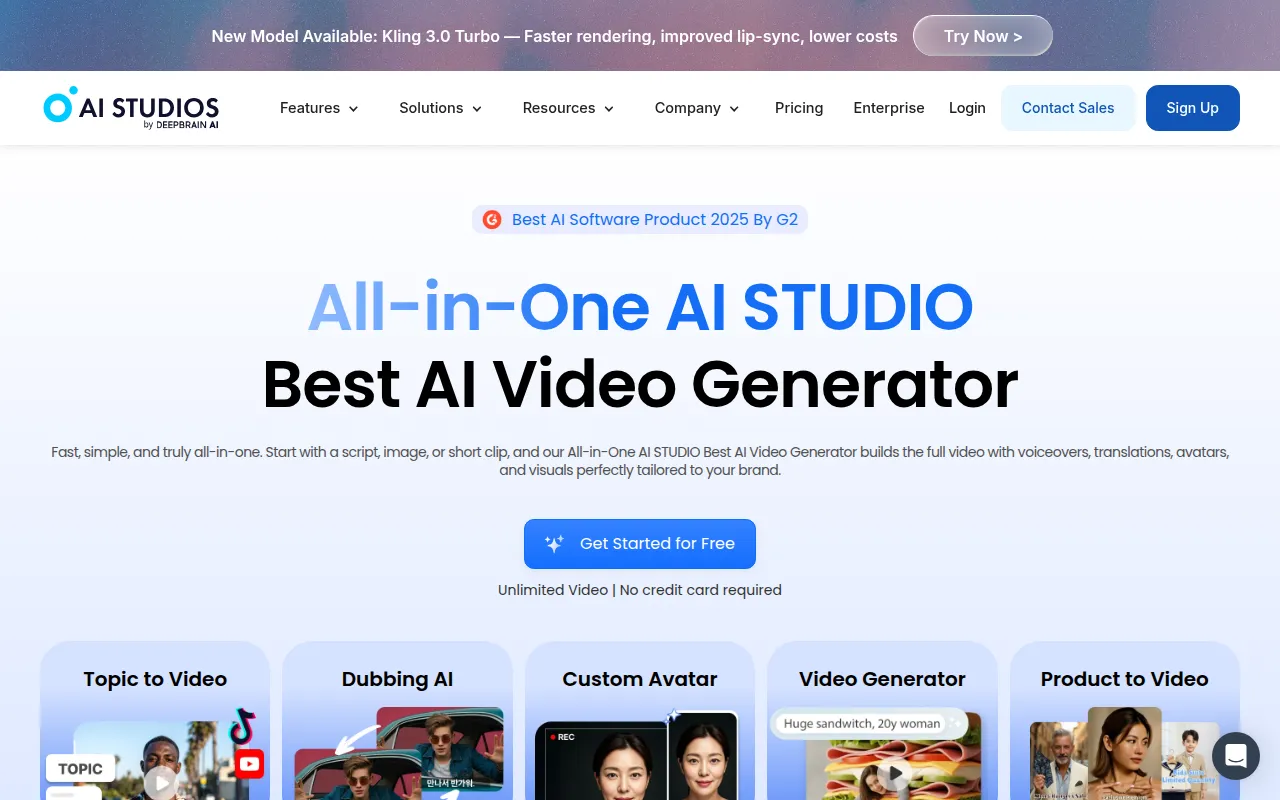
AI Studios is an all-in-one AI video generation tool that revolutionizes how users create professional videos from scripts or images. By providing a comprehensive suite of tools that streamline the video-making process, AI Studios offers an appealing alternative to Adobe Premiere Pro, which requires a more hands-on approach to editing. This platform allows users to transform written content into visually engaging videos, perfect for marketers, educators, and content creators who want to captivate their audience without deep editing knowledge.
The standout feature of AI Studios is its ability to generate videos from simple text prompts. This means users can quickly produce videos without needing to gather footage or invest time in traditional editing. While Premiere Pro excels in complex editing tasks, AI Studios caters to users who prioritize speed and efficiency in content creation, making it a great choice for those looking to deliver high-quality videos in a fraction of the time.
- Key Strength: Effortless video generation from scripts or images, minimizing production time.
- Key Strength: All-in-one platform that reduces the need for multiple tools.
- Key Strength: Ideal for users without extensive video editing experience.
- Limitation: Limited advanced editing tools compared to Premiere Pro.
Pricing: Freemium - Pricing information is not available on the website. Best for: Users who want to create videos quickly from text or images without extensive editing skills.
AI Video Cut - Best for Simplified Video Cutting
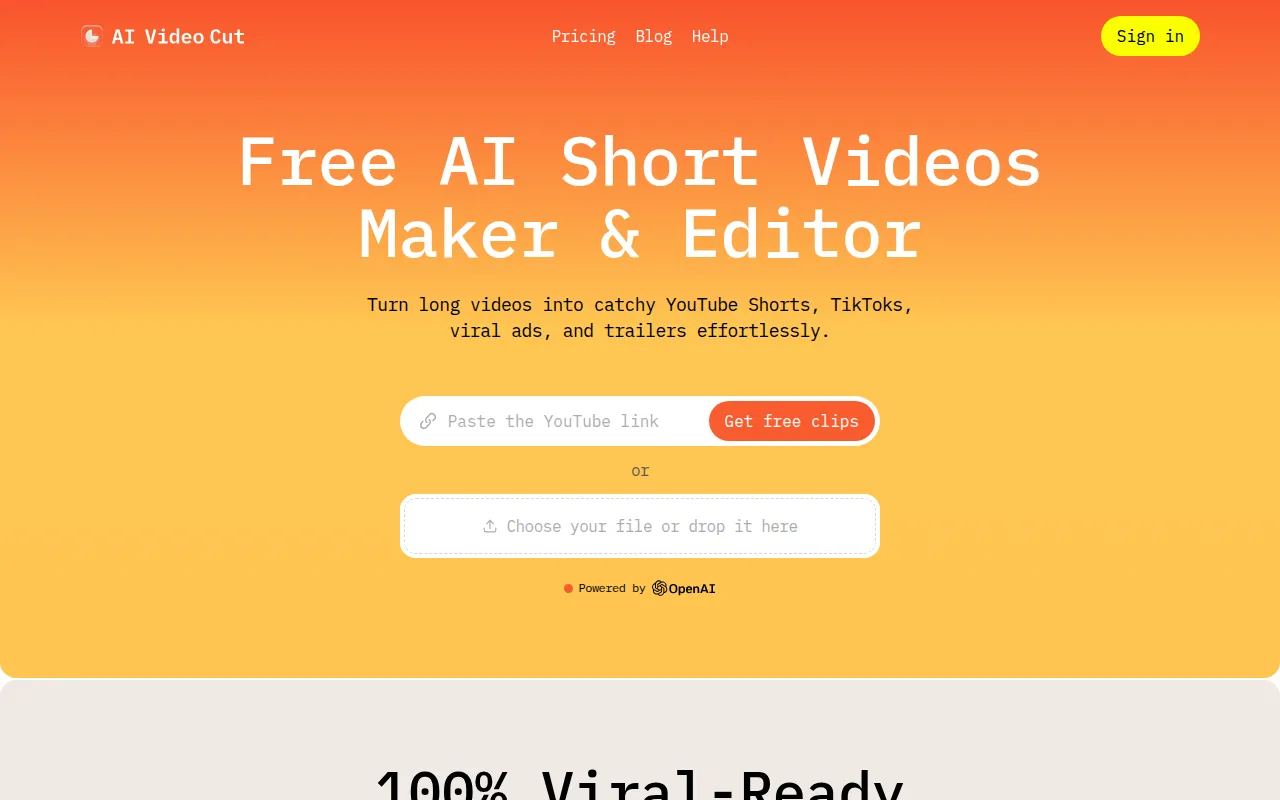
AI Video Cut is designed to make the video cutting process intuitive and accessible to all users, regardless of their editing experience. Unlike Adobe Premiere Pro, which can be daunting for beginners, AI Video Cut streamlines the task of trimming and assembling video clips, making it a perfect option for those who need quick edits without the complexities of a full-fledged editing suite. This tool is particularly beneficial for content creators looking to efficiently cut down longer videos into shorter segments for social media or presentations.
What sets AI Video Cut apart is its straightforward interface that allows users to quickly navigate through their footage and make precise cuts with ease. The AI-driven features assist users in identifying the most relevant clips, ensuring that the final product is engaging and concise. While Premiere Pro is excellent for advanced editing, AI Video Cut focuses on efficiency, making it more suitable for users who require speed over depth.
- Key Strength: User-friendly interface designed for quick video cutting and assembly.
- Key Strength: AI-assisted clip selection for more engaging final products.
- Key Strength: Ideal for users who need to edit videos quickly without extensive editing knowledge.
- Limitation: Lacks advanced editing features and effects found in Premiere Pro.
Pricing: Freemium - Pricing information for AI Video Cut is currently unavailable. Best for: Users who need a simple, efficient tool for cutting and assembling video clips.
AI Storyboard Generator - Best for Pre-Production Planning
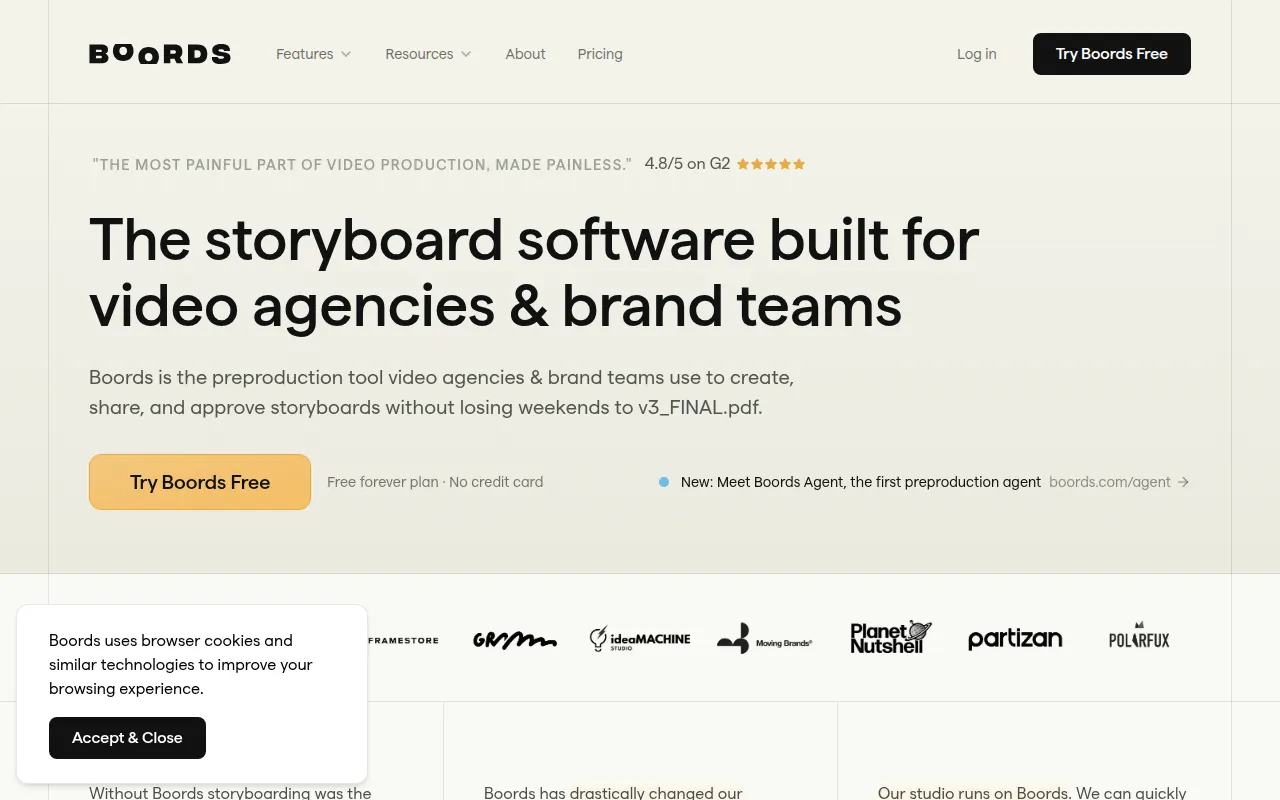
Boords, the AI storyboard generator, is specifically designed to simplify the pre-production phase of video projects for agencies and brand teams. Unlike Adobe Premiere Pro, which focuses on post-production editing, Boords allows users to visualize their videos before they even start filming. This makes it an invaluable tool for directors, scriptwriters, and marketing professionals who want to ensure their video concepts are well-organized and effectively communicated.
One of the key benefits of Boords is its ability to transform scripts into visual storyboards, allowing teams to collaborate and iterate on ideas efficiently. This level of pre-production planning is something that Premiere Pro does not offer, as it requires you to jump straight into editing. Therefore, for users who prioritize planning and organization in their video projects, Boords provides a unique and necessary alternative.
- Key Strength: AI-powered storyboard creation that enhances collaboration and clarity in pre-production.
- Key Strength: Easy integration of scripts into visual storyboards, facilitating better planning.
- Key Strength: Ideal for teams working on complex video projects.
- Limitation: Limited capabilities for video editing post-production.
Pricing: Freemium - Offers a free plan and a Pro plan for $50 per month when billed annually. Best for: Teams and professionals focused on pre-production planning and storyboard creation.
2short.ai - Best for Shortening Long Videos
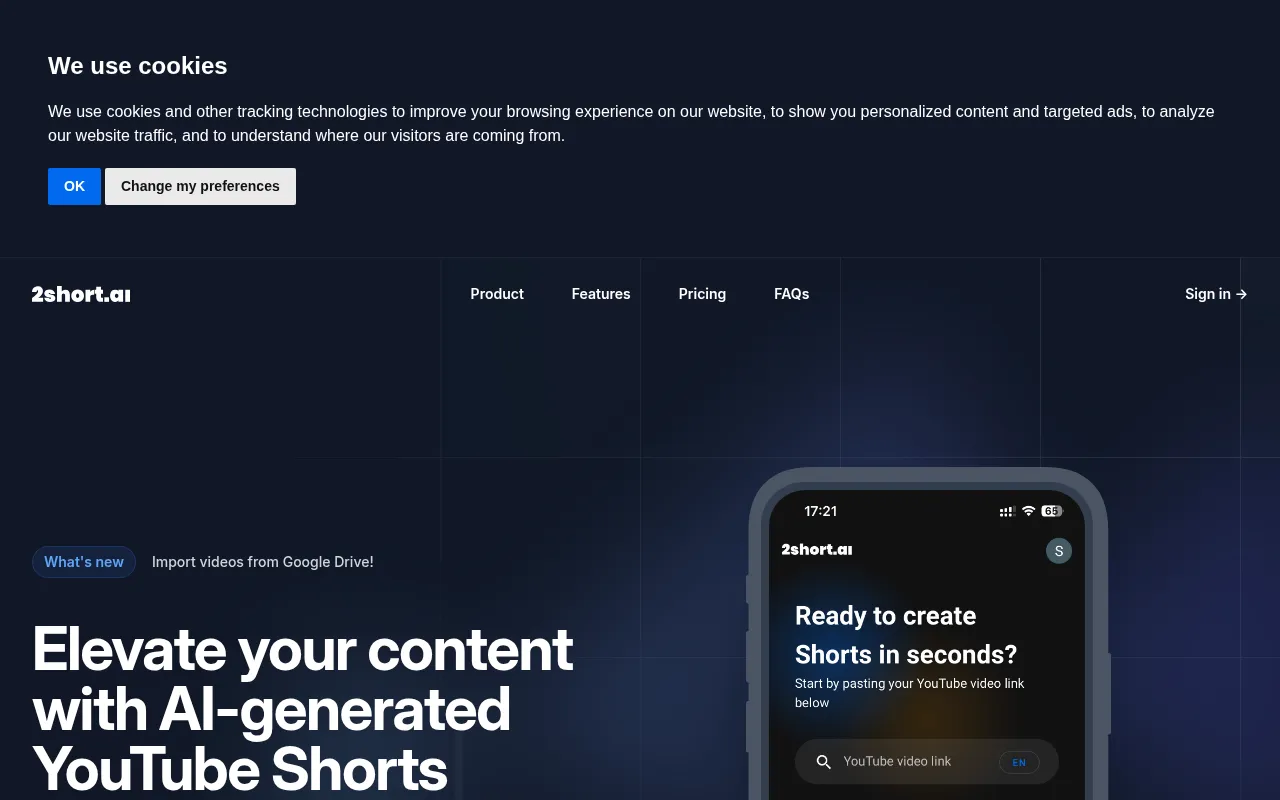
2short.ai is an AI-powered tool that excels at transforming long YouTube videos into engaging short clips ideal for platforms like TikTok and Instagram. This functionality is particularly appealing for content creators looking to maximize their reach and engagement by repurposing existing content. While Adobe Premiere Pro is a comprehensive editing suite that provides detailed control over video projects, it can be cumbersome for users who primarily want to create short, shareable clips from longer formats.
The main advantage of 2short.ai lies in its intelligent algorithms that analyze longer videos and extract the most engaging segments, making it easy for users to create compelling short clips. This is a significant time-saver compared to manually sifting through footage in Premiere Pro. For creators focused on social media, where short attention spans are the norm, 2short.ai offers a streamlined solution that emphasizes efficiency and engagement over complex editing capabilities.
- Key Strength: AI-driven analysis to identify the most engaging segments of longer videos.
- Key Strength: Specifically designed for creating short clips suitable for social media.
- Key Strength: Saves time by automating the cutting process.
- Limitation: Limited editing features for users looking for advanced customization.
Pricing: Freemium - Pricing information is not publicly available. Best for: Content creators wanting to quickly repurpose long-form video content into short, engaging clips.
Argil - Best for Customizable Avatar Videos
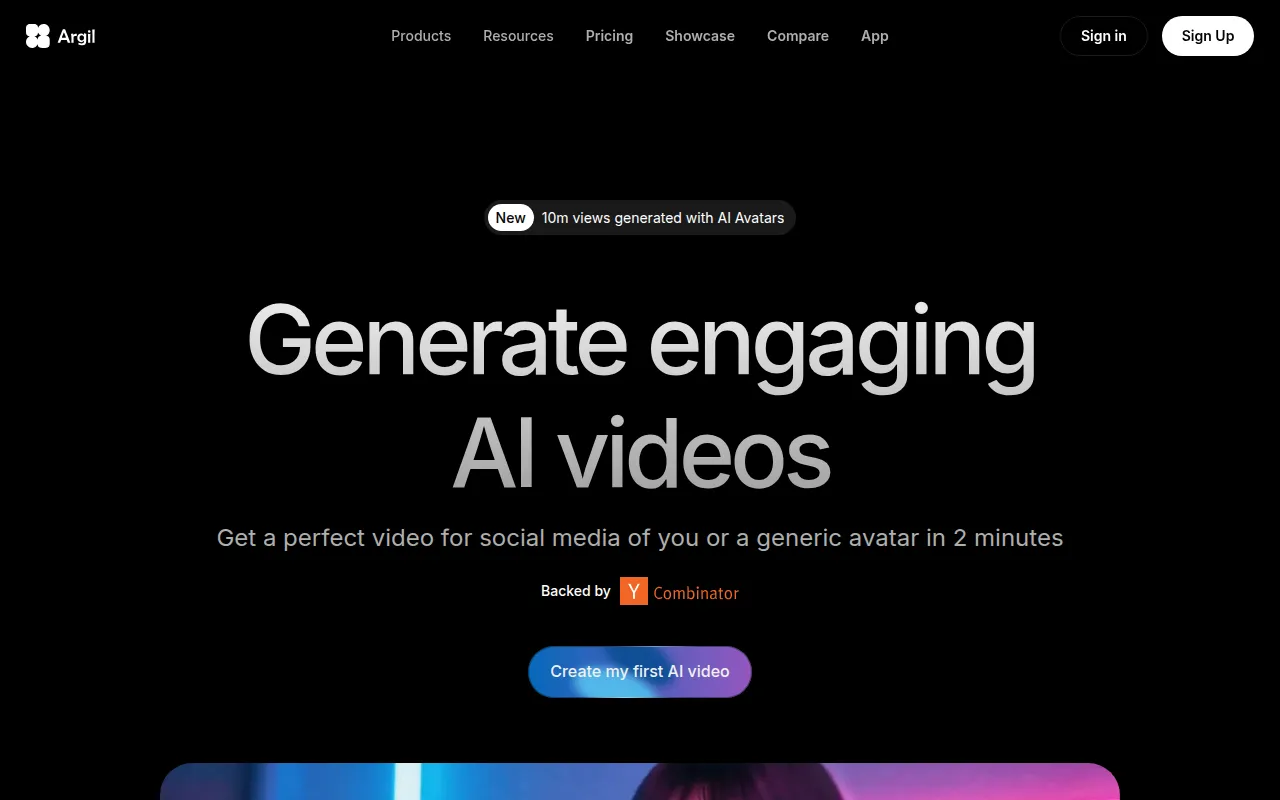
Argil is an AI-powered video editing tool that allows users to create engaging videos featuring customizable avatars. This platform stands out in its niche, focusing on the use of avatars to create personalized video content. Unlike Adobe Premiere Pro, which offers a wide array of editing tools but lacks avatar-based video creation, Argil caters to marketers and educators looking for unique ways to present information. The ability to create avatar-led videos adds a creative flair that can help capture audiences’ attention more effectively.
What makes Argil particularly appealing is its focus on customization. Users can create avatars that align with their brand identity, making it an excellent choice for businesses and content creators who want to maintain a consistent visual theme. While Premiere Pro may offer a more extensive suite of editing tools, it lacks the specific functionality of avatar creation, positioning Argil as the go-to option for those focused on this innovative approach.
- Key Strength: Customizable avatars that enhance brand identity and engagement.
- Key Strength: User-friendly interface designed for quick video creation.
- Key Strength: Ideal for marketers and educators wanting to create engaging content.
- Limitation: Limited advanced editing features compared to Premiere Pro.
Pricing: Freemium - Offers a Classic plan at $39 per month and a Pro plan at $149 per month. Best for: Users looking to create personalized videos with customizable avatars.
Anijam AI - Best for Animation Creation
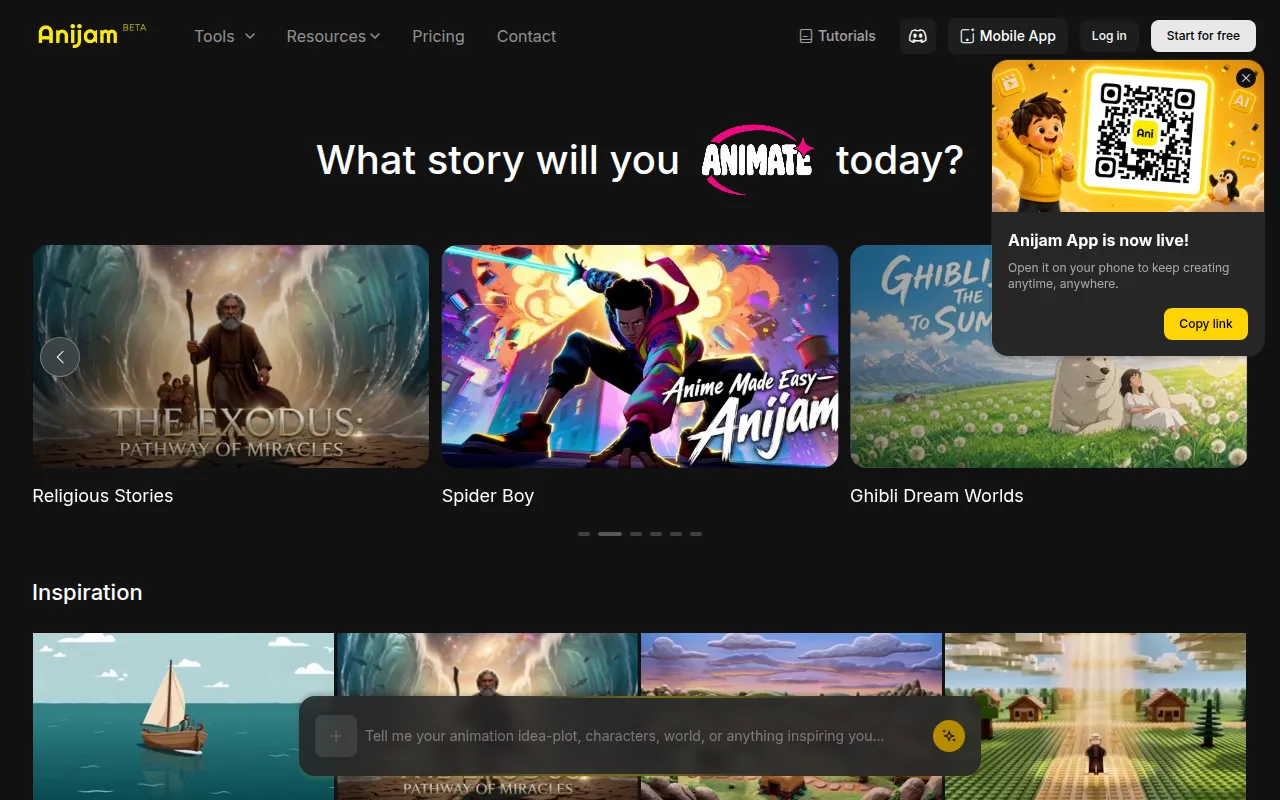
Anijam AI is an intuitive platform designed for transforming text, images, and audio into engaging animations, making it a standout choice for creative professionals and hobbyists. While Adobe Premiere Pro excels in traditional video editing, Anijam AI specializes in animation, providing a unique set of tools that cater to users who want to create dynamic visual content. This makes it particularly suitable for educators, marketers, and content creators who wish to convey complex ideas through animated storytelling.
The platform’s user-friendly interface allows users to easily convert their concepts into animated videos without requiring extensive animation skills. This is a significant advantage for those who may feel intimidated by the animation capabilities within Premiere Pro. Anijam AI offers a streamlined process for creating animated content, making it a perfect alternative for users focused on animation rather than traditional video editing.
- Key Strength: Specialized tools for creating animations from text, images, and audio.
- Key Strength: User-friendly interface that simplifies the animation process.
- Key Strength: Ideal for educators and marketers looking to create engaging animated content.
- Limitation: Limited traditional video editing features compared to Premiere Pro.
Pricing: Freemium - Pricing information is currently unavailable. Best for: Users focused on creating animated content without extensive animation skills.
Animoto - Best for Quick Video Creation
Animoto is a user-friendly video editing tool designed for creating professional-quality videos quickly and easily. It stands out as a viable alternative to Adobe Premiere Pro, particularly for users who prioritize speed and simplicity over an extensive feature set. Animoto is perfect for small businesses, social media marketers, and anyone needing to produce videos rapidly without delving into complicated editing processes. This tool simplifies video creation by offering templates and drag-and-drop functionality, making it accessible to users with varying levels of experience.
While Premiere Pro offers a comprehensive suite of editing tools, it can be overwhelming for users who only need to create simple videos. Animoto’s templates and design elements allow users to produce polished videos in a fraction of the time, making it an attractive option for those on tight deadlines. For users focused on creating content for social media, where quick turnaround times are essential, Animoto provides the necessary tools to meet those demands without the need for advanced editing expertise.
- Key Strength: Easy-to-use templates that streamline the video creation process.
- Key Strength: Drag-and-drop functionality reduces the time spent on editing.
- Key Strength: Ideal for users needing to produce videos quickly for social media.
- Limitation: Limited advanced editing capabilities compared to Premiere Pro.
Pricing: Freemium - Pricing information is not publicly listed on the website. Best for: Users looking for a fast and simple way to create professional-quality videos.
Akool - Best for Personalized Marketing Videos
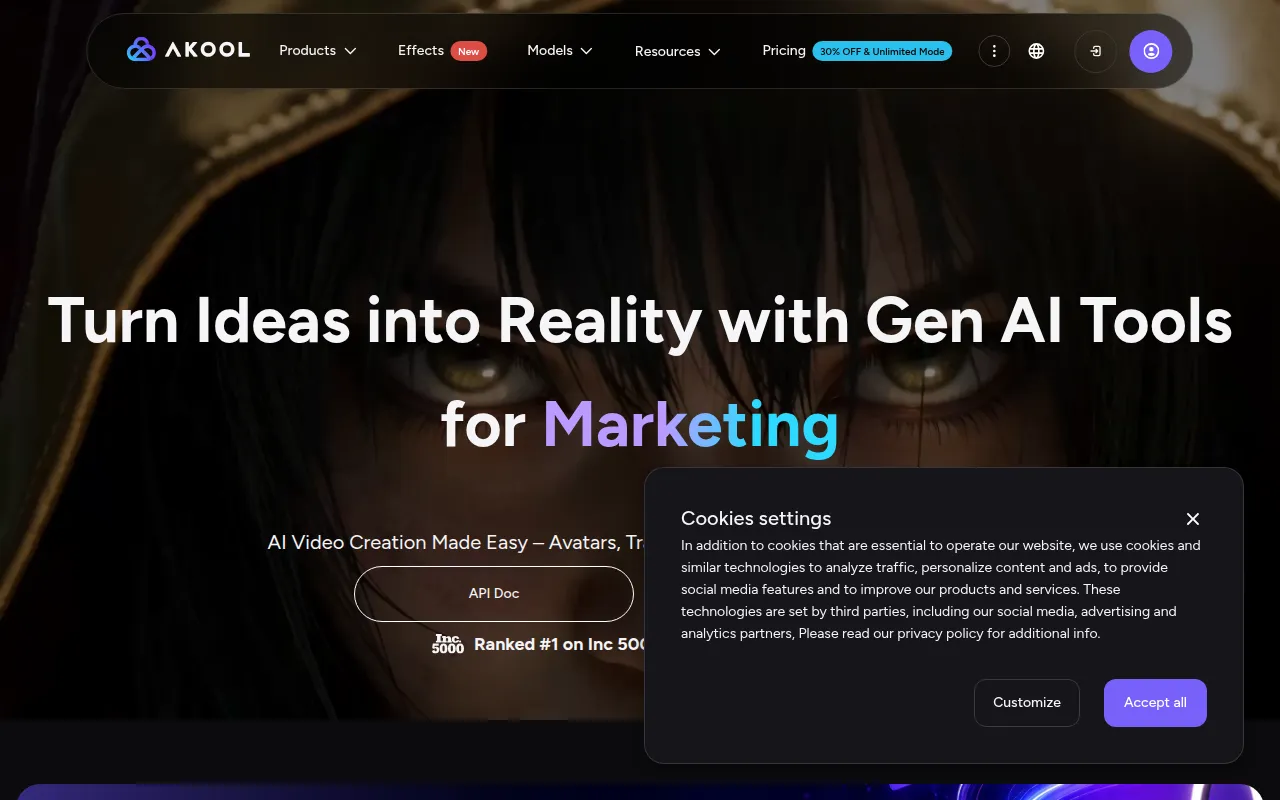
Akool is an AI-powered video editing platform designed specifically for marketers looking to create personalized visual content efficiently. It offers an exciting alternative to Adobe Premiere Pro, particularly for users who want to craft targeted marketing messages without the extensive time investment typically associated with traditional video editing. Akool’s focus on personalization allows users to create videos that resonate with specific audiences, making it a powerful tool for brands seeking to enhance their marketing efforts.
One of Akool’s standout features is its ability to automate various aspects of video creation, including the generation of personalized clips based on user data. This offers a significant advantage over Premiere Pro, which requires manual input and extensive editing. For marketers who need to produce tailored content quickly, Akool provides a streamlined solution that prioritizes efficiency without sacrificing quality.
- Key Strength: AI-driven automation for creating personalized marketing videos.
- Key Strength: Efficient workflow that reduces the time spent on video production.
- Key Strength: Focus on creating targeted content for specific audiences.
- Limitation: Limited advanced editing features compared to Premiere Pro.
Pricing: Freemium - Offers a free Starter plan with paid upgrades based on usage and features. Best for: Marketers looking to create personalized video content efficiently.
Feature Comparison Table
| Tool | Best For | Starting Price | Free Plan | Standout Feature |
|---|
| Adobe Premiere Pro | Professional video editing | $20.99/mo | No | Comprehensive editing tools |
| AICUT | Faceless video creation | Freemium | Yes | AI-driven video generation |
| AI Studios | All-in-one video generation | Freemium | Yes | Script-to-video conversion |
| AI Video Cut | Simplified video cutting | Freemium | Yes | Intuitive cutting interface |
| AI Storyboard Generator | Pre-production planning | $50/mo | Yes | Storyboard creation from scripts |
| 2short.ai | Shortening long videos | Freemium | Yes | AI clip selection |
| Argil | Customizable avatar videos | $39/mo | Yes | Avatar customization |
| Anijam AI | Animation creation | Freemium | Yes | Text-to-animation transformation |
| Animoto | Quick video creation | Freemium | Yes | Templates for fast editing |
| Akool | Personalized marketing videos | Freemium | Yes | AI-driven personalization |
How to Choose the Right Alternative to Adobe Premiere Pro
When considering alternatives to Adobe Premiere Pro, it's essential to evaluate your specific needs and the type of video content you wish to create. If you are a social media content creator looking for efficiency and ease of use, tools like AICUT and 2short.ai are excellent options. Both platforms prioritize quick video production and are tailored for engaging short clips that perform well on social media platforms. For those focused on animation or unique storytelling, Anijam AI and Argil offer specialized features that can bring your creative ideas to life.
On the other hand, if you are working within a team environment and require robust pre-production planning, the AI Storyboard Generator by Boords is a perfect choice. This tool allows for collaboration and visual organization of ideas, which is crucial for larger projects. For marketers seeking personalized video content, Akool provides AI-driven features that automate the video creation process, making it easier to produce targeted marketing materials. By identifying your primary use case, you can confidently choose an alternative that aligns with your video creation goals.
Final Verdict
In conclusion, while Adobe Premiere Pro remains a powerful tool for professional video editing, its cost and complexity may not suit everyone's needs. For social media creators, AICUT and 2short.ai provide efficient solutions for quick content generation. If animation is your focus, Anijam AI and Argil offer unique capabilities that can enhance your projects. Ultimately, the right alternative will depend on your specific requirements, whether that be speed, ease of use, or specialized features.