Why Look for Alternatives to Animoto?
While Animoto is a popular choice for video editing, it does come with certain limitations that may prompt users to seek alternatives. One significant concern is the pricing structure, which is not transparently detailed on their website. This ambiguity can be frustrating for potential users trying to gauge whether the investment is worth it, especially when they compare it to other tools that offer clear pricing tiers. Additionally, Animoto may not be the best fit for users looking for advanced editing capabilities or specific features like customizable avatars or AI-generated content that other platforms provide.
Moreover, the creative flexibility that many users desire is somewhat restricted within Animoto's framework. While it excels in simplicity and speed, those who require more intricate editing options or unique styles may find themselves limited. For instance, marketers needing to create personalized video content or agencies working on diverse projects may feel constrained by Animoto's offerings. These factors, combined with the increasing demand for more versatile and powerful video editing solutions, drive users to explore alternative options that better meet their specific needs.
Best Alternatives to Animoto in 2026
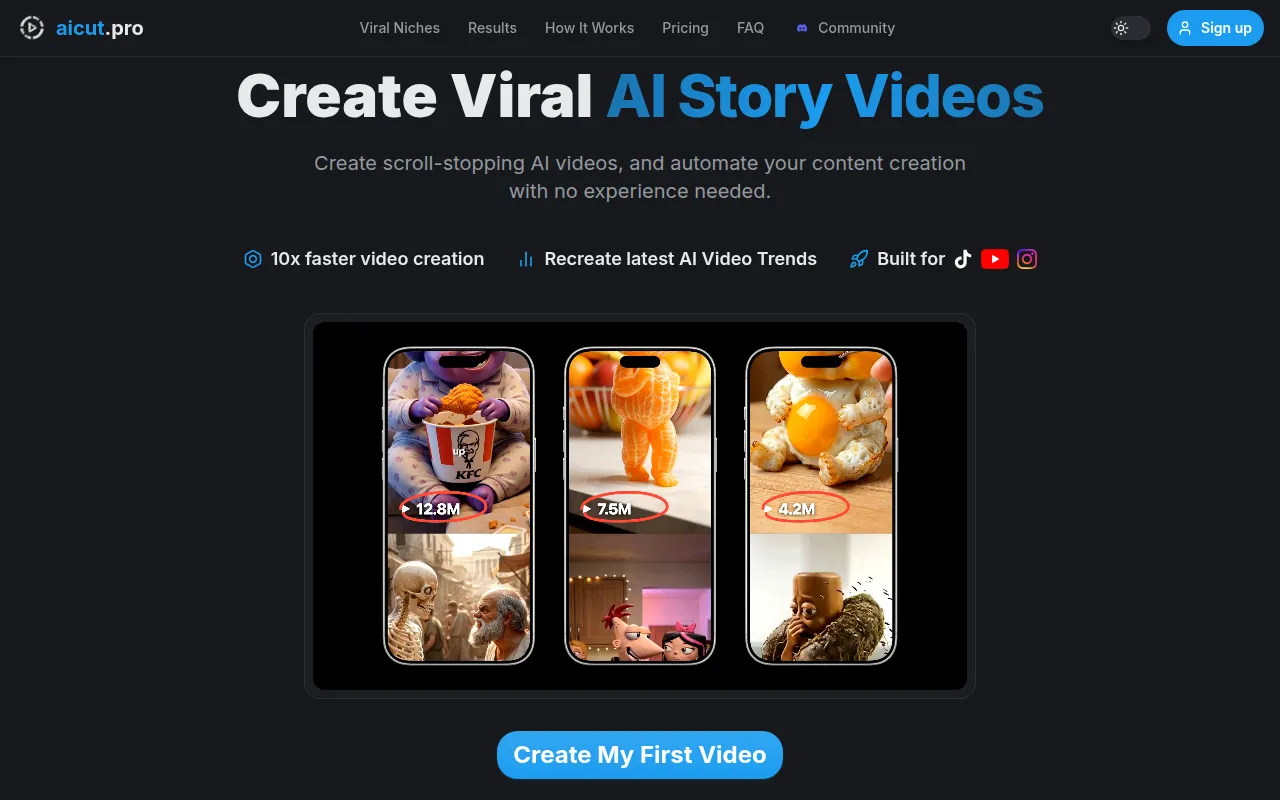
AICUT - Best for Faceless Video Creation
AICUT is an innovative AI video generator designed specifically for creating faceless videos tailored for platforms like YouTube, TikTok, and Instagram. This tool offers a unique advantage over Animoto by enabling users to create engaging content without the need for on-camera talent or personal branding. AICUT's AI-driven engine simplifies the video creation process, allowing users to produce high-quality videos quickly and efficiently. This is particularly beneficial for marketers and content creators who need to churn out regular content but may not have the resources to invest in traditional video production.
Compared to Animoto, AICUT offers a more streamlined approach for users focused on social media content creation. The ability to generate videos without requiring personal appearances opens the doors to a wider audience who prefer not to feature themselves on camera. This versatility in video creation makes AICUT an appealing choice for those who want to maintain anonymity while still delivering engaging content. However, users should note that while AICUT excels in certain areas, it may not provide the same level of depth in editing features that more traditional tools like Animoto offer.
- Key Strength: AI-driven video generation allows for quick and easy faceless video creation.
- Key Strength: Optimized for social media platforms, making it ideal for marketers.
- Key Strength: User-friendly interface suitable for beginners and non-tech-savvy users.
- Limitation: Lacks advanced editing features that more experienced editors might require.
Pricing: Freemium - Pricing information is currently unavailable. Best for: Social media marketers and content creators who prefer faceless video production.
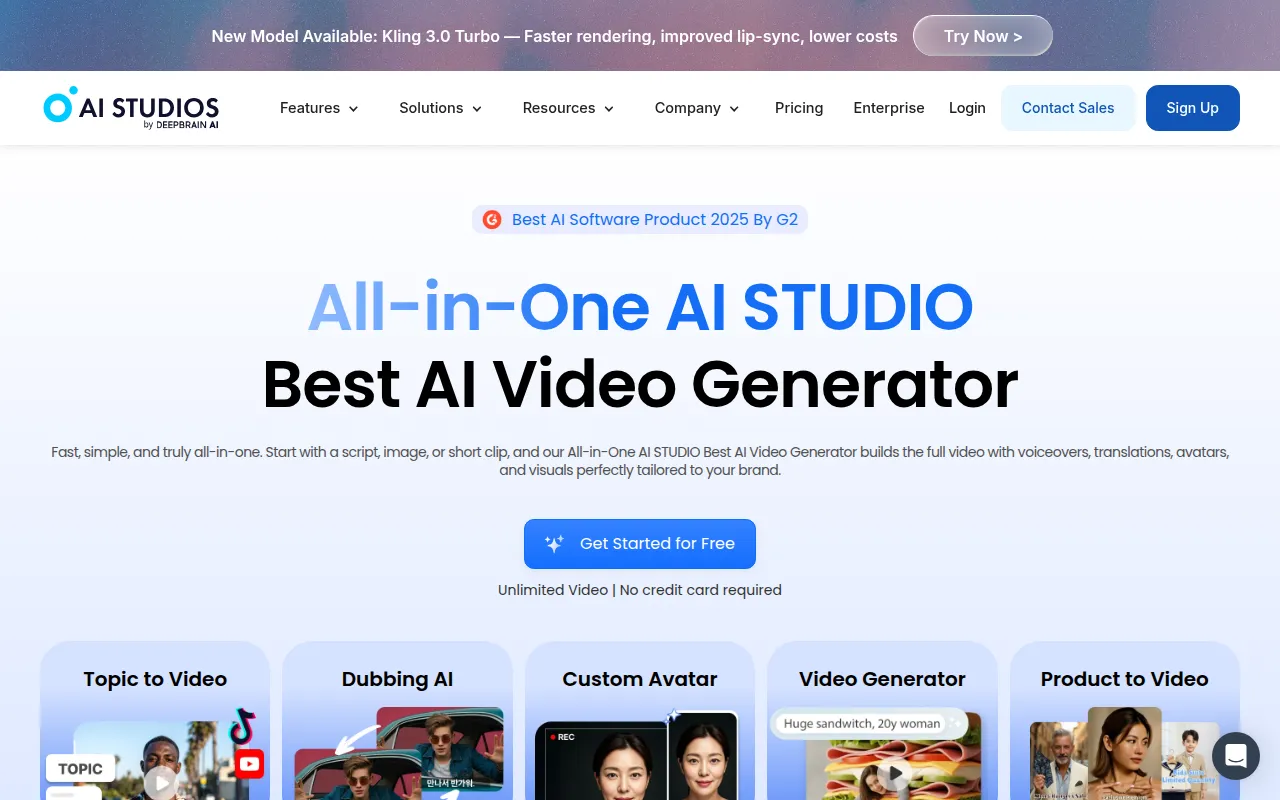
AI Studios - Best for Scripted Video Generation
AI Studios is an all-in-one AI video generation tool that simplifies the creation of professional videos from scripts or images. This tool stands out for its ability to transform written content into visually appealing videos, making it an excellent alternative for users who regularly produce video content based on articles, blogs, or marketing materials. Unlike Animoto, which often requires users to start from predefined templates, AI Studios offers a more flexible approach that allows for greater creativity and customization.
One of the standout features of AI Studios is its capability to generate videos directly from scripts, which is particularly useful for content creators who want to bring their written work to life. This feature can significantly reduce the time and effort required in the video production process. Furthermore, AI Studios caters to users at all levels of expertise, offering an intuitive interface that makes it accessible for beginners while still providing advanced functionalities for seasoned editors. However, users should consider that, while AI Studios excels in script-based video generation, it might not have the same variety of templates and styles available in Animoto.
- Key Strength: Transforms scripts into videos, enhancing content engagement.
- Key Strength: Intuitive interface suitable for users of all skill levels.
- Key Strength: Offers more creative freedom compared to template-based tools.
- Limitation: Users looking for a vast library of templates may find it lacking.
Pricing: Freemium - Pricing information is currently unavailable. Best for: Content creators focusing on scripted video content.
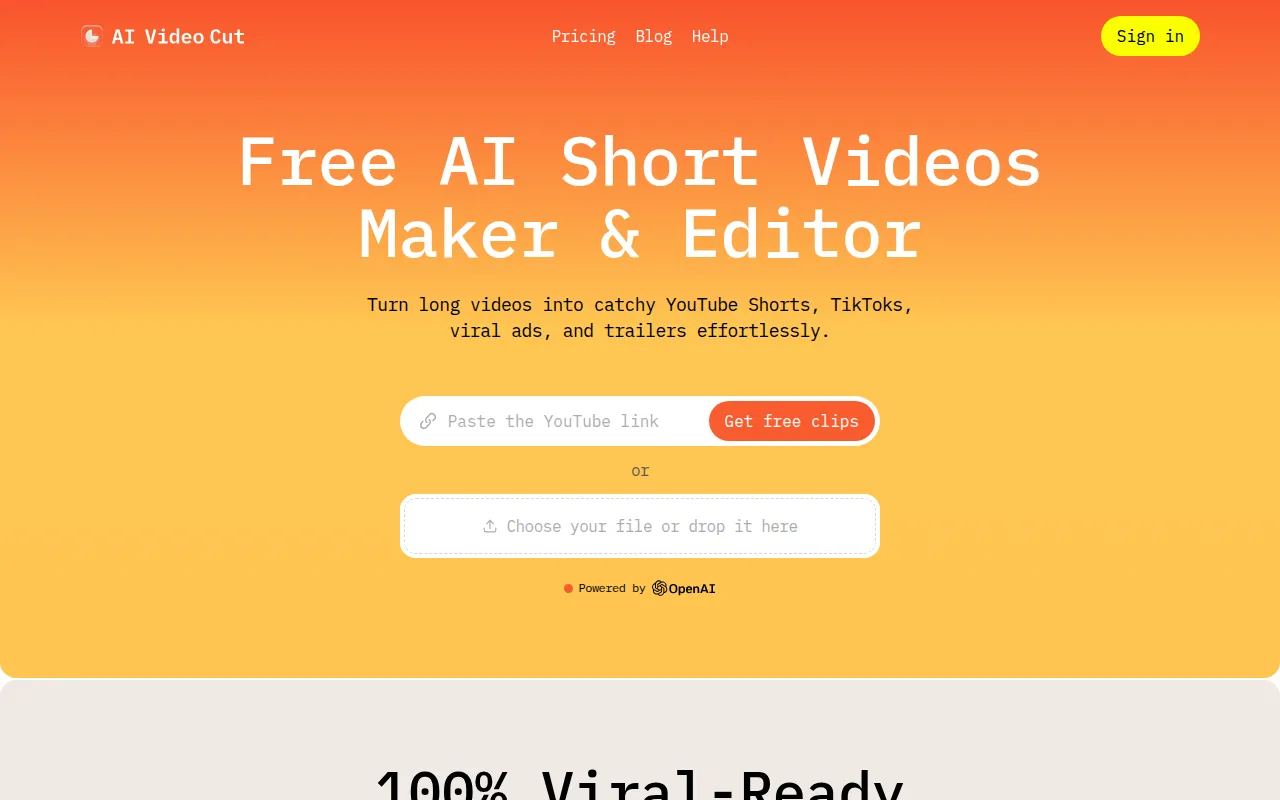
AI Video Cut - Best for Simple Video Editing
AI Video Cut is an intuitive video editing tool that aims to simplify the video cutting process for all users. This tool stands out as a great alternative to Animoto for those who prioritize ease of use and efficiency in their video editing tasks. With a user-friendly interface that requires minimal technical knowledge, AI Video Cut allows users to quickly trim and edit their videos without the steep learning curve often associated with more complex software.
What sets AI Video Cut apart from Animoto is its focus on straightforward video editing functionalities. Users can easily cut, splice, and arrange their video clips with minimal fuss, making it an excellent choice for individuals who need to produce quick edits for social media or personal projects. However, while its simplicity is a significant advantage, it may not provide the advanced features and creative options that more experienced editors seek in a comprehensive video editing tool. This makes AI Video Cut best suited for casual users or those in need of quick edits rather than in-depth video production.
- Key Strength: User-friendly interface designed for quick and easy video editing.
- Key Strength: Ideal for users who need simple cutting and splicing functionalities.
- Key Strength: Fast processing and minimal setup time for projects.
- Limitation: Lacks advanced editing features for professional-grade production.
Pricing: Freemium - Pricing information is currently unavailable. Best for: Casual users and those needing quick video edits.
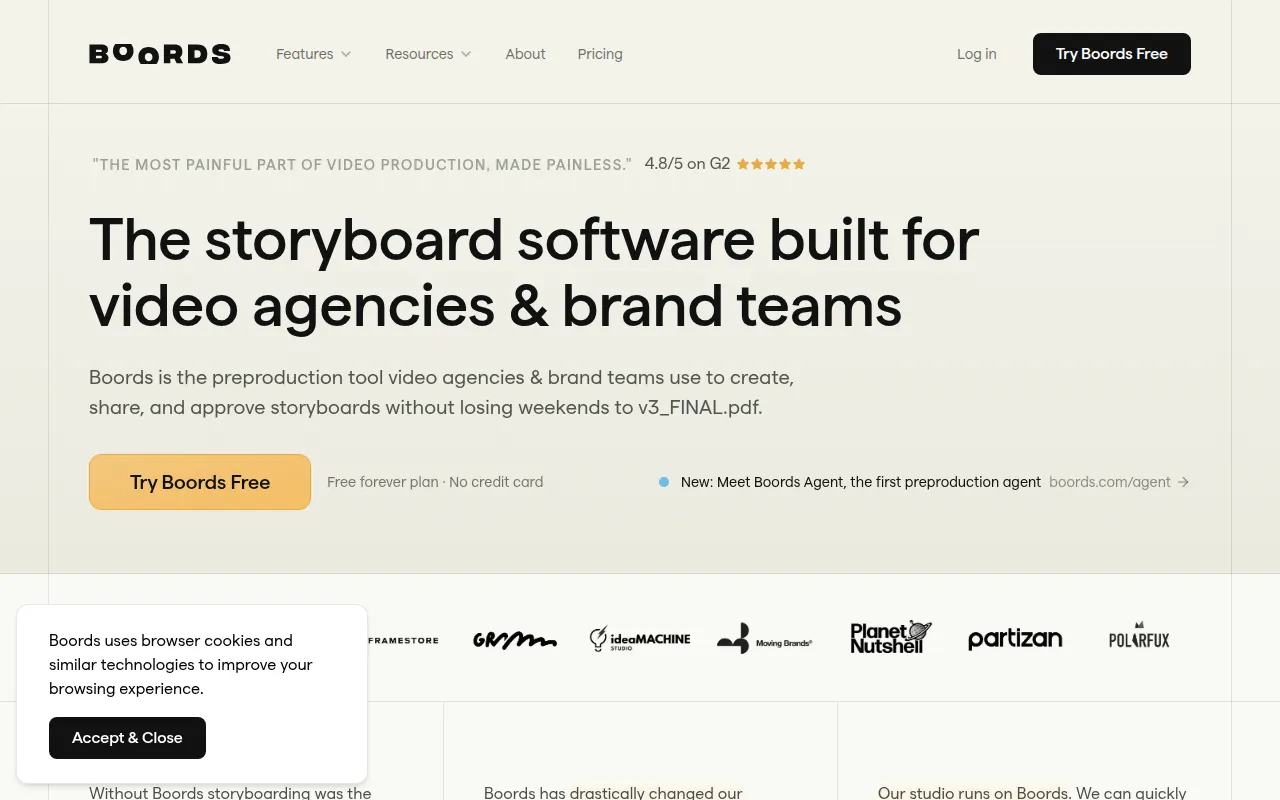
AI Storyboard Generator - Best for Pre-Production Planning
Boords, the AI Storyboard Generator, is designed to streamline the video pre-production process for agencies and brand teams. This tool allows users to create detailed storyboards, making it an excellent alternative for those who need to plan their video projects meticulously. Unlike Animoto, which focuses primarily on video creation, Boords emphasizes the importance of storyboarding as a foundational step in video production, catering to users who value organization and clarity in their projects.
One of the key advantages of Boords is its ability to visualize video ideas through storyboards before actual filming or editing begins. This can save a considerable amount of time and resources by ensuring that everyone involved in the project is on the same page from the outset. Additionally, the collaborative features of Boords allow teams to work together effectively, making it an ideal choice for larger projects that require multiple inputs and revisions. However, users should keep in mind that Boords is more focused on pre-production rather than the actual video editing process, which may make it less suitable for users looking for a comprehensive video editing solution.
- Key Strength: Focuses on pre-production planning through detailed storyboarding.
- Key Strength: Collaborative features that enhance team workflow.
- Key Strength: Visualizes video concepts to streamline production.
- Limitation: Not a comprehensive video editing tool; focuses on storyboarding.
Pricing: Freemium - Offers a free plan and a Pro plan for $50 per month when billed annually. Best for: Agencies and teams involved in video pre-production planning.
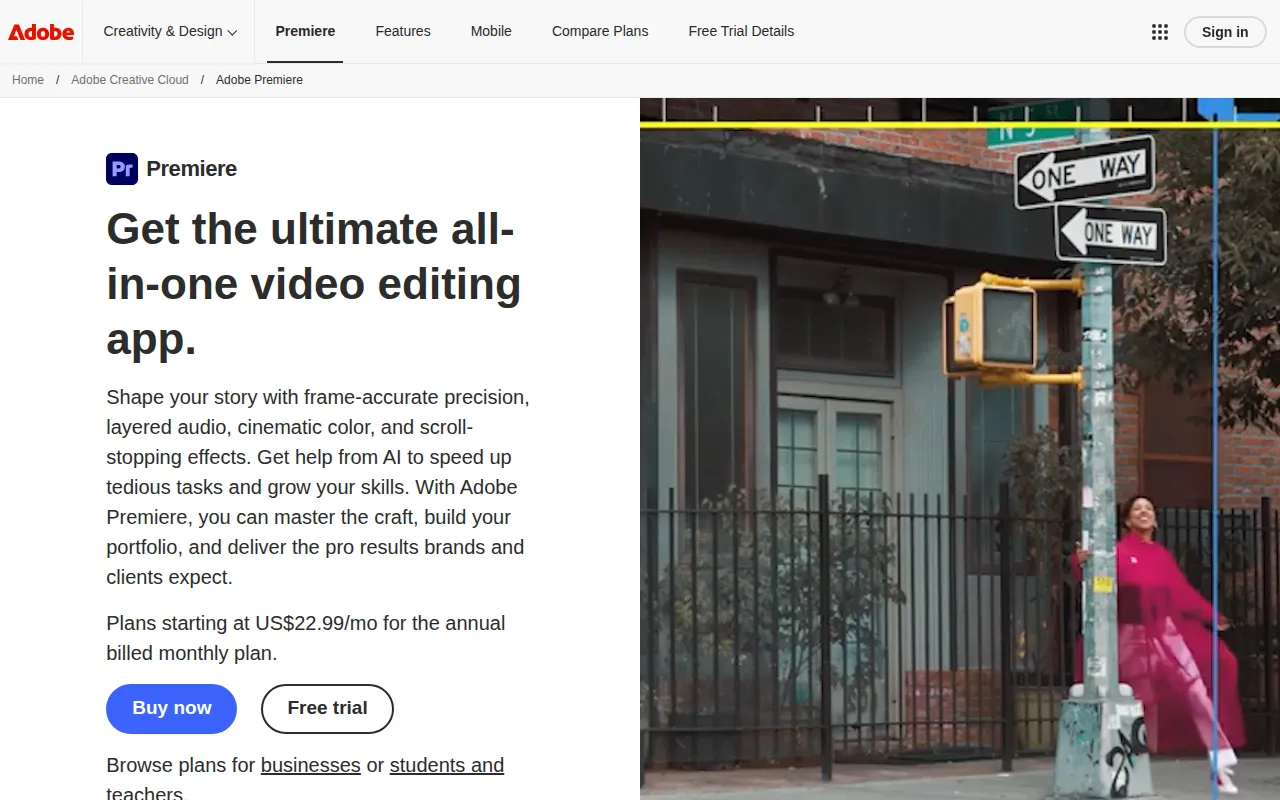
Adobe Premiere Pro - Best for Professional Editing
Adobe Premiere Pro is a leading professional video editing software designed for filmmakers and content creators looking to produce high-quality videos. Unlike Animoto, which is geared towards quick and easy video creation, Adobe Premiere Pro offers a comprehensive suite of advanced editing features that cater to professionals. This tool is perfect for those who require detailed control over their video projects, including color grading, audio mixing, and multi-camera editing capabilities.
One of the standout features of Adobe Premiere Pro is its integration with other Adobe Creative Cloud applications, such as After Effects and Photoshop, allowing users to create complex multimedia projects. This makes it an excellent choice for professional video editors who need to work on intricate projects involving various elements. However, users should note that the learning curve for Adobe Premiere Pro is steeper than that of Animoto, making it less suitable for beginners or those looking for quick video creation solutions. Users who are willing to invest the time in mastering the software will find that it offers unparalleled creative freedom and flexibility.
- Key Strength: Extensive advanced editing features for professional-grade video production.
- Key Strength: Seamless integration with Adobe Creative Cloud for comprehensive project handling.
- Key Strength: Supports a wide range of video formats and resolutions.
- Limitation: Steep learning curve for beginners; may be overwhelming for casual users.
Pricing: Paid - Adobe Premiere Pro operates on a subscription-based pricing model. Best for: Professional video editors and filmmakers.
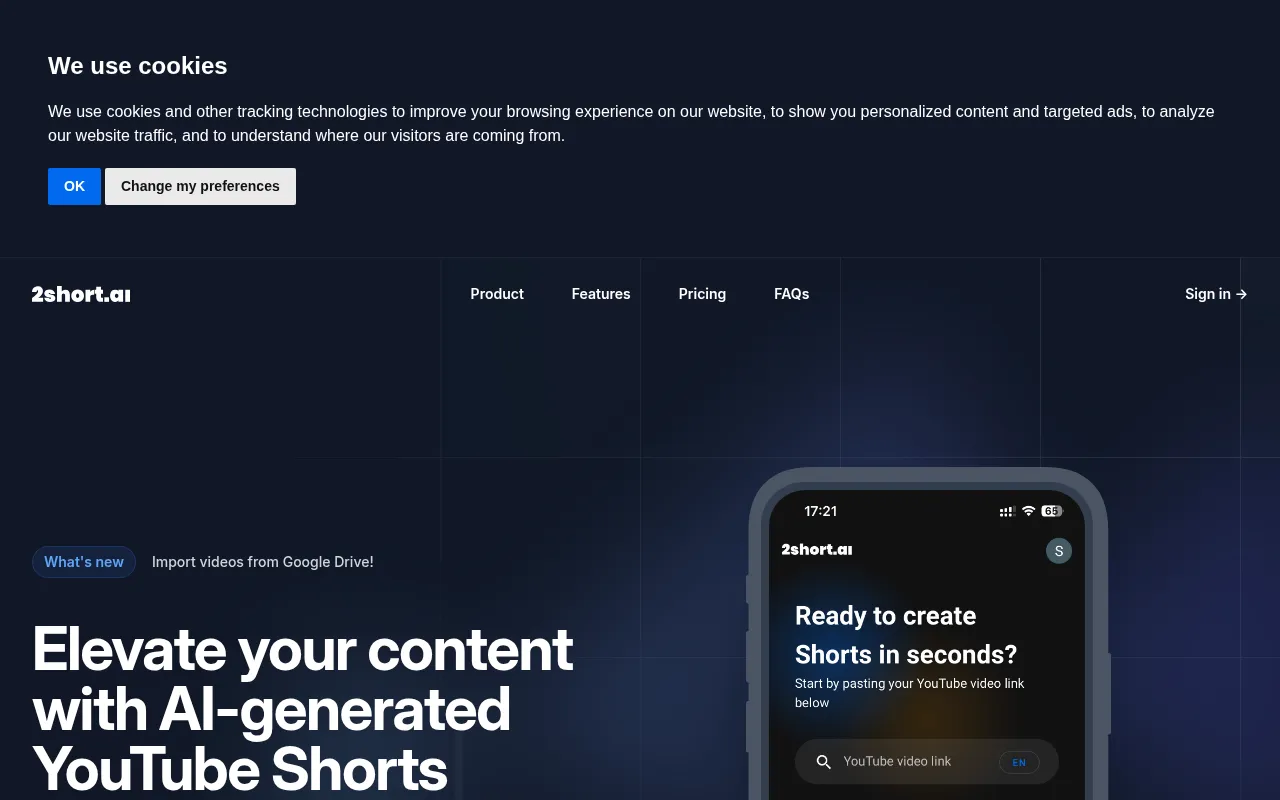
2short.ai - Best for Short-Form Content Creation
2short.ai is an AI-powered tool that specializes in transforming long YouTube videos into engaging short clips designed for platforms like TikTok and Instagram. This tool is particularly beneficial for content creators and marketers who want to repurpose their long-form videos into bite-sized, attention-grabbing clips. In contrast to Animoto, which focuses on general video creation, 2short.ai is tailored explicitly for short-form content, making it a great choice for those looking to maximize their reach on social media.
One of the key advantages of 2short.ai is its ability to automate the process of identifying and extracting engaging snippets from longer videos, which can save users a significant amount of time. This is especially useful for creators who may not have the time or expertise to manually sift through hours of footage. Furthermore, 2short.ai’s integration with social media platforms allows for seamless sharing of the finished clips, making it easier for users to distribute their content. However, users should be aware that while 2short.ai excels in short-form content, it may not offer the extensive editing options required for creating longer, more complex videos.
- Key Strength: Specializes in converting long videos into short, engaging clips.
- Key Strength: Automates the process of identifying engaging content.
- Key Strength: Seamless integration with social media for easy sharing.
- Limitation: Limited capabilities for editing longer videos.
Pricing: Freemium - Pricing information is currently unavailable. Best for: Content creators focused on short-form social media videos.
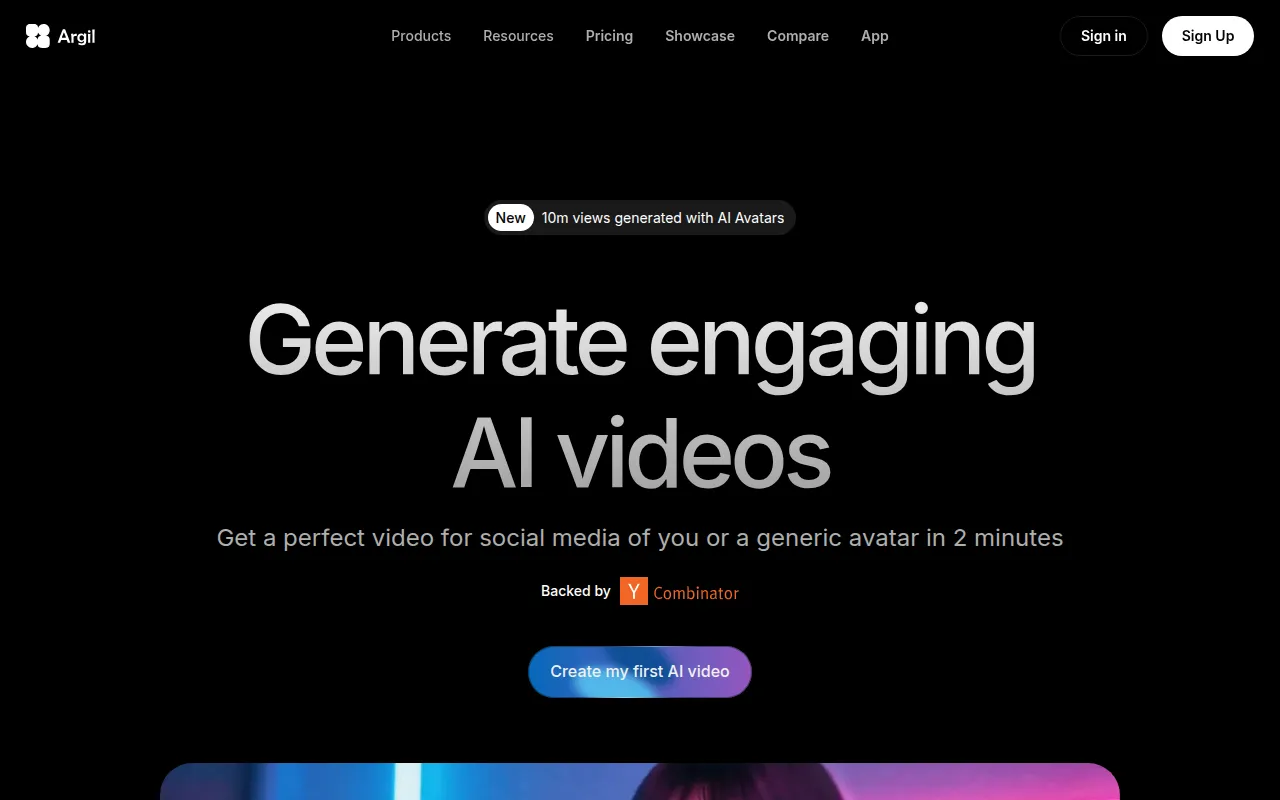
Argil - Best for Customizable Avatar Creation
Argil is an AI-powered video editing tool that enables users to create engaging videos using customizable avatars. This unique feature sets Argil apart from Animoto, which does not offer avatar-based video creation. For users looking to produce content that includes animated characters or avatars, Argil provides an efficient solution that combines creativity with ease of use. This makes it particularly appealing for marketers, educators, and content creators who want to add a personal touch to their videos.
One of the standout features of Argil is its library of customizable avatars, allowing users to tailor their characters to fit their brand or message. This can enhance viewer engagement and make the content more relatable to audiences. Additionally, Argil's intuitive interface makes it accessible for users without extensive video editing experience. However, while Argil excels in avatar-based content, it may not provide the same depth of traditional video editing features that some creators expect, making it less suitable for projects requiring intricate editing.
- Key Strength: Focus on customizable avatars for unique video creation.
- Key Strength: User-friendly interface suitable for newcomers.
- Key Strength: Enhances viewer engagement through relatable animated characters.
- Limitation: May lack traditional editing features for more complex projects.
Pricing: Freemium - Argil offers a Classic plan at $39 per month and a Pro plan at $149 per month. Best for: Marketers and educators looking to incorporate avatars into their videos.
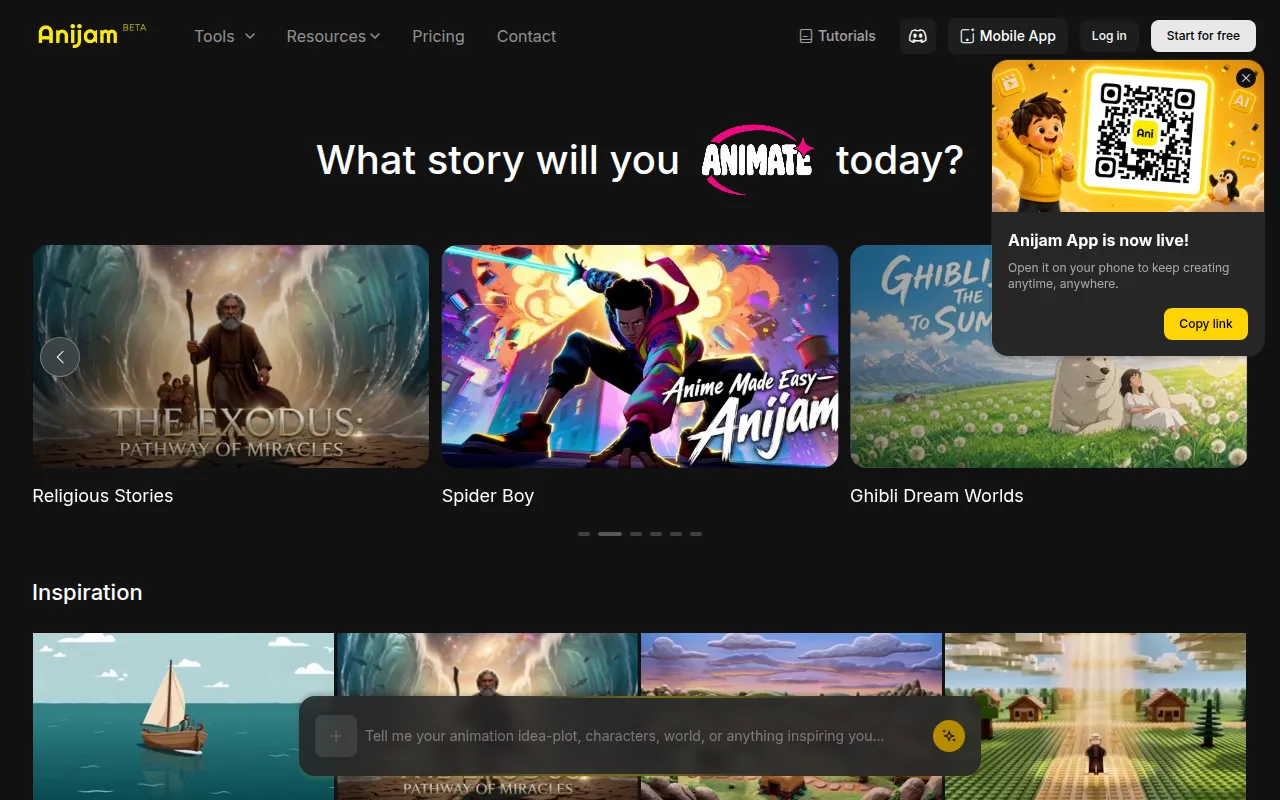
Anijam AI - Best for Animation Creation
Anijam AI is an intuitive platform for transforming text, images, and audio into engaging animations. This tool is particularly beneficial for users looking to create animated content without the need for extensive animation skills. While Animoto focuses on traditional video creation, Anijam AI provides a unique approach by allowing users to animate their stories through a combination of different media, making it an excellent choice for educators, marketers, and content creators who want to stand out with animated visuals.
One of the standout features of Anijam AI is its ability to combine text, images, and audio into cohesive animated stories, allowing for a high level of creativity. This can be particularly useful for educational content, where engaging animations can help convey complex concepts more effectively. Additionally, Anijam AI's user-friendly interface makes it accessible for those new to animation. However, users should be aware that while Anijam AI excels in creating animated content, it may not offer the same level of control and precision that traditional video editing tools like Animoto provide.
- Key Strength: Transforms text, images, and audio into engaging animations.
- Key Strength: High creativity potential for storytelling and educational content.
- Key Strength: User-friendly interface for beginners in animation.
- Limitation: Limited precision compared to traditional video editing tools.
Pricing: Freemium - Pricing information is currently unavailable. Best for: Educators and marketers interested in animated content creation.
Akool - Best for Personalized Marketing Content
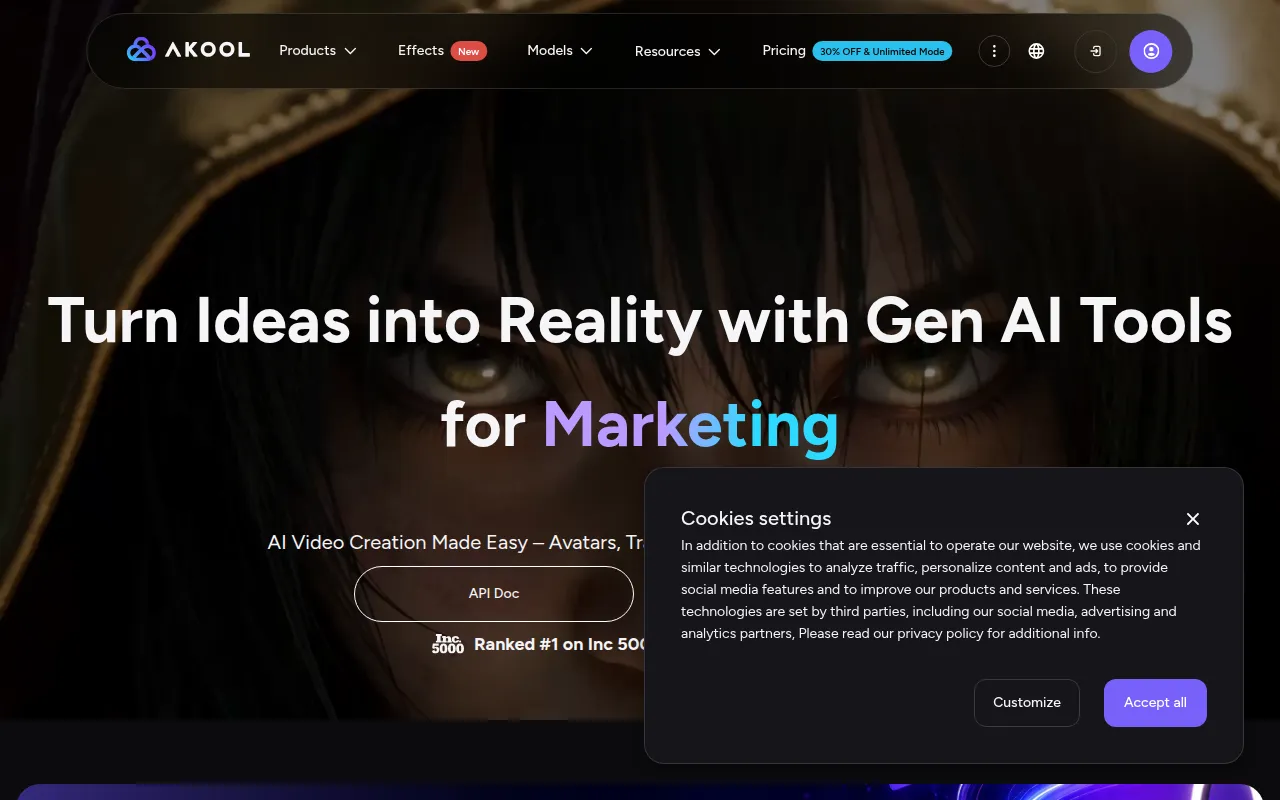
Akool is an AI-powered video editing platform designed for marketers to create personalized visual content efficiently. This tool stands out for its ability to create tailored videos that resonate with specific audiences, making it a compelling alternative to Animoto for users focused on personalized marketing strategies. Unlike Animoto, which offers a more general video creation approach, Akool allows users to customize their content based on viewer preferences and demographics.
One of the key advantages of Akool is its focus on personalization, enabling marketers to produce videos that speak directly to their target audiences. This can lead to increased engagement and higher conversion rates for marketing campaigns. Additionally, Akool’s user-friendly interface makes it accessible for marketers without extensive video editing experience. However, users should consider that while Akool excels in personalization, it may not provide the same level of creative control and variety of templates that Animoto offers, which could limit options for some users.
- Key Strength: Focus on personalized video content for targeted marketing.
- Key Strength: User-friendly interface ideal for marketers.
- Key Strength: Efficient video creation process tailored to audience preferences.
- Limitation: Limited creative control compared to traditional video editing tools.
Pricing: Freemium - Akool offers a free Starter plan with options for paid upgrades based on usage and features. Best for: Marketers seeking personalized video content solutions.
Beatwave - Best for Music Visualizers
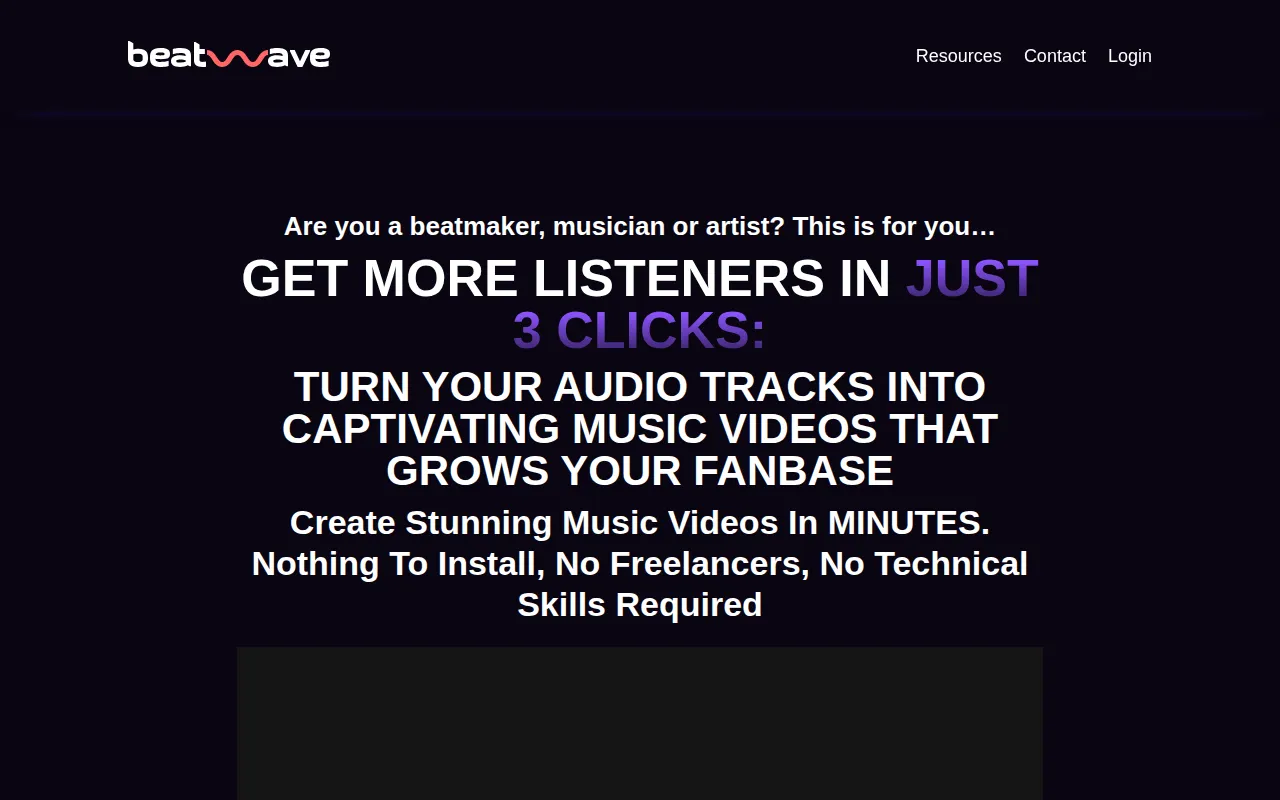
Beatwave allows users to create engaging audio and music visualizers effortlessly, making it an ideal tool for musicians and content creators looking to enhance their audio content visually. This tool differentiates itself from Animoto by focusing specifically on the intersection of audio and visual elements, catering to users who want to create dynamic music videos or audio presentations. Unlike Animoto, which focuses on general video creation, Beatwave provides specialized features for music visualization, which can be a compelling choice for artists and creators in the music industry.
One of the standout features of Beatwave is its ability to generate stunning visuals that sync with music, creating an engaging experience for viewers. This is particularly beneficial for musicians looking to make their audio content more appealing and shareable on platforms like YouTube and social media. Furthermore, the simple interface allows for quick creation of visuals without extensive technical skills. However, users should keep in mind that while Beatwave excels in music visualization, it may not be suitable for broader video projects that require more traditional editing functionalities.
- Key Strength: Focus on audio and music visualizations for engaging content.
- Key Strength: Generates visuals that sync with music for enhanced viewer experience.
- Key Strength: User-friendly interface for quick visual creation.
- Limitation: Limited capabilities for general video editing projects.
Pricing: Paid - Beatwave offers a one-time payment of $37 for a lifetime deal, allowing unlimited video creation. Best for: Musicians and content creators focused on audio-visual content.
Feature Comparison Table
| Tool | Best For | Starting Price | Free Plan | Standout Feature |
|---|
| Animoto | Quick video creation | Freemium | Yes | Template-based video creation |
| AICUT | Faceless video creation | Freemium | Yes | AI-driven faceless videos |
| AI Studios | Scripted video generation | Freemium | Yes | Transforms scripts into videos |
| AI Video Cut | Simple video editing | Freemium | Yes | Intuitive video cutting |
| AI Storyboard Generator | Pre-production planning | Freemium | Yes | Detailed storyboard creation |
| Adobe Premiere Pro | Professional editing | Paid | No | Advanced editing capabilities |
| 2short.ai | Short-form content creation | Freemium | Yes | Automated clip extraction |
| Argil | Customizable avatar creation | Freemium | Yes | Avatar-based video creation |
| Anijam AI | Animation creation | Freemium | Yes | Combines text, images, and audio |
| Akool | Personalized marketing content | Freemium | Yes | Targeted video personalization |
| Beatwave | Music visualizers | Paid | No | Audio-synced visuals |
How to Choose the Right Alternative to Animoto
When considering alternatives to Animoto, it's essential to identify your specific needs and use cases. For instance, if you are focused on creating faceless videos for social media, AICUT may be the best fit due to its AI-driven capabilities. Alternatively, if you require a tool that allows for scripted video generation, AI Studios would be more suitable. For marketers seeking personalized content, Akool stands out as an excellent choice, while those in the music industry may find Beatwave to be a perfect match for their audio-visual needs.
If your projects involve detailed pre-production planning, the AI Storyboard Generator can streamline your workflow significantly. On the other hand, if you are looking for advanced editing capabilities, Adobe Premiere Pro remains the industry standard. It's crucial to evaluate your skill level as well; beginners might prefer user-friendly options like AI Video Cut or Argil, while experienced editors may feel more at home with Adobe Premiere Pro's extensive features. By aligning your specific requirements with the strengths of these alternatives, you can make a confident choice that enhances your video creation process.
Final Verdict
In summary, the best alternative to Animoto depends on your unique video creation needs. For quick, faceless content, AICUT is ideal, while AI Studios is perfect for scripted videos. For professional-grade editing, Adobe Premiere Pro is unmatched. On the other hand, 2short.ai excels in repurposing long videos into short clips, making it a favorite for social media marketers. Evaluate your priorities, and choose the tool that aligns best with your goals to ensure a successful video creation experience.