Why Look for Alternatives to Beatwave?
While Beatwave offers a unique platform for creating audio and music visualizers, it is not without its limitations that may compel users to seek alternatives. One of the most significant drawbacks is its pricing model. Although a one-time payment of $37 for a lifetime deal sounds appealing, it may not provide enough flexibility for users who prefer subscription-based models that offer continuous updates and support. Additionally, users may find that Beatwave lacks advanced features such as AI-driven editing tools or customizability options that are becoming increasingly common in video creation software.
Moreover, Beatwave primarily focuses on music visualizers, which means that content creators looking for versatile video editing capabilities might find themselves constrained. The absence of features tailored for specific use cases, such as social media clips or marketing materials, can be a dealbreaker. Users seeking a more comprehensive tool that can handle various types of video projects—beyond music visualization—will likely be motivated to explore alternatives that better meet their diverse needs.
Best Alternatives to Beatwave in 2026
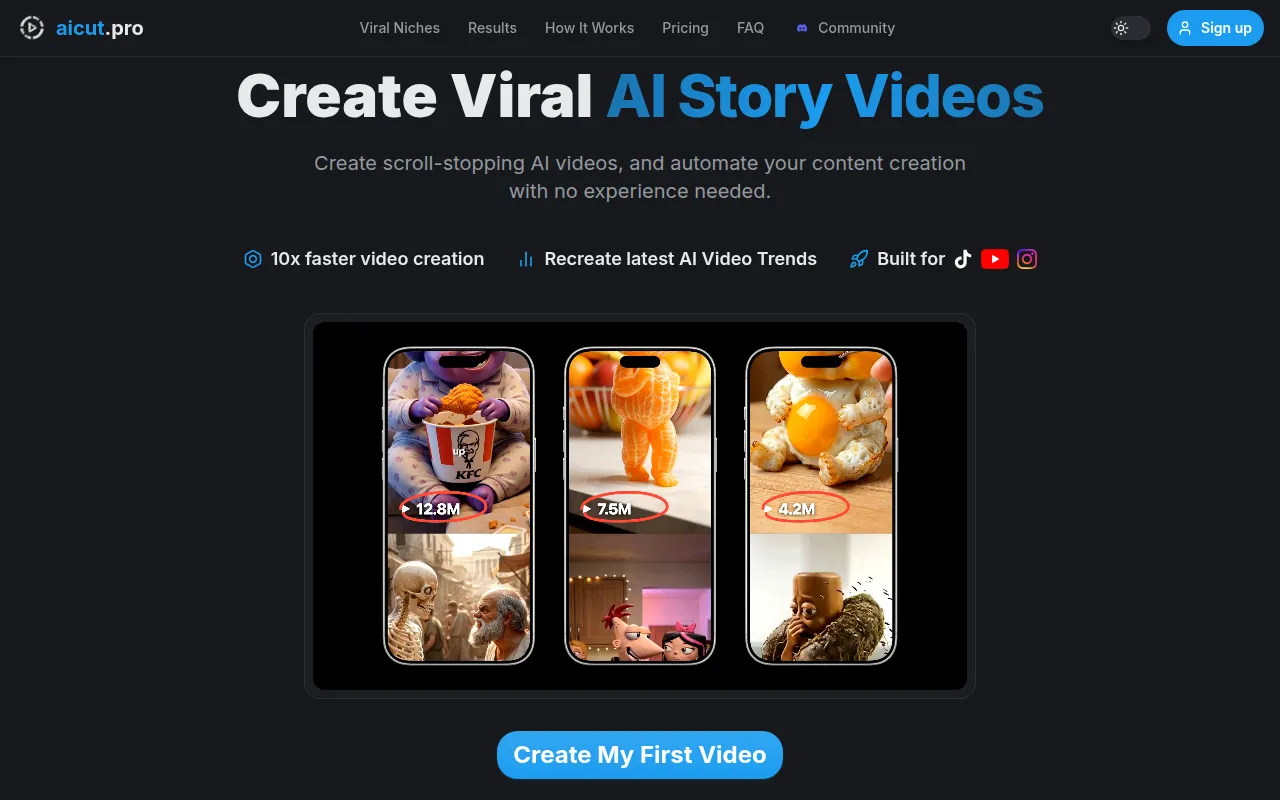
AICUT - Best for Faceless Video Creation
AICUT is an AI-powered video generator designed specifically for creating faceless videos, making it an ideal alternative for content creators focused on platforms like YouTube, TikTok, and Instagram. Unlike Beatwave, which emphasizes music visualizations, AICUT allows users to generate engaging video content without the need for on-camera talent. This is particularly useful for those who want to maintain anonymity or prefer not to appear on screen. AICUT's AI capabilities streamline the video creation process, enabling users to produce high-quality content efficiently.
What sets AICUT apart from Beatwave is its robust AI-driven features that automatically edit and enhance videos, making it easier for users to create professional-looking content without extensive video editing skills. The tool's user-friendly interface is designed for rapid content production, appealing to marketers and social media influencers who need to churn out videos regularly. However, potential users should note that AICUT's pricing information is currently unavailable, which may pose a challenge for those who want to evaluate costs upfront.
- Key Strength: AI-driven features simplify the video creation process.
- Key Strength: Ideal for faceless content, promoting anonymity.
- Key Strength: Fast production time, catering to high-demand users.
- Limitation: Pricing information is currently not available.
Pricing: Freemium. Best for: Content creators seeking to produce faceless videos quickly.
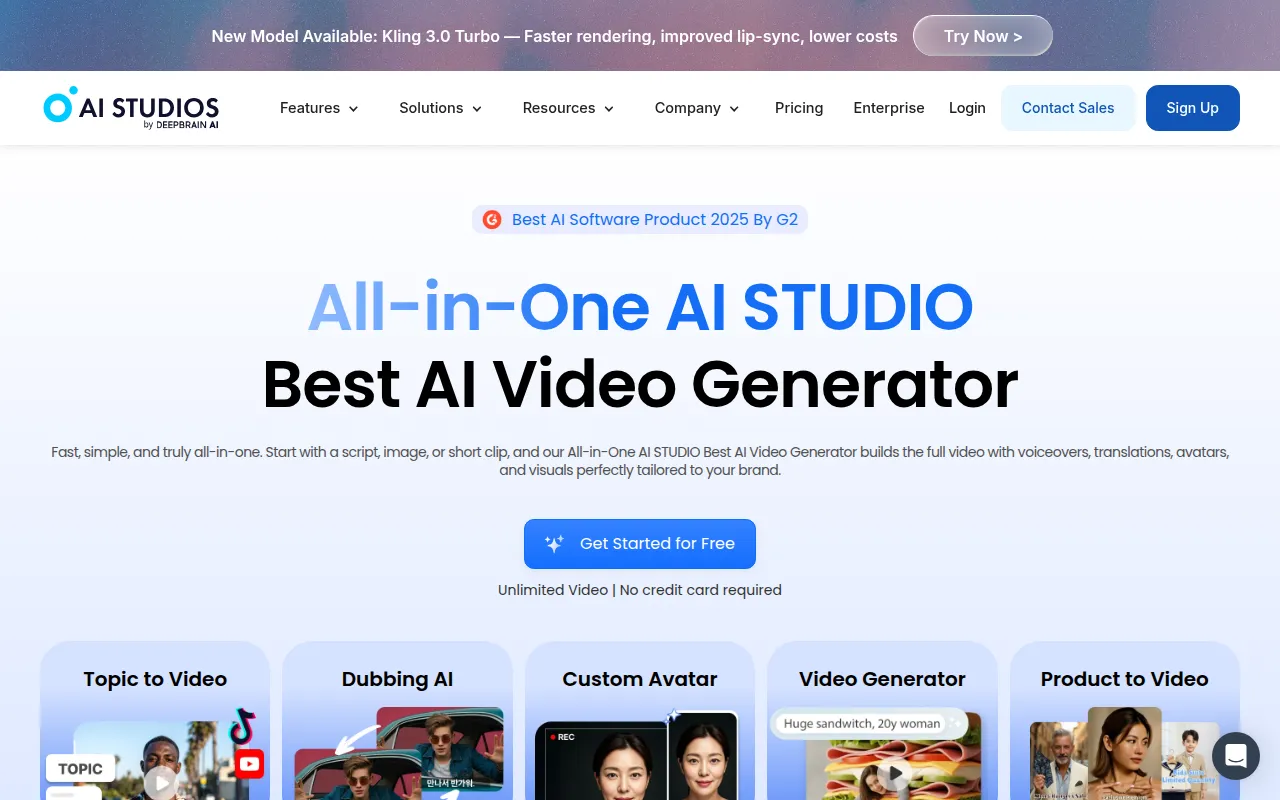
AI Studios - Best for Script and Image-Based Videos
AI Studios stands out as an all-in-one AI video generation tool that simplifies the video creation process, especially for users who want to turn scripts or images into professional videos. Unlike Beatwave, which is tailored for audio and music visualizations, AI Studios offers a more versatile platform that caters to a broader range of video projects. This makes it suitable for businesses and individuals looking to create marketing videos, tutorials, or promotional content with ease.
With its user-friendly interface and powerful AI capabilities, AI Studios can help users create high-quality videos without the need for extensive video editing knowledge. The platform enables quick transformations of written scripts into engaging visual content, a feature that can be particularly beneficial for educators, marketers, and content creators. However, like AICUT, AI Studios currently does not provide detailed pricing information, which can be a drawback for users who prefer to know their potential investment upfront.
- Key Strength: Ideal for creating videos from scripts and images.
- Key Strength: User-friendly interface designed for quick video production.
- Key Strength: Versatile application for various video types.
- Limitation: Lack of transparent pricing details.
Pricing: Freemium. Best for: Users looking for an all-in-one video creation tool for scripts and images.
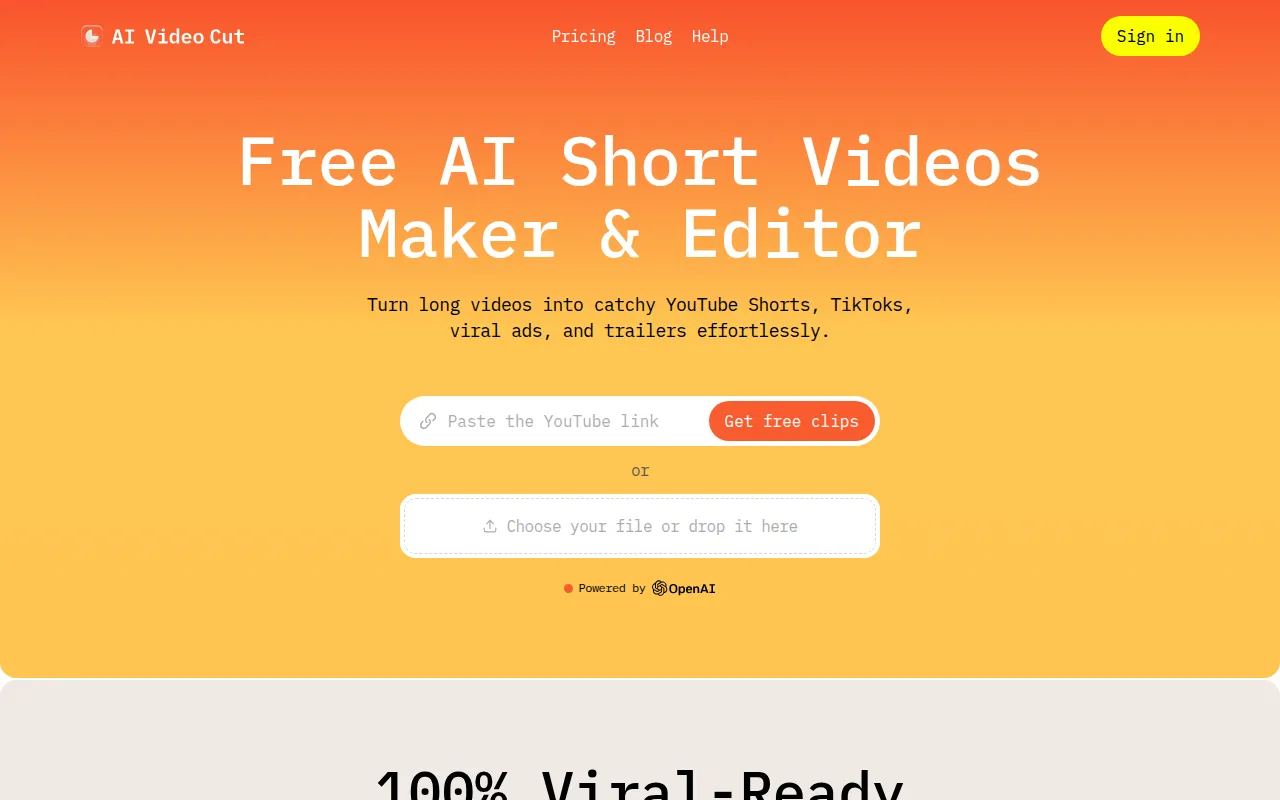
AI Video Cut - Best for Simplified Video Editing
AI Video Cut is an intuitive video editing tool that focuses on simplifying the video cutting and editing process for users of all skill levels. This makes it an excellent alternative for those who may be overwhelmed by the complexity of Beatwave’s music visualizer-focused platform. AI Video Cut’s straightforward interface allows users to quickly trim and edit video clips, making it suitable for anyone from novice creators to those with more experience who need a fast and efficient editing solution.
What differentiates AI Video Cut from Beatwave is its emphasis on ease of use and the ability to edit existing video content rather than just creating new visualizations. This means that users looking to refine their video projects or create highlight reels can do so without getting bogged down in complicated editing software. However, since AI Video Cut operates on a freemium model, potential users should be aware that the lack of specific pricing information might lead to some uncertainty regarding the full capabilities available without payment.
- Key Strength: Simplifies video cutting and editing for all user levels.
- Key Strength: Quick and efficient editing for fast-paced content creation.
- Key Strength: Ideal for users looking to refine existing video content.
- Limitation: Pricing details are currently not specified.
Pricing: Freemium. Best for: Users needing a simplified video editing experience.
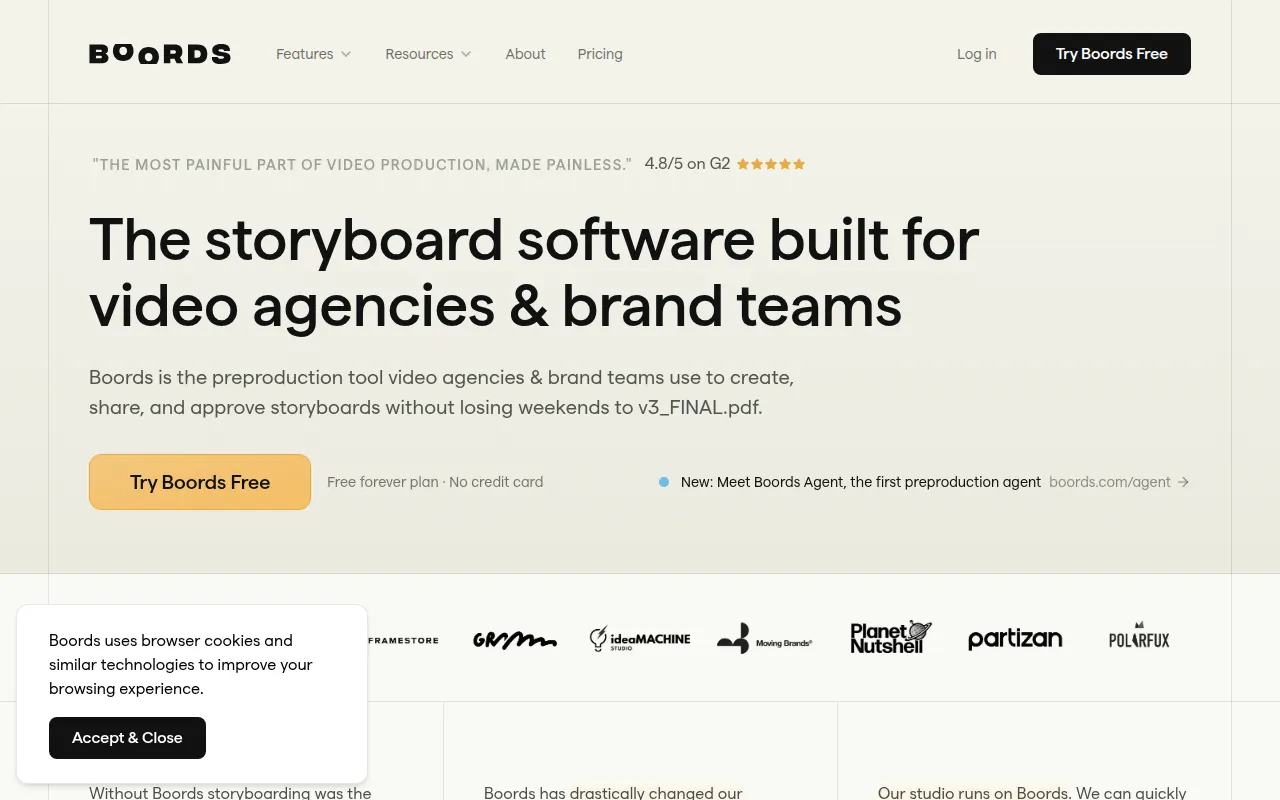
AI Storyboard Generator - Best for Pre-Production Planning
Boords, the AI Storyboard Generator, is designed to streamline the pre-production process for agencies and brand teams. This tool is particularly beneficial for those who want to visualize their video concepts before diving into production, a feature that is not available in Beatwave, which focuses primarily on post-production visualizations. With Boords, users can create detailed storyboards that help in planning shots, sequences, and overall video flow, making it a vital tool for professionals involved in video production.
What makes Boords stand out is its collaborative features, allowing teams to work together seamlessly as they plan their projects. This is especially useful for agencies that require input from multiple stakeholders. In contrast to Beatwave’s focus on visualization, Boords emphasizes organization and planning, providing a structured approach to video creation. However, it’s worth noting that the Pro plan is priced at $50 per month, which might be a consideration for budget-conscious users.
- Key Strength: Simplifies the pre-production process with detailed storyboards.
- Key Strength: Collaborative features for team planning and feedback.
- Key Strength: Ideal for agencies and brand teams focusing on video production.
- Limitation: Monthly subscription may not be ideal for one-off projects.
Pricing: Free plan available; Pro plan at $50/month (billed annually). Best for: Agencies and teams focused on video pre-production.
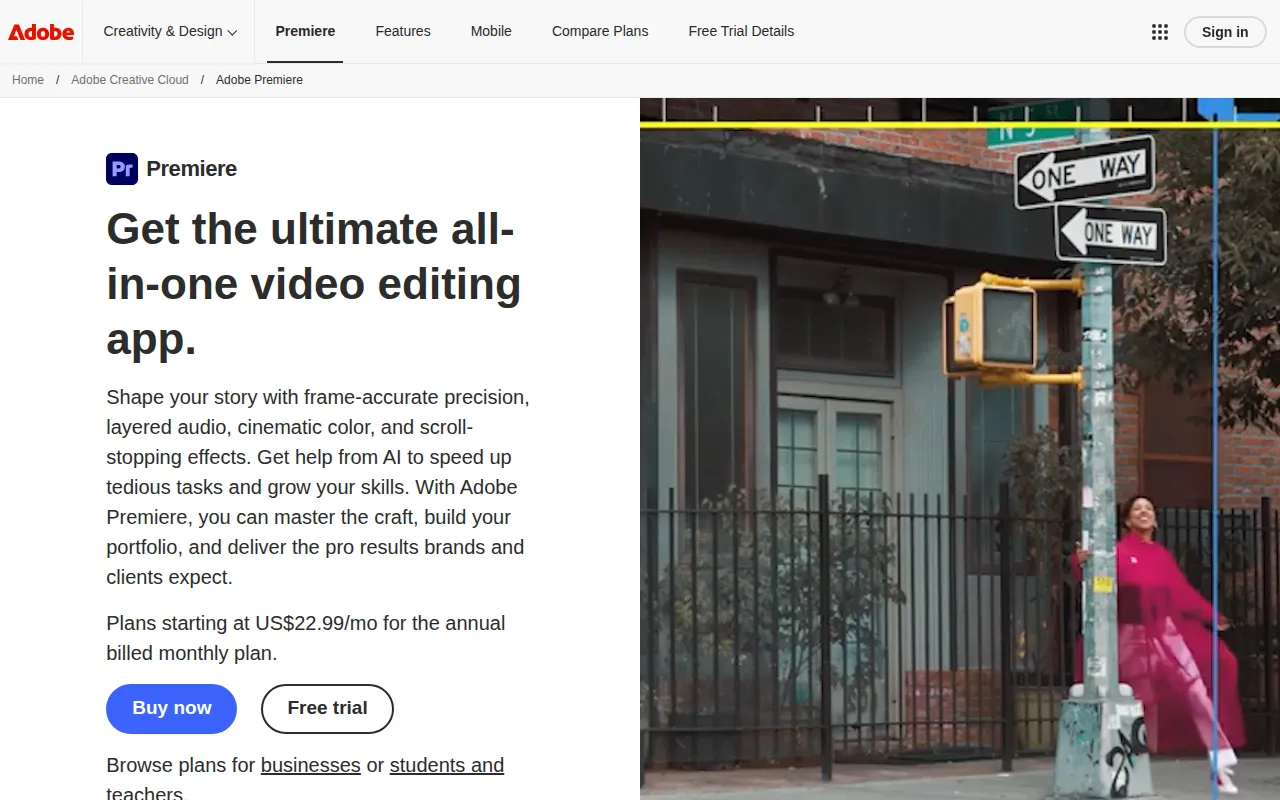
Adobe Premiere Pro - Best for Professional Video Editing
Adobe Premiere Pro is the industry standard for professional video editing, offering a comprehensive suite of tools that allow users to craft high-quality videos. Unlike Beatwave, which specializes in audio visualizations, Premiere Pro provides an extensive range of editing features, effects, and integrations that cater to filmmakers and content creators who demand versatility and precision. This makes it the go-to choice for professionals in the film and video production industry.
What sets Premiere Pro apart is its ability to handle complex editing tasks with ease. Users can work with multiple video and audio tracks, apply advanced color grading, and utilize various effects to enhance their projects. This level of sophistication is particularly beneficial for those looking to create polished, cinematic content. However, the powerful features come at a cost, as Adobe Premiere Pro operates on a subscription basis, which may be a drawback for casual users or those on a tight budget.
- Key Strength: Comprehensive editing tools for professional-quality videos.
- Key Strength: Advanced features for color grading and effects.
- Key Strength: Integration with other Adobe Creative Cloud apps.
- Limitation: Subscription pricing might not suit casual users.
Pricing: Subscription-based model. Best for: Professional video editors and filmmakers.
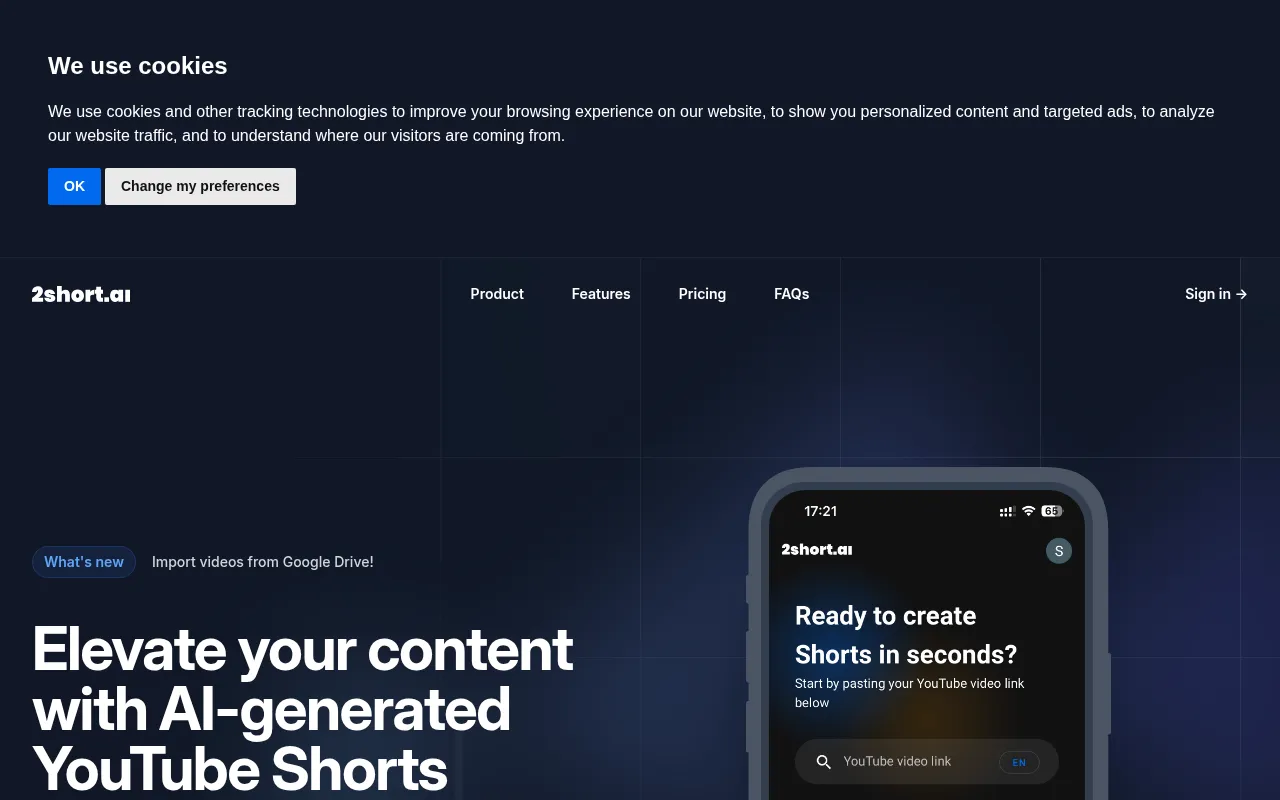
2short.ai - Best for Short-Form Video Content
2short.ai is an AI-powered tool designed to transform long-form YouTube videos into engaging short clips suitable for social media platforms like TikTok and Instagram. This makes it an ideal alternative for content creators who want to maximize their reach by creating bite-sized video content. Unlike Beatwave, which focuses on music visualizations, 2short.ai is tailored for users who want to repurpose existing content for various platforms.
The standout feature of 2short.ai is its ability to automatically identify key moments in longer videos and create compelling, shareable clips that cater to the fast-paced nature of social media. This is particularly beneficial for marketers and influencers who need to create content quickly and effectively to engage their audience. However, potential users should be aware that 2short.ai operates on a freemium model, and specific pricing information is currently unavailable, which may lead to some uncertainty regarding its full capabilities.
- Key Strength: Automatically creates engaging short clips from long videos.
- Key Strength: Tailored for social media platforms.
- Key Strength: Maximizes reach by repurposing existing content.
- Limitation: Pricing details are not publicly available.
Pricing: Freemium. Best for: Content creators looking to create short-form videos from longer content.
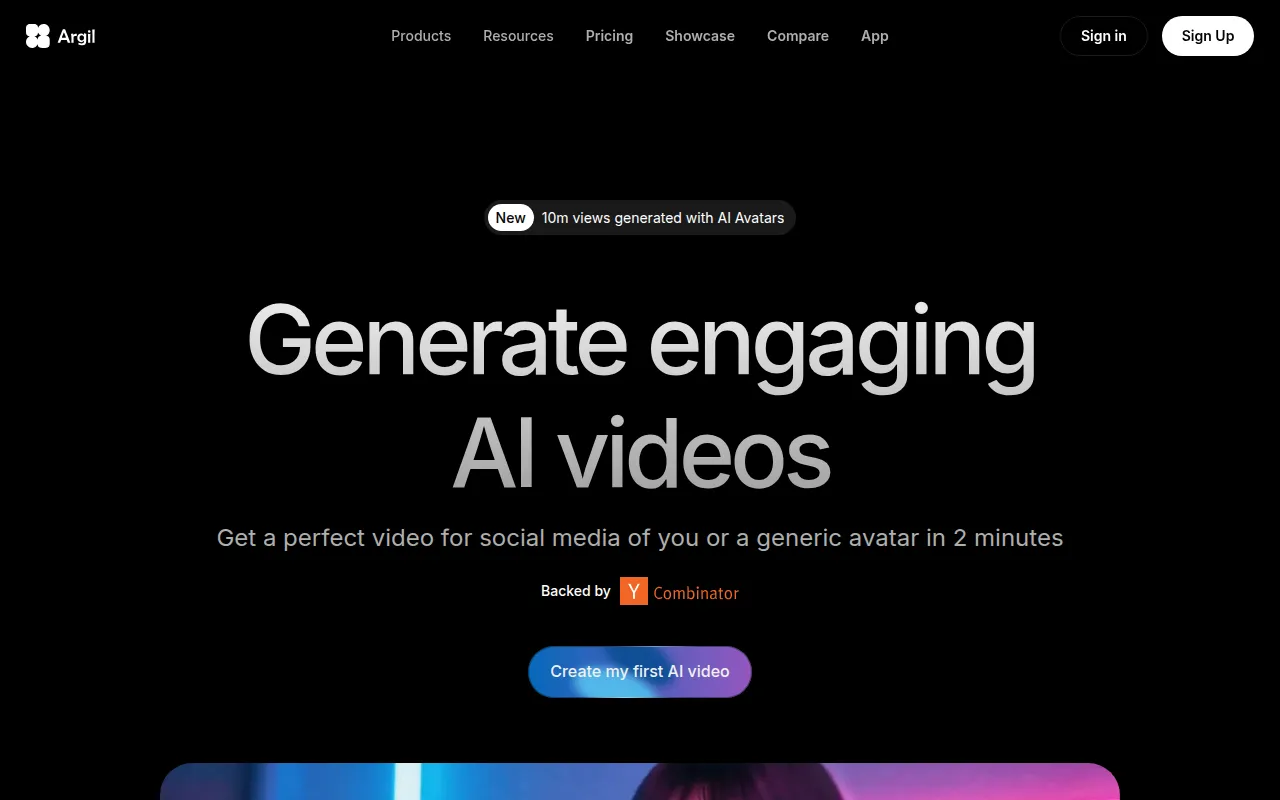
Argil - Best for Customizable Avatar Videos
Argil is an AI-powered video editing tool that allows users to create engaging videos using customizable avatars, making it a unique alternative to Beatwave. This tool is especially beneficial for marketers and educators who want to create personalized content without needing high-end video production skills. Argil’s focus on avatar-driven videos sets it apart from Beatwave’s music visualization capabilities, providing users with a different way to engage their audience.
What makes Argil particularly appealing is its accessibility and the ability to create videos that resonate with audiences on a personal level. Users can customize avatars to represent themselves or their brand, adding a unique touch to their video content. However, while Argil offers a Classic plan at $39 per month, it may not be the best choice for users looking for a one-time payment option, especially when compared to Beatwave's lifetime deal.
- Key Strength: Customizable avatars for personalized video creation.
- Key Strength: Accessible for marketers and educators.
- Key Strength: Engaging content that resonates with viewers.
- Limitation: Monthly subscription may not suit all users.
Pricing: Classic plan at $39/month; Pro plan at $149/month. Best for: Users looking to create personalized avatar-driven videos.
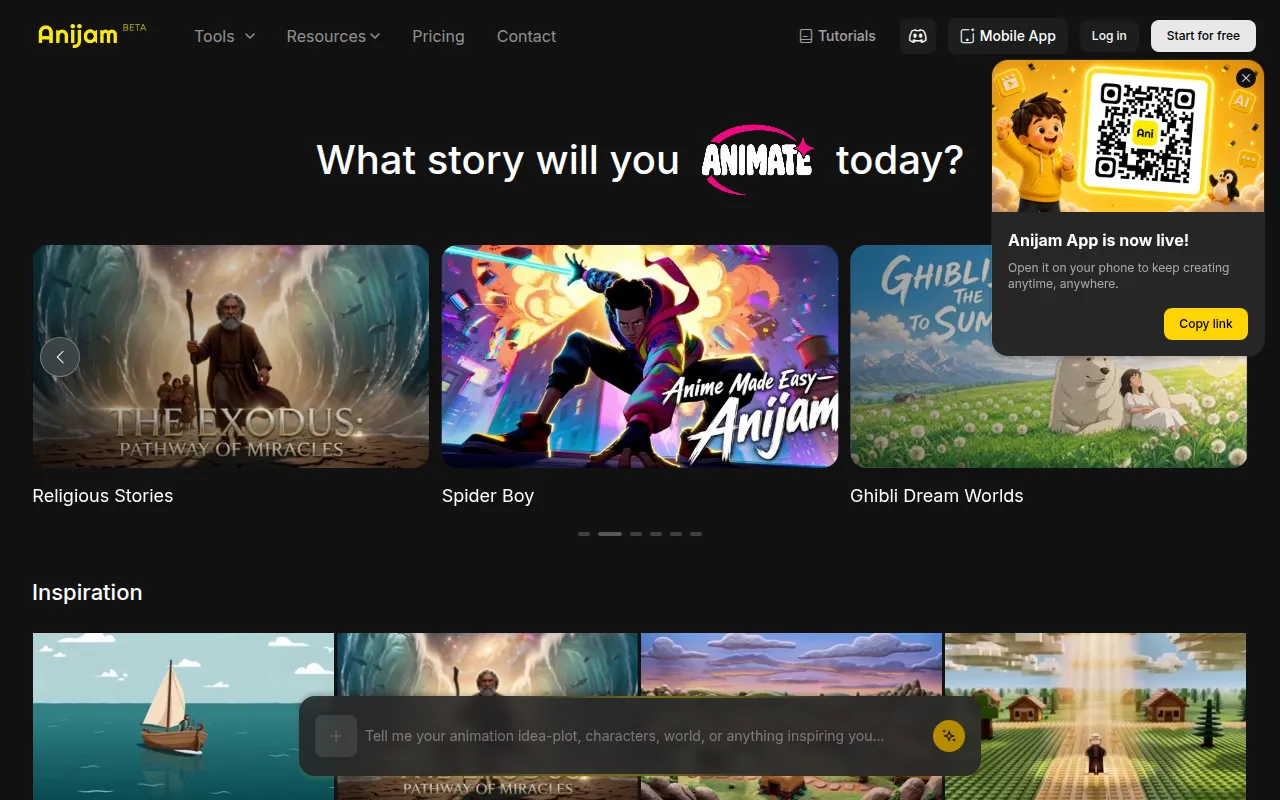
Anijam AI - Best for Animation from Text and Images
Anijam AI is an innovative platform that transforms text, images, and audio into engaging animations, making it an excellent alternative for users seeking to create animated content. Unlike Beatwave, which focuses primarily on music visualizations, Anijam AI offers versatility in animation styles, appealing to a wider range of creative applications. This makes it suitable for educators, marketers, and storytellers who want to bring their ideas to life through animation.
The standout feature of Anijam AI is its ability to seamlessly convert multimedia inputs into animated videos, providing users with a unique way to engage their audience. This level of creativity can be particularly beneficial for those looking to create educational content, promotional videos, or even social media posts. However, like other alternatives mentioned, Anijam AI lacks clear pricing information, which can make it difficult for users to gauge their investment.
- Key Strength: Transforms text, images, and audio into engaging animations.
- Key Strength: Versatile for various creative applications.
- Key Strength: Unique approach to multimedia content creation.
- Limitation: Pricing information is currently unavailable.
Pricing: Freemium. Best for: Users looking to create dynamic animated content from various media.
Animoto - Best for Quick Video Creation
Animoto is a user-friendly video editing tool designed for creating professional-quality videos quickly and easily. Unlike Beatwave, which specializes in music visualizations, Animoto provides a versatile platform suitable for various types of video projects, including marketing, social media, and personal use. This makes it an attractive choice for users who want to create engaging content without spending hours on editing.
The key advantage of Animoto is its simplicity and the speed at which users can create videos. With pre-built templates and easy drag-and-drop functionality, users can produce high-quality videos in minutes. This is particularly beneficial for small businesses and social media marketers who need to generate content rapidly. However, users should be aware that pricing information is not publicly listed, which may affect their decision-making process.
- Key Strength: Quick and easy video creation with pre-built templates.
- Key Strength: Versatile for various video types, from marketing to personal.
- Key Strength: User-friendly interface designed for speed.
- Limitation: Lack of transparent pricing details.
Pricing: Freemium. Best for: Users looking for a fast and easy video creation tool.
Akool - Best for Personalized Marketing Videos
Akool is an AI-powered video editing platform focused on helping marketers create personalized visual content efficiently. This makes it an ideal alternative for users who want to produce targeted marketing videos without needing extensive video editing expertise. Unlike Beatwave, which is centered around audio visualizations, Akool enables users to create engaging marketing content that resonates with specific audiences.
What sets Akool apart is its emphasis on personalization and efficiency, allowing users to quickly create videos tailored to their audience's preferences. This is particularly useful for marketers looking to engage consumers through personalized content. However, Akool operates on a freemium model, and while there is a free Starter plan available, users may find that more advanced features require a paid upgrade, which could be a consideration for some.
- Key Strength: Focus on personalized marketing video creation.
- Key Strength: Efficient platform for fast content production.
- Key Strength: User-friendly design suitable for marketers.
- Limitation: Paid upgrades may be necessary for advanced features.
Pricing: Free Starter plan available; paid upgrades based on usage and features. Best for: Marketers looking for personalized video content.
Feature Comparison Table
| Tool | Best For | Starting Price | Free Plan | Standout Feature |
|---|
| Beatwave | Music visualizations | $37 (one-time) | No | Unlimited video creation |
| AICUT | Faceless video creation | Freemium | Yes | AI-driven content generation |
| AI Studios | Script and image-based videos | Freemium | Yes | All-in-one video generation |
| AI Video Cut | Simplified video editing | Freemium | Yes | Intuitive video cutting |
| AI Storyboard Generator | Pre-production planning | Free; Pro at $50/month | Yes | Collaborative storyboarding |
| Adobe Premiere Pro | Professional video editing | Subscription | No | Comprehensive editing tools |
| 2short.ai | Short-form video content | Freemium | Yes | AI-powered short clip creation |
| Argil | Customizable avatar videos | Classic at $39/month; Pro at $149/month | No | Custom avatars for videos |
| Anijam AI | Animation from text and images | Freemium | Yes | Multimedia transformation into animation |
| Animoto | Quick video creation | Freemium | Yes | Pre-built templates for rapid creation |
| Akool | Personalized marketing videos | Free Starter; paid upgrades | Yes | Focus on personalized content |
How to Choose the Right Alternative to Beatwave
When considering alternatives to Beatwave, it is essential to identify your specific needs and goals. If you are primarily focused on music visualization and prefer a straightforward, one-time payment model, tools like Beatwave may still be appealing to you. However, if you require more versatility in your video projects, AICUT or AI Studios could be better options due to their AI-driven capabilities and broader applications.
On the other hand, if you are a marketer or educator looking to create engaging content quickly, consider tools like Animoto or Akool for their user-friendly interfaces and focus on efficient video production. For users needing advanced editing capabilities, Adobe Premiere Pro stands out as the professional choice, despite its subscription model. Ultimately, understanding your specific use case will guide you to the best alternative that meets your needs.
Final Verdict
In conclusion, while Beatwave excels in creating music visualizations, its limitations may lead users to explore alternatives. For those focused on efficient video creation, AICUT and Animoto are excellent choices. If you require advanced editing capabilities, Adobe Premiere Pro is the clear winner. Ultimately, select the tool that aligns best with your content creation goals and budget.