Why Look for Alternatives to BlinkVideo?
While BlinkVideo offers an impressive AI-powered video editing platform focused on generating accurate captions in over 127 languages, it does have several limitations that might drive users to seek alternatives. One of the primary concerns is its freemium pricing model, which can restrict access to advanced features unless users commit to a subscription. Many content creators, especially those just starting out, may find that the basic features do not meet their evolving needs for more sophisticated editing capabilities or customizations. Additionally, while BlinkVideo excels in captioning, it lacks robust tools for creating dynamic visual content, which can be a significant drawback for marketers and social media managers looking to enhance their video presence.
Moreover, users often report that BlinkVideo's interface can be somewhat clunky and unintuitive, particularly for those unfamiliar with video editing software. The learning curve can be steep for new users, and despite the tool's capabilities, it might not be the most efficient choice for fast-paced content creation environments. For those needing more comprehensive editing options, such as advanced effects, transitions, or integration with other creative tools, exploring alternatives may be essential. This article delves into some of the best alternatives to help you find a solution that fits your specific video editing needs.
Best Alternatives to BlinkVideo in 2026
AICUT - Best for Faceless Video Content Creation
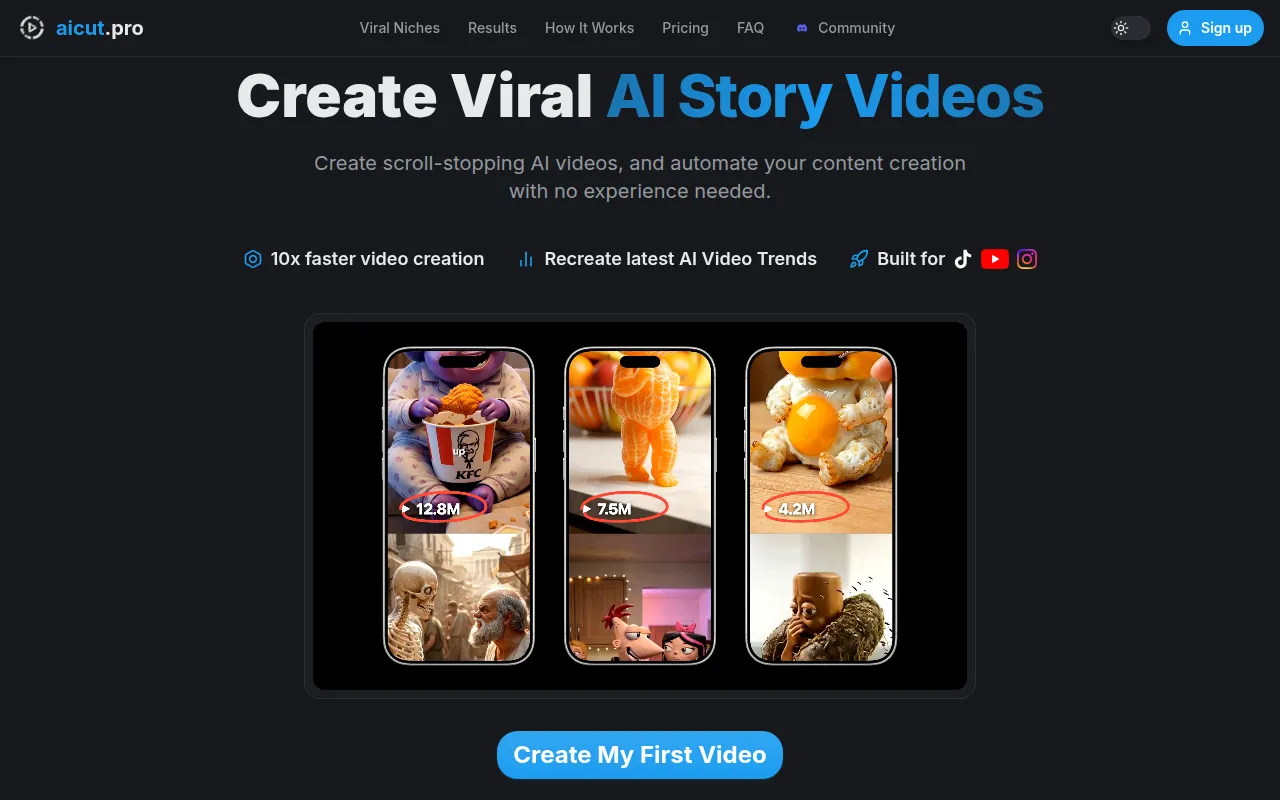
AICUT is an innovative AI video generator designed specifically for creating faceless videos tailored for popular platforms like YouTube, TikTok, and Instagram. Unlike BlinkVideo, which focuses primarily on captioning, AICUT empowers users to produce engaging video content without the need for on-screen presenters. This makes it an excellent choice for content creators who prefer a streamlined approach to video production. AICUT's AI capabilities allow users to generate videos quickly, making it particularly beneficial for marketers and influencers looking to maintain a consistent posting schedule on social media.
AICUT stands out with its user-friendly interface that simplifies the video creation process. Users can input script-based content, and the AI will automatically generate a video that aligns with the input, reducing the time and effort typically required for video editing. This feature is especially advantageous for users who may not have extensive video editing experience but still want to produce professional-looking content. AICUT's ability to generate faceless videos also caters to privacy-conscious creators who prefer not to appear on camera.
- Key Strength: AI-driven generation of faceless videos tailored for popular social media platforms.
- Key Strength: User-friendly interface that simplifies video creation for all skill levels.
- Key Strength: Quick production times allow for consistent content posting.
- Limitation: Limited availability of specific pricing information may deter some users.
Pricing: Freemium model available. Best for: Content creators who prefer faceless video production without extensive editing experience.
AI Studios - Best for Comprehensive Video Generation
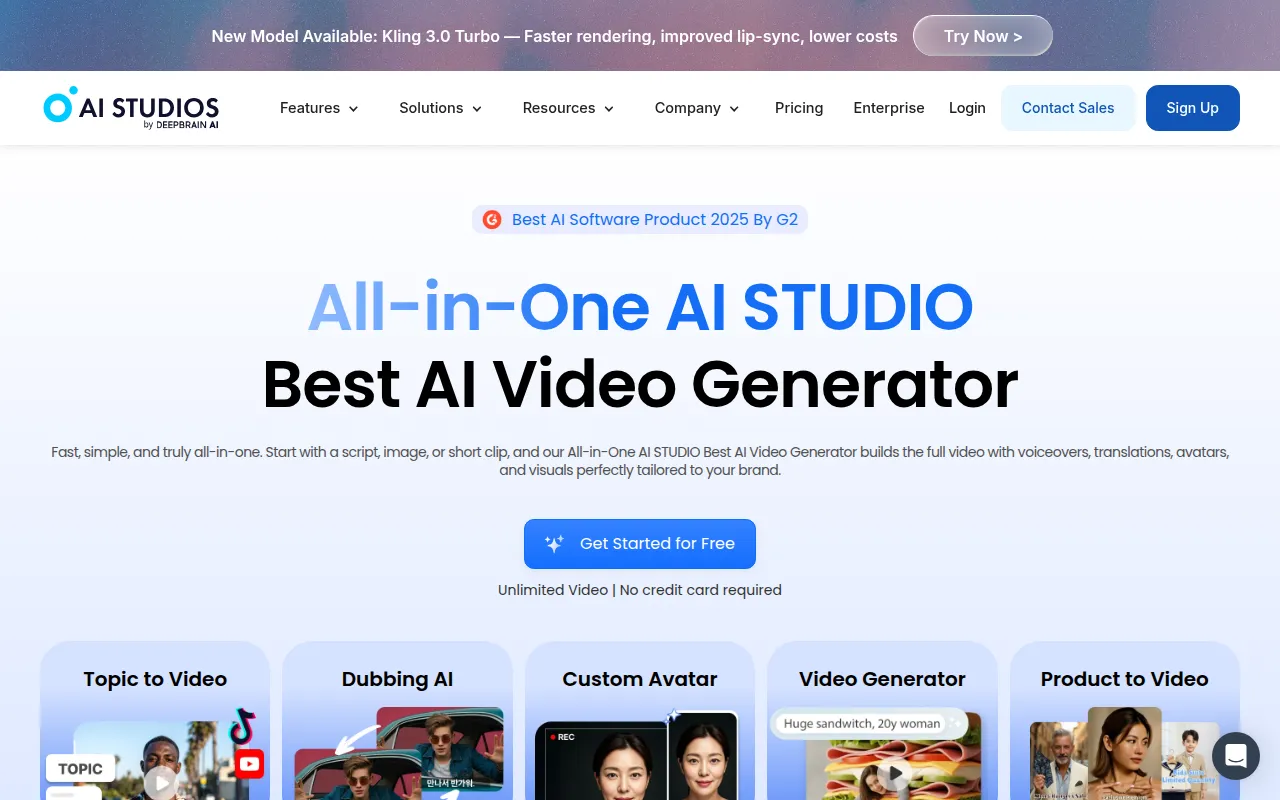
AI Studios is an all-in-one AI video generation tool that simplifies the creation of professional videos from scripts or images. This makes it a compelling alternative to BlinkVideo, especially for users seeking a more holistic approach to video creation. While BlinkVideo excels in captioning, AI Studios allows users to generate fully-fledged videos with rich multimedia elements, offering a broader range of possibilities for content creators. The tool's ability to handle both scripts and images means that users can create visually appealing videos that combine text, graphics, and animations seamlessly.
The versatility of AI Studios makes it an excellent choice for brands and agencies looking to produce high-quality promotional videos, educational content, or marketing materials. The platform's intuitive design also ensures that users can navigate through the video creation process with ease, making it accessible for both beginners and experienced creators. However, while AI Studios provides a wealth of features, users may find that the depth of customization options is not as extensive as dedicated editing software, which could be a consideration if detailed editing is a priority.
- Key Strength: Comprehensive video generation from both scripts and images, unlike BlinkVideo's focus on captions.
- Key Strength: Intuitive design that accommodates users of all skill levels.
- Key Strength: Ideal for creating professional-grade promotional and educational videos.
- Limitation: Lack of specific pricing information may create uncertainty for potential users.
Pricing: Freemium model available. Best for: Brands and agencies needing a comprehensive video creation tool.
AI Video Cut - Best for Simplified Video Editing
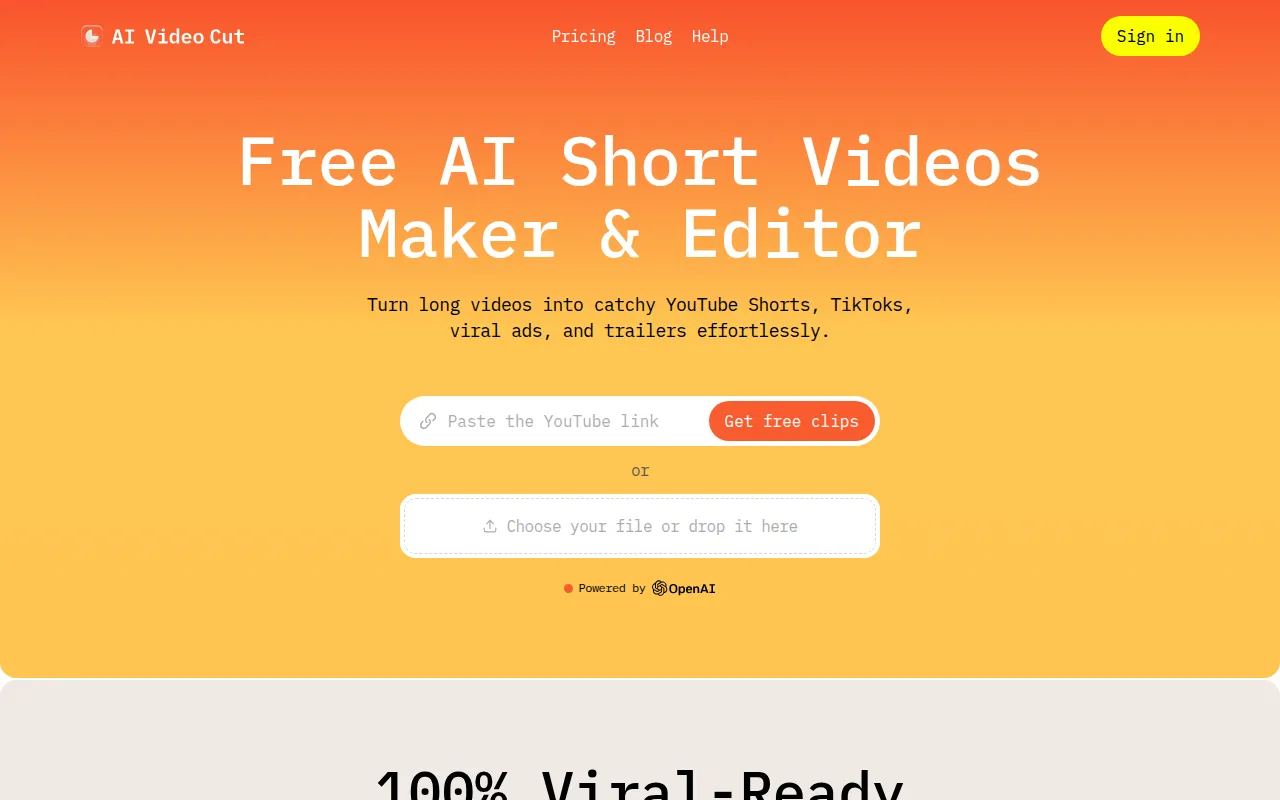
AI Video Cut is an intuitive video editing tool designed to simplify the video cutting process for users of all experience levels. This tool distinguishes itself from BlinkVideo by focusing on editing capabilities rather than just captioning. Users seeking to trim videos quickly and efficiently will find AI Video Cut to be a valuable asset. The platform's streamlined editing interface allows for easy navigation, enabling users to cut and splice video clips without the complexity often found in traditional editing software.
Another significant advantage of AI Video Cut is its accessibility for beginners. Users who may feel overwhelmed by more complex editing tools can find comfort in AI Video Cut’s straightforward design. The tool offers essential editing features that cater to creators who want to produce polished videos without excessive fuss. However, those looking for advanced features such as effects, transitions, or color grading might find AI Video Cut somewhat limiting compared to more robust solutions like Adobe Premiere Pro.
- Key Strength: Simplified video cutting process ideal for users who prioritize ease of use.
- Key Strength: Intuitive interface designed for beginners.
- Key Strength: Fast editing capabilities enhance productivity.
- Limitation: Limited advanced editing features may not satisfy professional users.
Pricing: Freemium model available. Best for: Beginners or casual users looking for straightforward video editing solutions.
AI Storyboard Generator - Best for Pre-Production Planning
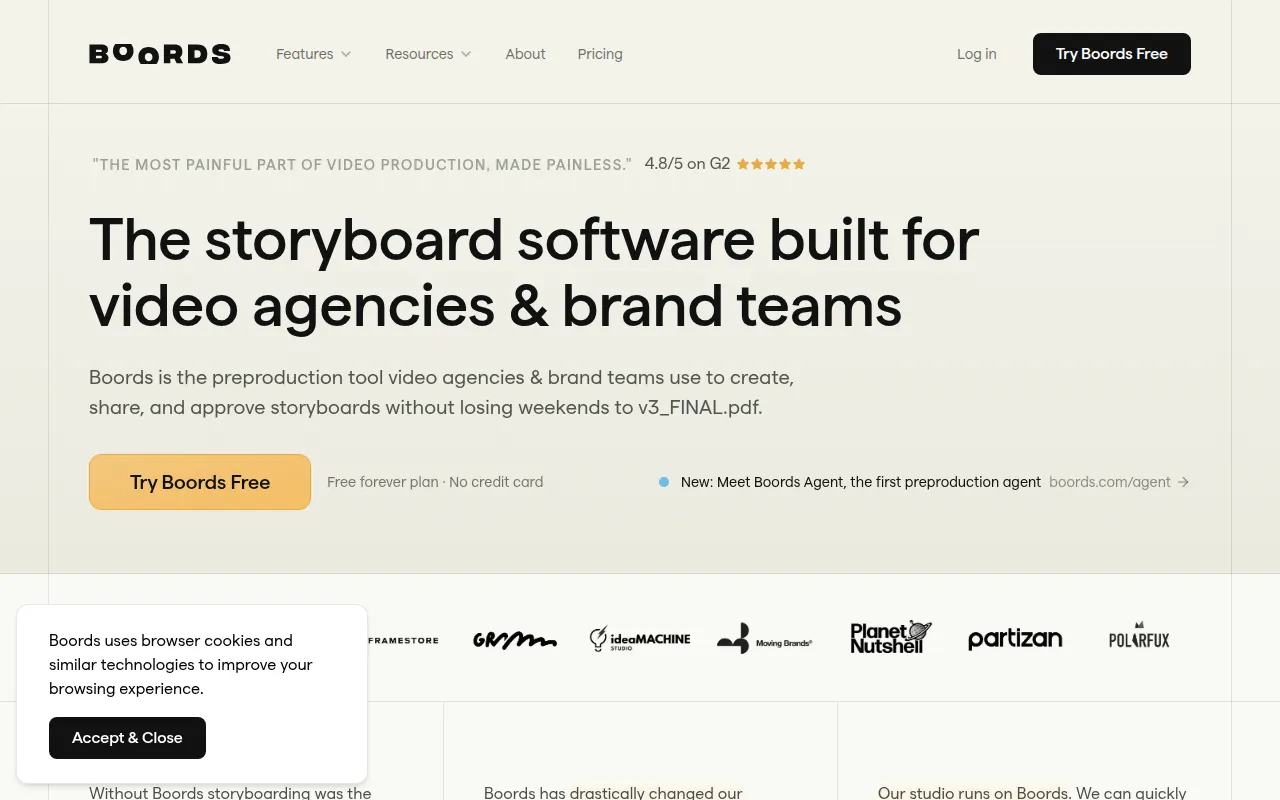
AI Storyboard Generator, known as Boords, serves as an essential tool for agencies and brand teams involved in video pre-production. Unlike BlinkVideo, which focuses on post-production editing and captioning, Boords helps users visualize their video projects before filming begins. This makes it an ideal choice for teams that require a clear plan and storyboard to guide their video creation process. By providing a structured way to organize scenes and sequences, Boords streamlines collaboration and ensures that all team members are aligned on the project vision.
The platform's intuitive drag-and-drop interface makes it easy for users to create storyboards from scratch or modify existing templates. Boords also offers features that enable users to add notes, dialogue, and timing to each scene, enhancing clarity throughout the production process. This level of organization is particularly beneficial for agencies working with multiple clients or projects simultaneously, as it allows for quick adjustments and improvements. However, while Boords excels in pre-production, users will need to complement it with a dedicated video editing tool for the actual editing phase.
- Key Strength: Focus on pre-production planning with intuitive storyboard creation.
- Key Strength: Collaborative features enhance team alignment on video projects.
- Key Strength: Ability to add detailed notes and timing for each scene.
- Limitation: Requires additional software for post-production editing.
Pricing: Free plan available; Pro plan at $50 per month when billed annually. Best for: Agencies and teams focused on pre-production and planning.
Adobe Premiere Pro - Best for Professional Video Editing
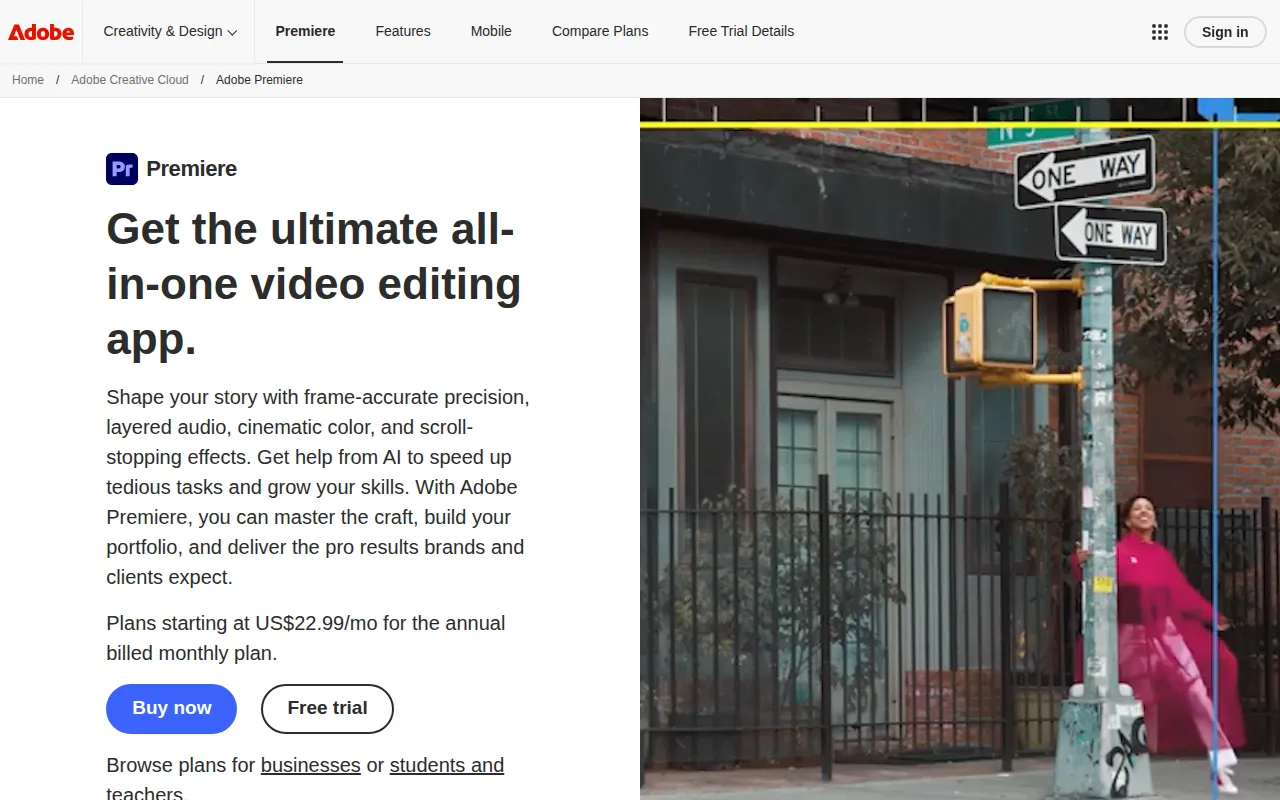
Adobe Premiere Pro is a leading professional video editing software designed for filmmakers and content creators who demand high-quality video production. Unlike BlinkVideo, which is primarily focused on generating captions, Adobe Premiere Pro provides a comprehensive suite of editing tools that cater to advanced users. This makes it the go-to choice for those looking to create cinematic-quality videos with extensive features such as color correction, audio editing, and visual effects. Premiere Pro’s robust capabilities ensure that users can achieve a polished final product, making it ideal for serious creators and professionals.
The software’s integration with the Adobe Creative Cloud further enhances its appeal, allowing users to seamlessly collaborate with other Adobe applications like After Effects and Photoshop. This feature is particularly beneficial for teams working on complex projects that require multiple creative tools. However, the steep learning curve associated with Adobe Premiere Pro may be a drawback for users who are new to video editing or who seek a more straightforward solution. Additionally, its subscription-based pricing model may not be ideal for casual users or those with limited budgets.
- Key Strength: Comprehensive editing features suitable for professional-quality video production.
- Key Strength: Integration with Adobe Creative Cloud enhances workflow and collaboration.
- Key Strength: Extensive tools for color correction and audio editing.
- Limitation: Steep learning curve and subscription cost may deter casual users.
Pricing: Paid subscription model. Best for: Professional video editors and filmmakers seeking advanced editing capabilities.
2short.ai - Best for Creating Engaging Short Clips
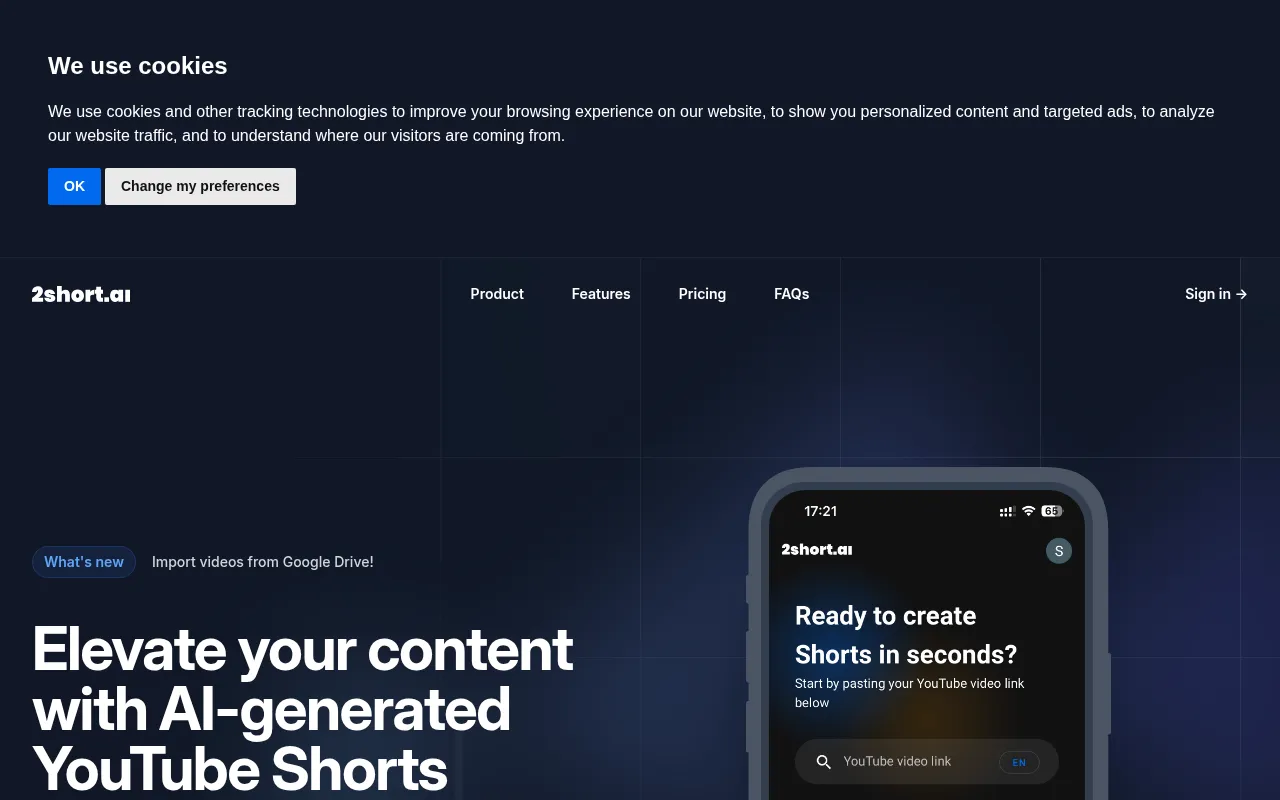
2short.ai is an innovative AI-powered tool designed to transform long YouTube videos into engaging short clips suitable for platforms like TikTok and Instagram. This tool presents a unique alternative to BlinkVideo, which focuses primarily on caption generation, by addressing the growing demand for short-form video content. Content creators who want to repurpose existing long-form videos into concise, attention-grabbing clips will find 2short.ai to be an invaluable resource. The platform’s AI intelligently analyzes video content to select the most compelling segments, making it easier for creators to maintain audience engagement.
The ability to quickly create short clips from longer videos not only saves time but also enables users to tap into the viral potential of short-form content. This is particularly beneficial for marketers and social media managers who need to produce high volumes of content to keep up with fast-paced platforms. While 2short.ai provides a powerful solution for short content creation, users should be aware that it may not offer the same level of customization and editing options as traditional editing software, limiting creative flexibility.
- Key Strength: AI-driven transformation of long videos into engaging short clips.
- Key Strength: Saves time by automating the selection of compelling video segments.
- Key Strength: Ideal for marketers looking to leverage short-form content for social media.
- Limitation: Limited customization options compared to traditional editing tools.
Pricing: Freemium model available. Best for: Content creators wanting to repurpose long videos into short clips for social media.
Argil - Best for Engaging Video Creation with Avatars
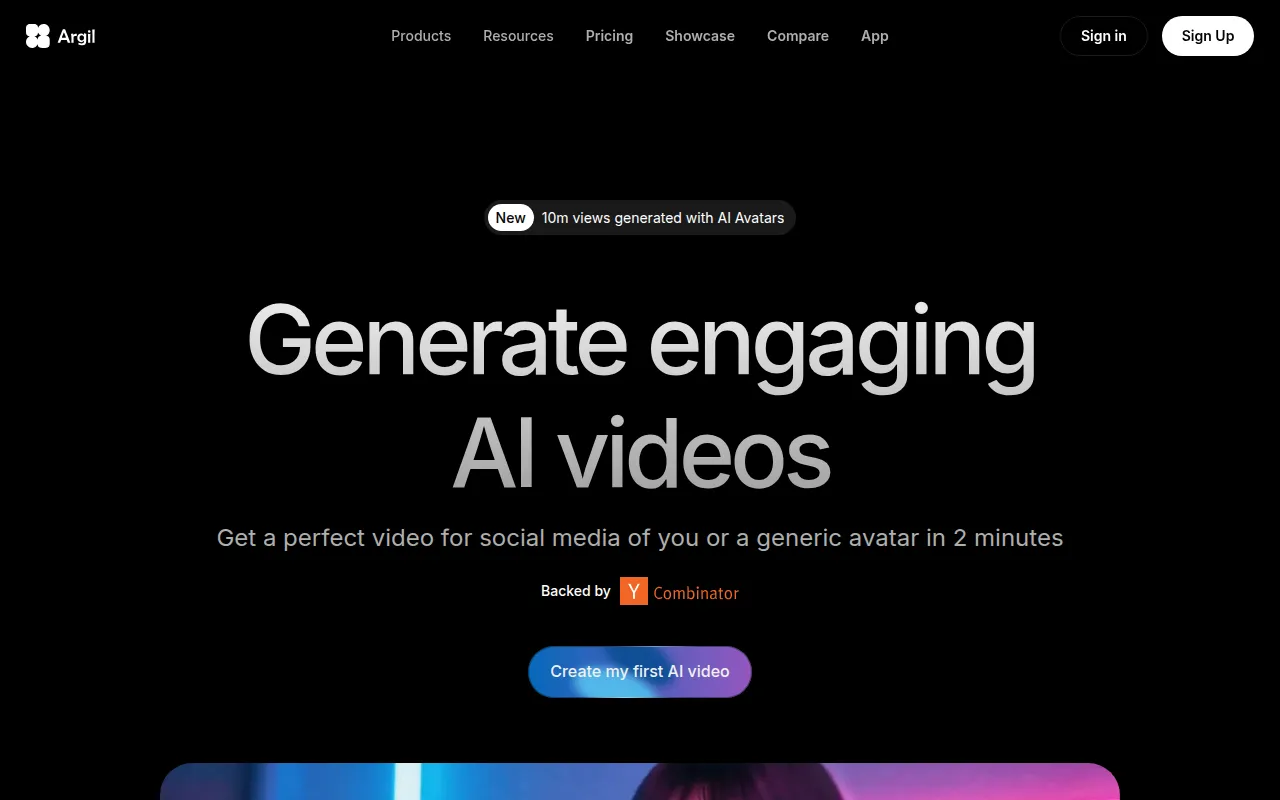
Argil is an AI-powered video editing tool that allows users to create engaging videos using customizable avatars. This unique feature sets it apart from BlinkVideo, which focuses mainly on captioning. Argil is particularly suitable for marketers and educators who wish to create personalized video content that resonates with their audiences. The ability to use avatars to convey messages can enhance viewer engagement and retention, making it a compelling choice for content creators looking to innovate in their video presentation.
With its user-friendly interface, Argil enables users to produce videos quickly without sacrificing quality. The platform offers various customization options for avatars, allowing users to align their content with their brand identity. Furthermore, the AI-driven capabilities ensure that users can create videos efficiently, making it an excellent tool for those with tight deadlines. However, while Argil provides a unique approach to video creation, users who prefer traditional video editing techniques may find the avatar-centric style limiting.
- Key Strength: Customizable avatars enhance viewer engagement and personalization.
- Key Strength: User-friendly interface allows for quick video creation.
- Key Strength: AI-driven capabilities streamline the video production process.
- Limitation: Avatar-centric style may not appeal to all content creators.
Pricing: Classic plan at $39 per month; Pro plan at $149 per month. Best for: Marketers and educators seeking engaging video creation with avatars.
Anijam AI - Best for Creative Animation Projects
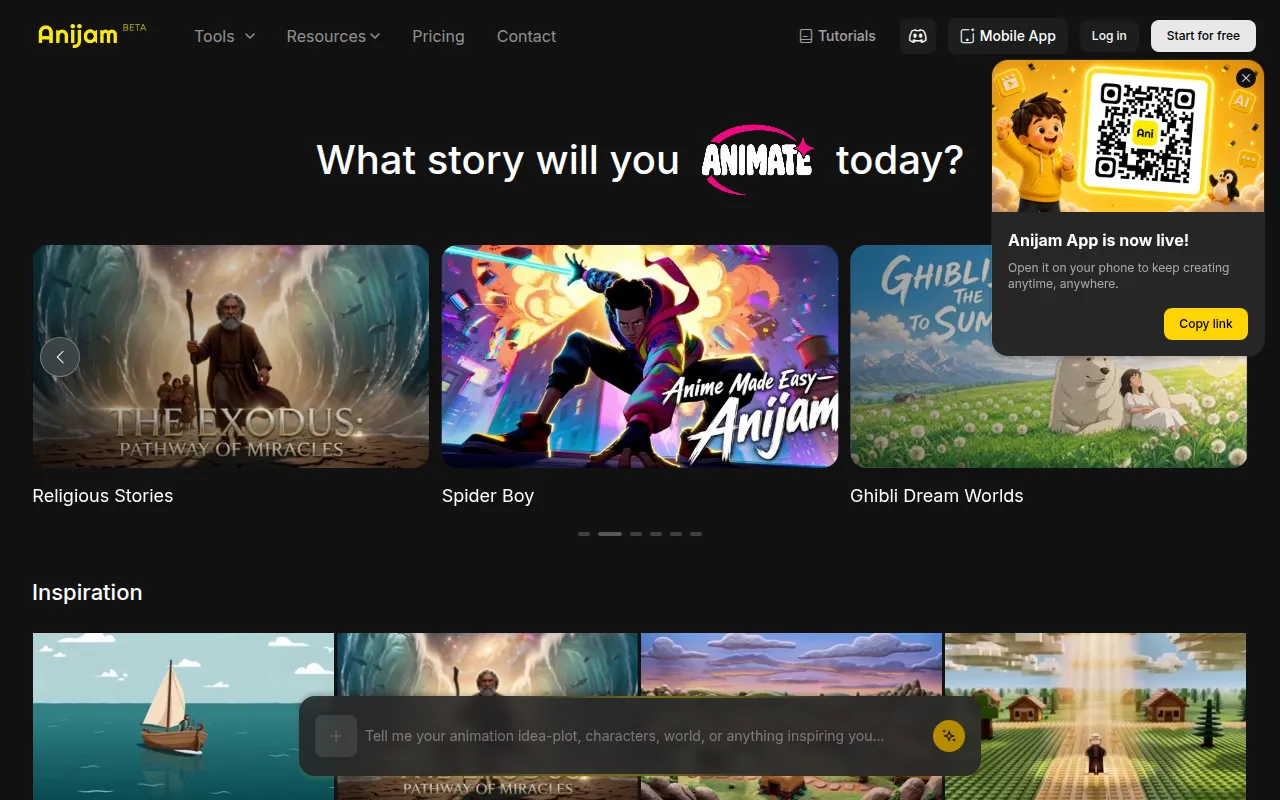
Anijam AI provides an intuitive platform for transforming text, images, and audio into engaging animations. This tool serves as a unique alternative to BlinkVideo, which focuses primarily on captioning and video editing. Anijam AI is particularly beneficial for content creators looking to produce animated videos that capture attention and convey messages effectively. Whether for marketing campaigns, educational content, or social media engagement, Anijam AI enables users to bring their ideas to life in a visually appealing way.
The platform's ease of use allows users to create animations quickly without the need for extensive animation skills. This accessibility makes Anijam AI an excellent choice for educators, marketers, and social media influencers who want to enhance their content with animated visuals. However, users seeking advanced animation features may find Anijam AI's capabilities somewhat limited compared to specialized animation software.
- Key Strength: Intuitive platform for creating animations from text, images, and audio.
- Key Strength: Quick and accessible for users with minimal animation experience.
- Key Strength: Ideal for enhancing educational and marketing content with engaging visuals.
- Limitation: May lack advanced features found in dedicated animation software.
Pricing: Freemium model available. Best for: Users looking to create engaging animations without extensive animation skills.
Animoto - Best for Quick and Easy Video Creation
Animoto is a video editing tool designed for creating professional-quality videos quickly and easily. Unlike BlinkVideo, which emphasizes caption generation, Animoto focuses on providing users with the tools needed to produce visually stunning videos with minimal effort. This makes it an excellent alternative for content creators who require a quick turnaround time for video production. With its drag-and-drop interface and a library of templates, users can create videos that look polished without requiring advanced editing skills.
The platform’s versatility makes it suitable for a variety of applications, from marketing campaigns to personal projects. Users can easily incorporate photos, video clips, and music into their projects, allowing for creative flexibility. However, while Animoto excels in ease of use and speed, those looking for advanced editing tools may find it lacking in features compared to more complex software like Adobe Premiere Pro. Therefore, it is best suited for users who prioritize quick and straightforward video creation over intricate editing capabilities.
- Key Strength: Quick and easy video creation with professional-quality results.
- Key Strength: Drag-and-drop interface and extensive template library enhance user experience.
- Key Strength: Versatile for various applications, from marketing to personal projects.
- Limitation: Limited advanced editing features may not satisfy professional users.
Pricing: Freemium model available. Best for: Users seeking quick and easy video production for diverse applications.
Feature Comparison Table
| Tool | Best For | Starting Price | Free Plan | Standout Feature |
|---|
| BlinkVideo | Captioning for social media | Freemium | Yes | Accurate captions in 127 languages |
| AICUT | Faceless video content creation | Freemium | Yes | AI-driven faceless video generation |
| AI Studios | Comprehensive video generation | Freemium | Yes | Script and image integration |
| AI Video Cut | Simplified video editing | Freemium | Yes | Intuitive video cutting process |
| AI Storyboard Generator | Pre-production planning | $50/mo (Pro plan) | Yes | Storyboard creation features |
| Adobe Premiere Pro | Professional video editing | Paid | No | Extensive editing capabilities |
| 2short.ai | Creating engaging short clips | Freemium | Yes | Transform long videos into shorts |
| Argil | Engaging video creation with avatars | $39/mo (Classic plan) | Yes | Customizable avatars |
| Anijam AI | Creative animation projects | Freemium | Yes | Transforming text and audio into animations |
| Animoto | Quick and easy video creation | Freemium | Yes | Drag-and-drop interface |
How to Choose the Right Alternative to BlinkVideo
Choosing the right alternative to BlinkVideo requires a thoughtful assessment of your specific needs and video editing goals. If you are primarily focused on captioning and video accessibility, tools like AICUT and 2short.ai may be your best options, as they offer unique features tailored for social media content. For those who need a comprehensive video production tool, AI Studios or Adobe Premiere Pro could be more suitable, providing a wider range of editing capabilities and creative flexibility.
On the other hand, if your focus is on pre-production planning, Boords offers exceptional storyboard creation features that can streamline the video development process. Beginners or casual users may prefer tools with user-friendly interfaces, such as AI Video Cut or Animoto, which allow for quick production without the complexity of professional software. Ultimately, your choice should align with your content creation strategy, desired features, and level of expertise.
Final Verdict
In conclusion, while BlinkVideo excels in generating accurate captions, it may not meet the diverse needs of all video creators. For those seeking faceless video production, AICUT stands out, while AI Studios offers comprehensive video generation capabilities. If professional-grade editing is your goal, Adobe Premiere Pro is the clear choice. Ultimately, the best alternative will depend on your specific use case, budget, and desired features, so consider your priorities carefully before making a switch.