Photor AI
Freemium
AI
Photor AI offers AI-powered tools for photo analysis, age transformation, and face restoration.
Discover top Face26 alternatives! Compare features, pricing, and user experiences to find the best design tool for your needs today.
Looking for alternatives to
Face26 is an AI-powered photo enhancer that improves image quality and sharpness effortlessly.
View Face26 Profile →Face26, while being a competent AI-powered photo enhancer, has certain limitations that may prompt users to explore alternatives. One of the most significant concerns is its pricing structure, which is currently labeled as freemium, but lacks clarity on the specific costs for premium features. This ambiguity can deter potential users who may require clear expectations on their investment. Furthermore, Face26 may not provide advanced editing features that some users desire, such as comprehensive photo analysis or background removal, which are increasingly essential in a competitive digital landscape.
Another common pain point for Face26 users is the software’s performance with high-resolution images. While it excels at sharpening and enhancing images, it may struggle with maintaining quality during drastic upscaling or complex edits. Users who frequently work with diverse image types, including portraits and landscapes, may find that Face26 does not cater adequately to their specific needs. This can lead users to seek alternatives that offer a broader range of functionalities, more transparent pricing, and better performance with various image types.
Photor AI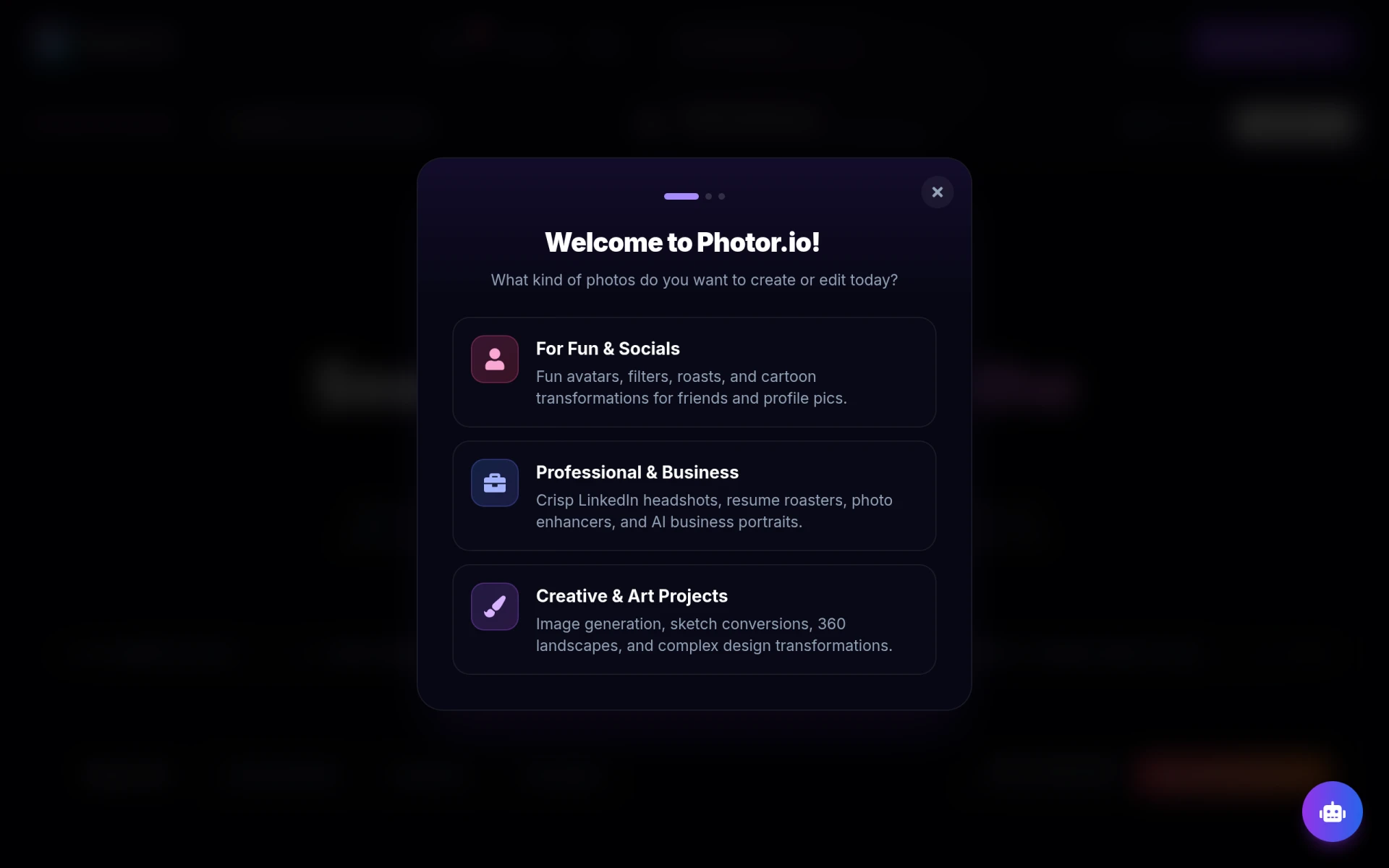 stands out by providing a suite of AI-powered tools that extend beyond mere photo enhancement. With features like age transformation and face restoration, it appeals to users looking for a more versatile editing experience. Compared to Face26, which primarily focuses on sharpening and enhancing image quality, Photor AI offers a broader array of functionalities that cater to diverse editing needs. Users seeking not just enhancement but also detailed photo analysis and creative transformations will find Photor AI to be a fitting alternative.
Additionally, the user-friendly interface of Photor AI makes it accessible for both beginners and seasoned photographers. The platform allows users to effortlessly navigate through various features, ensuring a smooth editing experience. While Face26 provides great enhancement capabilities, it lacks the depth of analysis and transformative options that Photor AI excels in. Thus, those who require advanced editing tools or wish to experiment with creative editing will greatly benefit from Photor AI's offerings.
Pricing: Freemium with a personal plan at $9.99 per month. Best for: Users seeking a comprehensive photo editing experience.
Image Upscaler is specifically designed for enhancing and upscaling images without losing detail, making it an excellent alternative to Face26 for users focused on image resolution. While Face26 provides sharpness enhancements, it may not perform as effectively during drastic upscaling. Image Upscaler utilizes advanced AI technology to ensure that the quality of the image remains intact, even when significantly enlarged. This makes it ideal for photographers and designers who require high-resolution images for print or web use.
The tool is also straightforward and easy to use, which is a significant advantage for those who want to quickly enhance their images without delving into complex editing processes. Users can simply upload their images and select the desired upscale factor, making the process efficient and user-friendly. This ease of use coupled with the specific focus on resolution enhancement sets Image Upscaler apart from Face26, which lacks this dedicated functionality.
Pricing: Freemium with options for paid upgrades based on credit needs. Best for: Users needing to upscale images while retaining quality.
PicMa Studio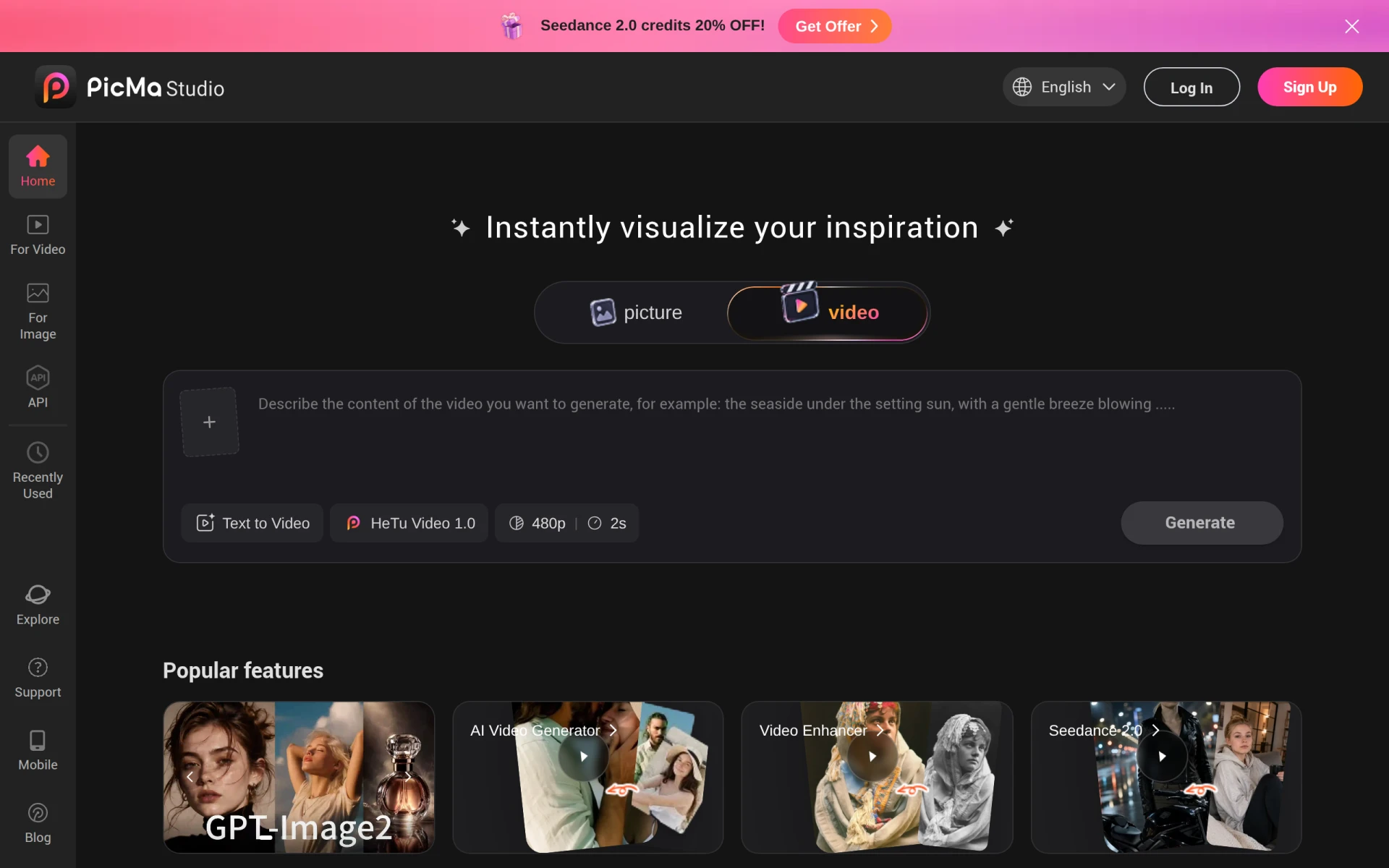 is an AI-powered photo editing tool that emphasizes a streamlined editing process, making it an excellent alternative for users who value efficiency. Compared to Face26, which primarily focuses on enhancing photo quality, PicMa Studio offers a comprehensive suite of editing tools that simplifies the entire editing experience. This is particularly beneficial for those who may not be professional photographers but still want to achieve high-quality results without the complexities of traditional editing software.
The intuitive interface allows users to enhance images quickly, making it suitable for social media content creators who need to process multiple images in a short time. While Face26 does well in sharpening images, PicMa Studio’s ability to integrate various editing functions in one platform provides a significant advantage, allowing users to achieve a polished look with minimal effort. This makes PicMa Studio particularly appealing for those who want to save time while still producing professional-grade images.
Pricing: Freemium, with pricing information currently not available. Best for: Users seeking an efficient and simplified editing tool.
Slazzer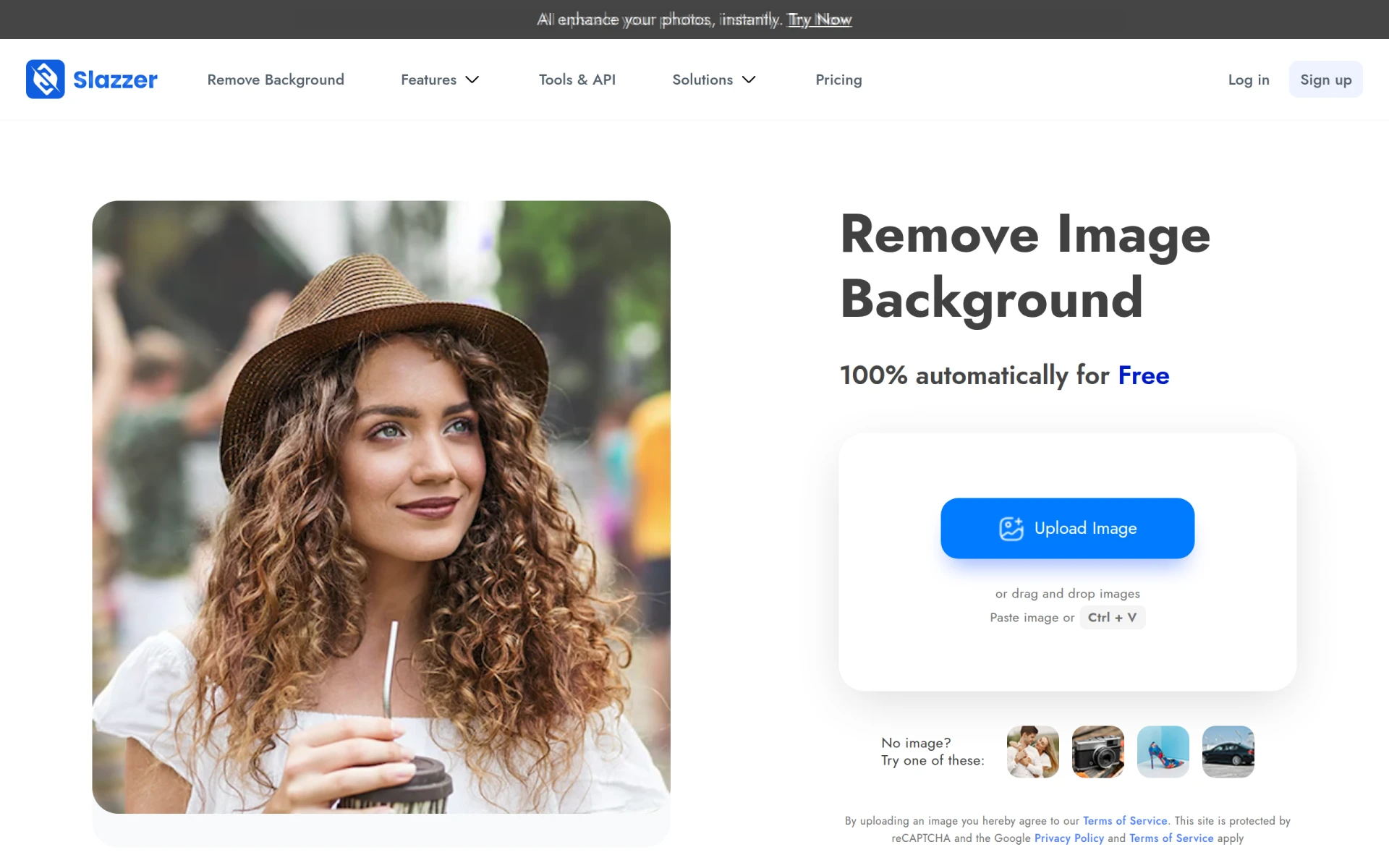 is an AI-powered tool focused on removing backgrounds from images quickly and effortlessly, making it a strong contender for those needing this specific functionality. Unlike Face26, which primarily enhances the overall quality of images, Slazzer allows users to isolate subjects from their backgrounds with precision, making it ideal for e-commerce, marketing, and social media applications. Users who frequently need to create product images or promotional graphics will benefit significantly from Slazzer's specialized features.
The platform's ability to deliver fast and reliable results sets it apart from Face26, which may not support such specific editing requests. Slazzer’s straightforward process allows users to upload an image and receive a clean cutout in seconds, making it a time-saving tool for those on tight deadlines. Although Face26 excels in enhancing image quality, it does not provide the same level of efficiency for background removal, which is crucial for many users.
Pricing: Freemium with a credit-based pricing model for high-definition downloads. Best for: Users needing efficient background removal for various applications.
Pokecut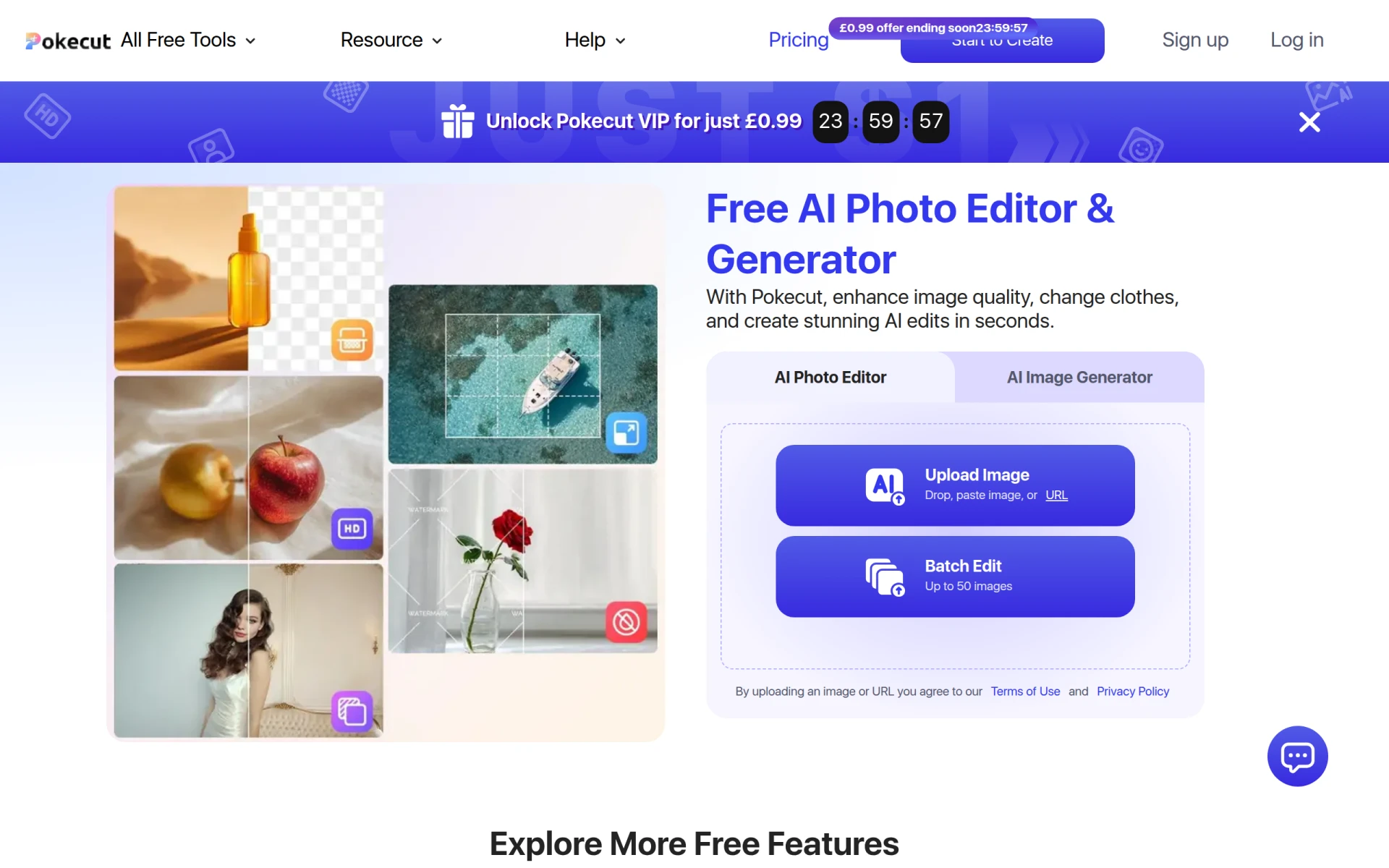 is a free online AI photo editor that enables users to enhance and generate images easily, making it an attractive choice for budget-conscious users. Unlike Face26, which offers a freemium model without clear pricing, Pokecut provides a robust set of features at no cost, appealing to those who want to enhance their images without financial commitment. The ability to generate and enhance images using AI technology allows users to achieve impressive results without the need for expensive software.
The platform's focus on accessibility and user-friendliness makes it particularly appealing to casual users and beginners. Users can quickly navigate the editing tools and achieve their desired results with minimal effort. While Face26 excels in enhancing image sharpness, it does not offer the same level of accessibility for users looking for free options. This makes Pokecut a great choice for individuals who may not have the budget for premium tools but still desire quality enhancements.
Pricing: Freemium with a free version available. Best for: Users seeking a free and accessible image editing tool.
AI Image Enlarger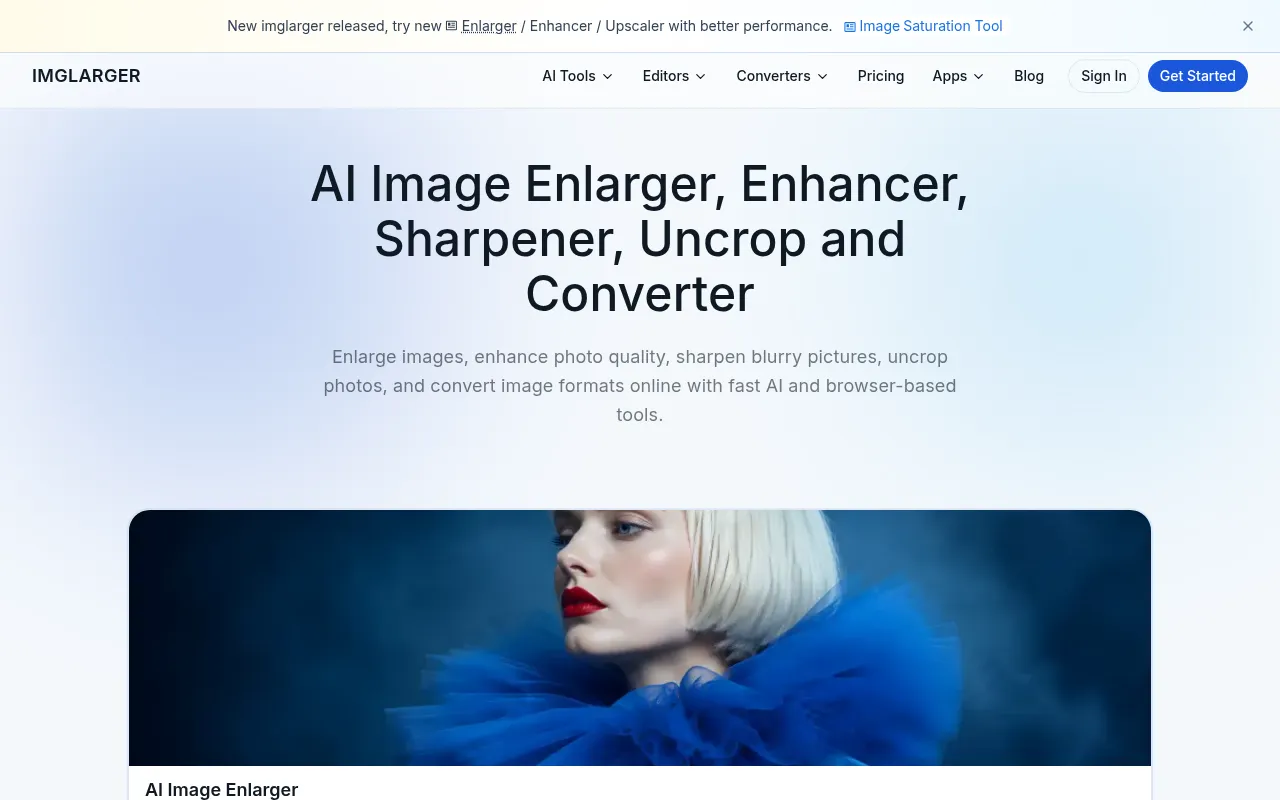 is a specialized online tool designed to enhance and upscale images using advanced AI technology. It stands out as a great alternative to Face26 by offering enhanced capabilities for maintaining image quality during the upscaling process. While Face26 provides basic enhancement features, AI Image Enlarger focuses specifically on the nuances of enlarging images without compromising detail. This makes it an ideal choice for photographers who often need to print high-resolution images or create detailed graphics.
The tool's effectiveness in retaining details while enlarging images sets it apart from Face26, which may not perform as well in this specific area. Users can easily upload images and select the desired upscale factor, allowing for a straightforward and efficient process. Additionally, AI Image Enlarger's focus on image quality preservation during enlargement makes it a go-to option for users who prioritize clarity and detail in their images.
Pricing: Freemium with paid plans for additional features and credits. Best for: Users needing advanced upscaling capabilities.
Photo AI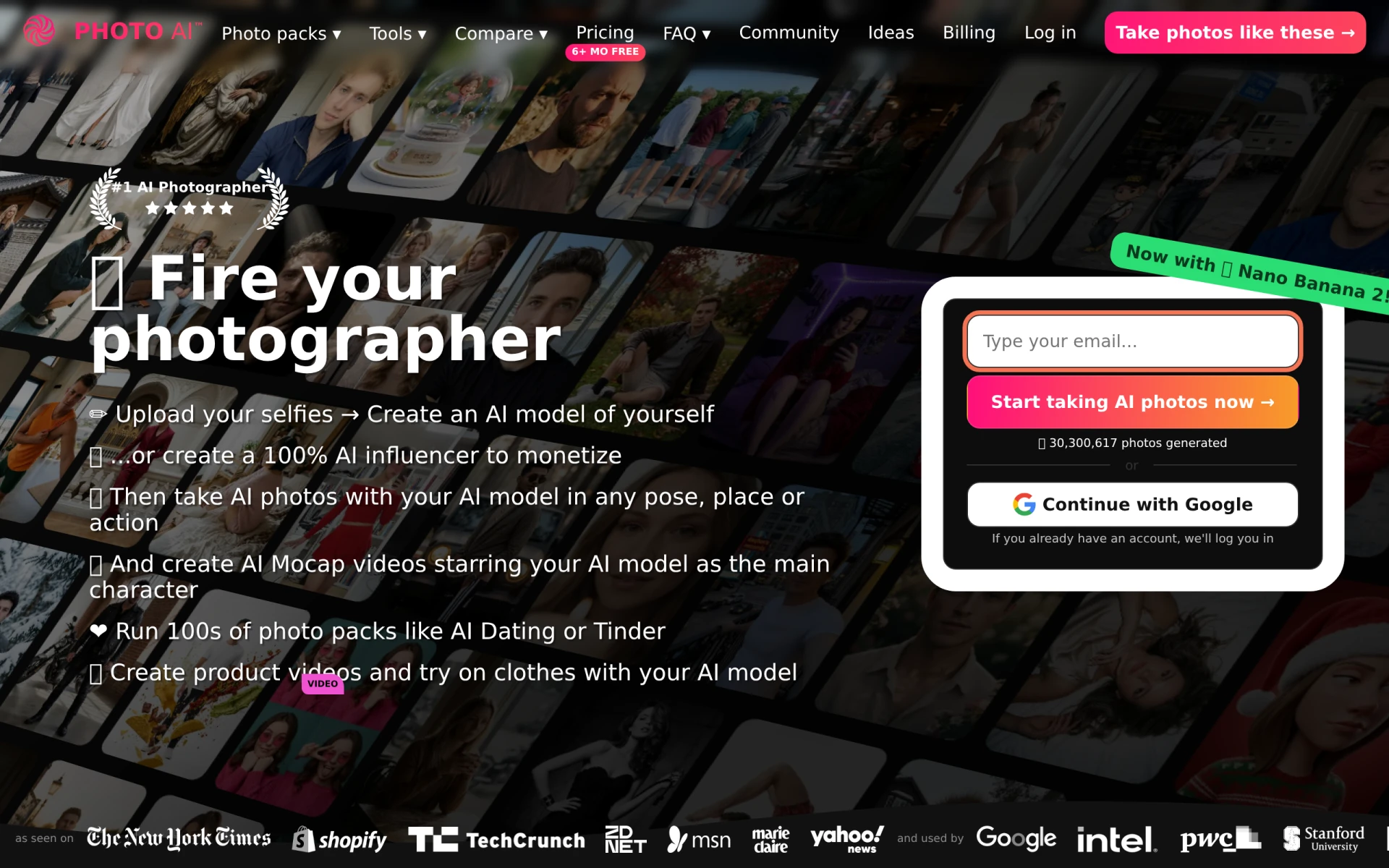 is an advanced AI image and video generator that creates photorealistic images of people, making it a unique alternative to Face26. While Face26 primarily enhances existing images, Photo AI offers innovative tools for generating entirely new images based on user input. This distinction makes it particularly useful for those in creative fields such as advertising or social media, where unique imagery can significantly impact engagement and branding.
The ability to generate high-quality images from scratch allows users to explore creative avenues that Face26 does not support. Additionally, the photorealistic output of Photo AI caters to professionals looking to produce compelling visuals without relying on stock photos. Although Face26 excels in enhancing photographs, it lacks the innovative image generation capabilities that Photo AI brings to the table, making it a strong choice for users seeking creativity and originality.
Pricing: Freemium with pricing details currently unavailable. Best for: Creative professionals looking for unique image generation.
ProPhotos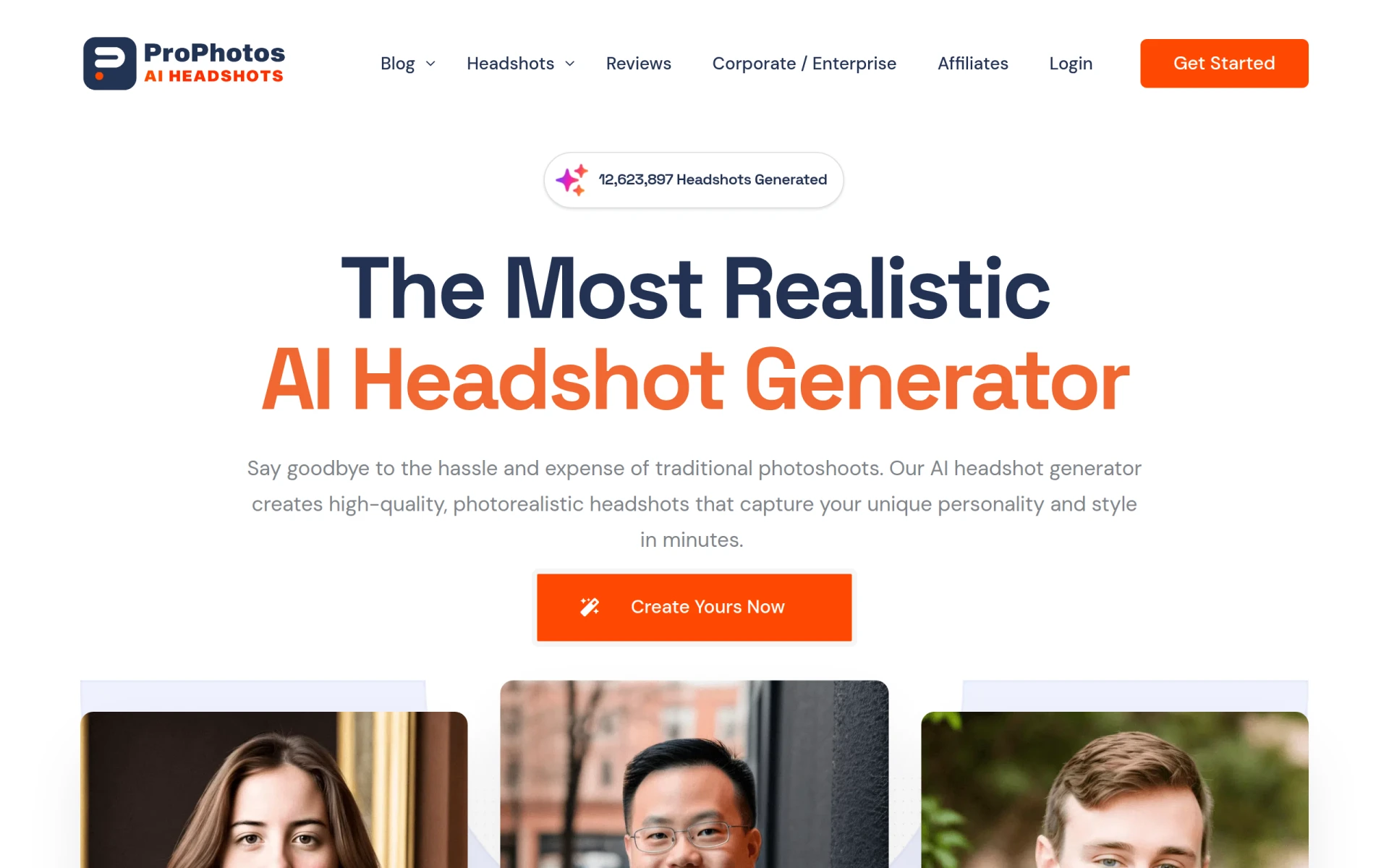 is an AI-powered photo editing tool designed for quick and efficient image enhancements. It serves as a great alternative to Face26 by prioritizing speed and efficiency, making it ideal for users who need to process images rapidly. While Face26 focuses on enhancing image quality, ProPhotos offers a variety of editing tools that allow for swift adjustments, making it particularly appealing to social media managers and content creators.
The tool’s ability to deliver quick results without sacrificing quality sets it apart from Face26, which may require more time for comprehensive edits. ProPhotos allows users to make adjustments and enhancements in a matter of clicks, streamlining the editing process for those on tight schedules. This makes ProPhotos an excellent option for users who need to balance quality with efficiency in their editing workflow.
Pricing: Freemium, with details not explicitly available. Best for: Users needing quick enhancements for social media.
Alter AI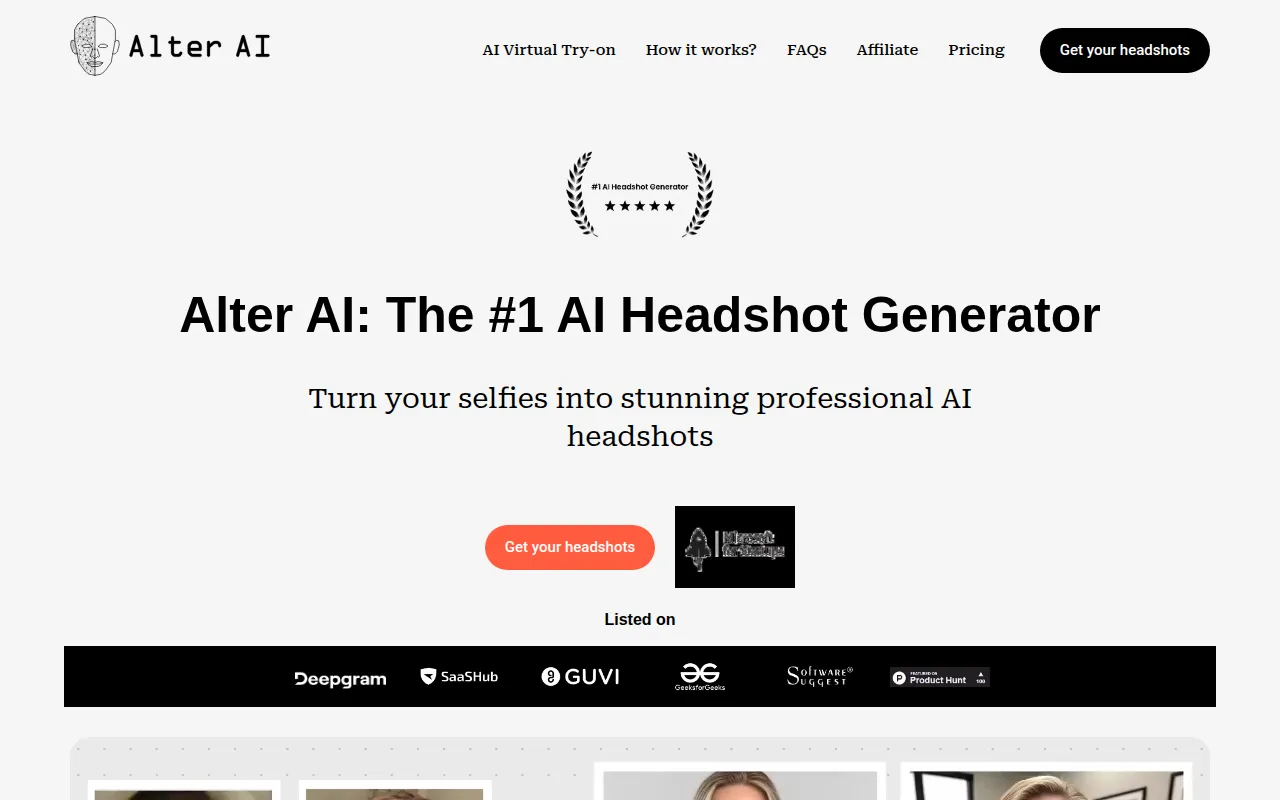 is an AI headshot generator that transforms selfies into professional-quality images, making it an excellent alternative for users looking to enhance their personal branding. Unlike Face26, which primarily enhances existing photographs, Alter AI focuses specifically on creating high-quality headshots that can be used for professional purposes. This makes it particularly appealing to job seekers, entrepreneurs, and anyone looking to improve their online presence.
The tool’s ability to convert casual photos into polished headshots sets it apart from Face26, which does not cater specifically to this niche. Users can quickly upload their selfies and receive professionally edited images in return, simplifying the process of obtaining high-quality profile pictures. This unique focus on headshot generation makes Alter AI a strong choice for individuals who prioritize their professional image and want an efficient solution.
Pricing: Freemium, with pricing details currently unavailable. Best for: Users needing professional headshots for branding.
Pixlr is a versatile online AI photo editor and image generator that empowers users to enhance images and create graphics effortlessly. It stands out as a formidable alternative to Face26 by offering a comprehensive set of editing tools that cater to a wide range of needs. While Face26 focuses predominantly on enhancement, Pixlr provides a full suite of editing capabilities, including layering, effects, and text overlays, making it ideal for graphic design projects.
The flexibility of Pixlr allows users to engage in complex editing tasks, which Face26 may not support. This makes it particularly appealing for designers and marketers who require not just enhancement but also creative freedom in their projects. The ability to work on both photos and graphics sets Pixlr apart, offering a one-stop solution for users who need powerful editing tools without the steep learning curve of traditional software.
Pricing: Freemium with a subscription model for advanced functionalities. Best for: Users needing comprehensive editing capabilities.
MagicPhotos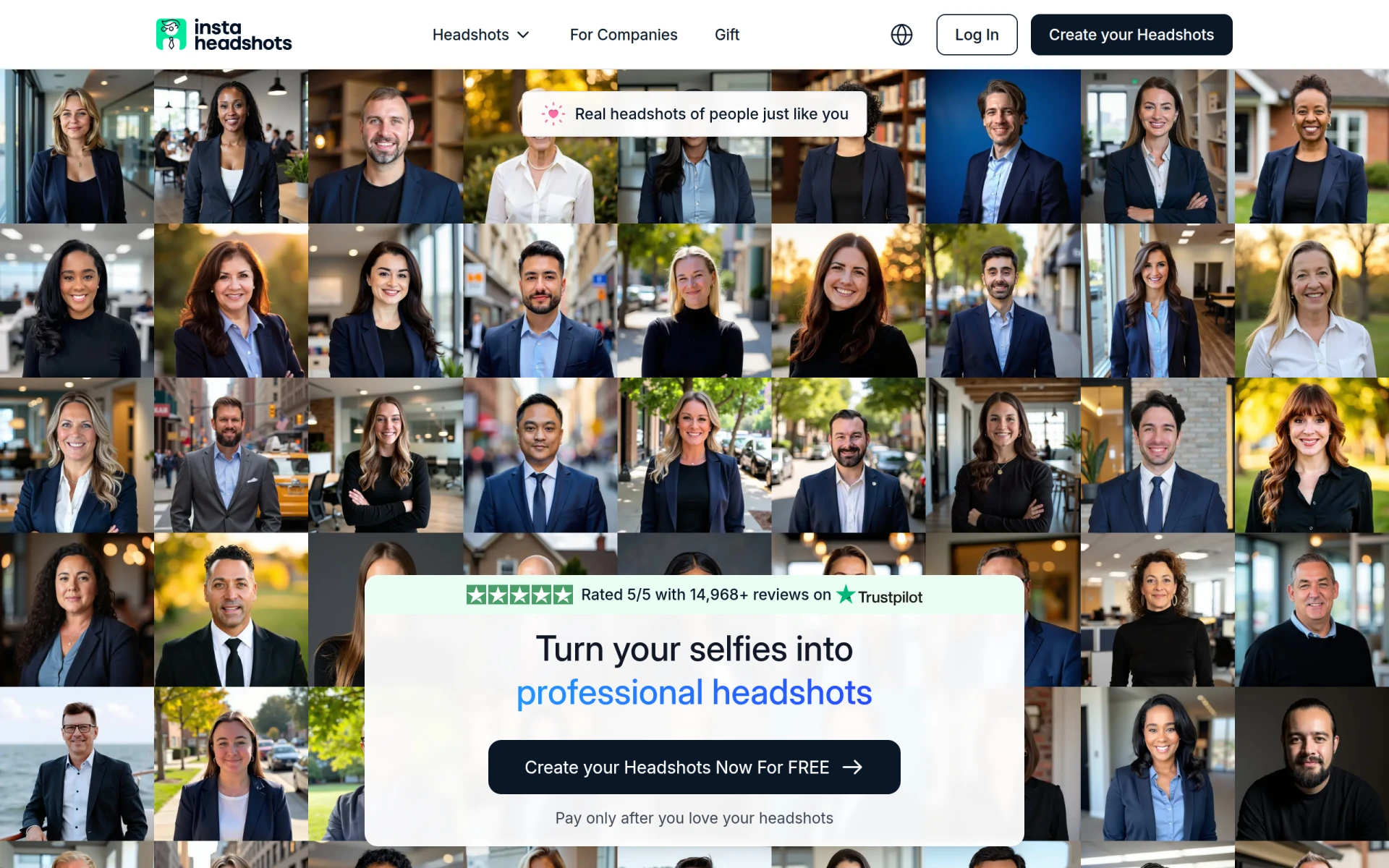 is another AI-driven headshot generator that quickly transforms selfies into professional-quality headshots. This tool is a strong alternative to Face26 for those specifically looking to enhance their personal image for professional online profiles. Unlike Face26, which primarily focuses on enhancing existing images, MagicPhotos offers an efficient solution for generating high-quality headshots that can be used in various professional contexts.
The quick turnaround and ease of use make MagicPhotos appealing for users who may not have the time or resources to invest in traditional photo shoots. This efficiency in producing quality headshots is a significant advantage compared to Face26, which does not cater specifically to headshot generation. Users can expect reliable results in a fraction of the time, making MagicPhotos a great choice for busy professionals.
Pricing: Freemium, with pricing information currently unavailable. Best for: Users needing efficient headshot generation.
Profile Picture AI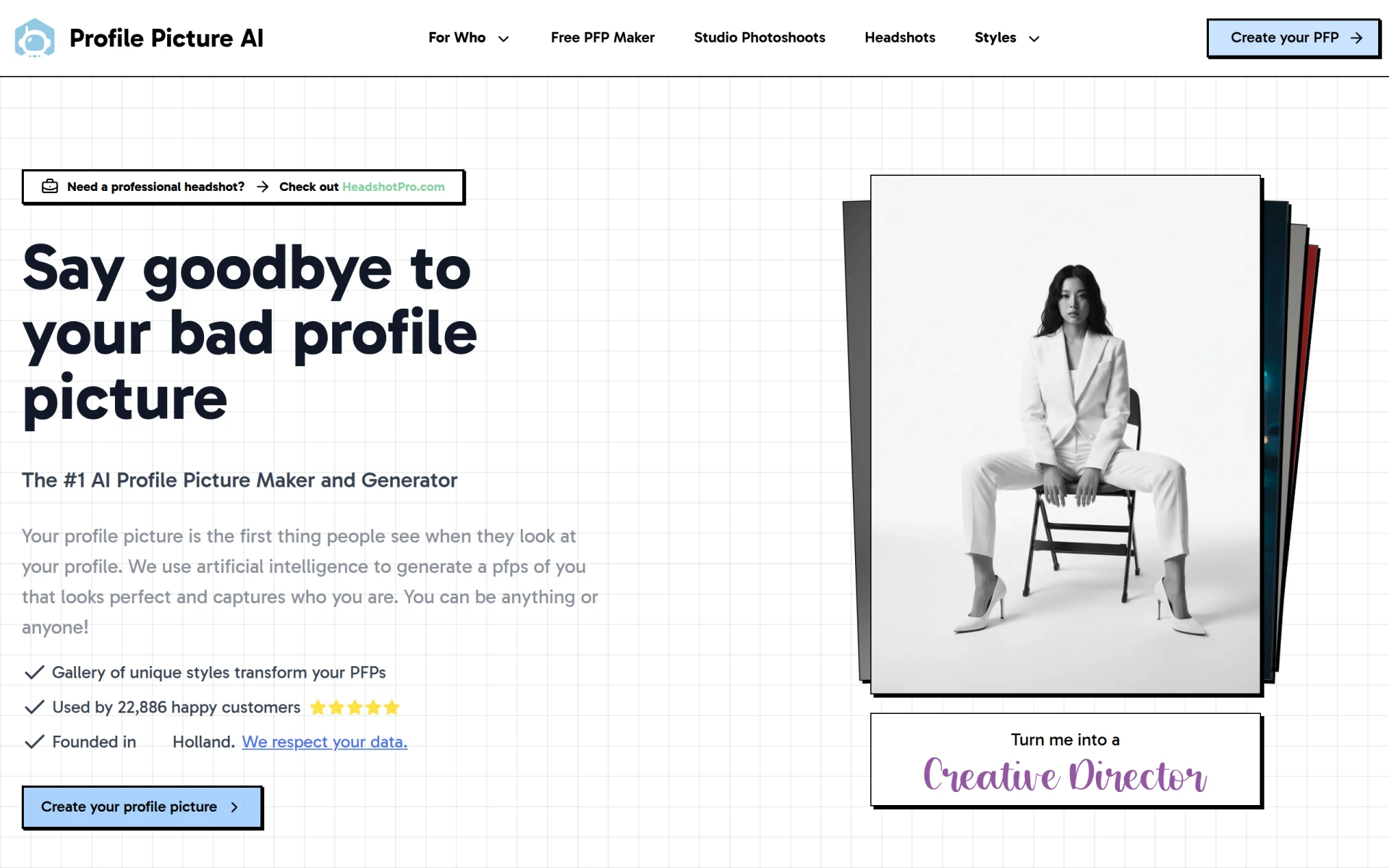 focuses on creating personalized AI-generated profile pictures, making it a valuable alternative for users looking to enhance their online presence. Unlike Face26, which primarily enhances existing images, Profile Picture AI specializes in generating unique profile pictures tailored to individual users. This distinct focus on personalization makes it particularly appealing for social media users and professionals who want their online images to reflect their personality and branding.
The ability to create customized images sets Profile Picture AI apart from Face26, which does not offer this level of personalization. Users can easily generate a variety of profile pictures that resonate with their personal style, enhancing their online branding efforts. This makes Profile Picture AI a strong choice for individuals who prioritize a unique online presence and want to stand out in a crowded digital space.
Pricing: Freemium with pricing information currently unavailable. Best for: Users seeking personalized profile images.
Let’s Enhance is an AI-powered tool that excels in enhancing and upscaling images and videos online, making it a strong alternative to Face26. While Face26 focuses on enhancing image quality, Let’s Enhance offers robust features for users needing to process large volumes of images efficiently. This makes it particularly appealing for photographers, e-commerce businesses, and anyone who regularly works with numerous images.
The tool's ability to batch process images while maintaining high quality is a significant advantage over Face26, which may not support such extensive features. Users can easily upload multiple images and enhance them simultaneously, saving time and effort. This efficiency, combined with the high-quality results, positions Let’s Enhance as a go-to solution for those who require both quality and speed in their image enhancement tasks.
Pricing: Freemium with subscription options for extensive usage. Best for: Users needing to enhance large volumes of images.
Prisma is an AI-powered photo and video editing tool that transforms images into artistic styles with ease, making it a unique alternative to Face26. While Face26 focuses on enhancing image quality, Prisma allows users to apply various artistic filters and styles, turning ordinary photos into creative masterpieces. This makes it particularly appealing for artists, designers, and social media users who want to add a creative touch to their visuals.
The tool's ability to transform images into artwork sets it apart from Face26, which does not cater to artistic transformations. Users can experiment with different styles, giving their images a distinctive flair that stands out on social platforms. For those looking to infuse creativity into their photos rather than just enhancing them, Prisma offers a compelling alternative that aligns with artistic expression and creativity.
Pricing: Freemium, with pricing details not explicitly available. Best for: Users looking for artistic photo transformations.
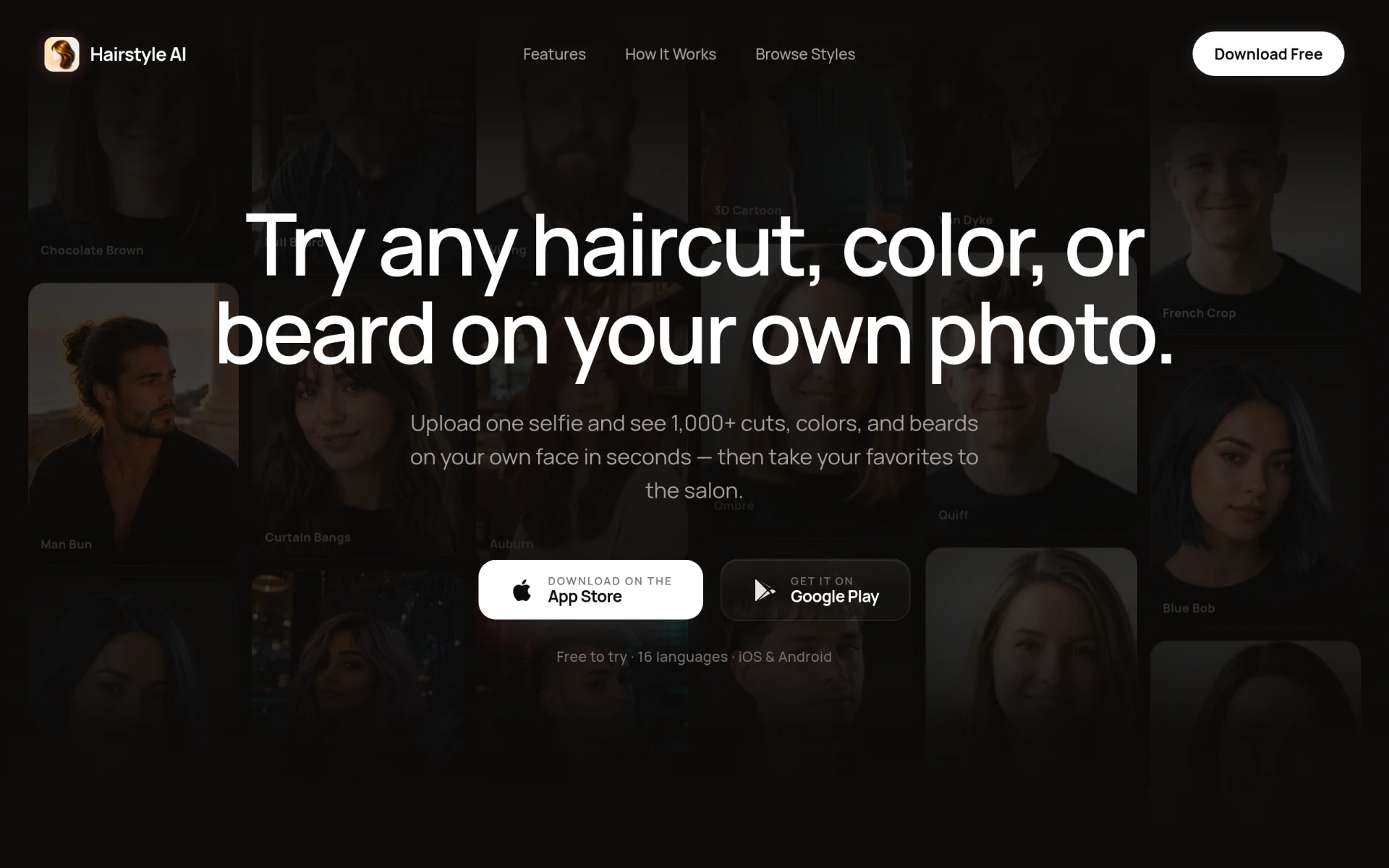
Hairstyle AI allows users to try on over 1,000 haircuts and colors using their own photos, making it a unique alternative to Face26 for those interested in personal styling. Unlike Face26, which focuses on enhancing photos, Hairstyle AI specializes in providing a fun and engaging way for users to visualize potential hairstyle changes. This makes it particularly appealing for individuals contemplating a new look or simply wanting to experiment with different styles.
The interactive nature of Hairstyle AI sets it apart from Face26, which does not offer such specialized visualization tools. Users can upload their photos and see how various hairstyles and colors would look on them in real-time, making the decision-making process much more informed and enjoyable. For those looking to explore personal style and hair options, Hairstyle AI presents a compelling alternative that adds a creative twist to photo enhancements.
Pricing: Freemium with subscription priced at $4.99 per week for unlimited access. Best for: Users wanting to visualize hairstyle changes.
| Tool | Best For | Starting Price | Free Plan | Standout Feature |
|---|---|---|---|---|
| Face26 | Image enhancement | Freemium | Yes | AI-powered sharpness enhancement |
| Photor AI | Comprehensive photo analysis | $9.99/mo | Yes | Age transformation and face restoration |
| Image Upscaler | High-quality upscaling | Freemium | Yes | Detail retention during enlargement |
| PicMa Studio | Simplified editing | Freemium | No | Streamlined editing process |
| Slazzer | Background removal | Freemium | Yes | Quick background isolation |
| Pokecut | Free image editing | Freemium | Yes | AI-driven enhancements |
| AI Image Enlarger | Advanced upscaling | Freemium | Yes | Superior detail retention |
| Photo AI | Image generation | Freemium | No | Photorealistic image creation |
| ProPhotos | Quick enhancements | Freemium | No | Fast image processing |
| Alter AI | Professional headshots | Freemium | No | Specialized headshot generation |
Pixlr: AI-Powered Editor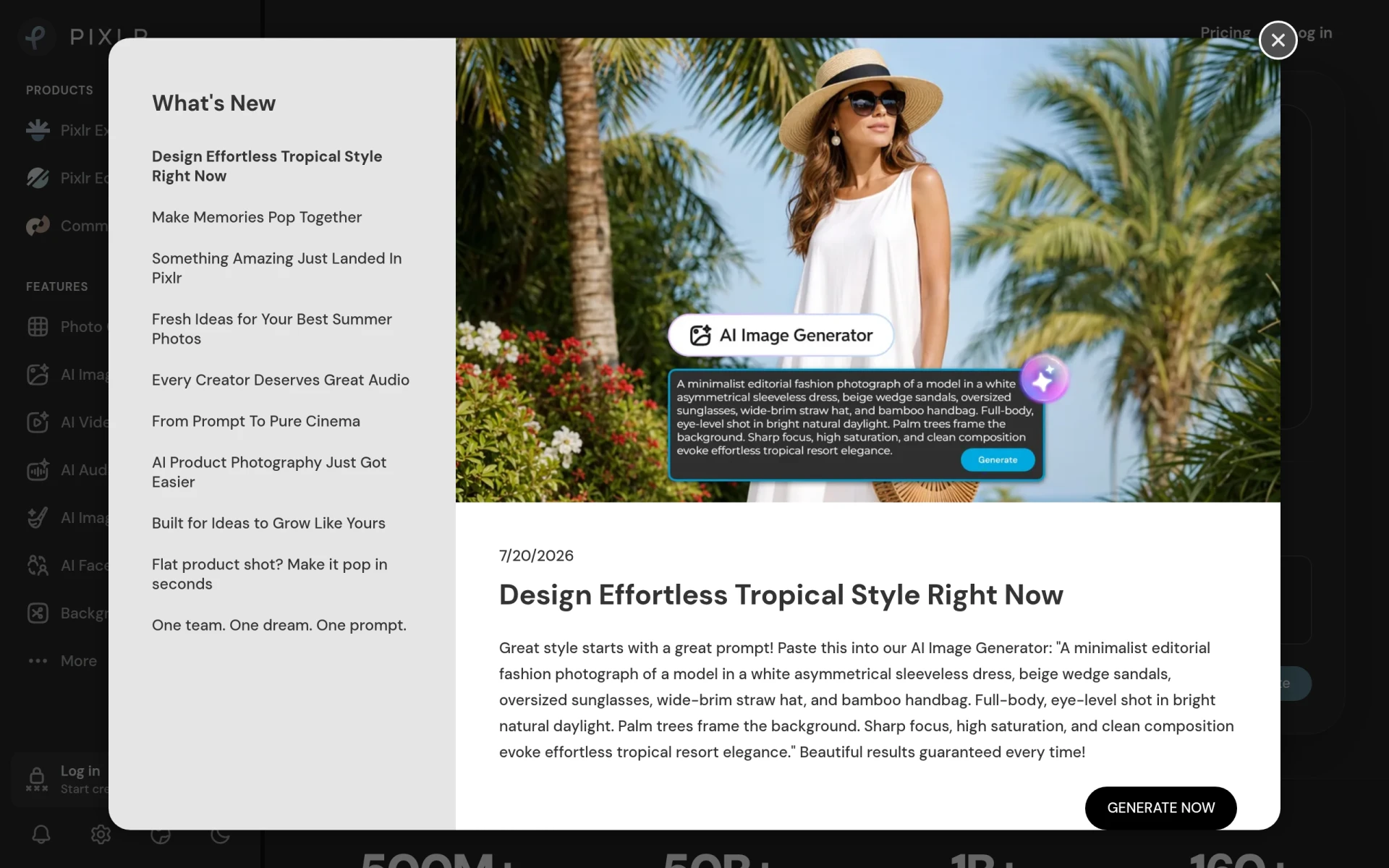 | Comprehensive editing | Freemium | Yes | Full suite of editing tools |
| MagicPhotos | Efficient headshot generation | Freemium | No | Fast headshot transformations |
| Profile Picture AI | Personalized profile images | Freemium | No | Custom profile picture creation |
| Let's Enhance | High-volume enhancements | Freemium | Yes | Batch processing capabilities |
| Prisma | Artistic transformations | Freemium | No | Unique artistic filters |
| Hairstyle AI | Hairstyle visualization | $4.99/wk | Yes | Interactive hairstyle testing |
Choosing the right alternative to Face26 largely depends on your specific needs and use cases. For users focused on comprehensive photo analysis and creative transformations, Photor AI is an excellent choice due to its range of features that go beyond simple enhancements. If your priority is upscaling images without losing detail, then Image Upscaler or AI Image Enlarger will serve you well, providing superior results in this area.
For those who need quick results for social media or marketing, tools like ProPhotos and PicMa Studio offer efficient solutions that streamline the editing process. If you are looking to create unique profile images or headshots, both Alter AI and MagicPhotos specialize in this, allowing users to enhance their personal branding effortlessly. Ultimately, understanding your primary use case—whether it be artistic transformations, professional headshots, or efficient background removal—will guide you toward the best alternative to Face26.
In conclusion, while Face26 provides solid image enhancement capabilities, its limitations in feature diversity and unclear pricing may encourage users to seek alternatives. Depending on your specific needs, tools like Photor AI, Image Upscaler, or ProPhotos could emerge as superior choices for comprehensive editing, high-quality upscaling, or quick enhancements. The best choice will ultimately depend on what functionalities you prioritize in your photo editing journey.
Photor AI offers AI-powered tools for photo analysis, age transformation, and face restoration.
ImgUpscaler is an online tool for enhancing and upscaling images using AI technology, ideal for improving photo quality without losing detail.
PicMa Studio is an AI-powered photo editing tool that enhances images and simplifies the editing process for users.
Slazzer is an AI-powered tool for removing backgrounds from images quickly and effortlessly.
Pokecut is a free online AI photo editor that allows users to enhance and generate images easily.
AI Image Enlarger is an online tool for enhancing and upscaling images using advanced AI technology.
Photo AI is an advanced AI image and video generator that creates photorealistic images of people.
ProPhotos is an AI-powered photo editing tool designed to enhance images quickly and efficiently.
Alter AI is an AI headshot generator that transforms selfies into professional-quality images for personal branding.
Pixlr is a free online AI photo editor and image generator that enables users to enhance images and create graphics effortlessly.
MagicPhotos is an AI-driven headshot generator that transforms selfies into professional-quality headshots quickly and easily.
Profile Picture AI creates personalized AI-generated profile pictures to enhance your online presence.
Let's Enhance is an AI-powered tool for enhancing and upscaling images and videos online.
Prisma is an AI-powered photo and video editing tool that transforms images into artistic styles with ease.
Hairstyle AI allows users to try on over 1,000 haircuts and colors using their own photos, making hairstyle decisions easier.
Switching from Face26 may be beneficial due to its unclear pricing structure and limited editing features. Alternatives often provide more transparency in costs and a broader range of functionalities, which can enhance your photo editing experience.
One of the best alternatives to Face26 is Adobe Photoshop Express, known for its robust editing tools and user-friendly interface. It offers advanced features like background removal and comprehensive photo analysis, making it suitable for both beginners and professionals.
Many alternatives to Face26 offer varied pricing models, including subscription-based and one-time payment options. Some alternatives are even completely free, allowing users to access premium features without the freemium model's ambiguity.
Yes, there are several free alternatives to Face26, such as GIMP and Pixlr. These tools provide a range of features that can meet your photo editing needs without any cost, making them great options for budget-conscious users.
When migrating from Face26, start by exporting your edited photos and any original images you want to keep. Familiarize yourself with the new platform's features through tutorials and user guides to make the transition smoother and maximize your editing capabilities.
A common concern is the fear of losing existing photo edits or familiarity with the interface. However, most alternatives offer straightforward features and user support, which can help ease the transition and improve your editing workflows.
Weekly roundup of new AI tools, launches, and trending software. No spam — unsubscribe anytime.
No credit card required · Cancel anytime
Weekly roundup of new AI tools, launches, and trending software. No spam — unsubscribe anytime.
No credit card required · Cancel anytime