Why Look for Alternatives to Gling?
While Gling offers a compelling AI-driven video editing solution for YouTube creators, many users find certain limitations that prompt them to seek alternatives. One of the most significant pain points is the lack of transparency in pricing. Although Gling provides a freemium model, specific details regarding pricing plans are currently unavailable, leading to uncertainty for users who may want to scale their video production. This ambiguity can be frustrating for creators who need to budget their resources effectively. In addition, users have reported that Gling’s user interface, while functional, can be overwhelming for beginners. As a result, those who are new to video editing may struggle to navigate through the myriad of features without a clear guidance system.
Moreover, Gling may not fully accommodate all types of video content creation. For instance, users looking for more specialized tools for social media clips or high-quality marketing videos might find Gling lacking in advanced editing capabilities. The absence of certain features, such as customizable templates or collaborative tools, can hinder teamwork and creativity, which are essential for growing channels. Therefore, exploring alternatives that provide not only a clearer pricing structure but also specialized features and user-friendly interfaces is crucial for creators aiming to enhance their video production workflow.
Best Alternatives to Gling in 2026
VideoGen - Best for Rapid Video Creation
VideoGen stands out as an excellent alternative to Gling for users prioritizing speed and efficiency in video creation. This AI-powered video generator allows users to quickly create and edit videos with minimal effort, making it ideal for busy content creators who often juggle multiple projects. Unlike Gling, which can overwhelm new users with its extensive feature set, VideoGen offers a more streamlined approach, guiding users through the editing process with intuitive tools. This can significantly reduce the learning curve for beginners, enabling them to produce professional-looking videos in a fraction of the time.
Furthermore, VideoGen has a pricing model that is straightforward and affordable. At just $16 per month, users gain access to a variety of features, including customizable templates, stock footage, and audio tracks. This pricing strategy allows creators to optimize their video production without breaking the bank, especially beneficial for those just starting out. The platform's collaborative features also make it a strong choice for teams looking to work together on video projects seamlessly.
- Key Strength: Exceptional speed in video creation compared to Gling.
- Key Strength: User-friendly interface that reduces the learning curve.
- Key Strength: Affordable pricing with a variety of features.
- Limitation: May lack advanced editing tools for professional users.
Pricing: $16 per month. Best for: Beginners and busy creators seeking quick video solutions.
Similar Video - Best for Effortless Editing
Similar Video is an innovative AI-powered tool designed to simplify the video editing process, making it an attractive alternative to Gling for users who prefer effortless content creation. The platform’s unique ability to generate video content with minimal input allows creators to focus on their core message rather than getting bogged down in technical details. This ease of use is a significant advantage over Gling, which can sometimes overwhelm users with too many options and features that require a learning curve.
One of the standout features of Similar Video is its intelligent content generation capabilities, which can automatically suggest video elements based on the user’s input. This can be particularly beneficial for YouTube creators looking to streamline their workflow and produce more content in less time. While specific pricing information is not disclosed, the freemium model allows users to explore essential features before committing financially, providing a risk-free opportunity to assess its effectiveness in meeting their video editing needs.
- Key Strength: Intelligent content generation that simplifies the editing process.
- Key Strength: Minimal input required from users for video creation.
- Key Strength: Freemium model allows for risk-free exploration.
- Limitation: Lack of detailed pricing information can be a drawback for budgeting.
Pricing: Currently not available. Best for: Users seeking a hassle-free video creation experience.
Vid.AI - Best for All Skill Levels
Vid.AI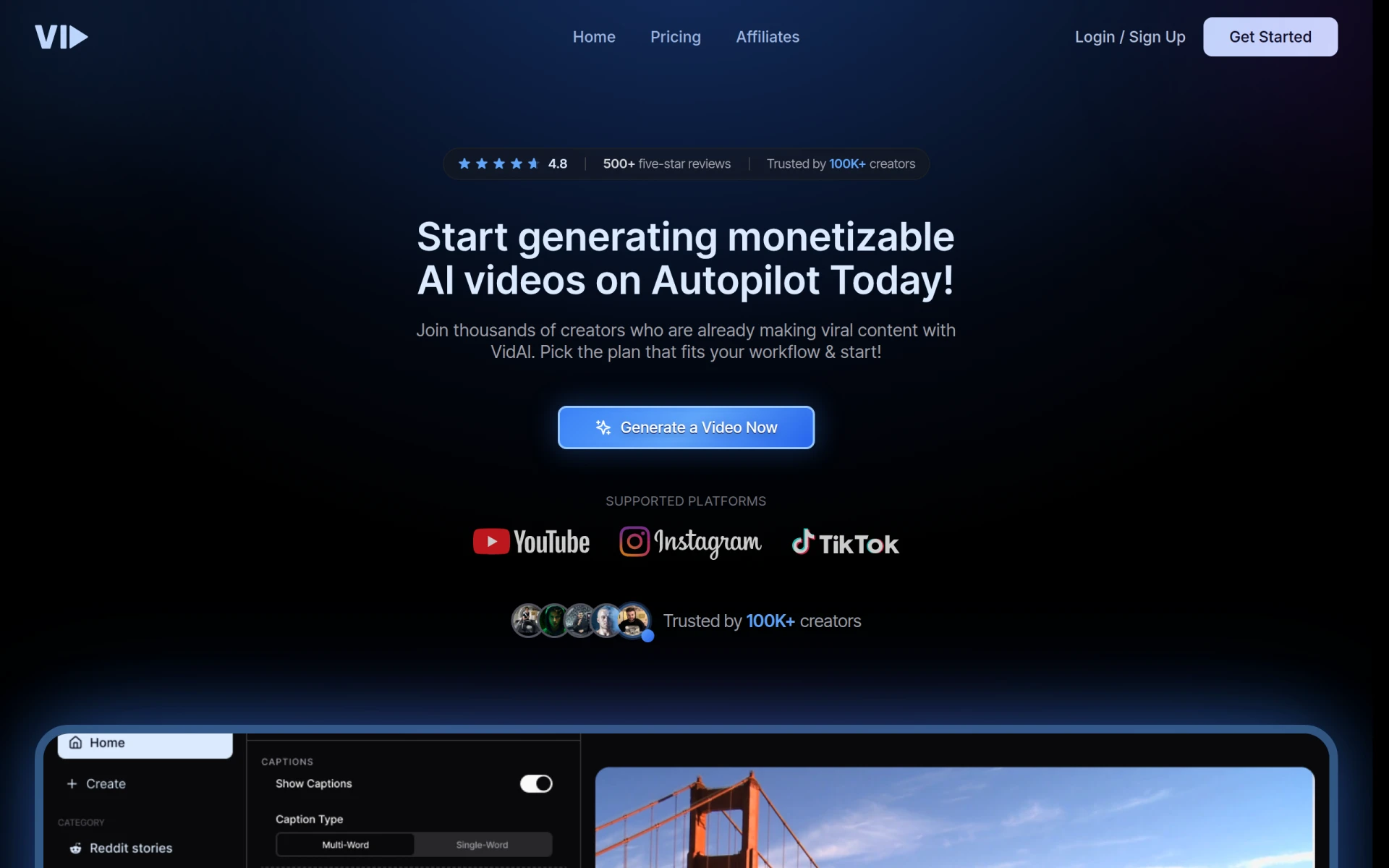 is another noteworthy alternative that caters to users across all skill levels who want to simplify the video creation process. This platform leverages advanced AI technology to streamline video editing, making it accessible for beginners while still offering enough depth for more experienced users. Unlike Gling, which may be more focused on YouTube-specific tools, Vid.AI provides a versatile approach to video creation, allowing users to produce content for various platforms, including social media and marketing campaigns.
One of Vid.AI’s strengths lies in its user-friendly interface, which is designed to guide users through the editing process effectively. The platform offers a range of editing features such as text overlays, transitions, and audio integration, making it easy to create engaging content without extensive technical knowledge. Although specific pricing information is not readily available, the freemium model allows users to test the platform's basic capabilities before committing to any paid plans, which is particularly appealing for those who are hesitant to invest upfront.
- Key Strength: User-friendly interface suitable for all skill levels.
- Key Strength: Versatile platform for various video content needs.
- Key Strength: Comprehensive editing features without complexity.
- Limitation: Lack of clear pricing can make budgeting difficult.
Pricing: Currently not available. Best for: Users at any skill level looking for a versatile video editing solution.
Wan - Best for Creative Processes
Wan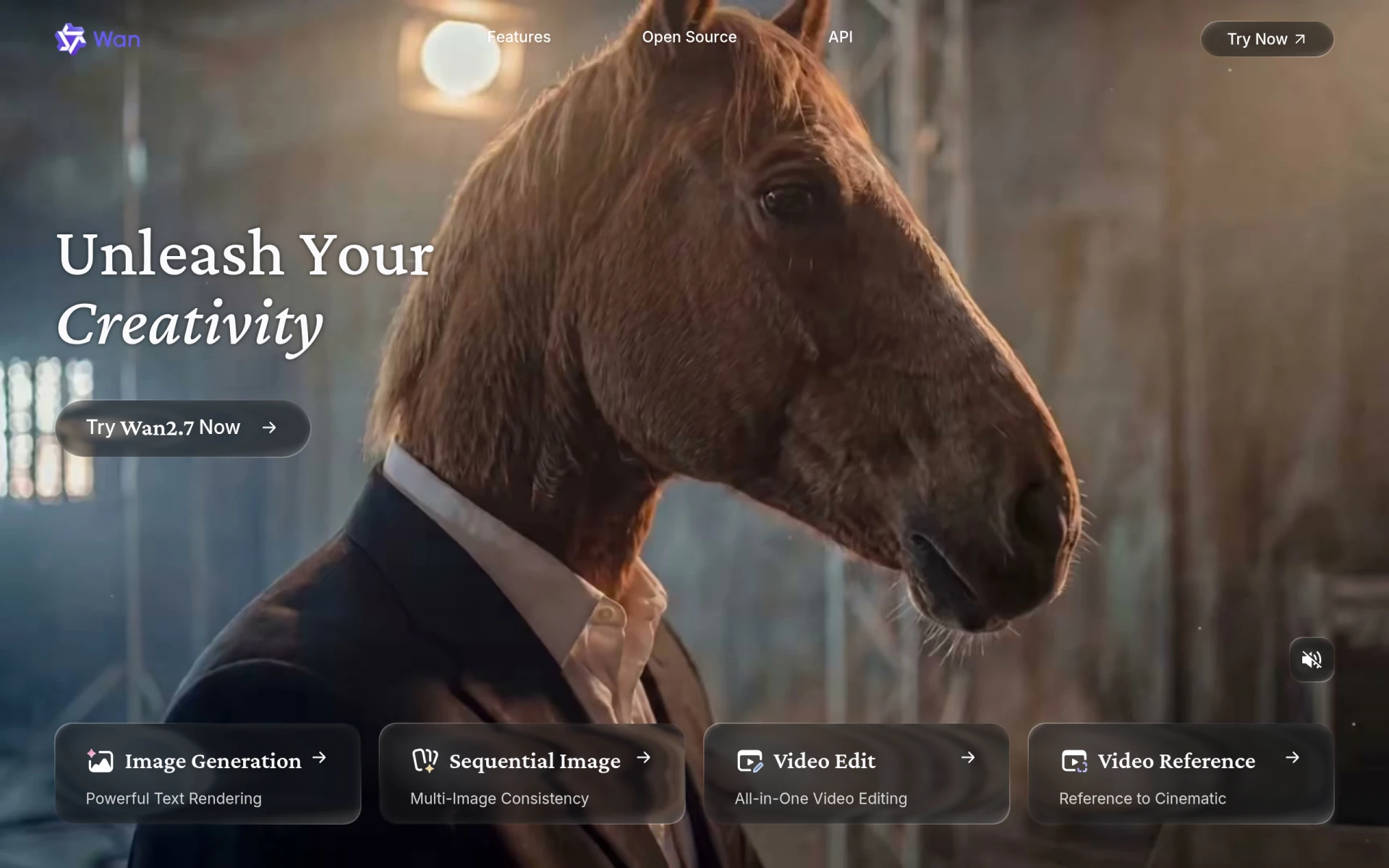 positions itself as a creative powerhouse in the realm of video editing and generation, making it an excellent alternative for users looking to simplify their creative processes. While Gling focuses heavily on serving YouTube creators, Wan caters to a broader audience, including marketers and social media managers, who require flexible and innovative video solutions. The platform's AI-driven capabilities help users generate and edit videos quickly, allowing for rapid prototyping and experimentation with content.
One of Wan’s key advantages is its focus on creative tools that empower users to express their ideas visually. The platform offers a range of templates and customizable features that enable users to create unique videos tailored to their specific needs. Although the pricing information is not explicitly available, the freemium model allows users to explore its features without financial commitment, making it an attractive option for those who want to test the waters before diving in.
- Key Strength: Strong focus on creativity and unique video content.
- Key Strength: Flexible tools for a variety of users and projects.
- Key Strength: Rapid video generation capabilities.
- Limitation: Lack of detailed pricing may hinder users' ability to budget.
Pricing: Currently not available. Best for: Creatives looking for flexible video editing tools.
Spikes Studio - Best for Social Media Creators
For social media creators looking for an edge in their video production, Spikes Studio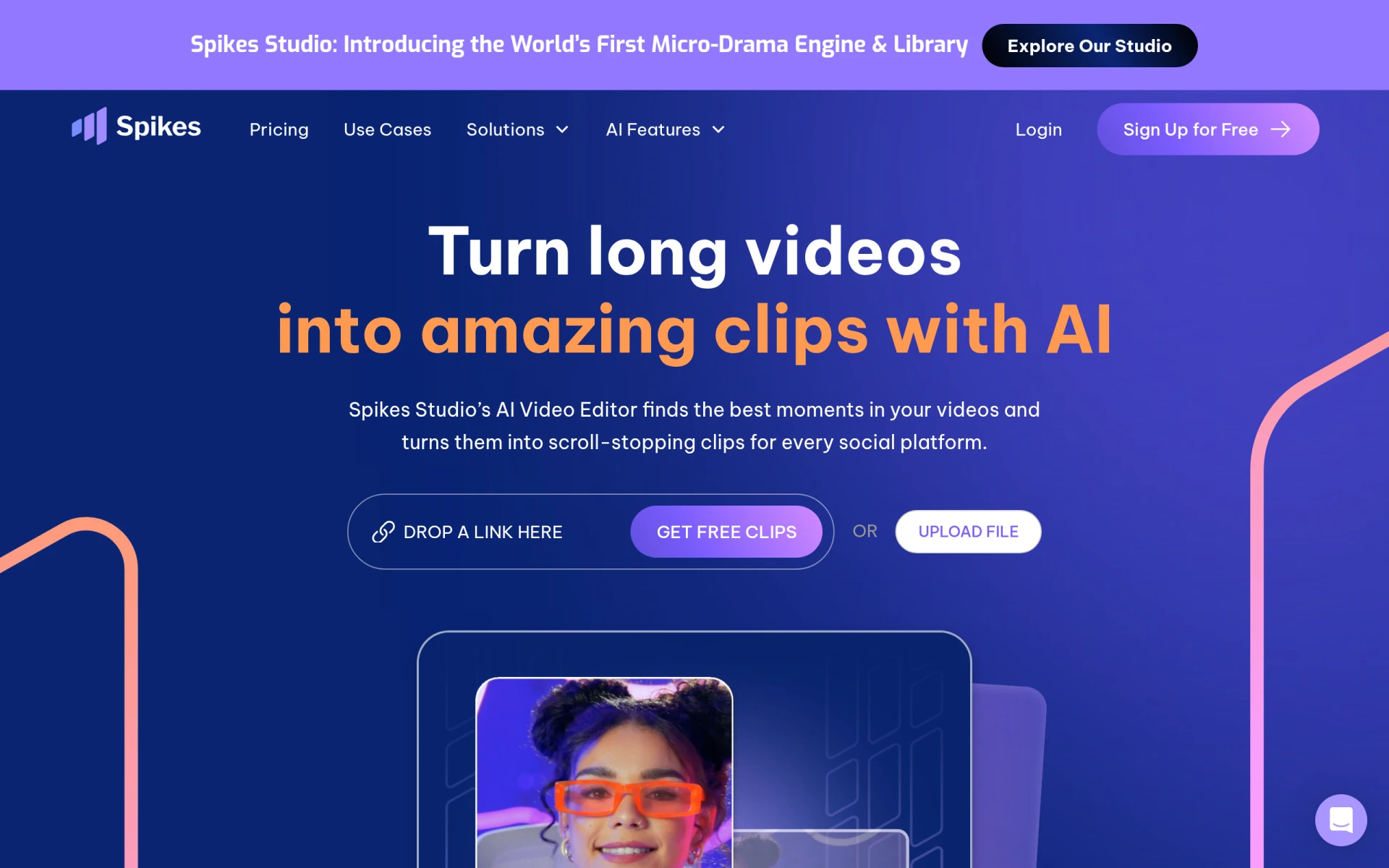 offers a robust alternative to Gling. This AI-driven video editing tool is specifically designed to create engaging clips tailored for platforms like YouTube, TikTok, and Twitch. Spikes Studio excels in providing features that resonate with the needs of social media marketers, making it easier to produce content that captures attention and drives engagement. In comparison, Gling’s focus is more on traditional YouTube content, which may not meet the dynamic needs of social media creators.
One of the standout features of Spikes Studio is its extensive library of templates and effects that are optimized for social media platforms. Users can easily create eye-catching videos that stand out in crowded feeds. The platform also offers a free plan alongside a Pro plan that starts at $14.09 per month when billed annually, making it accessible for both individual creators and teams. This pricing structure allows users to choose the plan that best suits their production needs, providing flexibility as they scale their content strategies.
- Key Strength: Extensive library of social media-optimized templates.
- Key Strength: Affordable pricing plans for individual and team use.
- Key Strength: Designed specifically for platforms like YouTube, TikTok, and Twitch.
- Limitation: Limited features for users focused on long-form content.
Pricing: Free plan available; Pro plan starts at $14.09/month. Best for: Social media creators seeking engaging video production tools.
Instories - Best for Visual Storytelling
Instories is an AI video and content creation platform that excels in helping users craft visually compelling stories. This makes it a fantastic alternative for those who prioritize narrative-driven video content. Unlike Gling, which primarily focuses on video editing for YouTube creators, Instories provides users with tools designed specifically for storytelling, allowing them to create more immersive and engaging video experiences. This focus on visual storytelling can be particularly beneficial for marketers and brands aiming to communicate their message effectively.
Instories features a variety of templates and design elements that enable users to create visually stunning videos with ease. The platform’s AI-driven capabilities assist in automating certain aspects of the editing process, ensuring that users can produce high-quality content without extensive video editing skills. Although specific pricing information is not available, the freemium model allows prospective users to explore the platform's features before making a financial commitment, which is a significant advantage for those wary of upfront costs.
- Key Strength: Strong focus on visual storytelling and narrative-driven content.
- Key Strength: Variety of templates and design elements for stunning visuals.
- Key Strength: AI-driven assistance to automate editing tasks.
- Limitation: Pricing information not disclosed, creating uncertainty.
Pricing: Currently not available. Best for: Marketers and brands focused on visual storytelling.
Pippit AI - Best for Multi-Format Content Creation
Pippit AI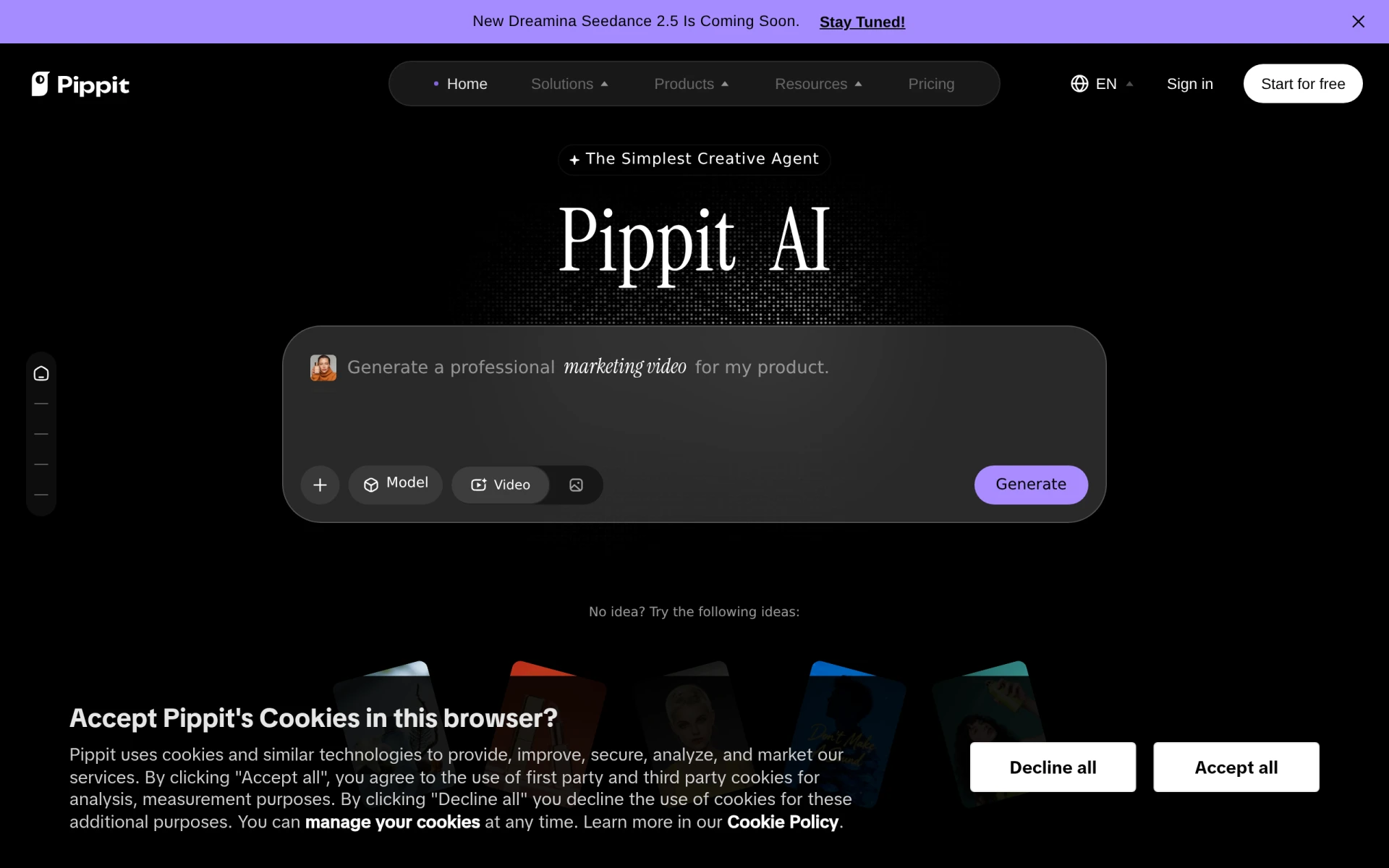 stands out as a versatile platform for users looking to generate various types of media, including videos, images, and ads. This makes it an excellent alternative for content creators who require flexibility in their production capabilities. Unlike Gling, which is primarily focused on video editing for YouTube, Pippit AI allows users to diversify their content formats, catering to a broader range of marketing needs. This capability can be particularly beneficial for brands that want to maintain a consistent visual presence across multiple platforms.
The platform's features are designed to simplify the content creation process, enabling users to generate professional-quality media quickly. Pippit AI offers a free plan, along with a Starter plan priced at $120 monthly or $200 yearly, providing flexibility for users depending on their content needs and budget. This pricing structure allows creators to choose a plan that aligns with their production goals, making Pippit AI a practical choice for businesses seeking comprehensive content solutions.
- Key Strength: Multi-format content creation capabilities beyond video.
- Key Strength: Simplified media generation process for quick results.
- Key Strength: Flexible pricing plans to accommodate various budgets.
- Limitation: Higher pricing for the Starter plan may deter budget-conscious users.
Pricing: Free plan available; Starter plan at $120/month or $200/year. Best for: Brands seeking multi-format content generation.
VEED.IO - Best for Marketers and Solopreneurs
VEED.IO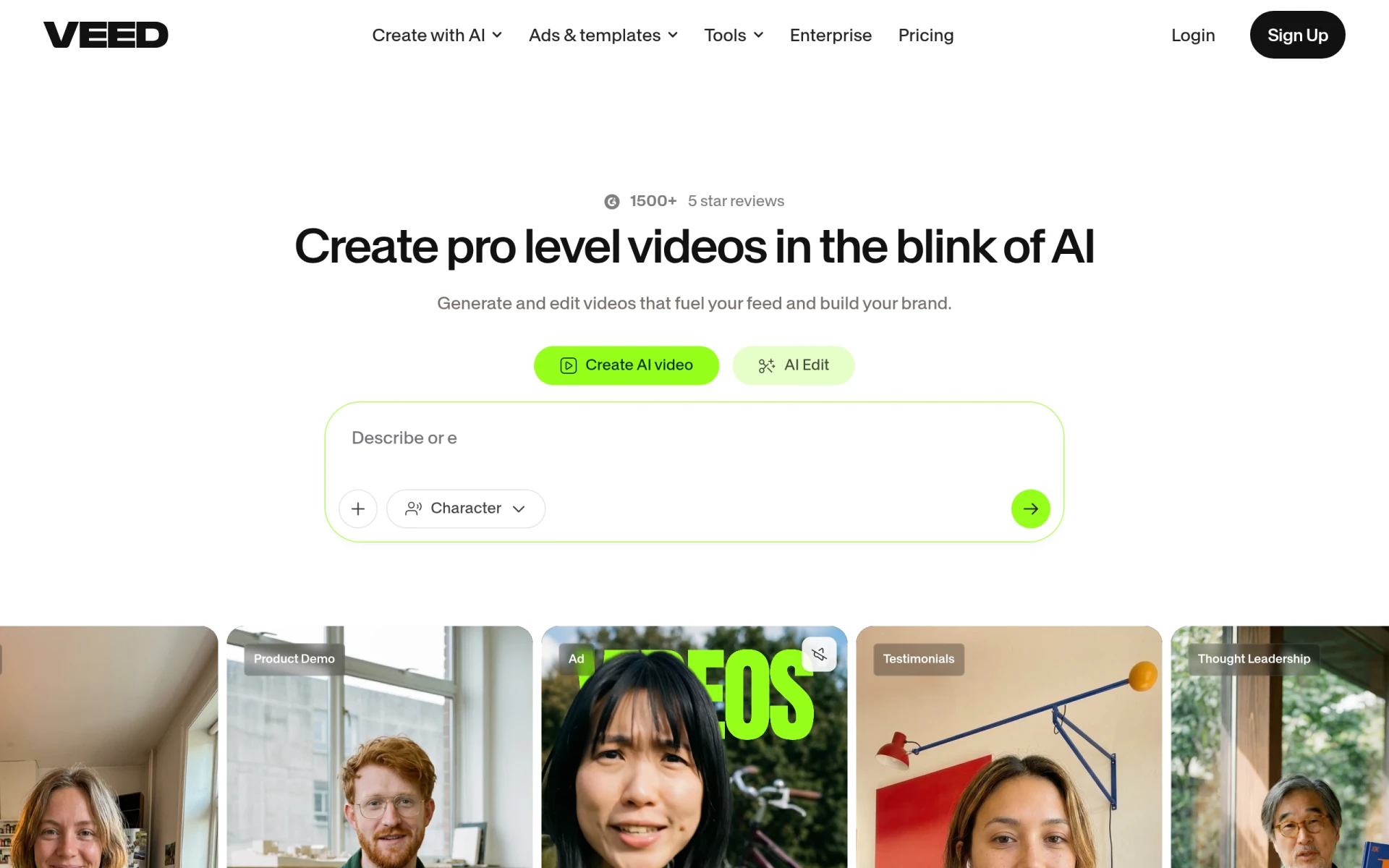 is an AI-powered video creation and editing platform designed with marketers and solopreneurs in mind. This makes it a compelling alternative to Gling for users looking to produce engaging content efficiently. VEED.IO offers features that cater specifically to the needs of online marketers, such as subtitle generation, video compression, and social media sharing capabilities. This targeted approach can significantly streamline the content creation process compared to Gling, which may not offer the same level of marketing-specific tools.
The platform’s user-friendly interface allows users to easily navigate through various editing tools, making it accessible for individuals with varying levels of technical expertise. VEED.IO operates on a freemium model, providing users with a free plan and additional features available through paid plans. This pricing strategy gives users the opportunity to test the platform before committing to a subscription, making it an attractive option for those who are budget-conscious yet want a professional editing solution.
- Key Strength: Tailored features for marketers and solopreneurs.
- Key Strength: User-friendly interface suitable for all skill levels.
- Key Strength: Freemium model allows for risk-free exploration.
- Limitation: Limited advanced features for professional video editors.
Pricing: Freemium model with paid plans available. Best for: Marketers and solopreneurs looking for efficient video solutions.
Vidu AI - Best for Quick Content Generation
Vidu AI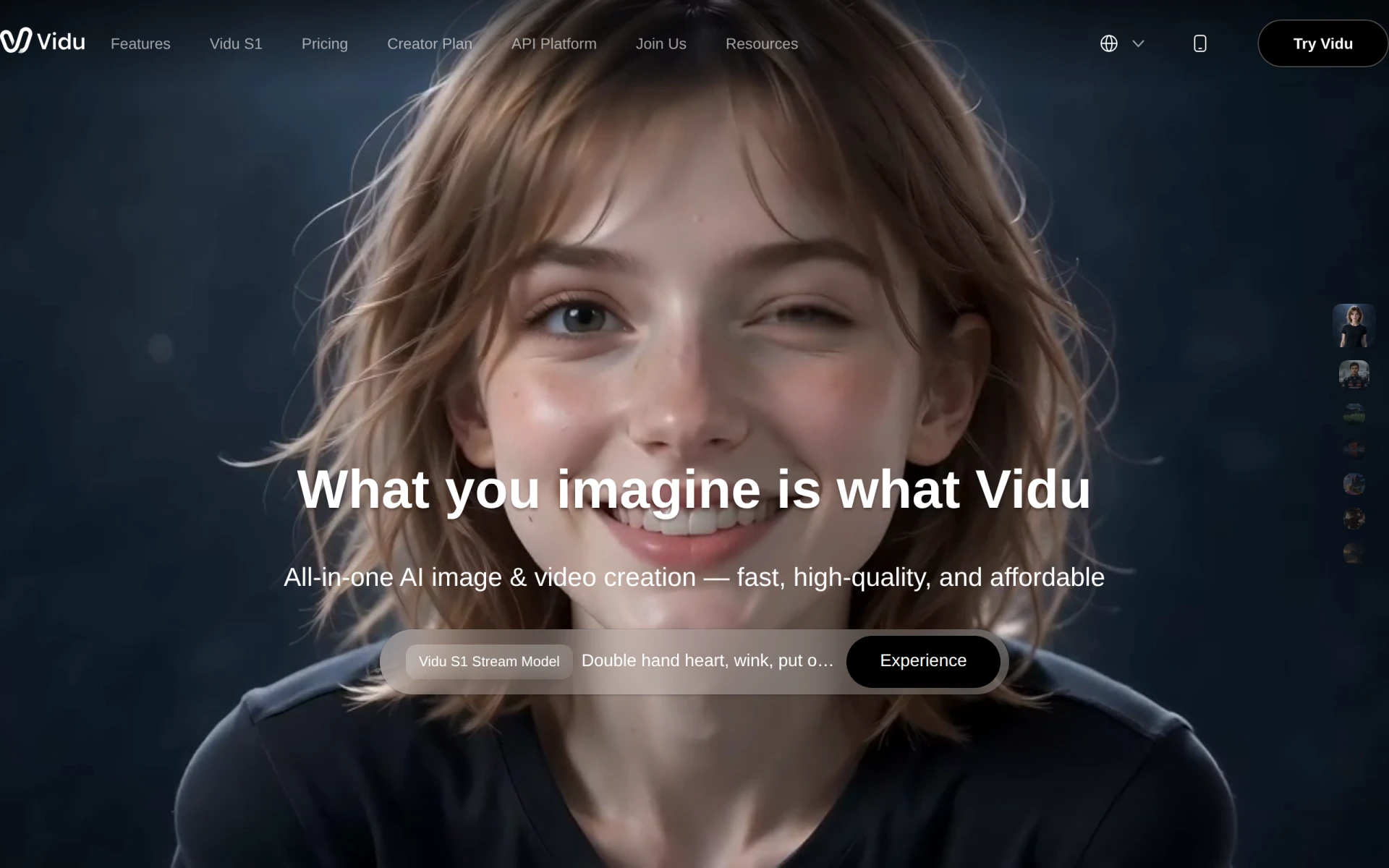 is an AI-powered video generator that excels in quickly creating videos from text, images, and references. This makes it a valuable alternative to Gling for users who need to produce content rapidly without compromising on quality. Vidu AI’s streamlined process allows creators to transform their ideas into engaging video content in a fraction of the time it would take with traditional editing tools. This is particularly advantageous for those who often need to keep up with a fast-paced content calendar, such as vloggers or marketers.
One of the platform's notable features is its ability to generate videos tailored to different audiences and platforms, allowing for customization based on user needs. Although specific pricing details are not available, Vidu AI offers multiple pricing plans designed to fit various user requirements. This flexibility is beneficial for creators who may have different project scopes and budgets, enabling them to select a plan that aligns with their content generation goals.
- Key Strength: Rapid video creation capabilities from diverse inputs.
- Key Strength: Customizable options tailored for different platforms.
- Key Strength: Flexible pricing plans for various user needs.
- Limitation: Lack of detailed pricing information may hinder decision-making.
Pricing: Currently not available. Best for: Users needing quick video content generation.
Pictory - Best for Professional Quality Videos
Pictory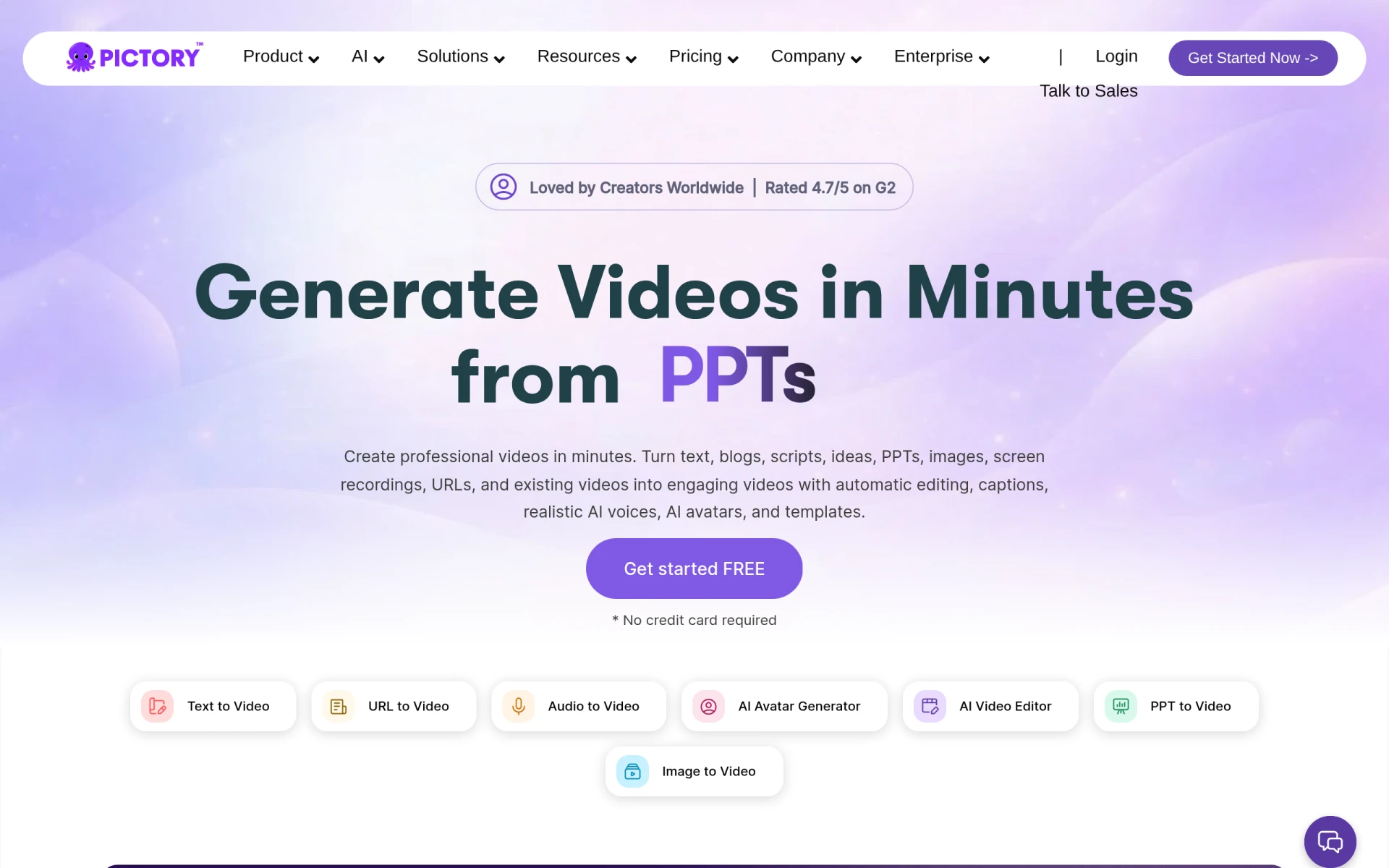 is a paid AI-powered video editing tool that specializes in transforming text and images into professional-quality videos. This makes it a strong alternative for users who are looking for high-end production capabilities that Gling may not fully provide. Pictory's focus on quality ensures that creators can produce visually stunning content that resonates with their audience, making it an ideal choice for brands and marketers looking to elevate their video marketing strategies.
The platform offers a range of features such as customizable templates, stock footage, and advanced editing tools, allowing users to craft videos that meet professional standards. With pricing plans starting from $25 per month, Pictory provides a competitive option for those willing to invest in their video production. This pricing structure is particularly appealing for businesses aiming to enhance their brand visibility through high-quality video content.
- Key Strength: Focus on producing professional-quality videos.
- Key Strength: Comprehensive features including templates and stock footage.
- Key Strength: Competitive pricing for enhanced video production.
- Limitation: Paid model may not be suitable for budget-conscious users.
Pricing: Plans starting from $25 per month. Best for: Users seeking professional-quality video production tools.
Opus Clip - Best for Short-Form Content
Opus Clip is an AI-driven video editing tool that specializes in transforming long videos into short, engaging clips suitable for social media platforms. This focus on short-form content makes it an excellent alternative for users who want to repurpose existing video assets into bite-sized pieces for platforms like Instagram and TikTok. In contrast to Gling’s primary focus on full-length YouTube videos, Opus Clip provides the tools needed to adapt content for the fast-paced demands of social media.
The platform’s intelligent editing features allow users to quickly identify key moments in their videos and create compelling clips without extensive manual editing. With a starter plan priced at $15 per month and a free trial available, Opus Clip provides an affordable solution for creators looking to maximize their content’s reach and engagement. This pricing structure makes it accessible for individual creators and small businesses alike, providing an excellent opportunity to enhance their online presence.
- Key Strength: Specialization in short-form content creation.
- Key Strength: Intelligent editing features for quick clip generation.
- Key Strength: Affordable pricing with a free trial option.
- Limitation: Limited features for users focused on long-form video editing.
Pricing: Starter plan at $15/month with a free trial available. Best for: Creators focused on short-form social media content.
Creative Reality Studio (D-ID) - Best for Innovative Video Production
Creative Reality Studio (D-ID) offers a unique approach to video production by allowing users to create professional videos from still images using text or audio. This innovative technology makes it an excellent alternative to Gling for users looking to push the boundaries of traditional video creation. Unlike Gling, which primarily focuses on editing existing footage, Creative Reality Studio enables creators to generate entirely new video content from static images, making it ideal for marketers and storytellers seeking fresh ways to engage their audience.
The platform’s AI technology automates much of the production process, allowing users to create high-quality videos with minimal effort. Although pricing information is not publicly disclosed, the freemium model allows users to explore its capabilities before committing to a subscription. This flexibility can be particularly appealing for creators interested in experimenting with innovative video formats without a significant upfront investment.
- Key Strength: Unique technology for creating videos from still images.
- Key Strength: Automation of the video production process.
- Key Strength: Freemium model allows for testing before commitment.
- Limitation: Lack of pricing information may cause hesitation for potential users.
Pricing: Currently not available. Best for: Innovators looking for unique video production methods.
Skipit.ai - Best for Video Summarization
Skipit.ai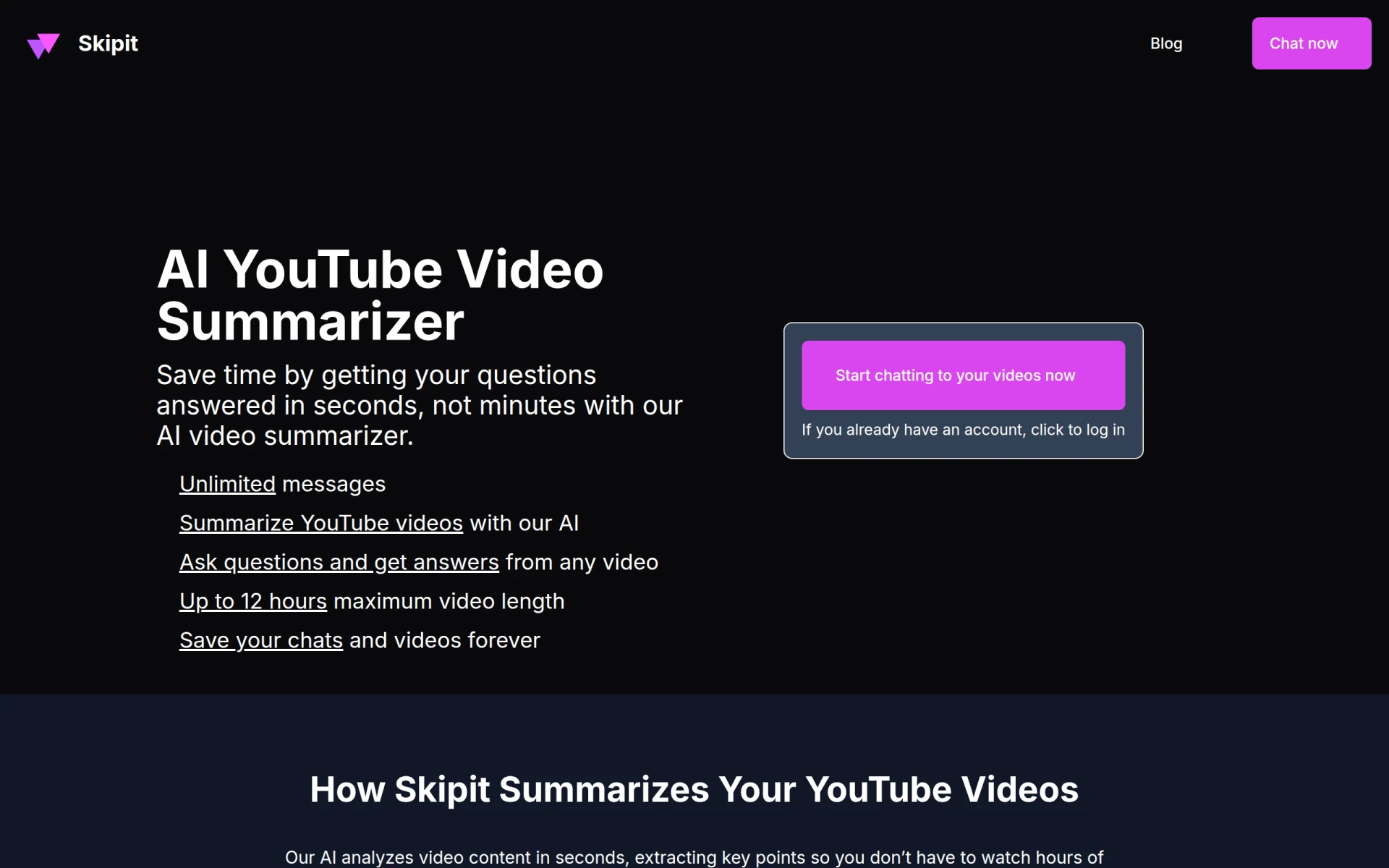 offers a unique solution for users seeking to summarize YouTube videos quickly and efficiently. By utilizing AI technology, the platform provides instant key insights and answers to user questions, making it an excellent alternative to Gling for researchers, students, and busy professionals looking for concise information. This focus on summarization sets it apart from Gling, which primarily serves creators focused on producing their own video content.
The platform's ability to distill lengthy videos into bite-sized summaries can save users significant time, allowing them to focus on the information that matters most. Although specific pricing information is currently unavailable, the freemium model allows users to explore its features without financial commitment. This accessibility is especially beneficial for those who may not need full video editing capabilities but are still looking for efficient ways to consume video content.
- Key Strength: Instant summarization of YouTube videos for quick insights.
- Key Strength: Time-saving capabilities for busy users.
- Key Strength: Freemium model allows for risk-free exploration.
- Limitation: Limited features for users focused on video creation.
Pricing: Currently not available. Best for: Users needing quick video summaries and insights.
Pixero - Best for Professional Video Editing
Pixero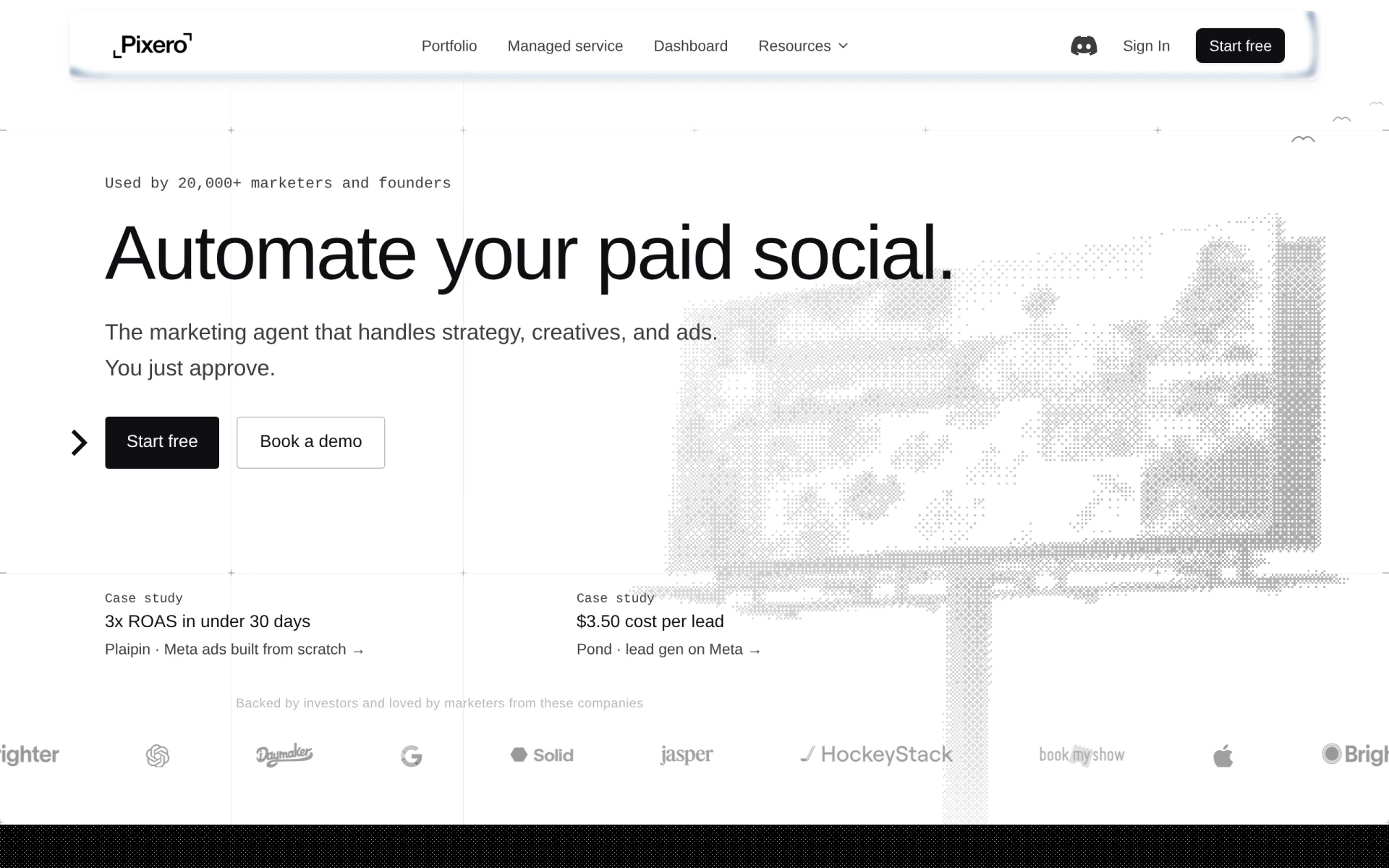 is an AI-driven video editing tool designed to help users create professional-quality videos quickly and efficiently. This makes it a strong alternative to Gling for users who prioritize high-quality production. Unlike Gling, which may cater more to casual YouTube creators, Pixero focuses on providing advanced editing features that can elevate a user’s content to a professional level. This is particularly beneficial for businesses and content creators looking to maintain a polished brand image.
Pixero offers a range of features, including customizable templates and advanced editing tools, making it suitable for users with varying levels of expertise. While specific pricing information is not available, the freemium model allows users to explore its capabilities before committing to a subscription. This approach provides a risk-free opportunity for creators to assess whether Pixero meets their professional editing needs.
- Key Strength: Focus on professional-quality video editing capabilities.
- Key Strength: Advanced editing tools for skilled users.
- Key Strength: Freemium model allows for exploration without financial commitment.
- Limitation: Lack of pricing transparency may deter potential users.
Pricing: Currently not available. Best for: Users seeking professional video editing tools.
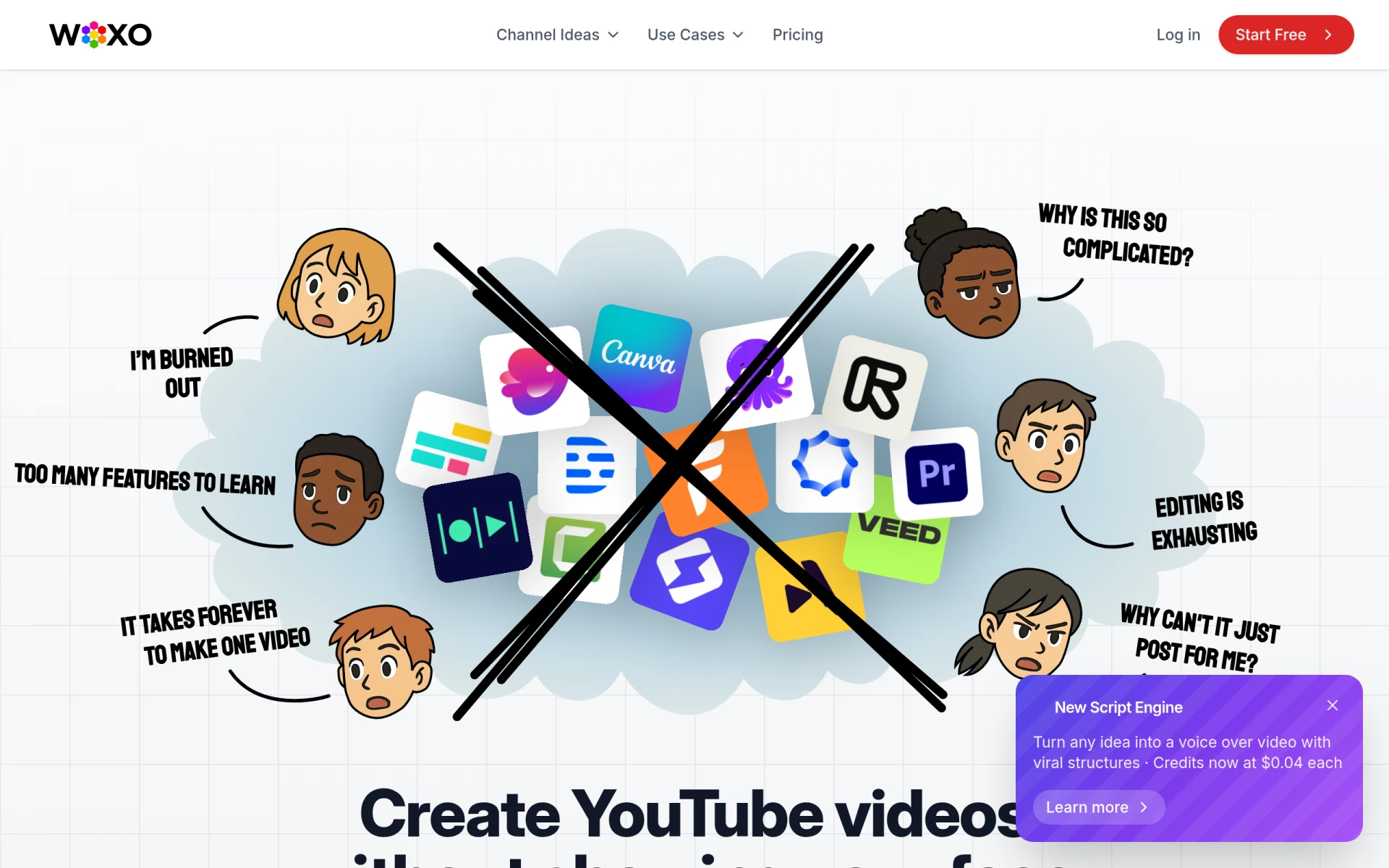
WOXO - Idea to Videos - Best for Quick Content Ideation
WOXO is an innovative tool that transforms ideas into engaging AI-generated videos, making it an excellent choice for users who want to streamline their content creation process. Unlike Gling, which focuses on editing existing footage, WOXO allows users to convert concepts into videos quickly, catering to those who might struggle with the initial stages of video production. This capability can be particularly beneficial for marketers and creators who need to generate content ideas quickly and efficiently.
The platform's AI-driven features make it easy for users to create videos without extensive editing skills, enabling them to produce polished content in no time. While pricing options are not explicitly stated on the website, the freemium model allows users to try out the essential features before committing to any paid plans. This approach provides flexibility for users who want to test the platform's effectiveness in meeting their content creation needs.
- Key Strength: Quick transformation of ideas into videos.
- Key Strength: AI-driven features that simplify the content creation process.
- Key Strength: Freemium model allows for risk-free testing.
- Limitation: Lack of detailed pricing information may hinder decision-making.
Pricing: Free tier available; additional pricing options not disclosed. Best for: Creators needing quick content ideation solutions.
Feature Comparison Table
| Tool | Best For | Starting Price | Free Plan | Standout Feature |
|---|
| Gling | YouTube creators | Freemium | Yes | AI-driven editing tools |
| VideoGen | Rapid video creation | $16/month | Yes | User-friendly interface |
| Similar Video | Effortless editing | Not available | Yes | Intelligent content generation |
| Vid.AI | All skill levels | Not available | Yes | Comprehensive editing features |
| Wan | Creative processes | Not available | Yes | Flexible tools |
| Spikes Studio | Social media creators | Free plan; Pro from $14.09/month | Yes | Social media-optimized templates |
| Instories | Visual storytelling | Not available | Yes | Design elements for stunning visuals |
| Pippit AI | Multi-format content | Free plan; Starter at $120/month | Yes | Quick media generation |
| VEED.IO | Marketers and solopreneurs | Freemium | Yes | Subtitle generation |
| Vidu AI | Quick content generation | Not available | Yes | Rapid video creation |
| Pictory | Professional quality videos | From $25/month | No | Transforms text into videos |
| Opus Clip | Short-form content | $15/month | Yes | Intelligent clip generation |
| Creative Reality Studio (D-ID) | Innovative video production | Not available | Yes | Create videos from images |
| Skipit.ai | Video summarization | Not available | Yes | Instant video insights |
| Pixero | Professional video editing | Not available | Yes | Advanced editing tools |
| WOXO - Idea to Videos | Quick content ideation | Not available | Yes | Transforms ideas into videos |
How to Choose the Right Alternative to Gling
Choosing the right alternative to Gling ultimately depends on your specific needs and the type of content you wish to create. If you are a busy content creator or marketer who needs to produce videos quickly, tools like VideoGen or Opus Clip would be ideal. These platforms excel in rapid video generation and are tailored for users who value efficiency without compromising on quality. For marketers looking for a strong emphasis on social media, Spikes Studio or VEED.IO offer specialized features that cater to creating engaging content for various platforms.
If your focus is on high-quality production, Pictory or Pixero may be the better options. These platforms provide advanced features that help elevate your content, making them suitable for brands and businesses aiming for a polished image. On the other hand, if you require innovative content creation solutions, tools like Creative Reality Studio or WOXO can provide unique methods to generate videos that stand out in a crowded market.
Final Verdict
Ultimately, the best alternative to Gling will vary based on your individual requirements as a content creator. For quick video production, VideoGen and Opus Clip shine, while Pictory and Pixero are excellent for those seeking professional quality. Social media creators will benefit from Spikes Studio and VEED.IO, while innovators might find value in Creative Reality Studio. By assessing your specific needs, you can confidently choose the right tool to enhance your video creation process.