Overview
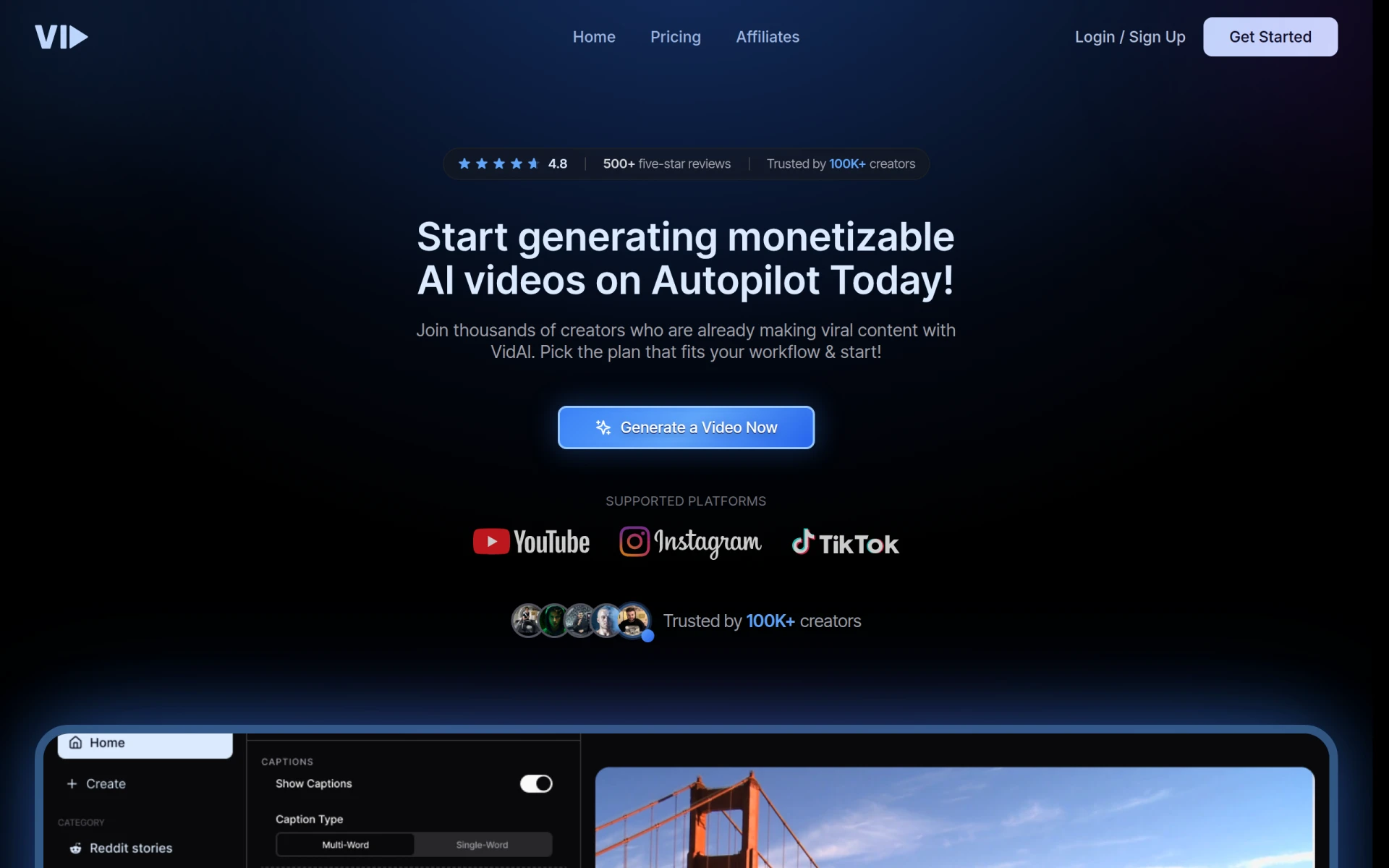
Vid.AI is an innovative video editing tool designed to streamline the video creation process using artificial intelligence. Its primary purpose is to assist users in producing high-quality videos efficiently, regardless of their technical expertise. By automating many of the more tedious aspects of video editing, Vid.AI addresses common challenges such as time constraints, complex editing processes, and the need for advanced skills. This makes it an appealing option for content creators, marketers, and businesses looking to enhance their video marketing strategies.
Key Features
- AI-Powered Editing
- Drag-and-Drop Interface
- Automated Scene Detection
- Voiceover Integration
- Text Overlay and Subtitles
- Multiple Export Formats
- Cloud Storage for Projects
- Collaboration Tools for Teams
- Stock Footage Library
- Integration with Social Media Platforms
Benefits
Vid.AI provides practical advantages that can significantly enhance the video production workflow. By utilizing AI technology, users can save considerable time on editing, allowing them to focus on content creation rather than technical details. The intuitive user interface ensures that even those with minimal editing experience can create professional-looking videos. Moreover, the collaboration tools facilitate teamwork, making it easier for groups to work on projects simultaneously. The ability to integrate voiceovers and subtitles directly into the editing process adds further value, particularly for those aiming to create engaging content for diverse audiences.
Common Use Cases
Vid.AI is well-suited for a variety of scenarios. For instance, small business owners can use it to create promotional videos that highlight their products or services. Marketing teams may utilize the tool for social media campaigns, producing short, engaging clips that capture audience attention. Content creators, such as YouTubers or podcasters, can benefit from the simplified editing process, allowing them to publish high-quality content more frequently. Additionally, educators can leverage Vid.AI to create instructional videos that enhance their teaching materials.
Who Should Use It
Vid.AI is ideal for small businesses, marketers, content creators, and educators who need a straightforward video editing solution. It is particularly beneficial for users who lack advanced editing skills but still want to produce polished videos. However, those with professional video editing needs or advanced editing experience may find the features somewhat limiting compared to more complex software solutions.
Pricing Overview
Pricing information for Vid.AI is currently unavailable on their website.
Pros and Cons
-
Vid.AI simplifies the video editing process, making it accessible for all skill levels.
-
The AI features save time by automating repetitive tasks.
-
The drag-and-drop interface is user-friendly and intuitive.
-
Collaboration tools enhance teamwork for project-based work.
-
The cloud storage option helps users manage projects conveniently.
-
Some advanced editing features may be missing compared to professional-grade software.
-
The pricing structure is unclear, which may deter potential users.
-
Users with specialized editing needs might find the tool too basic.
Conclusion
In summary, Vid.AI offers a user-friendly platform for video editing that leverages AI technology to reduce complexity and save time. While it is particularly advantageous for small businesses, marketers, and novice editors, those requiring advanced editing capabilities may need to consider alternatives. Overall, Vid.AI represents a valuable tool for users looking to produce high-quality videos with minimal effort.