Why Look for Alternatives to ShortMake?
ShortMake has gained popularity as an AI video generator, particularly for creating engaging TikTok, Reels, and YouTube Shorts videos quickly and easily. However, despite its user-friendly interface and basic features, many users find it lacking in several key areas. One of the primary concerns is its pricing model. Starting at $19.99 per month, some users feel that the value offered does not justify the cost, especially when they need more advanced features or higher quality outputs. Additionally, while ShortMake excels at generating quick video content, it may lack the depth of customization and advanced editing tools that seasoned social media content creators often require.
Moreover, users have reported frustration with limitations in video formats and the types of content that can be effectively produced. For instance, if a user wants to create videos that incorporate advanced animations or specific branding elements, ShortMake may not provide the flexibility needed. This can drive users to seek out alternatives that offer better pricing structures, more comprehensive feature sets, or specialized tools tailored for specific platforms or content types. As a result, exploring alternatives to ShortMake can lead to discovering more suitable tools for individual needs.
Best Alternatives to ShortMake in 2026
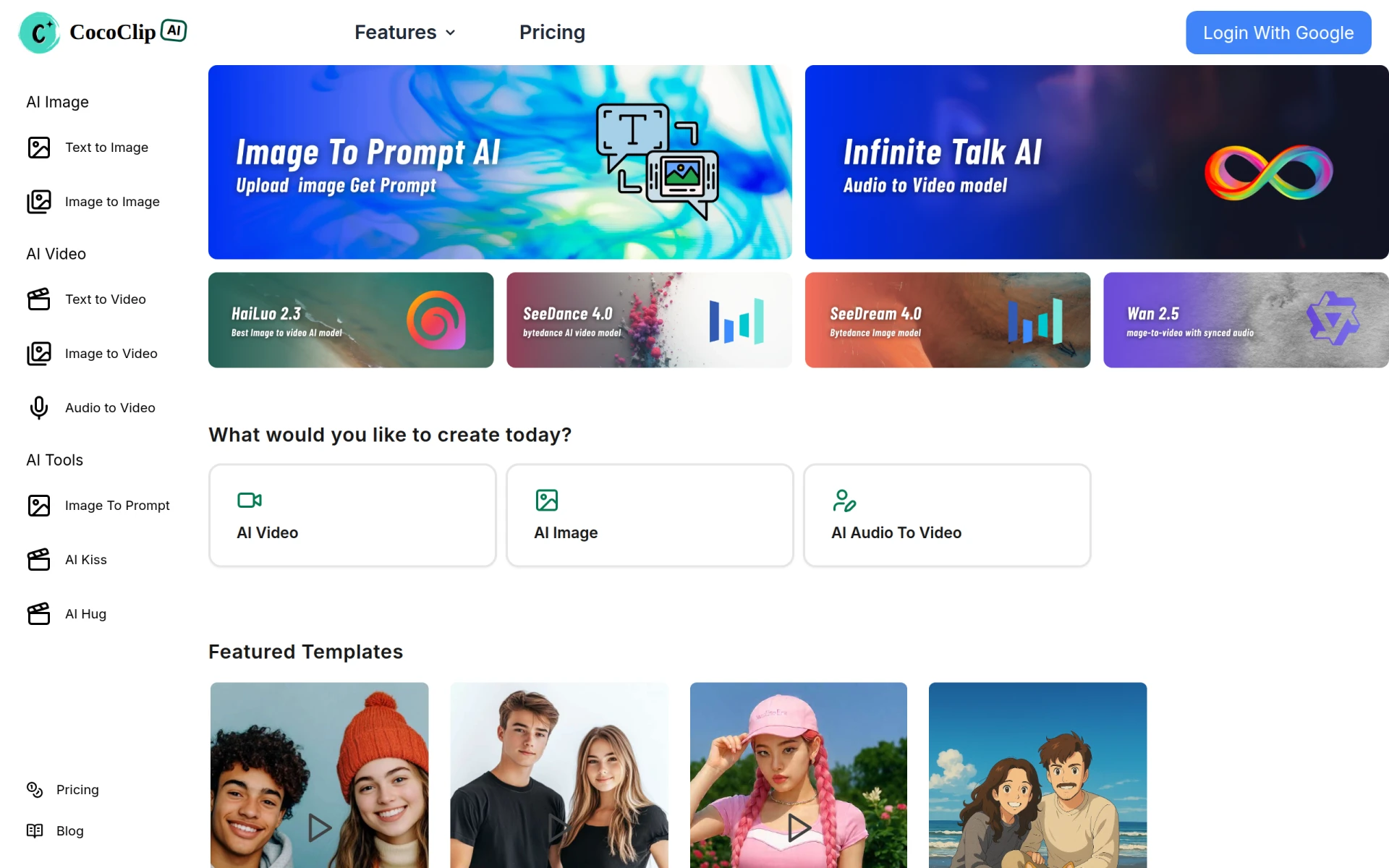
CoCoClip.AI - Best for Comprehensive Social Media Video Editing
CoCoClip.AI stands out as an all-in-one AI video editor specifically designed for crafting social media content efficiently and effectively. Unlike ShortMake, which focuses primarily on quick video generation, CoCoClip.AI provides a broader range of editing tools that allow users to fine-tune their videos. This includes features like text overlays, advanced transitions, and sound editing, making it ideal for users who want to create more polished and professional-looking videos. The user interface is intuitive, enabling even those with minimal editing experience to navigate the platform easily.
For creators who prioritize quality over speed, CoCoClip.AI offers greater flexibility in terms of customization. Users can manipulate every aspect of their videos, from adding unique effects to syncing audio tracks seamlessly. This level of control can result in higher engagement rates on platforms like TikTok and Instagram. Additionally, CoCoClip.AI's pricing starts at just $8 per month, making it a budget-friendly option for individual creators or small businesses looking to elevate their video content without breaking the bank.
- Key Strength: Extensive editing features that allow for high-level customization.
- Key Strength: Budget-friendly pricing starting at $8 per month.
- Key Strength: User-friendly interface suitable for all skill levels.
- Limitation: May be overwhelming for users who prefer quick, simple edits.
Pricing: Plans start at $8.00 per month. Best for: Creators looking for comprehensive editing capabilities.
Vexub - Best for Text-to-Video Transformation
Vexub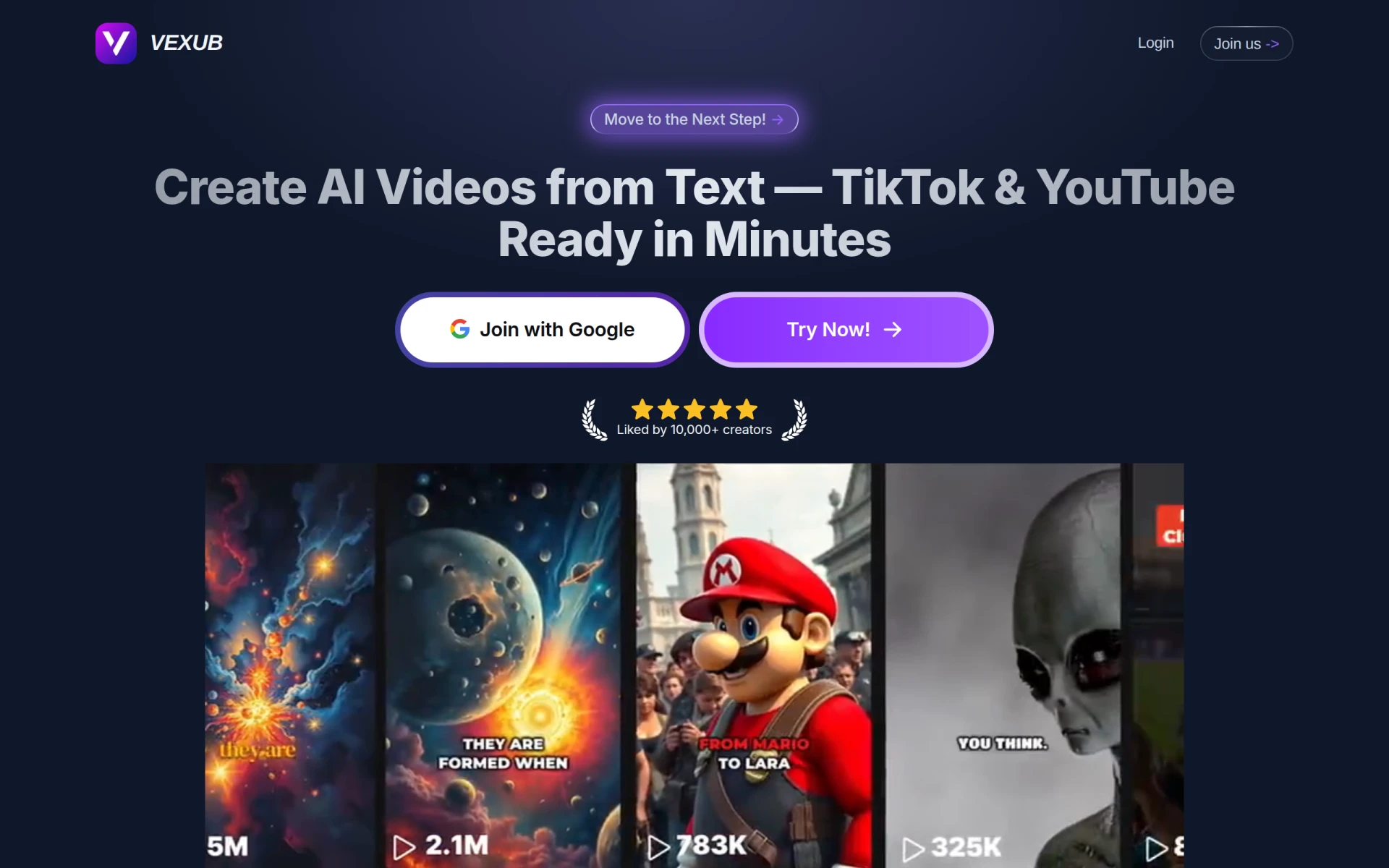 excels at transforming text into engaging video content, making it a powerful tool for marketers and content creators looking to convert written material into visual formats. This tool allows users to input text scripts and automatically generates videos that are optimized for platforms like TikTok and YouTube. Unlike ShortMake, which relies heavily on user-generated content, Vexub automates the video creation process, helping users save time and effort without sacrificing quality. This is particularly beneficial for those who need to produce content quickly, such as during marketing campaigns or time-sensitive events.
One of Vexub's standout features is its adaptability to various content styles, whether users want to create informative videos, promotional clips, or storytelling formats. The platform also allows for basic customization, enabling users to tweak the generated videos to better fit their brand aesthetics. However, it is important to note that while Vexub simplifies the video creation process, it may not offer as much detailed editing functionality as other tools, which could be a drawback for users seeking advanced customization options.
- Key Strength: Automatic text-to-video generation that saves time.
- Key Strength: Adaptable content styles suitable for various marketing needs.
- Key Strength: User-friendly for those who prefer minimal manual editing.
- Limitation: Limited advanced editing options compared to other tools.
Pricing: Pricing information currently unavailable. Best for: Marketers and content creators needing quick video production.
Klap - Best for Effortless Video Resizing
Klap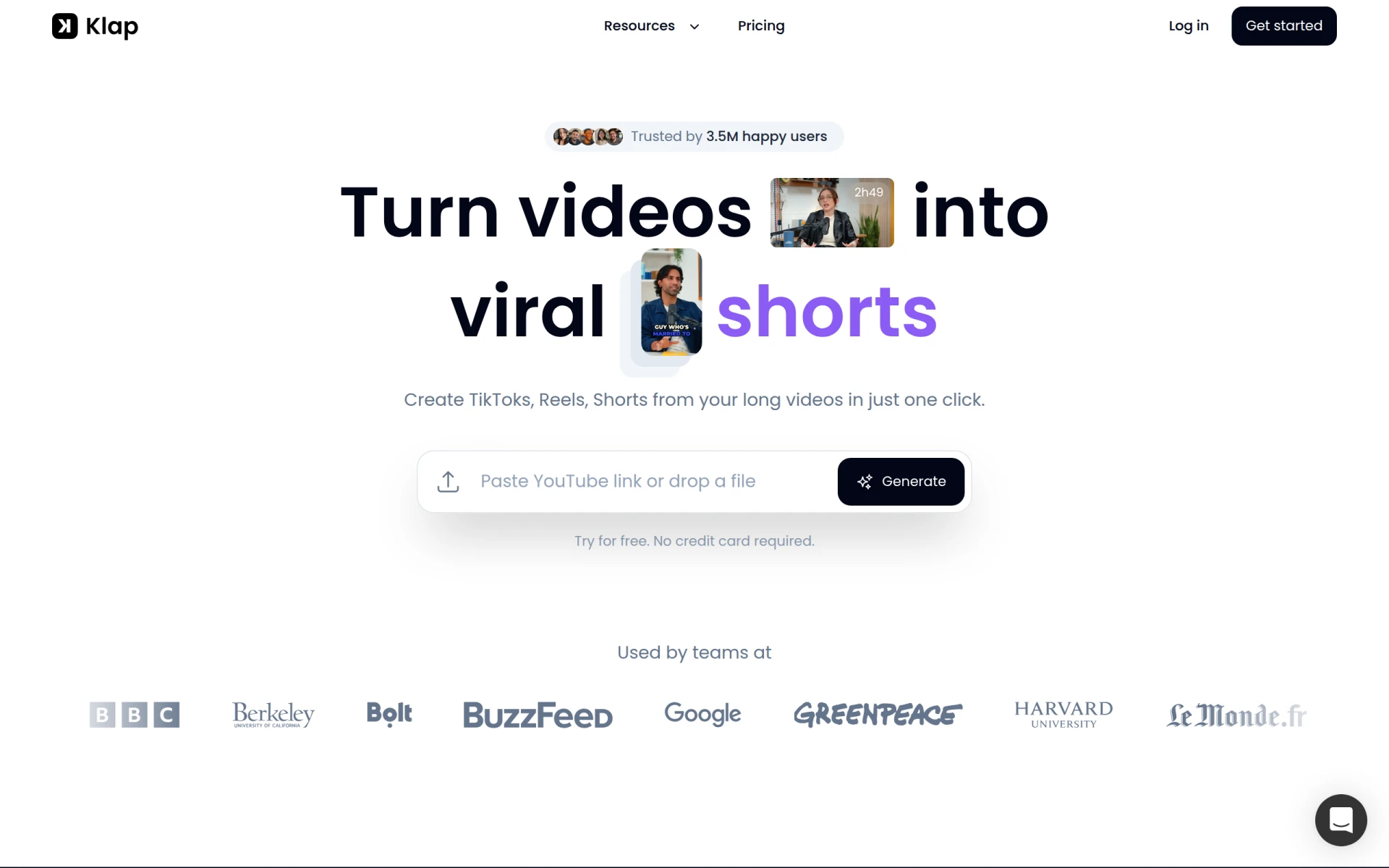 is designed to transform long videos into shareable TikToks, Reels, and Shorts effortlessly, making it an excellent alternative for users looking to repurpose existing content. This tool uses AI-driven features to automatically resize and edit videos to fit the specific requirements of various platforms, which is something ShortMake does not specifically address. Klap's focus on adaptability ensures that users can maximize the reach of their content across multiple social media platforms without needing extensive editing skills.
The ease of use with Klap is a significant advantage, especially for users who have a wealth of longer video content but want to create short, engaging clips for social media. The platform allows users to upload their original videos and lets the AI do the heavy lifting in terms of cutting and editing. Additionally, Klap offers straightforward pricing with no hidden fees, which is appealing to budget-conscious creators. However, Klap may lack some of the advanced features found in more specialized video editing tools, which could be a limitation for users seeking in-depth customization.
- Key Strength: Efficient video resizing for multiple social media formats.
- Key Strength: User-friendly AI features simplify the editing process.
- Key Strength: Transparent pricing with no hidden fees.
- Limitation: Limited advanced editing options for detailed customization.
Pricing: Monthly and yearly subscription options available. Best for: Users repurposing long-form content into short videos.
AIVeed - Best for Flexible AI Model Selection
AIVeed offers a unique approach to video generation by allowing users to choose from various AI models based on their specific needs. This flexibility sets AIVeed apart from ShortMake, which provides a one-size-fits-all solution for video creation. Users can select different models tailored for specific types of video content, whether they are looking to create engaging promotional videos, educational content, or entertaining clips. This level of customization can lead to better outcomes and higher engagement rates on social media platforms.
Additionally, AIVeed's pricing model starts as low as $5, making it an attractive option for budget-conscious creators who still want access to high-quality video generation tools. The platform also features a user-friendly interface that allows for quick navigation, even for those new to video editing. However, potential users should note that while the flexible model selection is beneficial, it may require some trial and error to determine which AI model works best for their specific content needs, which could be a learning curve for some.
- Key Strength: Customizable AI model selection tailored to user needs.
- Key Strength: Extremely budget-friendly pricing starting at $5.
- Key Strength: User-friendly interface suitable for all experience levels.
- Limitation: Users may need time to experiment with different models.
Pricing: Starting at $5 with various options based on AI model selection. Best for: Creators looking for customizable AI video generation.
WUI.AI - Best for Faceless Video Creation
WUI.AI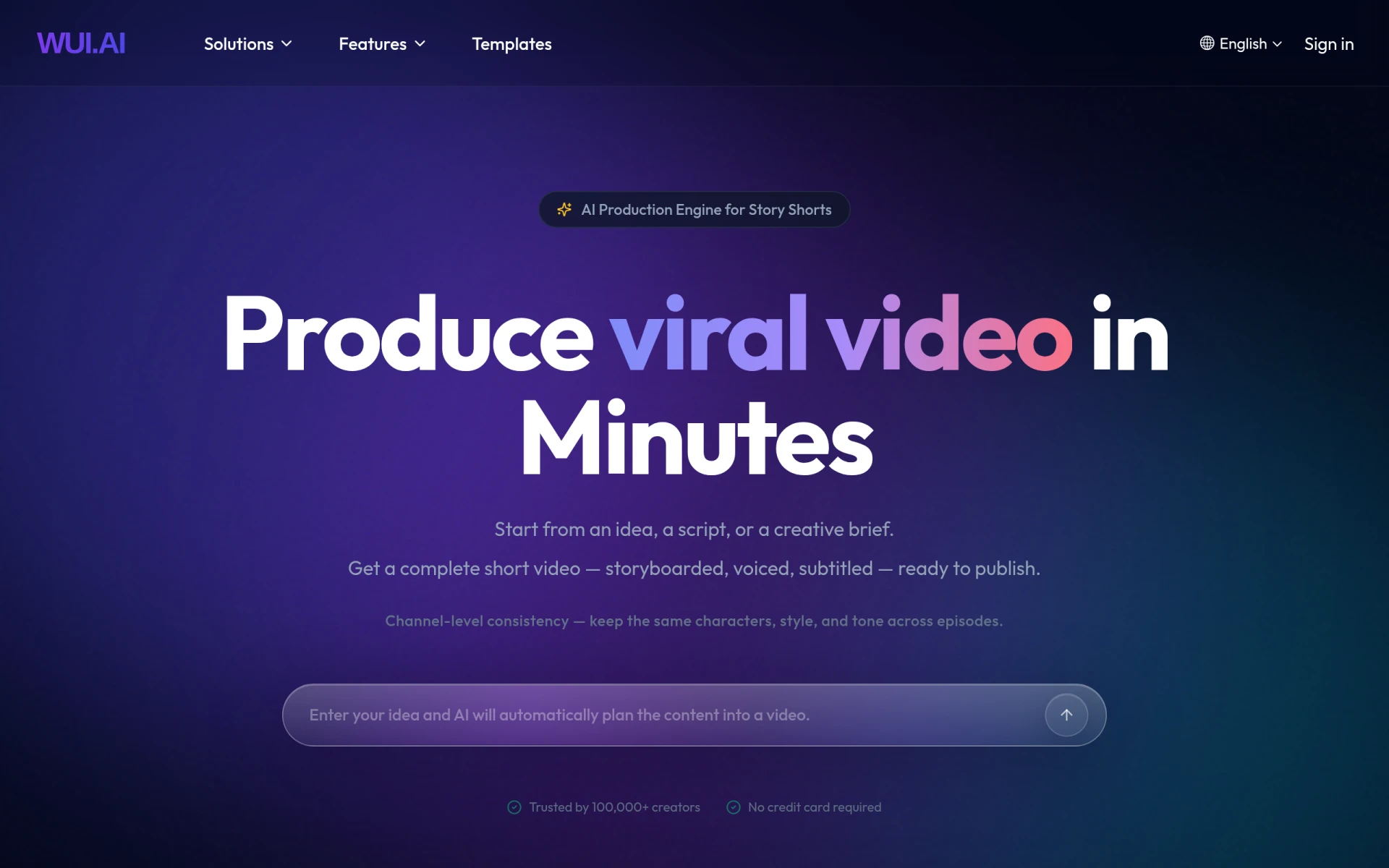 is an innovative tool that allows users to create engaging faceless videos quickly, making it particularly appealing for creators who prefer not to appear on camera or who want to maintain privacy. This feature is a significant advantage over ShortMake, which primarily focuses on standard video generation. WUI.AI's ability to produce faceless content opens the door for a variety of creative styles, including animated videos, voiceover presentations, and more. This flexibility is great for educators, marketers, and content creators who want to convey information without personal branding.
The platform is designed with ease of use in mind, allowing users to create professional-looking videos without needing advanced editing skills. However, it is essential to note that specific pricing information for WUI.AI is currently unavailable, which may be a drawback for users looking for transparency in their budgeting. The lack of clear pricing could deter some potential users who prefer to compare costs upfront before committing to a platform.
- Key Strength: Unique faceless video creation capabilities.
- Key Strength: User-friendly design ideal for beginners.
- Key Strength: Versatile content creation options without personal branding.
- Limitation: Lack of transparent pricing information.
Pricing: Pricing information currently not available. Best for: Creators seeking to produce faceless video content.
JoggAI - Best for Creating Lifelike Avatars
JoggAI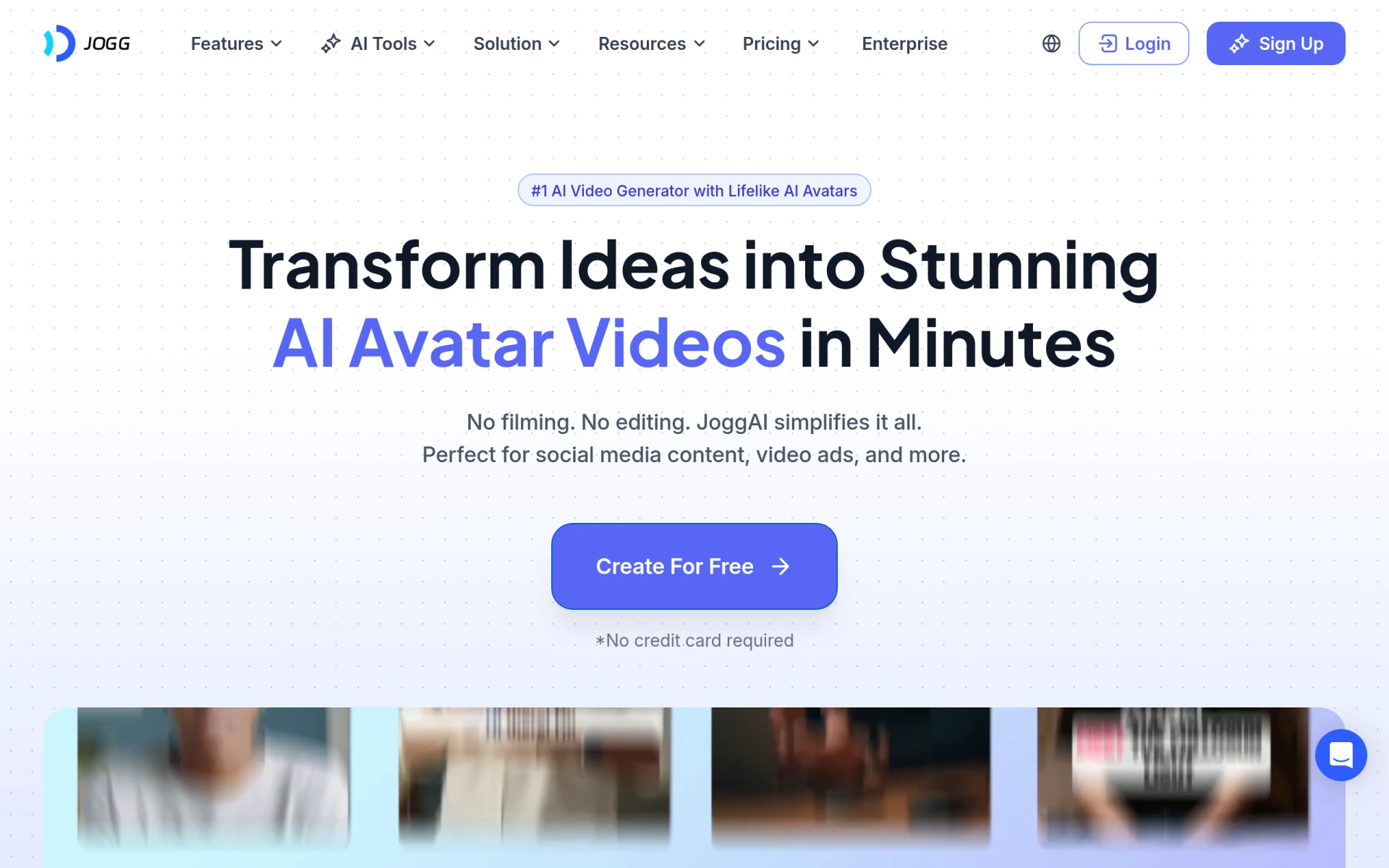 is an AI video generator that specializes in creating lifelike avatars, allowing users to produce engaging videos effortlessly. This is particularly useful for businesses and marketers looking to add a personal touch to their digital content without needing to film live-action videos. JoggAI’s focus on avatar technology presents a unique alternative to ShortMake, which does not offer similar capabilities. Users can create videos that feature customizable avatars, making it an innovative way to engage audiences while maintaining a professional appearance.
Additionally, JoggAI is built with ease of use in mind, ensuring that even those without extensive video editing experience can create high-quality content. However, as with WUI.AI, specific pricing details for JoggAI are currently unavailable, which could be a disadvantage for users who prioritize budget transparency. This lack of information may lead potential users to hesitate before trying the platform, potentially missing out on its unique features.
- Key Strength: Specialized in creating customizable lifelike avatars.
- Key Strength: User-friendly interface suitable for all skill levels.
- Key Strength: Ideal for businesses looking to personalize their video content.
- Limitation: No clear pricing information available.
Pricing: Pricing details currently unavailable. Best for: Businesses seeking to use avatars in their video content.
HeyGen - Best for Versatile Content Creation
HeyGen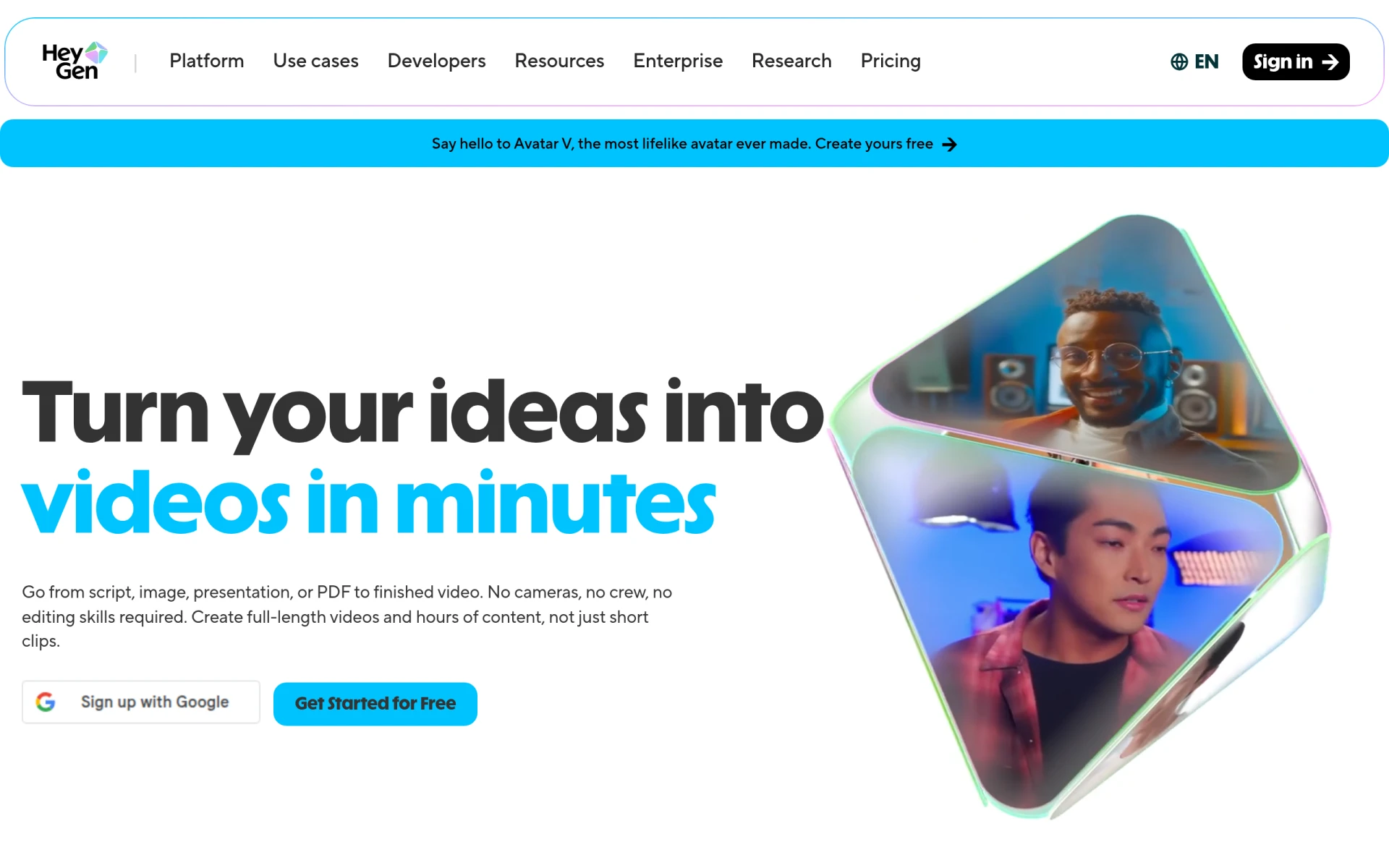 is an AI video generator designed to transform ideas into engaging videos using text, images, or audio. This tool is an excellent alternative to ShortMake for users looking for versatility in their content creation process. Unlike ShortMake, which primarily focuses on quick video generation, HeyGen allows users to incorporate various media types, making it adaptable for different creative projects. Whether users want to create promotional videos, educational content, or social media clips, HeyGen provides the flexibility to do so with ease.
One of HeyGen's significant advantages is its freemium model, which allows users to start creating videos without any upfront costs. This can be particularly appealing for those who may be hesitant to invest in a paid tool before trying it out. However, while the platform's versatility is a strength, it may also lead to a steeper learning curve for users who are not familiar with integrating multiple media types into their video projects.
- Key Strength: Versatile content creation using text, images, and audio.
- Key Strength: Freemium pricing model allows for initial experimentation.
- Key Strength: Suitable for a wide variety of creative projects.
- Limitation: Potentially steeper learning curve for complex integrations.
Pricing: Offers a free plan and various paid plans. Best for: Creators seeking versatile content creation tools.
VideoShorts - Best for Quick Video Editing
VideoShorts is an AI-powered video editing tool designed for users who want to create engaging short videos quickly and efficiently. Similar to ShortMake, VideoShorts focuses on producing quick content, making it a valuable alternative for creators looking to maintain a steady flow of social media posts. However, VideoShorts distinguishes itself with a variety of unique editing features that help users enhance their video content without excessive complexity. This makes it particularly suitable for social media marketers and influencers who need to keep up with trends and audience engagement.
While VideoShorts offers a straightforward editing process, it also includes features that allow for quick adjustments to video lengths, transitions, and effects, which can significantly enhance the quality of the final product. However, users may find that specific pricing details are not explicitly available on the website, which can lead to uncertainty when deciding whether to pursue this option. Despite this, the tool's capabilities can serve as a major asset for those looking to create dynamic short videos.
- Key Strength: Efficient and quick video editing designed for short content.
- Key Strength: Unique editing features that enhance video quality.
- Key Strength: Tailored for social media engagement.
- Limitation: Pricing information is not explicitly available.
Pricing: Pricing information currently unavailable. Best for: Social media marketers and influencers needing quick content creation.
quso.ai - Best for Transforming Long Videos into Shorts
quso.ai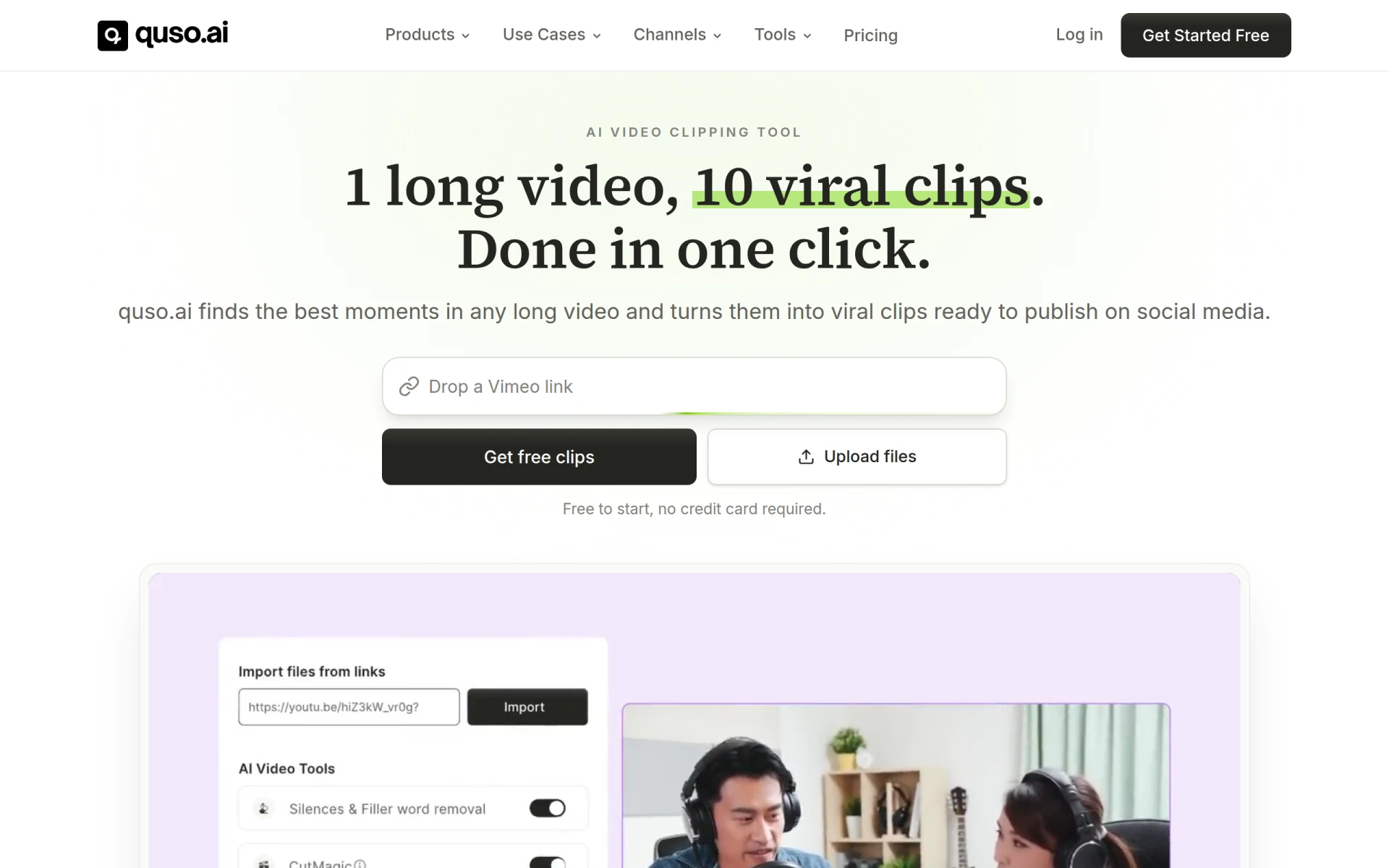 excels at helping users transform long videos into short, engaging clips suitable for social media platforms like TikTok and Instagram. This capability is a distinct advantage over ShortMake, which primarily focuses on generating new video content rather than repurposing existing footage. quso.ai's AI-driven technology allows users to quickly edit and condense longer videos, making it ideal for creators who have a substantial library of content they wish to leverage for shorter formats. This feature can save significant time and effort compared to manual editing processes.
Another strong point for quso.ai is its freemium structure, which allows users to try the platform without immediate financial commitment. Paid plans start at $29 per month, providing additional features and capabilities for those looking to expand their video editing options. However, while quso.ai's focus on repurposing content is beneficial, users looking for advanced editing features may find it lacking compared to more comprehensive video editing tools.
- Key Strength: Efficiently transforms long videos into engaging short clips.
- Key Strength: Freemium model allows for initial exploration without cost.
- Key Strength: Ideal for content creators with extensive video libraries.
- Limitation: Limited advanced editing features compared to dedicated editing tools.
Pricing: Paid plans starting at $29 per month. Best for: Creators repurposing long-form video content.
Feature Comparison Table
| Tool | Best For | Starting Price | Free Plan | Standout Feature |
|---|
| ShortMake | Quick video generation | $19.99/mo | No | Fast video creation |
| CoCoClip.AI | Comprehensive social media editing | $8.00/mo | Yes | Extensive editing features |
| Vexub | Text-to-video transformation | Unavailable | Yes | Automatic video generation |
| Klap | Effortless video resizing | Unavailable | Yes | Multi-platform optimization |
| AIVeed | Flexible AI model selection | $5.00/mo | Yes | Customizable AI models |
| WUI.AI | Faceless video creation | Unavailable | Yes | Unique faceless content |
| JoggAI | Lifelike avatar creation | Unavailable | Yes | Customizable avatars |
| HeyGen | Versatile content creation | Free | Yes | Multi-media integration |
| VideoShorts | Quick video editing | Unavailable | Yes | Unique editing features |
| quso.ai | Transforming long videos into shorts | $29.00/mo | Yes | Efficient content repurposing |
How to Choose the Right Alternative to ShortMake
When looking for the right alternative to ShortMake, it is essential to consider your specific content creation needs. If you require advanced editing features and a comprehensive platform for social media video production, CoCoClip.AI would be an excellent choice. Its pricing is competitive, and the extensive tools available can help you create high-quality videos that stand out. On the other hand, if you are focused on repurposing existing content, quso.ai’s unique capabilities for transforming long videos into short clips would likely serve you well.
For users who prefer a quick and simple solution, tools like AIVeed and Vexub offer automated features that can dramatically reduce the time spent on video creation. AIVeed’s customizable AI models allow for flexibility, while Vexub's text-to-video capabilities can quickly turn written content into engaging visuals. Ultimately, your choice should align with your specific use case, whether it’s for marketing, education, or personal branding.
Final Verdict
In conclusion, while ShortMake provides a valuable service for quick video generation, the alternatives discussed offer a range of features that cater to different user needs. For comprehensive editing, CoCoClip.AI stands out, while AIVeed and Vexub are excellent choices for those looking for automation. Ultimately, the best alternative depends on your content goals and budget.