Wondershare Filmora
Freemium
Wondershare Filmora is a user-friendly video editing software ideal for creating high-quality videos with ease.
Overwhelmed by video editing options? Discover the best tools for content creators in 2024 to elevate your projects.
As a content creator, the pressure to produce high-quality videos can be overwhelming. With an ever-expanding array of video editing tools available, how do you choose the one that best fits your creative needs?
Many content creators find themselves paralyzed by the sheer number of video editing options on the market. Each tool boasts unique features and pricing models, leading to confusion and indecision. For instance, a small business owner may require robust promotional video capabilities, while a social media influencer might prioritize quick editing and trendy effects. This diversity in needs complicates the decision-making process, making it challenging to choose a tool that aligns with specific goals.
Wondershare Filmora is a user-friendly video editing software that excels at creating high-quality videos without the steep learning curve associated with more complex tools. Its intuitive interface allows content creators to focus on their storytelling without getting bogged down by technicalities. This makes it an excellent choice for small businesses looking to produce promotional videos or educators crafting engaging online courses.
Pricing: Freemium - Offers both a subscription-based model and a one-time purchase option. Best for: Small businesses creating promotional videos, content creators editing YouTube vlogs, educators producing online courses.
BlinkVideo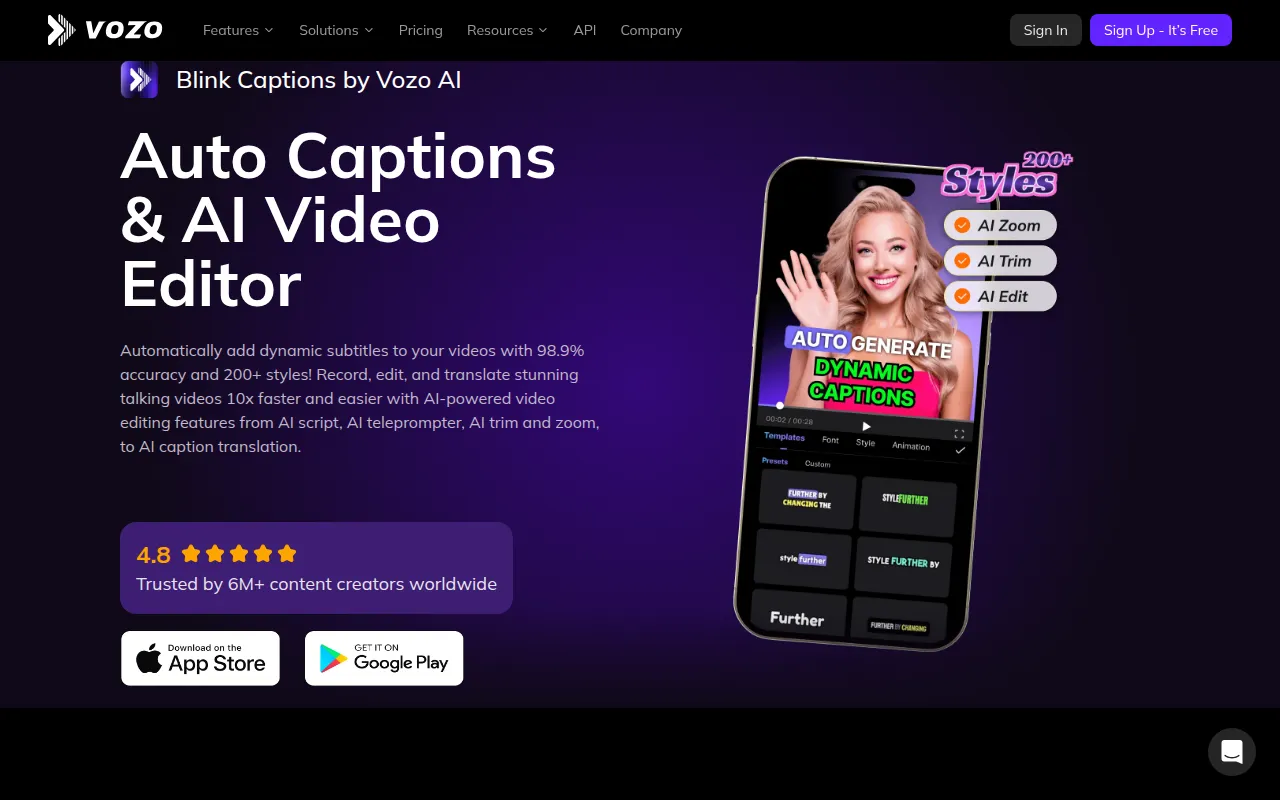 stands out as an AI-powered video editing tool that generates accurate captions in over 127 languages. This feature is vital for content creators looking to reach a broader audience on social media platforms. The tool's high accuracy rate ensures that your captions are both precise and engaging, which is crucial for maintaining viewer interest and accessibility.
Pricing: Freemium - Offers a subscription model with a limited-time free trial for new users. Best for: Content creators looking to enhance social media engagement, marketers executing video campaigns requiring dynamic captions, educators producing accessible video materials.
Glam AI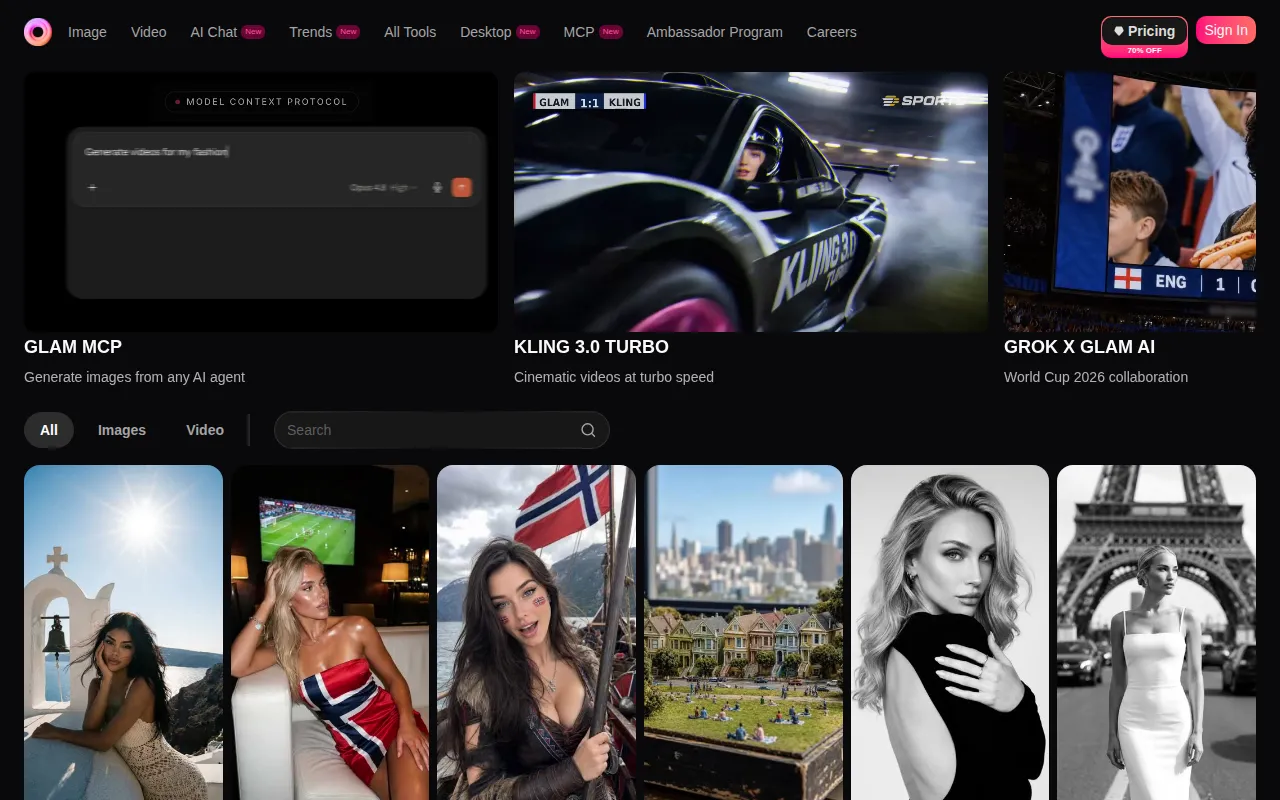 is an innovative tool that allows users to transform photos into engaging videos with ease. This tool is perfect for social media managers and influencers who need to create captivating content quickly. Its trend-based effects and editing features help users stay relevant and appealing to their audience.
Pricing: Freemium - Pricing information is currently unavailable. Best for: Social media managers looking to enhance their content quickly, influencers wanting to engage their audience with trendy videos, small business owners creating promotional materials.
Gling is designed specifically for YouTube creators, offering AI-driven video editing that simplifies the editing process. Its automatic pause detection and viral clip generation features enable creators to produce engaging content quickly, making it an essential tool for those who prioritize speed and efficiency.
Pricing: Freemium - Offers a free trial to explore its features, with specific pricing details currently unavailable. Best for: YouTube content creators, vloggers needing quick editing solutions, beginners in video editing.
HiClip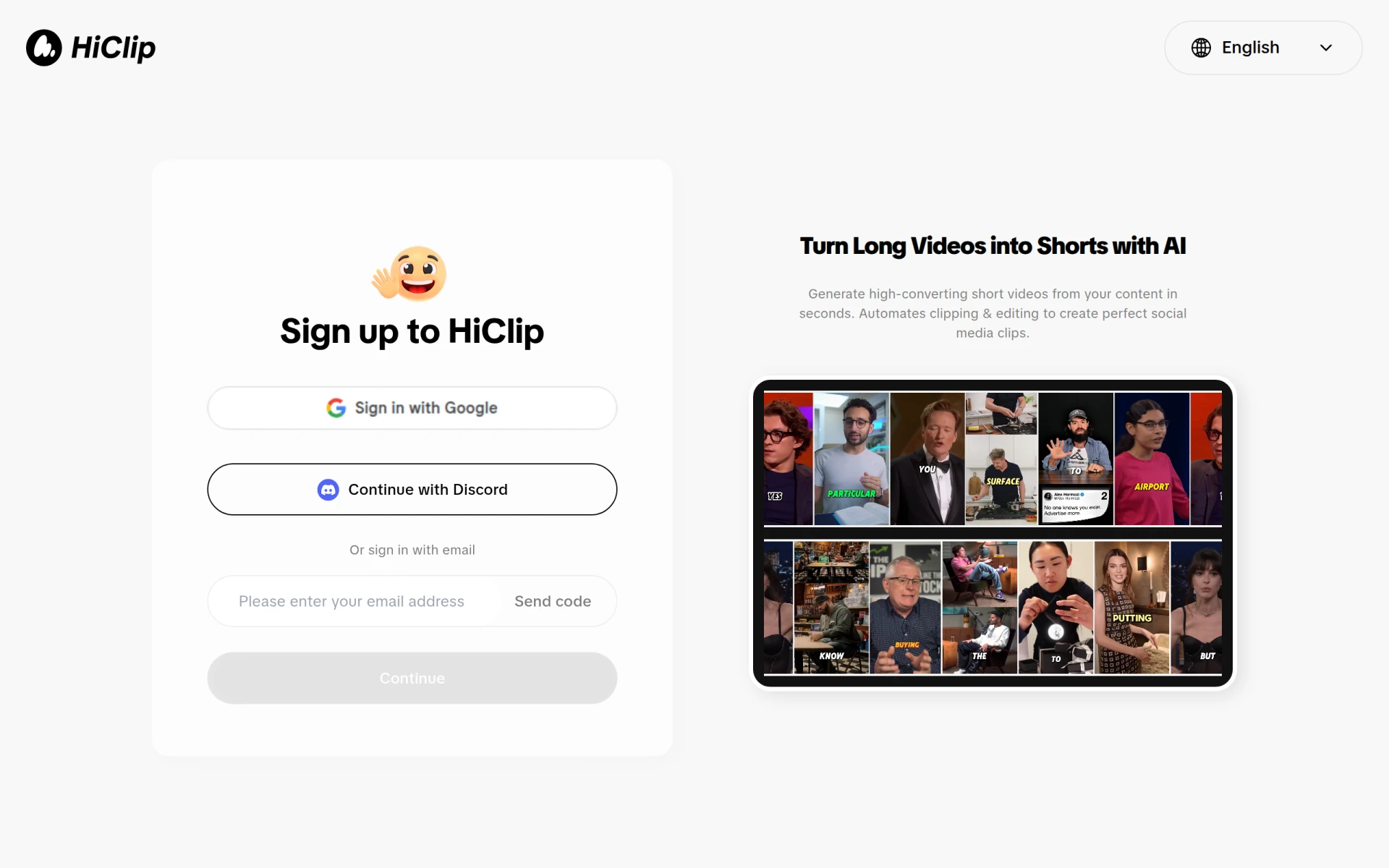 is another AI-powered video editing tool that specializes in transforming long videos into short, captivating clips ideal for social media. Its user-friendly interface allows content creators to optimize their videos for various platforms effortlessly, making it a valuable asset for anyone looking to enhance their video marketing efforts.
Pricing: Freemium - Pricing information is currently unavailable. Best for: Content creators looking to enhance their video marketing efforts, marketing teams aiming to produce quick promotional materials, social media managers generating engaging clips.
Levio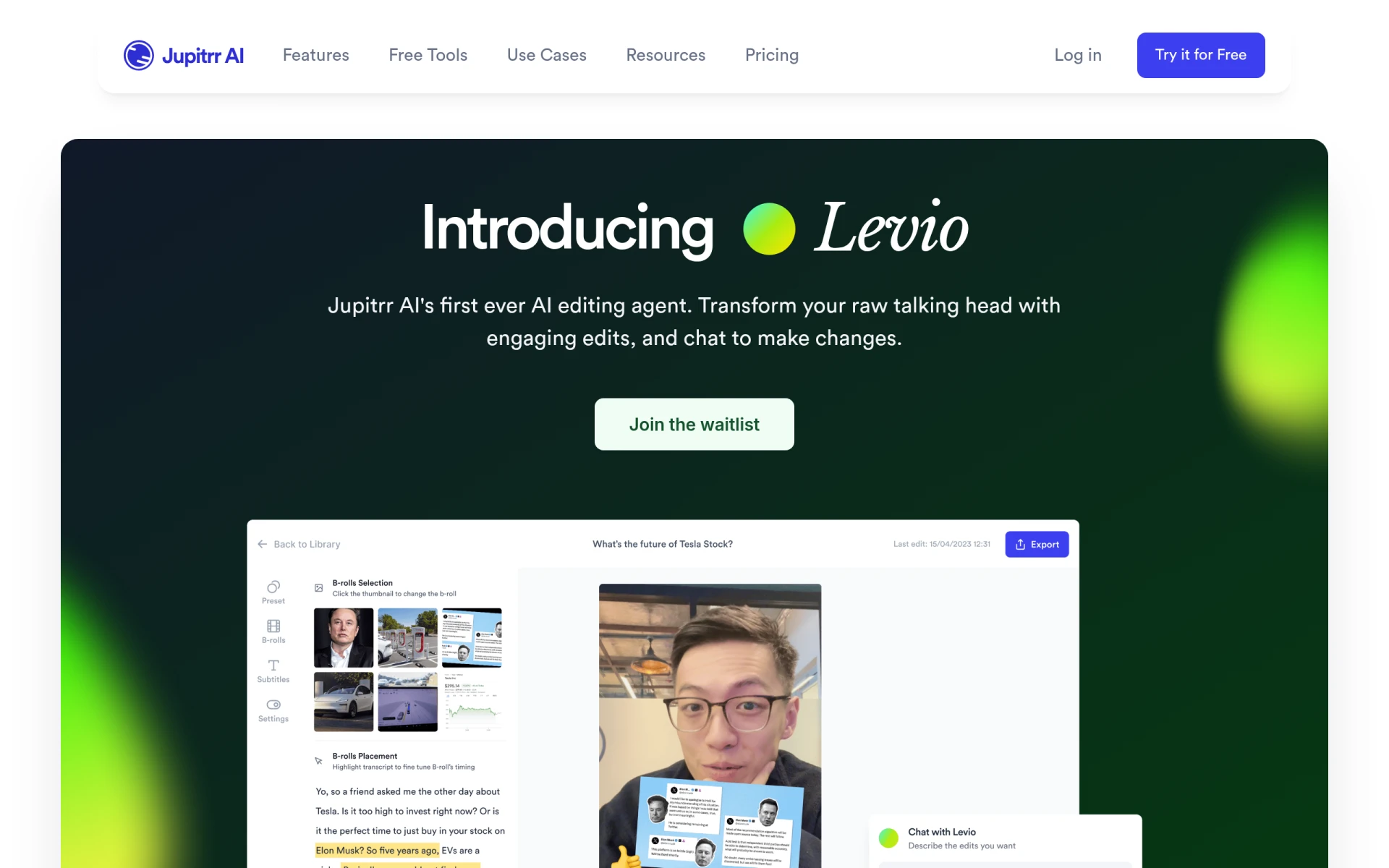 is an AI-powered video editing assistant that streamlines the video creation process. With features like automatic generation of engaging video hooks and the addition of animated subtitles, Levio is designed for content creators who need to produce high-quality videos quickly and efficiently.
Pricing: Contact - Pricing details are currently not available. Best for: Content creators looking for quick video production tools, marketing teams needing efficient video editing solutions, social media managers wanting engaging content.
Spikes Studio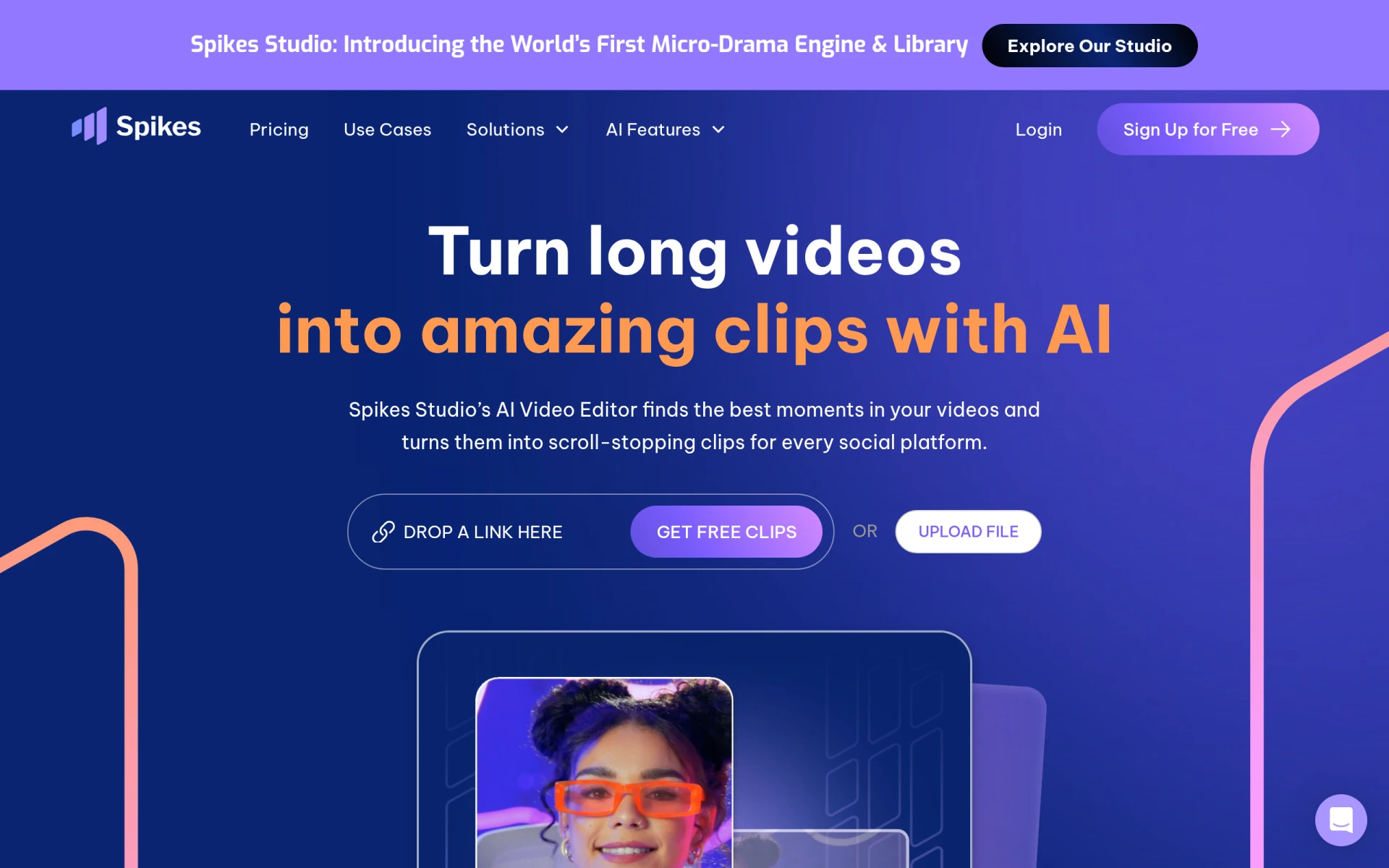 is designed for content creators who manage multiple social media accounts and need an efficient video editing solution. Its AI-driven features make it easy to create and publish tailored clips for platforms like YouTube, TikTok, and Twitch, helping users maximize their engagement across channels.
Pricing: Freemium - Offers a free plan and a Pro plan starting at $14.09 per month when billed annually. Best for: Content creators looking for efficient video editing solutions, social media managers managing multiple accounts, marketing teams needing quick video snippets for campaigns.
Opus Clip is an AI-driven video editing tool that specializes in transforming long videos into short, engaging clips perfect for social media. This tool is designed for individual content creators who want to enhance their online presence efficiently.
Pricing: Freemium - Offers a starter plan for $15 per month with a free trial available. Best for: Individual content creators, marketing teams, social media managers.
Vid.AI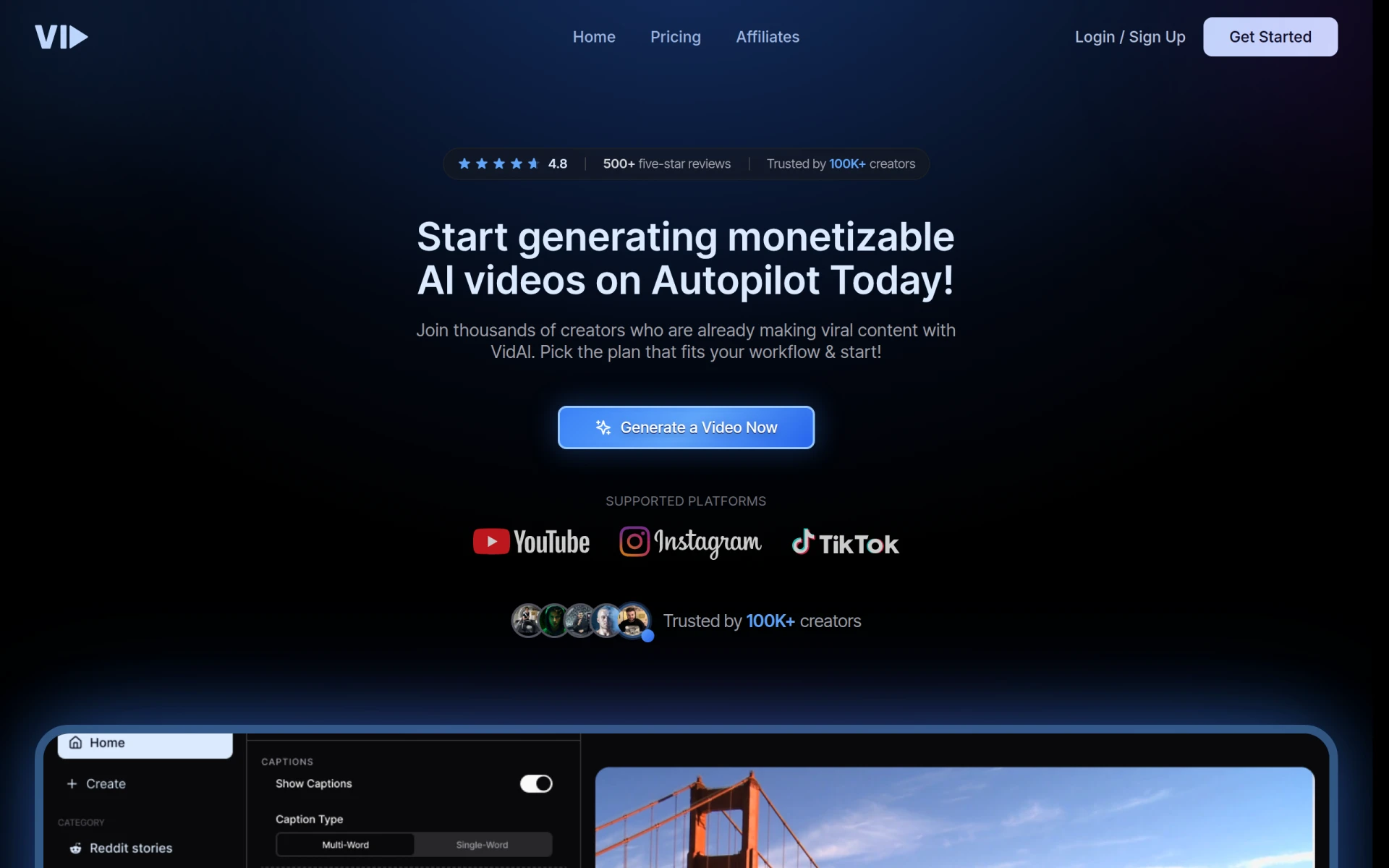 leverages AI to simplify the video creation process, making it accessible to users of all skill levels. Its drag-and-drop interface and automated features allow anyone, from beginners to seasoned professionals, to create compelling videos effortlessly.
Pricing: Freemium - Pricing information is currently unavailable. Best for: Small businesses, marketing teams, content creators.
| Tool | Best For | Starting Price | Rating |
|---|---|---|---|
| Wondershare Filmora | Small businesses creating promotional videos | Freemium | 0.0/5 |
| BlinkVideo | Enhancing social media engagement | Freemium | 0.0/5 |
| Glam AI | Social media managers | Freemium | 0.0/5 |
| Gling | YouTube creators | Freemium | 0.0/5 |
| HiClip | Social media optimization | Freemium | 0.0/5 |
| Levio | Quick video production | Contact | 0.0/5 |
| Spikes Studio | Managing multiple accounts | Freemium | 0.0/5 |
| Opus Clip | Individual creators | Freemium | 0.0/5 |
| Vid.AI | Accessibility | Freemium | 0.0/5 |
Wondershare Filmora is the best choice for beginners due to its user-friendly interface and extensive features designed for ease of use. It allows newcomers to dive into video editing without feeling overwhelmed, making it perfect for those just starting their creative journey.
For professionals, Gling stands out due to its powerful features tailored for YouTube creators. The automatic pause detection and viral clip generation offer advanced editing capabilities that help professionals create compelling content quickly and effectively.
Wondershare Filmora offers exceptional value with its freemium pricing model and robust features. The combination of a free tier and a one-time purchase option makes it accessible for various budgets while delivering high-quality editing capabilities.
Choosing the right video editing tool can significantly impact your content creation journey. By understanding your specific needs and exploring the best options available, you can confidently select a tool that elevates your videos and engages your audience.
Wondershare Filmora is a user-friendly video editing software ideal for creating high-quality videos with ease.
BlinkVideo is an AI-powered video editing tool that generates accurate captions in over 127 languages for social media content.
Glam AI transforms photos into engaging AI videos with innovative effects and editing features for content creators.
Gling is an AI-driven video editing software designed to streamline the video creation process for YouTube creators.
HiClip is an AI-powered video editing tool that transforms long videos into engaging short clips for social media.
Levio is an AI-powered video editing assistant that simplifies the process of creating engaging videos.
Spikes Studio is an AI-driven video editing tool designed to create engaging clips for platforms like YouTube, TikTok, and Twitch.
Opus Clip is an AI-driven video editing tool that transforms long videos into short, engaging clips for social media platforms.
Vid.AI is a video editing tool that leverages AI to simplify the video creation process, making it accessible for users of all skill levels.
VideoShorts is an AI-powered video editing tool designed to help users create engaging short videos quickly and efficiently.
When selecting video editing software, consider factors such as user-friendliness, essential features, pricing models, integration capabilities, and access to support resources. These criteria will help you find a tool that meets your specific needs.
Yes, many video editing tools offer freemium pricing models, allowing you to access basic features for free. Wondershare Filmora and Gling are examples of tools that provide free versions with options to upgrade for advanced features.
Wondershare Filmora is ideal for beginners due to its intuitive interface and comprehensive features that help newcomers start editing without feeling overwhelmed.
Look for features such as easy video trimming, audio editing tools, caption generation, customizable templates, and motion graphics. These features can enhance your workflow and improve the quality of your videos.
Absolutely! Tools like BlinkVideo and HiClip are specifically designed to optimize videos for social media, making it easy to create engaging content for platforms like Instagram, TikTok, and YouTube.
Identify your specific requirements, such as the type of content you create, your editing experience, and any necessary features. Reading reviews and exploring free trials can also help you assess whether a tool aligns with your needs.
AI-driven video editing uses artificial intelligence to automate various editing tasks, such as cutting clips, generating captions, and optimizing video content. This technology streamlines the editing process, making it faster and more efficient.
Weekly roundup of new AI tools, launches, and trending software. No spam — unsubscribe anytime.
No credit card required · Cancel anytime
Weekly roundup of new AI tools, launches, and trending software. No spam — unsubscribe anytime.
No credit card required · Cancel anytime