Introduction
Nonprofit organizations face the challenge of creating compelling video content without the luxury of a large budget. Finding affordable video editing software that can deliver quality results while accommodating limited resources is crucial for maximizing outreach and engagement.
Why Nonprofit Organizations Struggle With Finding affordable video editing software that meets nonprofit needs
Many nonprofits operate with tight budgets and limited technical expertise, making it difficult to invest in high-end video editing software. Additionally, the need for rapid content production means that nonprofits cannot afford to waste valuable time learning complex tools. For instance, a nonprofit may need to produce a promotional video for an upcoming fundraising event but lack the resources to hire professional editors. This scenario often leads to frustration as organizations search for affordable solutions that do not compromise on quality.
What to Look For in Video & Content Tools
- User-Friendly Interface: Nonprofits often have team members with varying levels of technical expertise. A simple interface can help everyone contribute to video projects without steep learning curves.
- Affordable Pricing: With limited budgets, nonprofits need tools that provide excellent value for money, whether through free versions or low-cost subscriptions.
- Collaboration Features: Many nonprofit teams work remotely or across different locations. Tools that facilitate collaboration can streamline the video creation process.
- AI-Powered Editing: AI features can significantly reduce editing time, allowing nonprofits to produce content quickly and efficiently.
- Template Options: Ready-made templates can help nonprofits get started faster and maintain brand consistency across videos.
Best Video Editing Software for Nonprofits on a Budget
Captions - Best for Quick Video Production
Captions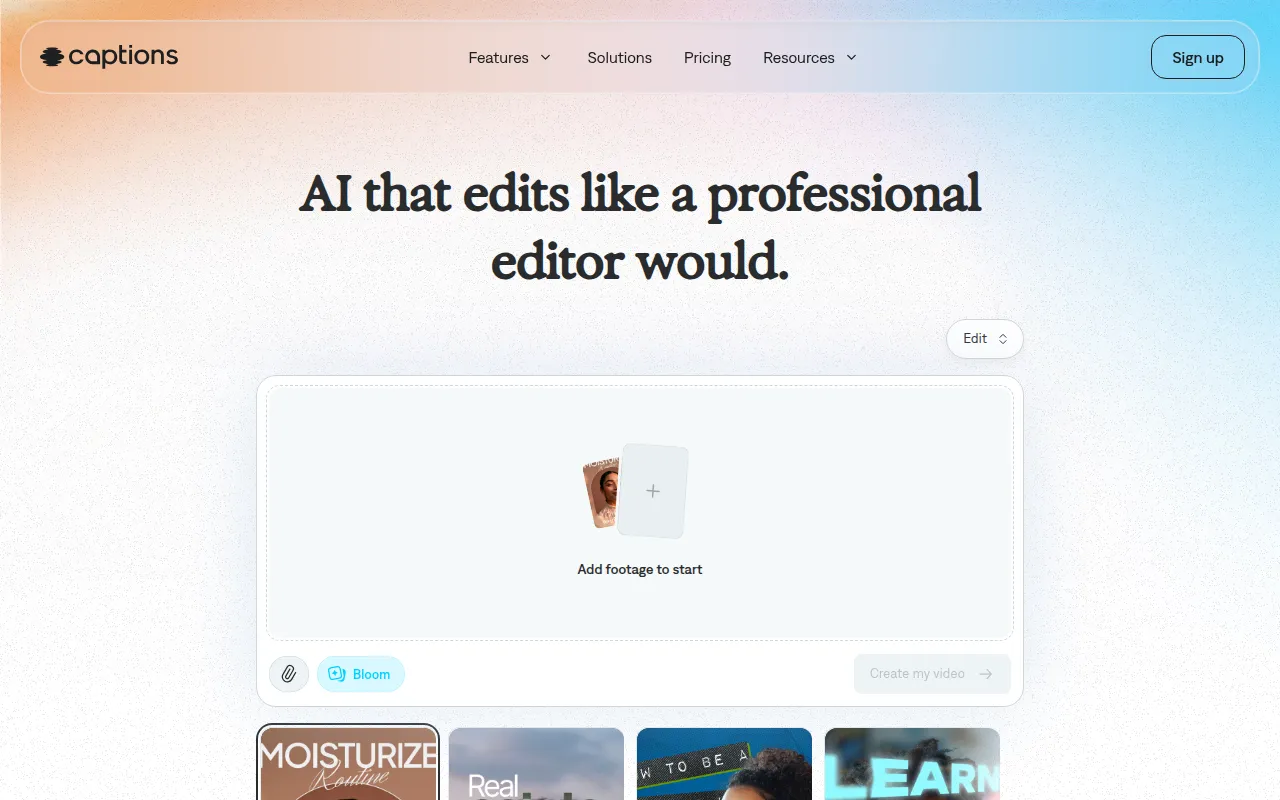 is an AI video editing tool that allows users to create shareable videos effortlessly. Its chat-based editing and curated AI edit styles make it particularly appealing for nonprofits needing to generate content quickly. By simplifying the video creation process, Captions empowers even those with minimal technical skills to produce professional-looking results.
- AI Video Generation: This feature allows users to create videos from scratch based on simple prompts, saving time and resources.
- Chat-based Editing: Users can interact with the software in a conversational manner, making it intuitive and easy to navigate.
- Library of Curated AI Edit Styles: Nonprofits can choose from a variety of styles to match their branding without needing extensive design skills.
- Custom B-Roll Generation: This feature helps enhance storytelling by providing relevant footage without additional costs.
Pricing: Freemium model with the most popular subscription at $24.99 per month. Best for: Small businesses and content creators needing quick video production.
Gling - Best for YouTube Creators
Gling is designed specifically for YouTube creators, making it an excellent choice for nonprofits that rely on video platforms for outreach. Its AI-driven editing features and automatic pause detection streamline the editing process, allowing organizations to focus on content rather than technical details.
- AI-driven Video Editing: This feature automates many tedious tasks, making it easier to create polished videos quickly.
- Automatic Pause Detection: Gling identifies pauses in videos, allowing users to cut out unnecessary content seamlessly.
- Viral Clip Generation: Nonprofits can create short, shareable clips from longer videos, increasing engagement on social media.
- Easy Link-based Video Creation: Users can create videos directly from links, simplifying the process for those with limited editing skills.
Pricing: Freemium model available with a free trial. Best for: YouTube content creators and vloggers needing quick editing solutions.
HiClip - Best for Social Media Optimization
HiClip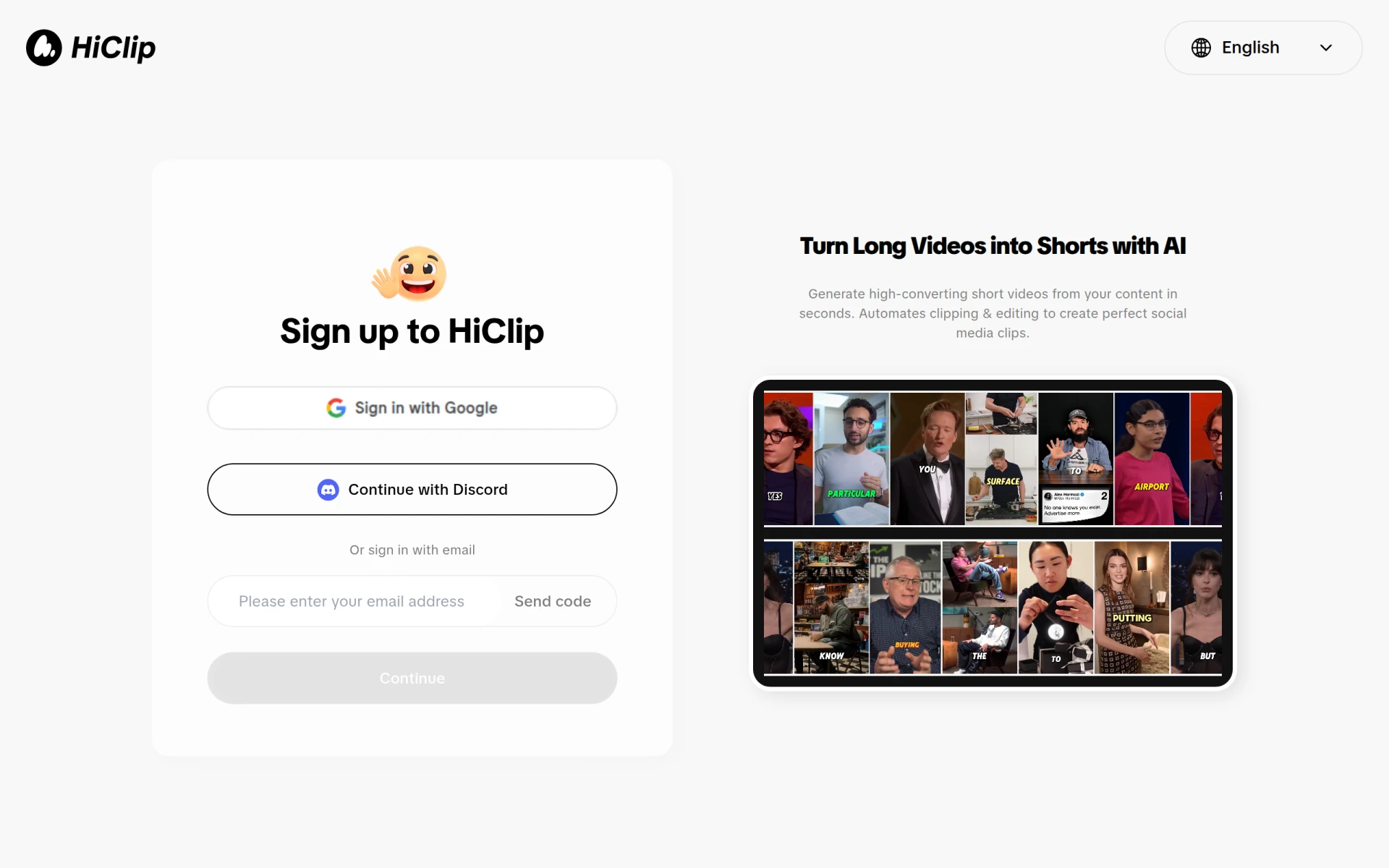 specializes in turning long videos into engaging short clips perfect for social media sharing. This tool is essential for nonprofits looking to maintain an active social media presence and engage their audience with bite-sized content.
- AI Clipping: Automatically identifies and creates highlights from longer videos, perfect for social media snippets.
- Customizable Templates: Nonprofits can easily tailor videos to fit their branding, ensuring consistency across platforms.
- User-Friendly Interface: The intuitive design allows users of all skill levels to create content quickly.
- Social Media Optimization: HiClip helps format videos for various social media platforms, ensuring the best presentation for each.
Pricing: Freemium model; specific pricing details currently unavailable. Best for: Content creators and marketing teams looking to enhance social media engagement.
Levio - Best for Engaging Video Content
Levio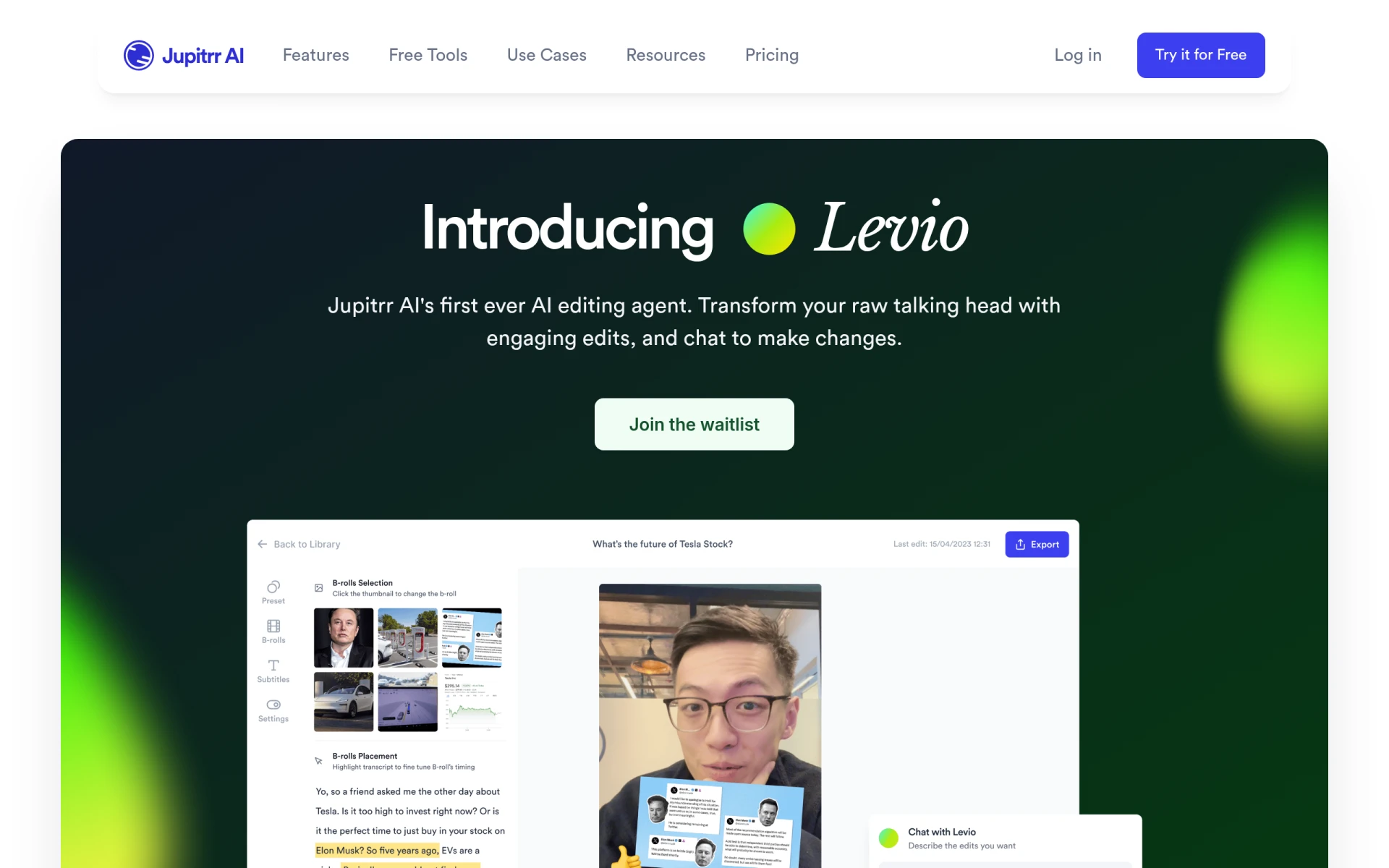 serves as an AI-powered assistant for video editing, making it easier for nonprofits to create engaging videos. Its automatic generation of engaging hooks and animated subtitles adds a professional touch to content without requiring extensive editing skills.
- AI-driven Editing Assistance: Levio simplifies the editing process, allowing users to create engaging videos quickly.
- Animated Subtitles: This feature makes videos more accessible and engaging, catering to a wider audience.
- Addition of B-roll Footage: Enhances storytelling and keeps viewers engaged without the need for extensive video libraries.
- GIFs and Emojis: These elements can help make videos more relatable and fun, appealing to a broader demographic.
Pricing: Contact for pricing details. Best for: Content creators and social media managers wanting engaging content.
Pictory - Best for Text to Video Conversion
Pictory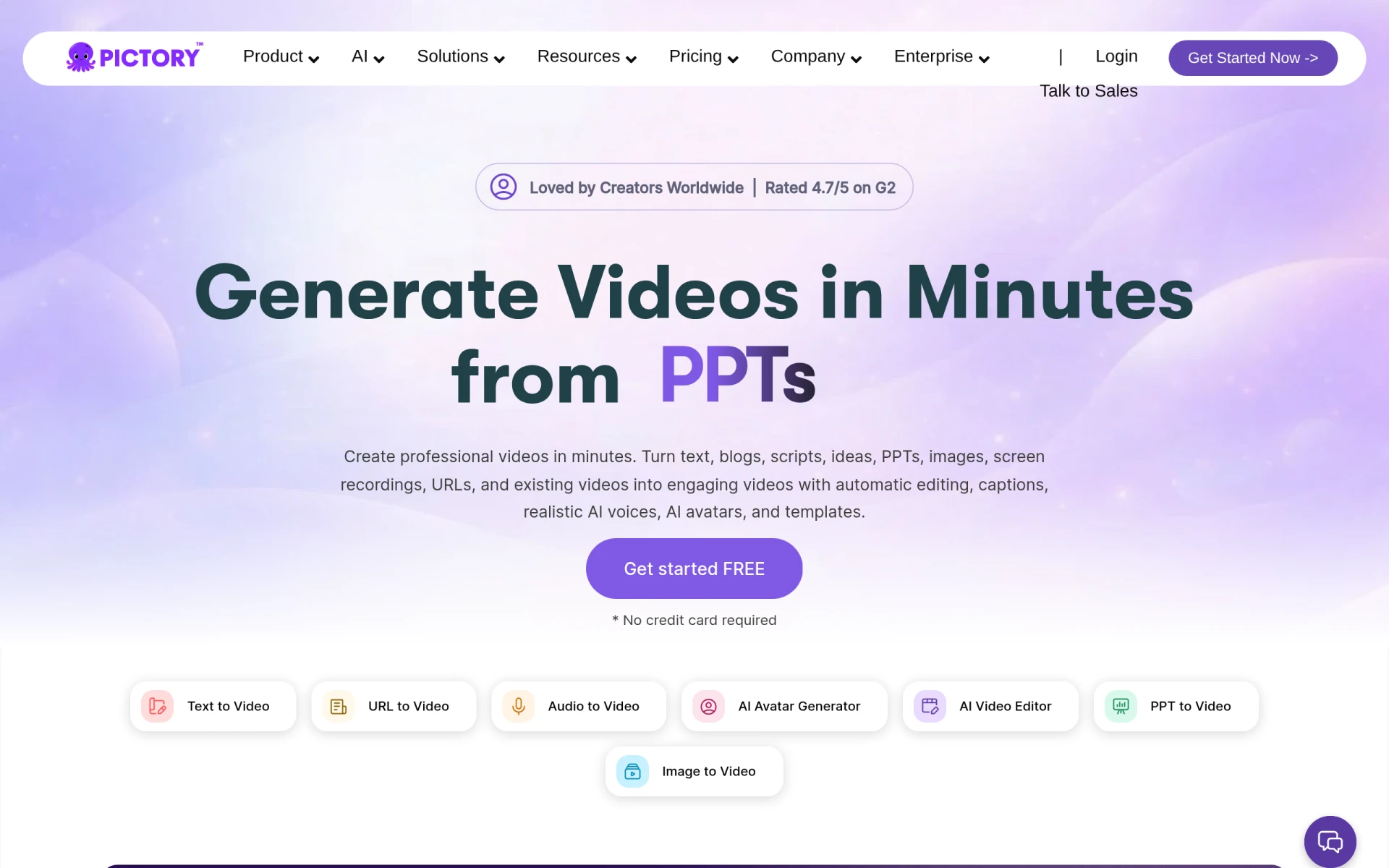 is an AI-powered tool that enables users to transform text and images into professional videos quickly. This feature is particularly beneficial for nonprofits looking to create informative content from existing materials.
- Text to Video Conversion: Nonprofits can turn scripts or articles into engaging video content effortlessly.
- AI Voiceovers: This feature allows for the addition of professional-sounding narration without the need for voice talent.
- Customizable Templates: Users can ensure their videos align with organizational branding.
- Automatic Caption Generation: Increases accessibility and engagement, making content consumable for a wider audience.
Pricing: Plans starting from $25 per month. Best for: Small businesses and freelancers enhancing marketing efforts with video content.
VideoGen - Best for Quick Video Generation
VideoGen is designed to help users create and edit videos quickly and easily. Its focus on rapid content creation makes it a solid choice for nonprofits needing to produce videos on tight deadlines.
- AI Video Generation: Users can create videos from images or text prompts quickly.
- AI Voiceover Integration: Adds a professional touch to videos without needing voiceover actors.
- AI Sound Effects: Enhances the overall quality of videos, making them more engaging.
- AI Image Editing: Users can make quick adjustments to images used in videos, ensuring a polished final product.
Pricing: Freemium model at $16 per month, with additional credits available for purchase. Best for: Small businesses and marketing teams needing quick turnaround for promotional content.
VideoShorts - Best for Creating Engaging Short Videos
VideoShorts is tailored for users wanting to create engaging short videos quickly. Nonprofits can leverage this tool to produce catchy content for social media platforms.
- AI-driven Editing: Simplifies the editing process, allowing users to produce quality videos rapidly.
- Customizable Templates: Offers a variety of templates to maintain brand consistency.
- Text Overlay Options: Helps convey messages clearly and attractively.
- Music Integration: Enhances video appeal and engagement.
Pricing: Freemium model; pricing details not explicitly available. Best for: Small businesses and social media marketers.
Vidu AI - Best for Quick Content Creation
Vidu AI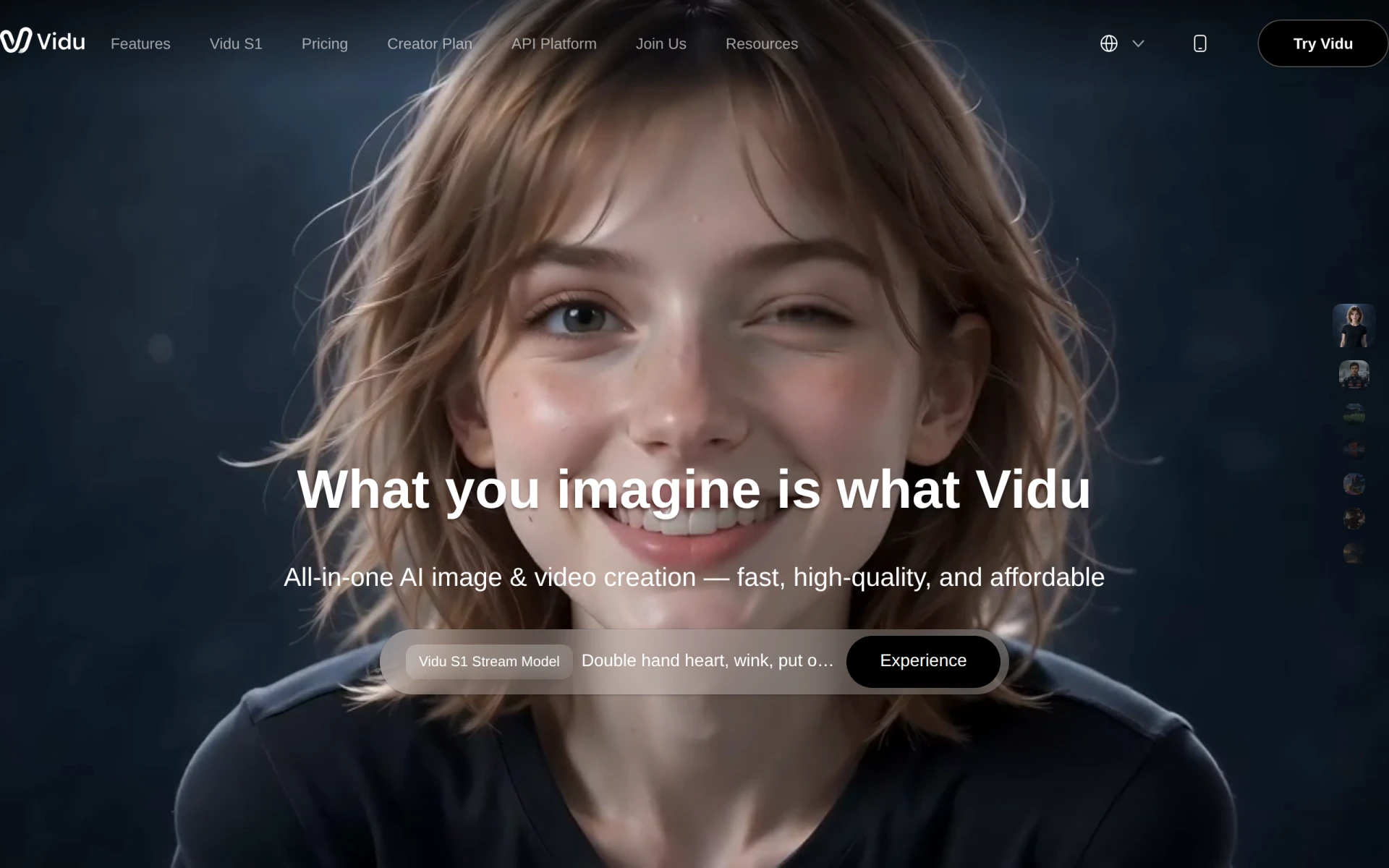 allows users to create videos from text, images, and references efficiently. Its design focuses on simplifying content creation for nonprofits needing to produce videos quickly.
- Text to Video: Converts written content into visual storytelling effortlessly.
- Image to Video: Users can create engaging videos using images, enhancing creativity.
- Reference Video Integration: Allows users to draw inspiration from existing videos, streamlining the creation process.
- AI Sound Effect Generator: Adds auditory elements that enhance the viewer experience.
Pricing: Freemium model with multiple pricing plans available. Best for: Marketing professionals and small to medium-sized businesses.
Wondershare Filmora - Best for User-Friendly Video Editing
Wondershare Filmora is a versatile video editing software ideal for nonprofits looking to create high-quality videos with ease. Its user-friendly interface makes it accessible for individuals with varying skill levels.
- Video Trimming and Splitting: Helps users edit videos efficiently, allowing for precise control over content.
- Audio Editing Tools: Users can easily manage audio tracks to enhance video quality.
- Extensive Media Library: Offers stock footage and music to enrich projects without additional costs.
- Motion Graphics and Titles Customization: Enables users to create engaging titles and graphics that align with organizational branding.
Pricing: Freemium model with subscription and one-time purchase options. Best for: Small businesses and educators producing online courses.
Vid.AI - Best for Simplifying Video Creation
Vid.AI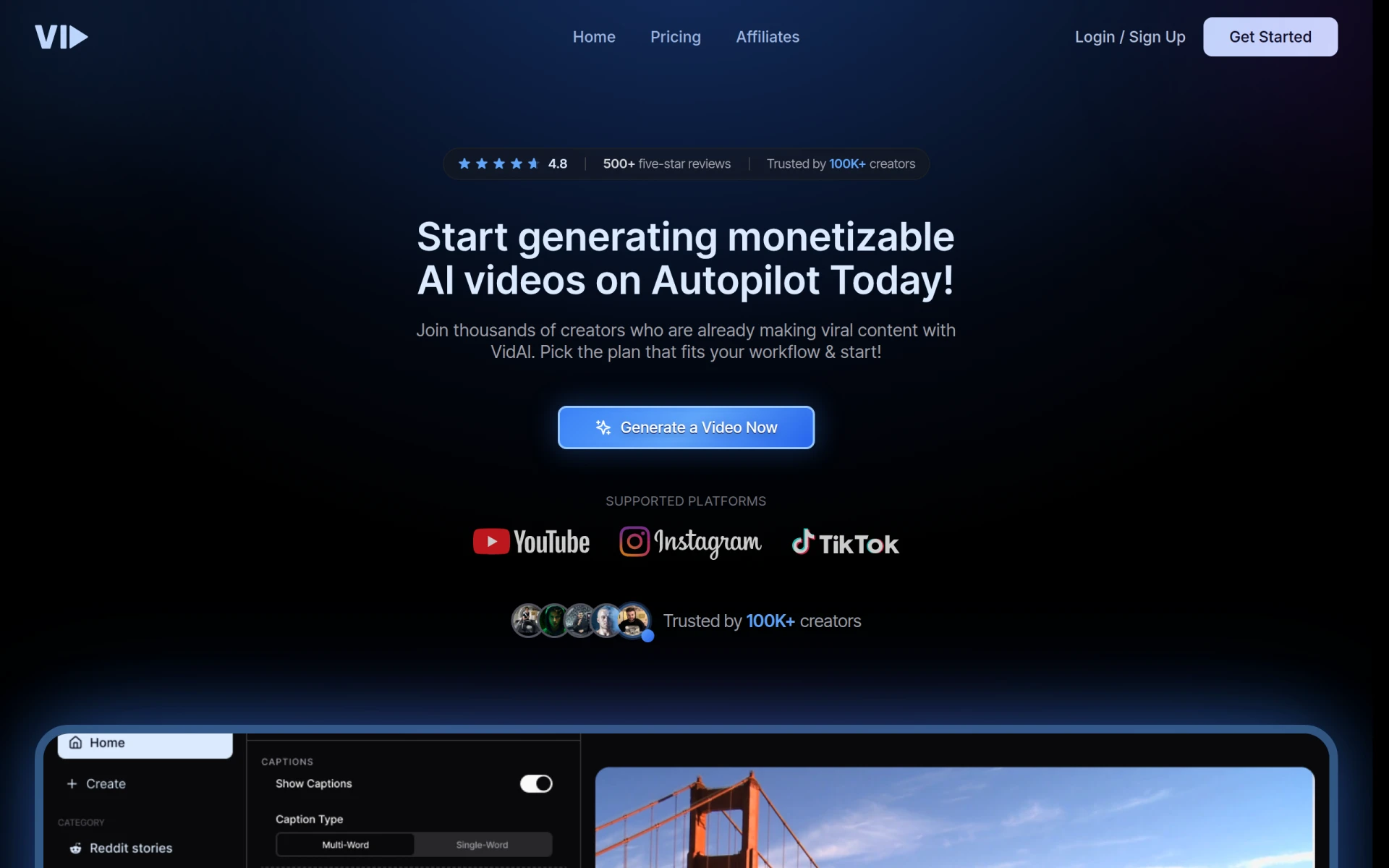 leverages AI to simplify the video creation process, making it accessible for users of all skill levels. Its drag-and-drop interface is particularly beneficial for nonprofits with limited technical resources.
- AI-Powered Editing: Automates complex editing tasks, allowing users to focus on content.
- Drag-and-Drop Interface: Simplifies the editing process, making it user-friendly for beginners.
- Automated Scene Detection: Helps identify key moments in videos for efficient editing.
- Voiceover Integration: Users can add narration easily, enhancing the overall quality of videos.
Pricing: Freemium model; specific pricing details currently unavailable. Best for: Small businesses and marketing teams looking for efficient solutions.
Quick Comparison
| Tool | Best For | Starting Price | Rating |
|---|
| Captions | Quick Video Production | Free / $24.99 | 0.0/5 |
| Gling | YouTube Creators | Free Trial | 0.0/5 |
| HiClip | Social Media Optimization | Free | 0.0/5 |
| Levio | Engaging Video Content | Contact | 0.0/5 |
| Pictory | Text to Video Conversion | $25 | 0.0/5 |
| VideoGen | Quick Video Generation | $16 | 0.0/5 |
| VideoShorts | Engaging Short Videos | Free | 0.0/5 |
| Vidu AI | Quick Content Creation | Free | 0.0/5 |
| Wondershare Filmora | User-Friendly Video Editing | Free | 0.0/5 |
| Vid.AI | Simplifying Video Creation | Free | 0.0/5 |
Best Choice for Beginners
Captions is the best choice for beginners due to its intuitive chat-based editing, making it easy for users to generate videos without technical expertise. The freemium model allows nonprofits to start without financial commitment, making it accessible for all skill levels.
Best Choice for Professionals
Wondershare Filmora stands out for professionals due to its extensive features, including advanced audio editing and customizable motion graphics. Its user-friendly interface combined with powerful capabilities makes it ideal for nonprofits producing high-quality content.
Best Value Pick
VideoGen is the best value pick due to its low starting price of $16 per month and robust AI features that aid in quick video generation. This offers nonprofits excellent ROI, enabling them to create quality content without breaking the bank.
Conclusion
Finding the right video editing software on a budget is essential for nonprofits aiming to create impactful videos. By leveraging these tools, organizations can enhance their outreach and storytelling capabilities effectively.