Why Look for Alternatives to AutoCut?
While AutoCut offers a sleek solution for automating video editing tasks in Premiere Pro and DaVinci Resolve, users often encounter limitations that push them to explore alternatives. One major concern is the lack of specific pricing details, which can make budgeting for long-term use difficult. Many users may find themselves unsure of the full costs associated with extending beyond the 14-day free trial, leading to frustration and hesitation in committing to the software. Additionally, AutoCut's functionality may not cover all use cases—particularly for those who require more advanced features like customizable avatars or specific social media optimizations that may not be well-supported.
Another common pain point is the relatively narrow focus of AutoCut on automation. While this is beneficial for speed, it can sometimes sacrifice creativity and control in video editing. Users looking for more hands-on editing capabilities or those who want to create unique, branded content may find themselves limited by the automated processes. Furthermore, AutoCut might not provide the collaborative features that agencies or larger teams need, making it less ideal for projects requiring input from multiple stakeholders. These limitations have led many to seek out alternatives that offer a broader range of features, greater flexibility, and clearer pricing structures.
Best Alternatives to AutoCut in 2026
AICUT - Best for Faceless Video Creation
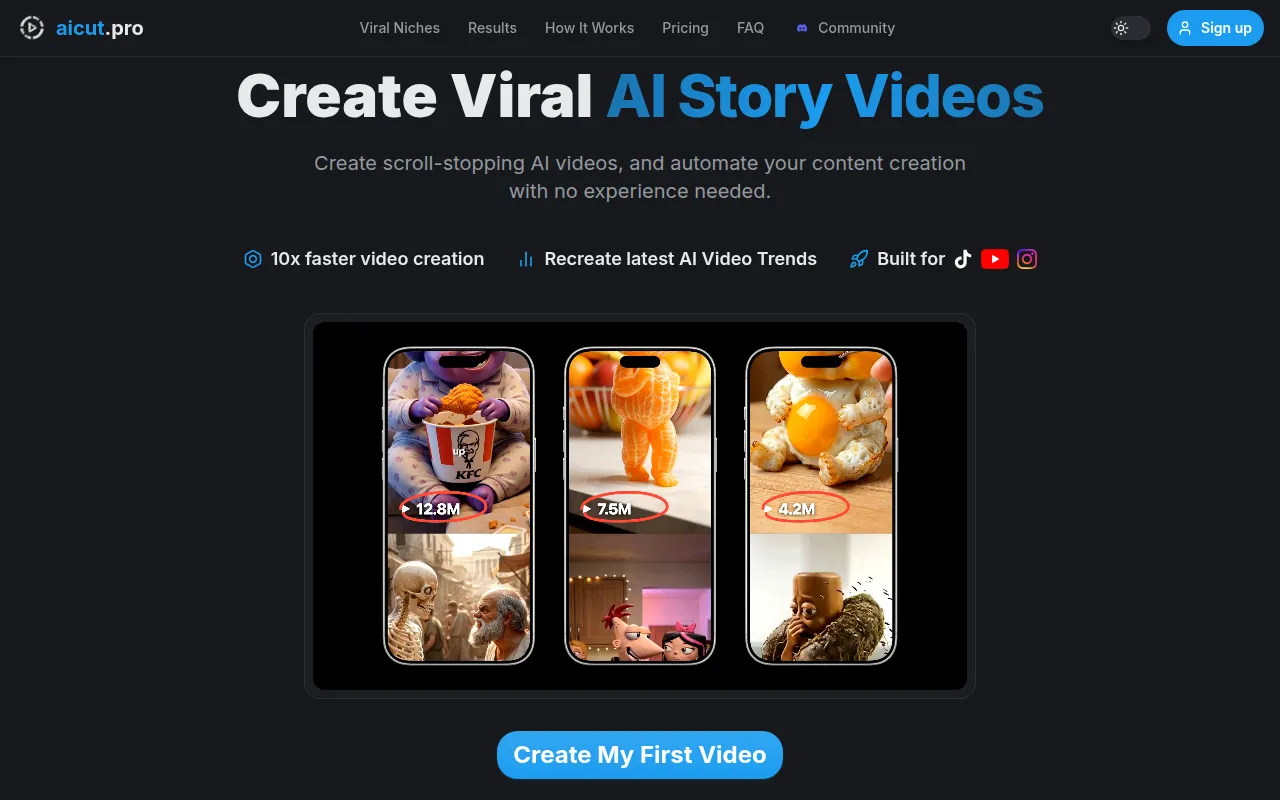
AICUT is a leading AI video generator tailored specifically for creating faceless videos, ideal for platforms like YouTube, TikTok, and Instagram. Compared to AutoCut, AICUT shines in its ability to generate videos without the need for on-screen talent, making it perfect for users who prefer or require anonymity in their content. The platform allows you to input scripts and automatically generates engaging, high-quality videos that can quickly be edited and published across social media channels. Its user-friendly interface and AI-driven automation streamline the video creation process, making it accessible even to those with minimal editing experience.
For content creators focused on social media, AICUT provides a unique advantage over AutoCut by emphasizing the faceless video format. This feature caters to a growing trend where anonymity can enhance viewer engagement. The tool also offers a variety of templates and styles, enabling users to maintain brand consistency while still producing unique content. However, AICUT is still developing its library of customization options, which may deter users looking for extensive personalization in their videos.
- Key Strength: Specialized in faceless video generation for social media.
- Key Strength: User-friendly interface designed for quick video creation.
- Key Strength: AI-driven automation that reduces editing time significantly.
- Limitation: Limited customization options compared to traditional video editors.
Pricing: Freemium - Pricing information is currently unavailable. Best for: Content creators focused on anonymity in social media videos.
AI Studios - Best for All-in-One Video Generation
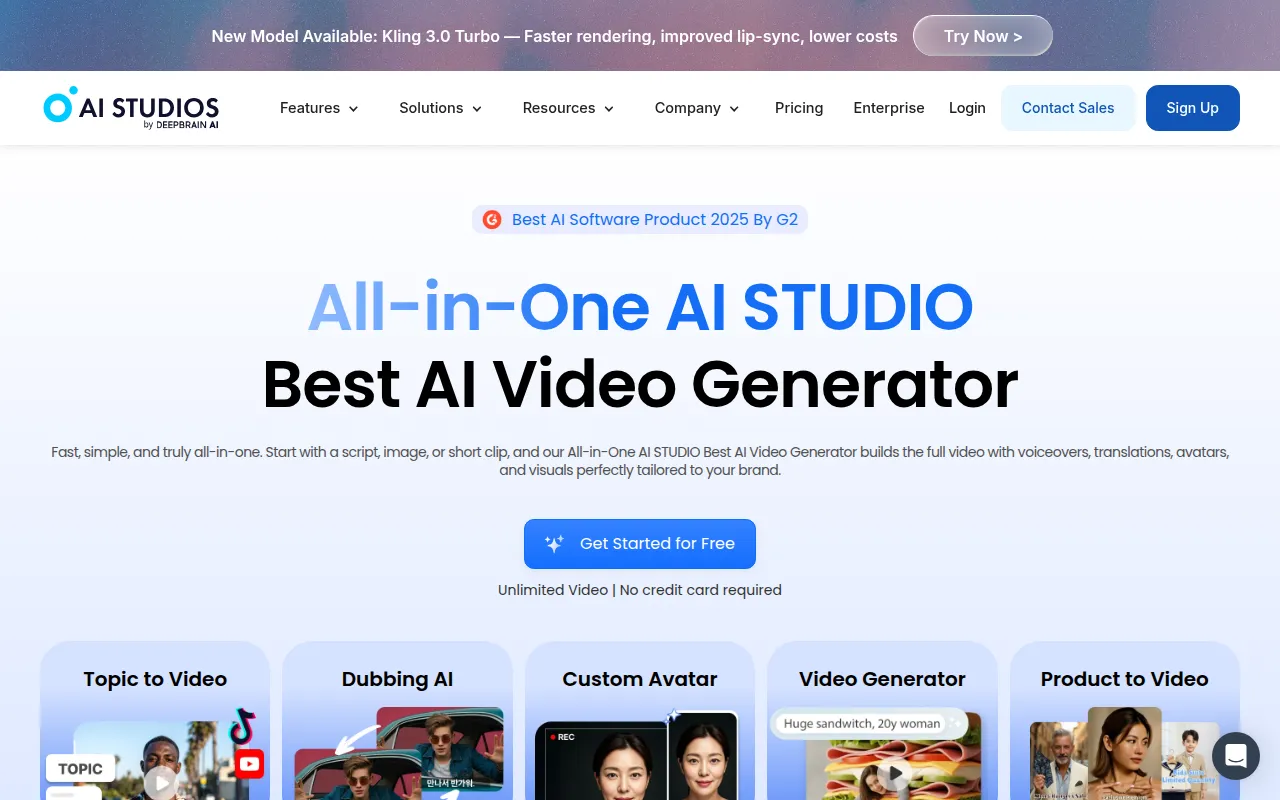
AI Studios is an all-in-one AI video generation tool that simplifies the creation of professional videos from scripts or images. Unlike AutoCut, which primarily focuses on automating editing tasks, AI Studios allows users to generate videos from scratch, making it a more versatile option for those looking to produce high-quality content quickly. The platform is designed for both novice and experienced creators, offering an intuitive interface that reduces the learning curve typically associated with video production. Users can easily input their scripts or upload images, and the AI takes care of the rest, producing polished videos that are ready for distribution.
What sets AI Studios apart from AutoCut is its emphasis on storytelling and visual appeal. The platform includes various features that allow users to incorporate their creative vision into the final product. For instance, users can customize the pacing, transitions, and visual elements of their videos, giving them greater control over the final output. While this flexibility is a significant advantage, users should be aware that the platform may require more initial input compared to AutoCut, which automates many aspects of the editing process.
- Key Strength: Comprehensive tool for generating videos from scripts or images.
- Key Strength: Intuitive interface suitable for various experience levels.
- Key Strength: Emphasis on storytelling and visual customization.
- Limitation: May require more input and initial setup compared to AutoCut.
Pricing: Freemium - Pricing information is currently unavailable. Best for: Users seeking a versatile tool for video creation from scripts and images.
AI Video Cut - Best for Simplified Video Cutting
AI Video Cut is designed to simplify the video editing process, particularly focused on the cutting aspect that many users find tedious. This intuitive tool offers a streamlined approach that allows users to quickly trim and rearrange their video clips without getting bogged down in complex editing features. Compared to AutoCut, which automates various tasks, AI Video Cut prioritizes ease of use, making it accessible for users of all skill levels. The platform is ideal for those who want to create concise videos without investing too much time in the editing process.
One of the standout features of AI Video Cut is its user-friendly interface, which allows for drag-and-drop functionality and real-time previews. This makes it easy to see how changes affect the final product instantly. Additionally, AI Video Cut supports a wide range of file formats, ensuring compatibility with various media types. However, users looking for more advanced editing features, such as color grading or audio mixing, may find AI Video Cut lacking compared to the more comprehensive capabilities of AutoCut.
- Key Strength: Intuitive interface focused on simplifying the cutting process.
- Key Strength: Real-time previews for instant feedback on edits.
- Key Strength: Supports a wide range of video formats.
- Limitation: Lacks advanced editing features found in AutoCut.
Pricing: Freemium - Pricing information is currently unavailable. Best for: Users looking for a straightforward tool to simplify video cutting.
AI Storyboard Generator - Best for Pre-Production Planning
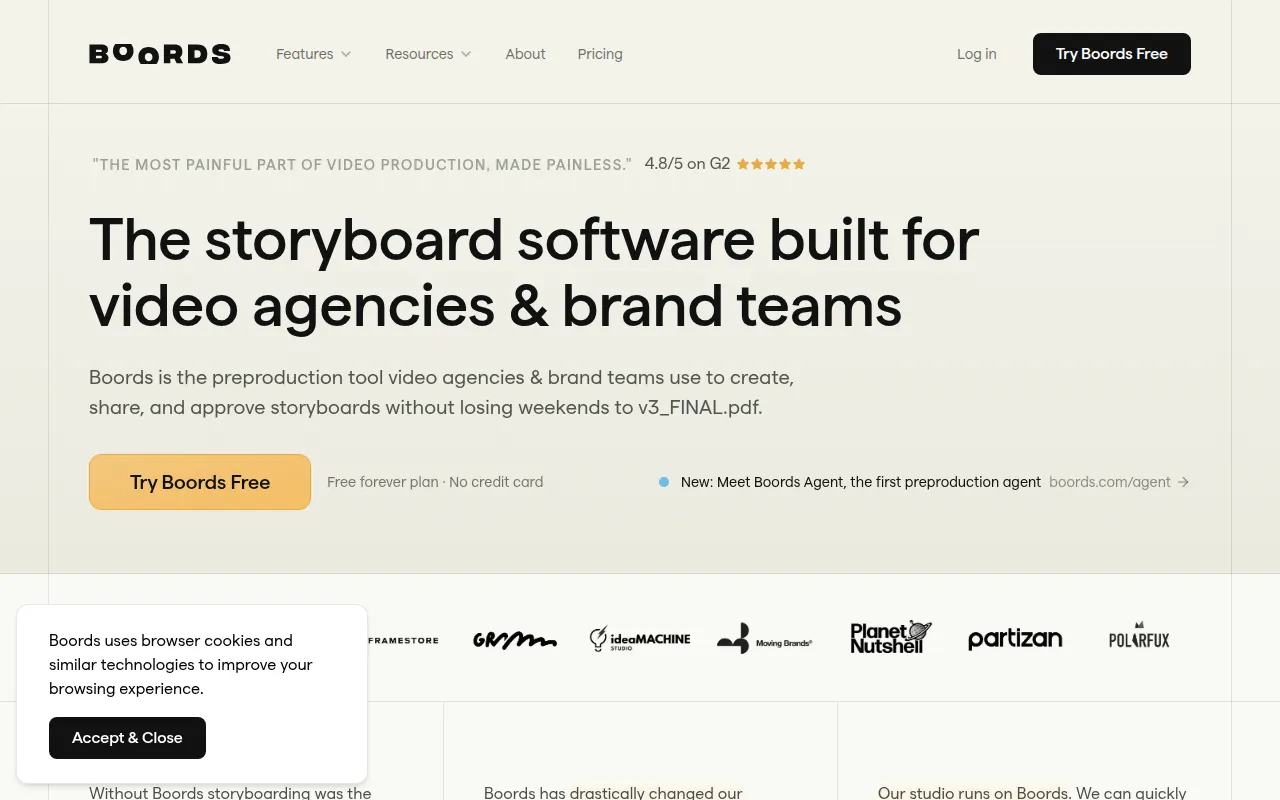
Boords, an AI storyboard generator, is designed to simplify the pre-production process for agencies and brand teams. Unlike AutoCut, which focuses on post-production video editing, Boords helps users visualize their projects before the filming begins. This tool allows for the creation of storyboards directly from scripts, accommodating the needs of teams that require collaborative input during the planning phase. The ability to visualize scenes before shooting can save time and resources, making it an invaluable asset for video production projects.
What makes Boords stand out is its collaborative features, allowing multiple users to work on storyboards simultaneously. This is a significant advantage for agencies or larger teams who need to gather feedback and make adjustments quickly. Furthermore, Boords offers the ability to create animatics, which provide a more dynamic representation of how the final video will look. However, users who are solely focused on post-production editing may find Boords less relevant compared to AutoCut's automation capabilities.
- Key Strength: Streamlines the pre-production process through storyboard creation.
- Key Strength: Collaborative features for team input and feedback.
- Key Strength: Ability to create animatics for better visualization.
- Limitation: Focused on pre-production, not suitable for post-production editing.
Pricing: Free plan available; Pro plan at $50 per month when billed annually. Best for: Agencies and brand teams focused on pre-production planning.
Adobe Premiere Pro - Best for Professional Video Editing
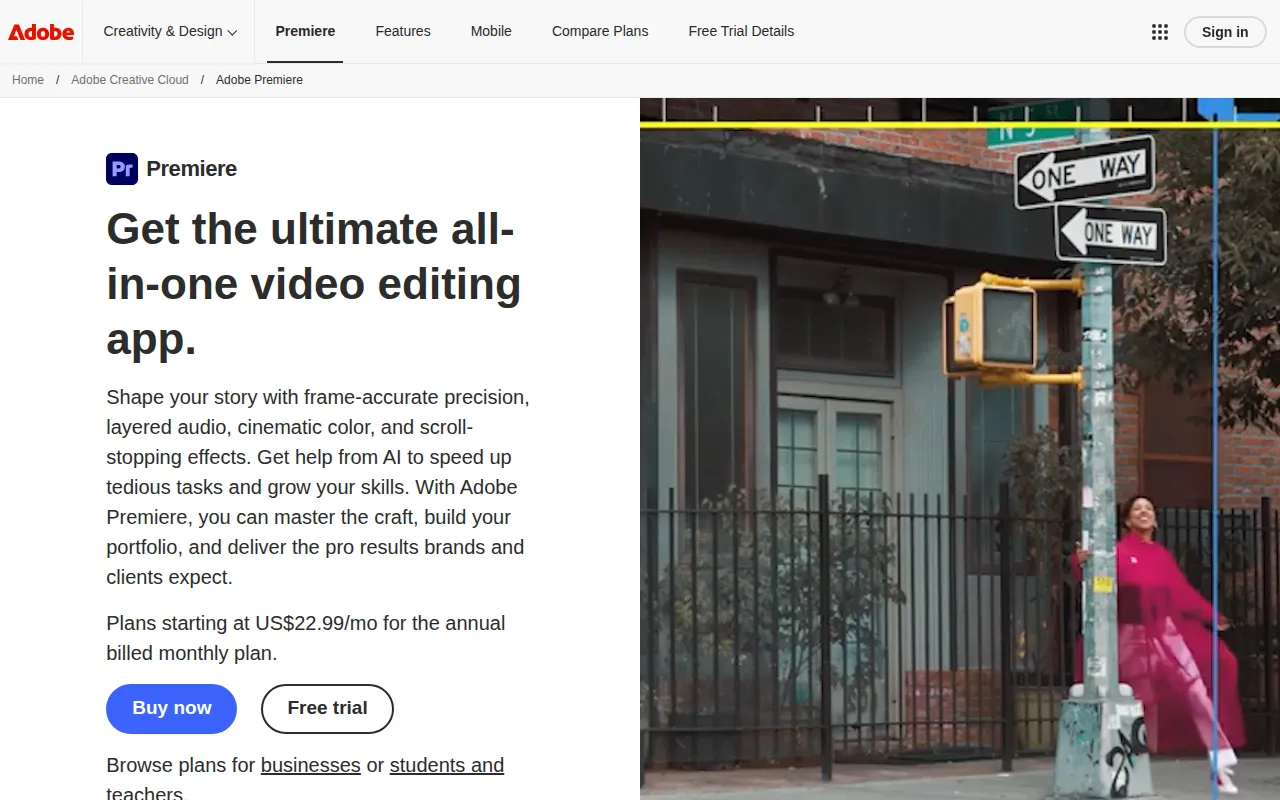
Adobe Premiere Pro is a professional-grade video editing software that caters to filmmakers and content creators looking to produce high-quality videos. Unlike AutoCut, which automates editing tasks, Premiere Pro offers a comprehensive set of tools for manual editing, giving users full control over every aspect of their projects. Its robust features include advanced color grading, audio mixing, and multi-camera editing, making it a preferred choice for professional editors. Users who seek to create unique, intricate content will find Premiere Pro's capabilities far superior to those of AutoCut.
In addition to its powerful editing tools, Adobe Premiere Pro integrates seamlessly with other Adobe products, such as After Effects and Photoshop, creating a cohesive ecosystem for multimedia projects. This feature is a significant advantage for those who rely on multiple tools for their creative work. However, Premiere Pro operates on a subscription-based pricing model, which may be a barrier for casual users or those on a tight budget. Additionally, its extensive feature set comes with a steeper learning curve compared to more automated tools like AutoCut.
- Key Strength: Comprehensive tools for manual video editing and advanced features.
- Key Strength: Seamless integration with other Adobe products.
- Key Strength: Ideal for professional filmmakers and content creators.
- Limitation: Steeper learning curve and subscription-based pricing model.
Pricing: Paid - operates on a subscription-based model. Best for: Professional video editors and filmmakers.
2short.ai - Best for Short-Form Content Creation
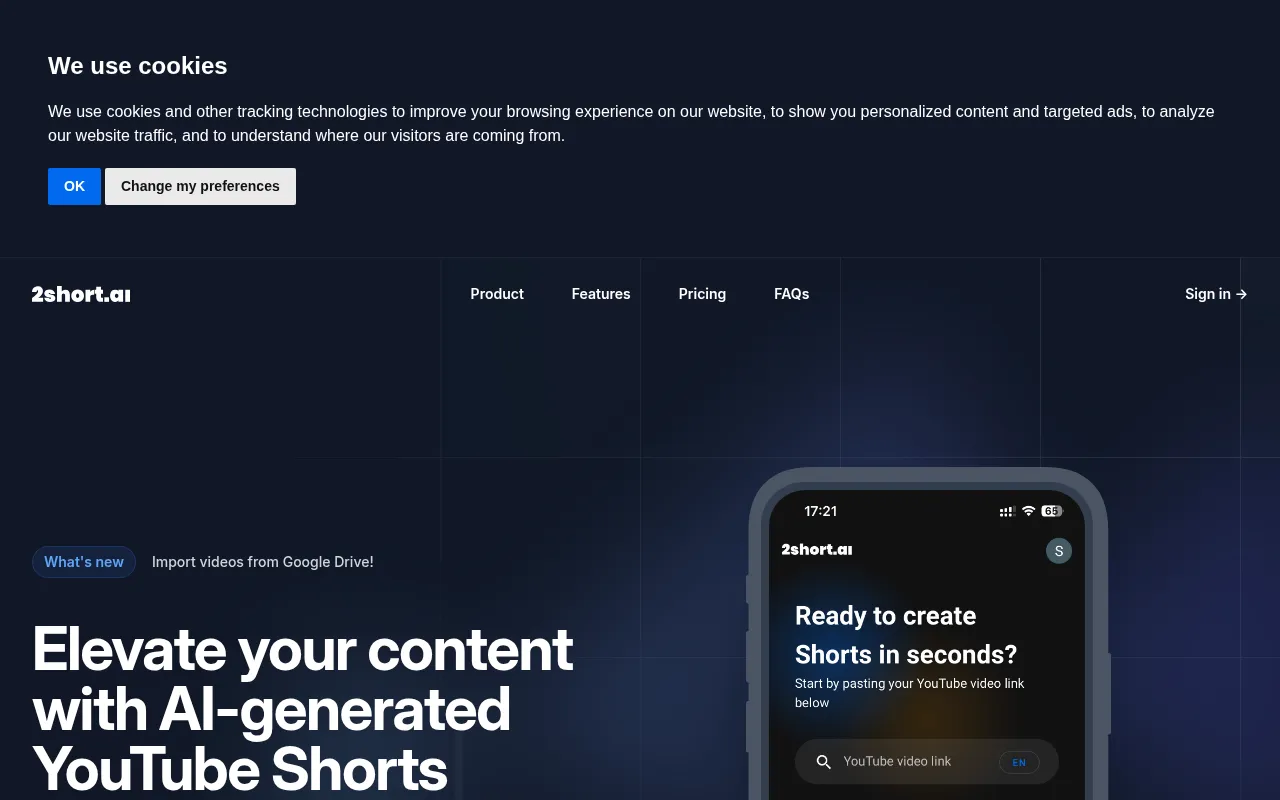
2short.ai is an AI-powered tool that specializes in transforming long YouTube videos into engaging short clips tailored for platforms like TikTok and Instagram. Unlike AutoCut, which focuses on automating the editing process, 2short.ai is designed for users looking to repurpose existing content into bite-sized formats for social media. This tool recognizes the growing demand for short-form video content and provides an efficient solution for content creators aiming to maximize their reach across various platforms.
One of the key advantages of 2short.ai is its ability to analyze long-form content and automatically generate highlights that resonate with viewers. This feature saves users significant time, as manually sifting through hours of footage can be labor-intensive. The platform also offers customization options for branding and style, allowing users to maintain their identity in every short clip. However, users seeking a comprehensive editing tool for longer projects may find 2short.ai limited compared to the more extensive functionalities of AutoCut.
- Key Strength: Specializes in creating short clips from long-form videos.
- Key Strength: Automatic highlight generation for efficiency.
- Key Strength: Customization options for branding and style.
- Limitation: Limited functionalities for longer editing projects.
Pricing: Freemium - Pricing information is not publicly available. Best for: Content creators focused on short-form video content.
Argil - Best for Avatar-Based Video Creation
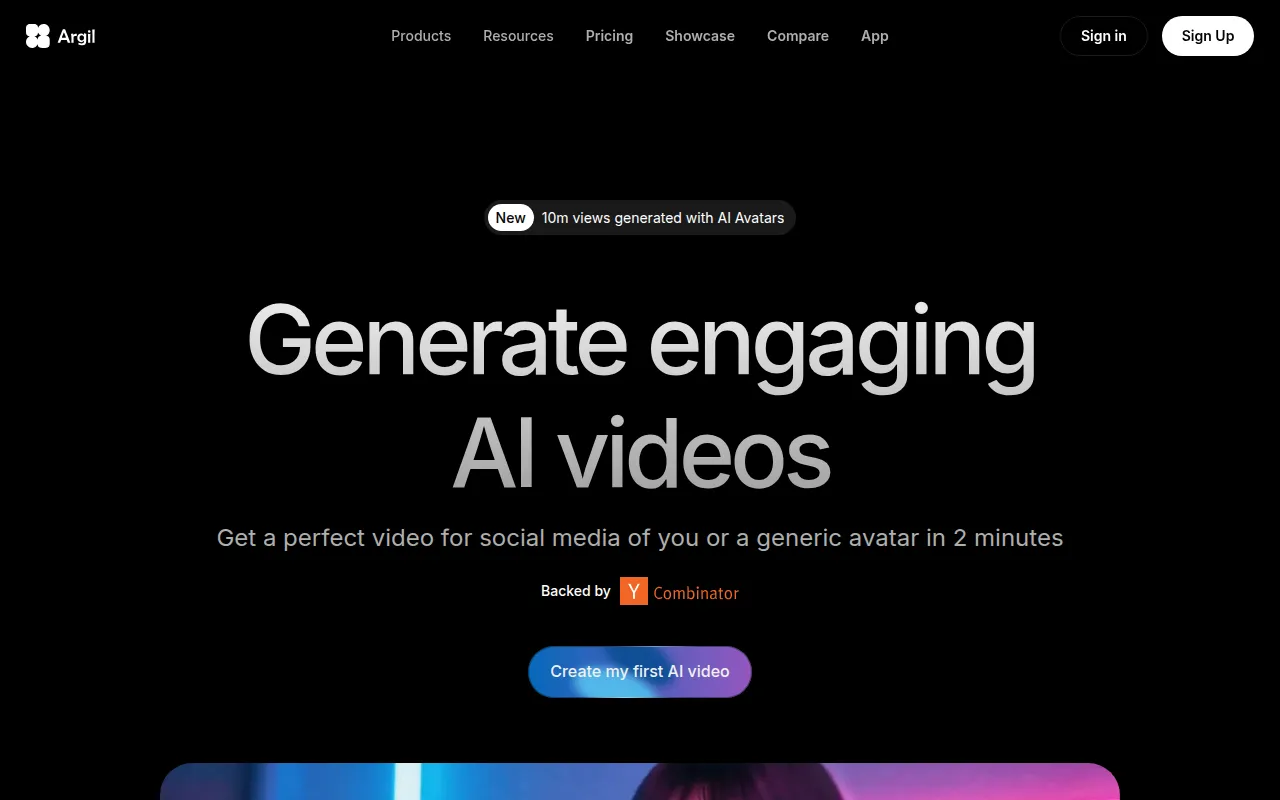
Argil is an innovative AI-powered video editing tool that allows users to create engaging videos using customizable avatars. This capability sets it apart from AutoCut, which focuses primarily on automation in standard video editing. Argil is particularly advantageous for marketers and educators looking to produce animated content without extensive animation skills. The platform provides a library of avatars and customization options, enabling users to create unique presentations and explainer videos that can capture audience attention effectively.
Additionally, Argil’s user-friendly interface makes it accessible for individuals with minimal technical skills. The ability to create videos with avatars can be a game-changer for those who want to add a personal touch to their content. However, users should note that while Argil excels in avatar-based videos, it may not cater to users looking for traditional video editing features such as complex transitions or effects found in AutoCut.
- Key Strength: Customizable avatars for unique video presentations.
- Key Strength: User-friendly interface for quick video creation.
- Key Strength: Ideal for marketers and educators needing animated content.
- Limitation: Limited traditional editing features compared to AutoCut.
Pricing: Freemium - Classic plan at $39 per month, Pro plan at $149 per month. Best for: Marketers and educators looking for avatar-based video solutions.
Anijam AI - Best for Animation Creation
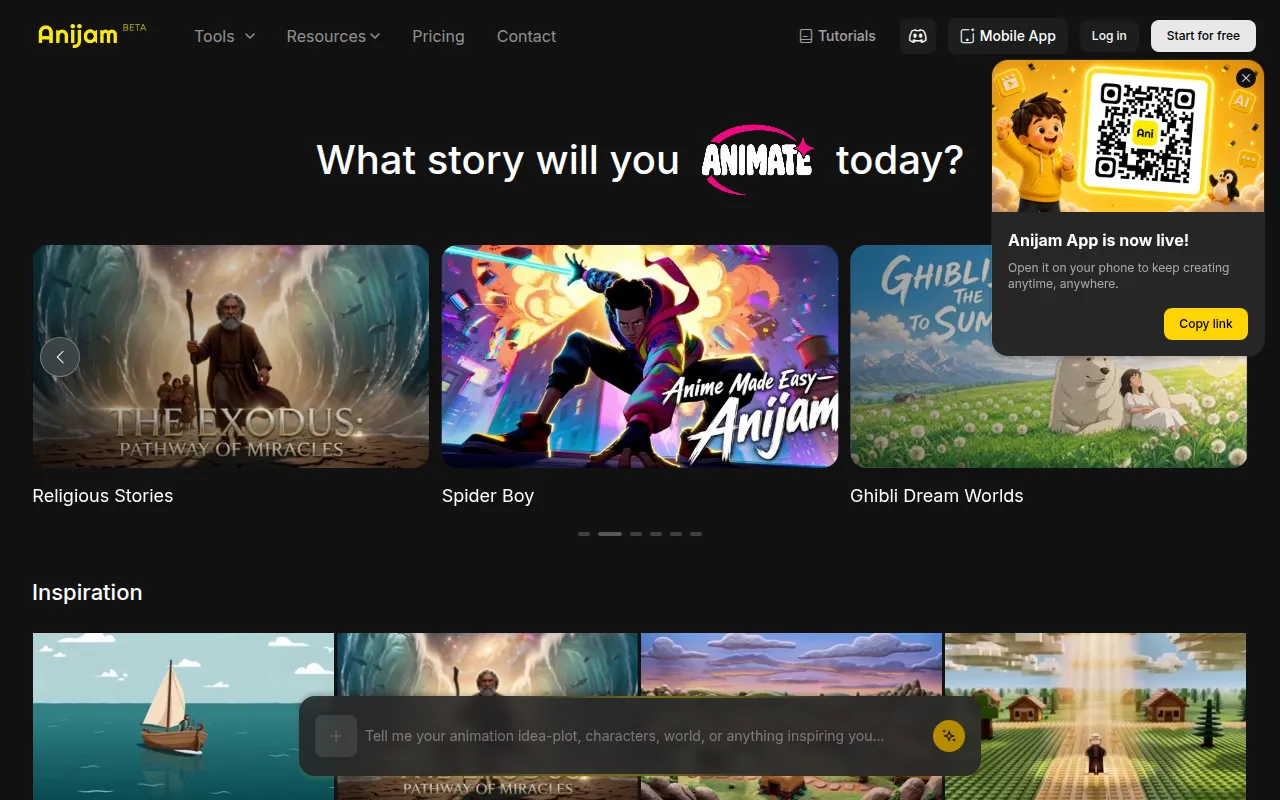
Anijam AI is an intuitive platform that transforms text, images, and audio into engaging animations, making it a great alternative for users interested in creative storytelling. Unlike AutoCut, which is designed primarily for video editing, Anijam AI offers a unique approach that allows users to bring their narratives to life through animation. This platform is particularly beneficial for creators who want to produce animated explainer videos, social media content, or educational materials without needing advanced animation skills.
One of the standout features of Anijam AI is its ability to integrate various media types, allowing for a diverse range of creative outputs. Users can easily upload text scripts, images, and audio files, and the AI generates animations that align with the provided content. While Anijam AI excels at creating animated videos, users should be aware that it may not include the comprehensive editing capabilities found in AutoCut, making it less suitable for traditional video projects.
- Key Strength: Transforms text, images, and audio into animations.
- Key Strength: Ideal for storytelling through creative animation.
- Key Strength: User-friendly interface for quick animation creation.
- Limitation: Limited traditional video editing features compared to AutoCut.
Pricing: Freemium - Pricing information is currently unavailable. Best for: Creators interested in producing animated content.
Animoto - Best for Quick Video Creation
Animoto is a video editing tool designed for creating professional-quality videos quickly and easily. It stands out as a user-friendly alternative to AutoCut, particularly for users who need to produce videos rapidly without extensive editing knowledge. Animoto offers a range of templates and styles, allowing users to create visually appealing content for marketing, social media, and personal projects. The platform's drag-and-drop functionality simplifies the editing process, making it accessible for anyone, regardless of their technical expertise.
In comparison to AutoCut, Animoto's focus on speed and ease of use makes it a preferred choice for small business owners and marketers who need to generate content quickly. The platform also includes features for adding text overlays, music, and transitions, allowing users to customize their videos efficiently. However, users looking for advanced editing capabilities or detailed customization options may find Animoto somewhat limited, particularly compared to the more versatile functionalities of AutoCut.
- Key Strength: Quick and easy video creation with templates and styles.
- Key Strength: User-friendly drag-and-drop interface.
- Key Strength: Ideal for marketers and small business owners needing fast content.
- Limitation: Limited advanced editing capabilities compared to AutoCut.
Pricing: Freemium - Pricing information is not publicly listed. Best for: Users needing to create videos quickly with minimal effort.
Akool - Best for Personalized Video Marketing
Akool is an AI-powered video editing platform designed specifically for marketers looking to create personalized visual content efficiently. Unlike AutoCut, which is more focused on general video editing automation, Akool allows users to tailor their video content to specific audiences, enhancing engagement and effectiveness. This platform is particularly beneficial for businesses that want to create targeted marketing campaigns with videos that resonate with their customers.
One of Akool's key strengths is its personalization features, which allow marketers to incorporate user data and preferences into their video content. This capability can significantly enhance viewer engagement and conversion rates. Additionally, the platform offers a free Starter plan, making it accessible for small businesses or individuals who are just getting started with video marketing. However, users should note that while Akool excels in personalization, it may lack some of the more advanced editing tools found in AutoCut.
- Key Strength: Personalization features for targeted video marketing.
- Key Strength: Free Starter plan for budget-conscious users.
- Key Strength: Efficient video creation process tailored for marketers.
- Limitation: May lack advanced editing tools compared to AutoCut.
Pricing: Freemium - Free Starter plan available with paid upgrades based on usage and features. Best for: Marketers seeking to create personalized video content.
Feature Comparison Table
| Tool | Best For | Starting Price | Free Plan | Standout Feature |
|---|
| AutoCut | Automated video editing | Free 14-day trial | Yes | Automation of video editing tasks |
| AICUT | Faceless video creation | Freemium | Yes | Generating engaging faceless videos |
| AI Studios | All-in-one video generation | Freemium | Yes | Generating videos from scripts or images |
| AI Video Cut | Simplified video cutting | Freemium | Yes | User-friendly cutting interface |
| AI Storyboard Generator | Pre-production planning | Free plan; Pro at $50/mo | Yes | Collaborative storyboard creation |
| Adobe Premiere Pro | Professional video editing | Subscription-based | No | Comprehensive editing tools |
| 2short.ai | Short-form content creation | Freemium | Yes | Automatic highlight generation |
| Argil | Avatar-based video creation | Freemium | Yes | Customizable avatars for videos |
| Anijam AI | Animation creation | Freemium | Yes | Transforming text and images into animation |
| Animoto | Quick video creation | Freemium | Yes | Templates for fast video production |
| Akool | Personalized video marketing | Freemium | Yes | Tailored video content for specific audiences |
How to Choose the Right Alternative to AutoCut
When selecting the right alternative to AutoCut, it is essential to consider your specific use case and requirements. For instance, if you are a content creator focused on social media, tools like AICUT or 2short.ai may be ideal due to their emphasis on quick, engaging video formats. On the other hand, if you are looking for an all-in-one solution for video generation, AI Studios or Animoto could be better suited to your needs, given their user-friendly interfaces and extensive template libraries.
For professionals requiring advanced editing capabilities, Adobe Premiere Pro remains the industry standard, offering unparalleled control and a wide array of features. However, if your primary focus is on pre-production planning, then Boords' storyboard capabilities can streamline your workflow significantly. Ultimately, understanding your project goals and the type of content you wish to create will guide you in selecting the most appropriate alternative to AutoCut.
Final Verdict
In conclusion, while AutoCut offers valuable automation for video editing, several alternatives cater to specific needs and preferences. AICUT is ideal for faceless videos, while AI Studios provides a comprehensive generation tool. For professional editors, Adobe Premiere Pro remains unmatched, whereas tools like Boords excel in pre-production. By evaluating your unique requirements, you can confidently choose the right platform to enhance your video creation experience.