Why Look for Alternatives to CapCut?
CapCut has gained popularity as a user-friendly video editing tool, particularly among content creators for platforms like TikTok and Instagram. However, as versatile as it may be, users often encounter limitations that can hinder their video editing experience. One significant pain point is the lack of advanced editing features that professional video editors might require. While CapCut offers a range of filters, effects, and music options, it may not support more complex editing techniques like multi-layer editing or detailed audio adjustments. This can be frustrating for users who want to create high-quality, polished videos that stand out in a crowded digital space.
Additionally, while CapCut is free to use with in-app purchases, some users express concerns regarding the long-term viability of relying on a freemium model. Users may find that certain essential features are locked behind paywalls or that the in-app purchases can add up over time, making it less cost-effective compared to other editing tools with transparent pricing structures. Furthermore, as social media evolves, so do the demands on video editing tools, and CapCut may not always keep pace with emerging trends and features that other platforms provide.
Best Alternatives to CapCut in 2026
aicut - Best for Faceless Video Creation
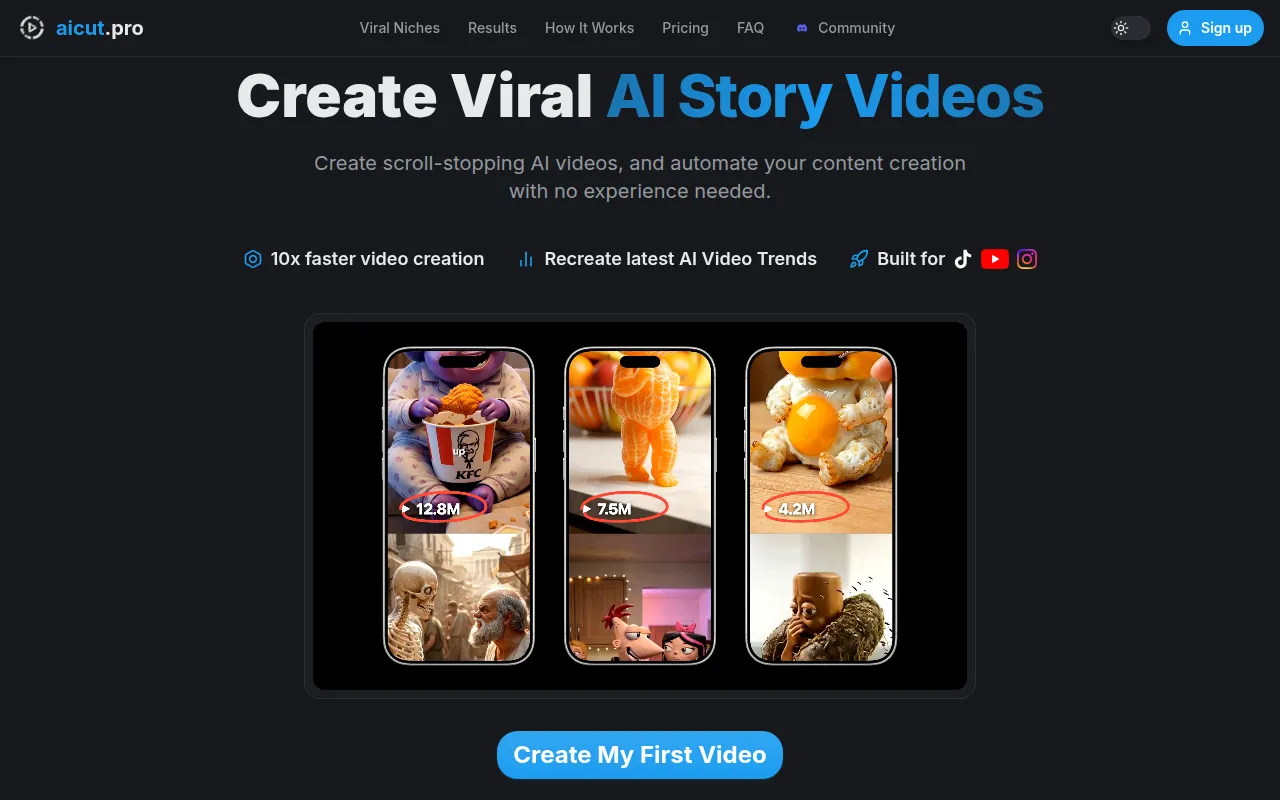
AICUT is an innovative AI video generator that focuses on creating faceless videos suited for platforms such as YouTube, TikTok, and Instagram. Unlike CapCut, which primarily provides tools for traditional video editing, AICUT leverages artificial intelligence to automate the video creation process, enabling users to generate engaging content quickly without the need for on-screen talent. This makes it an excellent choice for marketers and creators looking to produce video content efficiently and effectively.
For users who want to create videos that don’t require their presence on camera, AICUT stands out by offering a unique approach to video generation. Users can input scripts or select images, and the platform generates video outputs that align with their content goals. This feature is particularly beneficial for those who may feel uncomfortable in front of the camera or want to maintain privacy while still engaging an audience. While CapCut excels in hands-on video editing, AICUT simplifies the production process, making it accessible to a broader range of users.
- Key Strength: AI-driven automation for faceless video creation.
- Key Strength: Quick turnaround time for video production.
- Key Strength: Designed specifically for social media platforms.
- Limitation: Limited customization options compared to traditional editing tools.
Pricing: Freemium - Pricing information is currently unavailable. Best for: Users seeking to create faceless videos without on-screen talent.
AI Studios - Best for Scripted Video Production
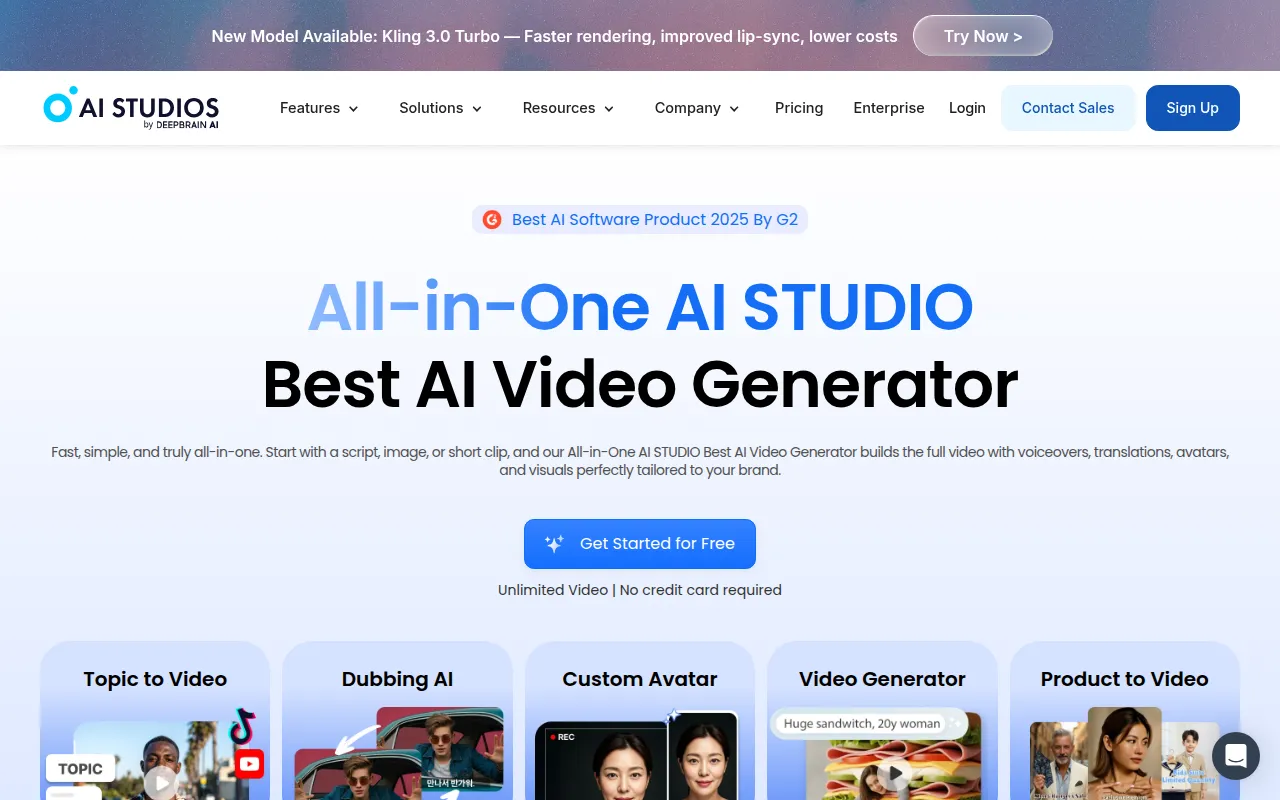
AI Studios is an all-in-one AI video generation tool that simplifies the video creation process from scripts or images. Unlike CapCut, which requires a more hands-on approach to editing, AI Studios allows users to create professional-looking videos quickly and efficiently. This tool is particularly beneficial for content creators and businesses that want to produce high-quality videos without the need for extensive editing experience.
The platform's user-friendly interface makes it easy to convert written content into engaging video presentations. This is ideal for marketers who want to turn blog posts or promotional materials into visually appealing videos that can capture audience attention. While CapCut offers a variety of editing tools, AI Studios excels in transforming static content into dynamic video presentations, making it a strong contender for users looking to streamline their production process.
- Key Strength: Seamless script-to-video conversion.
- Key Strength: User-friendly interface for quick video creation.
- Key Strength: Ideal for marketers and content creators.
- Limitation: May lack advanced editing features for seasoned editors.
Pricing: Freemium - Pricing information is currently not available. Best for: Content creators looking to quickly produce videos from written scripts.
AI Video Cut - Best for Simplified Editing
AI Video Cut is designed to simplify the video cutting process, making it incredibly intuitive for users of all skill levels. Where CapCut offers a broad range of features, AI Video Cut focuses on streamlining the editing process, allowing users to cut, trim, and splice their videos with ease. This is particularly advantageous for individuals who may be overwhelmed by the complexities often associated with traditional video editing software.
One of the standout aspects of AI Video Cut is its user-centric design, which caters to those who need to make quick edits without diving into intricate editing techniques. This makes it a perfect alternative for beginners or casual users who want to create engaging content without investing significant time in learning the ropes. While CapCut provides a more comprehensive editing suite, AI Video Cut's straightforward approach can save users time and reduce frustration.
- Key Strength: Intuitive interface for quick video cutting.
- Key Strength: Designed for users of all skill levels.
- Key Strength: Focused on essential editing tasks.
- Limitation: Limited features for advanced video editing.
Pricing: Freemium - Pricing information is currently unavailable. Best for: Beginners seeking a simple video cutting tool.
AI Storyboard Generator - Best for Video Pre-Production
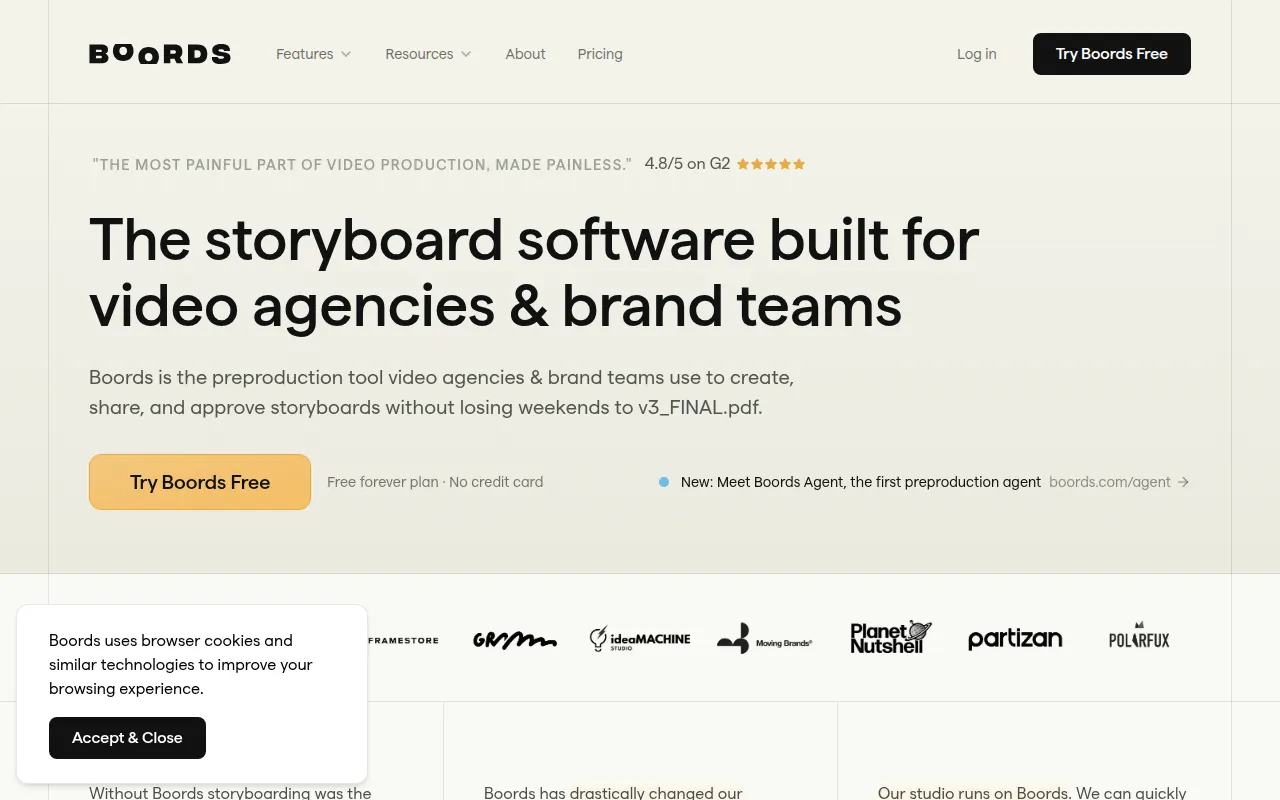
Boords is an AI storyboard generator that simplifies video pre-production, making it an excellent alternative for agencies and brand teams. Unlike CapCut, which primarily focuses on post-production editing, Boords allows users to plan and visualize their videos before filming begins. This is crucial for teams that want to ensure a smooth production process and maintain a clear vision of their projects.
The platform’s storyboard creation tools enable users to outline scenes, sequences, and visual elements, facilitating collaboration among team members. This functionality is invaluable for agencies that require a structured approach to video production. While CapCut excels in editing, it doesn’t provide the pre-production planning tools that Boords offers, making it a superior choice for professional teams looking to optimize their workflow.
- Key Strength: Comprehensive storyboard creation tools.
- Key Strength: Enhances collaboration among team members.
- Key Strength: Streamlines the pre-production process.
- Limitation: Primarily focused on pre-production, not post-production editing.
Pricing: Freemium - Boords offers a free plan and a Pro plan for $50 per month when billed annually. Best for: Agencies and brand teams focused on video pre-production planning.
Adobe Premiere Pro - Best for Professional Video Editing
Adobe Premiere Pro is a leading professional video editing software that caters to filmmakers and content creators seeking to produce high-quality videos. In contrast to CapCut, which is designed for casual users, Premiere Pro offers a comprehensive suite of advanced editing tools that allow for multi-layer editing, detailed audio adjustments, and extensive post-production options. This makes it ideal for professionals working on complex projects that require precision and control.
One of the significant advantages of Adobe Premiere Pro is its integration with other Adobe Creative Cloud applications, such as After Effects and Photoshop. This allows users to create seamless workflows that enhance their editing capabilities. While CapCut is user-friendly and accessible, Adobe Premiere Pro sets the standard for advanced video editing, making it the preferred choice for those serious about their craft and willing to invest in a professional tool.
- Key Strength: Advanced editing features for professional use.
- Key Strength: Seamless integration with other Adobe applications.
- Key Strength: Extensive support for various formats and resolutions.
- Limitation: Steeper learning curve for beginners.
Pricing: Paid - Adobe Premiere Pro operates on a subscription-based pricing model. Best for: Professional filmmakers and content creators seeking advanced editing capabilities.
2short.ai - Best for Creating Short Clips
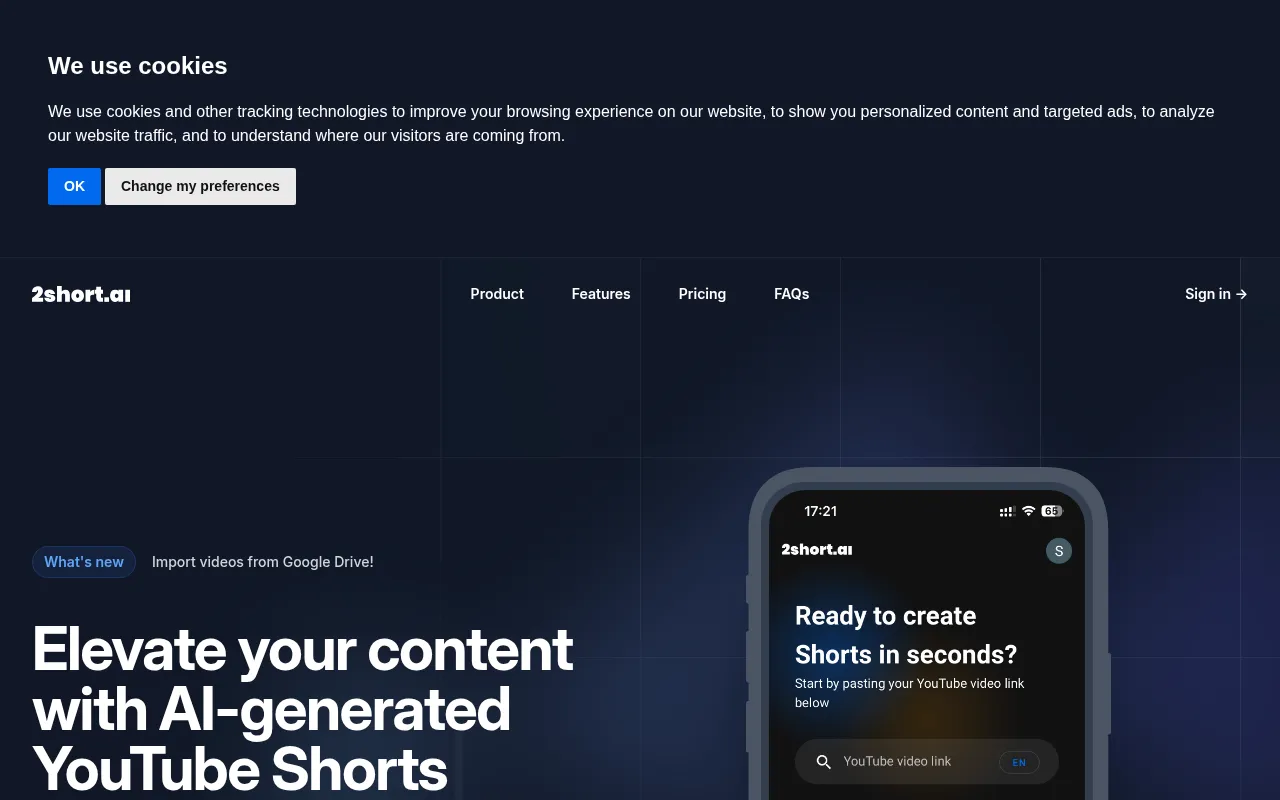
2short.ai is an AI-powered tool designed to transform long YouTube videos into engaging short clips suitable for platforms like TikTok and Instagram. Unlike CapCut, which focuses on direct video editing, 2short.ai automates the process of condensing lengthy content into bite-sized segments that are more appealing for social media audiences. This capability is vital in today’s fast-paced digital landscape, where attention spans are shorter than ever.
The platform’s AI algorithms analyze longer videos and select key moments to create compelling short clips that retain the original message while enhancing viewer engagement. This is particularly useful for content creators who want to maximize the reach and impact of their longer videos without investing substantial time in editing. While CapCut provides tools for editing, 2short.ai’s unique focus on clip creation sets it apart for users looking to optimize their content for social media distribution.
- Key Strength: AI-driven short clip generation from longer videos.
- Key Strength: Enhanced engagement for social media platforms.
- Key Strength: Saves time on manual editing.
- Limitation: Limited control over the final clip selection.
Pricing: Freemium - Pricing information is not publicly available. Best for: Content creators looking to create short clips from long-form videos.
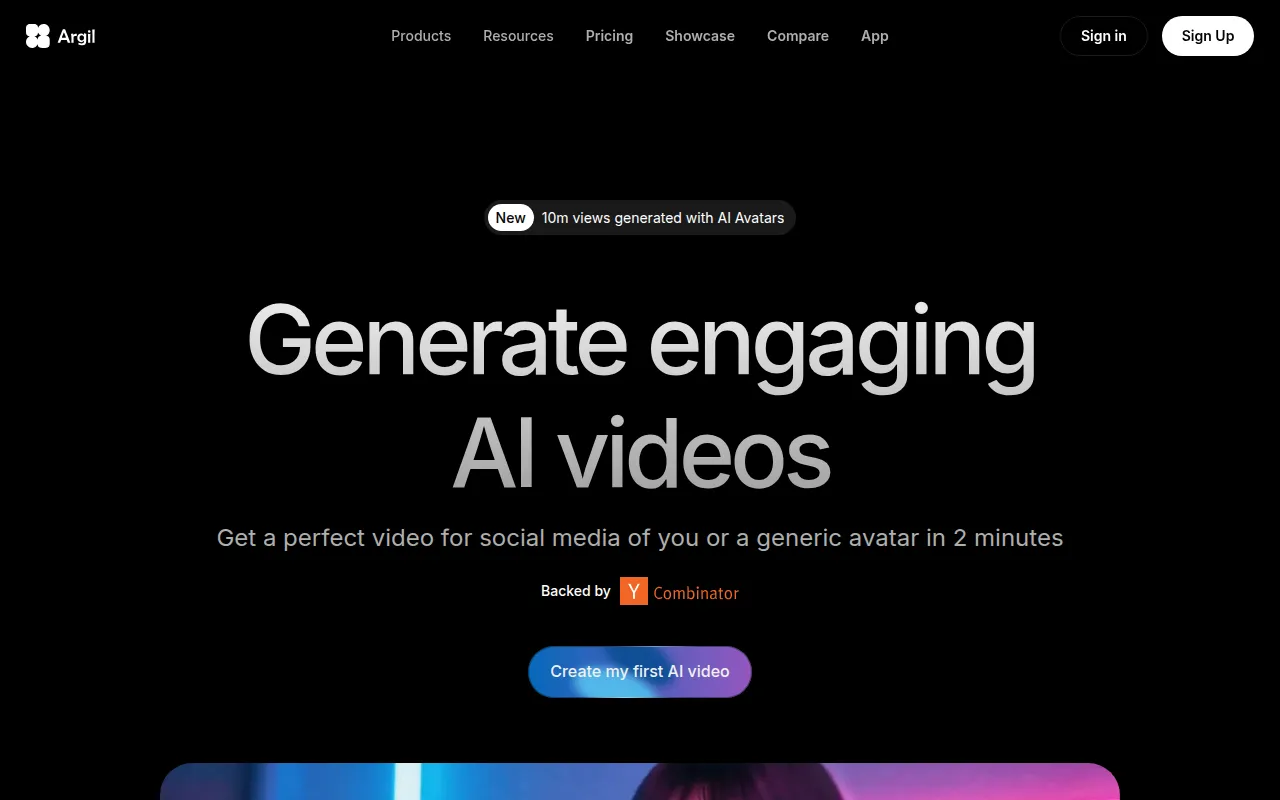
Argil - Best for Customizable Avatar Videos
Argil is an AI-powered video editing tool that allows users to create engaging videos using customizable avatars. This tool takes a different approach compared to CapCut by focusing on avatar-based content creation, making it particularly appealing to marketers and educators who want to add a unique touch to their videos. Users can create videos featuring avatars that represent their brand or message, which can enhance viewer engagement and relatability.
With Argil, users can easily customize avatars to match their brand’s personality, thus creating a more personalized video experience. This feature is especially beneficial for those looking to stand out in a crowded digital space. While CapCut offers a range of editing tools, it does not provide the same level of customization for avatar-based videos, making Argil a strong alternative for users seeking this unique capability.
- Key Strength: Customizable avatars for unique video content.
- Key Strength: Engaging and relatable video presentations.
- Key Strength: Ideal for branding and educational purposes.
- Limitation: May not be suitable for traditional video editing needs.
Pricing: Freemium - Argil offers a Classic plan at $39 per month and a Pro plan at $149 per month. Best for: Marketers and educators looking to create avatar-based videos.
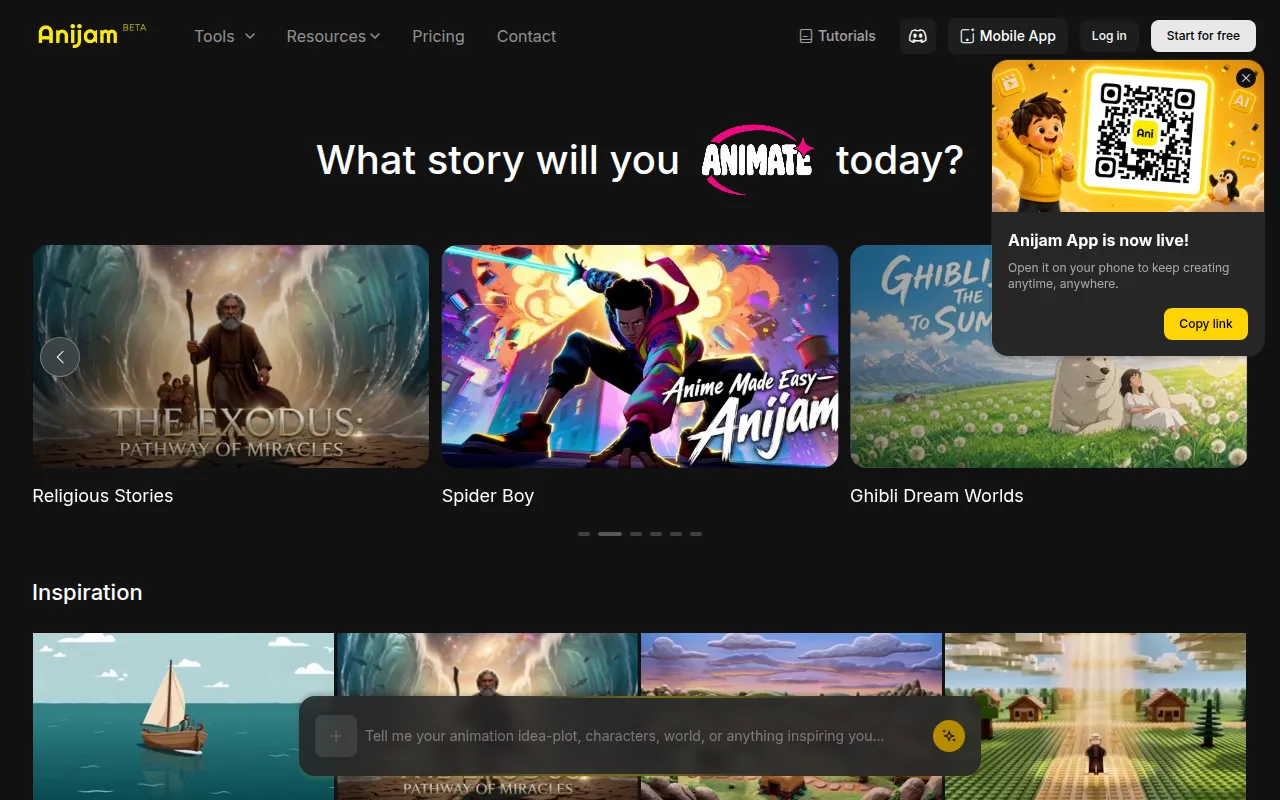
Anijam AI - Best for Animation Creation
Anijam AI is an intuitive platform that transforms text, images, and audio into engaging animations, making it a perfect alternative for users interested in animated content. Unlike CapCut, which primarily focuses on video editing, Anijam AI specializes in animation, providing users with unique tools to bring their creative ideas to life. This makes it particularly appealing for educators, marketers, and content creators who want to add an animated flair to their videos.
The platform’s user-friendly interface allows users to create animations quickly, even if they lack prior animation experience. This accessibility is a significant advantage for those looking to incorporate animated elements into their videos. While CapCut excels in traditional editing, Anijam AI offers a distinct advantage for users wanting to explore animation, making it a strong consideration for creative projects.
- Key Strength: Simplifies animation creation from various media types.
- Key Strength: User-friendly interface for quick animations.
- Key Strength: Ideal for educational and marketing content.
- Limitation: May not provide traditional video editing features.
Pricing: Freemium - Pricing information is currently not available. Best for: Users looking to create animated videos from text and images.
Animoto - Best for Quick Video Creation
Animoto is a video editing tool designed for creating professional-quality videos quickly and easily. Unlike CapCut, which offers a detailed editing suite, Animoto focuses on simplifying the video creation process, making it an excellent choice for users who need to produce videos in a short amount of time. This is particularly beneficial for businesses and marketers who need to create promotional content without spending hours on editing.
The platform provides a variety of templates and customization options, allowing users to create visually appealing videos with minimal effort. This ease of use makes Animoto a favorable option for those who may not be comfortable with more advanced editing software like CapCut. While CapCut offers more granular control over editing, Animoto excels in delivering a fast and efficient video creation experience, making it a strong contender for users with time constraints.
- Key Strength: Quick video creation with professional-quality results.
- Key Strength: A variety of templates for different content types.
- Key Strength: User-friendly interface for non-tech-savvy users.
- Limitation: Limited advanced editing features.
Pricing: Freemium - Pricing information is not publicly listed on the website. Best for: Users needing to create videos quickly without extensive editing.
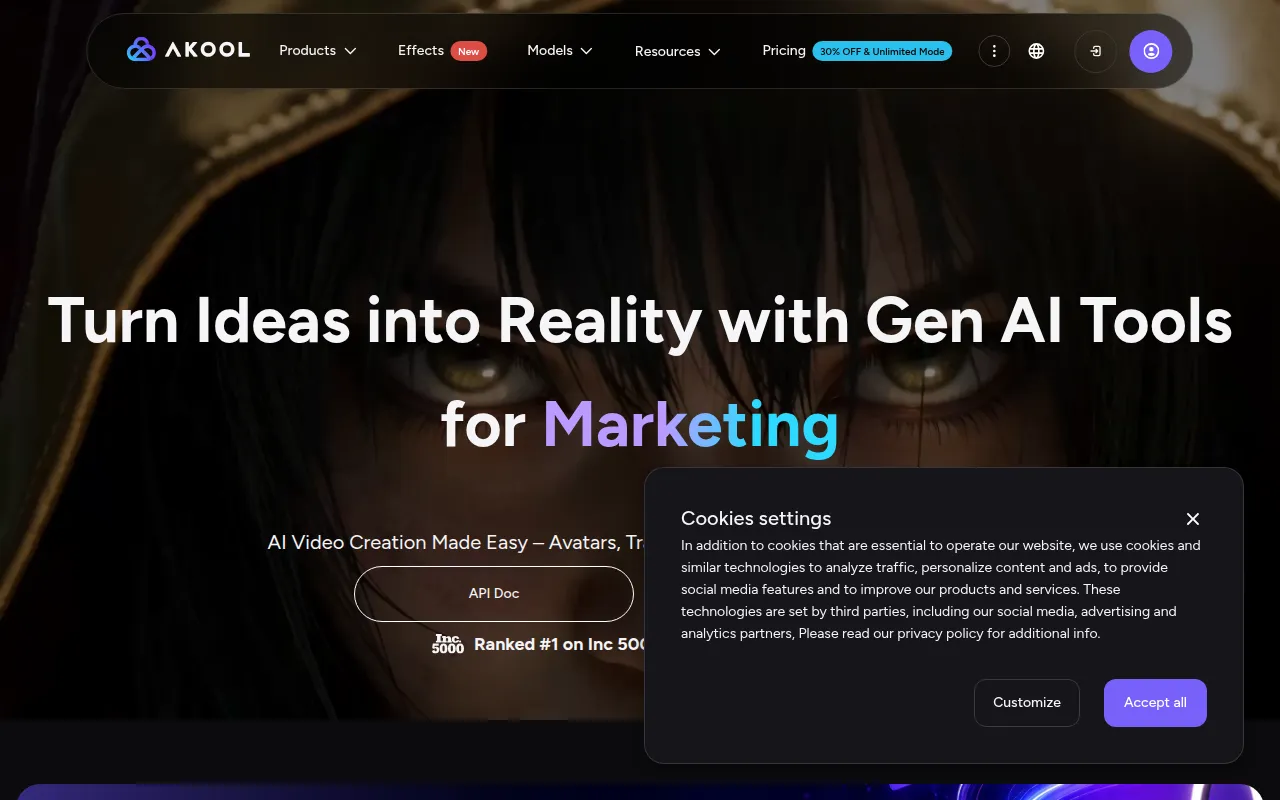
Akool - Best for Personalized Marketing Videos
Akool is an AI-powered video editing platform specifically designed for marketers to create personalized visual content efficiently. In contrast to CapCut, which offers a wide range of editing features, Akool focuses on automating the personalization process, allowing users to create customized videos tailored to specific audiences. This can significantly enhance marketing efforts by delivering messages that resonate more effectively with viewers.
The platform’s automation capabilities help users save time while producing high-impact videos that can engage audiences on a deeper level. This is particularly beneficial for businesses looking to increase their conversion rates through personalized video content. While CapCut provides flexibility in editing, Akool’s focus on automation and personalization gives it a unique edge for marketers aiming to optimize their content strategy.
- Key Strength: Automated personalization for marketing videos.
- Key Strength: Focused on enhancing audience engagement.
- Key Strength: Designed specifically for marketers.
- Limitation: Limited features for general video editing beyond marketing.
Pricing: Freemium - Akool offers a free Starter plan with options for paid upgrades based on usage and features. Best for: Marketers seeking to create personalized video content efficiently.
Feature Comparison Table
| Tool | Best For | Starting Price | Free Plan | Standout Feature |
|---|
| CapCut | Casual video editing | Free | Yes | User-friendly interface |
| aicut | Faceless video creation | Freemium | No | AI-driven automation |
| AI Studios | Scripted video production | Freemium | No | Seamless script-to-video conversion |
| AI Video Cut | Simplified editing | Freemium | No | Intuitive cutting tools |
| AI Storyboard Generator | Video pre-production | Freemium | Yes | Comprehensive storyboard tools |
| Adobe Premiere Pro | Professional video editing | Paid | No | Advanced editing features |
| 2short.ai | Creating short clips | Freemium | No | AI-driven short clip generation |
| Argil | Customizable avatar videos | Freemium | No | Customizable avatars |
| Anijam AI | Animation creation | Freemium | No | Simplifies animation creation |
| Animoto | Quick video creation | Freemium | No | Fast video creation with templates |
| Akool | Personalized marketing videos | Freemium | Yes | Automated personalization |
How to Choose the Right Alternative to CapCut
When selecting an alternative to CapCut, it is essential to consider your specific video editing needs and skill level. If you are a beginner looking for an easy-to-use tool for creating engaging short videos, platforms like Animoto or AI Video Cut may be ideal due to their intuitive interfaces and quick editing capabilities. Conversely, if you are a professional seeking advanced editing features, Adobe Premiere Pro would be the better choice, as it provides a comprehensive suite of tools for fine-tuning your projects.
For marketers aiming to create personalized content, Akool or AICUT would be strong contenders, as both focus on automating the video creation process to enhance audience engagement. Additionally, if you are interested in animation, Anijam AI offers unique features that allow for the transformation of text and images into engaging animated content. By assessing your specific requirements and the features offered by each tool, you can make an informed decision that best aligns with your video production goals.
Final Verdict
In conclusion, while CapCut is a solid choice for casual video editing, several alternatives may better suit specific needs. For professional editing, Adobe Premiere Pro stands out, while tools like AI Studios and 2short.ai excel in scripted video and short clip creation respectively. Ultimately, the best choice depends on your individual requirements, whether you prioritize ease of use, advanced features, or unique content creation capabilities.