Why Look for Alternatives to Captions?
While Captions is a robust AI video editing tool that simplifies the process of creating shareable videos, it does have limitations that can drive users to seek alternatives. One of the primary concerns is pricing. Captions operates on a freemium model, which can limit access to advanced features unless users commit to the $24.99 monthly subscription. For casual users or those just starting, this might feel like a steep investment, especially when there are other platforms offering similar capabilities at potentially lower costs or with more flexible pricing options.
Additionally, users have reported that Captions sometimes lacks the depth of features needed for more advanced video editing tasks. For instance, those looking for highly customizable video templates or extensive audio editing tools may find Captions somewhat lacking. Furthermore, the platform's user interface, while straightforward, may not be as intuitive for users who are accustomed to more advanced editing software. These factors can lead users to explore alternatives that better meet their specific needs in video production.
Best Alternatives to Captions in 2026
Vid.AI - Best for Simplified Video Creation
Vid.AI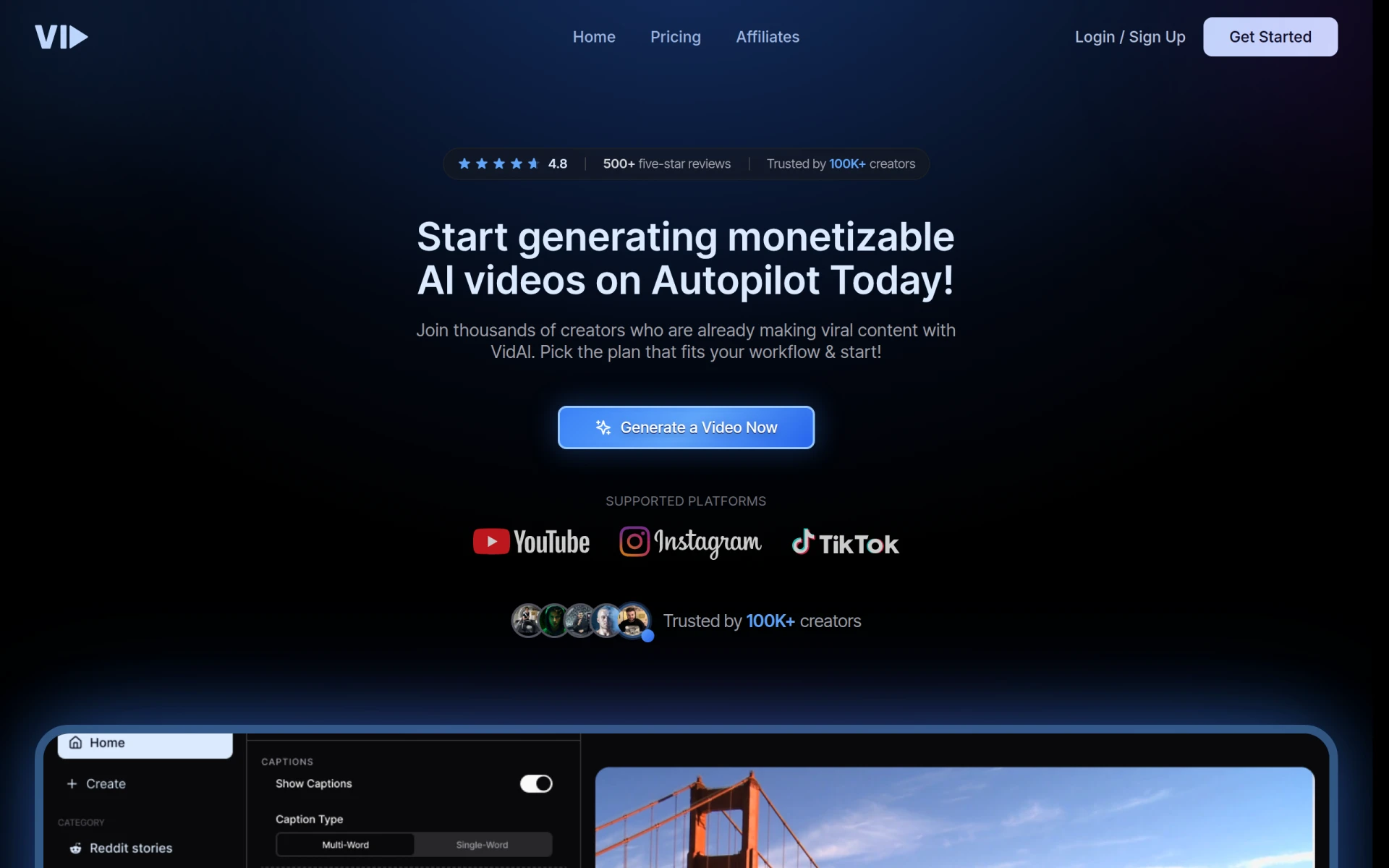 is an innovative video editing tool that leverages artificial intelligence to streamline the video creation process, making it accessible for users of all skill levels. Unlike Captions, which focuses on transforming ideas into videos, Vid.AI emphasizes ease of use, enabling users to create high-quality videos quickly without extensive editing experience. This is particularly beneficial for content creators who need to produce videos on tight deadlines or with minimal technical knowledge.
Moreover, Vid.AI's AI-driven features help automate various aspects of video editing, from selecting the best clips to suggesting music that fits the video's tone. This level of automation can save users considerable time, allowing them to focus more on content strategy rather than the intricacies of video editing. Vid.AI is designed for anyone from social media influencers to corporate marketers who require efficient video production tools.
- Key Strength: Intuitive interface that makes video creation incredibly simple.
- Key Strength: Advanced AI features that automate editing tasks.
- Key Strength: Quick turnaround time for video production.
- Limitation: Pricing information is currently unavailable, which may deter potential users.
Pricing: Pricing information for Vid.AI is currently unavailable. Best for: Users seeking a user-friendly video creation tool with automation features.
AI Studios - Best for Professional Video Generation
AI Studios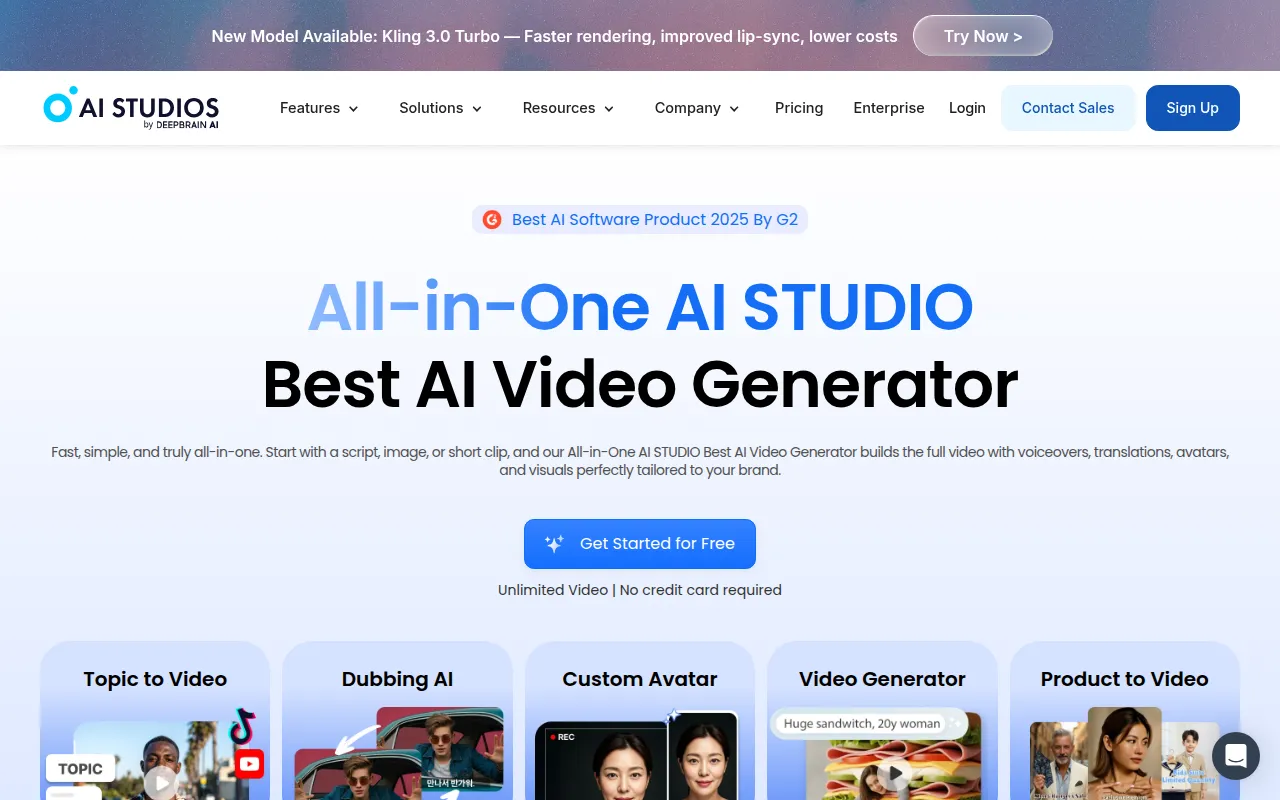 is an all-in-one AI video generation tool that simplifies the creation of professional videos from scripts or images. Unlike Captions, which primarily focuses on editing existing video footage, AI Studios allows users to generate videos from scratch based on the content they provide. This feature makes it particularly appealing for businesses and marketers who want to create promotional videos or product demos without needing extensive video editing skills.
The platform’s ability to transform scripts into engaging visual content means users can maintain their branding while ensuring high-quality production values. AI Studios is ideal for teams that need to produce videos consistently and want a tool that supports content creation from conceptualization to final output. This versatility can significantly enhance a company's marketing efforts by providing tailored video content that resonates with their target audience.
- Key Strength: Generates professional videos directly from scripts or images.
- Key Strength: Supports high-quality branding and customization.
- Key Strength: Streamlined workflow from idea to finished video.
- Limitation: Pricing details are not publicly available, which may hinder decision-making.
Pricing: Pricing information for AI Studios is currently not available. Best for: Businesses and marketers needing to generate professional videos efficiently.
aicut - Best for Faceless Video Creation
AICUT is an AI video generator that specializes in creating faceless videos tailored for platforms like YouTube, TikTok, and Instagram. This tool stands out from Captions by catering specifically to content creators who prefer or require anonymity in their videos. AICUT's ability to generate engaging content without the need for on-camera presence allows users to maintain privacy while still producing impactful video content.
This platform is particularly beneficial for creators looking to produce animated videos or voiceover content. AICUT simplifies the process by providing users with templates and AI-driven suggestions for content creation, thus making it easy for users to focus on their message rather than the technical aspects of video production. For those who want to engage audiences without showing their faces, AICUT presents a compelling alternative to Captions.
- Key Strength: Specializes in generating faceless videos, ideal for privacy-conscious creators.
- Key Strength: Offers templates specifically designed for social media platforms.
- Key Strength: AI-driven suggestions streamline the video creation process.
- Limitation: Pricing information is currently unavailable, limiting budget considerations.
Pricing: Pricing information for AICUT is currently unavailable. Best for: Creators needing to produce engaging faceless videos quickly.
Videoleap - Best for Creative Editing
Videoleap is an intuitive video editing app that combines professional-grade features with user-friendly tools for content creation. Unlike Captions, which primarily focuses on converting ideas into videos, Videoleap allows users to have more control over their video projects with advanced editing capabilities. This makes it an excellent option for creators looking to add a personal touch to their videos through layered editing, effects, and transitions.
The app's versatility is another significant advantage. Videoleap caters to both beginners and experienced editors by providing a range of features, from basic trimming and cutting to more advanced options like keyframe animations and chroma key effects. This flexibility means users can start simple and gradually explore more complex editing techniques, making it a perfect fit for evolving skill levels. Content creators who want to produce visually compelling videos will find Videoleap a valuable alternative to Captions.
- Key Strength: Offers advanced editing tools for greater creative control.
- Key Strength: User-friendly interface that supports learning and growth.
- Key Strength: Versatile for both simple and complex editing tasks.
- Limitation: While the free version is robust, many advanced features are locked behind a paywall.
Pricing: Videoleap offers a free version with additional features available through a paid model. Best for: Users seeking a balance between ease of use and creative editing capabilities.
VEED.IO - Best for Marketers and Solopreneurs
VEED.IO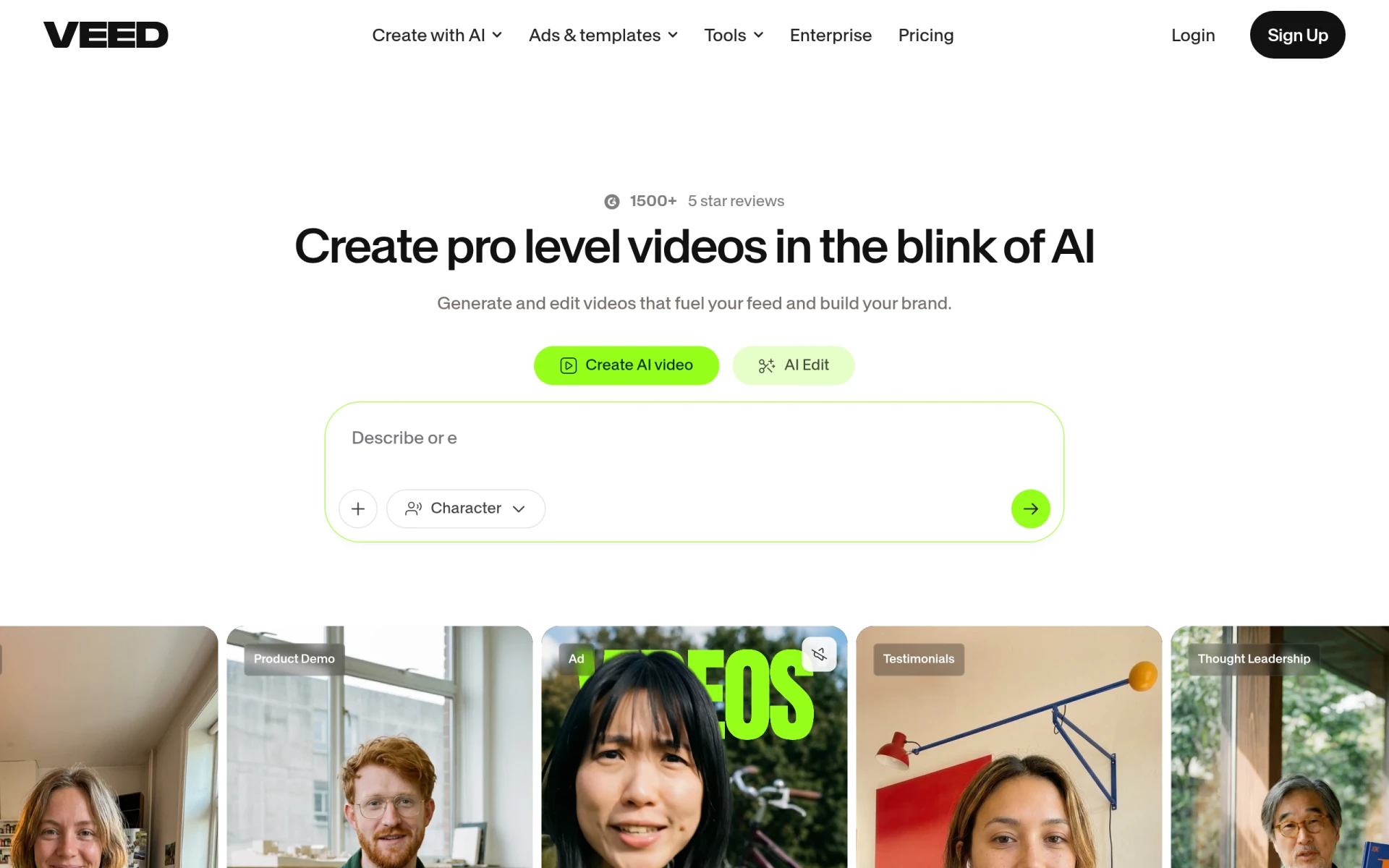 is an AI-powered video creation and editing platform designed specifically for marketers and solopreneurs. It stands out from Captions by focusing on providing tools that enable users to create engaging content quickly and efficiently. With features tailored for social media marketing, such as subtitles, captions, and various templates, VEED.IO is built for those who need to produce content that captures audience attention.
The platform’s ease of use is another significant benefit. VEED.IO simplifies complex editing tasks, allowing users to create professional-looking videos without the steep learning curve often associated with video editing software. This makes it an ideal choice for small business owners or marketers who need to generate content consistently without investing too much time in learning how to use the software. The focus on marketing tools sets VEED.IO apart as a strong alternative to Captions.
- Key Strength: Tailored tools for marketers, including subtitle and caption options.
- Key Strength: User-friendly interface that minimizes the learning curve.
- Key Strength: Quick content creation suited for social media needs.
- Limitation: Some advanced features may require a subscription, which could be a drawback for casual users.
Pricing: VEED.IO offers a freemium model with a free plan and additional features available through paid plans. Best for: Marketers and solopreneurs looking for efficient video creation tools.
HiClip - Best for Short-Form Content
HiClip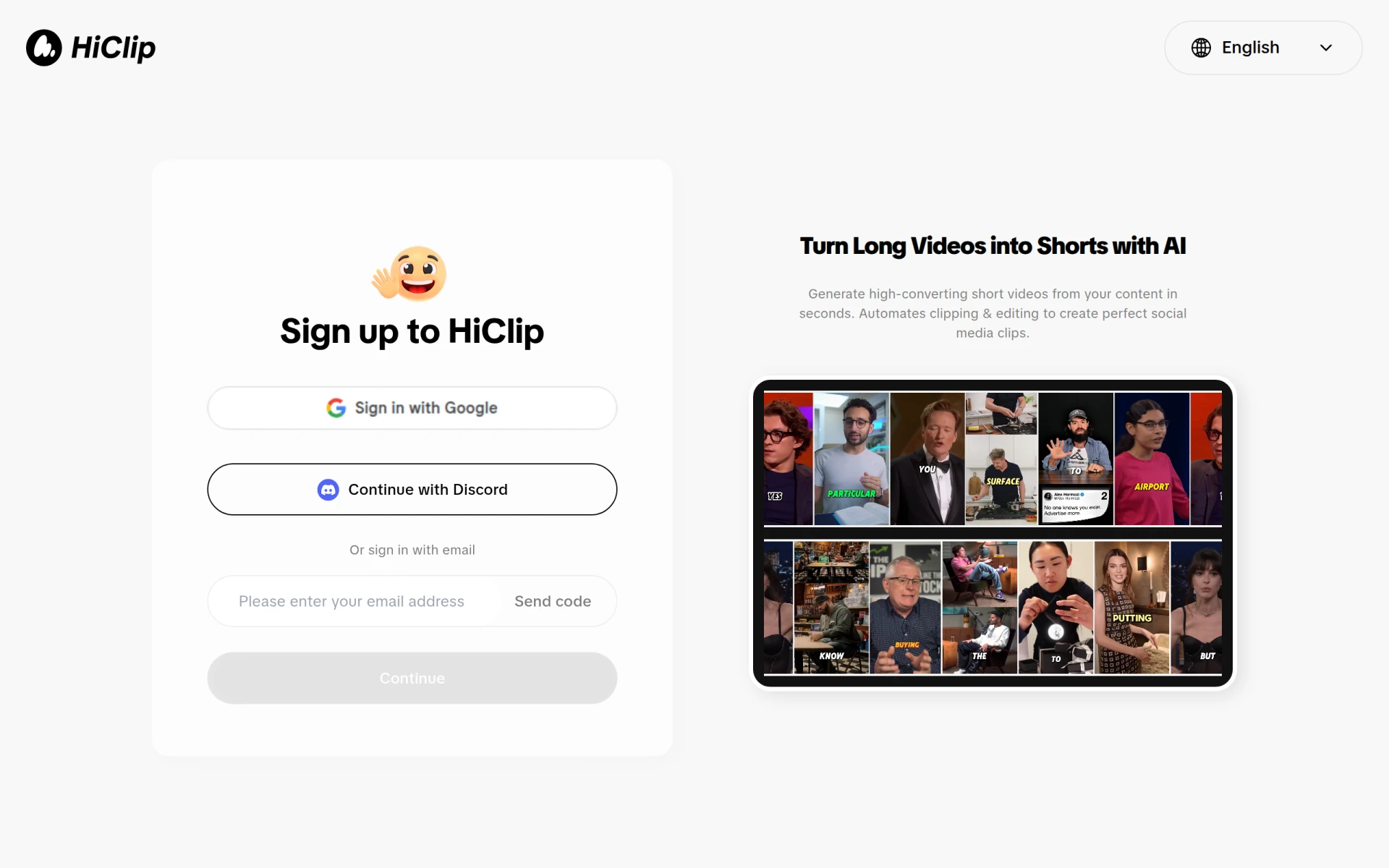 is an AI-powered video editing tool that specializes in transforming long videos into engaging short clips suitable for social media platforms. This focus on brevity and impact differentiates it from Captions, which is more centered on comprehensive video creation. HiClip allows users to easily condense lengthy footage, making it ideal for creators aiming to share quick, digestible content that resonates with modern audiences.
The ease of use provided by HiClip is particularly attractive for social media managers and content creators who need to adapt their content for various platforms quickly. With its AI-driven editing capabilities, users can automate the process of selecting highlights, ensuring that the final product is both engaging and relevant. HiClip is an excellent alternative for those who prioritize short-form content creation in their video strategy.
- Key Strength: Specializes in condensing long videos into short, engaging clips.
- Key Strength: AI-driven automation enhances editing efficiency.
- Key Strength: User-friendly interface designed for quick content adaptation.
- Limitation: Currently lacks detailed pricing information, which may complicate decision-making.
Pricing: Pricing information for HiClip is currently unavailable. Best for: Content creators focused on short-form video production for social media.
Similar Video - Best for Effortless Video Editing
Similar Video is an AI-powered tool that simplifies video editing by generating video content effortlessly. Unlike Captions, which requires users to start with an idea and build from there, Similar Video allows users to create videos with minimal input. This is especially useful for those who may feel overwhelmed by the video editing process or who want to create content quickly without compromising quality.
The platform's AI capabilities enable it to analyze existing content, making suggestions for edits based on trends and viewer preferences. This feature is beneficial for content creators who want to stay relevant in a fast-paced digital landscape. Similar Video caters to users looking for a straightforward solution to video editing without the need for extensive technical skills, making it a viable alternative to Captions.
- Key Strength: Generates video content effortlessly with minimal user input.
- Key Strength: AI-driven suggestions keep content aligned with viewer preferences.
- Key Strength: Simplifies the video editing process for users of all skill levels.
- Limitation: Pricing information is not publicly available, which may limit accessibility for some users.
Pricing: Pricing information for Similar Video is currently not available. Best for: Users seeking a highly simplified video editing solution.
FakeYou - Best for Voiceover Content
FakeYou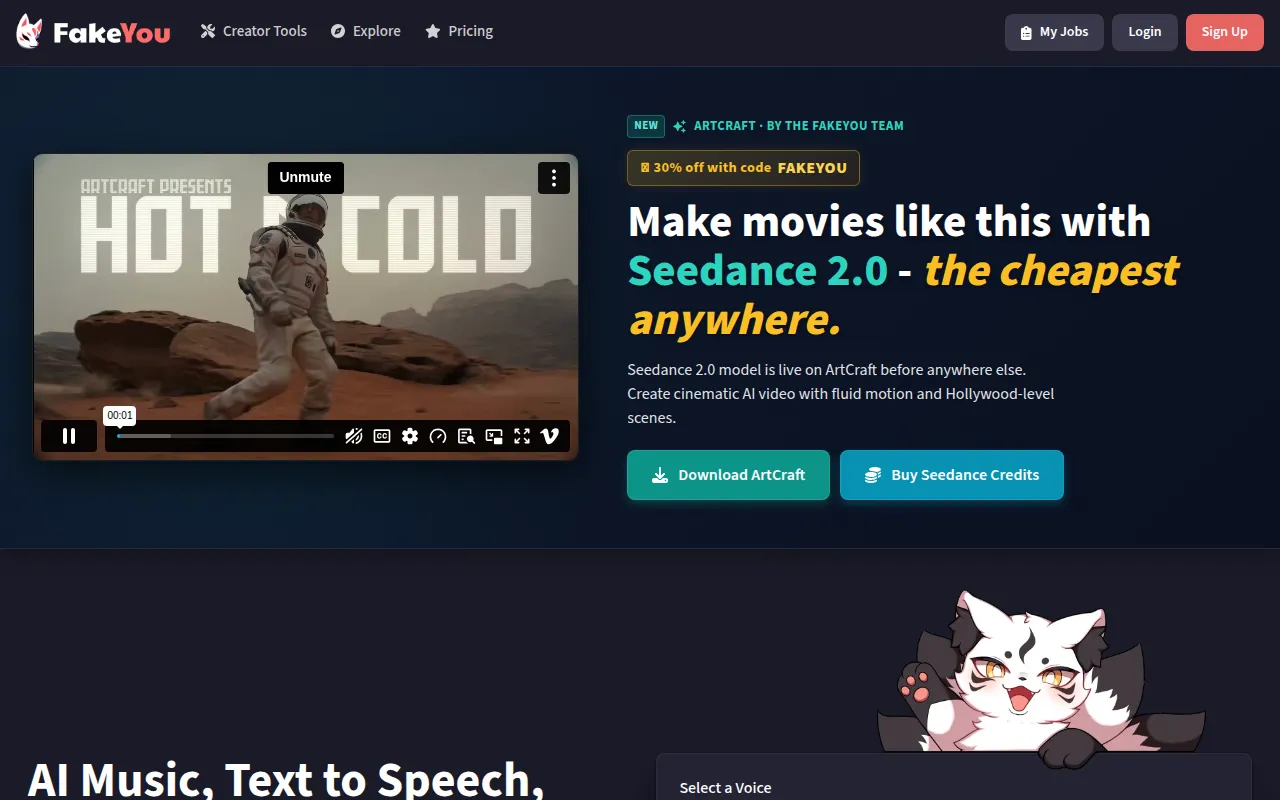 is an AI-powered tool for generating celebrity voiceovers and video content using advanced voice synthesis technology. This tool offers a unique approach compared to Captions, which primarily focuses on video editing and creation. With FakeYou, users can add a layer of creativity to their videos by incorporating recognizable voices, enhancing the overall appeal of their content.
This platform is particularly valuable for creators looking to add character or humor to their videos through voiceover work. By leveraging AI to produce high-quality voice synthesis, FakeYou allows users to engage their audience in new and exciting ways. The ability to utilize famous voices can also set a video apart in a crowded content landscape. For creators who wish to add personality to their videos without the need for traditional voiceover recording, FakeYou is an intriguing alternative to Captions.
- Key Strength: Generates celebrity voiceovers that add unique character to videos.
- Key Strength: Advanced voice synthesis technology ensures high-quality audio.
- Key Strength: Enhances video engagement through creative voice options.
- Limitation: Pricing information is currently unavailable, which could be a concern for budget-conscious users.
Pricing: Pricing information for FakeYou is currently unavailable. Best for: Content creators seeking to add unique voiceover elements to their videos.
VideoShorts - Best for Quick Video Production
VideoShorts is an AI-powered video editing tool designed to help users create engaging short videos quickly and efficiently. This tool is particularly well-suited for those who need to produce content rapidly, making it a strong contender against Captions, which may require a bit more time for setup and editing. VideoShorts is ideal for social media marketers and influencers who want to capture attention with brief, impactful videos.
The platform's user-friendly interface simplifies the video creation process, allowing users to focus on creativity rather than technical details. With AI-driven features that assist in editing and content suggestions, VideoShorts enables users to produce polished videos in a fraction of the time. For anyone looking to create quick, engaging video content without extensive time investment, VideoShorts represents a valuable alternative to Captions.
- Key Strength: Optimized for creating short, engaging videos efficiently.
- Key Strength: User-friendly interface that minimizes the learning curve.
- Key Strength: AI-driven editing features enhance speed and quality.
- Limitation: Pricing information is not explicitly available, which may complicate user decisions.
Pricing: Pricing for VideoShorts is not explicitly available on the website. Best for: Users needing to create short videos quickly for social media.
Skipit.ai - Best for Summarizing Video Content
Skipit.ai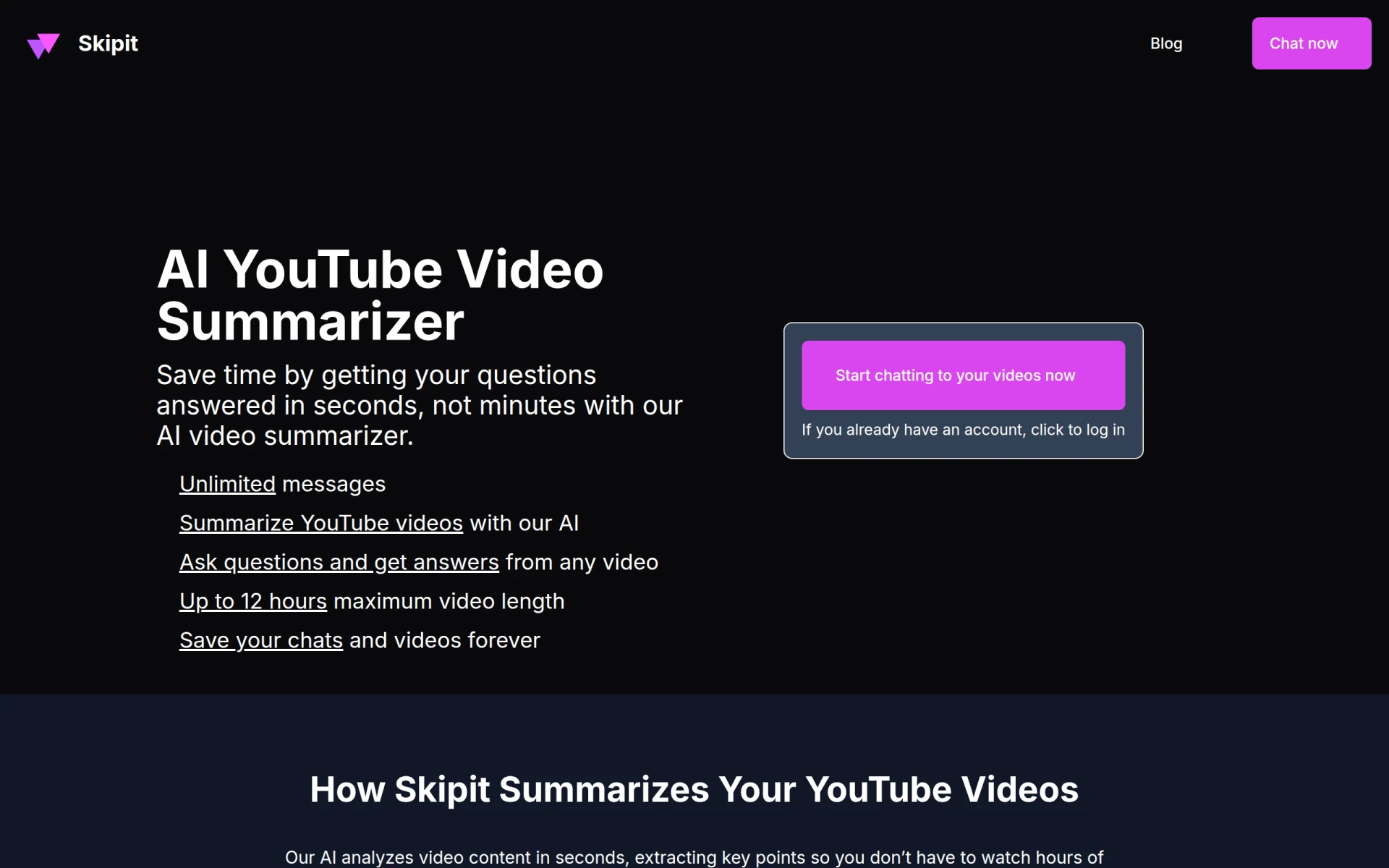 is an innovative tool that utilizes AI technology to summarize YouTube videos, providing instant key insights and answers to user questions. This tool serves a different purpose compared to Captions, which is focused on video editing and creation. Skipit.ai is designed for users looking to get the gist of lengthy video content without watching the entire video, making it particularly useful for researchers, students, and busy professionals.
By offering concise summaries, Skipit.ai allows users to save time while still gaining valuable information from video content. This functionality can complement video editing tools like Captions by enabling users to curate content more effectively before deciding to create their own videos based on summarized insights. For anyone who frequently consumes video content and seeks to maximize efficiency, Skipit.ai is an excellent alternative.
- Key Strength: Summarizes lengthy video content for quicker understanding.
- Key Strength: Provides instant key insights that save time.
- Key Strength: Ideal for users who want to curate content before creating their own.
- Limitation: Pricing information is currently unavailable, which may deter some users.
Pricing: Pricing information for Skipit.ai is currently unavailable. Best for: Users seeking to quickly summarize and extract insights from video content.
Haiper - Best for Simplifying Video Creation
Haiper is an AI video generation platform that simplifies video creation using artificial intelligence technology. Unlike Captions, which focuses on video editing, Haiper enables users to generate videos based on simple inputs, making it an attractive option for those who may lack extensive editing skills. By streamlining the creation process, Haiper empowers users to produce quality content without the usual complexities associated with video editing.
This platform is particularly beneficial for individuals or small businesses looking to create promotional content or social media videos with minimal effort. Haiper’s user-friendly interface and automated features allow users to focus on delivering their message effectively while the AI handles the technical details. For anyone needing a straightforward solution for video creation, Haiper stands out as a viable alternative to Captions.
- Key Strength: Simplifies the video creation process with AI automation.
- Key Strength: User-friendly interface designed for quick content production.
- Key Strength: Ideal for non-technical users needing to create videos quickly.
- Limitation: Pricing information is not available, which could affect user engagement.
Pricing: Pricing information for Haiper is currently unavailable. Best for: Users looking for a simplified video creation platform.
VideoGen - Best for Budget-Friendly Video Editing
VideoGen is an AI-powered video generator that enables users to create and edit videos quickly and easily. This tool offers a competitive edge against Captions by providing users with a straightforward interface and affordable pricing. Priced at just $16 per month, VideoGen is an attractive option for budget-conscious users looking to access quality video editing features without the hefty price tag associated with other tools.
The platform's user-friendly design makes it accessible to users of all skill levels, allowing them to produce engaging videos without needing extensive editing experience. Additionally, VideoGen offers various features that cater to both personal and professional video creation needs, making it a versatile choice for a wide range of users. For anyone seeking an economical yet effective video editing solution, VideoGen is a strong alternative to Captions.
- Key Strength: Affordable pricing at just $16 per month.
- Key Strength: User-friendly interface that caters to all skill levels.
- Key Strength: Versatile features for personal and professional video creation.
- Limitation: May lack some advanced features found in more expensive tools.
Pricing: VideoGen offers a single pricing plan at $16 per month with additional credits available for purchase. Best for: Budget-conscious users needing a comprehensive video editing solution.
Creative Reality Studio (D-ID) - Best for Image-Based Video Creation
Creative Reality Studio (D-ID) is a platform that empowers users to create professional videos from still images using text or audio. This tool provides a unique approach compared to Captions, which primarily focuses on video editing. By allowing users to transform static images into dynamic video content, Creative Reality Studio caters to users looking to add a new dimension to their visual storytelling.
The ability to create videos from images makes this platform particularly appealing for marketers and content creators who want to enhance their presentations or promotional materials. With its AI-driven capabilities, Creative Reality Studio allows users to inject creativity into their projects without needing advanced video editing skills. For those seeking innovative ways to engage audiences through image-based content, Creative Reality Studio presents an exciting alternative to Captions.
- Key Strength: Transforms still images into dynamic video content effortlessly.
- Key Strength: Supports text and audio integration for enhanced storytelling.
- Key Strength: Ideal for marketers and content creators looking to innovate.
- Limitation: Pricing information is not publicly disclosed, potentially limiting access for some users.
Pricing: Pricing information for Creative Reality Studio is not publicly disclosed. Best for: Marketers and creators looking to innovate with image-based video content.
Creatify AI Product Video Generator - Best for Product Videos
Creatify AI Product Video Generator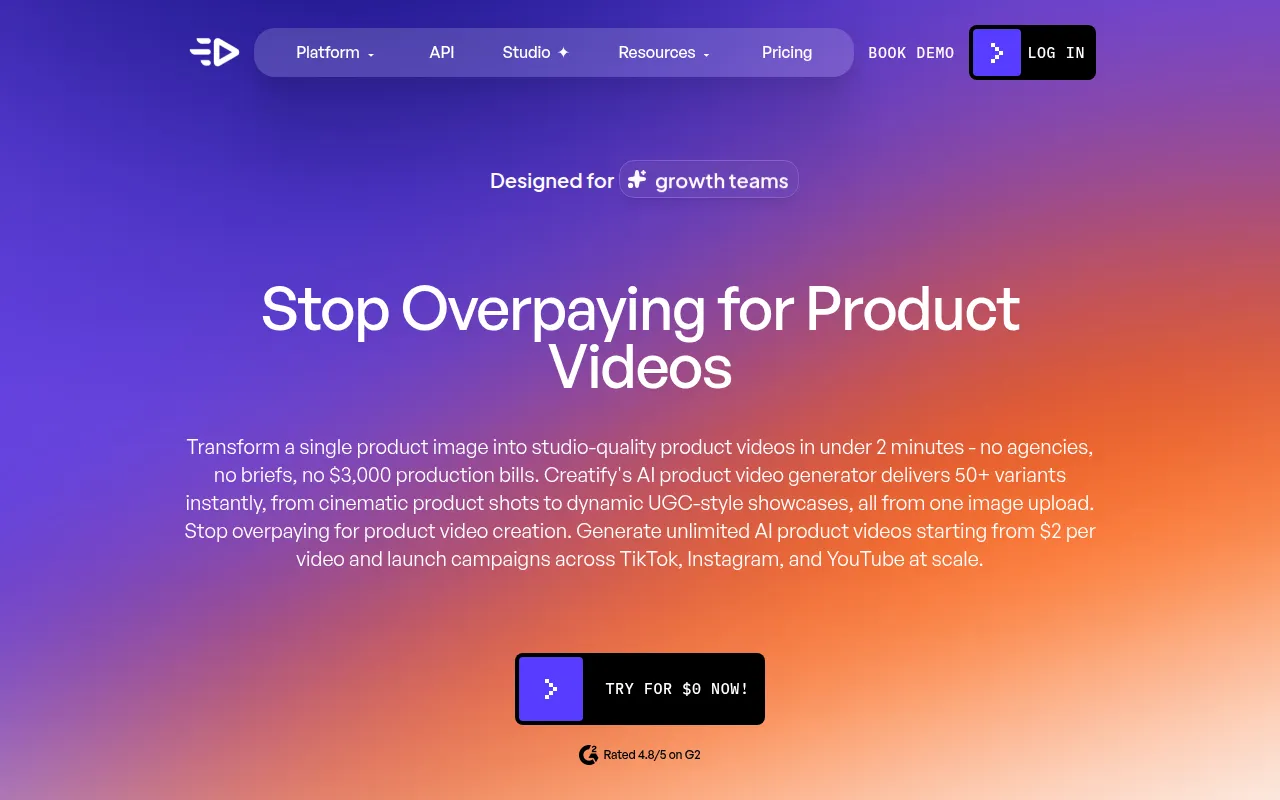 is designed to enable users to create professional product videos quickly and easily from images or URLs. This tool stands apart from Captions, which is more focused on general video editing, by specializing in product videos. This functionality is particularly useful for e-commerce businesses aiming to showcase their products effectively through engaging video content.
With its user-friendly interface and AI-driven features, Creatify streamlines the process of producing high-quality product videos. This makes it an excellent choice for business owners and marketers who want to enhance their product listings or advertisements without extensive video production experience. For anyone in need of a dedicated tool for product video creation, Creatify AI Product Video Generator is a strong alternative to Captions.
- Key Strength: Specializes in creating professional product videos from images or URLs.
- Key Strength: AI-driven features streamline the video production process.
- Key Strength: User-friendly interface ideal for e-commerce businesses.
- Limitation: Pricing information is not publicly available, which may limit accessibility.
Pricing: Pricing information for Creatify AI Product Video Generator is not publicly available. Best for: E-commerce businesses needing to create product videos efficiently.
Gling - Best for YouTube Creators
Gling is an AI-driven video editing software designed to streamline the video creation process specifically for YouTube creators. It differs from Captions by providing tools and features tailored for the unique needs of content creators on this platform. With Gling, users can easily edit their videos, apply effects, and optimize content for YouTube, making it a valuable asset for anyone looking to grow their channel.
The platform’s user-friendly interface and AI capabilities allow creators to focus on content rather than technical editing details. Gling simplifies many aspects of video production, from automatic scene detection to smart editing suggestions, which can significantly speed up the workflow. For YouTube creators looking for a dedicated editing solution that aligns with their platform needs, Gling is a compelling alternative to Captions.
- Key Strength: Tailored specifically for YouTube content creation.
- Key Strength: AI-driven features that simplify the editing process.
- Key Strength: User-friendly interface designed for quick video production.
- Limitation: Pricing details are currently unavailable, which may hinder potential users.
Pricing: Gling offers a free trial to explore its features, with specific pricing details currently unavailable. Best for: YouTube creators seeking a streamlined editing process.
Feature Comparison Table
| Tool | Best For | Starting Price | Free Plan | Standout Feature |
|---|
| Captions | General video editing | $24.99/mo | Yes | AI-driven video transformation |
| Vid.AI | Simplified video creation | Unavailable | Yes | Automated editing features |
| AI Studios | Professional video generation | Unavailable | Yes | Script-to-video capabilities |
aicut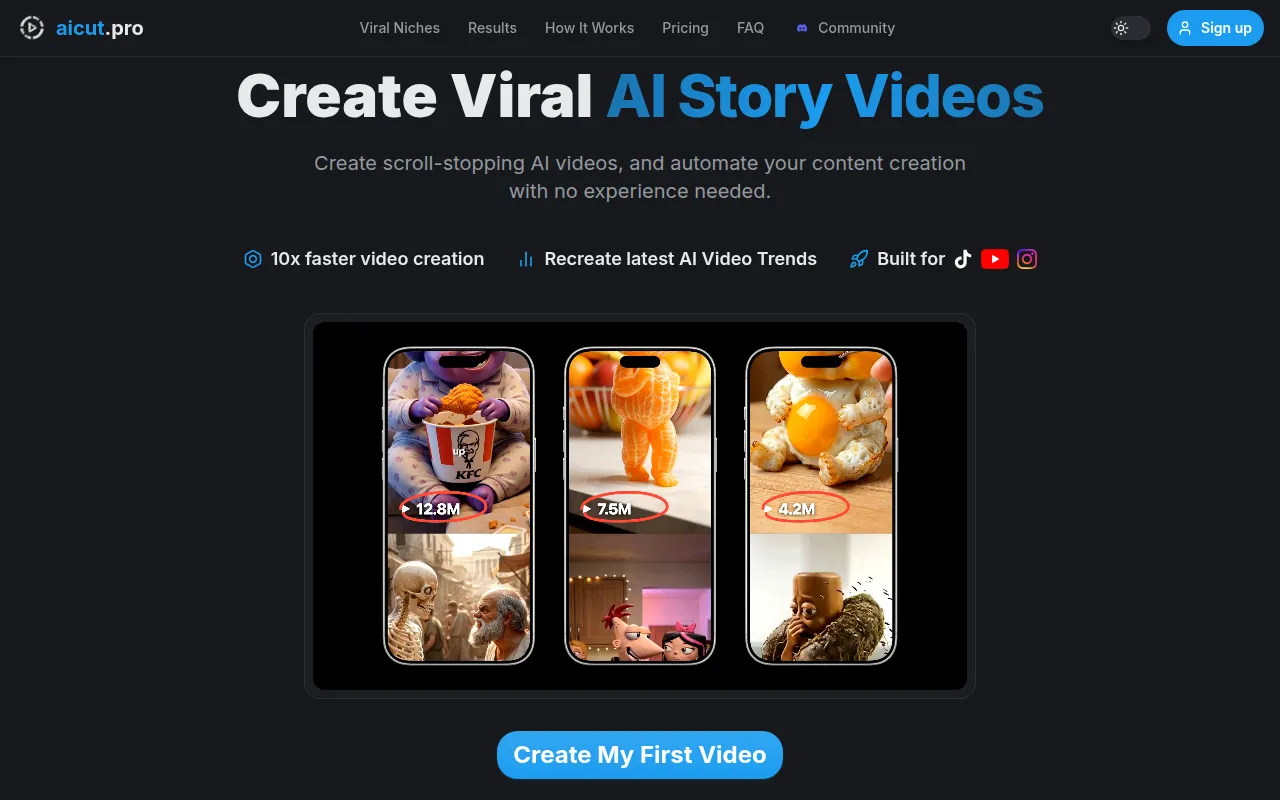 | Faceless video creation | Unavailable | Yes | Templates for social media |
| Videoleap | Creative editing | Free/Paid | Yes | Advanced editing tools |
| VEED.IO | Marketers and solopreneurs | Free/Paid | Yes | Subtitle and caption tools |
| HiClip | Short-form content | Unavailable | Yes | Condensing long videos |
| Similar Video | Effortless video editing | Unavailable | Yes | AI-generated content |
| FakeYou | Voiceover content | Unavailable | Yes | Celebrity voice synthesis |
| VideoShorts | Quick video production | Unavailable | Yes | Short video optimization |
| Skipit.ai | Summarizing video content | Unavailable | Yes | Instant video insights |
| Haiper | Simplifying video creation | Unavailable | Yes | Streamlined automation |
| VideoGen | Budget-friendly editing | $16/mo | No | Affordable pricing |
| Creative Reality Studio | Image-based video creation | Unavailable | Yes | Image-to-video transformation |
| Creatify AI Product Video Generator | Product videos | Unavailable | Yes | Product-focused video creation |
| Gling | YouTube creators | Unavailable | Yes | YouTube-specific tools |
How to Choose the Right Alternative to Captions
Choosing the right alternative to Captions involves evaluating your specific needs and workflow. If you are a casual user or a beginner, tools like Vid.AI and aicut offer simple interfaces and automation features that can help you create videos without getting overwhelmed. Both platforms prioritize ease of use, making them suitable for users who may not have extensive video editing experience.
For businesses or marketers looking to create professional-quality videos, AI Studios and VEED.IO provide advanced features that cater to branding and marketing needs. If you're focused on generating product videos, Creatify AI Product Video Generator is tailored for that purpose. Conversely, if your content strategy revolves around short-form videos for social media, HiClip or VideoShorts can help you produce engaging clips quickly.
Ultimately, consider your budget, the specific features you require, and how much time you are willing to invest in learning new tools. Each alternative offers unique strengths that cater to different user types, so aligning these with your goals will help you make the best choice for your video editing needs.
Final Verdict
In summary, while Captions offers a solid foundation for video editing, there are numerous alternatives available that cater to specific needs and preferences. For casual users, Vid.AI and aicut provide simplicity and automation, while businesses may find AI Studios or VEED.IO more fitting for professional content creation. Ultimately, the best choice will depend on your unique requirements and workflow preferences.