Another common pain point is the learning curve associated with using Formulas HQ. Although it simplifies formula generation, some users find the interface less intuitive compared to other alternatives that prioritize user experience. This can lead to inefficiencies, especially for those who need to quickly produce and manipulate spreadsheets. Thus, users who require a more seamless experience or those who frequently engage in complex data analysis may find themselves looking for alternatives that better meet their needs.
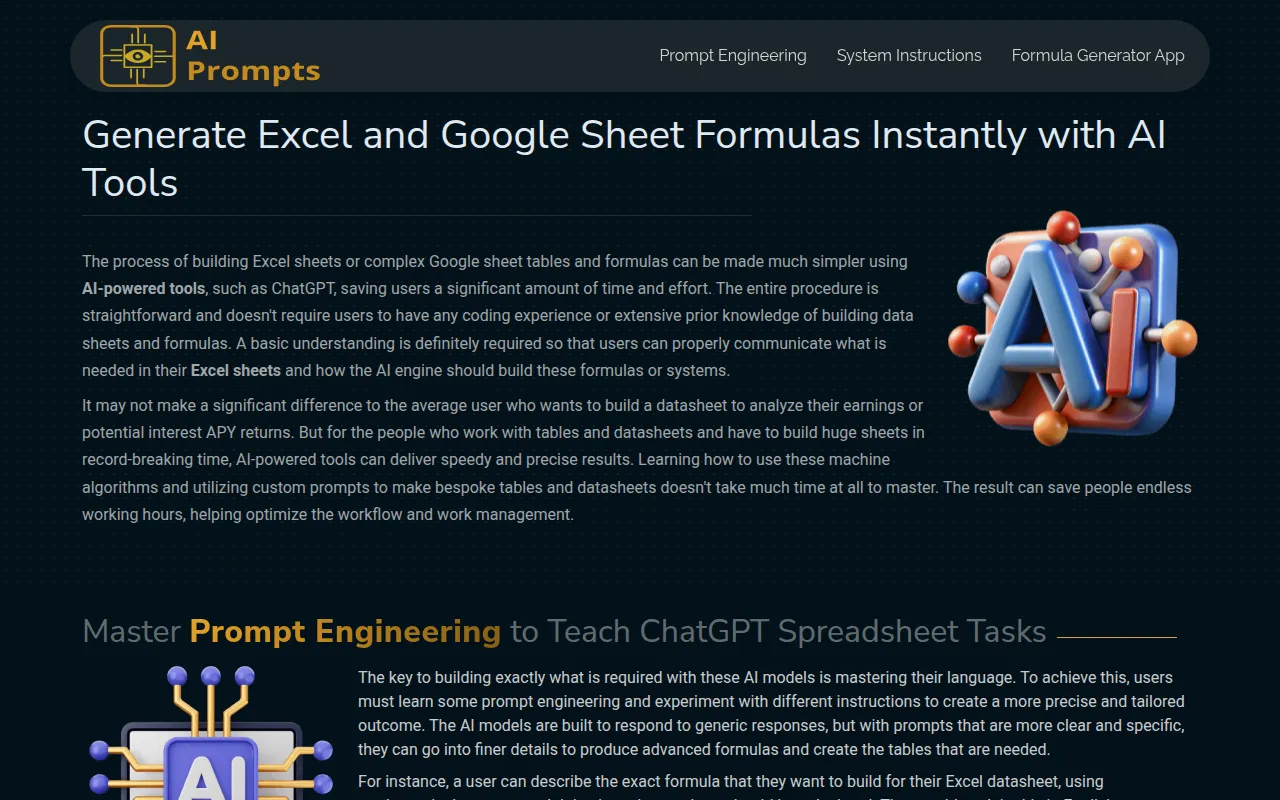
This tool stands out for its ability to cater to users with varying levels of expertise. Whether you are a novice trying to make sense of your first spreadsheet or an experienced user looking for more efficient ways to generate complex formulas, Formula Generator can meet those needs effectively. The AI-driven suggestions help streamline the formula creation process, which can be a significant time-saver compared to the manual process often required with Formulas HQ.
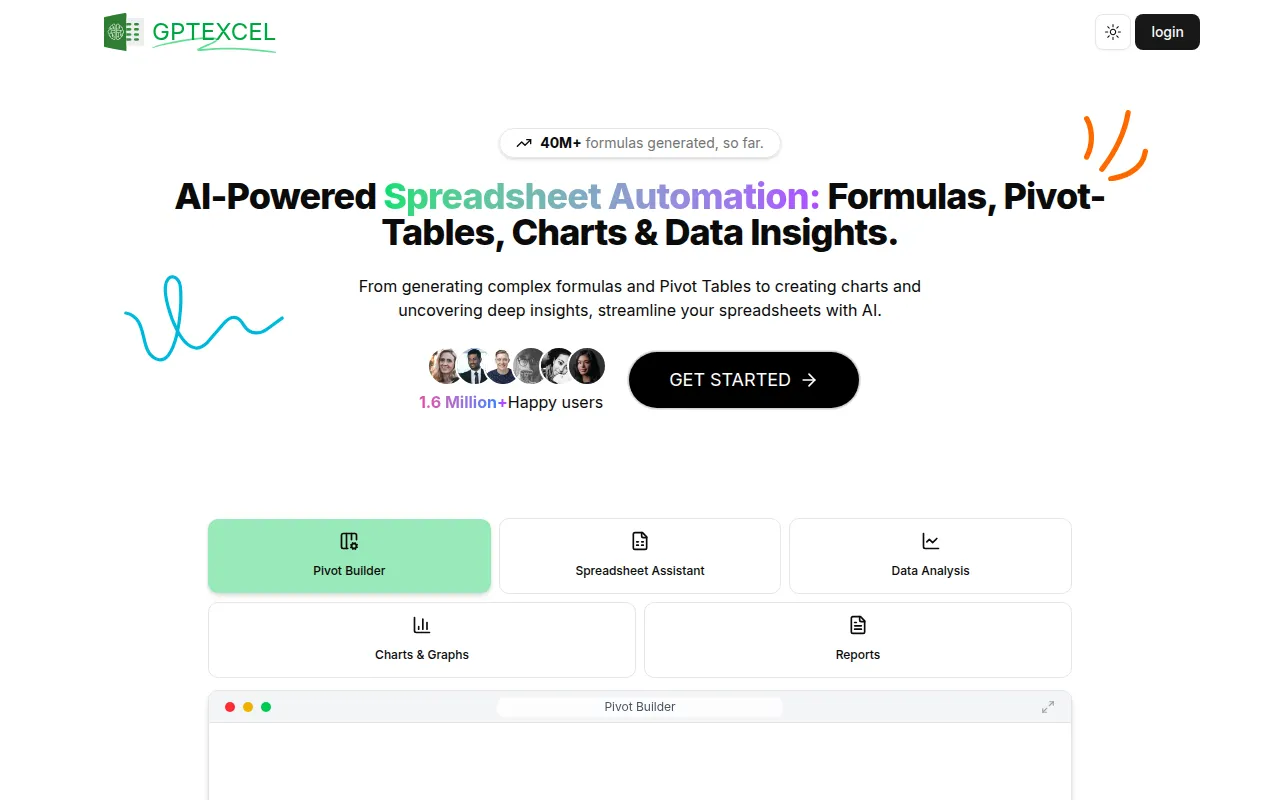
- Key Strength: Natural language processing capabilities that facilitate intuitive data queries
- Key Strength: Comprehensive data analysis features that go beyond basic formula generation
- Key Strength: AI-driven insights help users make informed decisions quickly
- Limitation: May require some time to learn all the features effectively
Pricing: Freemium - Pricing information is currently not available. Best for: Users needing advanced data analysis and insights.
GPTforWork - Best for Flexible Productivity Solutions
GPTforWork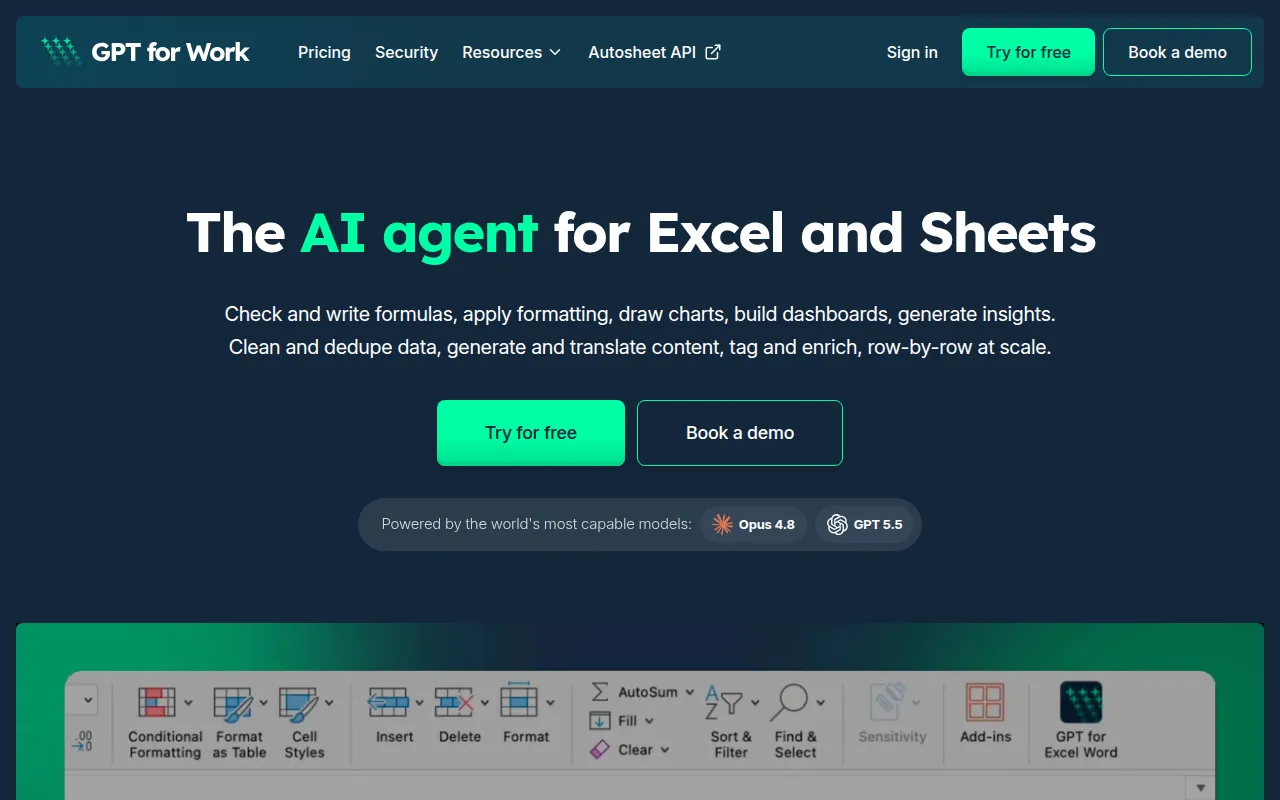 is an AI-powered assistant designed to enhance productivity in Excel and Google Sheets, making it a fantastic alternative to Formulas HQ. This tool stands out due to its flexibility, offering both pay-as-you-go and subscription options, which can be particularly appealing for users who want to try the service without committing to a long-term plan. GPTforWork combines formula generation with task management features, enabling users to streamline their workflows seamlessly.
What truly sets GPTforWork apart is its adaptability to various user needs. Whether you are focused on generating complex formulas, managing data, or enhancing overall productivity, this tool provides a comprehensive solution. It also integrates well with existing workflows, ensuring that users can transition smoothly without overhauling their current processes. This makes GPTforWork a solid choice for teams looking to optimize their productivity tools.
- Key Strength: Flexible pricing model that accommodates both casual and dedicated users
- Key Strength: Integrates formula generation with task management for a comprehensive productivity solution
- Key Strength: User-friendly interface that encourages quick adoption
- Limitation: Some users may find the dual focus on task management and formula generation a bit overwhelming
Pricing: Freemium - GPTforWork offers a pay-as-you-go model along with subscription options. Best for: Teams looking for flexible productivity tools.
Plus AI - Best for Presentation Enhancement
While primarily a presentation-making tool, Plus AI can be an interesting alternative for users who frequently work with data visualization in Excel and Google Sheets. This tool enhances the PowerPoint and Google Slides experience by providing AI-driven insights and automating parts of the presentation creation process. For users who need to present data analysis findings, Plus AI can complement the functionalities of Formulas HQ by making it easier to visualize results.
Plus AI's ability to generate compelling presentations from data sets can save users hours of work, allowing them to focus on analysis instead of formatting. This makes it ideal for professionals who need to present data to stakeholders efficiently. Although it does not focus solely on formula generation, its unique approach to data presentation can enhance the utility of tools like Formulas HQ by providing a more comprehensive workflow for data analysts and presenters.
- Key Strength: AI-driven presentation creation that makes data visualization easy and efficient
- Key Strength: Integrates well with existing presentation tools like PowerPoint and Google Slides
- Key Strength: Saves time by automating repetitive formatting tasks
- Limitation: Not focused on formula generation, which may limit its appeal for users needing primarily that feature
Pricing: Freemium - Plus AI offers a 7-day free trial followed by plans starting at $10 per user per month billed annually. Best for: Users who need to enhance their presentation capabilities while working with data.
Heyday - Best for Workflow Automation
Heyday is an AI-powered workflow automation tool that focuses on simplifying task management and enhancing collaboration among teams. While it does not specifically generate formulas like Formulas HQ, it provides a broader range of productivity enhancements that can streamline processes involving data management. For users managing complex projects, Heyday can automate repetitive tasks, allowing them to dedicate more time to high-value activities.
This tool excels in integrating with various productivity apps, creating a seamless workflow that reduces friction in project management. It is particularly beneficial for teams that require real-time collaboration, making it an ideal choice for businesses focused on enhancing team efficiency. By automating routine tasks, Heyday can complement the formula generation capabilities of tools like Formulas HQ, providing a comprehensive solution for project and data management.
- Key Strength: Powerful workflow automation features that reduce manual effort
- Key Strength: Excellent integration with a variety of productivity applications
- Key Strength: Real-time collaboration features that enhance team efficiency
- Limitation: May be overkill for users who only need formula generation
Pricing: Freemium - Specific pricing details for Heyday are not available. Best for: Teams looking to enhance workflow automation and collaboration.
Quadratic - Best for Natural Language Queries
Quadratic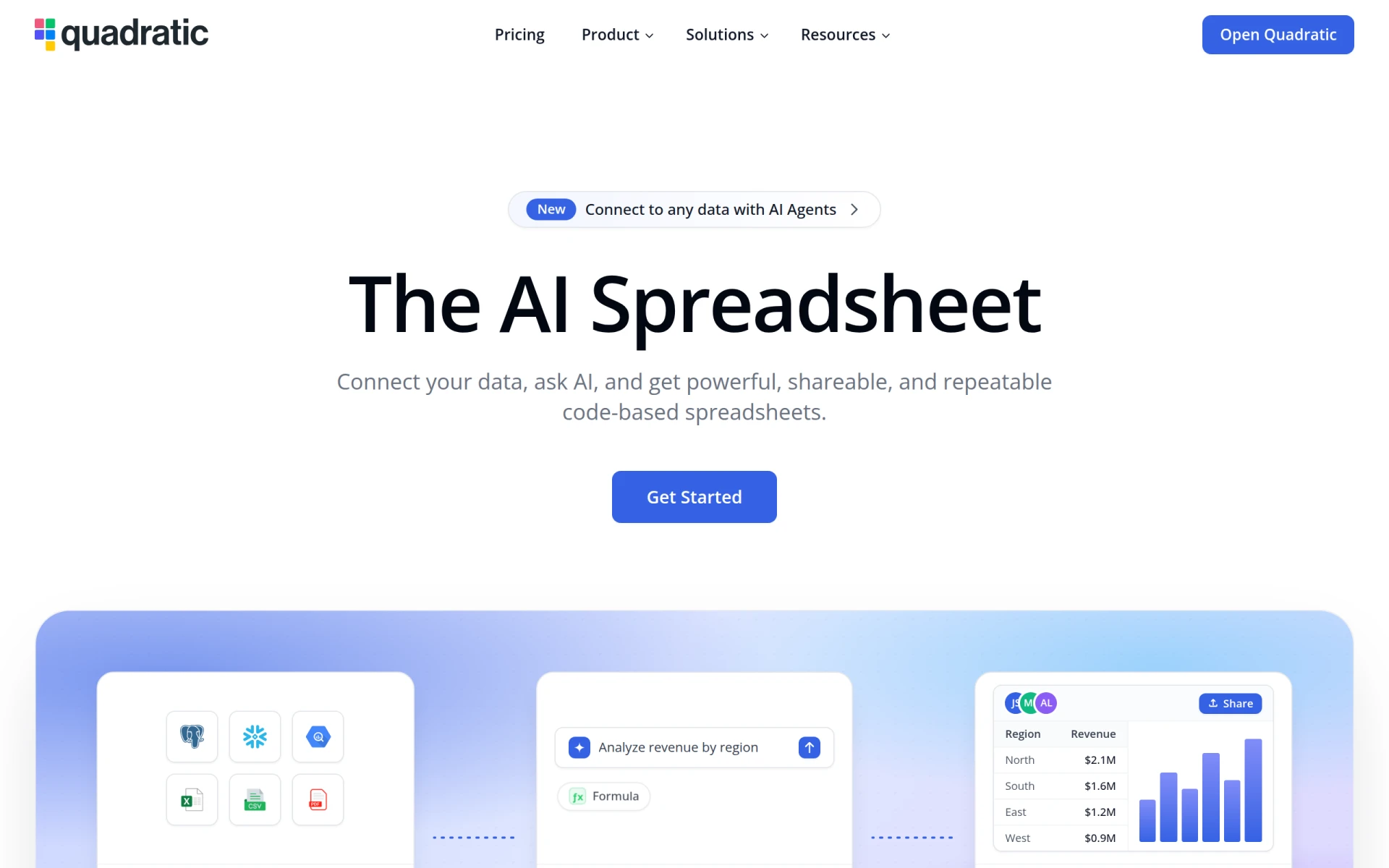 is an innovative AI-powered spreadsheet tool that allows users to connect to their data and gain insights through natural language queries. This capability is particularly useful for users who may not be familiar with traditional formula syntax but need to extract valuable information from their datasets. Unlike Formulas HQ, which focuses primarily on formula generation, Quadratic empowers users to interact with their data in a more intuitive manner, making it accessible to a broader audience.
For those who frequently need to analyze data without the technical expertise, Quadratic can be a game-changer. Its design encourages users to ask questions in natural language, automatically generating the appropriate queries or formulas needed to answer those questions. This feature not only enhances productivity but also democratizes data access, allowing users of all skill levels to derive insights from complex datasets easily.
- Key Strength: Natural language processing that enables intuitive data queries
- Key Strength: Makes data insights accessible to users without coding skills
- Key Strength: Integrates seamlessly with existing data sources for quick analysis
- Limitation: Users may need to adjust to the natural language approach, which can differ from traditional methods
Pricing: Freemium - Quadratic offers a free plan and paid plans starting at $18 per user per month. Best for: Users who prefer intuitive, natural language interaction with their data.
SheetAI.app - Best for Google Sheets Automation
SheetAI.app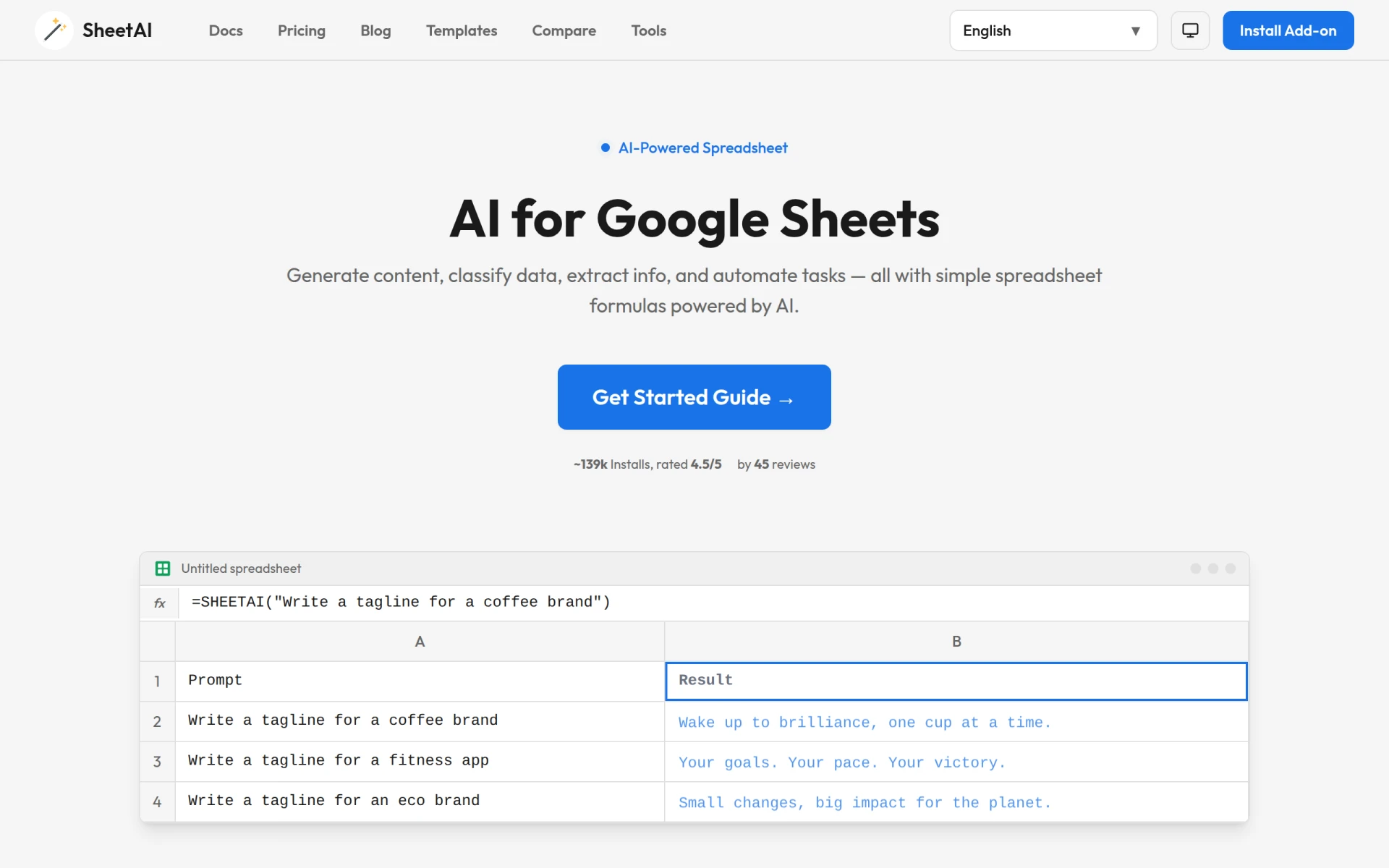 is a powerful tool that enhances Google Sheets with AI capabilities, allowing users to generate formulas and automate tasks with ease. Unlike Formulas HQ, which offers a more generalized formula generation experience, SheetAI.app focuses specifically on enhancing the Google Sheets experience, making it an ideal choice for users who primarily work within that platform. This specialization can lead to a more seamless integration and a deeper understanding of the specific needs of Google Sheets users.
With SheetAI.app, users can automate repetitive tasks, generate complex formulas effortlessly, and even create custom scripts to tailor their spreadsheets to their specific requirements. The ability to automate tasks not only saves time but also reduces the potential for human error, making it a reliable choice for data-heavy projects. For users already invested in the Google ecosystem, SheetAI.app can significantly enhance productivity and efficiency.
- Key Strength: Tailored specifically for Google Sheets, offering seamless integration
- Key Strength: Automation features that minimize manual data entry and errors
- Key Strength: Custom script creation for enhanced flexibility and personalization
- Limitation: Limited to Google Sheets, which may not suit users who work in Excel
Pricing: Paid - SheetAI offers a subscription model with plans starting at $20 per month. Best for: Google Sheets users looking for advanced automation capabilities.
Happycapy - Best for AI-Driven Task Management
Happycapy transforms your browser into an AI-native computer, enabling efficient task delegation and workflow automation. While it may not focus solely on formula generation like Formulas HQ, it provides a robust set of features that enhance overall productivity by streamlining task management. Happycapy is particularly beneficial for users who juggle multiple projects and need an effective way to delegate tasks to team members.
The AI capabilities of Happycapy can help users prioritize tasks, set deadlines, and automate reminders, allowing for a more organized workflow. This can significantly enhance productivity, especially for teams working in collaborative environments. The tool's focus on task management complements the data analysis capabilities of tools like Formulas HQ, making it a well-rounded choice for professionals seeking to optimize their workflows.
- Key Strength: AI-driven task management that enhances delegation and organization
- Key Strength: Automation features that help keep teams on track with deadlines
- Key Strength: User-friendly interface that encourages quick adoption
- Limitation: Focus on task management may not appeal to those seeking only formula generation
Pricing: Freemium - Happycapy offers a free plan as well as paid options starting at $20 per month. Best for: Teams looking for AI-driven task management solutions.
Rows AI - Best for No-Code Data Analysis
Rows AI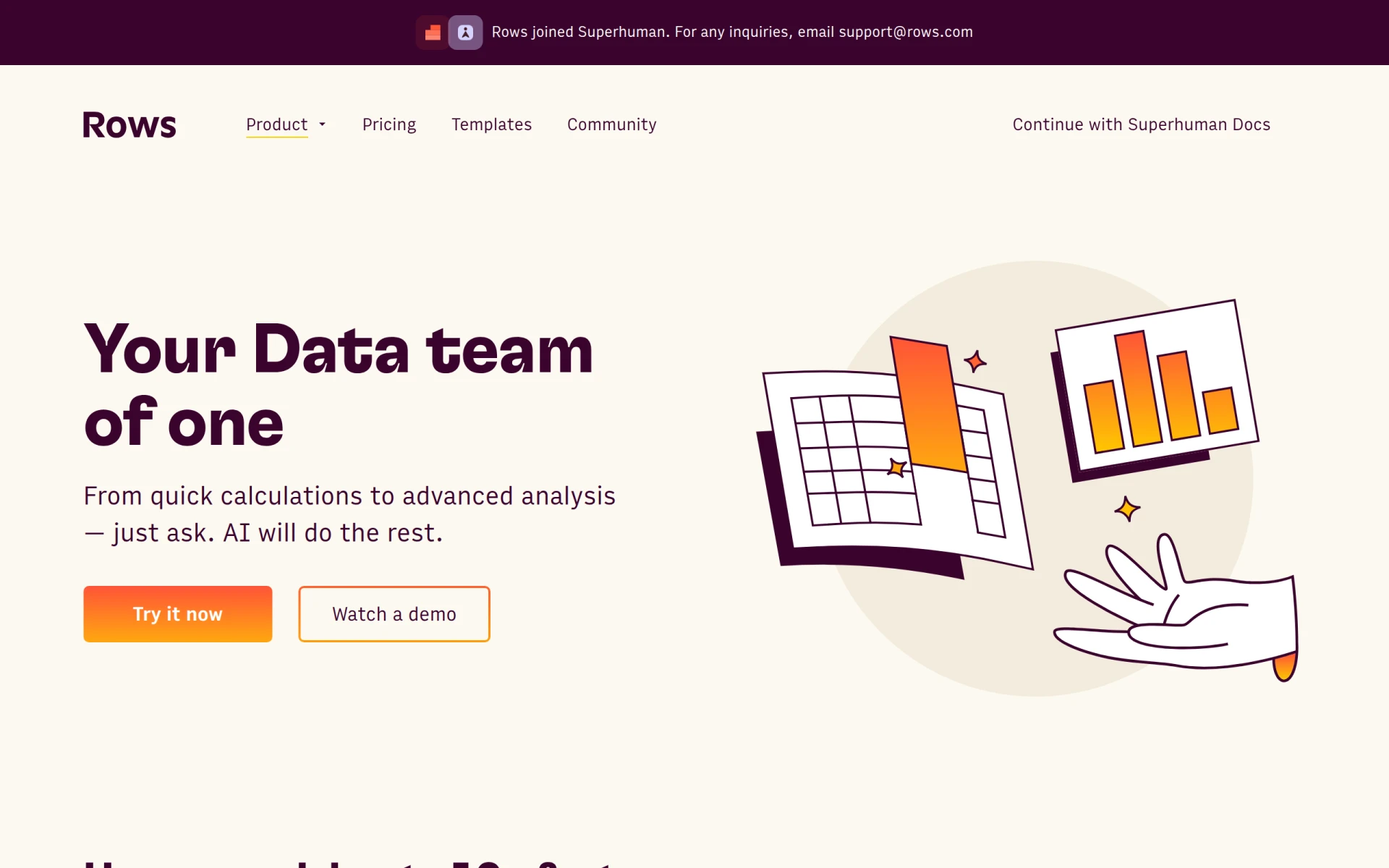 is a no-code spreadsheet tool that streamlines data analysis, allowing users to ask questions and receive insights instantly. This tool offers a unique approach to data management, making it a worthy alternative to Formulas HQ for those who may not have programming experience but still need to conduct comprehensive analyses. Rows AI's focus on simplicity and accessibility can be particularly appealing to business users who want to derive meaningful insights without diving deep into complex formulas.
The tool's no-code interface enables users to interact with their data effortlessly, significantly reducing the barrier for entry for non-technical users. Rows AI also supports collaboration features, allowing multiple users to work on the same data set simultaneously, which is valuable for teams. This collaborative aspect, combined with its user-friendly design, makes Rows AI an excellent choice for professionals looking to enhance their data analysis capabilities without the steep learning curve associated with traditional spreadsheet tools.
- Key Strength: No-code interface that makes data analysis accessible to everyone
- Key Strength: Real-time collaboration features enhance teamwork and productivity
- Key Strength: Instant insights allow users to make quick decisions based on data
- Limitation: Some users may miss advanced functionalities found in more traditional spreadsheet tools
Pricing: Freemium - Pricing information is currently unavailable on the Rows AI website. Best for: Users seeking a no-code solution for data analysis.
Checklist.gg - Best for Task Management
Checklist.gg is an AI-powered checklist management tool designed to optimize workflow and enhance task organization. While it may not directly replace the formula generation capabilities of Formulas HQ, it offers a robust solution for users who need to manage tasks efficiently while working with data. The tool’s focus on checklists and task management can complement data-heavy projects by ensuring that all necessary steps are completed consistently.
With Checklist.gg, users can create customizable checklists, set deadlines, and even automate reminders for themselves or team members. This can be particularly useful for teams handling large datasets or projects that require multiple steps to complete. By organizing tasks effectively, users can maintain a clear overview of their progress, ensuring that no detail is overlooked during complex data analysis projects.
- Key Strength: Customizable checklists that enhance task organization
- Key Strength: Automation features that help keep teams accountable and on schedule
- Key Strength: Intuitive interface that encourages widespread adoption
- Limitation: Primarily focused on task management, lacking direct formula generation features
Pricing: Freemium - Pricing information for Checklist.gg is currently unavailable. Best for: Users seeking effective task management alongside data projects.
Vellum - Best for Personal AI Assistance
Vellum is a personal AI assistant that evolves with your preferences and workflows to enhance productivity. While it does not focus solely on formula generation, its adaptability and personalization features can significantly benefit users who want a comprehensive productivity tool. Vellum learns from user interactions, making it a unique alternative to Formulas HQ by offering tailored suggestions that align with individual workflows.
This tool excels in understanding user habits and preferences, allowing for a highly customized experience. Users who frequently engage with spreadsheets can benefit from Vellum's insights and suggestions, which can help streamline their tasks and improve efficiency. By providing a personal touch, Vellum can enhance the overall experience of data management and analysis, making it a valuable addition to any productivity toolkit.
- Key Strength: Highly personalized AI assistant that learns from user behavior
- Key Strength: Adaptable features that evolve with individual workflow needs
- Key Strength: Encourages efficient task management through tailored suggestions
- Limitation: May require time to fully adapt to user preferences
Pricing: Freemium - Vellum offers a flexible pricing model starting with a free tier and paid plans for enhanced capabilities. Best for: Users seeking a highly personalized productivity assistant.
Otio AI - Best for Research and Writing Tasks
Otio AI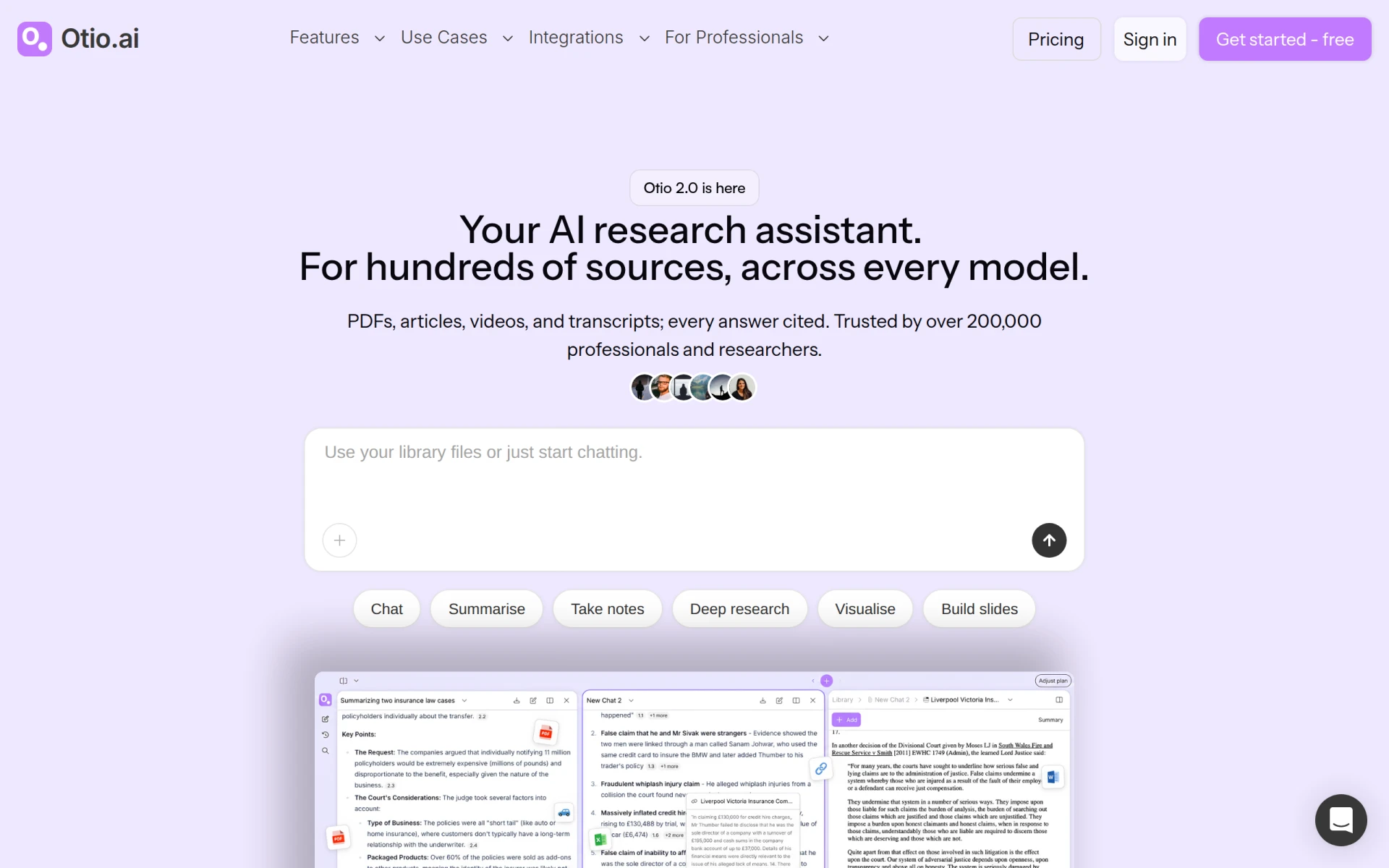 is an AI-powered research assistant designed to enhance writing and research workflows across various fields. While it may not directly compete with Formulas HQ in formula generation, it offers valuable features for users who need assistance with data analysis and documentation. Otio AI can help users gather information, generate content, and streamline the writing process, making it a great complement to spreadsheet tools.
This tool is particularly beneficial for researchers or professionals who must present data findings in written reports. By automating parts of the research and writing process, Otio AI allows users to focus on analysis and insights rather than getting bogged down in the minutiae of document creation. This can lead to more efficient workflows and higher-quality outputs, especially for those who frequently present data in written form.
- Key Strength: AI-driven research capabilities that save time and enhance information gathering
- Key Strength: Content generation features streamline the writing process
- Key Strength: Integrates well with other productivity tools for a cohesive workflow
- Limitation: Focus on research and writing may not suit users needing solely formula generation
Pricing: Freemium - Pricing information for Otio AI is currently not available. Best for: Researchers and writers looking for assistance with data presentation.
KiloClaw - Best for Email and Calendar Management
KiloClaw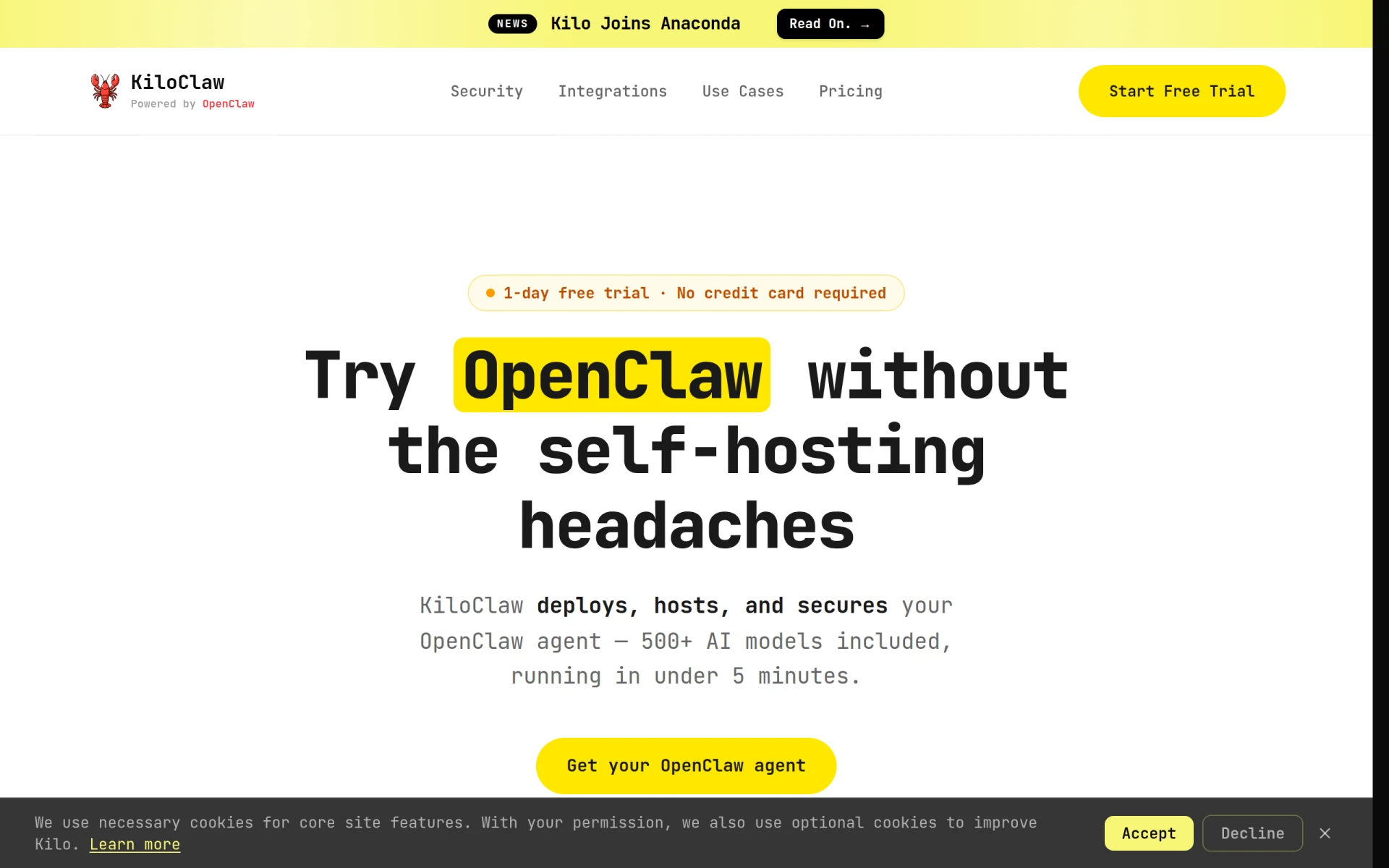 is an AI assistant designed to automate email management, calendar scheduling, and project monitoring. While it does not focus on formula generation like Formulas HQ, its powerful automation features can significantly enhance productivity for users who need to manage multiple projects simultaneously. KiloClaw’s ability to streamline communication and scheduling makes it a valuable tool for teams focused on collaboration and efficiency.
This tool can be particularly useful for professionals who spend a significant amount of time managing their inboxes and calendars. By automating routine tasks, KiloClaw allows users to redirect their efforts toward high-priority projects, making it an excellent choice for those who need to balance various responsibilities effectively. Its integration capabilities with existing tools further enhance its value in a productivity toolkit.
- Key Strength: AI-driven automation for email and calendar management
- Key Strength: Streamlines communication and scheduling for improved productivity
- Key Strength: Integrates well with existing project management tools
- Limitation: Focus on communication may not appeal to those primarily seeking formula generation
Pricing: Freemium - KiloClaw offers a subscription plan with a free trial but lacks detailed pricing information. Best for: Professionals seeking enhanced email and calendar management.
Giselle - Best for Custom AI Application Development
Giselle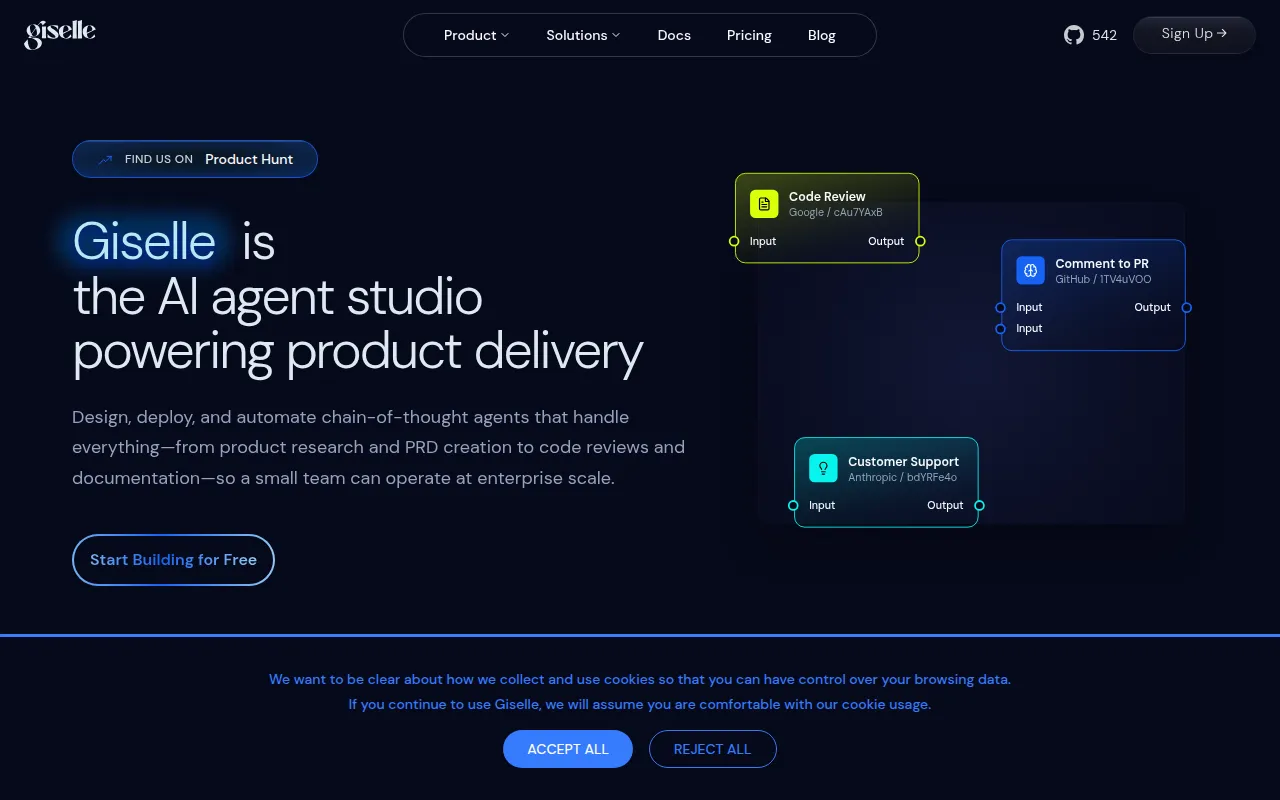 is an AI app builder that enables users to create custom AI applications without coding, enhancing productivity through automation. While it does not directly compete with Formulas HQ in formula generation, its ability to create tailored applications can be invaluable for users who need specific functionalities beyond standard spreadsheet tools. Giselle empowers users to design applications that meet their unique needs, making it a versatile option for those looking to leverage AI in their workflows.
This tool is particularly useful for businesses that require specialized applications to manage their data or automate specific processes. By enabling users to create custom solutions, Giselle can significantly enhance productivity and efficiency. Users who frequently need to develop unique workflows or applications will find Giselle's capabilities to be a strong complement to the formula generation offered by Formulas HQ.
- Key Strength: Ability to create custom AI applications without the need for coding
- Key Strength: Enhances productivity through tailored automation solutions
- Key Strength: Versatile tool suitable for various business needs
- Limitation: May require a learning curve for users unfamiliar with app development concepts
Pricing: Freemium - Giselle offers a free plan with limited usage and additional pricing details available on their website. Best for: Users looking to develop custom AI applications for their business.
Feature Comparison Table
| Tool | Best For | Starting Price | Free Plan | Standout Feature |
|---|
| Formulas HQ | Formula generation | Freemium | Yes | AI-powered formula generation |
| Formula Generator | Easy formula creation | Freemium | Yes | User-friendly interface |
| GPTExcel | Enhanced data analysis | Freemium | Yes | Natural language processing |
| GPTforWork | Flexible productivity solutions | Freemium | Yes | Task management integration |
| Plus AI | Presentation enhancement | Starting at $10/mo | Yes | AI presentation creation |
| Heyday | Workflow automation | Freemium | Yes | Powerful automation features |
| Quadratic | Natural language queries | Starting at $18/mo | Yes | Instant insights from natural language |
| SheetAI.app | Google Sheets automation | Starting at $20/mo | No | Task automation |
| Happycapy | AI-driven task management | Starting at $20/mo | Yes | Task delegation automation |
| Rows AI | No-code data analysis | Freemium | Yes | Real-time collaboration |
| Checklist.gg | Task management | Freemium | Yes | Customizable checklists |
| Vellum | Personal AI assistance | Freemium | Yes | Personalized AI learning |
| Otio AI | Research and writing tasks | Freemium | Yes | AI-driven research capabilities |
| KiloClaw | Email and calendar management | Freemium | Yes | Email automation |
| Giselle | Custom AI application development | Freemium | Yes | No-code app creation |
How to Choose the Right Alternative to Formulas HQ
When evaluating alternatives to Formulas HQ, consider your specific needs and the primary tasks you aim to accomplish. If your focus is primarily on formula generation, tools like Formula Generator and GPTExcel may be your best bet due to their user-friendly interfaces and advanced functionalities. However, if you are looking for a more comprehensive solution that includes data analysis and task management, GPTforWork or Heyday could be more suitable.
For teams that frequently present data, Plus AI offers excellent capabilities for creating visually appealing presentations that can complement the insights derived from your spreadsheets. In contrast, if your work involves heavy collaboration, Rows AI and Quadratic stand out for their real-time collaboration features that make teamwork more efficient. Remember to weigh the pricing structures and whether you prefer a freemium model or a paid subscription based on your budget and usage frequency.
Final Verdict
In conclusion, while Formulas HQ offers valuable formula generation capabilities, several alternatives can better suit different user needs. For easy formula creation, Formula Generator is ideal, whereas GPTExcel excels in data analysis. For teams needing flexible productivity solutions, GPTforWork is a strong choice. Depending on your specific requirements, there is likely an alternative that will enhance your productivity and streamline your workflows more effectively than Formulas HQ.