Why Look for Alternatives to Krea?
While Krea offers a powerful AI-driven creative suite for generating and enhancing images, videos, and 3D assets, it is not without its limitations. One of the primary concerns noted by users is the lack of transparent pricing. The freemium model can be appealing at first glance, but without clear information on what premium features may cost, users often find themselves frustrated when trying to budget for their creative projects. Moreover, Krea may not fully cater to niche demands such as detailed 3D asset management or specific video editing functionalities, which are critical for professionals in various fields.
Additionally, users have expressed dissatisfaction with Krea's user interface, which some find less intuitive compared to other design tools. This could hinder productivity, especially for those who require a seamless workflow. The need for a more straightforward approach to asset generation and management is evident, prompting many to explore alternatives that provide better clarity, usability, and functionality tailored to their unique creative needs.
Best Alternatives to Krea in 2026
Scenario - Best for 3D Asset Management
Scenario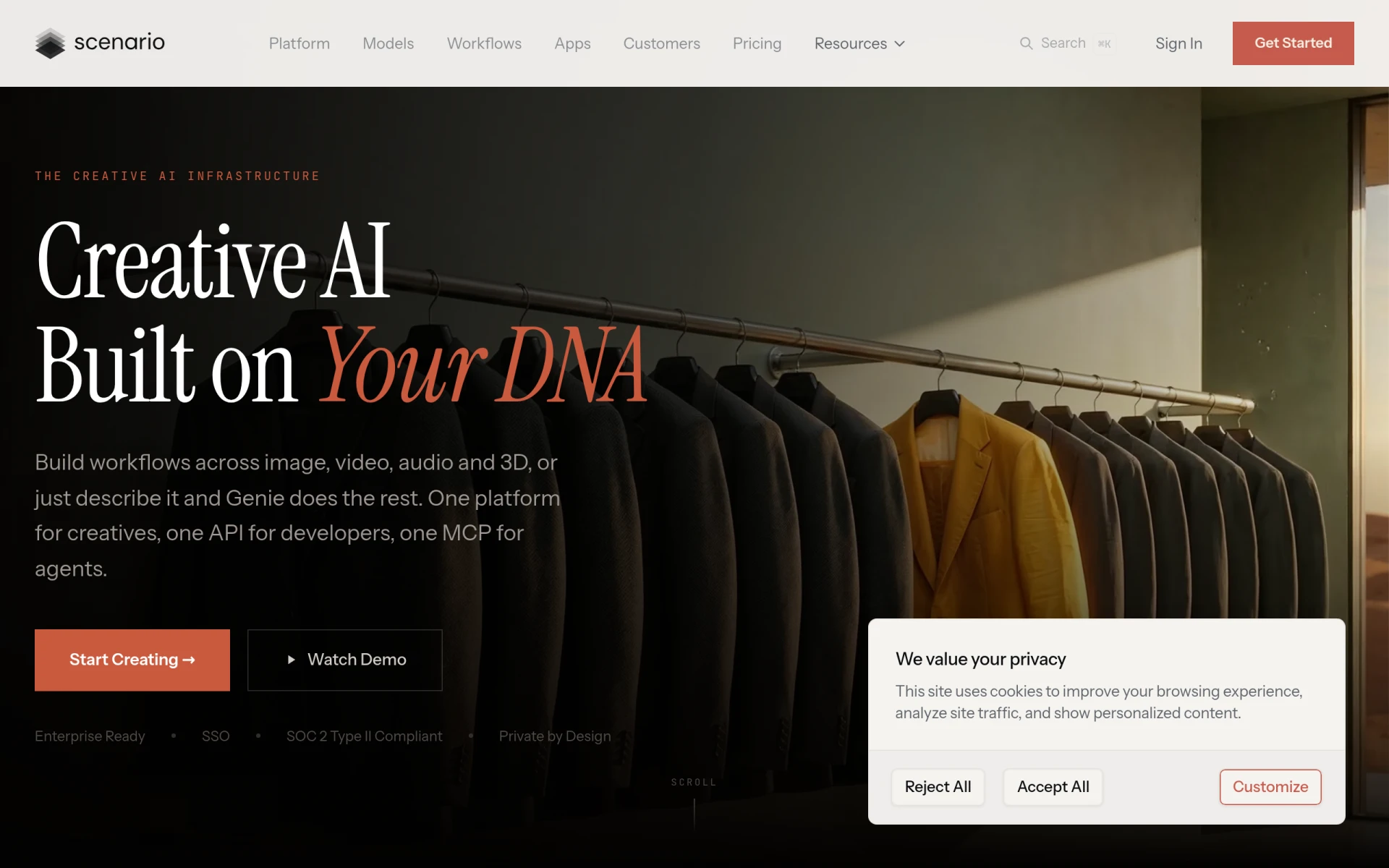 is a creative AI platform that stands out for its ability to generate and manage 3D assets tailored to individual artistic styles. Unlike Krea, which offers a more general creative suite, Scenario focuses specifically on 3D workflows, making it an excellent choice for designers and artists who prioritize 3D modeling in their projects. With its user-friendly interface, Scenario allows users to create complex 3D environments and assets with relative ease, streamlining what can often be a labor-intensive process.
The platform's strength lies in its customizable workflows, which can be adapted according to an artist's specific style and needs. This flexibility is something Krea lacks, as it does not cater as specifically to 3D asset generation. Scenario's monthly subscription options provide access to a range of features that enhance productivity for users who need robust 3D capabilities without the steep learning curve often associated with traditional 3D software.
- Key Strength: Dedicated focus on 3D asset generation and management.
- Key Strength: Customizable workflows tailored to individual artistic styles.
- Key Strength: User-friendly interface that simplifies complex processes.
- Limitation: May not be as robust for 2D or video content creation.
Pricing: Monthly subscriptions starting at $15 for the Starter plan and $45 for the Pro plan. Best for: Designers and artists focused on 3D modeling and asset creation.
Imagine - Best for Multi-Media Content Creation
ImagineArt is an AI creative suite designed for generating images, videos, and voiceovers from text prompts. This makes it an excellent alternative to Krea for creators and marketers who require a versatile tool capable of handling various media formats. While Krea excels in image and video enhancement, Imagine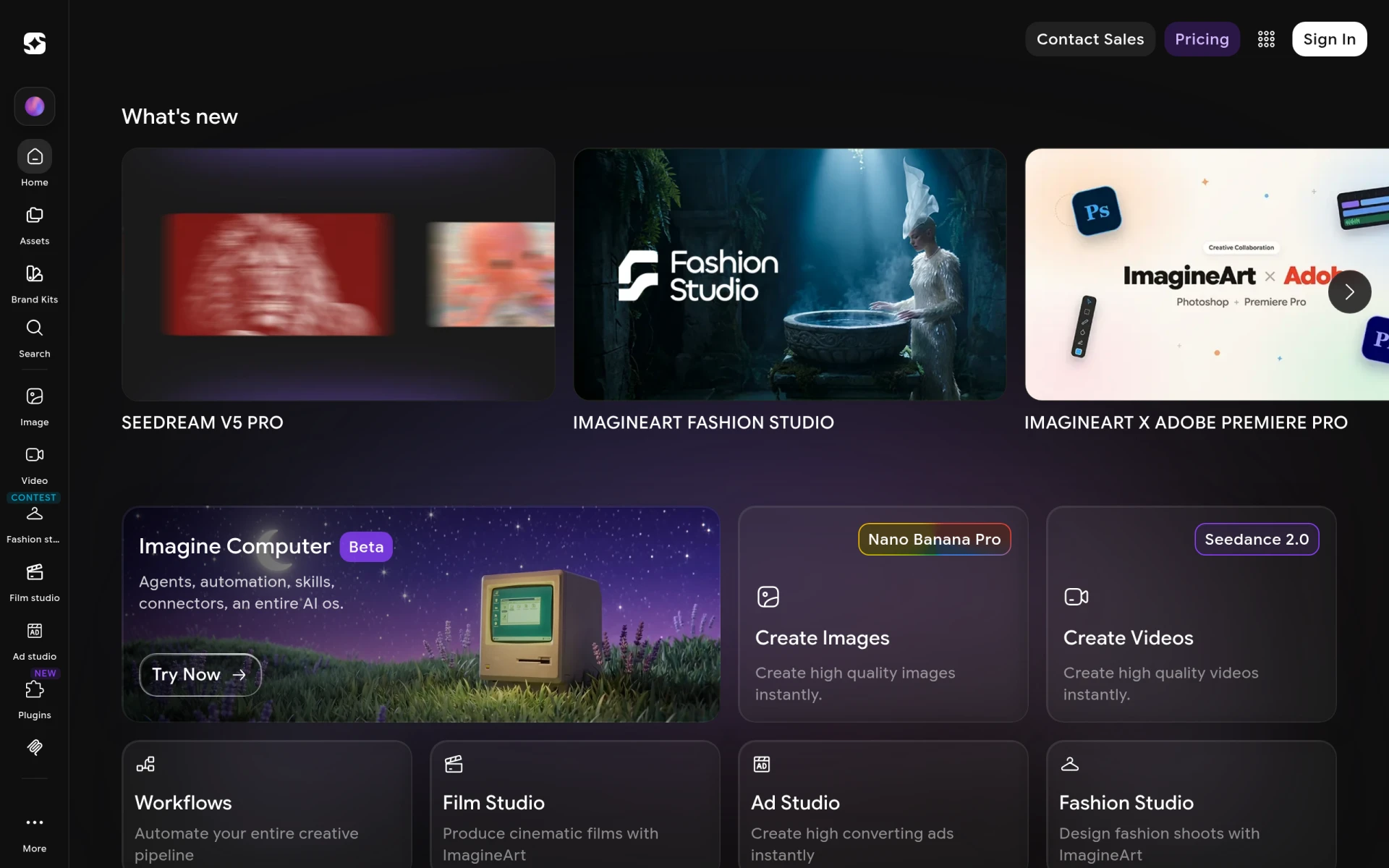 offers a broader scope, allowing users to create multimedia content seamlessly from a single platform. This versatility is particularly beneficial for marketers seeking to produce engaging content across different channels without needing multiple tools.
The strength of Imagine lies in its ability to handle not just visual elements but also audio, making it a comprehensive solution for those looking to create engaging narratives. Users can easily generate voiceovers to accompany their visuals, which adds a unique dimension to their projects. This feature-rich environment is a key differentiator from Krea, which does not provide integrated voiceover capabilities. Imagine is perfect for users who need to rapidly generate diverse content types while maintaining quality and coherence.
- Key Strength: Ability to create images, videos, and voiceovers from text prompts.
- Key Strength: Comprehensive multimedia content creation capabilities.
- Key Strength: User-friendly interface that simplifies the creative process.
- Limitation: Pricing information is not explicitly stated on the website, which may deter potential users.
Pricing: Pricing information is not explicitly stated. Best for: Creators and marketers needing a multi-media content generation tool.
Kittl - Best for Graphic Design
Kittl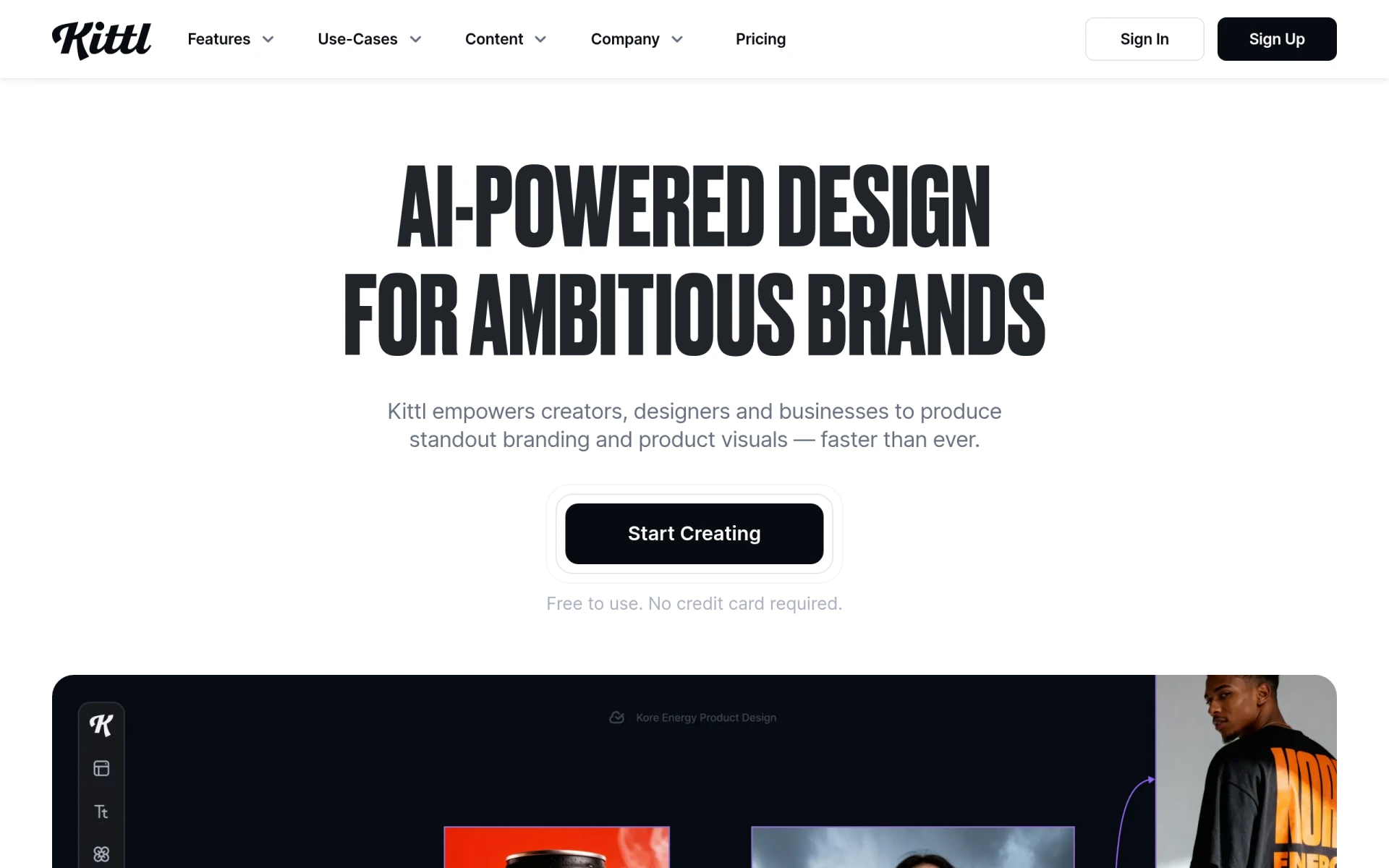 is an AI-driven design platform that empowers users to create stunning visuals with advanced editing tools and curated assets. Unlike Krea, which is more focused on enhancing existing content, Kittl excels in allowing users to create new designs from scratch or modify templates. This makes it particularly appealing for graphic designers and content creators who need to produce fresh visuals quickly and efficiently. Kittl’s extensive library of design elements and templates enables users to get started immediately, without the need to source assets externally.
The platform's advanced editing tools provide features that enable detailed customization of designs, which is crucial for professionals looking to create unique branding or marketing materials. Kittl's ease of use, combined with its robust set of tools, makes it a strong competitor to Krea, particularly for those whose primary focus is on graphic design rather than video or 3D asset creation. This makes Kittl an ideal choice for users who want to maintain creative control over their projects without a steep learning curve.
- Key Strength: Extensive library of design elements and templates.
- Key Strength: Advanced editing tools for detailed customization.
- Key Strength: Excellent for creating unique branding and marketing materials.
- Limitation: May not be as effective for video or 3D content generation.
Pricing: Freemium model with additional paid features available. Best for: Graphic designers and content creators focused on producing visuals.
Magic Studio - Best for Beginners in Image Creation
Magic Studio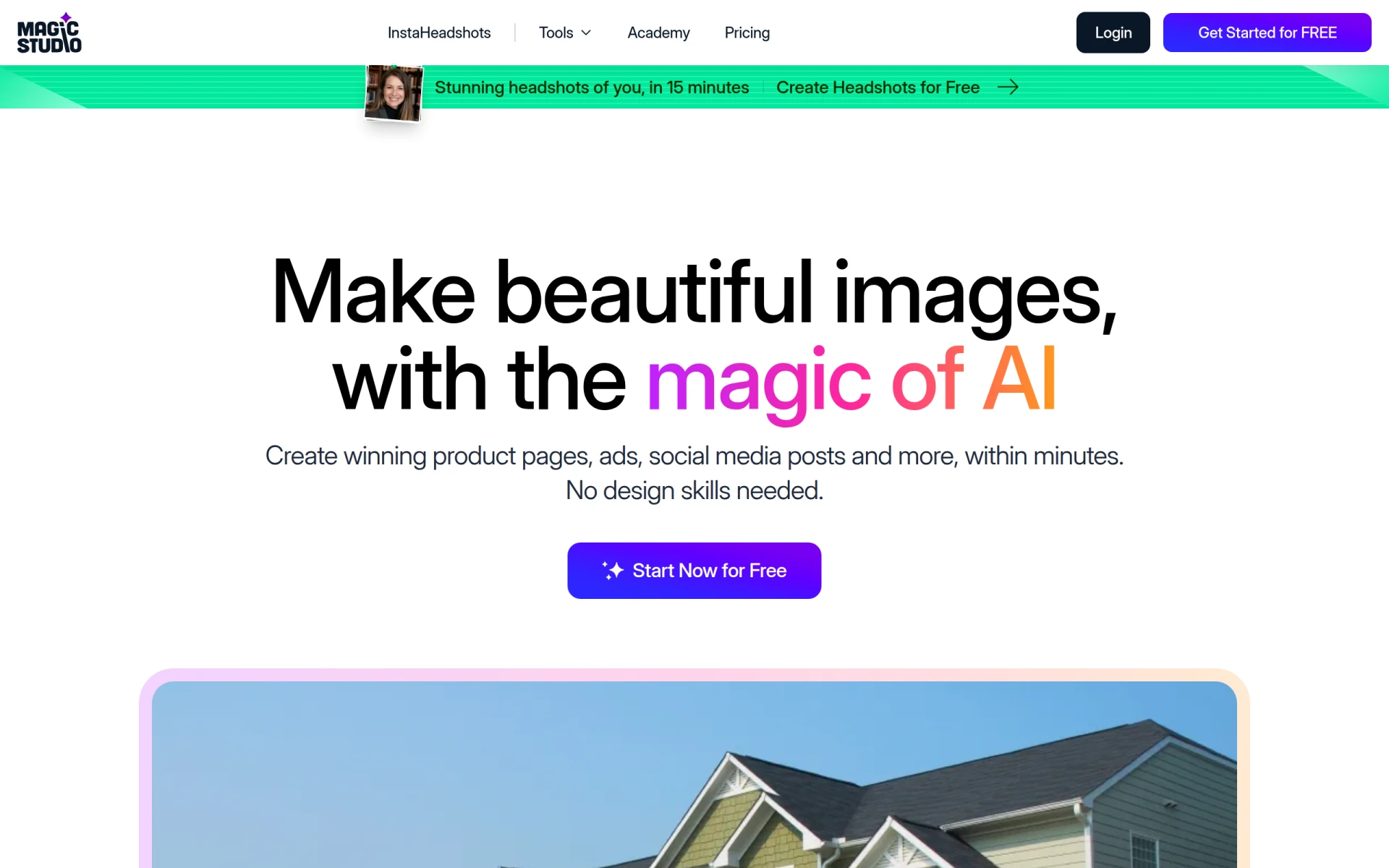 is designed for users who want to create stunning images without requiring prior design skills. This makes it a fantastic alternative to Krea for beginners or those who may feel overwhelmed by more complex design tools. Magic Studio's AI-powered features guide users through the image creation process, simplifying what can often feel like a daunting task. This user-centric approach allows individuals with little to no background in design to produce professional-looking visuals quickly.
In comparison to Krea, Magic Studio emphasizes ease of use without sacrificing quality. Users can generate images effortlessly through intuitive prompts and AI assistance, making it an excellent option for bloggers, social media managers, and anyone needing quick visual content. The platform's focus on accessibility and user-friendliness sets it apart from Krea, where navigation and functionality may be less straightforward for novices.
- Key Strength: Intuitive design process tailored for users without design skills.
- Key Strength: Quick image generation through guided AI features.
- Key Strength: Accessible for beginners and non-designers.
- Limitation: May lack advanced features needed by experienced designers.
Pricing: Offers a free tier and a PRO tier with additional features. Best for: Beginners and users needing simple image creation tools.
insMind - Best for Visual Content Creation
insMind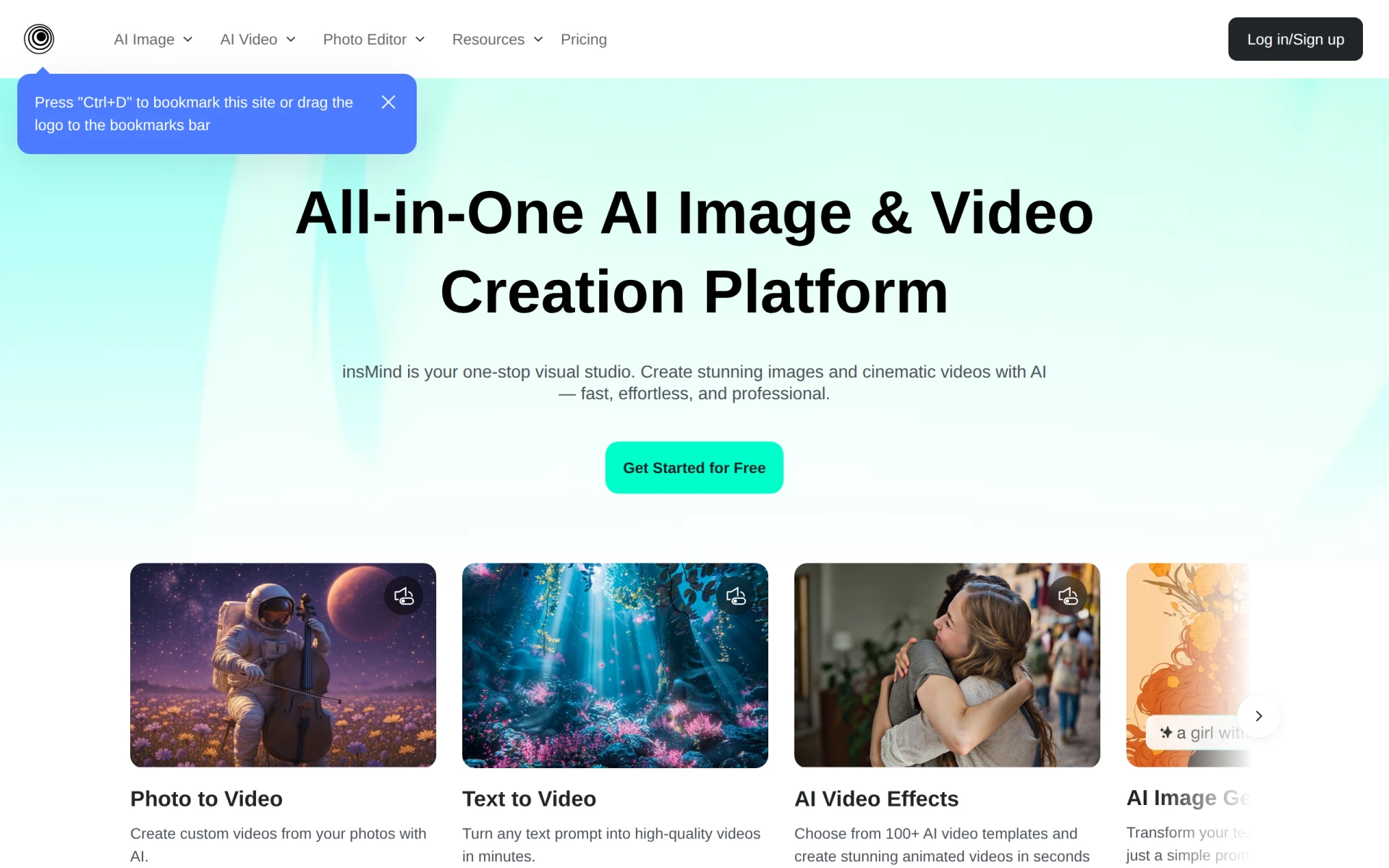 is an AI-powered platform that simplifies the generation and editing of images and videos, making it a strong contender for users looking for an alternative to Krea. Where Krea offers a broader creative suite, insMind focuses on streamlining the visual content creation process. This makes it particularly appealing for content creators who need to produce high-quality visuals quickly and efficiently. The platform's AI-driven capabilities enable users to generate unique content tailored to their specific requirements, enhancing the creative workflow.
insMind's ease of use and efficient editing tools allow users to manipulate images and videos without extensive training or experience. This is a significant advantage for small businesses or solo creators who may not have the resources to invest in professional-grade software. While Krea excels in image enhancement, insMind's focus on both image and video generation provides a well-rounded tool for creators looking to diversify their content. This makes insMind an ideal choice for users seeking efficiency without sacrificing quality.
- Key Strength: Streamlined process for generating and editing images and videos.
- Key Strength: AI-driven capabilities tailored to user requirements.
- Key Strength: User-friendly interface for quick content creation.
- Limitation: Pricing details are not readily available, which could deter new users.
Pricing: Pricing details are not readily available. Best for: Content creators needing efficient visual content generation tools.
Picsart - Best for All-in-One Creativity
Picsart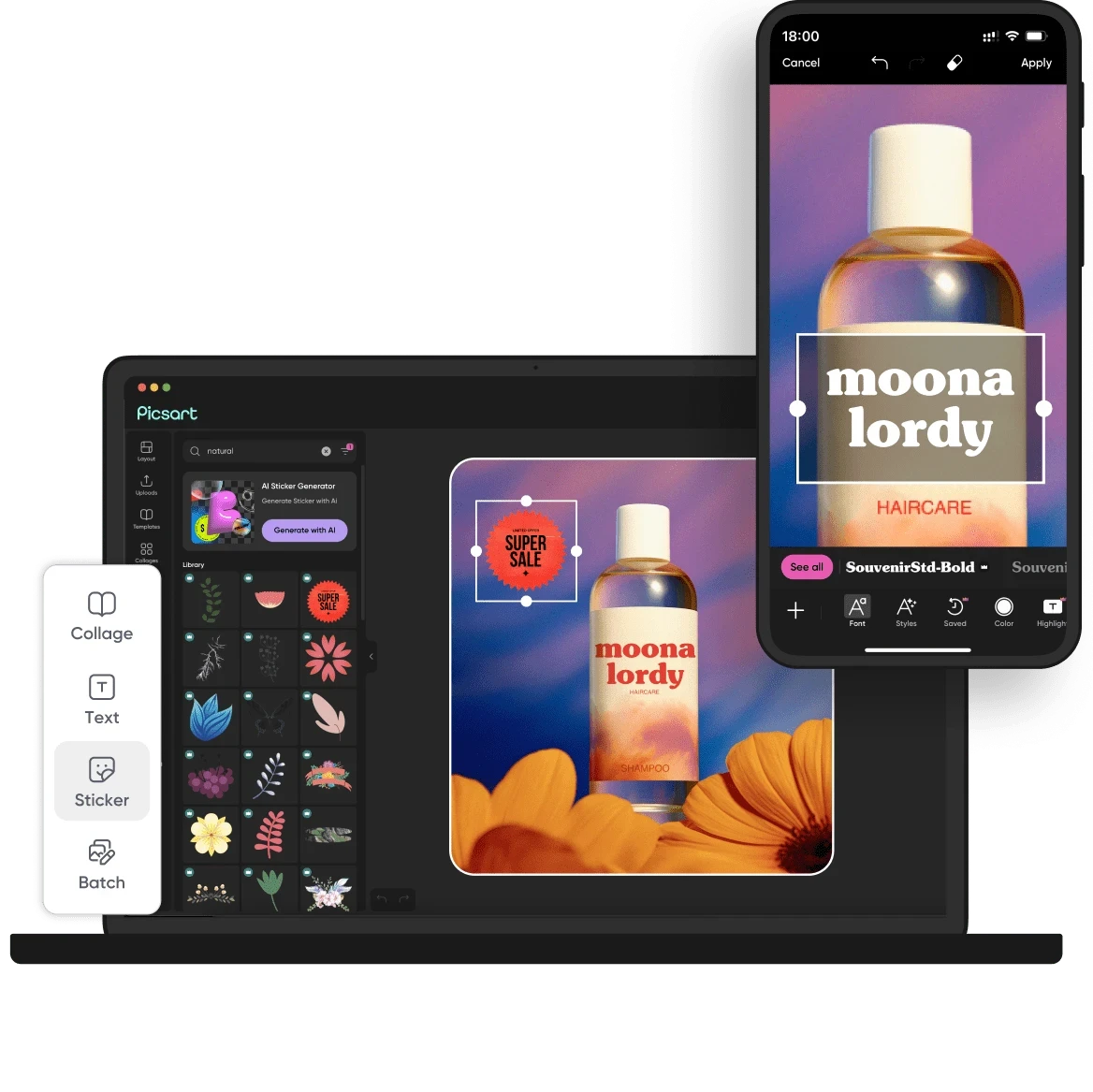 is an all-in-one creative platform that offers a comprehensive suite of AI-powered design tools for creating images, videos, and graphics efficiently. Unlike Krea, which primarily focuses on image and video enhancement, Picsart provides a broader array of features that appeal to creators looking for a complete solution. The platform's versatility is its greatest strength, allowing users to handle everything from photo editing to video creation and graphic design in one place.
With a user-friendly interface and extensive libraries of templates, stock images, and editing tools, Picsart caters to both novice users and experienced designers. The collaborative features also allow teams to work together seamlessly on projects, making it ideal for businesses and marketing teams. This comprehensive offering sets Picsart apart from Krea, where users may need to rely on multiple tools or platforms to achieve similar results.
- Key Strength: Comprehensive suite of tools for images, videos, and graphics.
- Key Strength: User-friendly interface with extensive libraries of resources.
- Key Strength: Collaborative features for team projects.
- Limitation: The multitude of features may overwhelm some users.
Pricing: Offers a free version and various paid subscription plans for premium features. Best for: Users looking for an all-in-one creative solution.
Pixelcut - Best for Effortless Photo Editing
Pixelcut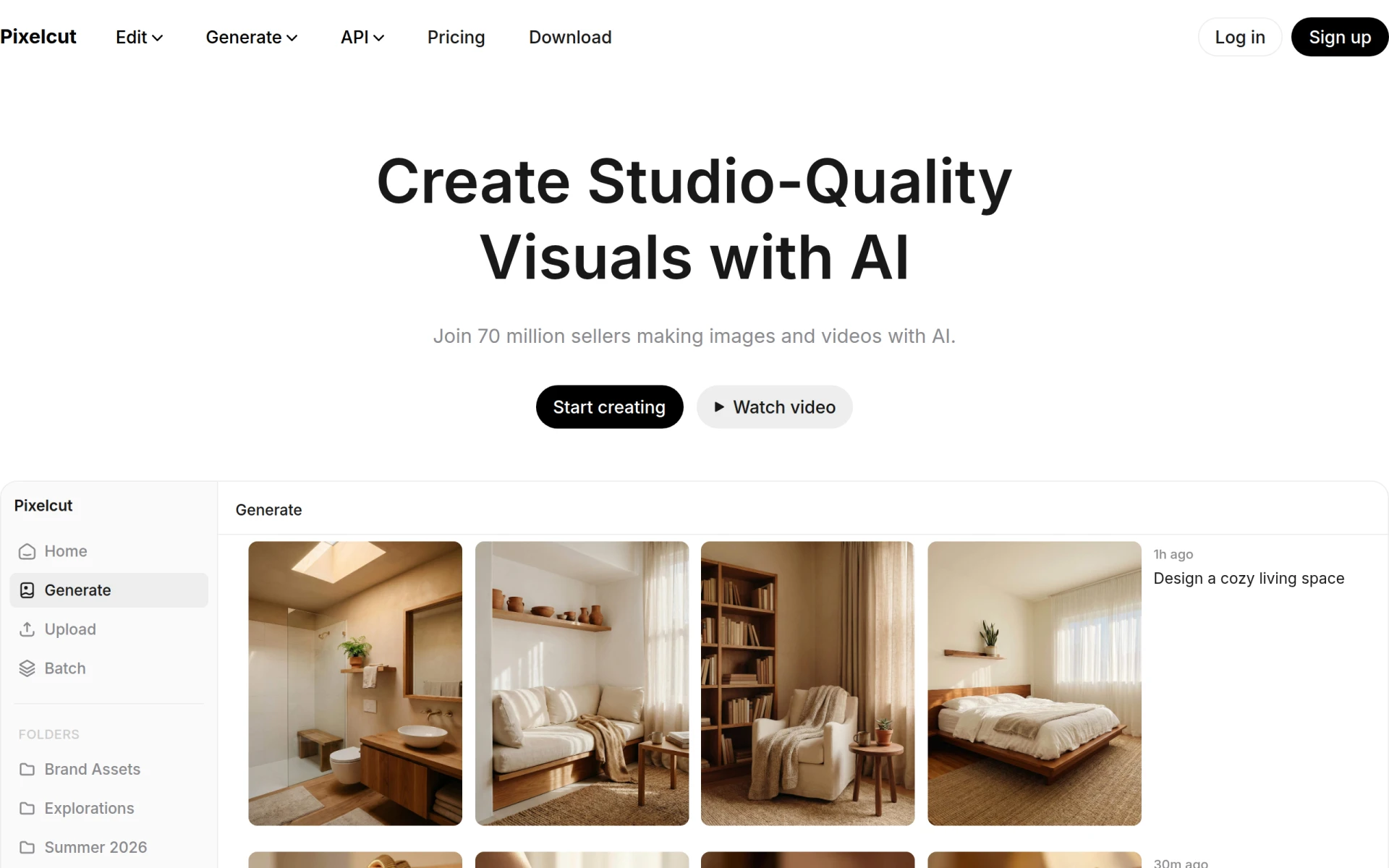 is an AI-powered photo editing tool designed to help users create stunning visuals effortlessly. This platform is particularly appealing for individuals who need quick and effective editing solutions without the complexity of traditional editing software. Unlike Krea, which offers a broader creative suite, Pixelcut focuses primarily on photo editing, making it an excellent choice for users who prioritize high-quality image manipulation. The tool's AI capabilities allow for automatic enhancements, making it easy to achieve professional results with minimal effort.
The strength of Pixelcut lies in its simplicity and efficiency, catering to users who may not have extensive design experience but still wish to produce high-quality visuals. This is especially beneficial for e-commerce businesses, social media marketers, and bloggers who require quick and attractive images for their platforms. While Krea offers a wider range of functionalities, Pixelcut's focused approach enables users to excel in photo editing without the distractions of additional features they may not use.
- Key Strength: Automatic enhancements for quick and effective photo editing.
- Key Strength: User-friendly interface designed for effortless use.
- Key Strength: Focused approach to photo editing without unnecessary complexity.
- Limitation: Limited capabilities outside of photo editing.
Pricing: Pricing information is not explicitly provided. Best for: Users needing quick and effective photo editing solutions.
WeryAI - Best for Effortless Video Creation
WeryAI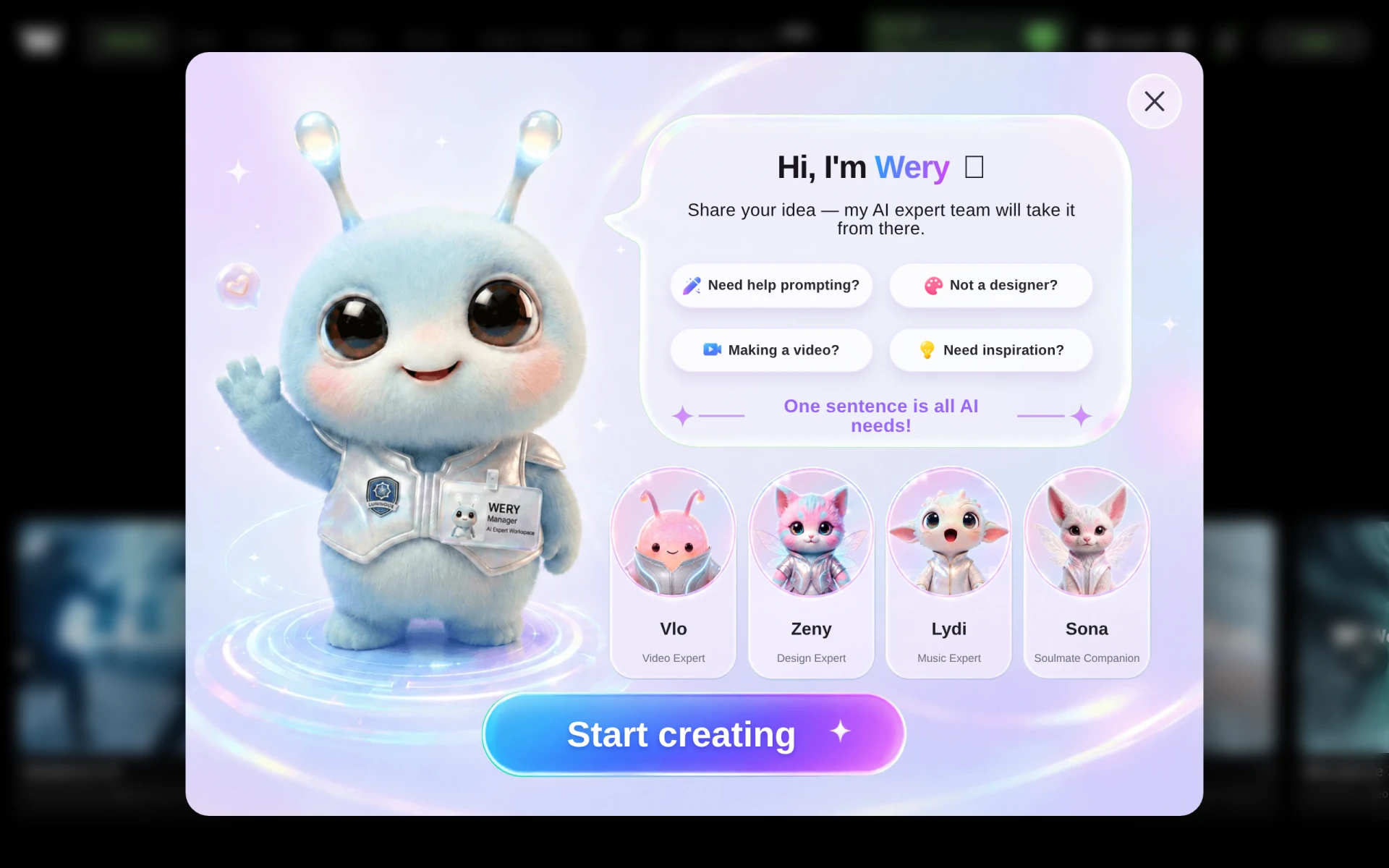 is an AI-powered video generator that simplifies the process of creating stunning videos effortlessly. This tool is an excellent alternative for users who find Krea's video editing capabilities lacking. WeryAI focuses specifically on video creation, allowing users to produce high-quality video content quickly without prior editing experience. The platform's AI-driven features provide users with templates and automated editing options, making it easy to generate engaging videos for various purposes.
Unlike Krea, which integrates various creative tools, WeryAI's specialization in video creation makes it particularly appealing for content creators, marketers, and businesses focused on video marketing. The streamlined process allows for rapid content production, which is essential in today's fast-paced digital landscape. This focus on video generation is a significant advantage for users whose primary need is video content rather than an all-encompassing creative suite.
- Key Strength: Simplified video creation process with automated editing features.
- Key Strength: Templates designed for quick engagement.
- Key Strength: Focus on video marketing and content production.
- Limitation: Limited features for image or graphic design.
Pricing: Subscription model with plans starting at $11.91 per month. Best for: Content creators focused on video marketing.
Meshy - Best for 3D Model Generation
Meshy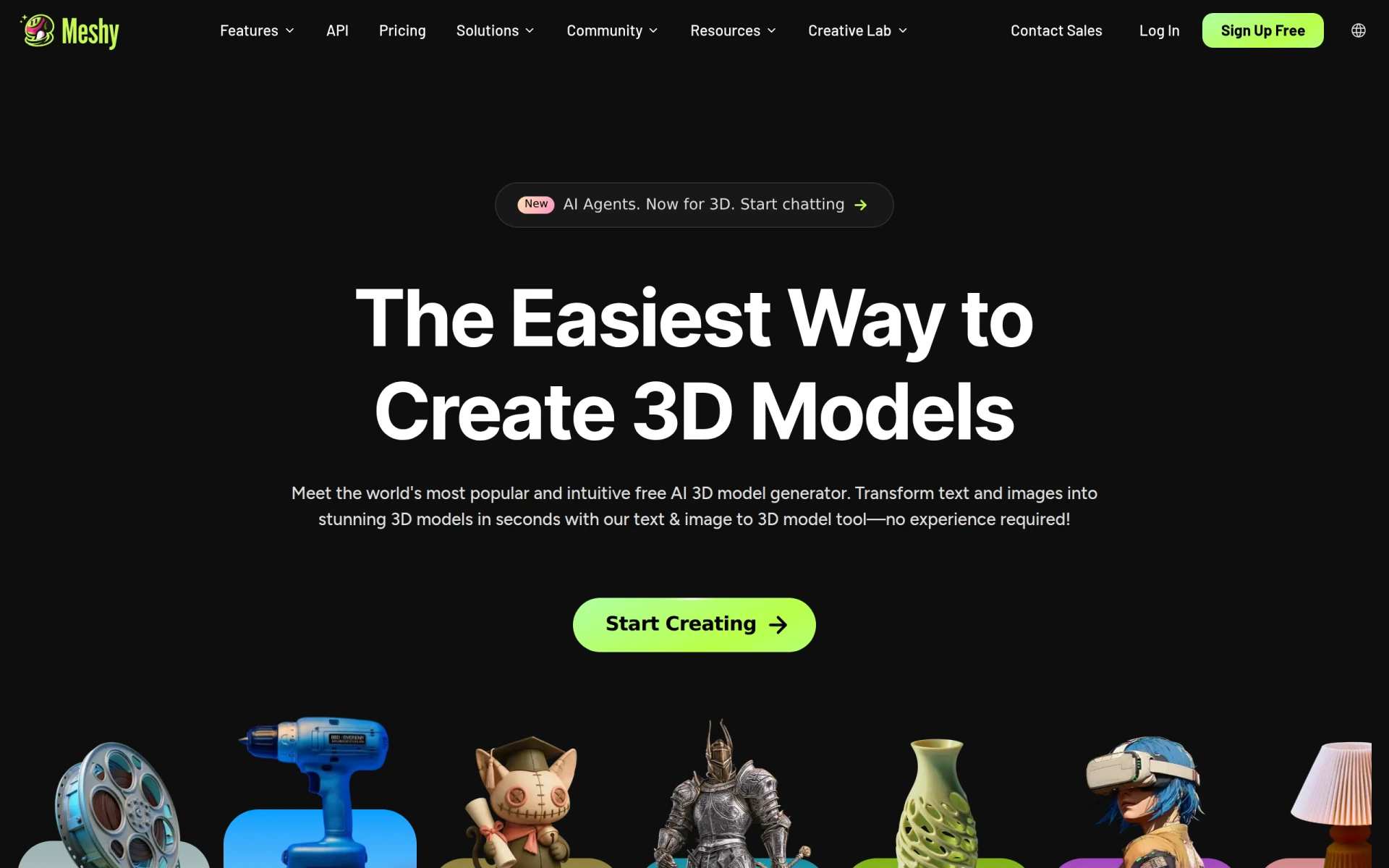 is an AI 3D model generator that transforms text and images into ready-to-use 3D models quickly and efficiently. This tool is superb for users whose primary focus is on creating 3D assets, providing a more specialized approach compared to Krea. While Krea offers a broader creative suite, Meshy's dedicated focus on 3D model generation makes it an ideal choice for game developers, architects, and designers who require quick and reliable 3D asset creation. The platform's ability to generate models from simple prompts or existing images significantly speeds up the design process.
Meshy’s strengths lie in its efficiency and ease of use, allowing users to produce high-quality 3D models without the need for extensive 3D modeling experience. This contrasts with Krea, where users may struggle with the complexity of 3D asset generation. Meshy's streamlined process enables professionals to focus on creativity and refinement rather than getting bogged down in technical details, making it an excellent alternative for those in need of 3D solutions.
- Key Strength: Quick transformation of text and images into 3D models.
- Key Strength: User-friendly interface that simplifies 3D model creation.
- Key Strength: Focused approach tailored for game developers and designers.
- Limitation: Limited capabilities for 2D design and video content.
Pricing: Freemium model with Pro, Studio, and Enterprise plans available. Best for: Game developers and designers focused on 3D asset creation.
Kive - Best for Product Photography
Kive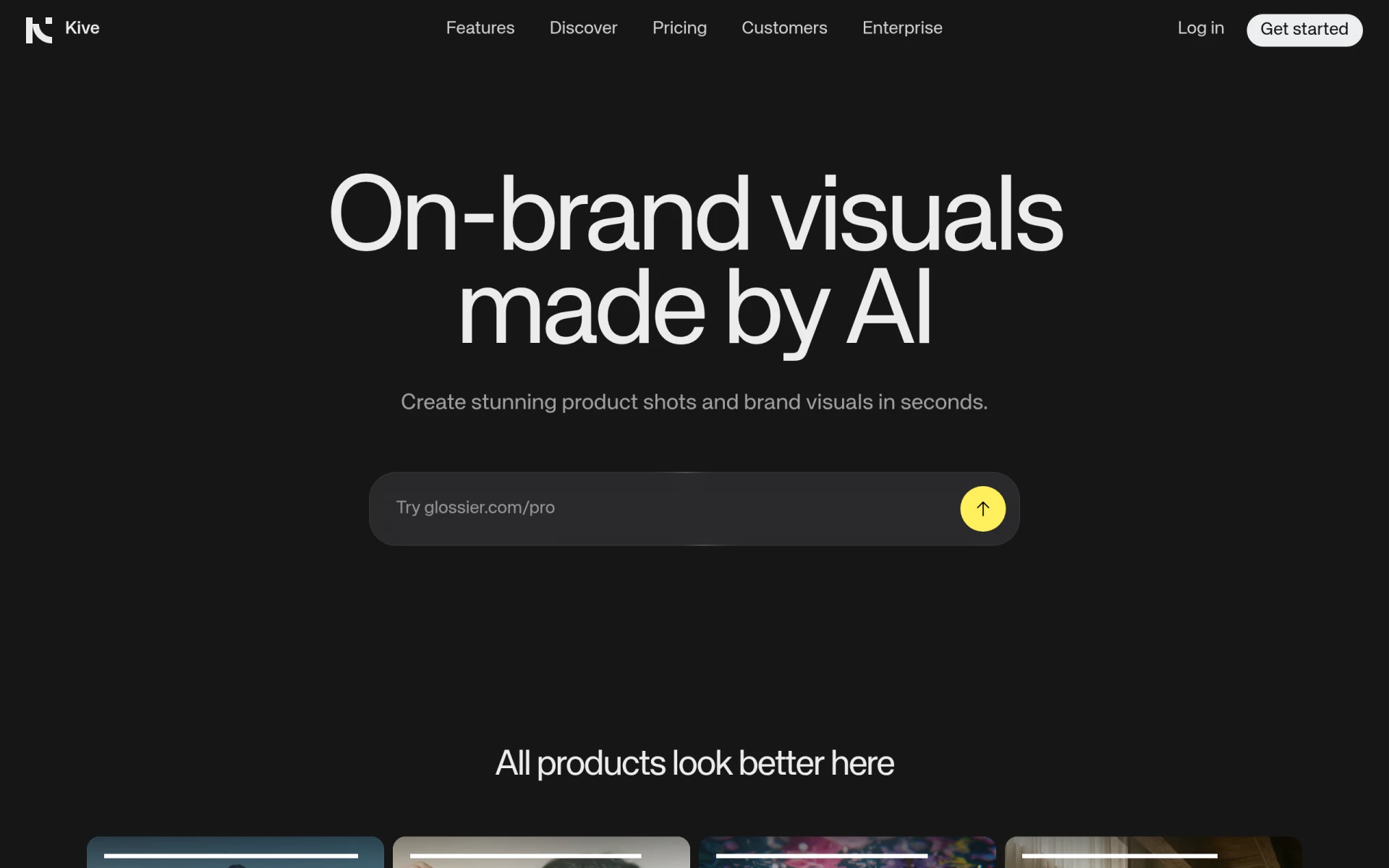 is an AI-powered tool specifically designed for creating high-quality product photography quickly and efficiently. This makes it a strong choice for e-commerce businesses or online retailers who require visually appealing product images. Unlike Krea, which offers a broader range of creative tools, Kive focuses solely on product photography, providing specialized features that enhance the quality and presentation of product images. This targeted approach allows users to produce professional-grade photos with minimal effort, which is crucial for driving sales and improving brand image.
Kive's streamlined workflow caters to users who may not have extensive photography skills but still want to achieve high-quality results. The AI technology simplifies the editing process, allowing for adjustments that can significantly enhance product visuals. This focus on product photography distinguishes Kive from Krea, where users might find themselves juggling various creative tasks without the specialized tools that Kive offers. For businesses that prioritize product presentation, Kive is an invaluable resource.
- Key Strength: Specialized features for product photography.
- Key Strength: Streamlined workflow for quick and professional results.
- Key Strength: AI technology that simplifies editing for high-quality visuals.
- Limitation: Limited to product photography, lacking broader creative functionalities.
Pricing: Pricing details are not explicitly available and require direct inquiry. Best for: E-commerce businesses needing high-quality product photography.
CGDream - Best for Image Generation from Text
CGDream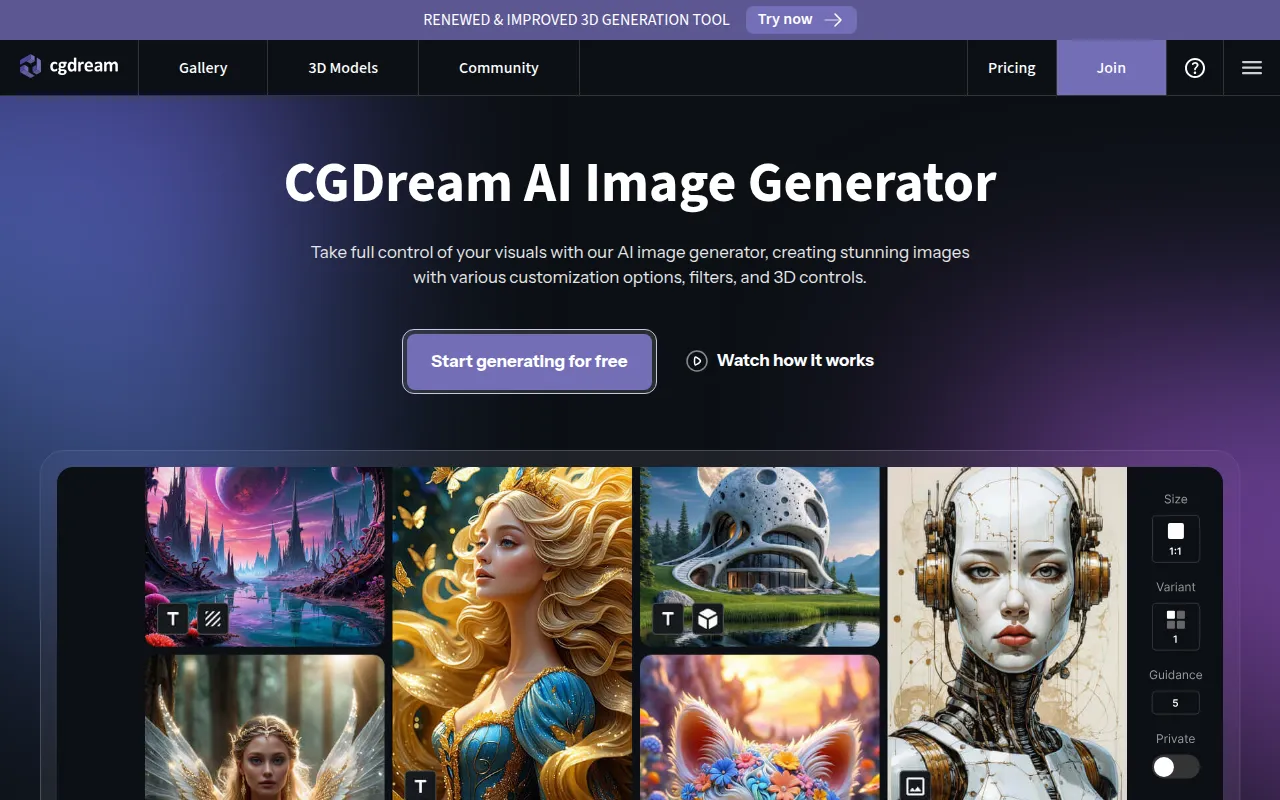 is a free AI image generator that allows users to create and customize stunning visuals from text, images, or 3D models. This tool is particularly useful for artists and designers looking for inspiration or quick visual ideation, making it a strong alternative to Krea. While Krea focuses on enhancing existing images, CGDream allows users to start from scratch, enabling a more creative exploration of ideas. The platform's ability to generate images from text prompts is especially beneficial for users who want to visualize concepts quickly.
The strengths of CGDream lie in its accessibility and flexibility, with a free plan that offers up to 3000 monthly credits. This makes it an attractive option for users who are experimenting with different styles or need quick visual outputs without financial commitment. Unlike Krea, which may require a paid plan for certain features, CGDream provides ample opportunities for users to explore AI-generated art without upfront costs. This makes CGDream an excellent option for both budding artists and seasoned professionals seeking to enhance their creative workflow.
- Key Strength: Free access with generous monthly credits for image generation.
- Key Strength: Ability to create images from text, images, or 3D models.
- Key Strength: Flexible platform for exploring creative ideas and concepts.
- Limitation: Limited features compared to paid design tools.
Pricing: Free plan with 3000 monthly credits. Best for: Artists and designers seeking quick visual ideation tools.
LumiYing - Best for AI-Driven Visuals
LumiYing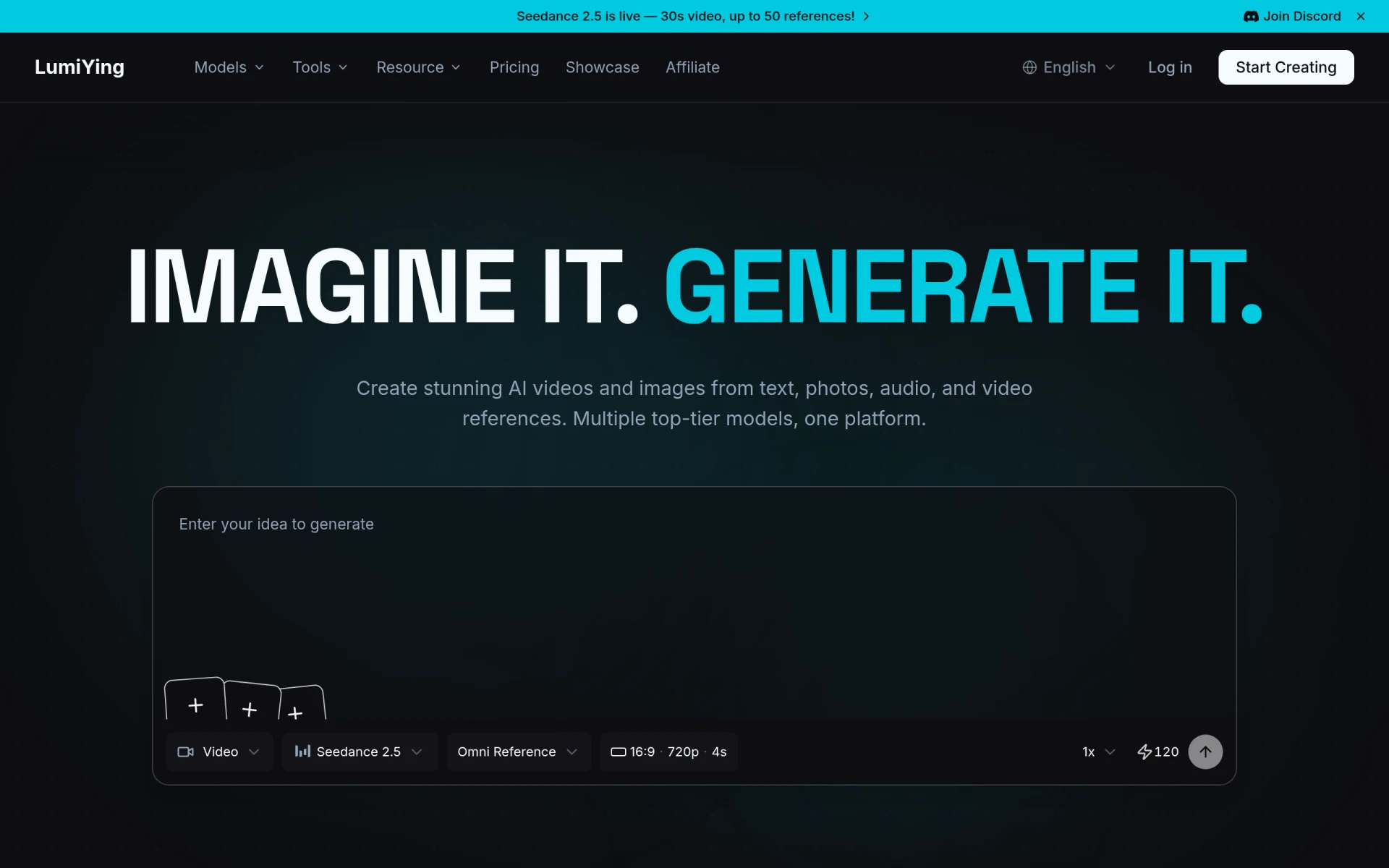 is an AI-driven platform for generating videos and images from text, images, and audio references. This versatility makes it a unique alternative to Krea, which primarily focuses on image enhancement. LumiYing's strength lies in its ability to handle multiple forms of content creation simultaneously, allowing users to create cohesive multimedia projects with ease. This is particularly beneficial for marketers, educators, and content creators who wish to produce engaging visuals that incorporate various elements.
Unlike Krea, where users may need to switch between different tools for image and video creation, LumiYing provides an integrated solution that streamlines the creative process. The platform's AI algorithms enhance the quality of generated content, ensuring that users can produce professional-grade visuals without extensive editing skills. This focus on efficiency and versatility makes LumiYing an appealing choice for users looking for an all-encompassing creative tool.
- Key Strength: Ability to generate videos and images from diverse references.
- Key Strength: Integrated solution for cohesive multimedia projects.
- Key Strength: AI algorithms that enhance content quality.
- Limitation: Pricing details are currently unavailable, which may deter potential users.
Pricing: Pricing details are currently not available. Best for: Marketers and content creators looking for versatile multimedia tools.
Creativio AI - Best for Product Photography Enhancement
Creativio AI enhances product photography using AI technology, making it easier for users to create stunning visuals without extensive photography skills. While Krea provides broad creative tools, Creativio AI focuses specifically on improving product images, which is essential for e-commerce businesses and online retailers. The platform's ability to enhance existing photos and provide editing suggestions makes it a valuable resource for those wanting to improve their product presentation. This is a significant advantage for businesses looking to increase sales through high-quality visuals.
Creativio AI’s user-friendly interface simplifies the editing process, ensuring that even those with minimal experience can produce professional results. This targeted approach to product photography distinguishes it from Krea, where users may need to navigate a broader set of features that are not specifically tailored to product images. For retailers aiming to elevate their product photography without a steep learning curve, Creativio AI is an excellent alternative.
- Key Strength: AI-driven enhancements for product photography.
- Key Strength: Simplified editing process for high-quality visuals.
- Key Strength: Focused approach tailored for e-commerce and retail.
- Limitation: Limited capabilities outside of product photography enhancement.
Pricing: Pricing information is currently unavailable. Best for: E-commerce businesses seeking to enhance product photography.
Plask - Best for Motion Capture and Animation
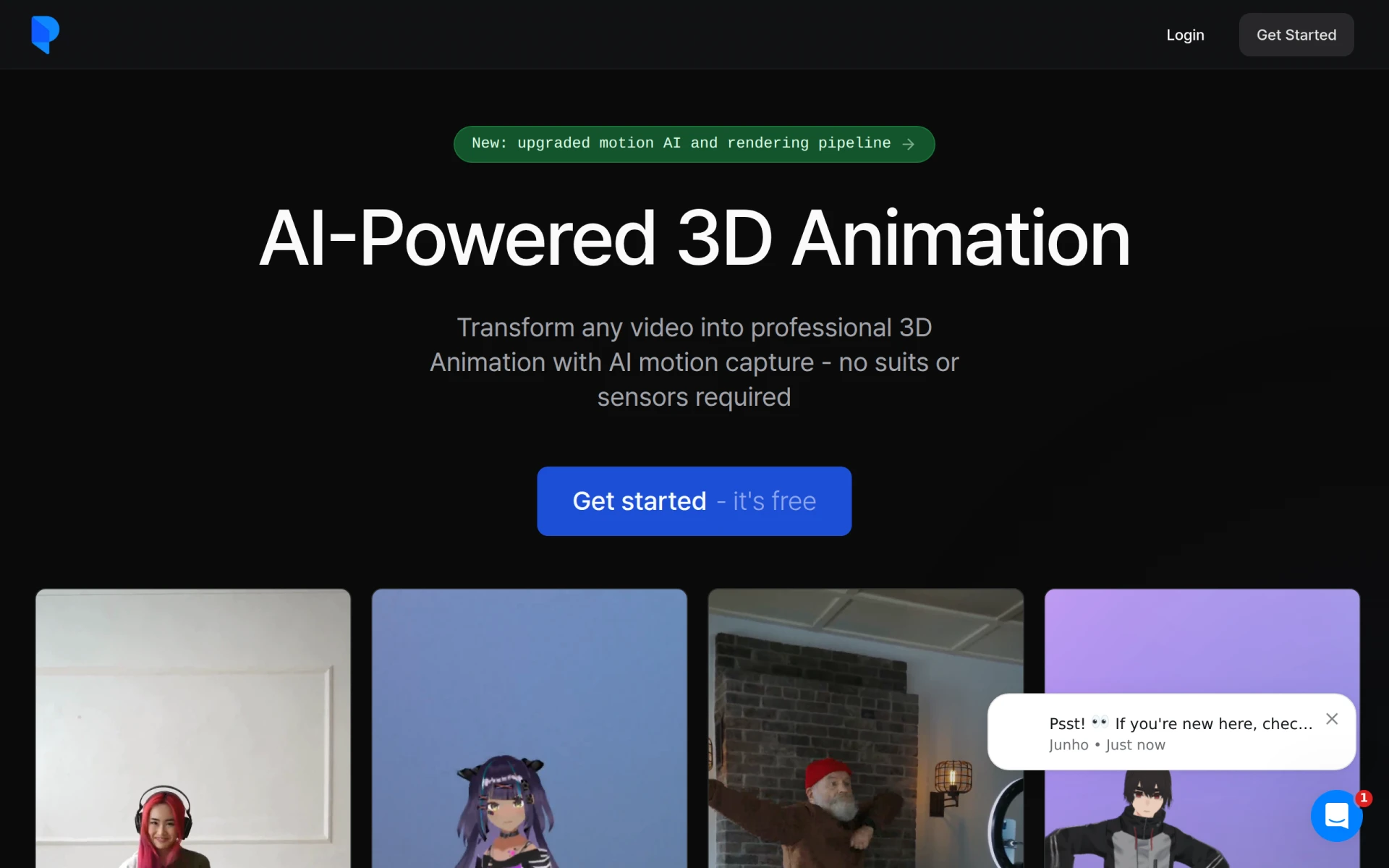
Plask is an AI-powered motion capture tool that transforms video into professional 3D animations without the need for suits or sensors. This makes it an excellent alternative for users interested in the animation space, where Krea may not provide adequate tools for detailed motion capture. Plask’s focus on simplifying the process of creating animations allows users to generate high-quality 3D animations quickly, making it ideal for game developers, animators, and educators seeking to incorporate animation into their projects.
The platform’s user-friendly interface and advanced motion capture capabilities distinguish it from Krea, which primarily focuses on image enhancement and generic video editing. By enabling users to create animations easily, Plask caters to a niche market that requires specialized tools for motion capture. This makes it an invaluable resource for those looking to elevate their projects with animated content without the need for extensive technical expertise.
- Key Strength: Simplified motion capture for easy animation creation.
- Key Strength: No need for suits or sensors, making it accessible for all users.
- Key Strength: User-friendly interface designed for quick results.
- Limitation: Limited to animation and motion capture, lacking broader creative features.
Pricing: Freemium model with a standard plan available for $18 per month, billed annually. Best for: Game developers and animators focused on motion capture.
ImageColorizer - Best for Photo Restoration
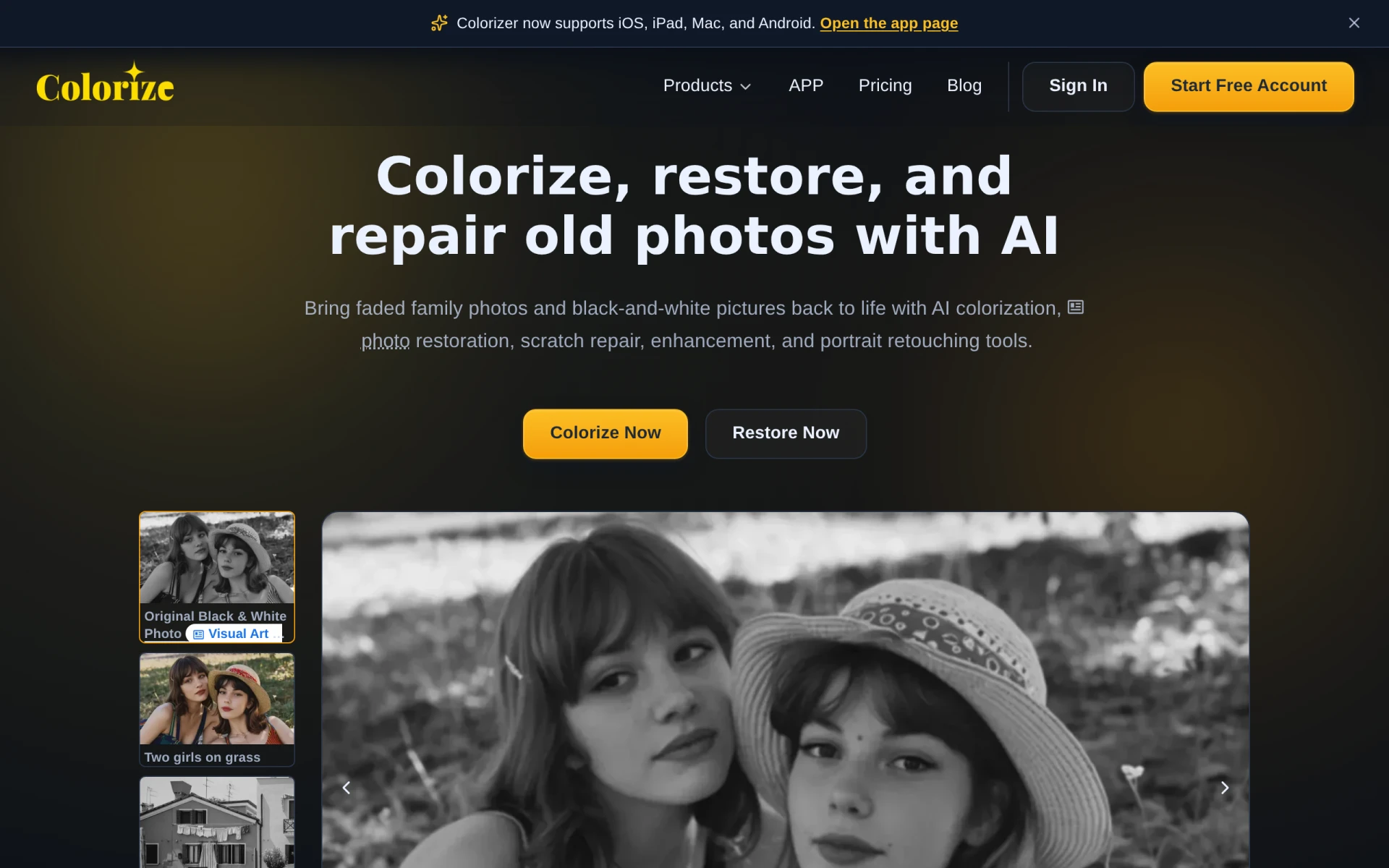
ImageColorizer is an AI-driven tool that specializes in colorizing black and white photos and restoring old images effortlessly. This makes it a unique alternative to Krea, which does not focus on restoration or colorization. For users looking to breathe new life into old images, ImageColorizer offers a straightforward solution that can enhance the visual impact of historical photos. Its focus on restoration sets it apart in a market where many tools aim solely at new content creation.
The strengths of ImageColorizer lie in its specialized features that allow users to easily colorize and restore images without needing advanced editing skills. This is particularly useful for photographers, historians, and anyone interested in preserving visual heritage. Unlike Krea, which covers a wide range of creative functionalities, ImageColorizer provides targeted tools that meet the specific needs of users focused on image restoration.
- Key Strength: Specializes in colorizing and restoring old images.
- Key Strength: User-friendly process that requires minimal editing skills.
- Key Strength: Focused approach tailored for image restoration and enhancement.
- Limitation: Limited capabilities for creating new content or designs.
Pricing: Operates on a credit-based pricing model, starting with free credits. Best for: Users interested in photo restoration and colorization.
Feature Comparison Table
| Tool | Best For | Starting Price | Free Plan | Standout Feature |
|---|
| Krea | Creative suite for images, videos, and 3D | Freemium | Yes | AI-powered enhancement tools |
| Scenario | 3D Asset Management | $15/mo | Yes | Customizable 3D workflows |
| Imagine | Multi-Media Content Creation | Freemium | Yes | Generate voiceovers along with visuals |
| Kittl | Graphic Design | Freemium | Yes | Extensive design templates |
| Magic Studio | Beginners in Image Creation | Free & PRO tiers | Yes | Guided AI features |
| insMind | Visual Content Creation | Freemium | No | Streamlined image and video editing |
| Picsart | All-in-One Creativity | Freemium | Yes | Collaborative features |
| Pixelcut | Effortless Photo Editing | Freemium | No | Automatic photo enhancements |
| WeryAI | Effortless Video Creation | $11.91/mo | Yes | Automated video creation |
| Meshy | 3D Model Generation | Freemium | Yes | Text-to-3D model conversion |
| Kive | Product Photography | Inquiry required | No | High-quality product image generation |
| CGDream | Image Generation from Text | Free | Yes | Generous monthly credits |
| LumiYing | AI-Driven Visuals | Inquiry required | No | Integrated multimedia creation |
| Creativio AI | Product Photography Enhancement | Inquiry required | No | AI-driven enhancements |
| Plask | Motion Capture and Animation | $18/mo | Yes | No-suit motion capture |
| ImageColorizer | Photo Restoration | Free credits | Yes | Colorization of old images |
How to Choose the Right Alternative to Krea
When selecting the right alternative to Krea, it is essential to consider your specific needs and the type of content you wish to create. If you are primarily focused on 3D modeling and asset management, Scenario or Meshy may be your best choices due to their specialized features. On the other hand, if you require a versatile tool for multimedia content generation, Imagine or LumiYing might better suit your needs, given their capabilities in handling various media formats seamlessly.
For graphic designers who prioritize creating visually stunning graphics, Kittl or Picsart could provide the necessary tools and templates to streamline your workflow. Beginners looking for an easy entry into image creation might find Magic Studio or Pixelcut more accessible, allowing them to produce quality visuals without extensive design experience. By evaluating your requirements and the specific features of each platform, you can make a confident decision that aligns with your creative goals.
Final Verdict
In conclusion, while Krea offers a wide range of creative features, its limitations prompt many users to consider alternatives that better suit their specific needs. For 3D modeling, Scenario and Meshy shine, while Imagine and LumiYing cater to those seeking multi-media capabilities. Graphic designers will benefit from Kittl or Picsart, while beginners should look toward Magic Studio or Pixelcut for user-friendly options. By understanding your unique requirements, you can confidently select the ideal tool for your creative projects.