Why Look for Alternatives to Notta?
Despite Notta's appeal as an AI transcription service, many users find it lacking in several key areas. One primary concern is its pricing structure. Currently, Notta operates on a freemium model, but without clear information on premium features or additional costs, users may feel uncertain about the value they are receiving. This ambiguity can deter potential users who are looking for a more transparent pricing system, especially those who require consistent use for professional purposes.
Furthermore, Notta may not adequately address all use cases. For instance, users looking for detailed organizational features or integrations with other productivity tools might find Notta's functionality limited. Additionally, while Notta provides transcription services, the platform may struggle with accuracy in noisy environments or when dealing with multiple speakers, which can be a dealbreaker for users in collaborative settings. As a result, many individuals and businesses are exploring alternatives that can better meet their specific transcription and note-taking needs.
Best Alternatives to Notta in 2026
Talknotes - Best for Voice Note Organization
Talknotes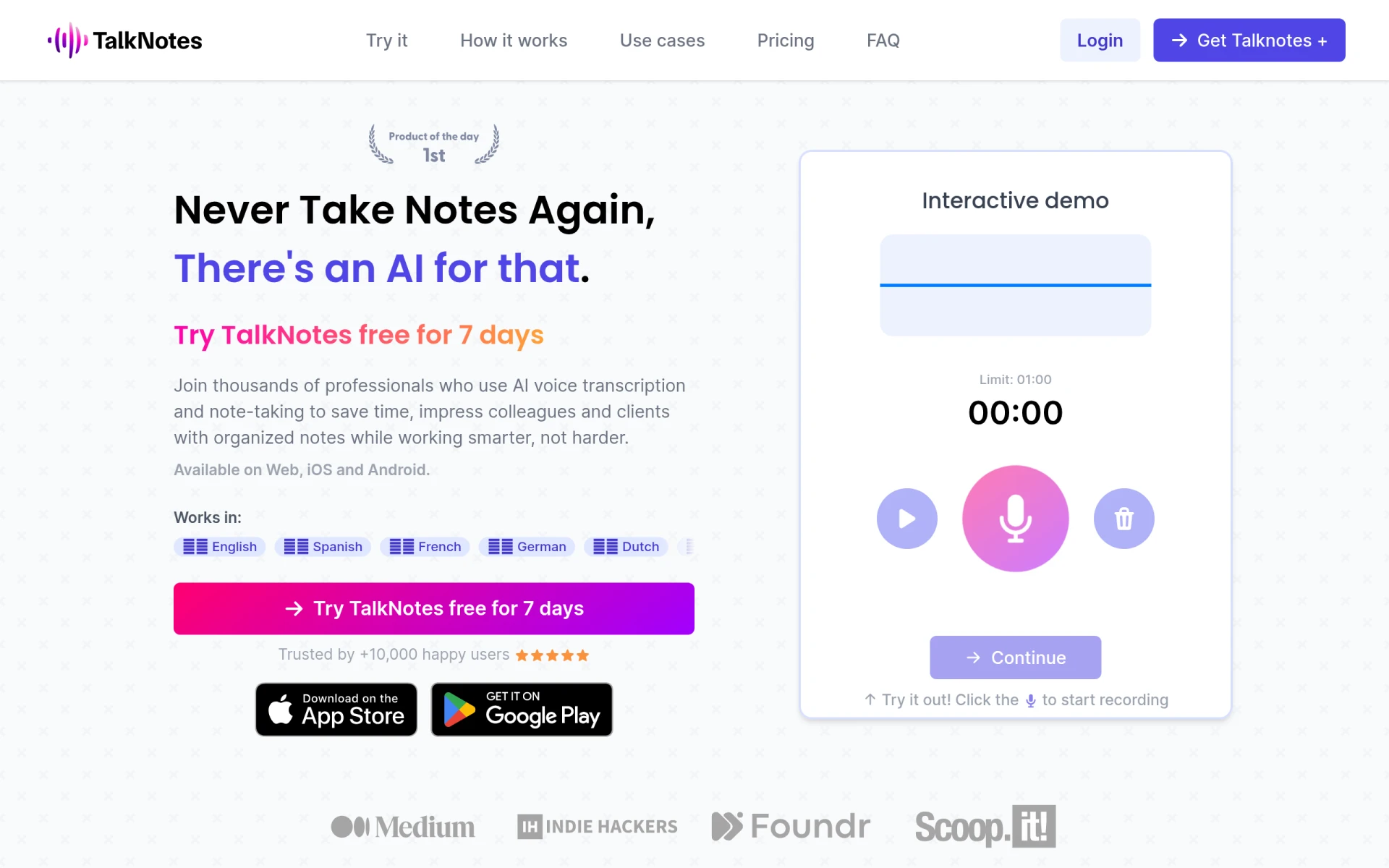 is an AI-powered voice note app designed to transcribe and organize your voice recordings into actionable text. Unlike Notta, which focuses primarily on transcription, Talknotes excels in transforming voice notes into structured and organized documents. This makes it an ideal solution for users who frequently rely on voice memos and require efficient organization of their notes. With Talknotes, users can easily categorize and retrieve their recordings, which is a significant advantage for those involved in dynamic environments, such as journalists or project managers.
Additionally, Talknotes offers a user-friendly interface that enhances the transcription experience with features like tagging, search capabilities, and integration with various platforms. These features allow users to streamline their workflow significantly. While Notta provides basic transcription services, it doesn't offer the same level of organizational tools that Talknotes does, making it particularly suitable for anyone who needs to keep their voice notes well-organized and easily accessible.
- Key Strength: Advanced organization features for voice notes.
- Key Strength: User-friendly interface with tagging and search capabilities.
- Key Strength: Seamless integration with various productivity platforms.
- Limitation: May not offer as robust transcription accuracy in noisy environments.
Pricing: Talknotes offers a monthly plan at $19.97 and an annual plan at $197. Best for: Users looking for an organized approach to voice note management.
Audionotes - Best for Versatile Note-taking
Audionotes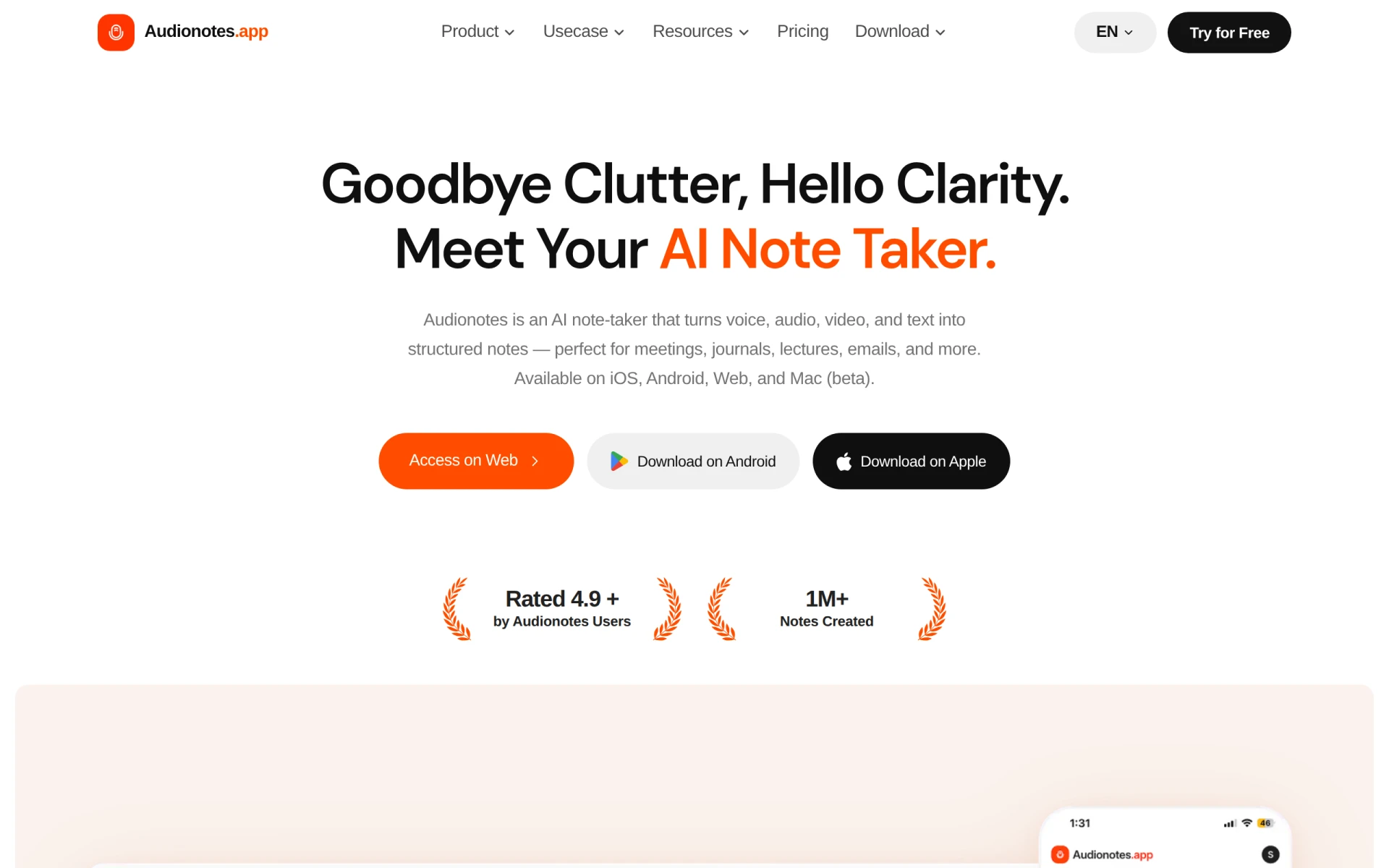 is an AI-powered note-taking tool that transcends beyond basic transcription by capturing voice, audio, video, and text to create structured notes for various use cases. Compared to Notta, which is primarily focused on transcribing meetings and conversations, Audionotes provides a more versatile solution for users who engage with multiple forms of media. This makes it an excellent choice for educators, researchers, and content creators who need to synthesize information from various sources into coherent notes.
Audionotes also features a robust tagging and categorization system, allowing users to organize their notes efficiently. With the ability to include multimedia elements within notes, it offers a richer, more comprehensive note-taking experience. This level of flexibility is something Notta lacks, as it primarily focuses on audio transcription without the added capability of integrating other media types. Therefore, for users who need a more holistic approach to note-taking, Audionotes stands out as a superior alternative.
- Key Strength: Ability to capture various media types beyond just audio.
- Key Strength: Robust tagging and categorization system for efficient organization.
- Key Strength: Comprehensive note-taking experience for diverse use cases.
- Limitation: Higher cost compared to basic transcription services.
Pricing: Audionotes has a free plan and a Pro plan priced at $129.99 per year. Best for: Users needing versatile note-taking capabilities across multiple media types.
Bluedot - Best for Meeting Summaries
Bluedot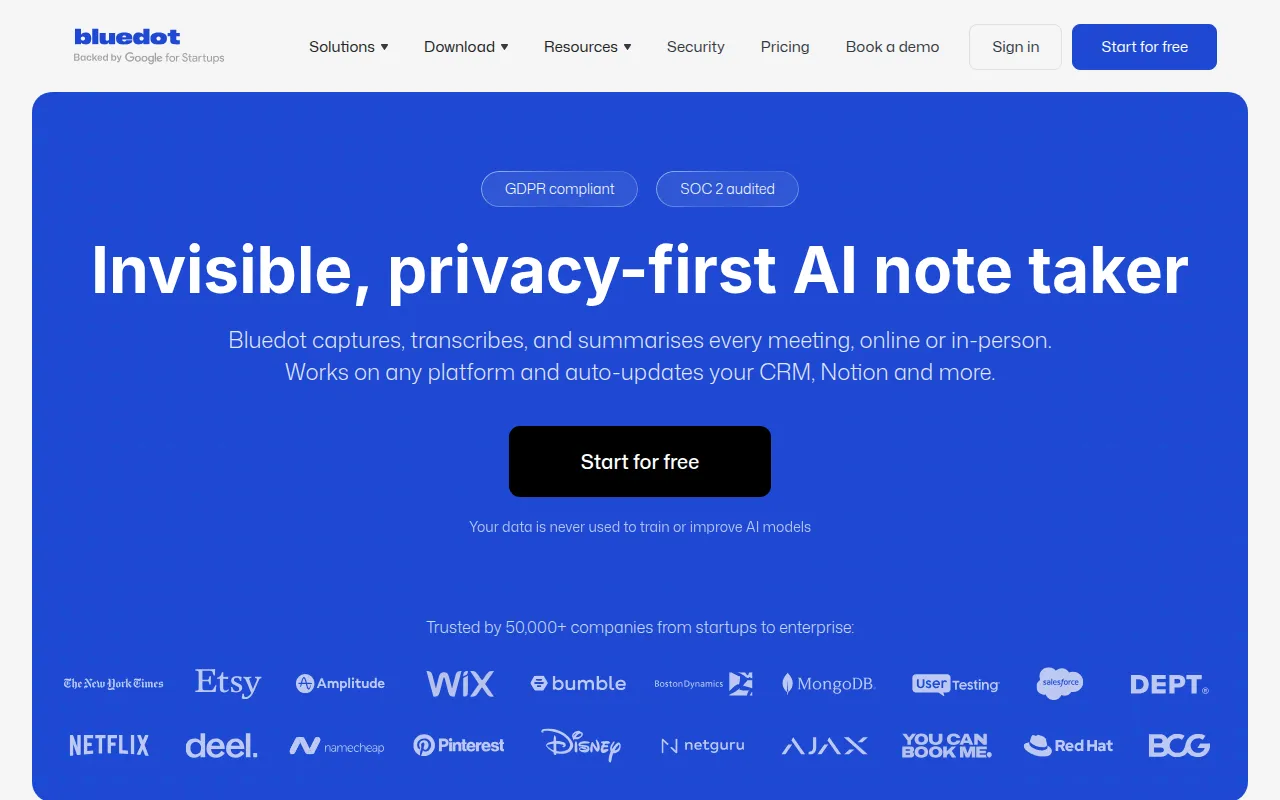 is an AI-powered note-taking tool that specializes in capturing and summarizing meeting notes without the need for external bots. This positions it as a strong competitor to Notta, particularly for teams that require streamlined meeting documentation. With Bluedot, users can focus on the discussion at hand, knowing that the tool will automatically summarize key points, action items, and decisions made during meetings. This feature can significantly enhance productivity, especially in environments where time is of the essence.
Moreover, Bluedot's user interface is intuitive and designed for ease of use, allowing users to quickly navigate through their notes and find what they need. Unlike Notta, which may require additional steps to organize and retrieve information, Bluedot offers a more integrated approach to meeting management. Its ability to summarize discussions effectively makes it especially useful for businesses looking to enhance collaboration and ensure everyone is on the same page after meetings.
- Key Strength: Automatic summarization of meeting notes for enhanced productivity.
- Key Strength: Intuitive user interface for easy navigation.
- Key Strength: No need for external bots, simplifying the process.
- Limitation: Limited features for users outside of meeting contexts.
Pricing: Bluedot offers a free plan and paid plans starting at $14 per user per month. Best for: Teams looking for efficient meeting documentation and collaboration.
Otter.ai - Best for Collaborative Teams
Otter.ai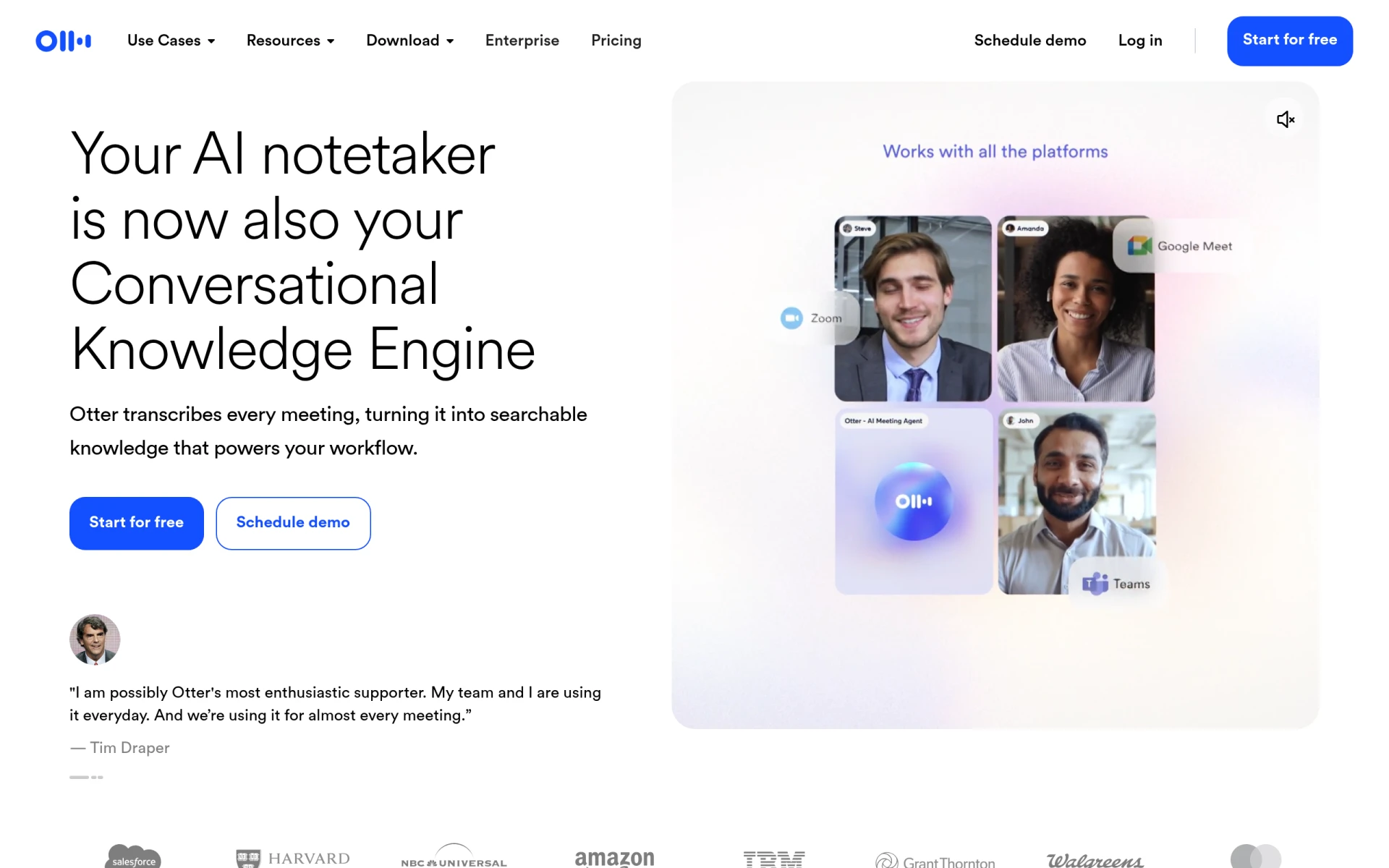 is a prominent AI-powered note-taking tool that excels in transcribing meetings into searchable text. This tool stands out in comparison to Notta, particularly for collaborative teams that require easy access to meeting notes and transcripts. Otter.ai allows users to share their notes with team members, making it a fantastic solution for group projects or brainstorming sessions. The collaborative features enable real-time editing and commenting, fostering a more interactive note-taking experience.
Additionally, Otter.ai provides users with searchable transcripts, allowing them to find specific information quickly. This functionality is a major advantage over Notta, which may not offer the same level of searchability or organization. With its focus on collaboration and ease of access, Otter.ai is an excellent choice for organizations that prioritize teamwork and need to manage a large volume of meeting notes efficiently.
- Key Strength: Robust collaborative features, including real-time editing and sharing.
- Key Strength: Searchable transcripts for easy information retrieval.
- Key Strength: User-friendly interface that facilitates teamwork.
- Limitation: May require an internet connection for optimal functionality.
Pricing: Otter.ai offers a free basic plan and a Pro version priced at $16 per month. Best for: Teams seeking a collaborative and interactive note-taking platform.
Notebook AI - Best for Intelligent Note Enhancement
Notebook AI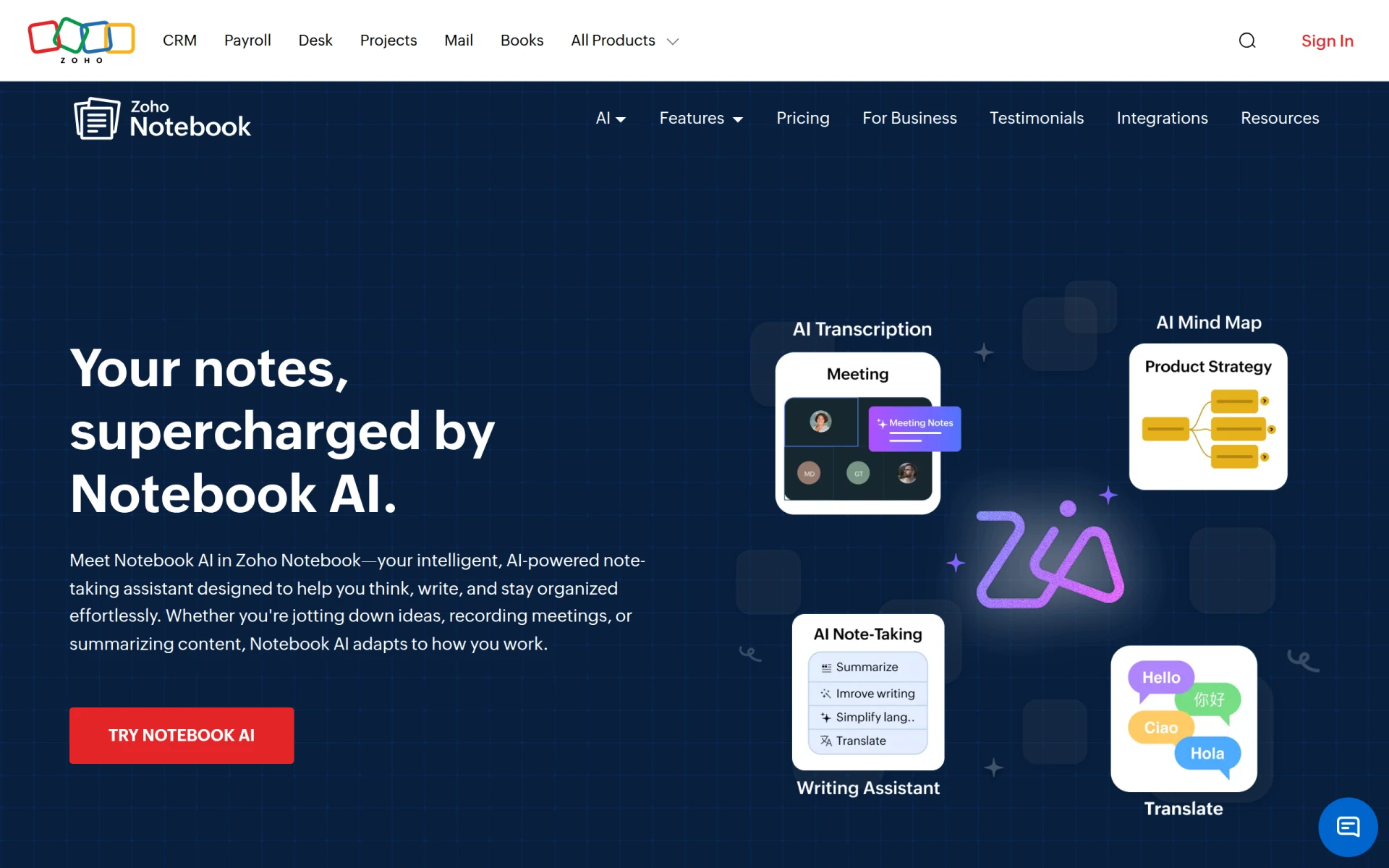 is an intelligent note-taking assistant that enhances meeting notes, mind maps, and transcriptions using advanced AI technology. Its main selling point is the ability to improve the quality and usability of notes beyond mere transcription, making it an appealing alternative to Notta for users who need more than just basic notes. Notebook AI employs machine learning algorithms to analyze content, enabling users to create richer, more insightful notes that can drive better decision-making.
In comparison to Notta, which primarily focuses on straightforward transcription, Notebook AI offers advanced features like automatic summarization and context analysis, which can significantly improve the usability of notes. This makes it particularly beneficial for professionals, students, and researchers who require detailed and contextualized information from their meetings or lectures. With its intelligent enhancements, Notebook AI stands out as a powerful tool for anyone looking to elevate their note-taking process.
- Key Strength: Advanced AI technology for enhancing note quality and usability.
- Key Strength: Features like automatic summarization and context analysis.
- Key Strength: Suitable for professionals and researchers needing detailed notes.
- Limitation: Pricing details are currently undisclosed, which may deter users.
Pricing: Pricing information for Notebook AI is currently not disclosed. Best for: Users who want intelligent enhancements to their note-taking process.
Mumble Note - Best for Instant Speech-to-Text Conversion
Mumble Note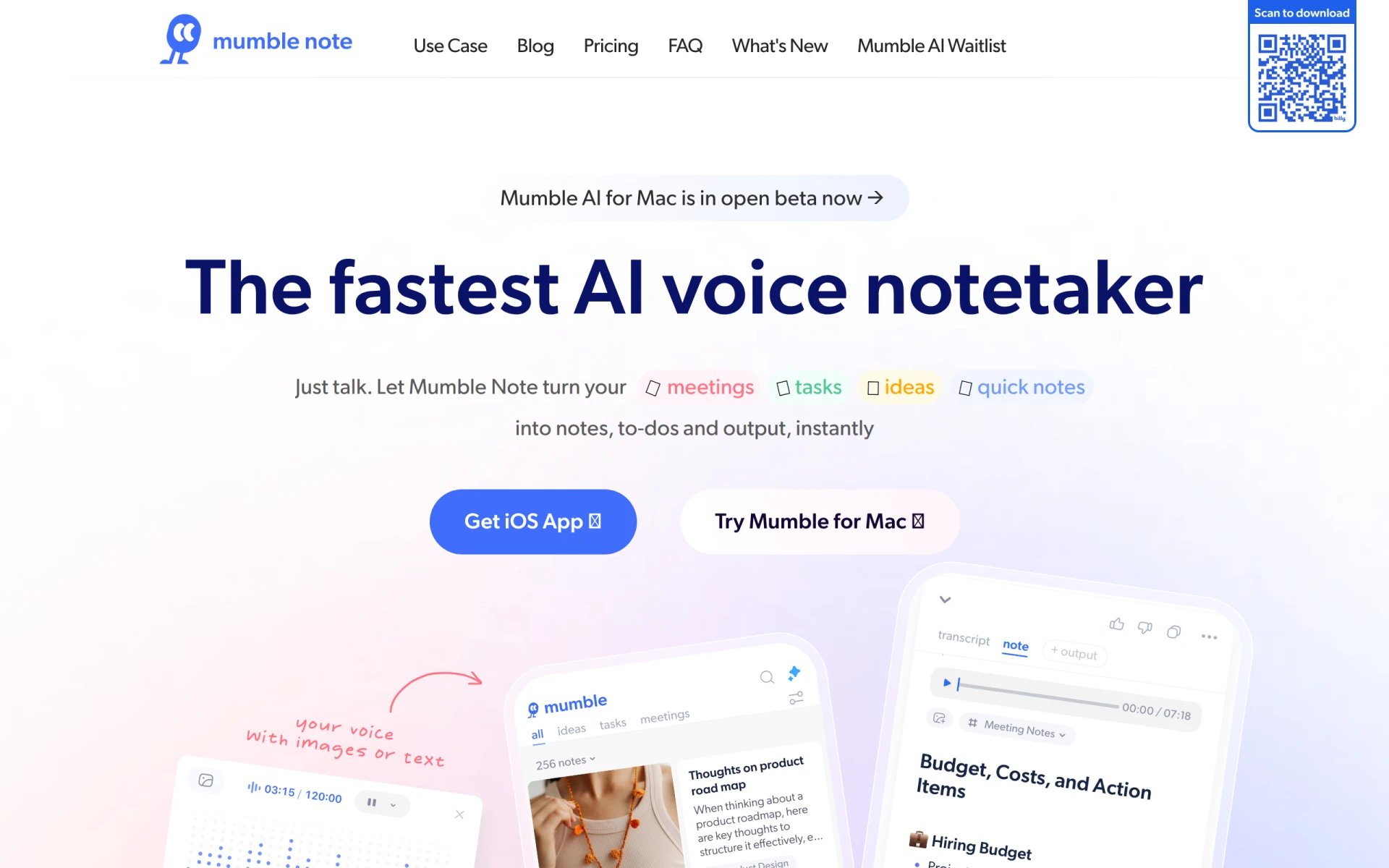 is an AI voice notetaker that instantly converts speech into organized notes and tasks. Unlike Notta, which may require users to edit and organize their transcriptions manually, Mumble Note focuses on providing instant feedback and organization as you speak. This real-time conversion can significantly enhance productivity, particularly for users who need to capture their thoughts quickly during meetings or brainstorming sessions.
Moreover, Mumble Note offers features that allow users to create tasks and reminders directly from their voice notes, making it an invaluable tool for busy professionals. While Notta is primarily a transcription service, Mumble Note emphasizes immediate usability of notes, which can be a game-changer for users who thrive on spontaneity and fast-paced environments. This unique approach to note-taking sets Mumble Note apart and makes it an appealing choice for various users.
- Key Strength: Instant speech-to-text conversion for real-time note-taking.
- Key Strength: Task creation and reminders directly from voice notes.
- Key Strength: Great for fast-paced environments requiring quick documentation.
- Limitation: Limited information on pricing may hinder user acquisition.
Pricing: Pricing information for Mumble Note is not readily available. Best for: Users needing instant note-taking capabilities in dynamic environments.
MinutesLink - Best for Zoom and Google Meet Integration
MinutesLink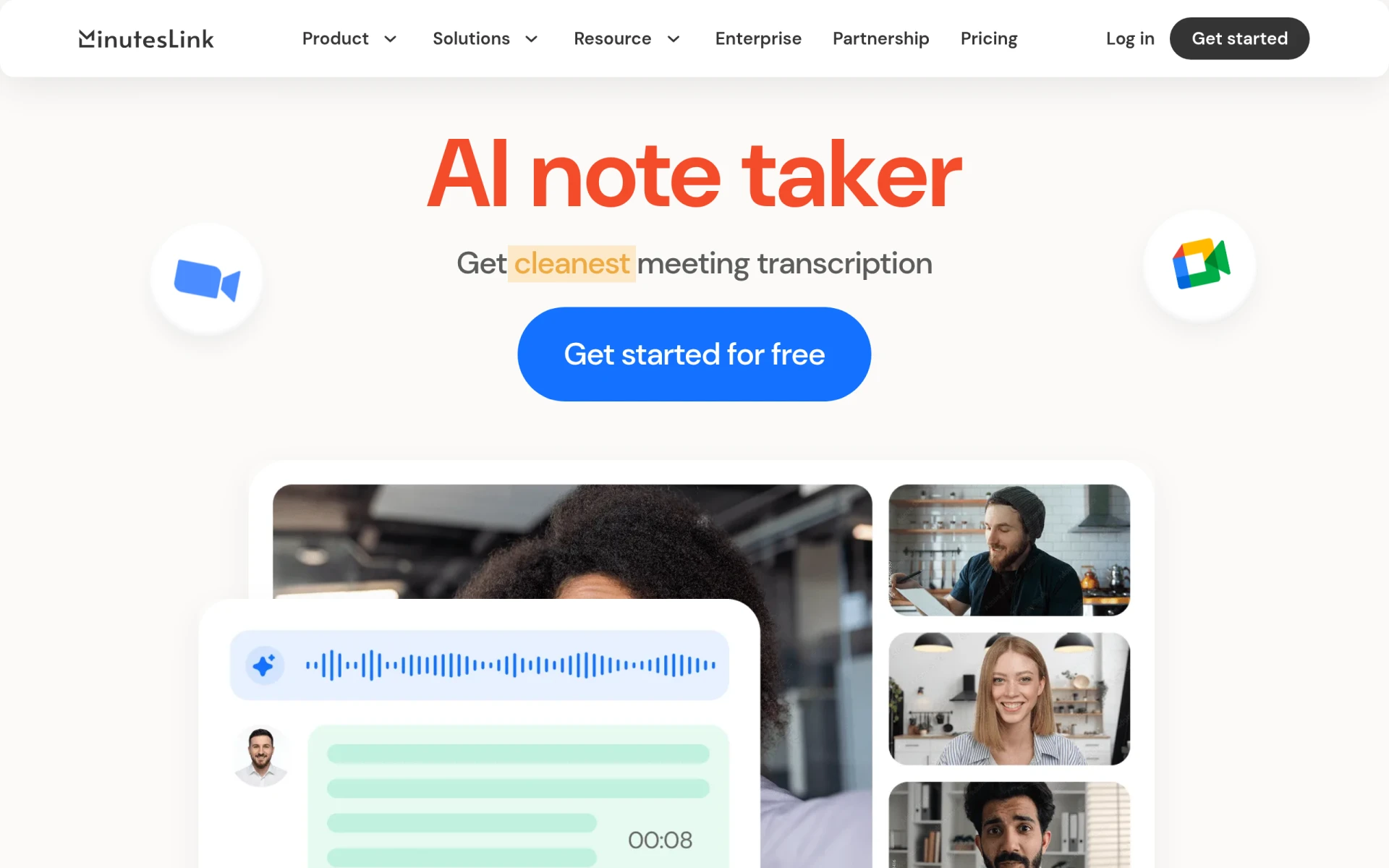 is a free AI meeting note taker specifically designed for Zoom and Google Meet, providing automatic transcription and summaries. This tool stands out for its seamless integration with popular video conferencing platforms, making it an excellent choice for remote teams or individuals frequently attending virtual meetings. Unlike Notta, which may require additional steps to organize meeting notes, MinutesLink automates the process, allowing users to focus on the discussion instead of note-taking.
Furthermore, MinutesLink offers a user-friendly interface that simplifies the transcription process and ensures that users can easily access and share meeting summaries. This level of integration and ease of use makes MinutesLink particularly appealing for users who rely heavily on virtual meetings for collaboration. By automating transcription and summarization, it addresses common pain points associated with traditional note-taking methods, setting it apart as a valuable tool for anyone looking to enhance their meeting documentation.
- Key Strength: Seamless integration with Zoom and Google Meet for automatic transcription.
- Key Strength: User-friendly interface for easy access to meeting summaries.
- Key Strength: Automation of note-taking, allowing users to focus on discussions.
- Limitation: Limited functionality outside of Zoom and Google Meet.
Pricing: MinutesLink offers a free plan with additional business plans available, though specific pricing details are not disclosed. Best for: Users seeking a dedicated tool for virtual meeting transcription.
AudioScribe - Best for Journalists and Writers
AudioScribe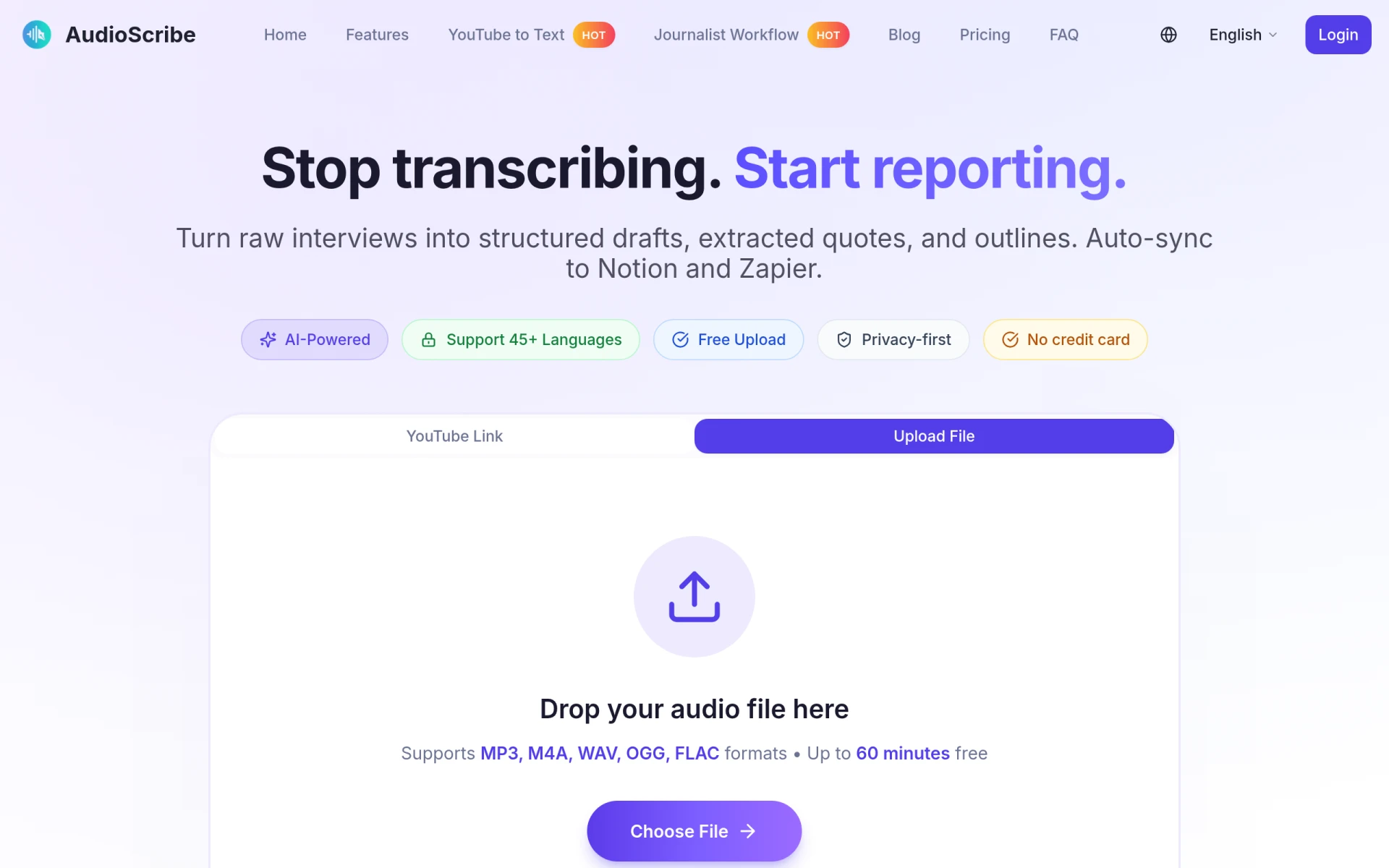 is an AI-powered transcription tool specifically designed for journalists and writers to quickly convert interviews into structured drafts and outlines. This tool shines in comparison to Notta, which may not cater specifically to the needs of writers and media professionals. AudioScribe focuses on providing high-quality transcriptions that can be directly used in articles or reports, making it an excellent choice for those in the writing industry.
In addition, AudioScribe offers features that allow users to highlight key segments of their transcriptions, making it easier to pull quotes and references directly from interviews. This tailored approach to transcription is particularly beneficial for journalists who need to streamline their workflow and ensure accuracy in their reporting. While Notta provides general transcription services, AudioScribe’s specific focus on the writing and journalism market allows it to cater effectively to those unique needs.
- Key Strength: Designed specifically for journalists and writers, enhancing usability for this audience.
- Key Strength: Features to highlight key segments for easy referencing.
- Key Strength: High-quality transcriptions that can be used directly in articles.
- Limitation: Limited features for users outside of the writing industry.
Pricing: Pricing information for AudioScribe is not explicitly provided. Best for: Journalists and writers needing efficient transcription for interviews.
tl;dv - Best for Automating Meeting Insights
tl;dv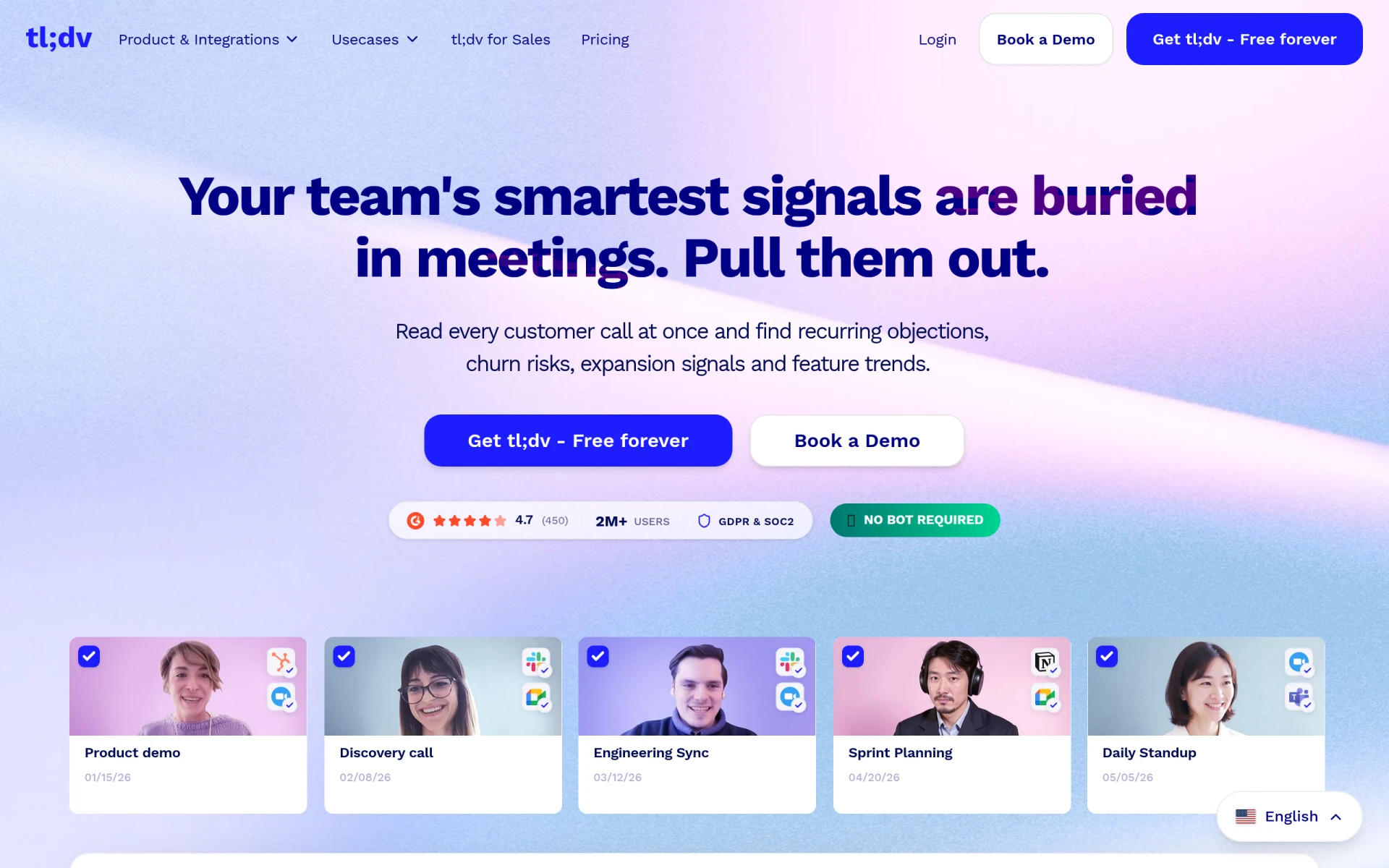 is an AI notetaker designed to enhance team collaboration by capturing meeting insights and automating workflows. This tool provides a unique solution for users looking to streamline their meeting processes, making it a compelling alternative to Notta for teams that need to extract actionable insights from discussions. tl;dv automatically records meetings and generates summaries, allowing teams to focus on the conversation rather than worrying about taking notes.
Additionally, tl;dv integrates with various communication tools, providing an all-in-one solution for meeting management. This integration capability is a significant advantage over Notta, which may not offer the same level of connectivity with other platforms. By automating the process of capturing and summarizing meeting insights, tl;dv helps teams improve their productivity and ensures that important information is not lost in the shuffle. For users seeking to enhance their meeting documentation and collaboration, tl;dv is a standout choice.
- Key Strength: Automation of meeting insights to streamline workflows.
- Key Strength: Seamless integration with various communication tools.
- Key Strength: Focus on capturing actionable insights from discussions.
- Limitation: Specific pricing information is currently unavailable.
Pricing: Specific pricing information for tl;dv is currently unavailable. Best for: Teams aiming to automate meeting documentation and enhance collaboration.
Feature Comparison Table
| Tool | Best For | Starting Price | Free Plan | Standout Feature |
|---|
| Notta | Basic transcription | Free | Yes | Actionable meeting notes |
| Talknotes | Voice note organization | $19.97/mo | Yes | Advanced organization features |
| Audionotes | Versatile note-taking | $129.99/yr | Yes | Multi-media note capture |
| Bluedot | Meeting summaries | $14/user/mo | Yes | Automatic summarization |
| Otter.ai | Collaborative teams | $16/mo | Yes | Real-time collaboration |
| Notebook AI | Intelligent note enhancement | Undisclosed | No | Context analysis |
| Mumble Note | Instant speech-to-text | Undisclosed | No | Real-time task creation |
| MinutesLink | Zoom/Google Meet integration | Undisclosed | Yes | Automatic meeting transcription |
| AudioScribe | Journalists and writers | Undisclosed | No | Highlight key segments |
| tl;dv | Automating meeting insights | Undisclosed | No | Meeting insights automation |
How to Choose the Right Alternative to Notta
When selecting the right alternative to Notta, it's essential to consider your specific needs and use cases. If you primarily require organized voice notes, Talknotes may be your best option. Its advanced organizational features and user-friendly interface make it ideal for those who rely heavily on voice memos. Conversely, if your focus is on versatile note-taking that includes various media types, Audionotes will likely suit you better due to its comprehensive capabilities.
For teams that prioritize collaboration during meetings, Otter.ai stands out with its real-time editing and sharing features. If you're frequently engaged in virtual meetings, MinutesLink offers seamless integration with Zoom and Google Meet, automating the transcription process for you. Ultimately, understanding your unique requirements and workflows will guide you in choosing an alternative that not only meets but exceeds your expectations.
Final Verdict
In conclusion, while Notta serves as a competent AI transcription service, there are numerous alternatives available that cater to specific needs more effectively. Talknotes and Audionotes shine for voice note organization and versatile note-taking, respectively, while Otter.ai and MinutesLink excel in collaborative and virtual meeting contexts. By evaluating your use case, you can confidently select the best tool to enhance your productivity and note-taking experience.