Why Look for Alternatives to Clipchamp?
While Clipchamp serves as a convenient online video editing tool for many users, it does have certain limitations that inspire users to seek alternatives. One of the most significant drawbacks is its pricing structure. Although Clipchamp offers a freemium model, many of its premium features are only accessible through Microsoft 365 subscriptions, which can be a costly investment for individuals or small businesses not already using Microsoft's suite. This pricing strategy often leaves users feeling limited in their creative options, as they may have to compromise on features that are essential for their projects.
Moreover, Clipchamp may not cater to specific use cases that are increasingly popular today, such as creating short-form content for social media platforms like TikTok or Instagram Reels. Users looking for advanced editing features such as multi-camera editing, chroma keying, or extensive library support may find Clipchamp lacking. Additionally, the platform's interface can be confusing for those who are not tech-savvy. Users seeking a more intuitive experience or specialized tools might find themselves frustrated with Clipchamp's capabilities, prompting them to explore alternatives that better fit their editing needs.
Best Alternatives to Clipchamp in 2026
VEED.IO - Best for Marketers and Solopreneurs
VEED.IO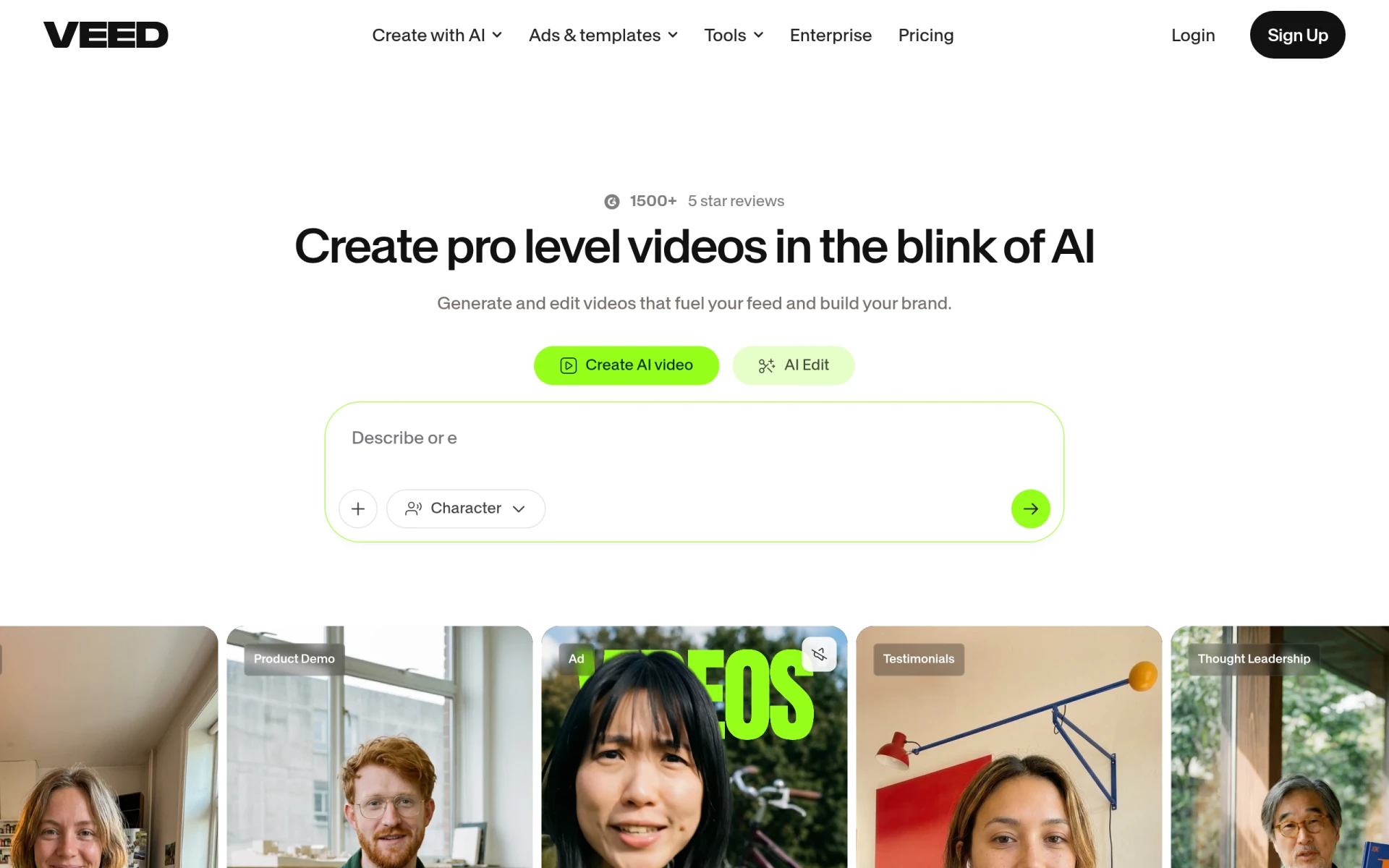 stands out as a powerful AI-driven video editing platform designed specifically for marketers and solopreneurs. Unlike Clipchamp, which focuses on general video editing, VEED.IO offers features tailored to creating engaging content seamlessly. The platform allows users to add subtitles automatically, edit audio tracks, and include branding elements like logos or watermarks, making it easier for users to produce professional-looking videos. The user interface is intuitive and user-friendly, allowing even those without extensive video editing experience to create compelling content quickly.
In comparison to Clipchamp, VEED.IO excels in its collaboration features, enabling multiple users to work on a project simultaneously. This is particularly beneficial for marketers who often require input from different team members. Additionally, VEED.IO supports a wider range of video formats, making it more versatile for various social media platforms. If you are someone who prioritizes speed and efficiency in video creation, VEED.IO is an excellent choice.
- Key Strength: AI-powered automatic subtitle generation for quicker edits.
- Key Strength: Robust collaboration tools for team projects.
- Key Strength: Support for a variety of video formats for diverse platforms.
- Limitation: Some advanced features may require a paid plan.
Pricing: VEED.IO offers a freemium model with additional features available through paid plans starting at $12 per month. Best for: Marketers and solopreneurs looking for an efficient editing solution.
Klap - Best for Short-Form Content Creation
Klap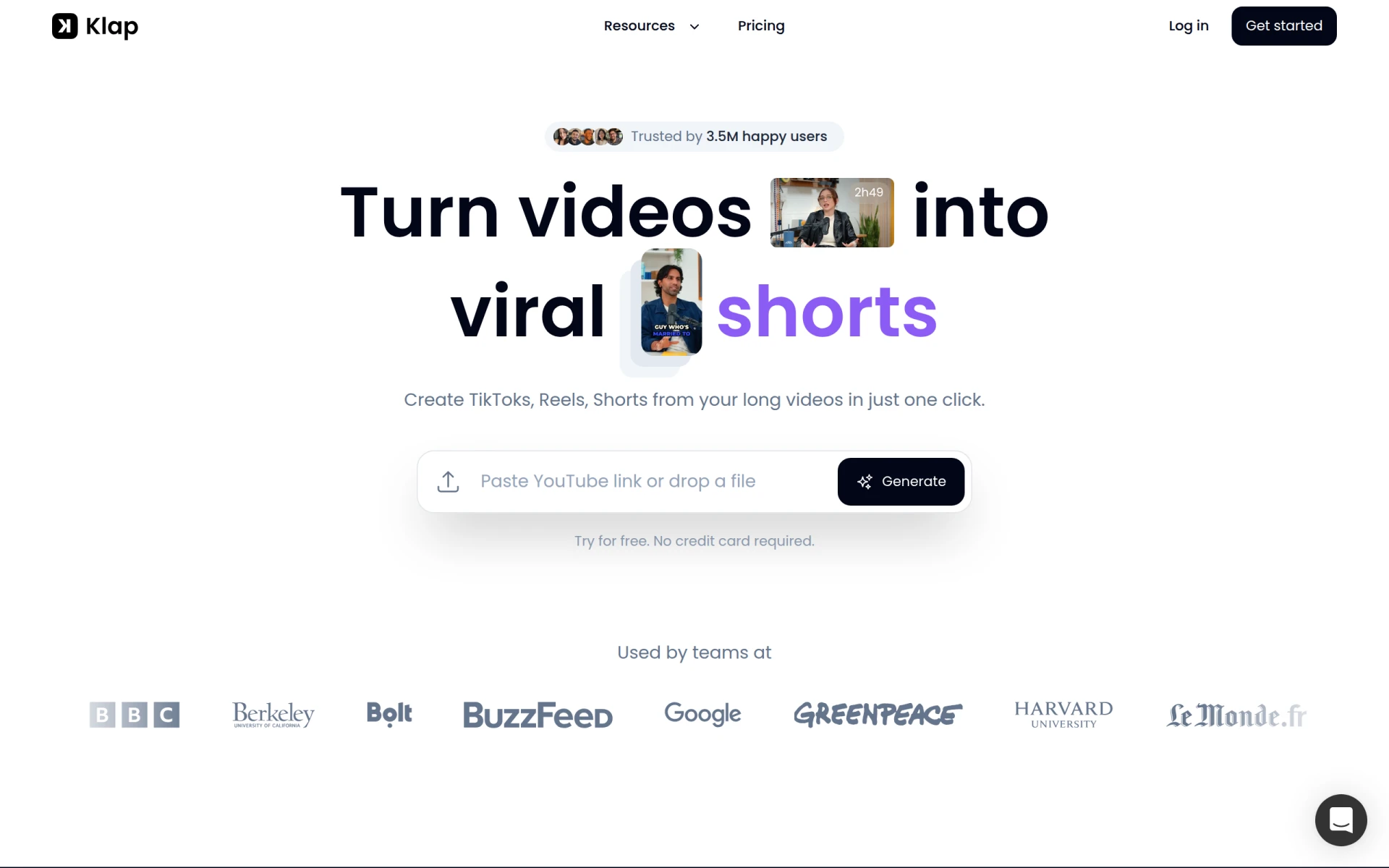 is revolutionizing the way users transform long videos into short, shareable content for platforms like TikTok and Instagram Reels. For creators focused on maximizing their reach through short-form videos, Klap offers AI-driven features that make it easy to create engaging clips without extensive editing knowledge. Unlike Clipchamp, which caters to longer video formats, Klap simplifies the editing process for bite-sized content, making it an appealing option for social media influencers and marketers.
The platform's user-friendly interface and smart AI capabilities allow users to edit and repurpose existing video footage quickly. Klap automatically identifies the key moments in a video, enabling users to create highlights or attention-grabbing snippets effortlessly. This feature sets Klap apart from Clipchamp, making it a more suitable choice for users whose primary goal is to create viral content for social media. If you are focused on increasing your online presence through short videos, Klap is an ideal alternative.
- Key Strength: AI-driven features that identify key moments for quick editing.
- Key Strength: Specialized tools for creating content tailored for TikTok and Instagram.
- Key Strength: Easy-to-use interface designed for rapid content creation.
- Limitation: Limited in features for longer video projects.
Pricing: Klap offers flexible monthly and yearly subscription options with no hidden fees. Best for: Content creators focusing on short-form video platforms.
HiClip - Best for Social Media Engagement
HiClip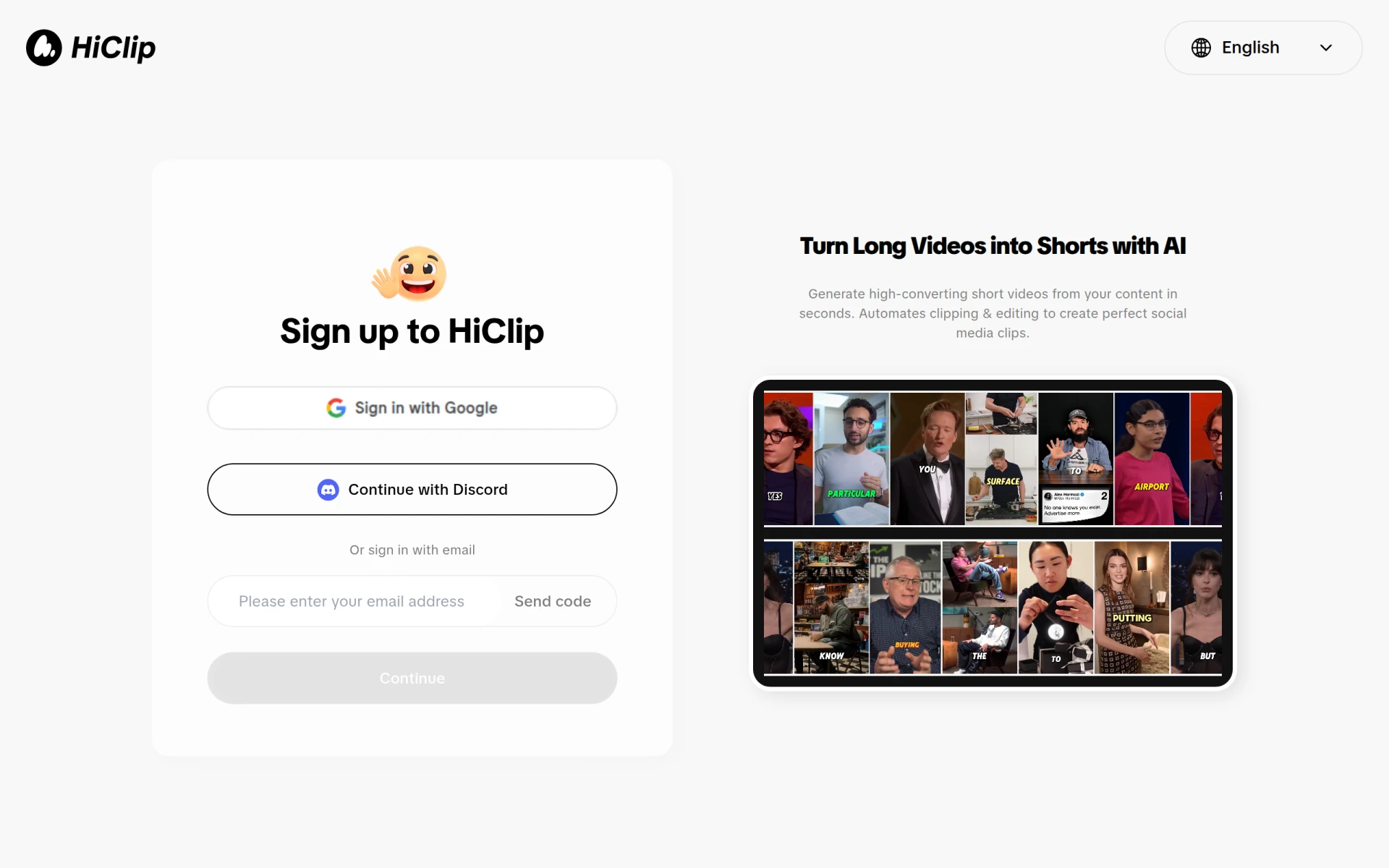 is an innovative AI-powered video editing tool tailored for users looking to convert long videos into engaging short clips suitable for social media. While Clipchamp provides a broad array of video editing capabilities, HiClip specifically concentrates on optimizing content for platforms like TikTok and Instagram. This focus allows users to enhance their social media engagement by creating visually appealing and concise videos that capture audience attention quickly.
With intuitive editing features and AI assistance, HiClip enables users to trim, cut, and edit their videos seamlessly. The platform also offers various templates and effects that can be utilized to elevate the visual appeal of the content. This targeted approach distinguishes HiClip from Clipchamp, making it a more compelling choice for social media marketers and influencers aiming to boost their online presence. If your primary goal is to create captivating social media clips, HiClip is a strong contender.
- Key Strength: AI-driven tools that focus on social media optimization.
- Key Strength: User-friendly templates and effects for enhanced video aesthetics.
- Key Strength: Streamlined editing process designed for quick turnaround.
- Limitation: Current pricing information is unavailable, which may be a concern for potential users.
Pricing: Pricing information for HiClip is currently unavailable. Best for: Users focused on creating engaging social media content.
Similar Video - Best for Effortless Video Creation
Similar Video is an AI-powered tool that simplifies video editing by allowing users to generate content effortlessly. This platform is particularly appealing for those who may not have extensive editing skills or time to invest in learning complex software. Unlike Clipchamp, which requires some familiarity with editing tools, Similar Video focuses on generating videos quickly and easily, making it ideal for users who prioritize speed without sacrificing quality.
With its user-friendly interface, Similar Video allows users to create videos simply by uploading their content and applying preset styles and effects. This streamlined approach means that even individuals with little to no experience can produce professional-looking videos in a matter of minutes. While Clipchamp offers a more traditional editing experience with multiple editing layers, Similar Video's focus on automation allows users to spend less time editing and more time sharing their content. If you are looking for a straightforward way to create videos, Similar Video is worth considering.
- Key Strength: Automated video generation for quick and easy content creation.
- Key Strength: User-friendly interface suitable for beginners.
- Key Strength: Preset styles and effects for instant visual appeal.
- Limitation: Current pricing information is not available, making it difficult to evaluate costs.
Pricing: Pricing information for Similar Video is currently unavailable. Best for: Users seeking effortless video creation without prior editing experience.
DaVinci Resolve - Best for Advanced Editing
DaVinci Resolve is a comprehensive video editing software that integrates advanced features for editing, color correction, visual effects, and audio post-production. Unlike Clipchamp, which is primarily web-based and focuses on ease of use, DaVinci Resolve is a robust platform favored by professional editors for its rich feature set. This makes it an excellent alternative for users who require high-quality results and are willing to invest time in mastering a more complex tool.
With DaVinci Resolve, users have access to powerful editing capabilities, including multi-camera editing, advanced color grading, and a range of visual effects. The platform also supports collaborative workflows, allowing teams to work together seamlessly on video projects. For those who are serious about video production and need a tool that can handle everything from basic edits to intricate post-production tasks, DaVinci Resolve is a superior choice compared to Clipchamp.
- Key Strength: Comprehensive editing features that support professional workflows.
- Key Strength: Advanced color grading and visual effects capabilities.
- Key Strength: Collaborative features for team-based projects.
- Limitation: Steeper learning curve compared to Clipchamp.
Pricing: DaVinci Resolve is available for free, with a paid version called DaVinci Resolve Studio priced at $295. Best for: Professional video editors requiring advanced features.
Wondershare Filmora - Best for User-Friendly Editing
Wondershare Filmora is a user-friendly video editing software ideal for creating high-quality videos with ease. Unlike Clipchamp, which offers limited advanced features, Filmora provides an extensive range of effects, transitions, and templates that cater to both beginners and experienced editors. This makes it an excellent alternative for users who want to create polished videos without diving deep into complex editing techniques.
Filmora's intuitive drag-and-drop interface allows users to edit videos quickly and efficiently, making it easy to add music, captions, and special effects. The software also includes a rich library of stock media, which can elevate the quality of video projects significantly. For users who appreciate an easy learning curve combined with powerful features, Wondershare Filmora is a fantastic choice compared to Clipchamp.
- Key Strength: Extensive library of effects, transitions, and templates.
- Key Strength: Intuitive drag-and-drop interface for quick editing.
- Key Strength: Rich stock media library for enhanced video quality.
- Limitation: Some features may require a paid subscription or one-time purchase.
Pricing: Wondershare Filmora offers a subscription-based pricing model along with a one-time purchase option starting at $39.99 per year. Best for: Users seeking an easy-to-use video editing tool with a rich feature set.
Animoto - Best for Quick Video Production
Animoto is a video editing tool designed for creating professional-quality videos quickly and easily. Unlike Clipchamp, which requires a more hands-on approach to editing, Animoto automates much of the process, making it an ideal solution for users who need to produce videos in a short timeframe. This is especially beneficial for businesses, marketers, and educators who need to create content rapidly without sacrificing quality.
Animoto features an intuitive drag-and-drop interface, allowing users to combine photos, video clips, and music to produce stunning videos in minutes. The platform also offers customizable templates designed for various purposes, such as marketing campaigns or social media promotion. If you are looking for a solution that prioritizes speed and ease of use, Animoto is a worthwhile alternative to consider over Clipchamp.
- Key Strength: Automated video production for quick turnaround.
- Key Strength: Customizable templates tailored for various purposes.
- Key Strength: User-friendly drag-and-drop interface.
- Limitation: Pricing information is not publicly listed, which may deter potential users.
Pricing: Pricing information for Animoto is currently not publicly available. Best for: Users needing quick video production without extensive editing skills.
VideoShorts - Best for Engaging Short Videos
VideoShorts is an AI-powered video editing tool designed to help users create engaging short videos quickly and efficiently. While Clipchamp offers a range of editing features, it may not be as focused on short-form content as VideoShorts, which aims to enhance user engagement through quick and captivating video clips. This makes VideoShorts a valuable tool for social media marketers and content creators looking to capture their audience's attention in a fast-paced digital environment.
The platform allows users to easily edit their videos by applying effects, music, and transitions tailored for social media platforms. VideoShorts’ AI capabilities help streamline the editing process, making it accessible even for those with limited experience. If your goal is to produce eye-catching short videos that resonate with viewers, VideoShorts is an excellent alternative to Clipchamp.
- Key Strength: Focus on creating engaging short videos for social media.
- Key Strength: AI-driven features that enhance editing efficiency.
- Key Strength: User-friendly interface suitable for beginners.
- Limitation: Pricing information is not explicitly available on the website.
Pricing: Pricing for VideoShorts is not explicitly available on the website. Best for: Users looking to create engaging short videos for social media.
Vid.AI - Best for Simplified Video Creation
Vid.AI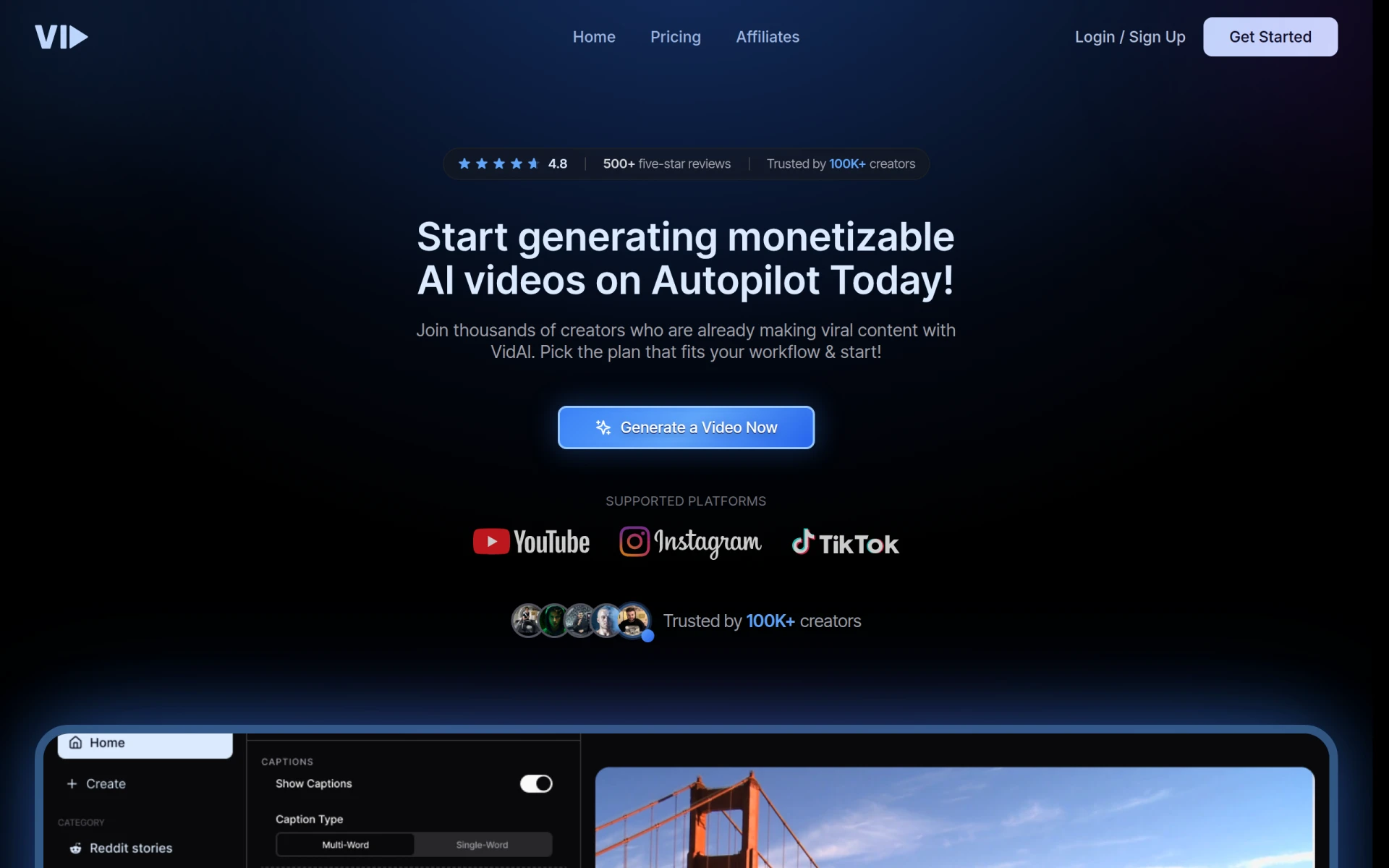 is a video editing tool that leverages AI to simplify the video creation process, making it accessible for users of all skill levels. Unlike Clipchamp, which may require a more hands-on approach to editing, Vid.AI automates various aspects of the video creation process, making it an attractive option for those who want to produce content quickly and efficiently. This makes it particularly appealing for small business owners, marketers, and content creators who need to focus on other tasks while still producing high-quality videos.
The platform’s AI capabilities allow users to generate videos based on minimal input, such as text or raw footage, streamlining the editing process. This sets Vid.AI apart from Clipchamp, which requires users to engage more with the editing interface. If you are looking for a tool that prioritizes simplicity and speed, Vid.AI is a strong contender among video editing solutions.
- Key Strength: AI-driven automation for simplified video creation.
- Key Strength: User-friendly interface designed for all skill levels.
- Key Strength: Quick turnaround on video production.
- Limitation: Current pricing information is unavailable.
Pricing: Pricing information for Vid.AI is currently unavailable. Best for: Users seeking a simplified approach to video creation.
Wavel AI - Best for Content Generation
Wavel AI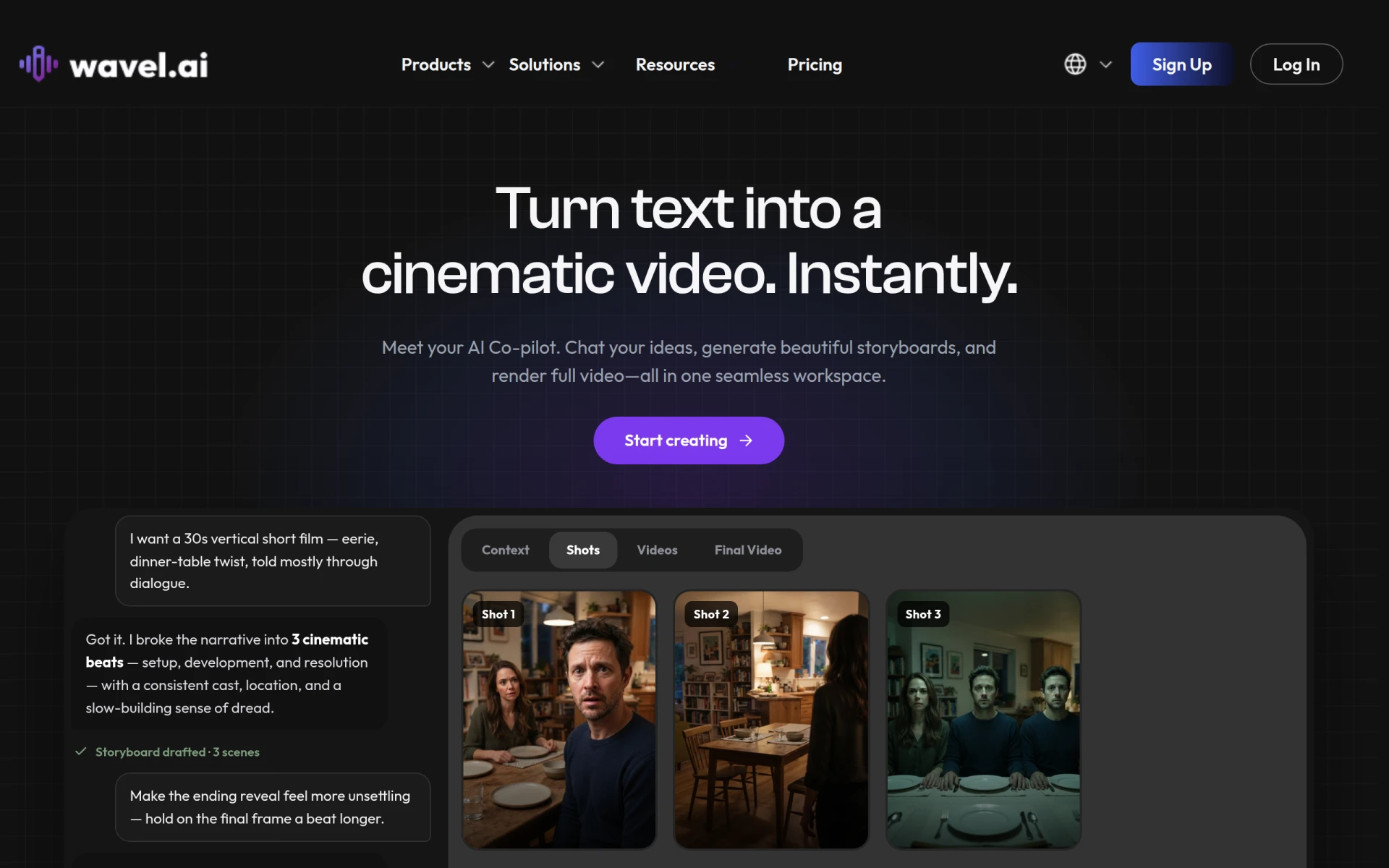 is an AI video generation platform that transforms scripts and videos into share-ready content with features like voice cloning and customizable templates. Unlike Clipchamp, which focuses on traditional video editing functionalities, Wavel AI emphasizes the generation of video content based on user-defined scripts, making it an excellent choice for marketers and businesses that need to produce videos at scale. This approach allows users to quickly create videos that are not only visually appealing but also tailored to specific messaging goals.
The platform's voice cloning feature is particularly noteworthy, as it enables users to maintain a consistent brand voice across their video content. This is something that Clipchamp does not offer, giving Wavel AI a unique edge for businesses looking to create cohesive marketing materials. If your focus is on generating content efficiently while maintaining brand integrity, Wavel AI is a compelling alternative.
- Key Strength: AI-driven video generation based on user-defined scripts.
- Key Strength: Voice cloning capabilities for consistent branding.
- Key Strength: Customizable templates for quick content production.
- Limitation: Pricing information is not available, making it hard to assess costs.
Pricing: Pricing information for Wavel AI is currently unavailable. Best for: Businesses seeking efficient content generation solutions.
VideoGen - Best for Quick Video Generation
VideoGen is an AI-powered video generator that enables users to create and edit videos quickly and easily. Unlike Clipchamp, which often requires a more hands-on approach to editing, VideoGen focuses on rapid video generation, making it an attractive option for users who need to produce content without extensive editing experience. This is particularly useful for social media managers, small businesses, and content creators who want to keep their audience engaged with regular video updates.
The platform allows users to create videos simply by providing text input or selecting from a library of templates, which are then automatically generated into videos. This feature significantly reduces the time spent on video production, setting VideoGen apart from Clipchamp. If you prioritize speed and ease of use in your video projects, VideoGen is a strong alternative to consider.
- Key Strength: Automated video generation for quick content creation.
- Key Strength: User-friendly interface that simplifies the editing process.
- Key Strength: Library of templates for instant video production.
- Limitation: The single pricing plan may not cater to all user needs.
Pricing: VideoGen offers a single pricing plan at $16 per month with additional credits available for purchase. Best for: Users looking for quick and simple video creation solutions.
Captions - Best for Accessible Video Creation
Captions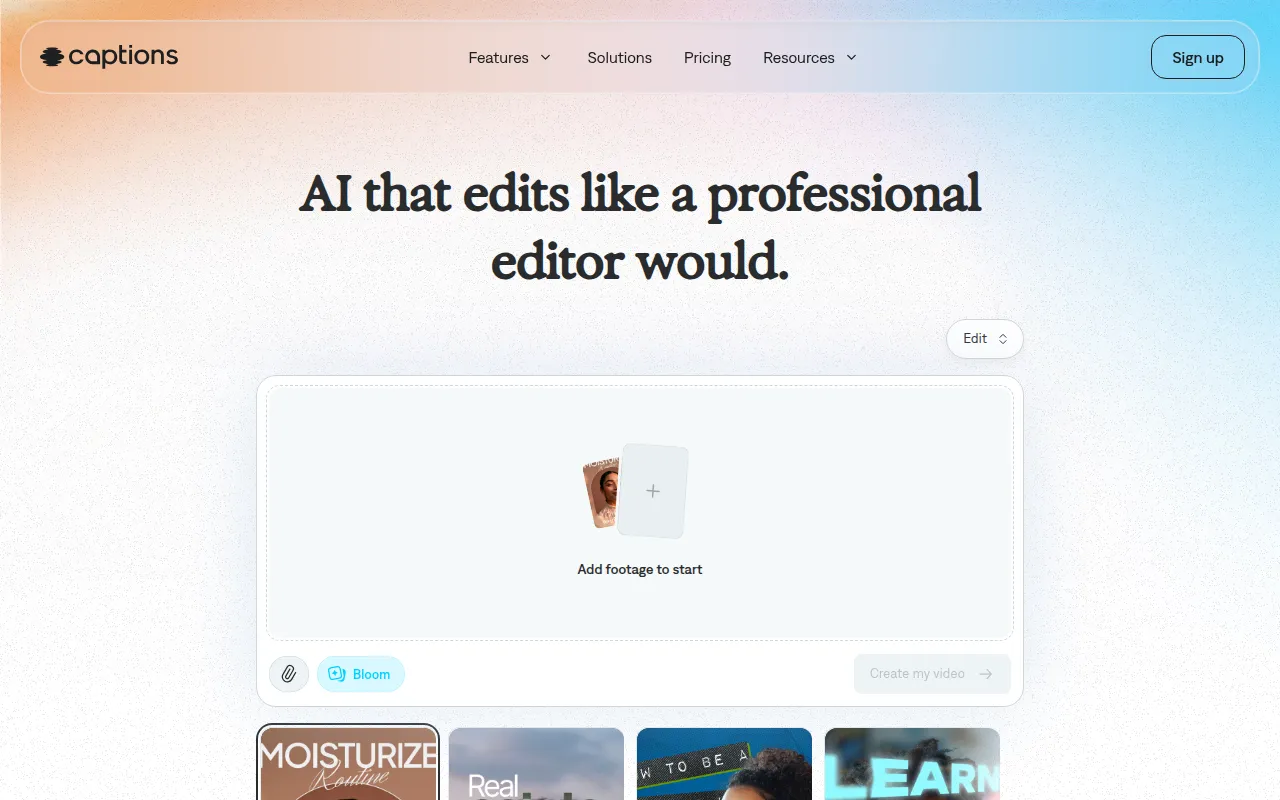 is an AI video editing tool that transforms ideas into shareable videos effortlessly, catering to users of all skill levels. Unlike Clipchamp, which might feel overwhelming for beginners, Captions focuses on simplifying the video creation process, making it approachable for everyone. This makes it an excellent alternative for educators, content creators, and small business owners who want to create videos without extensive technical knowledge.
The platform allows users to quickly add captions to their videos, enhancing accessibility and ensuring that content reaches a wider audience. Additionally, Captions provides a variety of templates and effects that make video production fast and easy. If your goal is to create accessible content that resonates with diverse audiences, Captions is an ideal choice compared to Clipchamp.
- Key Strength: AI-driven captioning features that enhance accessibility.
- Key Strength: Simplified editing process for users of all skill levels.
- Key Strength: Variety of templates for quick video production.
- Limitation: The most popular subscription may not include all features.
Pricing: Captions offers a free sign-up, with the most popular subscription priced at $24.99 per month. Best for: Users looking for accessible video creation tools.
Creative Reality Studio (D-ID) - Best for Professional Productions
Creative Reality Studio allows users to create professional videos from still images using text or audio, powered by AI technology. Unlike Clipchamp, which emphasizes traditional video editing, Creative Reality Studio focuses on generating high-quality video content from static images, making it an excellent option for marketers and educators who want to present information in a dynamic format. This innovative feature allows users to engage their audience more effectively than static visuals alone.
The platform's AI capabilities streamline the video creation process, enabling users to transform their ideas into visually appealing videos quickly. This approach enhances the storytelling aspect of video production, setting Creative Reality Studio apart from Clipchamp. If you are looking to create impactful videos that leverage still images, Creative Reality Studio is a compelling alternative.
- Key Strength: AI-driven video generation from still images.
- Key Strength: Seamless integration of text and audio for dynamic storytelling.
- Key Strength: Professional-quality output suitable for various uses.
- Limitation: Pricing information is not publicly disclosed, which may create uncertainty.
Pricing: Pricing information for Creative Reality Studio is not publicly disclosed. Best for: Users seeking innovative video production from still images.
Gling - Best for YouTube Creators
Gling is an AI-driven video editing software designed to streamline the video creation process for YouTube creators. Unlike Clipchamp, which offers general video editing capabilities, Gling focuses on features specifically tailored for YouTube content, making it a fantastic choice for video bloggers and content creators on the platform. Gling automates various tasks, allowing users to focus on creating engaging content rather than getting bogged down in the editing process.
The platform includes features like automatic scene detection, customizable templates, and smart editing tools that cater specifically to the needs of YouTube creators. This specialization makes Gling a great alternative for those who want to maximize their efficiency and enhance the quality of their video content. If you are a YouTube creator looking for a more streamlined editing experience, Gling is an excellent option compared to Clipchamp.
- Key Strength: AI-driven automation tailored for YouTube content creation.
- Key Strength: Customizable templates designed for YouTube videos.
- Key Strength: Smart editing tools that enhance workflow.
- Limitation: Specific pricing details are currently unavailable.
Pricing: Gling offers a free trial to explore its features, with specific pricing details currently unavailable. Best for: YouTube creators looking for specialized editing tools.
CapCut - Best for Mobile Editing
CapCut is a user-friendly video editing tool designed for creating engaging content across various platforms, particularly mobile. Unlike Clipchamp, which is primarily web-based, CapCut focuses on mobile editing, allowing users to create and share videos directly from their smartphones. This makes it an ideal choice for social media influencers and casual users who prioritize editing on the go.
The platform offers a range of features, including filters, music, and effects, specifically designed for mobile users. CapCut’s intuitive interface makes it easy for anyone to create high-quality content without extensive video editing experience. If you are looking for a mobile-friendly editing solution that allows for quick content creation, CapCut is a strong alternative to consider over Clipchamp.
- Key Strength: Mobile-focused editing for on-the-go content creation.
- Key Strength: Intuitive interface designed for ease of use.
- Key Strength: Variety of filters and effects tailored for social media.
- Limitation: Limited features compared to desktop editing software.
Pricing: CapCut is free to use, with options for in-app purchases. Best for: Users seeking mobile-friendly video editing tools.
Feature Comparison Table
| Tool | Best For | Starting Price | Free Plan | Standout Feature |
|---|
| Clipchamp | General video editing | Free or Microsoft 365 subscription | Yes | Easy-to-use interface |
| VEED.IO | Marketers and solopreneurs | $12/mo | Yes | AI-powered automatic subtitle generation |
| Klap | Short-form content creation | Varies | Yes | AI-driven editing for social media |
| HiClip | Social media engagement | Unavailable | Yes | Transforms long videos into short clips |
| Similar Video | Effortless video creation | Unavailable | Yes | Automated video generation |
| DaVinci Resolve | Advanced editing | Free or $295 | Yes | Comprehensive editing features |
| Wondershare Filmora | User-friendly editing | $39.99/yr | Yes | Extensive library of effects |
| Animoto | Quick video production | Unavailable | Yes | Automated video production |
| VideoShorts | Engaging short videos | Unavailable | Yes | Focus on social media |
| Vid.AI | Simplified video creation | Unavailable | Yes | AI-driven automation |
| Wavel AI | Content generation | Unavailable | Yes | AI-driven video generation |
| VideoGen | Quick video generation | $16/mo | No | Automated video creation |
| Captions | Accessible video creation | $24.99/mo | Yes | AI-driven captioning |
| Creative Reality Studio | Professional productions | Unavailable | Yes | AI video generation from images |
| Gling | YouTube creators | Unavailable | Yes | AI-driven automation |
| CapCut | Mobile editing | Free | Yes | Intuitive mobile interface |
How to Choose the Right Alternative to Clipchamp
When selecting an alternative to Clipchamp, it's essential to consider your specific needs and editing goals. If you are a marketer or solopreneur looking for tools that can enhance your video content efficiently, platforms like VEED.IO and Klap may be more suitable due to their focus on automation and social media optimization. These tools can help you create engaging content without extensive editing experience, allowing you to focus on your marketing strategy.
For those who require advanced editing capabilities, DaVinci Resolve is the best choice, offering comprehensive features for professional-quality video production. However, if you want something more user-friendly, Wondershare Filmora or Animoto can provide the right balance of ease of use and powerful capabilities. Ultimately, understanding your editing style, the types of videos you plan to create, and your budget will guide you in choosing the right alternative to Clipchamp.
Final Verdict
In 2026, there are numerous compelling alternatives to Clipchamp, each catering to different user needs. For marketers and social media creators, VEED.IO and Klap offer specialized features that streamline the video creation process. Advanced editors will appreciate DaVinci Resolve, while those seeking simplicity can turn to Wondershare Filmora or Animoto. Ultimately, your choice should reflect your specific goals, whether they include quick content production, advanced editing, or creating engaging short videos.