Why Look for Alternatives to DaVinci Resolve?
While DaVinci Resolve is widely recognized for its robust capabilities in video editing, color correction, and audio post-production, it is not without its limitations. Many users find the software overwhelming due to its steep learning curve, especially for beginners. The extensive features can be daunting, making it difficult for new users to dive in and start creating content quickly. Additionally, while the free version of DaVinci Resolve offers a wealth of tools, users may find that they need to upgrade to the Studio version for advanced functionalities, which comes at a significant cost of $295. This pricing structure can deter those who prefer more flexible or budget-friendly options.
Moreover, DaVinci Resolve may not cater effectively to specific use cases, such as creating short-form video content for social media platforms. With the growing trend of platforms like TikTok and Instagram Reels, users are increasingly seeking tools that streamline the editing process for shorter videos. In such scenarios, the advanced features of DaVinci Resolve can become more of a hindrance than a help, leading many to explore alternatives that prioritize simplicity and speed in editing.
Best Alternatives to DaVinci Resolve in 2026
Klap - Best for Social Media Shorts
Klap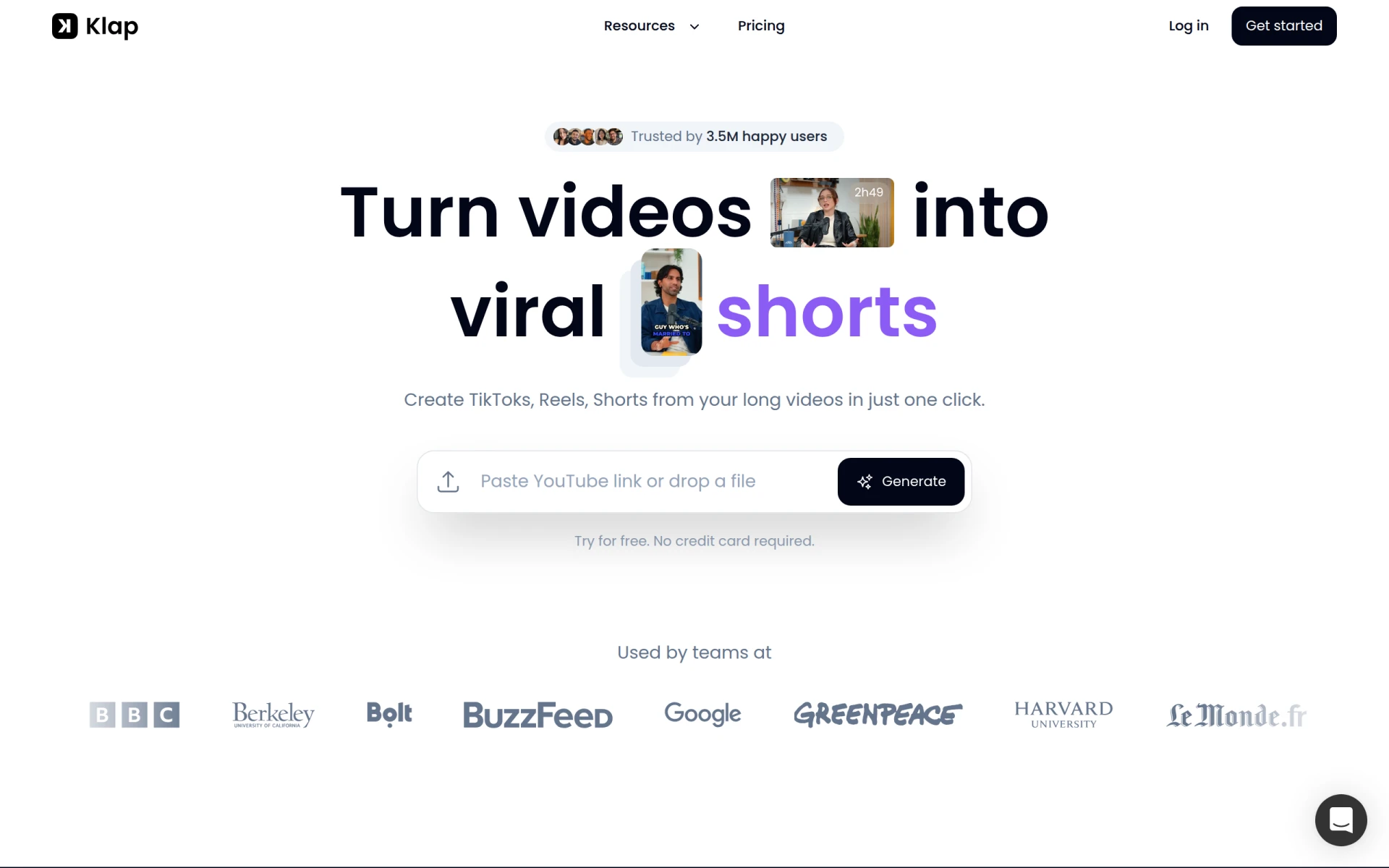 is an innovative video editing tool designed specifically for transforming long videos into short, shareable formats ideal for platforms like TikTok and Instagram Reels. Unlike DaVinci Resolve, which caters more to professional editing workflows, Klap emphasizes ease of use and speed, making it a perfect choice for content creators focused on social media engagement. With its AI-driven features, Klap simplifies the editing process, allowing users to create engaging clips without the need for extensive editing knowledge.
The platform's user-friendly interface allows creators to quickly cut and edit their videos, add captions, and incorporate music, enabling them to produce professional-looking content with minimal effort. Additionally, Klap offers tools for optimizing videos for various social media formats, ensuring that creators can easily adapt their content to fit the specific requirements of each platform. For anyone looking to enhance their social media presence without getting bogged down by complex software, Klap is an excellent alternative to DaVinci Resolve.
- Key Strength: AI-driven tools that streamline the editing process for social media content.
- Key Strength: Quick video transformation capabilities for various platforms.
- Key Strength: User-friendly interface designed for non-professionals.
- Limitation: Lacks advanced features for in-depth editing that professionals may require.
Pricing: Freemium with monthly and yearly subscription options. Best for: Social media content creators looking for quick and easy video editing solutions.
VEED.IO - Best for Marketers and Solopreneurs
VEED.IO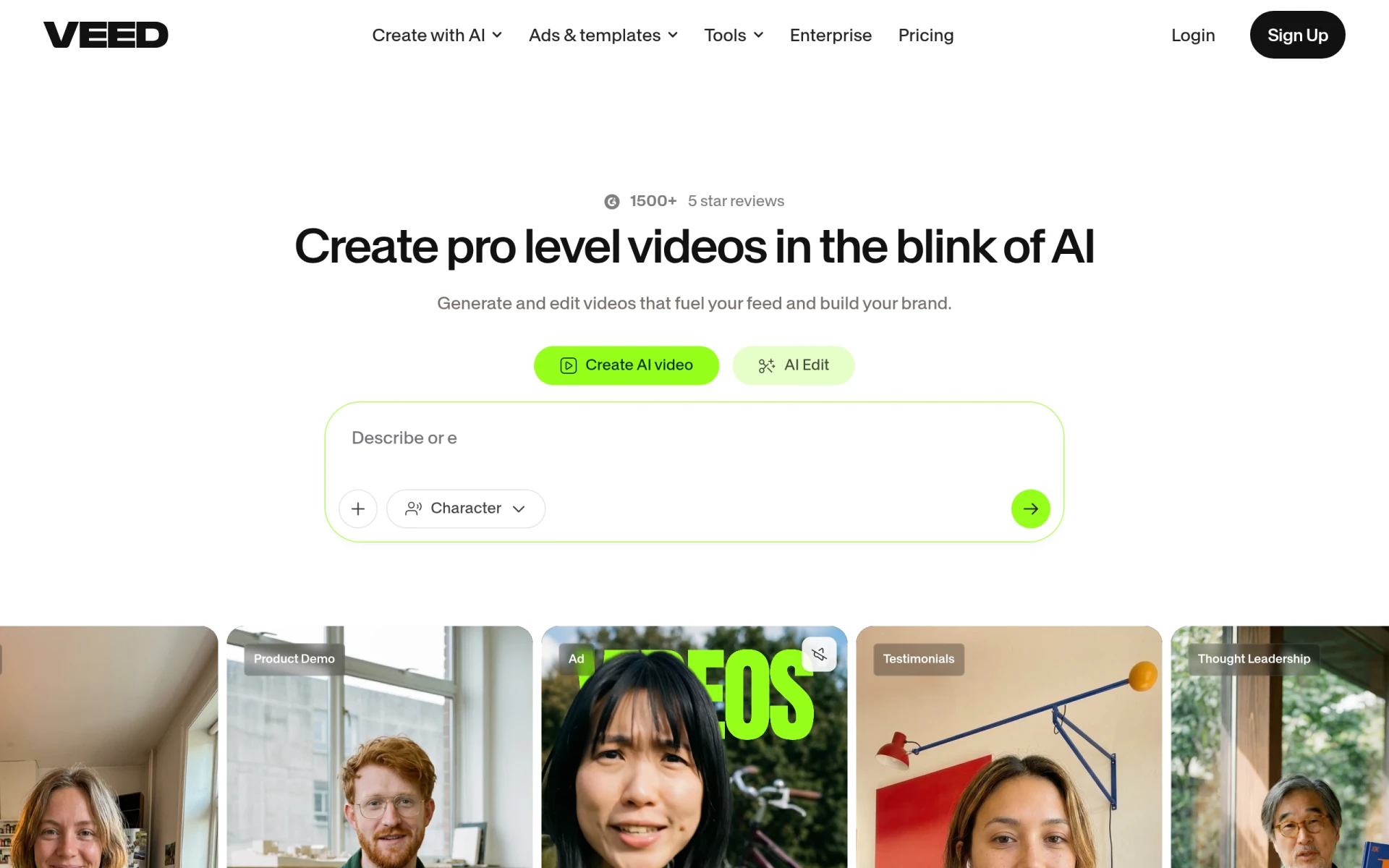 is an AI-powered video creation and editing platform tailored for marketers and solopreneurs who need to create engaging content quickly. Unlike DaVinci Resolve, which is equipped for comprehensive video editing tasks, VEED.IO focuses on providing a simplified editing experience with features that cater specifically to online marketing needs. Its intuitive interface and diverse set of tools make it ideal for producing promotional videos, tutorials, and social media content without the steep learning curve associated with professional-grade software.
A standout feature of VEED.IO is its ability to generate subtitles automatically, which is crucial for marketers looking to enhance the accessibility and engagement of their videos. Additionally, the platform allows users to incorporate branding elements such as logos and color schemes effortlessly, ensuring that their videos remain consistent with their marketing strategies. For those who prioritize speed and ease of use in their video projects, VEED.IO serves as a compelling alternative to DaVinci Resolve.
- Key Strength: Automatic subtitle generation for enhanced video accessibility.
- Key Strength: Marketing-focused features like branding and templates.
- Key Strength: Simple interface that requires minimal editing expertise.
- Limitation: Less suitable for users needing advanced editing capabilities.
Pricing: Freemium with a free plan and additional features available through paid plans. Best for: Marketers and solopreneurs who need efficient video creation tools.
HiClip - Best for Quick Video Transformations
HiClip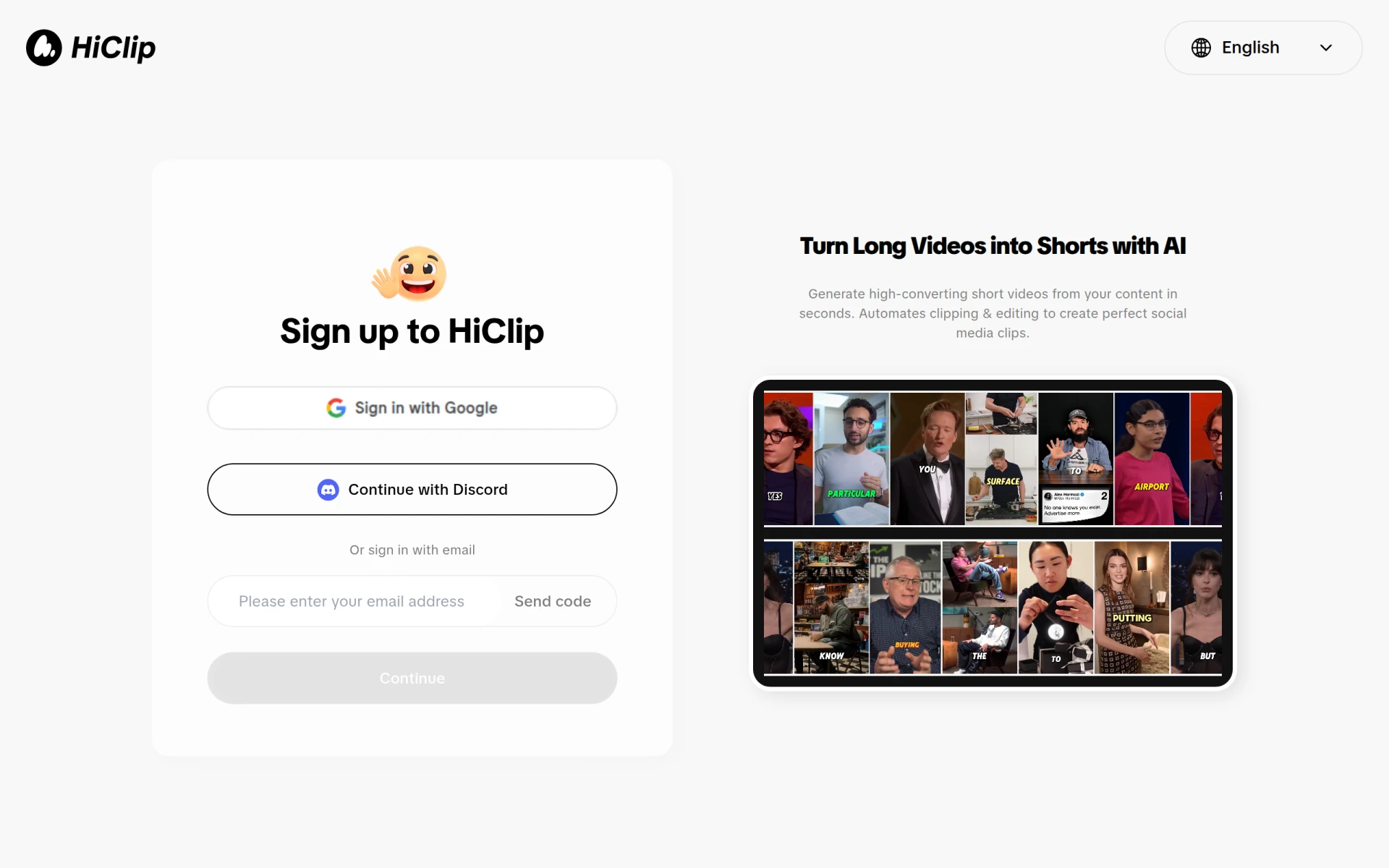 is an AI-powered video editing tool designed to convert long videos into engaging short clips suitable for social media platforms. It offers a streamlined approach to video editing, making it particularly appealing for users who want to quickly produce shareable content without the complications found in DaVinci Resolve. HiClip leverages AI algorithms to identify key moments in longer videos, allowing users to create concise, engaging shorts that capture attention.
The platform is ideal for content creators looking to maximize their reach on social media by easily repurposing longer footage. HiClip's emphasis on efficiency and speed makes it a preferred choice for those who may not have the time to delve into more complex editing processes. While it may lack the depth of features found in DaVinci Resolve, HiClip excels in its niche by providing a user-friendly experience that prioritizes quick and effective video transformations.
- Key Strength: AI-driven technology that identifies key moments in videos.
- Key Strength: Focus on creating engaging short clips quickly.
- Key Strength: User-friendly interface that simplifies the editing process.
- Limitation: Limited features for in-depth video editing and effects.
Pricing: Currently, pricing information is unavailable. Best for: Content creators who need to quickly turn long videos into engaging shorts.
Similar Video - Best for Effortless Video Generation
Similar Video is an AI-powered tool that simplifies video editing and content generation. It is designed for users who want to create and edit videos effortlessly without diving into the complexities of professional software like DaVinci Resolve. With its intuitive design and intelligent features, Similar Video allows users to generate video content quickly, making it a perfect fit for those in need of fast-paced video production.
The platform’s AI capabilities enable it to analyze existing video content and generate new clips based on user preferences. This is particularly advantageous for businesses and content creators looking to repurpose footage or create promotional material on a tight schedule. While it may not offer the extensive features of DaVinci Resolve, Similar Video excels in efficiency and ease of use, making it a viable alternative for users seeking a straightforward video editing solution.
- Key Strength: AI capabilities that streamline video content generation.
- Key Strength: Intuitive design that requires minimal editing knowledge.
- Key Strength: Focus on fast-paced video production.
- Limitation: Limited advanced editing features for professional use.
Pricing: Currently, pricing information is unavailable. Best for: Users looking for a quick and effortless video generation tool.
Creative Reality Studio (D-ID) - Best for Professional Video Creation from Still Images
Creative Reality Studio (D-ID) is an innovative platform that enables users to create professional videos from still images using text or audio input. Unlike DaVinci Resolve, which requires a comprehensive understanding of video editing, Creative Reality Studio focuses on making video creation accessible through AI technology. This tool is particularly useful for marketers, educators, and content creators who want to produce high-quality videos without extensive editing skills.
The platform’s ability to turn static images into dynamic videos makes it stand out in the crowded video editing space. Users can easily incorporate voiceovers or text scripts to create engaging narratives around their visuals. While DaVinci Resolve excels in detailed video editing, Creative Reality Studio offers a unique solution for those specifically looking to animate still images or create content for presentations and marketing campaigns. This makes it an excellent alternative for users with specific needs.
- Key Strength: Unique capability to create videos from still images.
- Key Strength: Simple setup for generating videos using text or audio.
- Key Strength: Accessibility for users without an editing background.
- Limitation: Limited features for users seeking traditional video editing options.
Pricing: Pricing information is not publicly disclosed. Best for: Users wanting to create professional videos from still images.
Wondershare Filmora - Best for User-Friendly Editing
Wondershare Filmora is a user-friendly video editing software ideal for creating high-quality videos with ease. It serves as a great alternative to DaVinci Resolve, particularly for users who may find the latter's interface overwhelming. Filmora offers a more accessible approach to video editing, with drag-and-drop functionality and pre-set templates that help users get started quickly without sacrificing quality. This makes it particularly appealing for beginners and casual users.
The platform includes a range of features such as advanced text editing, audio mixing, and visual effects, allowing users to enhance their videos without needing extensive technical expertise. While DaVinci Resolve is geared towards professionals, Filmora strikes a balance between simplicity and functionality, making it suitable for a broader audience. For anyone looking for a straightforward yet powerful video editing tool, Wondershare Filmora is a strong contender.
- Key Strength: User-friendly interface with drag-and-drop functionality.
- Key Strength: Extensive library of pre-set templates and effects.
- Key Strength: Suitable for both beginners and more experienced users.
- Limitation: May lack some advanced features for professional-grade editing.
Pricing: Freemium with subscription-based plans and a one-time purchase option. Best for: Beginners and casual users seeking user-friendly video editing solutions.
Animoto - Best for Quick Video Creation
Animoto is a video editing tool designed for creating professional-quality videos quickly and easily. It allows users to turn photos and video clips into engaging videos with minimal effort, making it a great alternative to DaVinci Resolve for those who prioritize speed and efficiency. With its simple drag-and-drop interface and customizable templates, Animoto is ideal for users looking to create videos for marketing, social media, or personal events without dealing with complex editing software.
The platform’s strength lies in its focus on simplicity, enabling users to produce polished videos in just a few clicks. While DaVinci Resolve offers a comprehensive suite of editing tools, Animoto excels in providing a streamlined experience that caters to users who need to create videos quickly. This makes it particularly appealing for small business owners and social media marketers who require effective video content without a steep learning curve.
- Key Strength: Simple drag-and-drop interface for quick video creation.
- Key Strength: Ready-to-use templates designed for various video types.
- Key Strength: Ideal for social media and marketing videos.
- Limitation: Limited customization options compared to more advanced editing software.
Pricing: Pricing information is not publicly listed on the website. Best for: Users needing to create videos quickly and easily for marketing or personal use.
VideoShorts - Best for Engaging Short Videos
VideoShorts is an AI-powered video editing tool focused on helping users create engaging short videos efficiently. It is especially beneficial for those looking to produce content for platforms that prioritize short-form videos, making it an excellent alternative to DaVinci Resolve for creators targeting TikTok, Instagram, and YouTube Shorts. With its straightforward interface, VideoShorts allows users to quickly edit and refine their videos to capture audience attention.
The platform's AI capabilities assist in optimizing video content for various social media platforms, ensuring that users can maximize their reach and engagement. By streamlining the editing process, VideoShorts enables users to focus more on content creation rather than getting bogged down in technical details. While it may not provide the comprehensive tools found in DaVinci Resolve, VideoShorts excels in its niche, offering a valuable solution for those dedicated to short-form content creation.
- Key Strength: AI-driven tools designed for creating engaging short videos.
- Key Strength: Quick editing capabilities tailored for social media.
- Key Strength: User-friendly interface that simplifies the editing process.
- Limitation: Limited features for detailed video editing and effects.
Pricing: Pricing is not explicitly available on the website. Best for: Users focused on producing short videos for social media platforms.
Vid.AI - Best for Simplified Video Creation
Vid.AI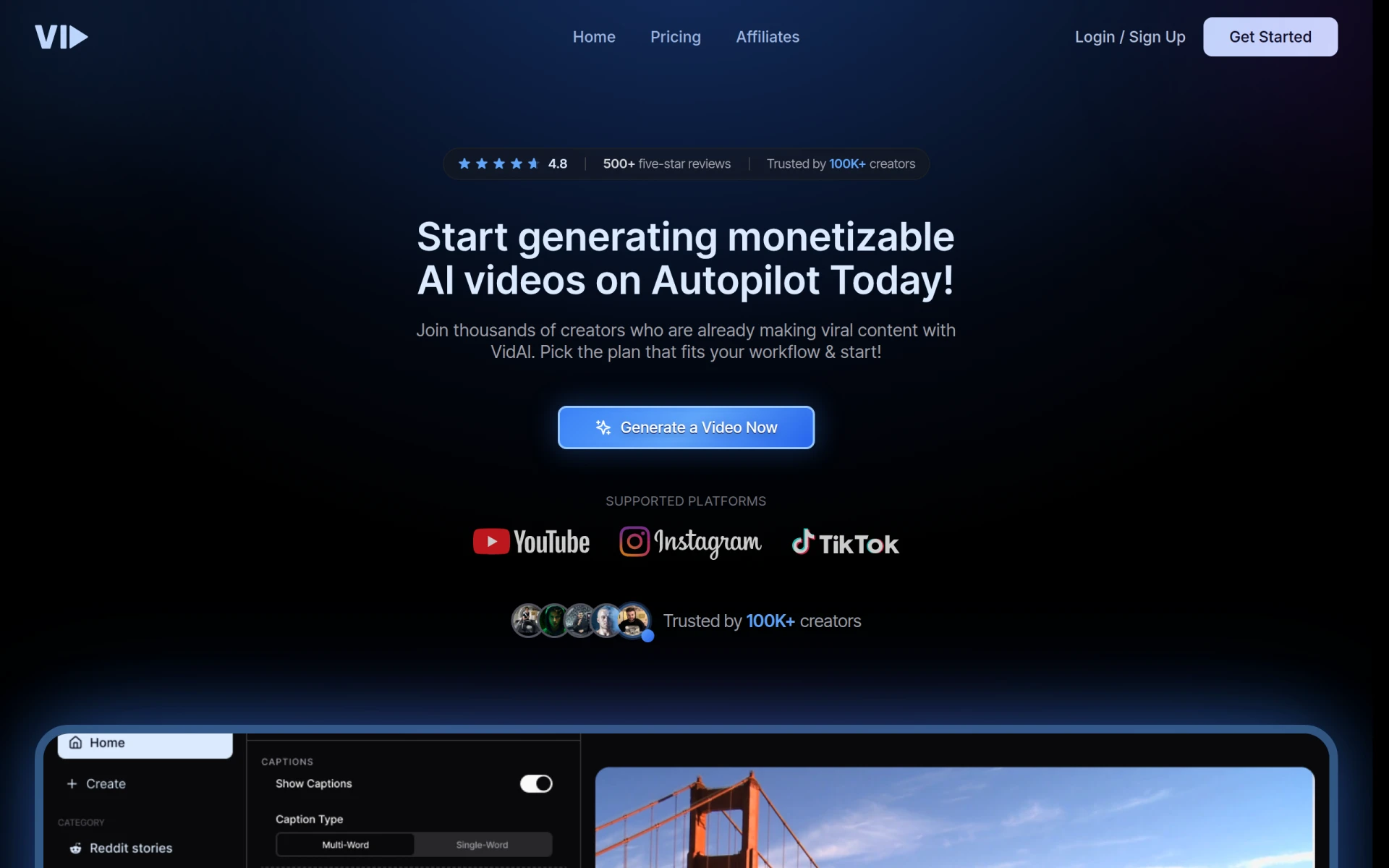 is a video editing tool that leverages AI to simplify the video creation process. It is designed to make video editing accessible for users of all skill levels, making it a suitable alternative to DaVinci Resolve for those who may feel intimidated by more complex software. Vid.AI focuses on automating various aspects of video editing, allowing users to create polished videos quickly without extensive editing experience.
The platform’s AI algorithms assist in tasks such as auto-editing, scene detection, and content suggestions, making it easier for users to produce high-quality videos in less time. This is particularly advantageous for busy professionals and content creators who need to produce engaging content regularly. While Vid.AI may not have all the advanced features of DaVinci Resolve, its emphasis on simplicity and efficiency makes it a valuable tool for users looking for a straightforward video editing solution.
- Key Strength: AI-driven automation for simplified video editing.
- Key Strength: Accessible for users of all skill levels.
- Key Strength: Focus on efficiency in video creation.
- Limitation: Limited advanced editing functionalities for professionals.
Pricing: Pricing information is currently unavailable. Best for: Users seeking a simplified and efficient video creation process.
VideoGen - Best for Quick Video Generation
VideoGen is an AI-powered video generator that enables users to create and edit videos quickly and easily. It serves as an excellent alternative to DaVinci Resolve, particularly for those who need to produce video content rapidly without getting lost in complex editing features. VideoGen focuses on making video creation straightforward, allowing users to generate videos from templates and customize them effortlessly.
The platform's user-friendly design caters to those who may not have a strong background in video editing, making it ideal for marketers, educators, and content creators who require fast and effective video solutions. While DaVinci Resolve is designed for professional-grade editing, VideoGen shines in its ability to facilitate quick video production, making it a favorable choice for users looking for efficiency over depth.
- Key Strength: AI-powered quick video generation capabilities.
- Key Strength: User-friendly interface that simplifies the editing process.
- Key Strength: Focus on templates for fast customization.
- Limitation: Less suitable for detailed editing or effects.
Pricing: Offers a single pricing plan at $16 per month. Best for: Users needing quick and straightforward video generation.
Gling - Best for YouTube Creators
Gling is an AI-driven video editing software designed to streamline the video creation process specifically for YouTube creators. It provides a simplified editing experience that is ideal for those who want to produce engaging content without the complexity of DaVinci Resolve. Gling's features are tailored to enhance YouTube videos, making it a great choice for creators looking to optimize their content for the platform.
The platform allows users to quickly edit their videos by automating repetitive tasks, such as cutting and adding transitions, which saves significant time in the editing process. While DaVinci Resolve offers a wide range of advanced features, Gling focuses on providing a user-friendly experience that caters to the unique needs of YouTube creators, making it an attractive alternative for those prioritizing efficiency and ease of use.
- Key Strength: AI-driven automation of repetitive editing tasks.
- Key Strength: Features specifically designed for YouTube content creation.
- Key Strength: User-friendly interface that simplifies the editing process.
- Limitation: Limited features for users needing advanced editing capabilities.
Pricing: Offers a free trial with specific pricing details currently unavailable. Best for: YouTube creators looking for efficient video editing tools.
CapCut - Best for Mobile Video Editing
CapCut is a user-friendly video editing tool designed for creating engaging content across various platforms, especially on mobile devices. Unlike DaVinci Resolve, which is primarily desktop-based and geared towards professional editors, CapCut offers a streamlined editing experience that is ideal for users looking to create quick videos on the go. Its mobile-first approach makes it perfect for creators who want to edit videos directly from their smartphones.
The platform features a wide range of editing tools, including filters, effects, and music options, allowing users to craft engaging videos without needing extensive editing experience. CapCut’s focus on mobile video editing sets it apart from DaVinci Resolve, making it an excellent choice for those creating content for social media platforms like TikTok and Instagram. For users prioritizing ease of use and mobile accessibility, CapCut is a compelling alternative.
- Key Strength: User-friendly mobile editing interface.
- Key Strength: Extensive features tailored for social media content.
- Key Strength: Quick editing capabilities designed for mobile users.
- Limitation: Limited features compared to desktop editing software.
Pricing: Free to use, with options for in-app purchases. Best for: Mobile users looking for quick and effective video editing solutions.
Opus Clip - Best for Short-Form Content Creation
Opus Clip is an AI-driven video editing tool that specializes in transforming long videos into short, engaging clips for social media platforms. It serves as a practical alternative to DaVinci Resolve for users focused on creating short-form content quickly and efficiently. Opus Clip simplifies the editing process by utilizing AI to identify key moments in longer videos, allowing users to create impactful clips that resonate with audiences on platforms like TikTok and Instagram.
The platform is designed to cater to creators who may not have the time or expertise to navigate complex editing software. By providing a user-friendly interface and efficient editing tools, Opus Clip ensures that users can produce high-quality short videos in minimal time. While DaVinci Resolve excels in comprehensive editing capabilities, Opus Clip shines in its niche, making it the go-to choice for those dedicated to short-form content creation.
- Key Strength: AI technology that identifies key moments for short clips.
- Key Strength: Quick editing capabilities focused on social media.
- Key Strength: User-friendly design for non-professional editors.
- Limitation: Limited advanced editing features compared to traditional software.
Pricing: Offers a starter plan for $15 per month with a free trial available. Best for: Users needing to create short videos for social media platforms.
Spikes Studio - Best for Engaging Content Creation
Spikes Studio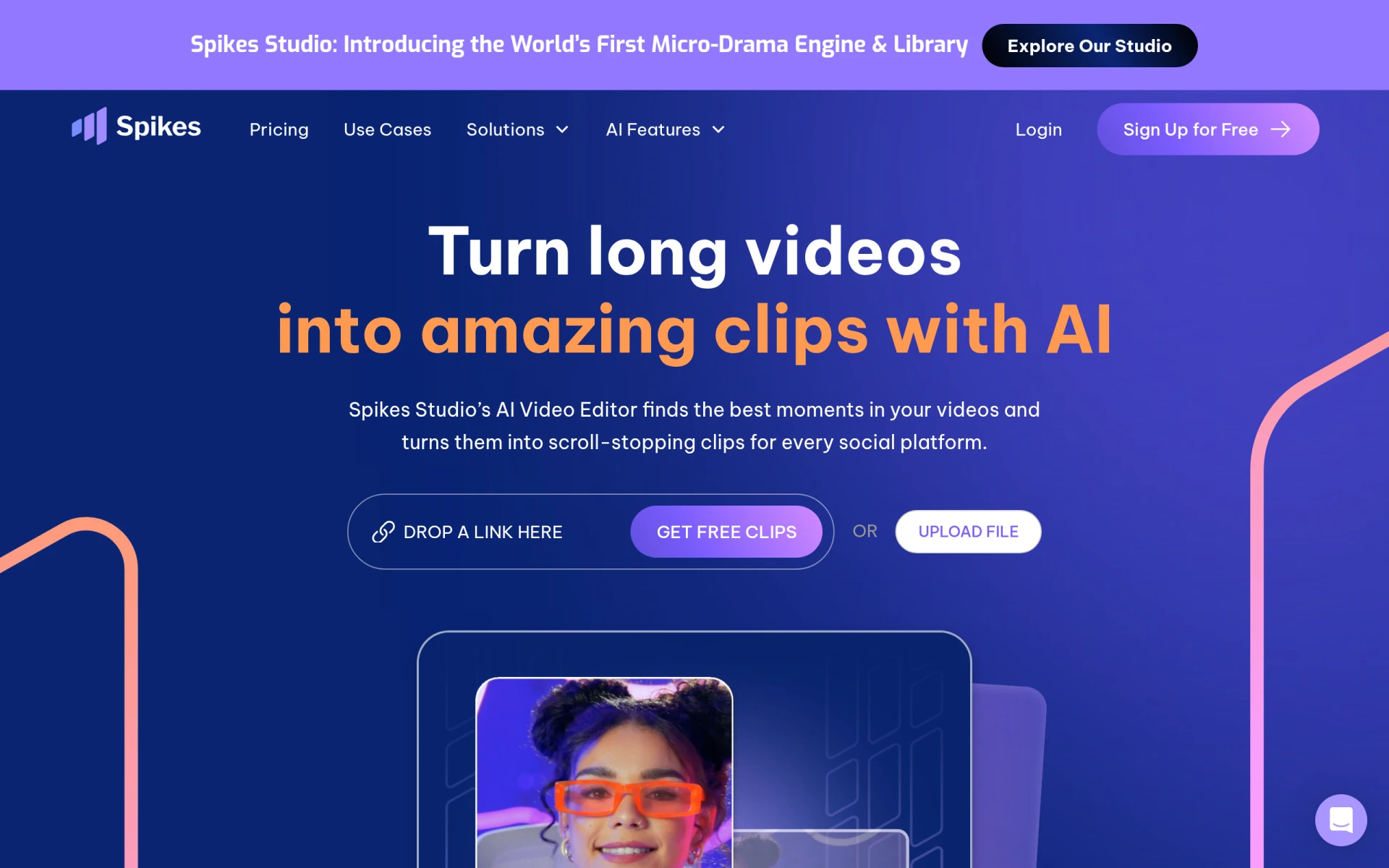 is an AI-driven video editing tool designed to help users create engaging clips for platforms like YouTube, TikTok, and Twitch. It offers a streamlined editing experience that is well-suited for those who want to produce captivating content without the complexities of software like DaVinci Resolve. Spikes Studio focuses on providing users with the tools they need to create dynamic videos quickly and efficiently, making it a great choice for content creators across various platforms.
The platform's AI capabilities assist in automating editing tasks, allowing users to focus on creativity rather than technical processes. With features tailored for social media content, Spikes Studio enables users to craft videos that are optimized for engagement and viewership. While DaVinci Resolve provides a wealth of advanced editing tools, Spikes Studio excels in catering to the needs of fast-paced content creation, making it an excellent alternative for users looking to enhance their social media presence.
- Key Strength: AI-driven automation for efficient video editing.
- Key Strength: Features specifically designed for social media platforms.
- Key Strength: User-friendly interface that simplifies the editing process.
- Limitation: Limited features for users seeking deeper editing capabilities.
Pricing: Offers a free plan with a Pro plan starting at $14.09 per month when billed annually. Best for: Content creators focused on producing engaging videos for social media platforms.
Wan - Best for AI-Powered Video Editing
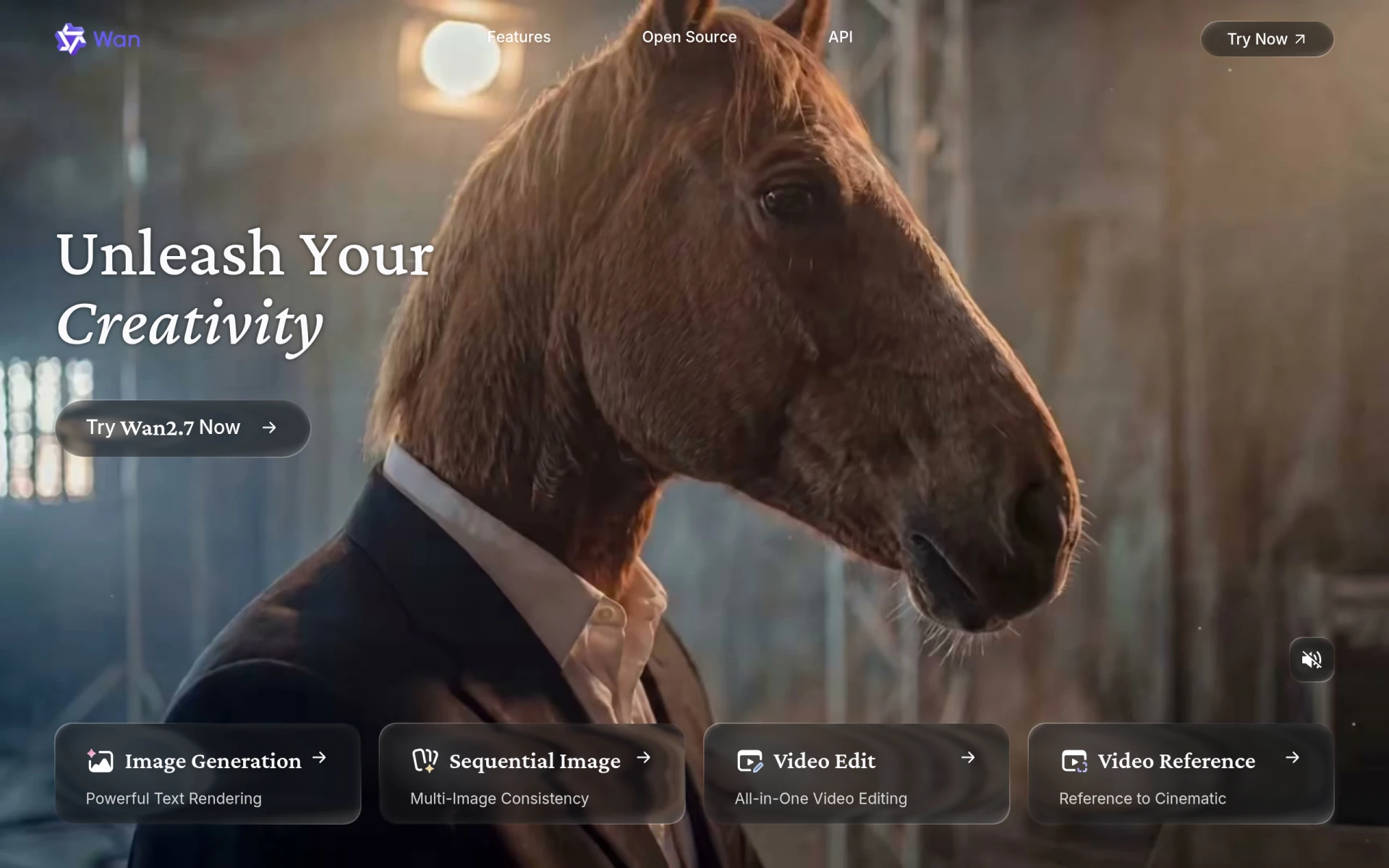
Wan is an AI-powered video editing and generation platform designed to simplify creative processes for users. It offers an intuitive interface that allows users to create and edit videos efficiently, making it a viable alternative to DaVinci Resolve for those who prefer a more straightforward approach to video production. Wan focuses on leveraging AI technology to automate various editing tasks, enabling users to produce high-quality videos without extensive technical knowledge.
The platform is particularly suited for individuals looking to create video content quickly and easily, whether for personal use or professional projects. With its focus on automation and user-friendly features, Wan provides a refreshing alternative to the more complex workflows associated with DaVinci Resolve. While it may lack some advanced editing features, Wan excels in accessibility and speed, making it a compelling choice for users seeking efficient video solutions.
- Key Strength: AI-driven automation for simplified video editing.
- Key Strength: Intuitive interface that caters to users of all skill levels.
- Key Strength: Focus on quick content creation.
- Limitation: Limited advanced editing functionalities for professional users.
Pricing: Pricing information is currently unavailable. Best for: Users seeking a simplified and efficient video editing process.
Feature Comparison Table
| Tool | Best For | Starting Price | Free Plan | Standout Feature |
|---|
| DaVinci Resolve | Professional editing | Free or $295 | Yes | Comprehensive editing capabilities |
| Klap | Social Media Shorts | Freemium | Yes | AI-driven video transformation |
| VEED.IO | Marketers and Solopreneurs | Freemium | Yes | Automatic subtitle generation |
| HiClip | Quick Video Transformations | Unavailable | No | AI identification of key moments |
| Similar Video | Effortless Video Generation | Unavailable | No | Content generation through AI |
| Creative Reality Studio | Professional Video Creation | Unavailable | No | Create videos from still images |
| Wondershare Filmora | User-Friendly Editing | Freemium | Yes | Drag-and-drop functionality |
| Animoto | Quick Video Creation | Unavailable | No | Ready-to-use templates |
| VideoShorts | Engaging Short Videos | Unavailable | No | AI-driven short video creation |
| Vid.AI | Simplified Video Creation | Unavailable | No | AI-driven automation |
| VideoGen | Quick Video Generation | $16/month | No | Fast video generation |
| Gling | YouTube Creators | Unavailable | Yes | AI-driven automation |
| CapCut | Mobile Video Editing | Free | Yes | Mobile-first design |
| Opus Clip | Short-Form Content Creation | $15/month | Yes | AI transformation for short clips |
| Spikes Studio | Engaging Content Creation | Unavailable | Yes | AI-driven social media features |
| Wan | AI-Powered Editing | Unavailable | No | Automation for simplified editing |
How to Choose the Right Alternative to DaVinci Resolve
When selecting the right alternative to DaVinci Resolve, it's essential to consider your specific needs and expertise level. If you are a social media content creator looking for quick and engaging video edits, tools like Klap or Opus Clip may be ideal due to their focus on short-form content and user-friendly interfaces. Conversely, if you are a marketer or solopreneur, VEED.IO's automatic subtitle generation and marketing-focused features could significantly streamline your video creation process.
For those who are beginners or casual users, Wondershare Filmora provides an accessible platform with essential editing capabilities without the complexity of more advanced software. On the other hand, if you require professional-grade features but prefer a more straightforward approach, Creative Reality Studio or Gling can offer tailored solutions for specific video creation needs, such as animating still images or focusing on YouTube content.
Final Verdict
In conclusion, while DaVinci Resolve remains a powerful tool for professional video editing, many alternatives cater to specific needs and user preferences. For social media creators, Klap and Opus Clip emerge as top choices, while marketers may find VEED.IO particularly beneficial. Beginners should consider Wondershare Filmora for its user-friendly design, while professionals might prefer the unique features offered by Creative Reality Studio. Ultimately, the best alternative depends on your specific use case and editing requirements.