Why Look for Alternatives to Erase.bg?
While Erase.bg is a popular AI-powered tool for quickly and easily removing backgrounds from images, it does have certain limitations that may drive users to seek out alternatives. One of the primary concerns is its freemium pricing model, which, although it offers a free plan with credits, can become costly for users who need to process a large number of images or require high-definition downloads. Additionally, the limitations on credit usage can be frustrating for frequent users, as they may find themselves needing to purchase credits more often than anticipated. This pricing structure can deter small businesses or individual users who are looking for more budget-friendly solutions.
Moreover, Erase.bg may not cater to specific use cases that some users might have. For instance, those looking for batch processing capabilities or advanced image editing features may find Erase.bg lacking. It primarily focuses on background removal, which could be a drawback for users who require a more comprehensive suite of design tools. Furthermore, the quality of the background removal can vary based on the complexity of the images, leading to inconsistencies that may necessitate additional editing work. These limitations highlight the need for alternatives that can provide better pricing flexibility, enhanced features, and a more robust user experience.
Best Alternatives to Erase.bg in 2026
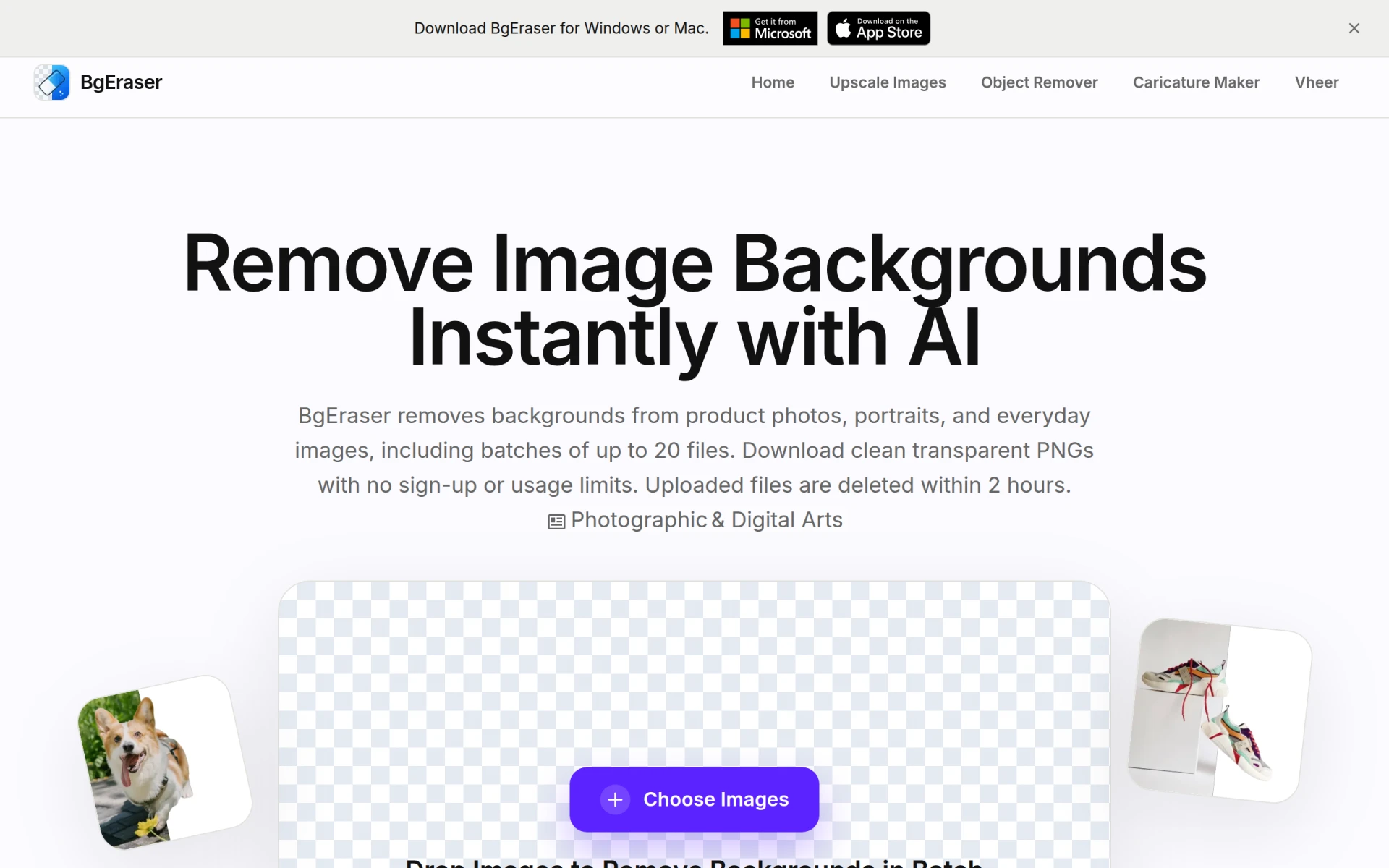
BgEraser - Best for Batch Processing
BgEraser stands out as an excellent alternative to Erase.bg, particularly for users who need to process multiple images simultaneously. This free online tool allows users to remove backgrounds from up to 20 photos in one go, making it an ideal choice for e-commerce businesses or individuals with large portfolios. Unlike Erase.bg, BgEraser does not require users to sign up, which simplifies the user experience and eliminates the hassle of managing accounts. Users can quickly upload their images, remove backgrounds, and download the edited files with minimal effort.
In terms of efficiency, BgEraser offers a straightforward interface that enhances usability. The tool is designed for speed, enabling users to get results quickly without sacrificing image quality. This feature is particularly beneficial for those who need to manage time-sensitive projects or for users who may not be tech-savvy and prefer a user-friendly platform. While it may not offer the same level of customization as some other tools, its batch processing capabilities and ease of use make it a strong contender for anyone looking to streamline their image editing workflow.
- Key Strength: Allows batch processing of up to 20 images at once.
- Key Strength: No sign-up required, enhancing user convenience.
- Key Strength: Fast processing speed without compromising quality.
- Limitation: Limited features for advanced image editing beyond background removal.
Pricing: Free to use with no subscription required. Best for: Users needing to process multiple images quickly and easily.
Slazzer - Best for High-Definition Downloads
Slazzer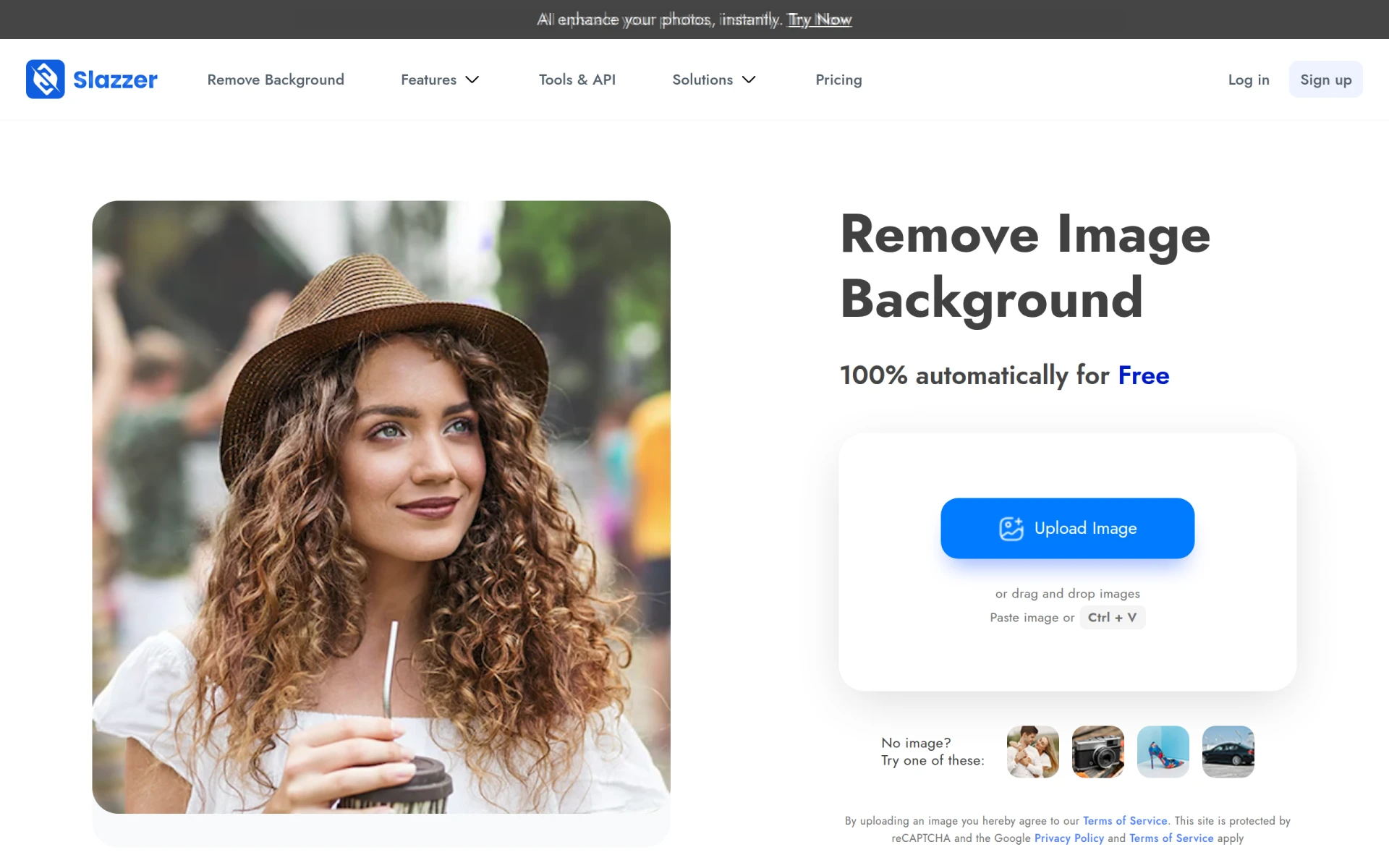 is another noteworthy alternative that excels in delivering high-definition image backgrounds removal. This AI-powered tool caters to users who require detailed and precise background elimination, making it particularly suitable for professional photographers and e-commerce businesses. Slazzer’s freemium model offers users a free plan with limited features, but for those needing high-quality downloads and additional functionalities, a credit-based pricing model is available. This flexibility allows users to access the quality they need without committing to a full subscription initially.
What sets Slazzer apart from Erase.bg is its advanced AI algorithms that ensure superior accuracy in background removal. The tool also provides users with the option to fine-tune the results, allowing for greater control over the final image quality. Whether it's for product images or personal projects, Slazzer’s commitment to maintaining high resolution and clarity makes it a compelling choice for those serious about their visuals. However, users should be aware of the credit requirements for higher-definition images, which can add to costs if frequent use is necessary.
- Key Strength: Superior accuracy in background removal for high-definition images.
- Key Strength: Allows for fine-tuning of results for better customization.
- Key Strength: Flexible credit-based pricing for additional features.
- Limitation: Limited features available in the free plan for users who need more advanced options.
Pricing: Freemium model with credit-based pricing for high-definition downloads. Best for: Users seeking high-quality background removal for professional use.
Pixlr: AI-Powered Editor - Best for Comprehensive Editing
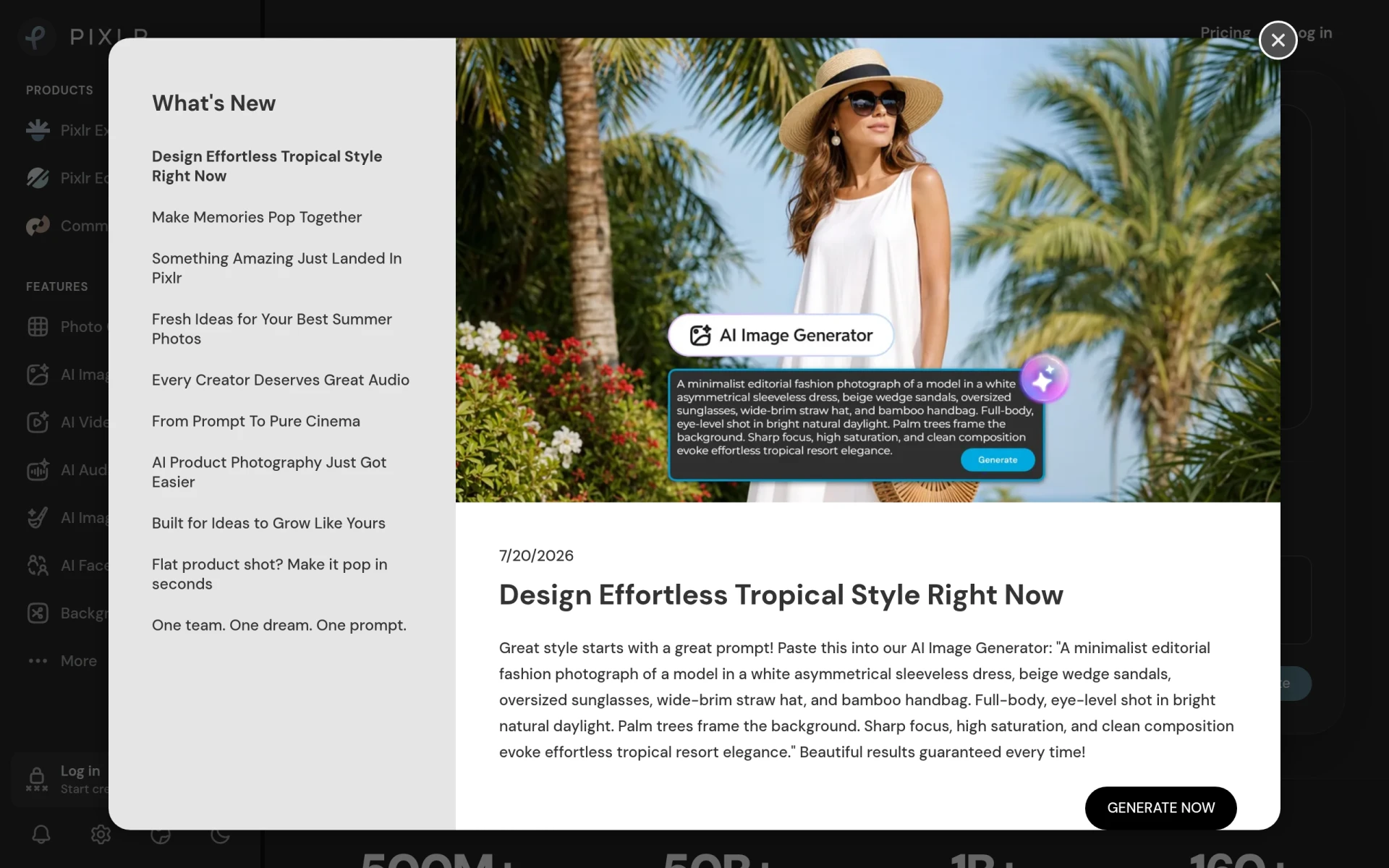
Pixlr offers a comprehensive suite of tools that goes beyond mere background removal, making it an ideal alternative for users seeking a more robust image editing experience. Unlike Erase.bg, which is primarily focused on background removal, Pixlr combines AI-powered editing features with a user-friendly interface that enables users to enhance images, apply filters, and create graphics effortlessly. This versatility makes Pixlr particularly appealing for content creators, marketers, and social media managers who need to produce visually engaging content quickly.
The freemium model of Pixlr provides users with a free version that includes basic features, while advanced functionalities are available through a subscription model. This allows users to explore the tool's capabilities without any financial commitment upfront. The integration of AI technology helps users achieve professional-quality edits, even if they lack extensive design experience. While it may not specialize solely in background removal, the breadth of features available makes Pixlr a valuable tool for anyone looking to elevate their visual content beyond simple edits.
- Key Strength: Comprehensive editing tools for enhancing images beyond background removal.
- Key Strength: User-friendly interface that supports quick and easy edits.
- Key Strength: AI-enhanced features provide professional-quality results.
- Limitation: May be overwhelming for users looking for a simple background removal tool.
Pricing: Freemium model with a subscription for advanced features. Best for: Users needing a comprehensive editing tool with enhanced capabilities.
withoutBG - Best for API Integration
For users looking for a powerful background removal solution that can be integrated into their own applications, withoutBG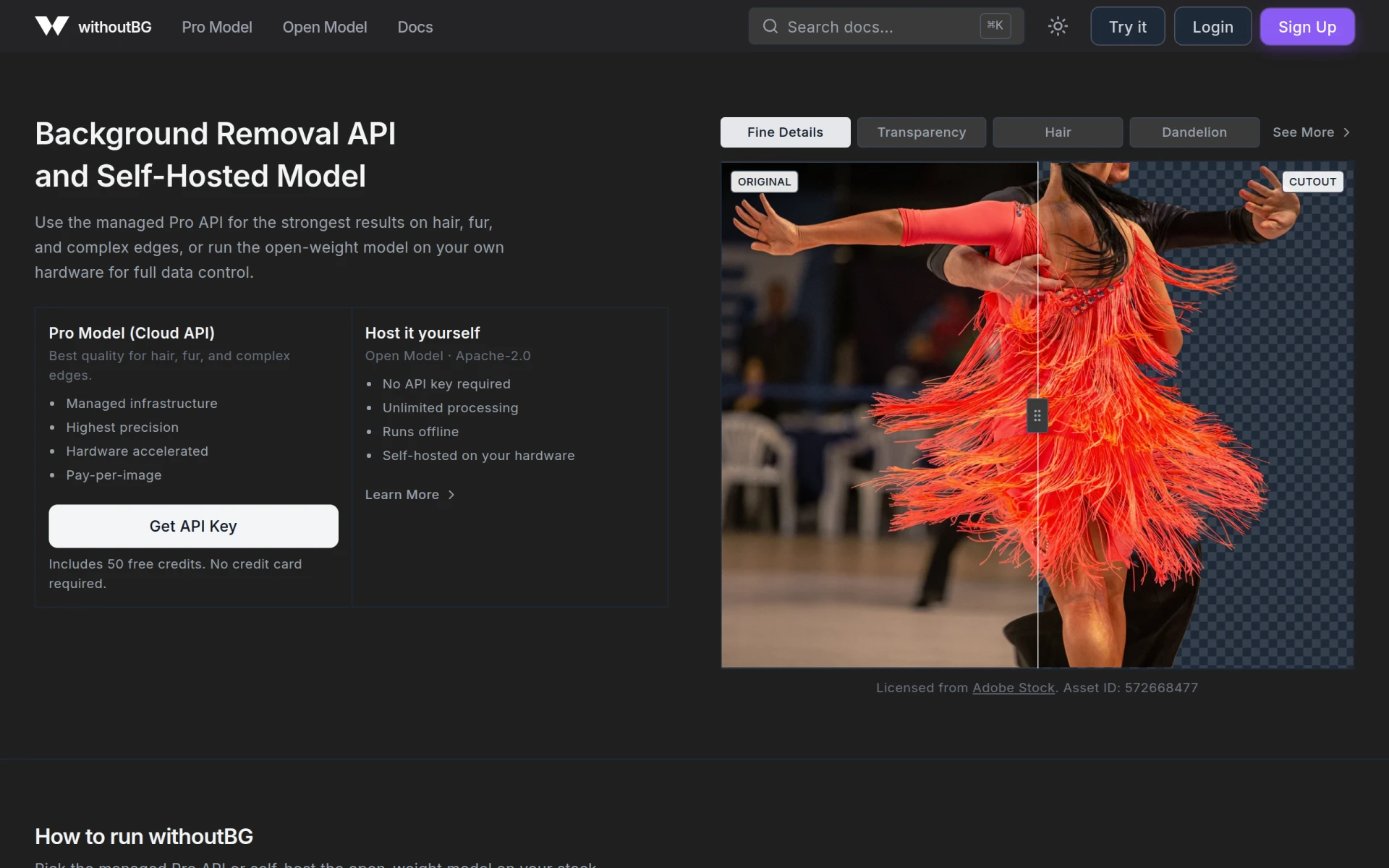 is a standout option. This tool not only provides a user-friendly interface for removing backgrounds but also offers a robust API that developers can use to incorporate background removal functionality directly into their software. This makes withoutBG an excellent choice for businesses or developers who require custom solutions tailored to their specific needs. In contrast to Erase.bg, which is more focused on individual users, withoutBG caters to a more technical audience seeking to enhance their applications.
The pay-as-you-go credit system of withoutBG allows users to manage costs effectively, starting at just €0.05 per image. This pricing structure is particularly appealing for businesses that anticipate fluctuating demands for background removal. The precision of the background removal process is notably high, ensuring that images maintain quality even after the background has been eliminated. However, it is essential to note that users without technical expertise may find the API integration process challenging, making it less suitable for casual users.
- Key Strength: Offers a powerful API for seamless integration into custom applications.
- Key Strength: Affordable pay-as-you-go pricing structure for image processing.
- Key Strength: High precision in background removal for maintaining image quality.
- Limitation: API usage may be complex for users without technical skills.
Pricing: Pay-as-you-go starting at €0.05 per image. Best for: Developers and businesses needing API integration for custom solutions.
Cutout Pro - Best for All-in-One Design Needs
Cutout Pro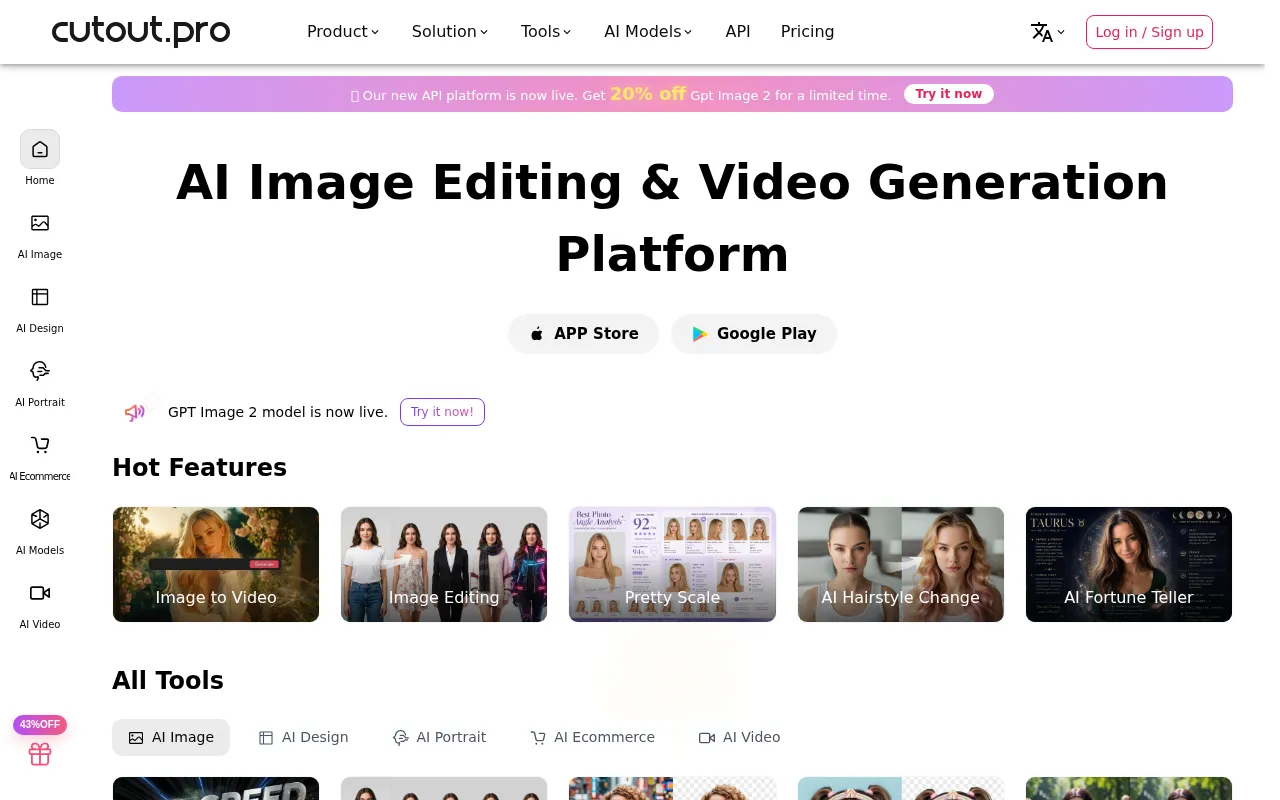 is an all-in-one visual design platform that offers a variety of AI-powered tools for photo and video editing, positioning itself as a versatile alternative to Erase.bg. Users looking for more than just a background removal tool will find Cutout Pro's extensive feature set appealing. It allows users to edit images, create graphics, and even produce videos, making it suitable for a wide range of design needs. This comprehensive approach is beneficial for content creators who want a single platform to manage all their visual content creation tasks.
While specific pricing information for Cutout Pro is not readily available, it operates on a freemium model that allows users to explore its features without an upfront investment. The platform's AI capabilities enhance the user experience by automating many of the more tedious editing tasks, allowing users to focus on creativity rather than technical details. Although it may not specialize solely in background removal like Erase.bg, its multifunctionality can offer greater value for users seeking an all-encompassing design tool. However, those looking for a straightforward, focused background removal solution may find Cutout Pro's vast array of features unnecessary.
- Key Strength: Comprehensive tools for both photo and video editing.
- Key Strength: AI-powered features automate tedious tasks, enhancing creativity.
- Key Strength: Versatile platform suitable for various design needs.
- Limitation: May overwhelm users seeking a simple background removal tool.
Pricing: Pricing information is currently not available. Best for: Users needing an all-in-one design platform for diverse creative tasks.
NanaImage - Best for Text-Driven Image Creation
NanaImage offers a unique approach to image editing by allowing users to create and edit images using simple text prompts. This AI-powered image editor caters to users looking for a creative solution that merges text and visuals seamlessly. Unlike Erase.bg, which focuses primarily on background removal, NanaImage’s innovative text-to-image capabilities enable users to generate unique graphics tailored to their specific needs. This can be particularly useful for marketers, bloggers, and social media influencers who want to create bespoke visuals quickly and easily.
The freemium model of NanaImage opens up its basic features to all users without requiring a subscription. This accessibility encourages experimentation and creativity, as users can generate images that align with their branding or project requirements. While the tool is not explicitly designed for background removal, its versatility in creating and editing images makes it a valuable addition to any designer’s toolkit. However, users seeking precise background removal capabilities may need to supplement their workflow with another dedicated tool.
- Key Strength: Innovative text-to-image generation for unique graphics.
- Key Strength: Freemium model allows experimentation without commitment.
- Key Strength: Versatile tool for creative and marketing needs.
- Limitation: Not specifically tailored for background removal tasks.
Pricing: Pricing information is currently not available. Best for: Users looking for text-driven image creation capabilities.
Pokecut - Best for Easy Image Enhancement
Pokecut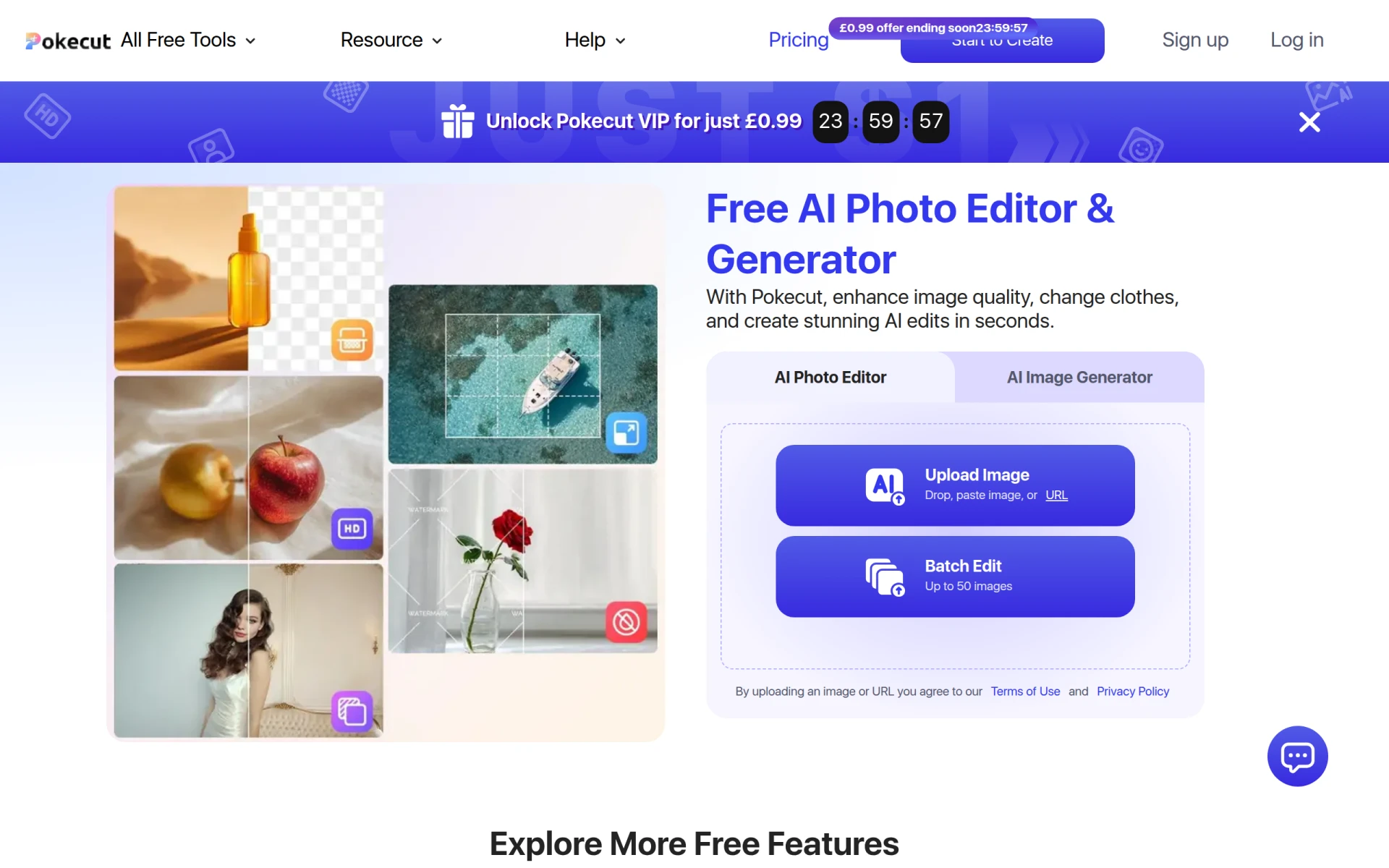 is a free online AI photo editor that focuses on enhancing and generating images with ease. It presents a straightforward alternative for users seeking a simple solution for quick image edits, including background removal. This tool is particularly suitable for casual users who may not have the time or expertise to navigate more complex editing software. Unlike Erase.bg, which is primarily focused on background removal, Pokecut offers a range of features that allow users to enhance images with minimal effort.
The freemium model of Pokecut provides users with basic editing capabilities for free, while premium plans are available for those who need additional features. This model is beneficial for users who want to test the tool's functionalities before committing to a paid plan. The ease of use and accessibility make Pokecut an appealing choice for individuals looking to enhance their photos without extensive editing skills. However, those seeking advanced editing options may find Pokecut's features somewhat limited compared to other tools.
- Key Strength: User-friendly interface for easy image enhancement.
- Key Strength: Freemium model allows users to try before they buy.
- Key Strength: Quick and efficient processing for casual users.
- Limitation: Limited advanced features for professional editing needs.
Pricing: Freemium model with premium plans available. Best for: Casual users seeking easy image enhancement solutions.
Let's Enhance - Best for Image Upscaling
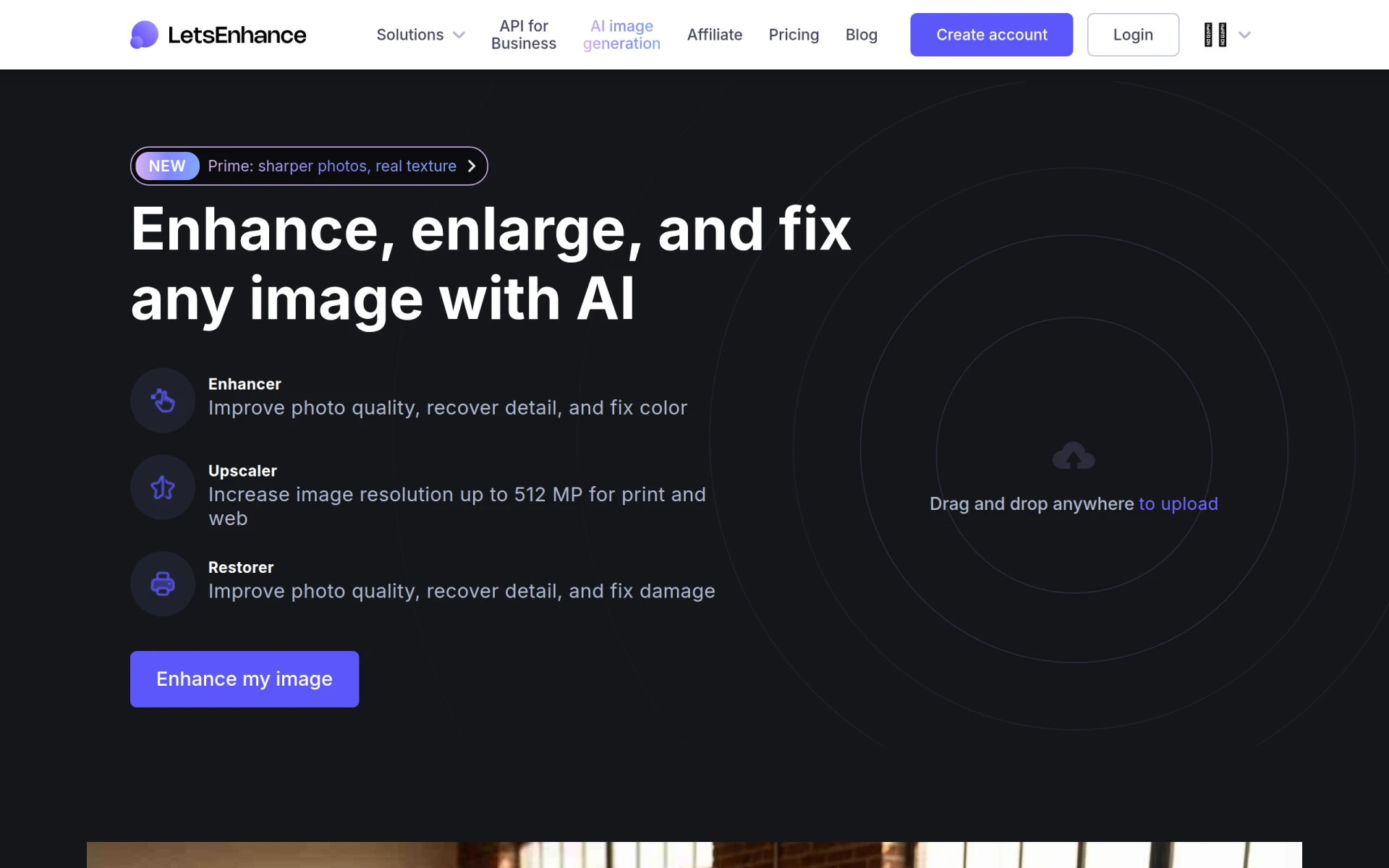
Let's Enhance is an AI-powered tool designed for enhancing and upscaling images and videos, making it an excellent alternative for users looking to improve image quality. This tool offers capabilities that extend beyond background removal, focusing on enhancing the overall quality of images. For users who require high-resolution images for print or digital use, Let's Enhance provides a level of detail that can be crucial for professional applications. In contrast to Erase.bg, which specializes in background removal, Let's Enhance is dedicated to improving image resolution and clarity.
The freemium model allows users to access basic features for free, while subscription options are available for more extensive use. This flexibility makes it easy for users to test the tool and determine if it meets their needs. The AI technology employed by Let's Enhance ensures that images are upscaled without losing detail, which is particularly beneficial for photographers and designers who need to maintain quality across different formats. However, users seeking a dedicated background removal tool may need to consider supplementary options for their specific needs.
- Key Strength: High-quality image upscaling without loss of detail.
- Key Strength: AI technology enhances overall image quality.
- Key Strength: Freemium model allows users to explore basic features.
- Limitation: Not specifically designed for background removal tasks.
Pricing: Freemium model with subscription options for extensive usage. Best for: Users needing to upscale and enhance image quality.
Photo Editor AI - Best for Extensive Editing Options
Photo Editor AI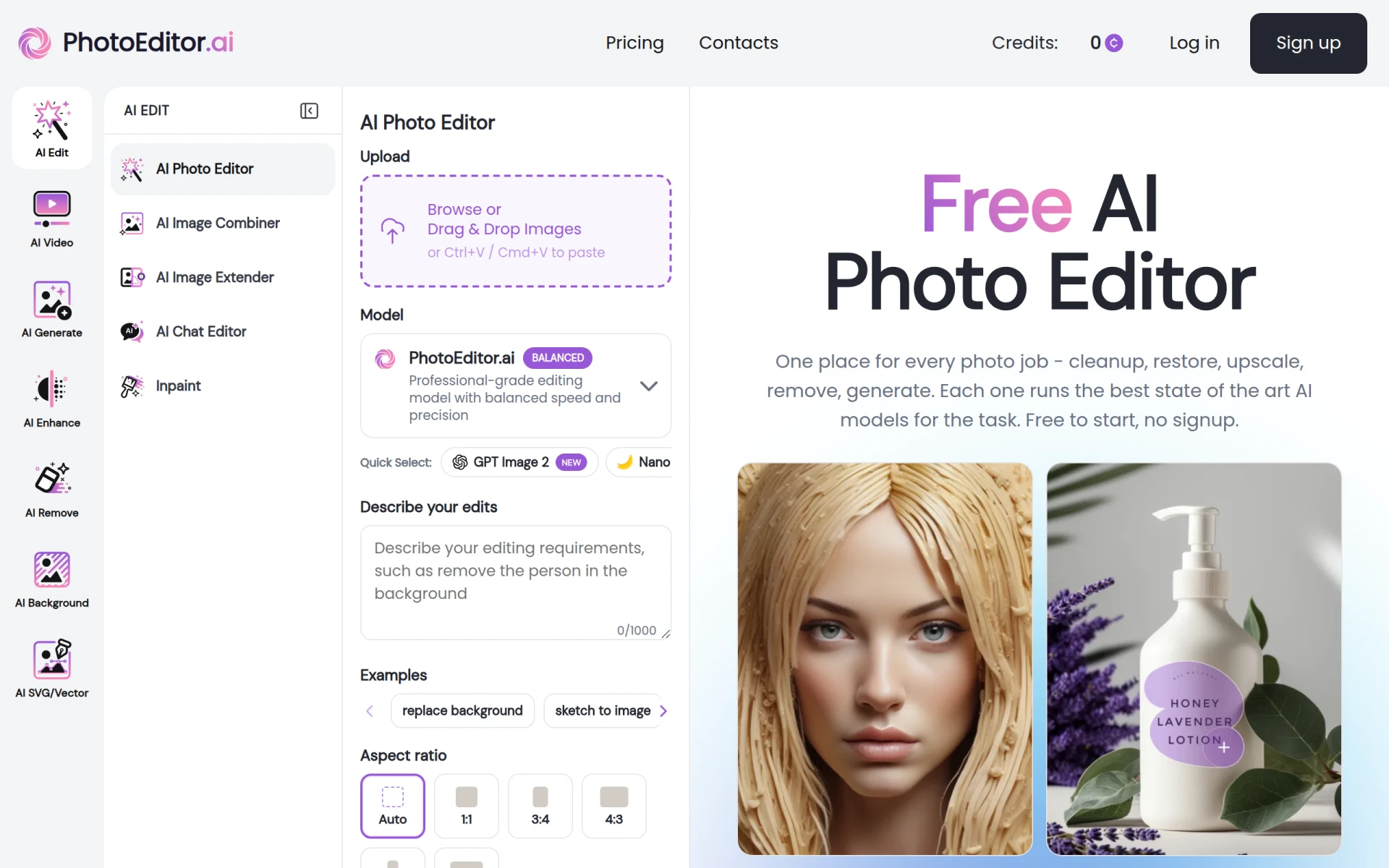 boasts over 30 AI-powered tools for photo editing and image generation, making it a robust alternative to Erase.bg. This tool is perfect for users who need an extensive range of editing options at their fingertips. Unlike Erase.bg, which primarily focuses on background removal, Photo Editor AI offers a comprehensive suite of features that can cater to various editing needs, from basic adjustments to intricate photo manipulations. This versatility is particularly beneficial for photographers and graphic designers who require a powerful editing platform.
The freemium model of Photo Editor AI allows users to access basic features without signing up, while paid plans start at an affordable $9 per month for those needing more advanced tools. This pricing structure is appealing for users who want to explore the capabilities of the tool without a significant financial commitment. The extensive range of features ensures that users can perform a variety of tasks, making Photo Editor AI a valuable addition to any editor’s toolkit. However, users looking for a straightforward background removal tool may find the multitude of features overwhelming.
- Key Strength: Extensive range of over 30 AI-powered editing tools.
- Key Strength: Freemium model with affordable paid plans for advanced features.
- Key Strength: Versatile platform suitable for various editing tasks.
- Limitation: May be overwhelming for users seeking only background removal capabilities.
Pricing: Freemium model with paid plans starting at $9 per month. Best for: Users needing extensive editing options for diverse projects.
getimg.ai - Best for Creative Content Generation
getimg.ai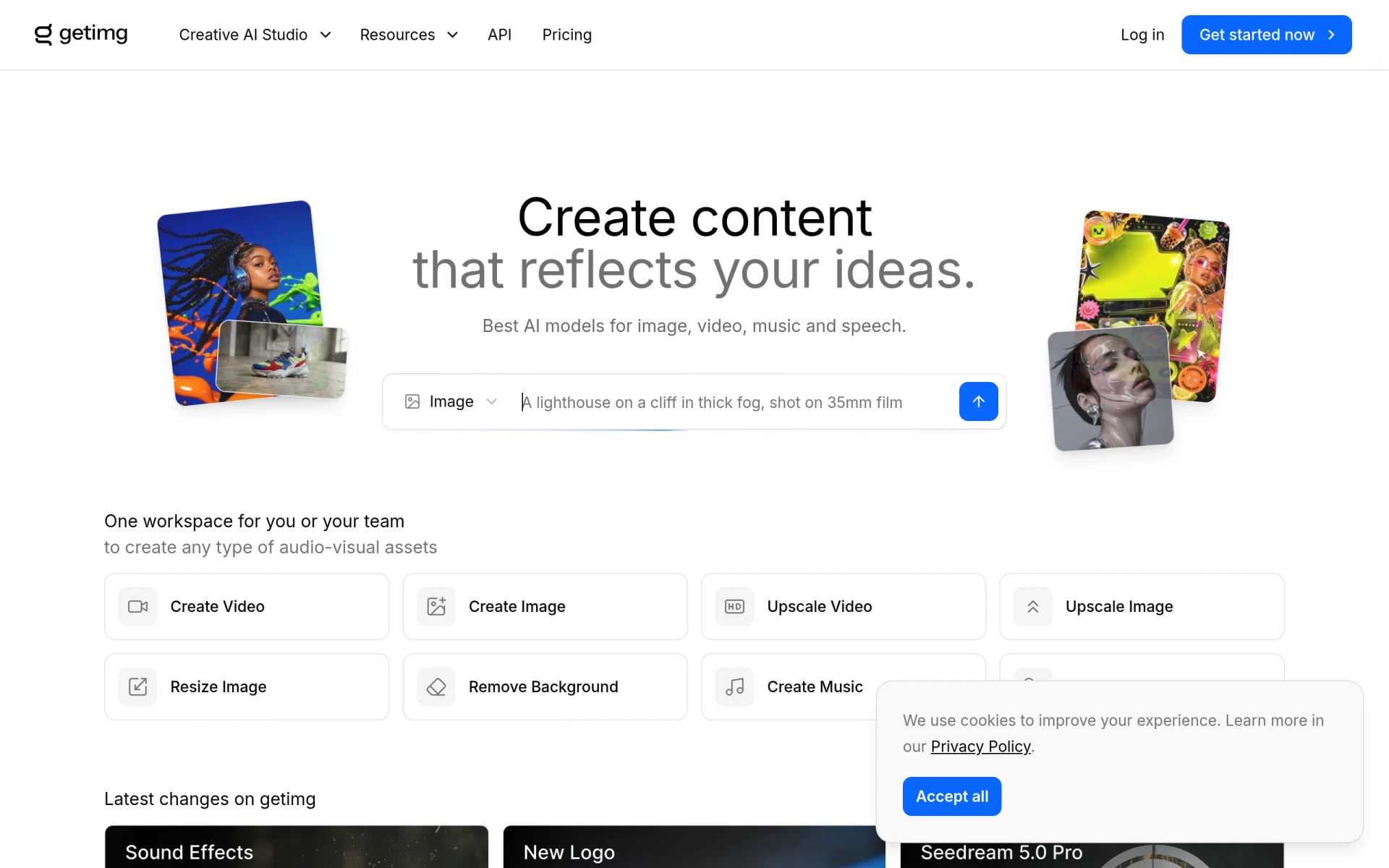 is an innovative AI creative platform that allows users to generate and edit images, videos, music, and sound effects seamlessly. This multifaceted tool is particularly beneficial for content creators who need to produce a variety of visuals and audio elements for their projects. Unlike Erase.bg, which is primarily focused on background removal, getimg.ai provides a broader range of creative capabilities, making it ideal for marketers, educators, and anyone involved in multimedia content creation.
The flexible subscription plans starting at $10 per month allow users to access a range of features without being locked into a long-term commitment. This pricing structure is advantageous for those who may only need the tool for specific projects or campaigns. The platform's integration of AI technology ensures that users can achieve high-quality outputs across different media types, making it a valuable resource for comprehensive content creation. However, users specifically seeking a dedicated background removal solution may find that they need additional tools to meet their requirements.
- Key Strength: Multifaceted platform for generating and editing images, videos, and audio.
- Key Strength: Flexible subscription plans for varied usage needs.
- Key Strength: High-quality outputs across different media types.
- Limitation: Not specifically focused on background removal tasks.
Pricing: Flexible subscription plans starting at $10 per month. Best for: Content creators needing a versatile tool for multimedia projects.
Photo AI - Best for Photorealistic Image Generation
Photo AI is an advanced tool that specializes in generating photorealistic images of people, making it a fascinating alternative to Erase.bg for users interested in creating lifelike visuals. This tool caters to marketers, game developers, and content creators who require realistic human representations for their projects. Unlike Erase.bg, which focuses on background removal, Photo AI’s emphasis on photorealism sets it apart, offering unique capabilities for users looking to generate compelling imagery.
While pricing details for Photo AI are currently unavailable on their website, its advanced AI technology suggests it offers a range of powerful features for image generation. Users interested in creating realistic images will benefit from the tool's capabilities, although those solely looking for background removal might need to consider complementary solutions. The focus on photorealistic images allows users to create highly detailed and visually appealing content, making Photo AI a standout choice for specific applications. However, the lack of transparency around pricing may deter potential users from exploring its features.
- Key Strength: Specializes in generating photorealistic images of people.
- Key Strength: Advanced AI technology for high-quality image creation.
- Key Strength: Unique capabilities for specific user needs in content creation.
- Limitation: Pricing details are not clearly available, causing uncertainty for potential users.
Pricing: Pricing details are currently unavailable. Best for: Users seeking to create lifelike images of people.
Remove-BG.AI - Best for Automated Background Removal
Remove-BG.AI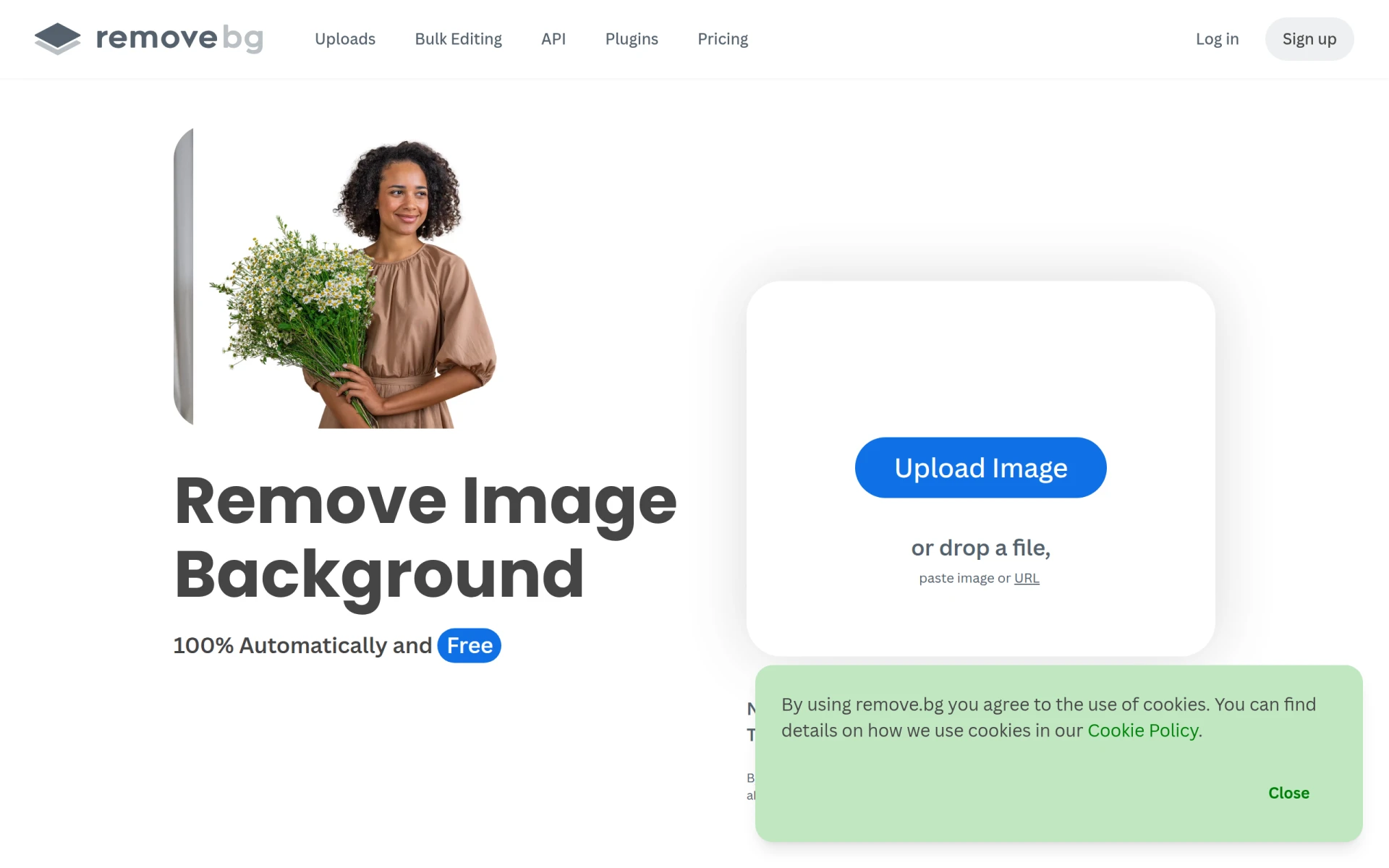 is a tool designed to automate the background removal process, making it an effective alternative for users looking for a quick and efficient solution. This tool is particularly appealing for e-commerce businesses and individuals who need to isolate subjects in images without the hassle of manual editing. Unlike Erase.bg, which may require users to engage with the interface for each image, Remove-BG.AI focuses on streamlining the process, allowing for faster workflow, especially for bulk tasks.
While the specific pricing details for Remove-BG.AI are not explicitly provided, its automation capabilities suggest it is positioned as a cost-effective solution for users needing rapid background removal. The tool’s ability to handle various image types efficiently can save users significant time, particularly those in fast-paced environments. However, users should be aware that the quality of automated background removal can vary depending on image complexity, which may necessitate additional manual adjustments for optimal results.
- Key Strength: Automated background removal for a quicker workflow.
- Key Strength: Efficient handling of various image types.
- Key Strength: Ideal for bulk tasks in fast-paced environments.
- Limitation: Quality can vary depending on image complexity, potentially requiring manual adjustments.
Pricing: Pricing details are not explicitly provided. Best for: Users needing a fast and automated background removal solution.
CGDream - Best for Creative Image Generation
CGDream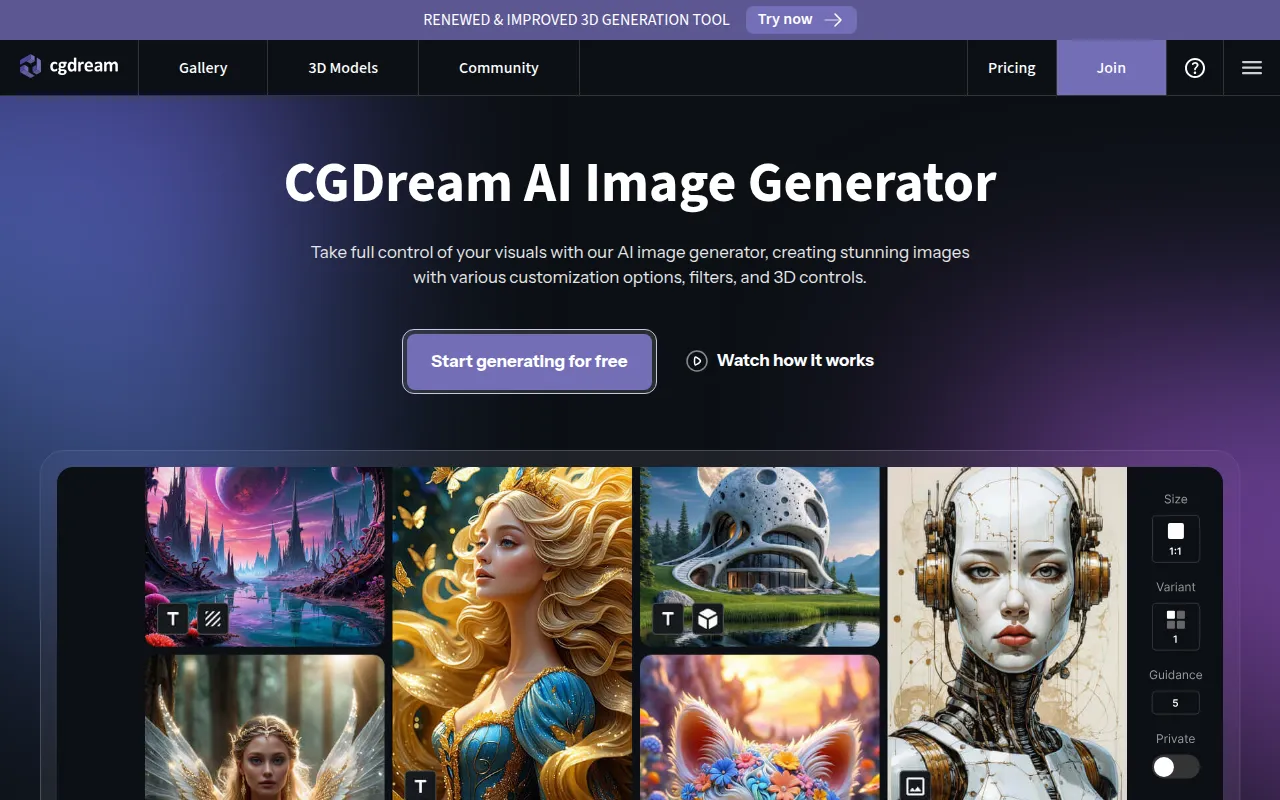 is a free AI image generator that allows users to create and customize stunning visuals from text, images, or 3D models. This tool is particularly appealing for artists, designers, and marketers looking for a creative edge in their projects. Unlike Erase.bg, which is primarily focused on background removal, CGDream offers a unique approach to image creation that leverages AI to produce original artwork based on user input. This versatility makes it suitable for a wide range of creative applications.
The freemium model of CGDream provides users with 3000 monthly credits, enabling them to experiment with its features without financial commitment. This generous allocation encourages creativity and exploration, making it an excellent choice for users looking to generate unique visuals. However, those specifically seeking background removal capabilities may find CGDream’s focus on creative generation less relevant to their immediate needs, necessitating the use of additional tools for more straightforward editing tasks.
- Key Strength: Unique image generation from text, images, or 3D models.
- Key Strength: Freemium model with generous monthly credit allocation.
- Key Strength: Encourages creativity and original artwork production.
- Limitation: Not specifically designed for background removal tasks.
Pricing: Freemium model with 3000 monthly credits. Best for: Users seeking creative image generation capabilities.
Photor AI - Best for Photo Analysis and Restoration
Photor AI offers a suite of AI-powered tools for photo analysis, age transformation, and face restoration, making it a compelling alternative for users interested in enhancing their images in unique ways. This tool is particularly beneficial for photographers and editors who want to explore advanced features beyond simple background removal. Unlike Erase.bg, which focuses solely on background tasks, Photor AI provides a range of functionalities that allow users to analyze and improve their images in various dimensions.
The freemium model of Photor AI includes a free tier, with a personal plan available at $9.99 per month for users seeking more advanced options. This pricing structure is appealing for users who want to explore the tool's capabilities without a significant upfront investment. The unique features of Photor AI position it as a valuable resource for those looking to enhance their images creatively. However, users focused primarily on background removal may need to look for additional tools to meet their specific editing needs.
- Key Strength: Offers advanced tools for photo analysis and restoration.
- Key Strength: Freemium model with affordable personal plan options.
- Key Strength: Unique functionalities for enhancing images creatively.
- Limitation: May not cater specifically to users looking for background removal solutions.
Pricing: Freemium model with personal plans starting at $9.99 per month. Best for: Users interested in advanced photo analysis and restoration features.
ImgUpscaler - Best for Image Enhancement Without Detail Loss
ImgUpscaler is an online tool designed for enhancing and upscaling images using AI technology, making it an excellent choice for users looking to improve photo quality without losing detail. This tool is particularly beneficial for photographers and graphic designers who require high-quality images for various applications. Unlike Erase.bg, which focuses primarily on background removal, ImgUpscaler specializes in enhancing image resolution and clarity, allowing users to produce sharp visuals suitable for both digital and print media.
The freemium model of ImgUpscaler provides users with a free plan, along with options for paid upgrades based on credit needs. This pricing structure allows users to choose the level of service that best fits their requirements and budget. The AI technology employed by ImgUpscaler ensures that images are upscaled without sacrificing quality, which is crucial for professional applications. However, users specifically seeking background removal capabilities may need to combine this tool with others for a complete editing solution.
- Key Strength: Enhances and upscales images without losing detail.
- Key Strength: AI technology ensures high-quality results for various applications.
- Key Strength: Freemium model with options for paid upgrades.
- Limitation: Not designed for background removal tasks specifically.
Pricing: Freemium model with paid upgrades based on credit needs. Best for: Users needing to enhance and upscale images for quality improvement.
Feature Comparison Table
| Tool | Best For | Starting Price | Free Plan | Standout Feature |
|---|
| Erase.bg | Quick background removal | Freemium | Yes | Instant background removal |
| BbEraser | Batch processing | Free | Yes | Batch processing of up to 20 images |
| Slazzer | High-definition downloads | Freemium | Yes | Accurate background removal |
| Pixlr | Comprehensive editing | Freemium | Yes | Extensive editing tools |
| withoutBG | API integration | Pay-as-you-go | No | Powerful integration options |
| Cutout Pro | All-in-one design | N/A | No | Multi-functional design tools |
| NanaImage | Text-driven creation | N/A | No | Text-to-image generation |
| Pokecut | Easy enhancement | Freemium | Yes | User-friendly interface |
| Let's Enhance | Image upscaling | Freemium | Yes | High-quality upscaling |
| Photo Editor AI | Extensive editing | Freemium | Yes | 30+ editing tools |
| getimg.ai | Creative content generation | $10/month | No | Multimedia capabilities |
| Photo AI | Photorealistic images | N/A | No | Realistic image generation |
| Remove-BG.AI | Automated background removal | N/A | No | Fast automation |
| CGDream | Creative generation | N/A | No | Text-to-image customization |
| Photor AI | Photo analysis | $9.99/month | Yes | Advanced photo analysis tools |
| ImgUpscaler | Image enhancement | Freemium | Yes | Upscaling without detail loss |
How to Choose the Right Alternative to Erase.bg
When selecting the right alternative to Erase.bg, it is crucial to consider your specific needs and the type of projects you are working on. If your primary requirement is to process multiple images simultaneously, BgEraser may be the best choice due to its batch processing capabilities. On the other hand, if you require high-definition downloads for professional use, Slazzer stands out as an excellent option. For those looking for a comprehensive editing experience, Pixlr offers a wide range of tools that go beyond background removal.
For developers or businesses needing API integration for seamless background removal functionality, withoutBG is the ideal solution. Conversely, if you are a creative professional seeking to generate unique imagery from text prompts, NanaImage provides a distinctive approach to image creation. Assessing your specific use case, whether it be batch processing, high-quality outputs, or creative generation, will guide you in making an informed choice. Additionally, consider the pricing structures of each tool, as some may offer free plans that allow you to explore their features before committing to a paid option.
Final Verdict
In conclusion, the best alternative to Erase.bg largely depends on your unique needs. For quick batch processing, BgEraser is the top choice, while Slazzer excels in high-definition outputs. If you seek a comprehensive editing experience, Pixlr is unmatched. For automated solutions, Remove-BG.AI is ideal. Each alternative has its strengths, ensuring that users can find a tool that perfectly fits their image editing requirements.