Why Look for Alternatives to GPTforWork?
While GPTforWork has made significant strides in enhancing productivity in Excel and Google Sheets through its AI-powered assistant capabilities, it is not without its limitations. One of the primary concerns users express is the pricing structure. While the freemium model may attract new users, the costs can escalate quickly for those who require more extensive features, leading to frustration and budget constraints. Furthermore, some users find that GPTforWork lacks certain advanced functionalities that are essential for complex data analysis and manipulation, which can hinder their workflow efficiency. It is not uncommon for users to seek alternatives that offer better functionality or more flexible pricing options.
Additionally, GPTforWork may not cater to specific use cases effectively, particularly for users who rely heavily on advanced formula generation or data visualization tools. Many users report that they require more intuitive interfaces and robust support for intricate calculations, which GPTforWork sometimes struggles to provide. As productivity needs evolve, especially in data-intensive environments, users are increasingly looking for tools that not only meet their basic requirements but also exceed their expectations in terms of ease of use and feature richness.
Best Alternatives to GPTforWork in 2026
GPTExcel - Best for Streamlined Formula Generation
GPTExcel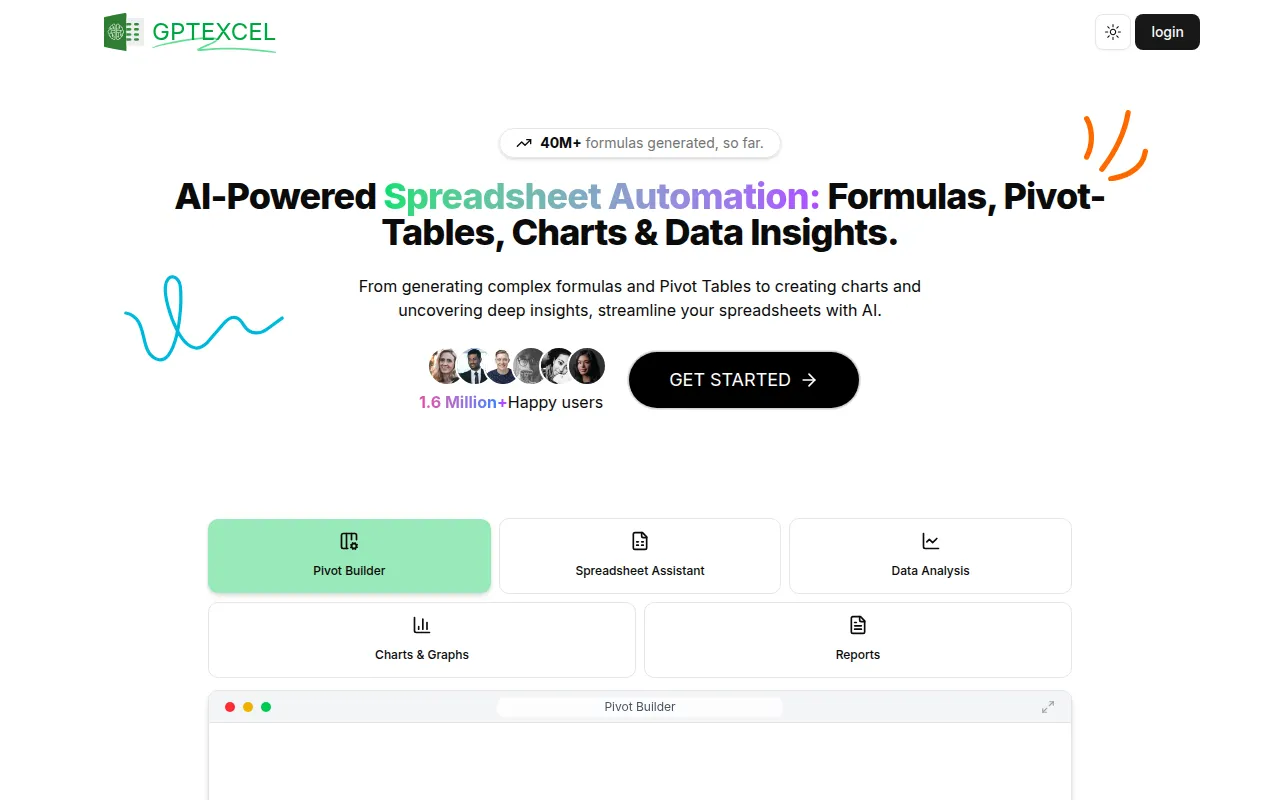 stands out as a formidable alternative to GPTforWork, particularly for users who prioritize streamlined formula generation in Excel. This AI-powered tool simplifies the process of creating complex Excel formulas, which can be a daunting task for many users. Unlike GPTforWork, GPTExcel focuses heavily on enhancing productivity through simplified data analysis, allowing users to input queries in plain language and receive accurate formulas in return. This functionality is especially beneficial for users who may not have extensive coding experience but need to perform complex calculations frequently.
The intuitive interface of GPTExcel also makes it user-friendly, promoting ease of use for both beginners and advanced users alike. While GPTforWork offers a more generalized approach to productivity, GPTExcel narrows its focus specifically on Excel, making it an ideal choice for users who are primarily engaged in spreadsheet tasks. For those who find themselves overwhelmed by the complexities of Excel formulas, GPTExcel provides a more tailored experience that directly addresses these challenges.
- Key Strength: Simplifies complex Excel formula generation with easy input.
- Key Strength: Intuitive interface that enhances user experience for all skill levels.
- Key Strength: Focused functionality that caters specifically to Excel users.
- Limitation: Limited features for Google Sheets users compared to GPTforWork.
Pricing: Freemium - Pricing information is currently not available. Best for: Excel users needing advanced formula assistance.
Formula Generator - Best for Non-Coders
Formula Generator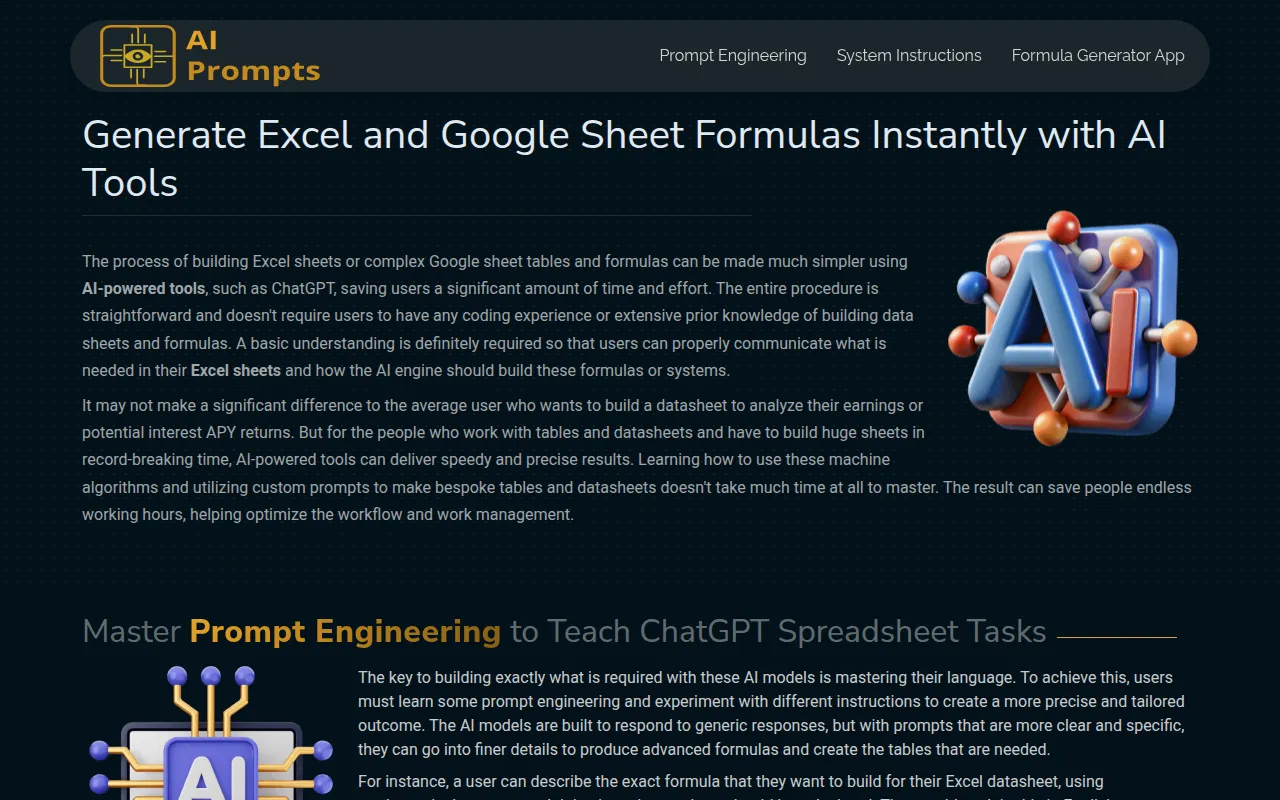 is an excellent alternative for users who lack coding experience yet still need to create Excel and Google Sheets formulas effortlessly. This AI-powered tool excels at making formula creation accessible, allowing users to generate complex formulas through simple prompts. Unlike GPTforWork, which may require users to have a foundational understanding of spreadsheet functions, Formula Generator caters to a broader audience, ensuring that anyone, regardless of technical proficiency, can manage their data effectively.
The strength of Formula Generator lies in its ability to demystify the formula creation process. Users can input their data requirements in plain language and receive accurate formulas in return, significantly reducing the time spent on manual entry and complex calculations. This is particularly beneficial for educators, students, and small business owners who may not have the luxury of extensive training in data analysis but still need to leverage spreadsheets for their tasks.
- Key Strength: User-friendly interface that simplifies formula creation for non-coders.
- Key Strength: Fast and accurate results that reduce manual effort.
- Key Strength: Versatile for both Excel and Google Sheets, appealing to a wider user base.
- Limitation: Limited advanced features for power users compared to GPTforWork.
Pricing: Freemium - Pricing information is currently not available. Best for: Users with limited technical skills needing quick formula solutions.
Formulas HQ - Best for Complex Calculations
Formulas HQ emerges as a top choice for users who regularly handle complex calculations in Excel and Google Sheets. This AI-powered formula generator is designed specifically to tackle intricate data processing tasks, making it a reliable alternative to GPTforWork for those who often navigate complicated datasets. Formulas HQ excels in breaking down complex formulas into manageable components, allowing users to understand and manipulate their data more effectively.
What sets Formulas HQ apart from GPTforWork is its focus on enhancing the user's ability to perform detailed data analysis. Users can create sophisticated formulas with ease, and the tool also offers guidance on best practices for data organization and processing. This is particularly advantageous for professionals in finance, research, and analytics, who require high levels of accuracy and efficiency in their spreadsheet tasks. With its targeted functionalities, Formulas HQ provides a strong value proposition for users seeking advanced capabilities.
- Key Strength: Designed specifically for complex calculations and advanced data processing.
- Key Strength: Offers guidance on best practices for data management.
- Key Strength: High accuracy in formula generation, catering to professional needs.
- Limitation: May be overkill for users with simple spreadsheet tasks.
Pricing: Freemium - Pricing information is currently not publicly available. Best for: Professionals requiring advanced data analysis capabilities.
GPT for Sheets and Docs - Best for Integrated Writing and Data Manipulation
GPT for Sheets and Docs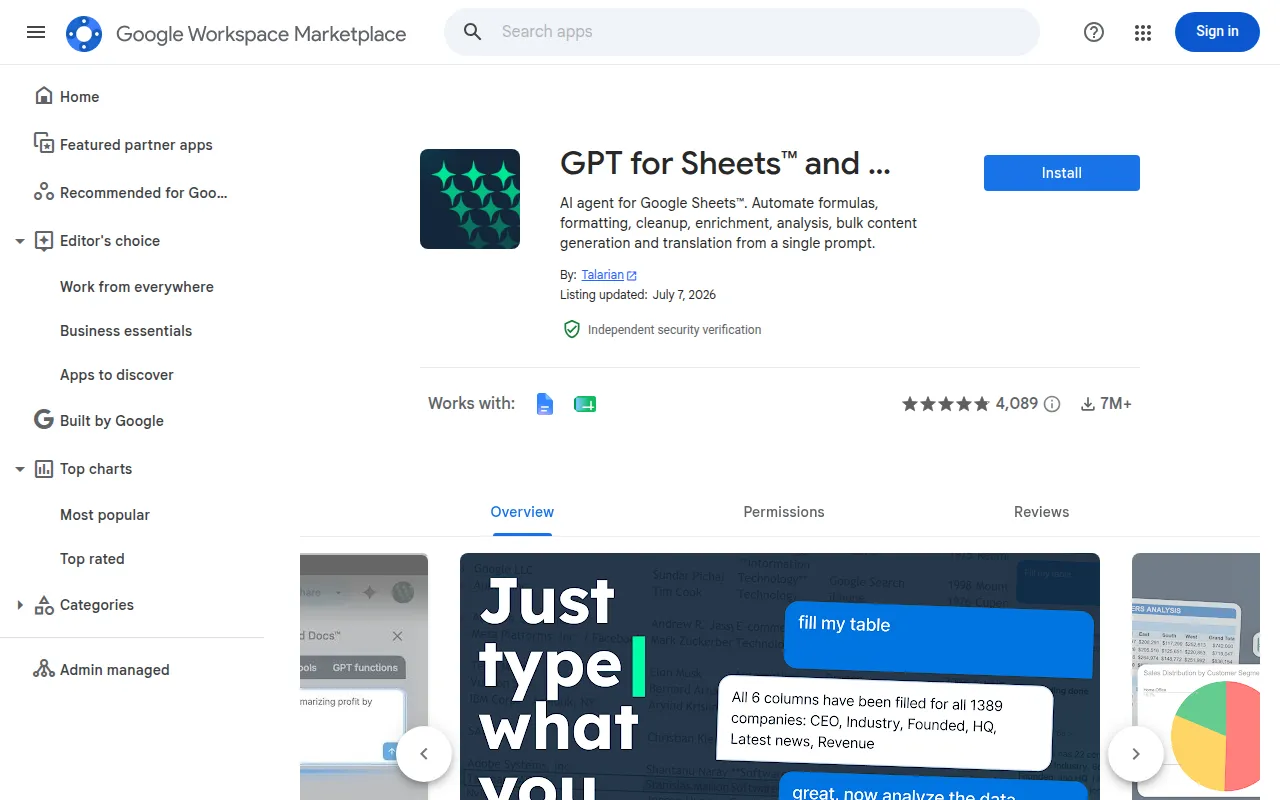 is an innovative alternative that integrates AI capabilities directly into Google Sheets and Docs, making it a versatile option for users who need enhanced writing and data manipulation tools. This tool stands out by combining the functionalities of a writing assistant with spreadsheet capabilities, allowing users to create content and analyze data within the same environment. This is a significant advantage over GPTforWork, which primarily focuses on spreadsheet productivity without the same level of integration for document creation.
The seamless integration offered by GPT for Sheets and Docs enables users to generate text and manipulate data concurrently, which is particularly useful for professionals who need to prepare reports or presentations based on data analysis. With this tool, users can easily draft narratives that complement their data, making it ideal for marketers, educators, and data analysts. The ability to switch between writing and data tasks without leaving the platform enhances overall productivity and efficiency.
- Key Strength: Combines writing and data manipulation in a single tool.
- Key Strength: Seamless integration with Google Docs enhances workflow efficiency.
- Key Strength: Versatile for a range of professional applications, from reporting to content creation.
- Limitation: Limited to Google ecosystem; not suitable for Excel users.
Pricing: Freemium - Pricing information is not specified on the official site. Best for: Users needing integrated writing and spreadsheet capabilities.
Quadratic - Best for Natural Language Queries
Quadratic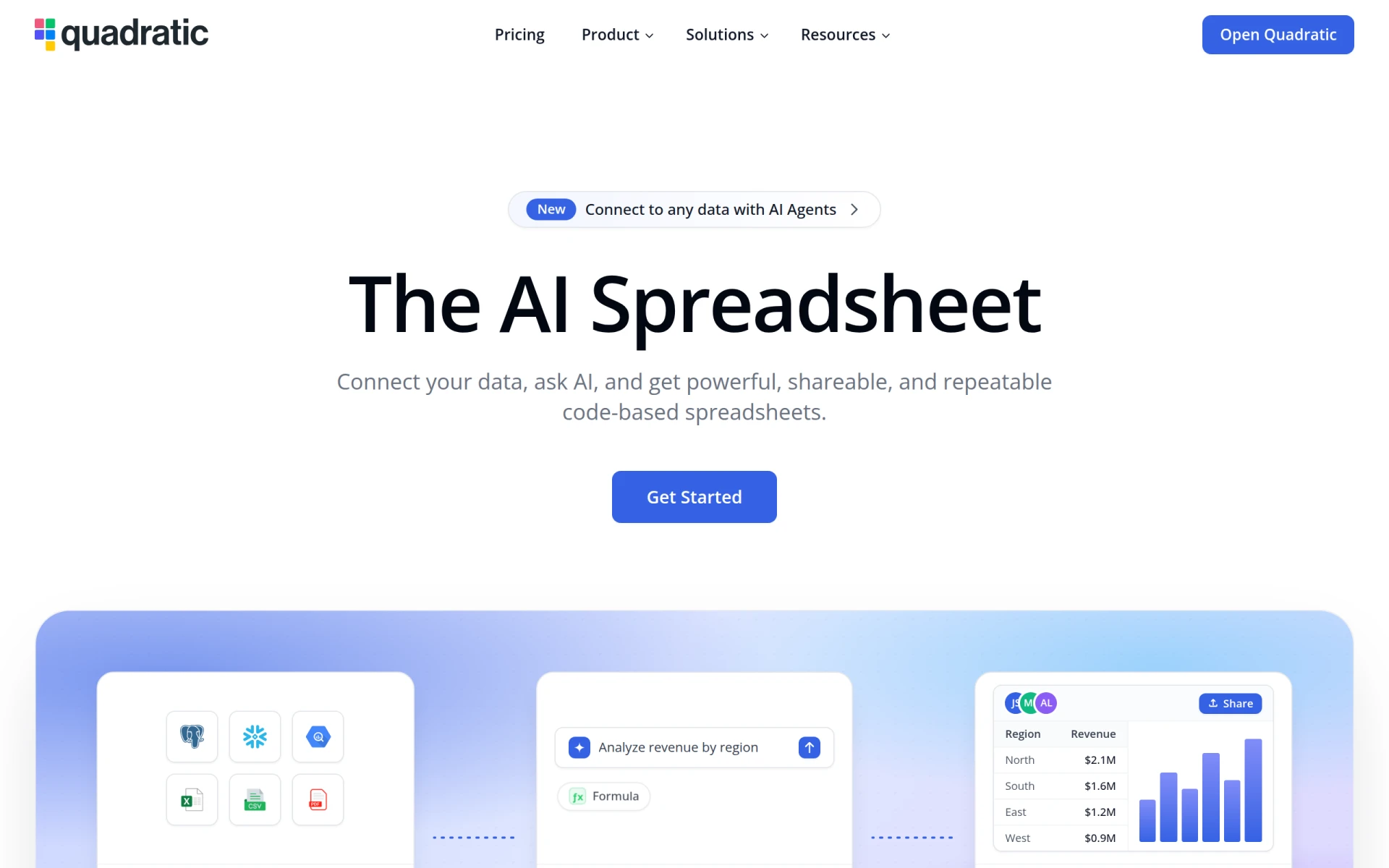 presents a unique approach to spreadsheet management by allowing users to interact with their data through natural language queries. This AI-powered tool enables users to ask questions about their datasets and receive instant insights, which is a notable advantage over GPTforWork’s more traditional formula-based approach. Quadratic is ideal for users who may not be familiar with Excel functions or those who prefer a more conversational method of data analysis.
The key strength of Quadratic lies in its ability to provide fast and clear insights without requiring users to navigate complex formulas. This makes it particularly suitable for teams that need quick data-driven decisions without the overhead of traditional data manipulation. Additionally, Quadratic’s natural language processing capabilities can significantly reduce the learning curve for new users, allowing them to gain insights from their data without needing extensive training. It is especially beneficial for business analysts, project managers, and anyone in need of rapid data interpretation.
- Key Strength: Allows users to interact with data through natural language queries.
- Key Strength: Fast insights that enhance decision-making processes.
- Key Strength: Reduces the learning curve for new users with its conversational approach.
- Limitation: May not offer the depth of analysis needed for very complex datasets.
Pricing: Freemium - Paid plans starting at $18 per user per month. Best for: Users who prefer natural language interactions for data analysis.
SheetAI.app - Best for Automation in Google Sheets
SheetAI.app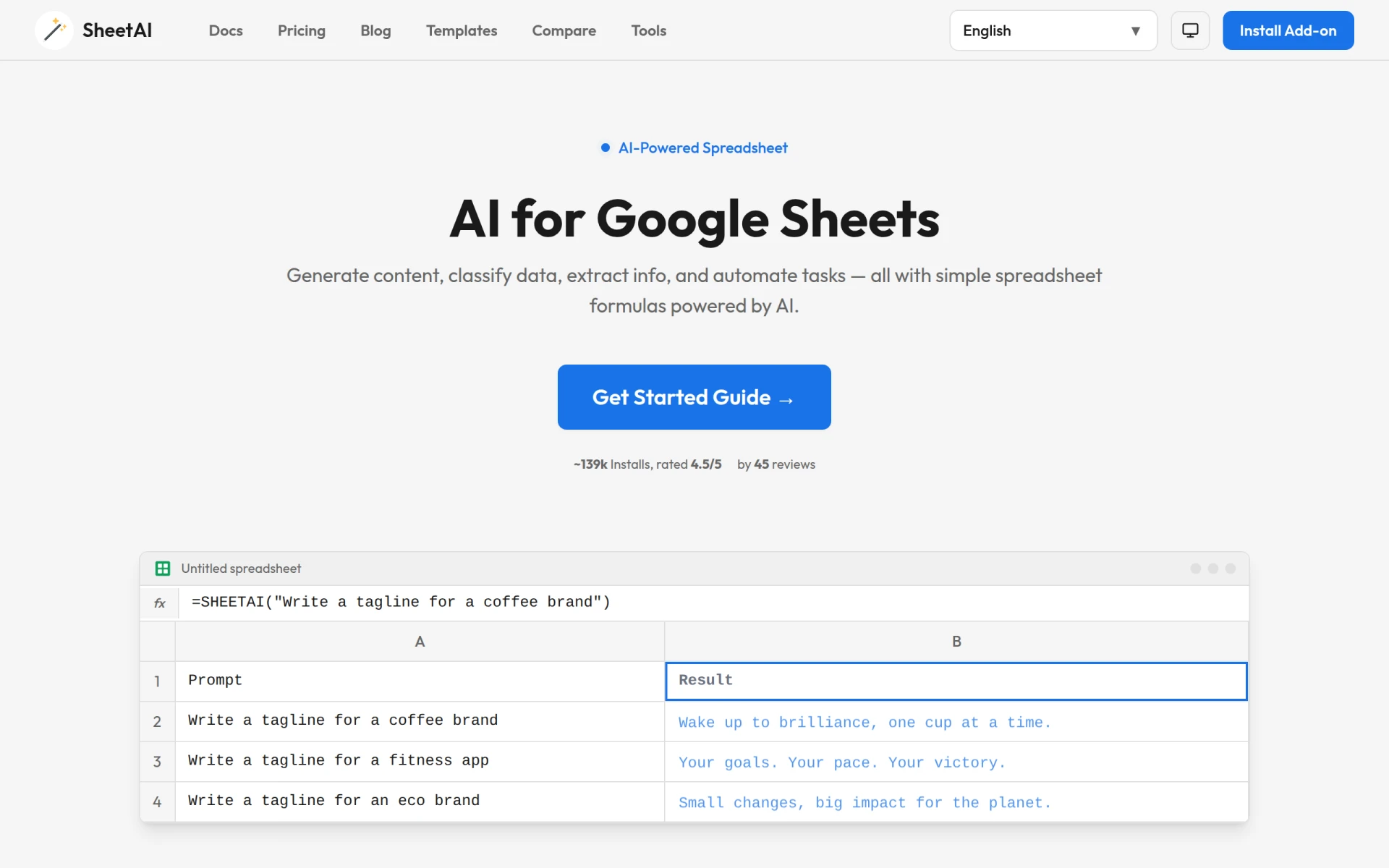 is an exceptional tool for users looking to enhance their Google Sheets experience with AI capabilities, particularly for automating tasks and generating formulas. This paid tool offers features that allow users to streamline their workflow by automating repetitive tasks, which is a significant advantage over GPTforWork, where automation features may be limited. SheetAI.app is especially beneficial for users who handle large datasets and require efficient management solutions to save time and reduce errors.
The automation capabilities of SheetAI.app allow users to set up triggers and actions that can significantly cut down on the time spent on manual inputs. This is particularly useful for businesses that rely on spreadsheets for daily operations, such as inventory management or financial tracking. Moreover, the ability to generate formulas quickly and efficiently positions SheetAI.app as an invaluable asset for teams looking to optimize productivity. The tool's focus on automation makes it ideal for operations managers, accountants, and data analysts.
- Key Strength: Robust automation features that streamline repetitive tasks.
- Key Strength: Quick formula generation capabilities that enhance user efficiency.
- Key Strength: Specifically designed for Google Sheets, ensuring seamless integration.
- Limitation: Higher price point may deter some users.
Pricing: Paid - Subscription plans starting at $20 per month. Best for: Users who require automation in Google Sheets for enhanced productivity.
Sourcetable - Best for Data Visualization
Sourcetable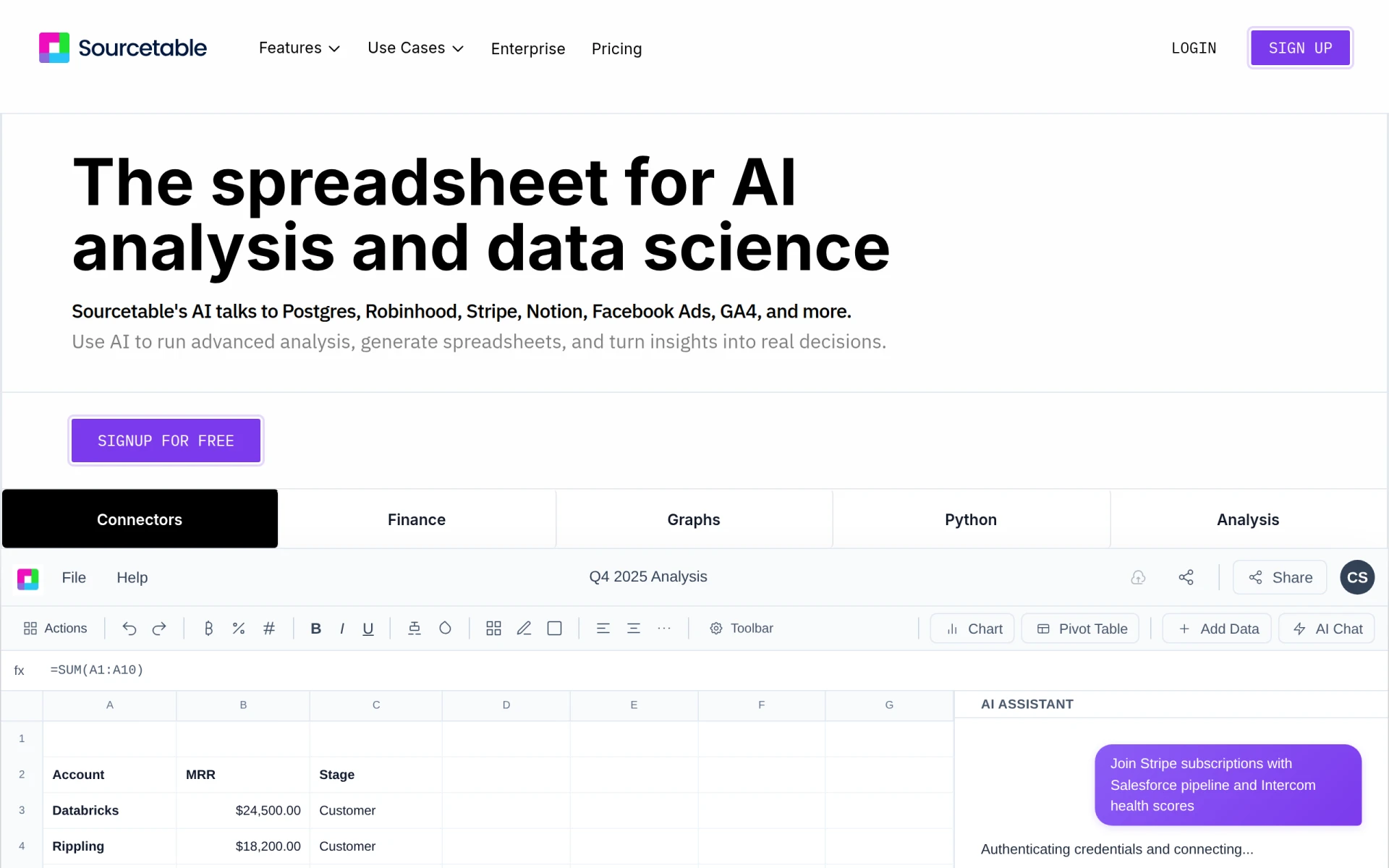 is an innovative AI-powered spreadsheet tool that excels in simplifying data analysis and visualization without the traditional export hassles encountered in other platforms. This tool offers a unique approach by allowing users to create dynamic reports and visualizations directly within the platform, making it a compelling alternative to GPTforWork for users focused on data presentation. Sourcetable is particularly useful for teams that need to analyze data collaboratively and present insights effectively.
What sets Sourcetable apart is its user-friendly interface and powerful visualization options that enhance the storytelling aspect of data. Users can easily create charts, graphs, and dashboards that provide clear insights, making data interpretation more intuitive. This is a significant advantage for teams in marketing, research, and finance who often need to present their findings in a visually appealing manner. Sourcetable’s collaborative features also allow multiple users to work on the same dataset simultaneously, fostering teamwork and enhancing productivity.
- Key Strength: Simplifies data visualization with dynamic reporting features.
- Key Strength: Collaborative capabilities that enhance teamwork in data analysis.
- Key Strength: User-friendly interface that makes data interpretation intuitive.
- Limitation: May lack some advanced analytical features found in more specialized tools.
Pricing: Freemium - Offers a free plan with 50 credits per month, with additional plans available. Best for: Teams focused on data visualization and collaboration.
GanttPRO - Best for Project Management
GanttPRO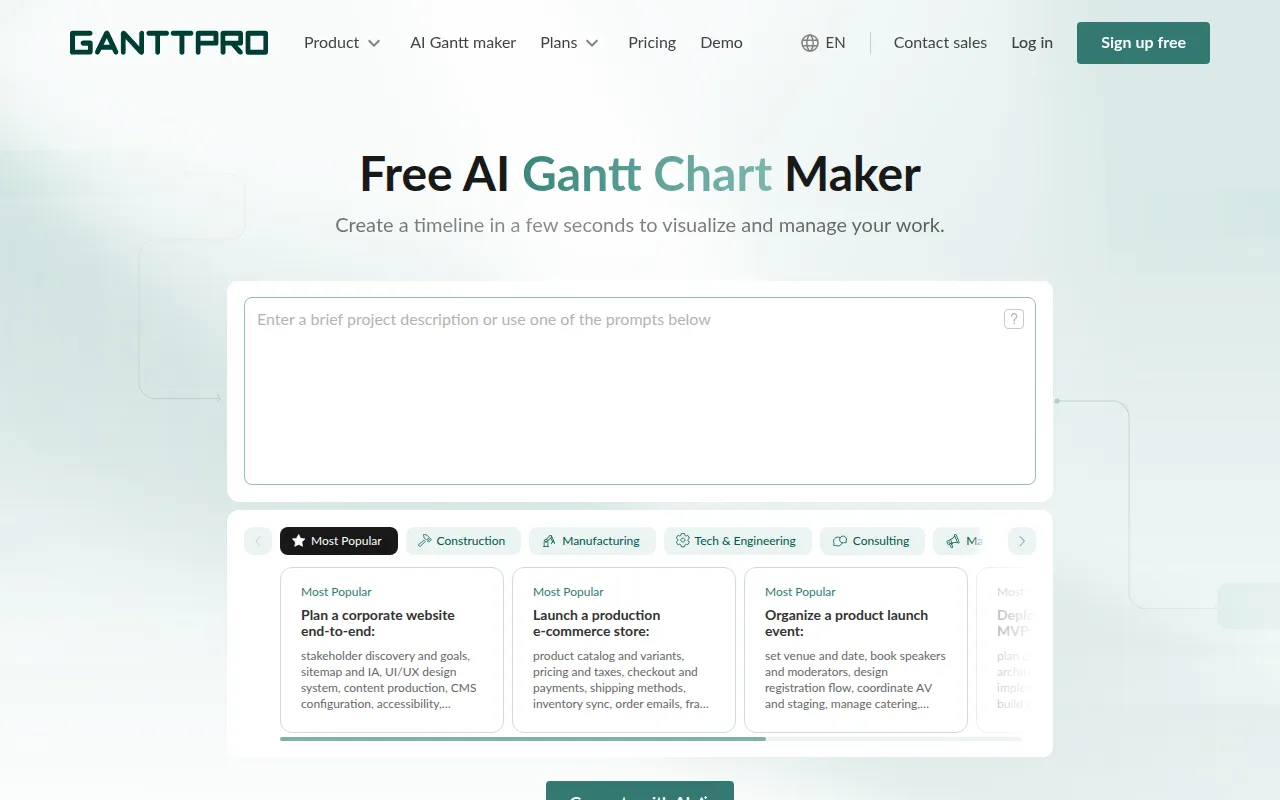 is an AI-powered Gantt chart tool designed to enhance project management and overall productivity. While GPTforWork primarily focuses on spreadsheet tasks, GanttPRO provides a more specialized approach to managing projects through visual timelines and task management features. This makes it an excellent choice for project managers and teams who need to coordinate multiple tasks effectively.
The strength of GanttPRO lies in its ability to visualize project timelines, making it easier for users to track progress and allocate resources efficiently. The tool’s intuitive drag-and-drop interface allows users to modify timelines and tasks with ease, reducing the time spent on project planning. Additionally, GanttPRO offers collaboration features that enable team members to stay aligned on project goals, which is a significant advantage over GPTforWork’s more solitary approach to productivity.
- Key Strength: Visual project management through Gantt charts that enhance planning.
- Key Strength: Intuitive interface that simplifies task management and scheduling.
- Key Strength: Collaboration features that keep teams aligned and informed.
- Limitation: Limited applicability for users focused solely on spreadsheet tasks.
Pricing: Freemium - Pricing information is not provided. Best for: Project managers needing visual project management tools.
Jigso - Best for Slack Integration
Jigso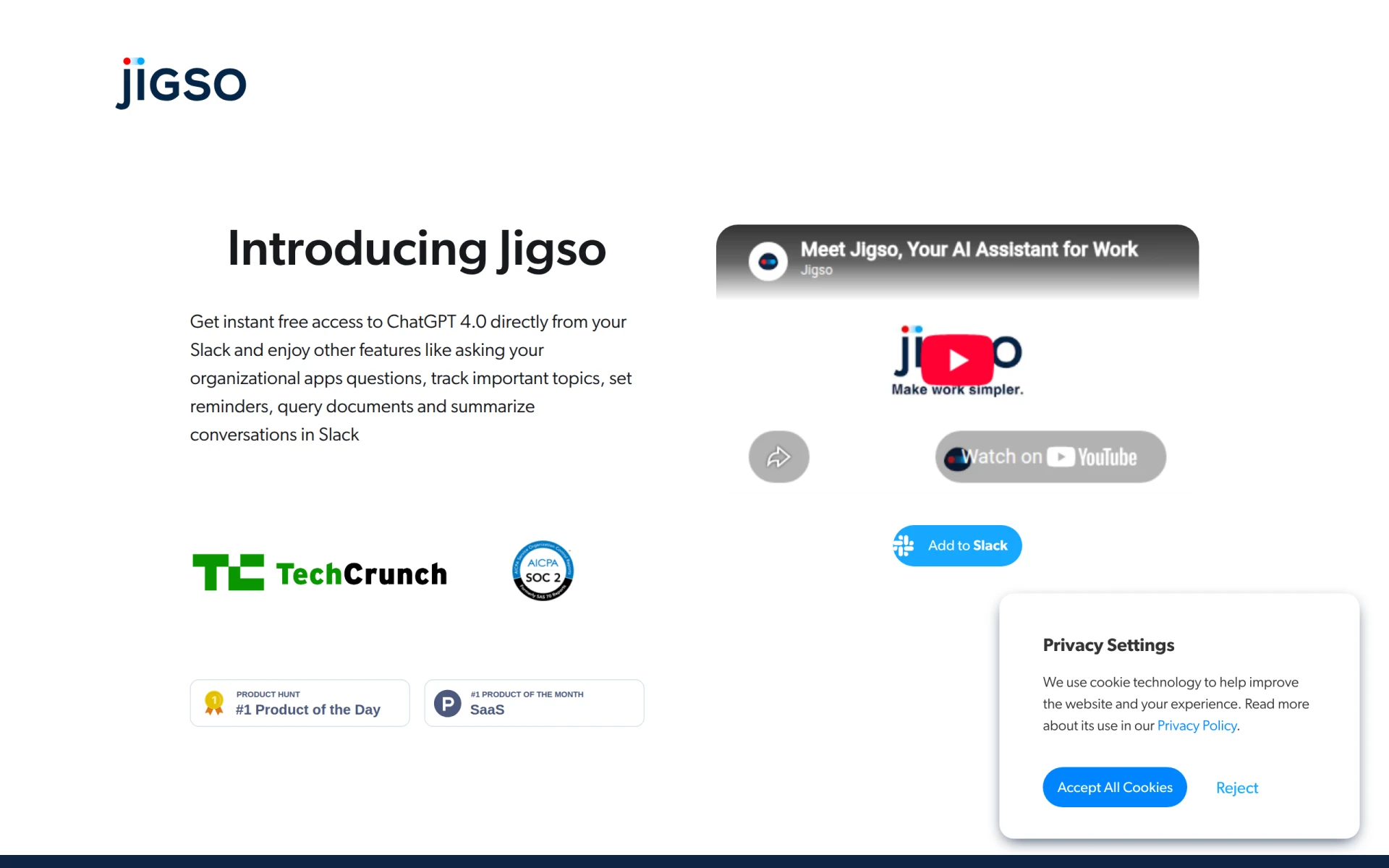 is an AI chatbot that integrates seamlessly with Slack, providing users with easy access to ChatGPT 4.0 and enhanced productivity features. This tool stands out for teams that rely heavily on Slack for communication, as it allows users to leverage AI capabilities directly within their existing workflows. Unlike GPTforWork, which focuses on spreadsheet functionalities, Jigso enhances productivity through conversational AI, making it a great choice for teams looking to streamline their communication and task management processes.
The integration of Jigso into Slack allows users to quickly access information, generate content, and manage tasks without leaving their primary communication platform. This is particularly advantageous for teams that value real-time collaboration and responsiveness. By combining the power of AI with the convenience of Slack, Jigso helps teams improve their productivity by reducing the friction often associated with switching between tools. It is especially suitable for remote teams and organizations that prioritize agile workflows.
- Key Strength: Seamless integration with Slack for enhanced team communication.
- Key Strength: Real-time access to AI capabilities for content generation and task management.
- Key Strength: Improves responsiveness and collaboration within teams.
- Limitation: Limited functionality outside of the Slack environment.
Pricing: Freemium - Pricing information is not specified on the website. Best for: Teams using Slack for enhanced communication and productivity.
NoteGenie - Best for Optimizing Note-Taking
NoteGenie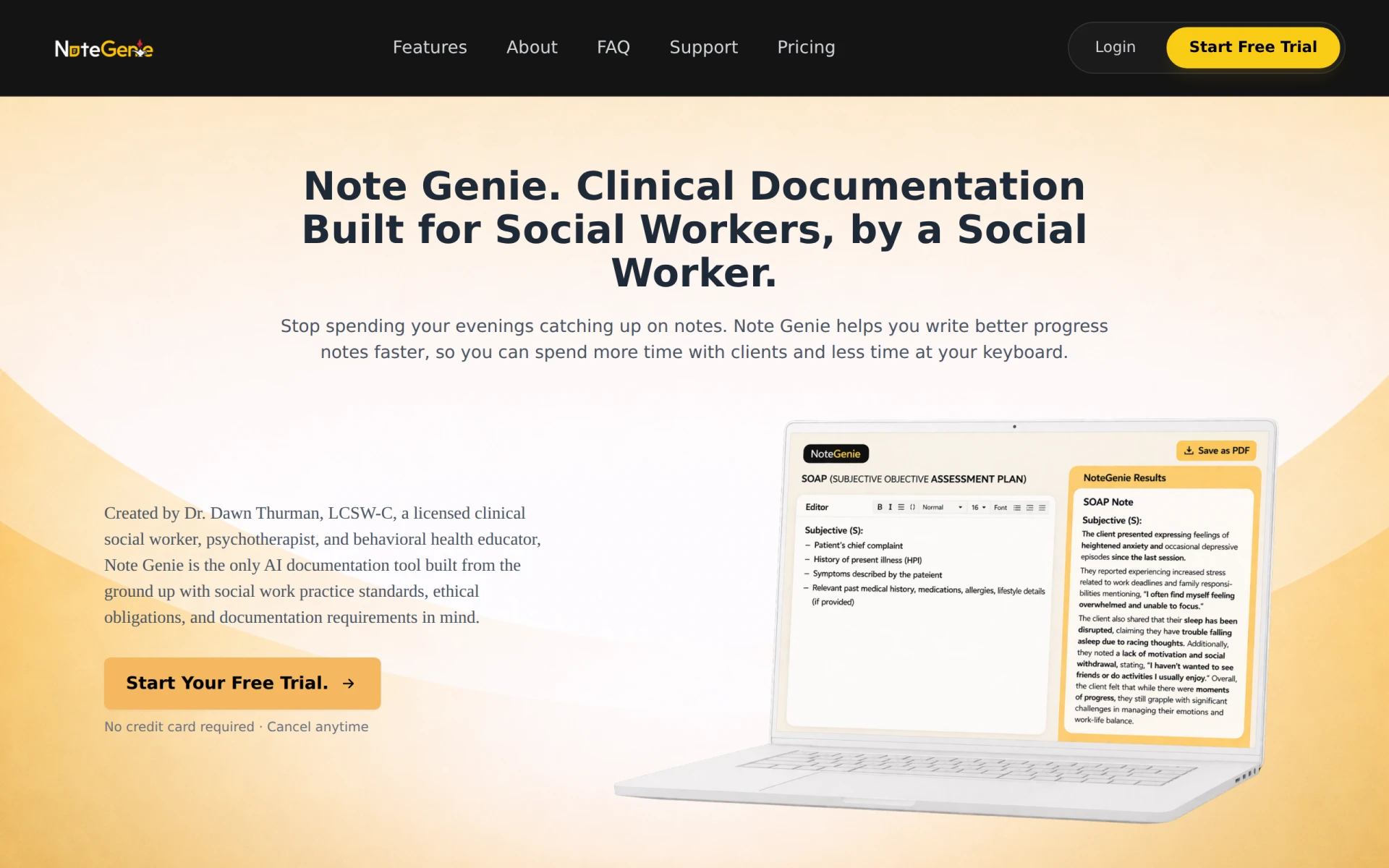 is an AI-powered tool designed to optimize note-taking and enhance productivity, making it a valuable alternative for users who prioritize organization and information retrieval. While GPTforWork primarily focuses on spreadsheet tasks, NoteGenie aims to improve the way users manage their notes and information, offering a different approach to productivity enhancement. This tool is particularly beneficial for students, professionals, and anyone who relies on effective note management for their work.
The strength of NoteGenie lies in its ability to intelligently organize notes, allowing users to easily access and search through their information. This feature is essential for users who frequently attend meetings, lectures, or brainstorming sessions and need to distill key insights quickly. NoteGenie also enhances the note-taking experience by providing suggestions and summaries, making it easier for users to capture important details without getting bogged down in the minutiae. This makes it a great complement to traditional productivity tools, especially for those who require a robust system for managing their ideas.
- Key Strength: Intelligent organization and search capabilities for efficient note management.
- Key Strength: Provides suggestions and summaries to streamline the note-taking process.
- Key Strength: Enhances productivity for users who rely on effective information retrieval.
- Limitation: Limited integration with other productivity tools compared to GPTforWork.
Pricing: Freemium - Pricing information is currently unavailable. Best for: Users focused on optimizing note-taking and information management.
Noteithub - Best for Organizing AI Conversations
NoteitHub is an innovative tool that transforms ChatGPT conversations into organized to-do lists and searchable journals, ensuring users never lose important AI advice. This tool is particularly valuable for users who frequently engage with AI for brainstorming or problem-solving and want to keep track of these insights. Unlike GPTforWork, which focuses on spreadsheet productivity, NoteitHub offers a unique approach to managing and organizing the wealth of information generated through AI interactions.
The key strength of NoteitHub lies in its ability to categorize and search through past conversations, allowing users to quickly retrieve valuable insights when needed. This is particularly useful for professionals and students who engage in regular AI interactions for project planning, research, or creative processes. By organizing this information into actionable items and easily accessible formats, NoteitHub enhances productivity and ensures that no valuable idea or suggestion is overlooked.
- Key Strength: Transforms AI conversations into organized to-do lists and journals.
- Key Strength: Searchable database for quick retrieval of insights and advice.
- Key Strength: Ensures that important ideas generated through AI interactions are never lost.
- Limitation: Focused primarily on managing AI conversations; less applicable for traditional spreadsheet tasks.
Pricing: Freemium - Offers a free plan and subscription options starting at $4.99 per month. Best for: Users seeking to organize and retrieve insights from AI conversations.
Goodmeetings - Best for Appointment Scheduling
Goodmeetings is an AI-driven appointment scheduling tool that optimizes meeting organization by automating scheduling processes. This tool is particularly beneficial for teams and individuals who struggle with the logistics of finding suitable times for meetings. Unlike GPTforWork, which focuses primarily on spreadsheet productivity, Goodmeetings streamlines the meeting scheduling process, making it a great choice for professionals who need to manage their time effectively.
The strength of Goodmeetings lies in its ability to automatically find and suggest optimal meeting times based on participants' availability. This reduces the back-and-forth communication often associated with scheduling and enhances overall productivity. Additionally, the tool integrates with various calendar applications, ensuring a seamless experience for users. Goodmeetings is especially useful for busy professionals and teams who require efficient scheduling solutions to maximize their time.
- Key Strength: Automated scheduling that simplifies finding optimal meeting times.
- Key Strength: Integrates with multiple calendar applications for a seamless experience.
- Key Strength: Reduces time spent on scheduling, enhancing overall productivity.
- Limitation: Limited functionality outside of scheduling tasks compared to GPTforWork.
Pricing: Freemium - Pricing information is currently unavailable. Best for: Busy professionals needing streamlined appointment scheduling.
Plus AI - Best for Presentation Creation
Plus AI is an AI-powered presentation maker that enhances your PowerPoint and Google Slides experience, making it a great alternative for users focused on creating compelling presentations. While GPTforWork is centered around spreadsheet productivity, Plus AI provides specialized features aimed at improving the quality and efficiency of presentation creation. This tool is particularly beneficial for professionals, educators, and marketers who often need to deliver impactful presentations.
The strength of Plus AI lies in its ability to assist users in generating high-quality slide content quickly, offering suggestions for design, layout, and even speaker notes. This can drastically reduce the time needed to prepare for presentations, allowing users to focus on content and delivery rather than formatting. Additionally, Plus AI’s integration with popular presentation software ensures a smooth user experience, making it an invaluable resource for anyone who regularly presents information to audiences.
- Key Strength: AI-enhanced features for creating high-quality presentations quickly.
- Key Strength: Offers design and layout suggestions to improve visual appeal.
- Key Strength: Streamlines the presentation preparation process, saving time and effort.
- Limitation: Focused solely on presentation creation; not suitable for spreadsheet tasks.
Pricing: Freemium - Offers a 7-day free trial followed by plans starting at $10 per user per month billed annually. Best for: Professionals needing assistance with presentation creation.
Caret - Best for Writing Across Applications
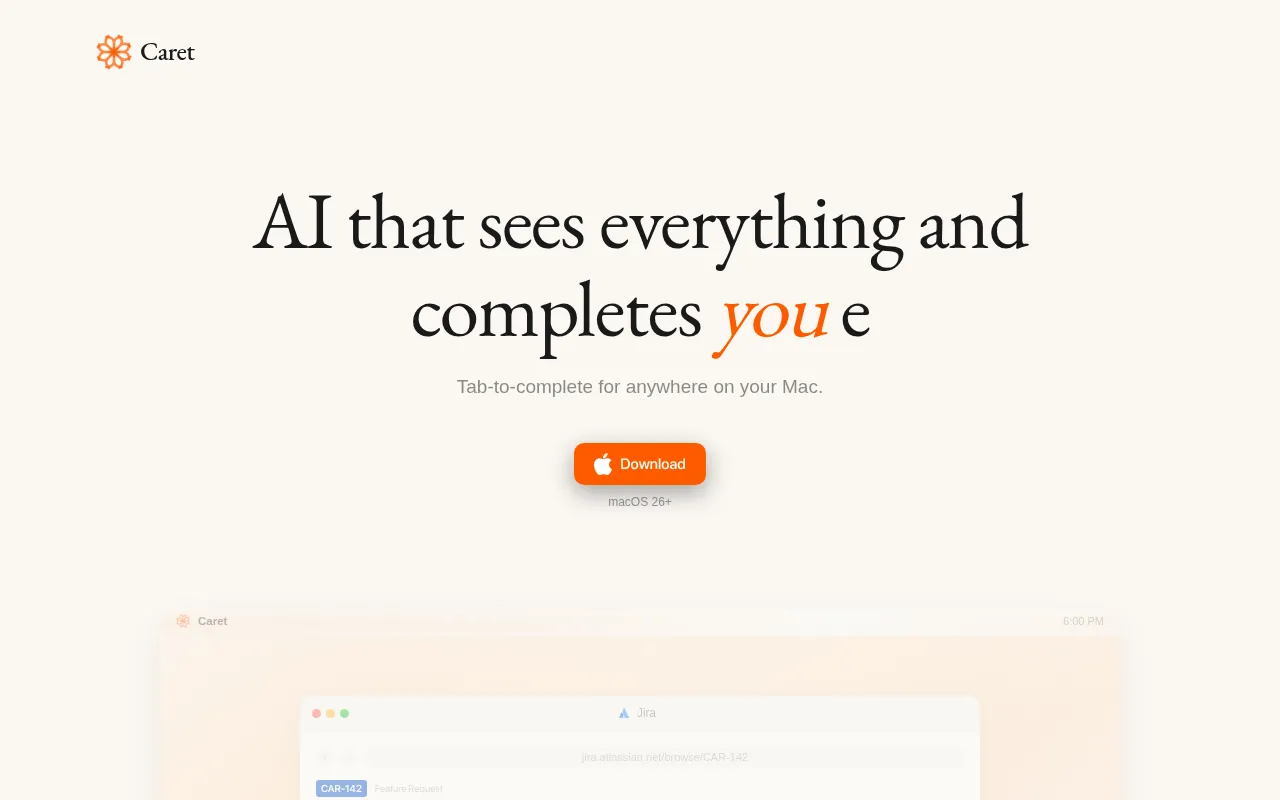
Caret is an AI writing assistant designed to enhance productivity by completing thoughts across any Mac application. This tool stands out for users who require continuous writing support as they work across various platforms. Unlike GPTforWork, which primarily focuses on spreadsheet tasks, Caret provides a more holistic approach to writing, making it a valuable tool for content creators, writers, and professionals who need to produce written content consistently.
The key strength of Caret lies in its ability to integrate with any Mac application, allowing users to receive writing assistance regardless of the software they are using. This is particularly advantageous for users who work across multiple platforms and need a seamless writing experience. Additionally, Caret’s AI capabilities enhance productivity by providing suggestions and completions that can help users overcome writer's block or enhance their writing efficiency. This makes it an essential tool for anyone who prioritizes effective and efficient writing.
- Key Strength: Integrates with any Mac application for continuous writing support.
- Key Strength: Provides helpful suggestions and completions to enhance writing efficiency.
- Key Strength: Ideal for content creators needing versatile writing assistance.
- Limitation: Limited to Mac users, which may not appeal to a broader audience.
Pricing: Freemium - Pricing information is not publicly available. Best for: Mac users needing continuous writing assistance across applications.
Pismo - Best for Enhanced Writing Efficiency
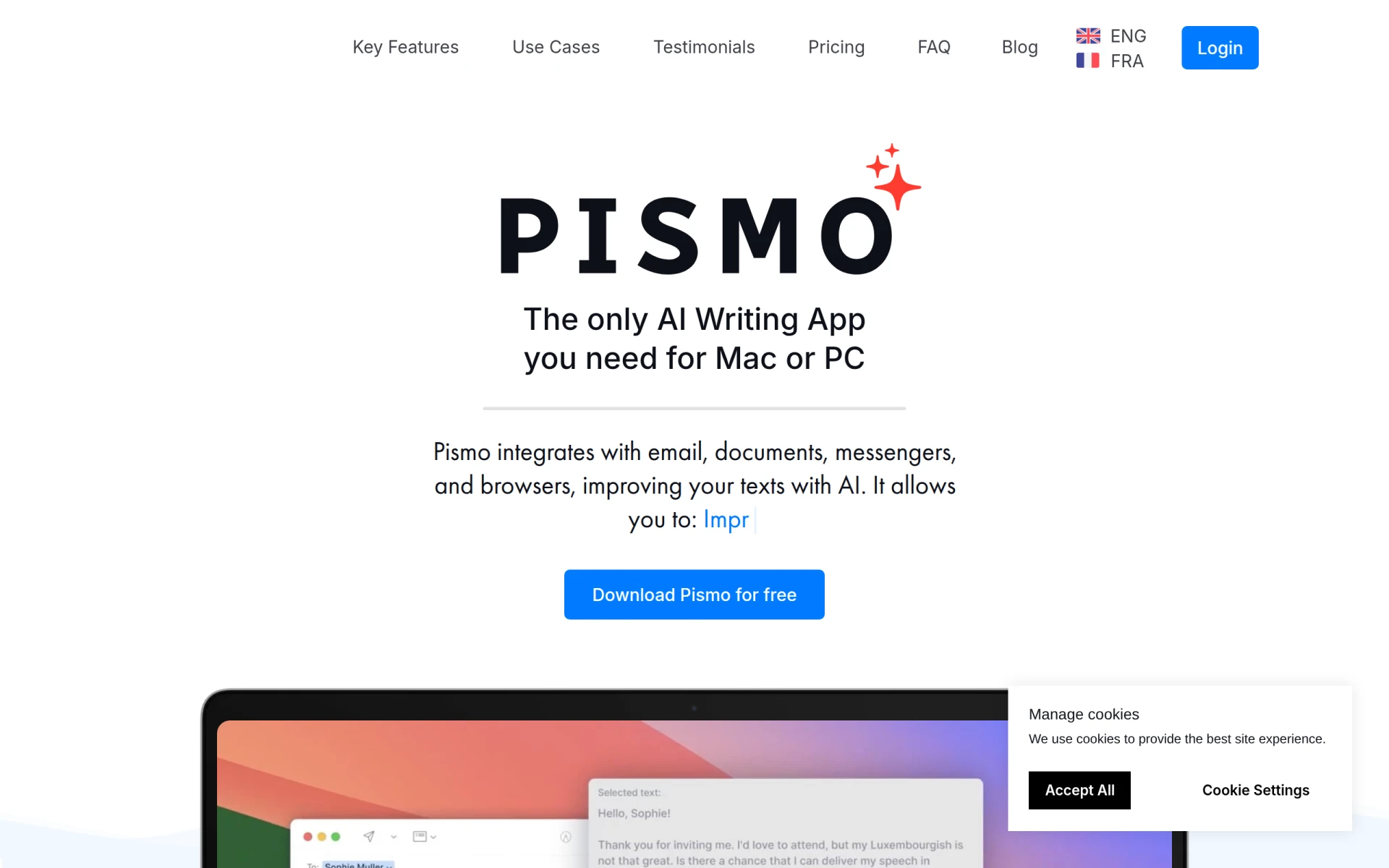
Pismo is an AI writing assistant designed for both Mac and Windows, focusing on enhancing writing efficiency and clarity across various applications. This tool serves as an excellent alternative for users who require writing support beyond spreadsheet functionalities. Unlike GPTforWork, which is centered on productivity within spreadsheets, Pismo provides a broader approach to writing, making it particularly valuable for professionals who need to produce clear and effective written communication.
The strength of Pismo lies in its ability to assist users across different platforms, providing suggestions and edits that improve writing quality. This flexibility is ideal for users who work in diverse environments and need consistent writing support. Additionally, its focus on clarity and efficiency helps users convey their ideas more effectively, which is essential for business communication, content creation, and academic writing. Pismo is particularly well-suited for writers, marketers, and professionals who prioritize effective communication.
- Key Strength: Available on both Mac and Windows for versatile writing support.
- Key Strength: Focuses on enhancing clarity and efficiency in writing.
- Key Strength: Provides suggestions and edits to improve overall writing quality.
- Limitation: Pricing may be a barrier for some users.
Pricing: Freemium - Available for €8 per month or €75 per year. Best for: Users needing writing assistance across multiple platforms.
Feature Comparison Table
| Tool | Best For | Starting Price | Free Plan | Standout Feature |
|---|
| GPTforWork | Excel and Google Sheets productivity | Freemium | Yes | AI-powered assistance in spreadsheets |
| GPTExcel | Streamlined formula generation | Freemium | Yes | Simplifies complex Excel formulas |
| Formula Generator | Non-coders | Freemium | Yes | Accessible formula creation |
| Formulas HQ | Complex calculations | Freemium | No | Advanced data processing |
| GPT for Sheets and Docs | Integrated writing and data manipulation | Freemium | No | Combines writing and spreadsheet capabilities |
| Quadratic | Natural language queries | Freemium | Yes | Interactive data querying |
| SheetAI.app | Automation in Google Sheets | Paid | No | Robust automation features |
| Sourcetable | Data visualization | Freemium | Yes | Dynamic reporting and visualization |
| GanttPRO | Project management | Freemium | No | Visual project timelines |
| Jigso | Slack integration | Freemium | No | AI capabilities within Slack |
| NoteGenie | Optimizing note-taking | Freemium | No | Intelligent note organization |
Noteithub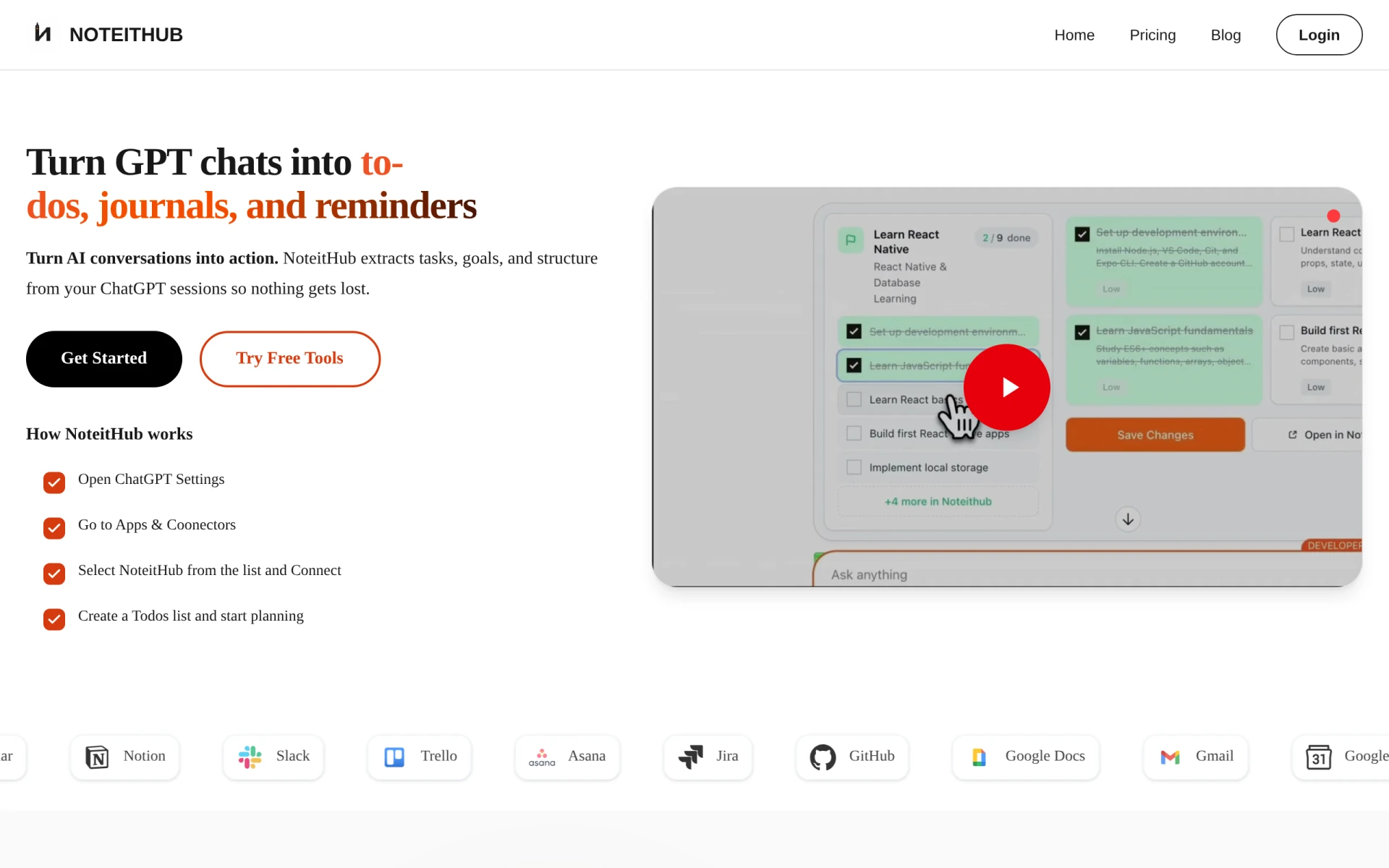 | Organizing AI conversations | Freemium | Yes | Transforms conversations into to-do lists |
| Goodmeetings | Appointment scheduling | Freemium | No | Automated meeting scheduling |
| Plus AI | Presentation creation | Freemium | Yes | AI-enhanced presentation features |
| Caret | Writing across applications | Freemium | No | Continuous writing support on Mac |
| Pismo | Enhanced writing efficiency | Freemium | Yes | Writing support on multiple platforms |
How to Choose the Right Alternative to GPTforWork
Choosing the right alternative to GPTforWork depends on your specific needs and use cases. If you find yourself primarily working with Excel and need assistance with complex formulas, tools like GPTExcel and Formulas HQ may be your best bet. They offer streamlined functionality that caters specifically to users who require advanced data manipulation capabilities. Conversely, if you are heavily engaged in Google Sheets and require integrated writing support, GPT for Sheets and Docs offers a unique combination of features that enhances productivity across both writing and data tasks.
For those who prioritize automation, SheetAI.app provides robust features that can significantly reduce the time spent on repetitive tasks. Similarly, if your work involves project management, GanttPRO's visual tools can help you stay organized and track progress effectively. Lastly, if your focus is on optimizing communication and collaboration, tools like Jigso and NoteitHub provide innovative solutions for managing AI interactions and scheduling tasks. By assessing your specific requirements and workflow, you can make an informed choice among these alternatives.
Final Verdict
In conclusion, while GPTforWork serves as a solid productivity tool for Excel and Google Sheets, there are numerous alternatives that may better align with specific user needs. For those focused on advanced formula generation, GPTExcel and Formulas HQ shine, whereas users requiring integrated writing capabilities should consider GPT for Sheets and Docs. Ultimately, the best choice will depend on your unique workflow, budget, and specific use cases.