Pixelcut
Freemium
AI
Pixelcut is an AI-powered photo editing tool designed to create stunning visuals effortlessly.
Discover top Image Candy alternatives for design tools. Compare features and find the best fit for your creative needs today.

Looking for alternatives to
Image Candy is a free online image editor that offers a variety of tools for editing images quickly and easily.
View Image Candy Profile →Image Candy is a popular online image editor, providing users with a range of tools to edit images quickly and easily. However, many users find limitations that drive them to seek alternatives. One of the most significant pain points is the lack of advanced features that professional users often require. For instance, while Image Candy offers basic editing options, it lacks robust capabilities such as AI-powered enhancements, batch processing, and specialized tools for unique tasks like background removal or color correction. These limitations can hinder creative professionals who need more than just basic functionality.
Another common concern is the performance and speed of Image Candy. Users have reported slow loading times and occasional glitches when editing larger files or multiple images at once. This can be frustrating, especially for those who work under tight deadlines. Additionally, while Image Candy is free to use, the absence of premium features means that users may find themselves limited in their editing capabilities as their needs grow. For these reasons, exploring alternatives that cater to specific requirements and offer enhanced performance is a worthwhile pursuit.
Pixelcut stands out as an AI-powered photo editing tool that simplifies the process of creating stunning visuals. Unlike Image Candy, which primarily focuses on basic editing tools, Pixelcut leverages artificial intelligence to provide advanced features such as automatic background removal, image enhancement, and even the generation of high-quality images from text prompts. This makes Pixelcut a superior choice for users looking to create professional-grade visuals without the need for extensive design skills. The AI capabilities enable users to produce eye-catching images quickly, making it particularly appealing to content creators and marketers.
Furthermore, Pixelcut's intuitive interface and user-friendly design allow even novices to navigate the software effortlessly. Users can easily drag and drop images, apply edits, and utilize various templates tailored for social media platforms. This ease of use, combined with the power of AI, positions Pixelcut as an excellent alternative for those who want to elevate their image editing game beyond what Image Candy offers. Whether you're a small business owner looking to enhance your product photos or a social media influencer wanting to create engaging content, Pixelcut provides the tools necessary to achieve visually stunning results.
Pricing: Freemium model available. Best for: Users who need advanced AI features for professional editing.
Lazyeyefix AI Photo Editor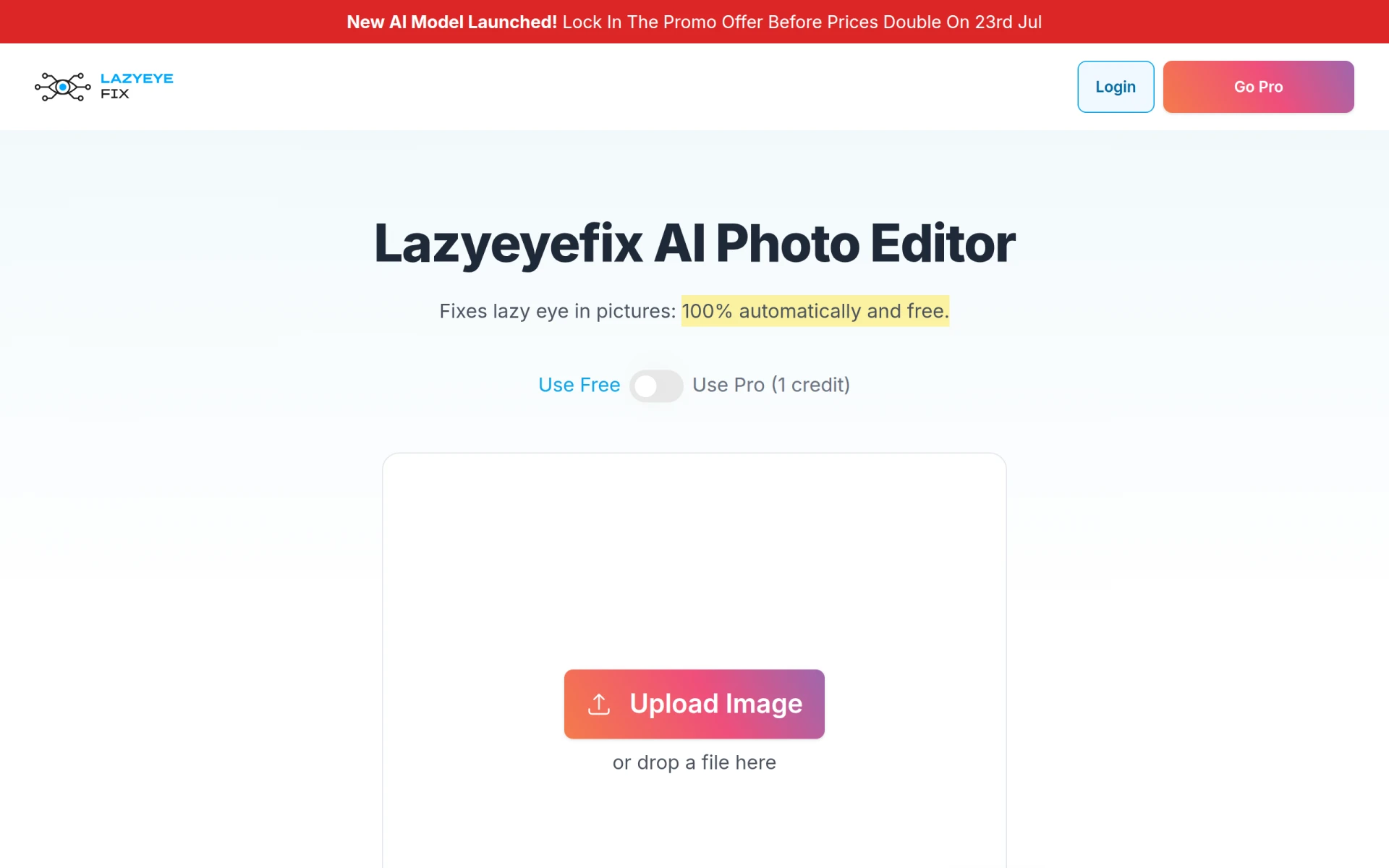 is a unique tool specifically designed to address the common issue of lazy eye in photographs. Unlike Image Candy, which offers general editing capabilities, Lazyeyefix focuses on enhancing portraits by correcting the appearance of lazy eye quickly and effectively. This specialization sets it apart for users who frequently deal with portrait photography or want to enhance their personal photos. With its automated features, Lazyeyefix makes it easy for anyone to achieve professional-looking results without requiring extensive editing skills.
The tool's straightforward approach allows users to upload their images and make corrections within seconds. Its ease of use, combined with its specialized function, makes Lazyeyefix an excellent choice for photographers, parents, or anyone who wishes to enhance their images without diving into complex editing software. While it may not have the broad set of features that Image Candy offers, its focused functionality can be a game-changer for those needing specific enhancements.
Pricing: Free version available with optional pro features. Best for: Users needing specialized photo enhancements for portraits.
Image to Sketch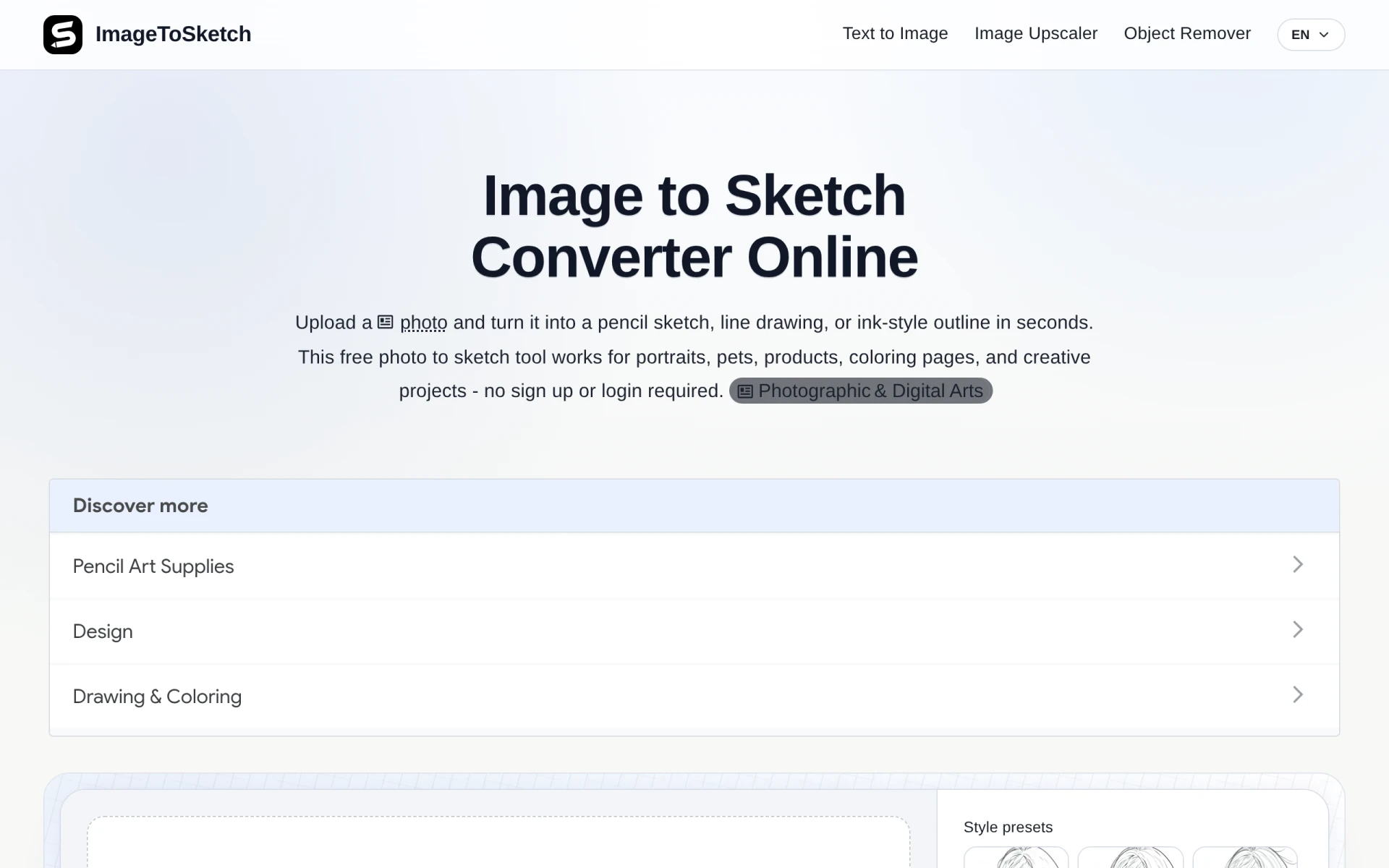 is an innovative online tool that allows users to transform their photos into pencil sketches and line drawings. Unlike Image Candy, which primarily focuses on conventional editing tasks, Image to Sketch caters to those who want to create artistic representations of their images. This tool is particularly beneficial for artists, graphic designers, or anyone looking to add a creative touch to their photos. The process is straightforward: users upload their images, and the tool automatically converts them into various sketch styles, making it an excellent choice for individuals seeking to experiment with artistic effects.
The ability to produce high-quality sketches without requiring any drawing skills is a significant advantage that Image to Sketch offers over Image Candy. Users can customize their sketches with different styles and effects, allowing for unique artistic expressions. This feature is perfect for those who want to create personalized gifts, artwork, or social media content that stands out. While Image Candy provides basic editing tools, it cannot replicate the artistic flair that Image to Sketch brings to the table.
Pricing: Free to use with no hidden costs. Best for: Users seeking to create artistic representations of their photos.
iExPander is an AI tool designed to seamlessly expand images, making it ideal for enhancing visuals specifically for social media and creative projects. Unlike Image Candy, which provides basic editing tools, iExPander focuses on the enhancement of images through intelligent resizing and expansion techniques. This feature is particularly valuable for social media managers, marketers, and content creators who need to adapt their images to fit various platform requirements. The AI technology embedded in iExPander ensures that the quality of the images is maintained, even when expanded, which is crucial for professional presentation.
The user experience with iExPander is straightforward, allowing users to upload their images and select the desired dimensions for expansion quickly. This efficiency makes it an excellent tool for those who frequently work with images across different social media platforms. While Image Candy offers a broad range of editing tools, it lacks the specific functionality of image expansion that iExPander provides, making it a better choice for users focused on optimizing their visuals for online use.
Pricing: Free version available. Best for: Social media managers and content creators needing optimized visuals.
Magnific AI Image Generator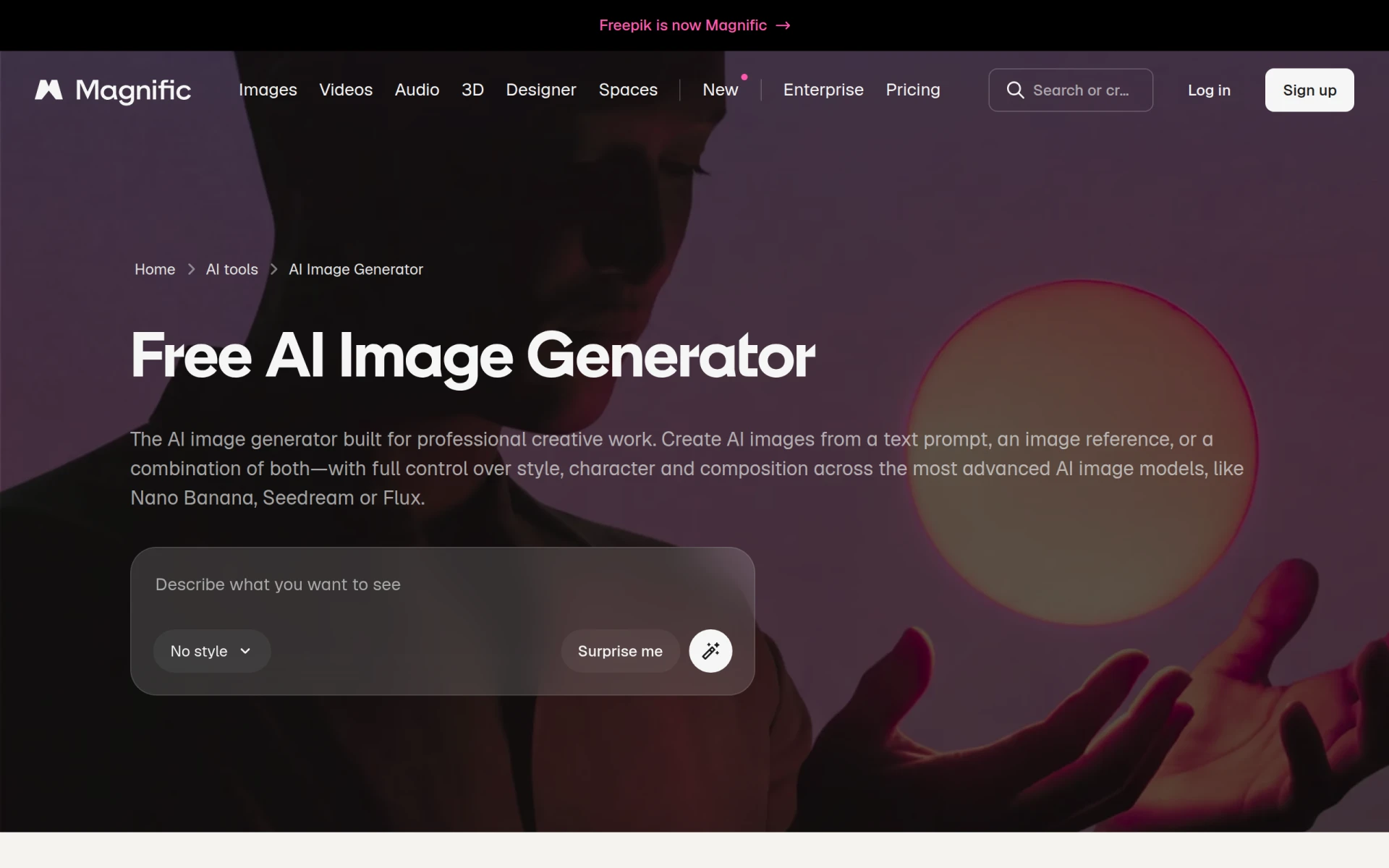 is a powerful tool that allows users to create images from text prompts using various styles and models. This stands in contrast to Image Candy, which focuses on traditional image editing. With its AI-driven capabilities, Magnific enables users to generate unique visuals tailored to their specific needs, making it an excellent choice for marketers, graphic designers, and content creators looking for innovative ways to create imagery. The ability to produce original content from simple text input opens up a realm of creative possibilities that Image Candy cannot offer.
The versatility of Magnific lies in its range of styles and models, allowing users to experiment with different artistic expressions and visual representations. This is particularly beneficial for those in the creative industry who require a constant stream of fresh and engaging images. While Image Candy provides basic editing tools, it lacks the generative capabilities that Magnific offers, making it a superior alternative for users focused on creating unique and compelling visual content.
Pricing: Free to use with no clear pricing details available. Best for: Creative professionals needing unique content generation.
AI Polaroid is a free online tool that transforms images into vintage-style Polaroid photos using advanced AI technology. Unlike Image Candy, which offers a variety of editing tools but lacks specialized effects, AI Polaroid focuses specifically on creating a nostalgic aesthetic. This makes it a perfect choice for users who want to evoke a sense of nostalgia in their images, such as photographers, social media influencers, or anyone looking to add a unique touch to their visuals. The transformation process is quick and simple, allowing users to upload their images and receive styled outputs in moments.
The unique selling point of AI Polaroid lies in its ability to replicate the classic look of Polaroid images, complete with the iconic white border and soft color palette. This feature can add character and style to photos that would otherwise appear more generic. While Image Candy provides broader editing capabilities, it does not specialize in vintage effects, making AI Polaroid a go-to option for users specifically interested in this aesthetic.
Pricing: Free to use with no subscription fees. Best for: Users seeking a vintage aesthetic for their images.
Pixelicious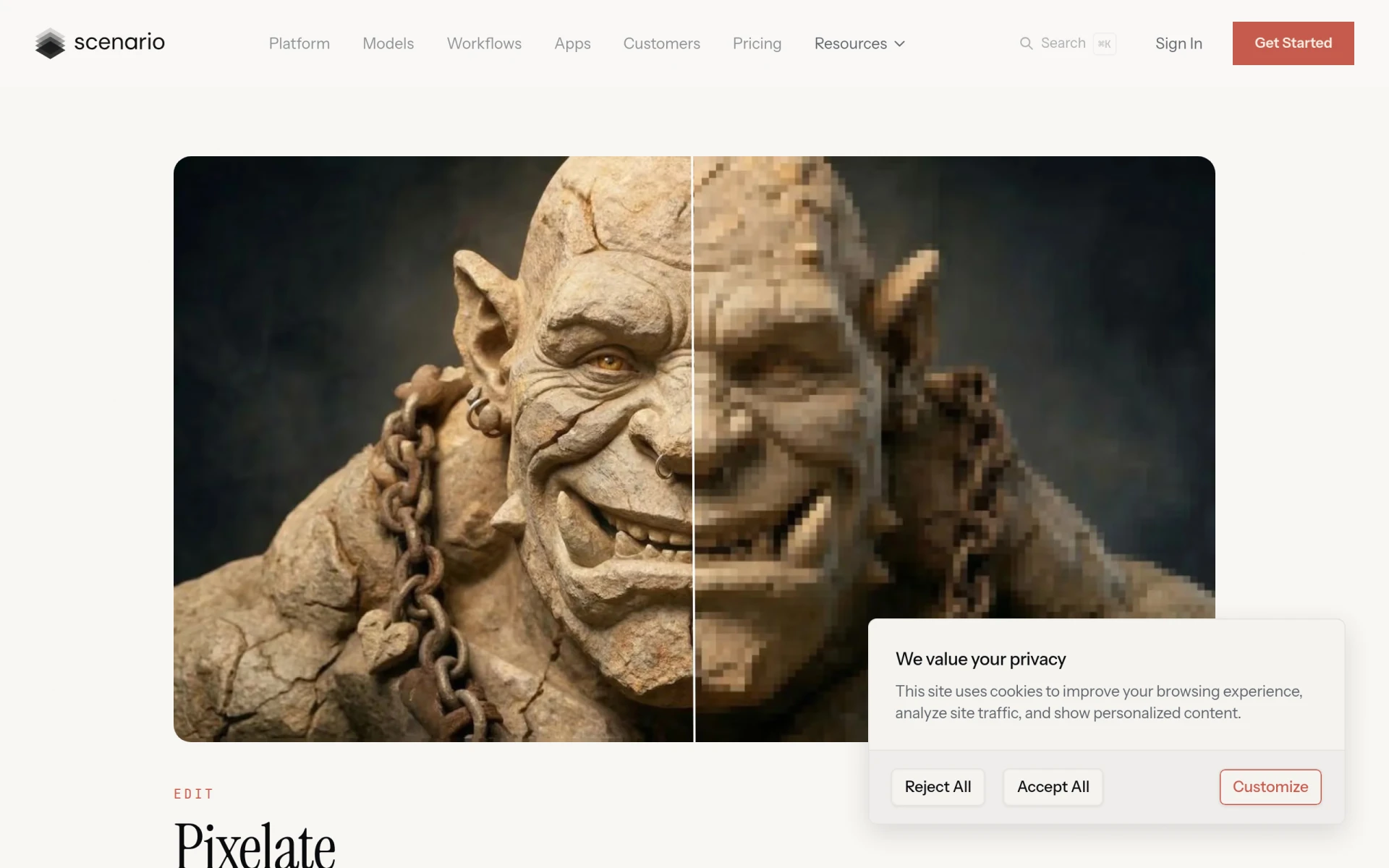 is an online tool designed for converting images into pixel art, complete with customizable grids and color palettes. This tool caters to a niche market of users who enjoy creating pixel art, setting it apart from Image Candy’s more conventional approach to image editing. Pixelicious allows artists and game developers to easily transform their images into retro-style pixel graphics, making it an essential tool for those in the gaming or digital art community. The customization options for grid size and color palette provide users with the flexibility to create unique pixel art that fits their artistic vision.
The straightforward interface of Pixelicious makes it accessible for both experienced artists and beginners. Users can upload their images, adjust settings, and create pixel art with minimal hassle. While Image Candy provides a wide array of editing options, it lacks the specific functionality that Pixelicious offers for pixel art creation, making it a superior choice for users focused on this unique artistic style.
Pricing: Freemium model available. Best for: Artists and game developers looking to create pixel art.
Resize Image for Instagram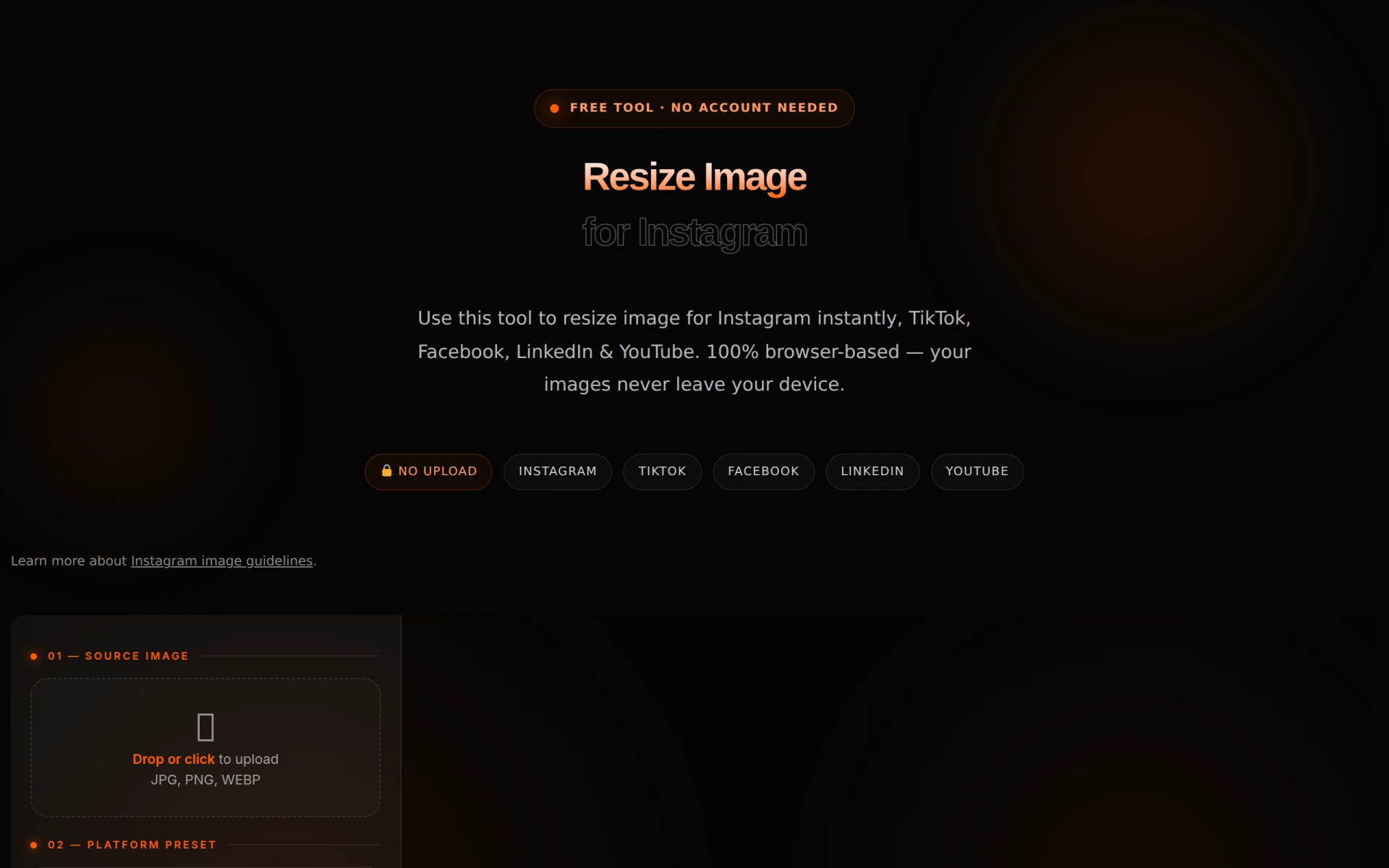 is a dedicated online tool that helps users adjust their photos for optimal display on Instagram. Unlike Image Candy, which offers a more general editing suite, this tool specializes in resizing images to meet Instagram’s specific requirements, ensuring that visuals appear crisp and eye-catching on the platform. This focus on social media optimization makes it an ideal choice for influencers, marketers, and anyone looking to enhance their Instagram presence.
The simplicity of Resize Image for Instagram is one of its main strengths. Users can quickly upload their images, choose the desired dimensions, and download the resized images in mere moments. This efficiency is crucial for those who frequently post on social media and need to maintain a consistent aesthetic. While Image Candy provides a variety of editing tools, it does not specialize in Instagram optimization, making Resize Image for Instagram a preferred option for users targeting that platform specifically.
Pricing: Free to use with no hidden fees. Best for: Social media users focused on optimizing images for Instagram.
Paintit is an AI-powered interior design tool that allows users to easily redesign any room through simple uploads and modifications. This tool is distinct from Image Candy as it specifically focuses on interior design rather than general image editing. Paintit offers features that enable users to visualize different color schemes, furniture arrangements, and decor styles, making it an excellent choice for homeowners, interior decorators, or anyone looking to refresh their living space.
The strength of Paintit lies in its AI capabilities, which allow for quick and realistic renderings of design changes. Users can upload photos of their rooms and experiment with different styles without the need for complex design software. This ease of use makes it accessible to individuals who may not have formal design training. While Image Candy provides a range of editing tools, it does not cater to the specific needs of interior design, making Paintit a better choice for users focused on home aesthetics.
Pricing: Free to use with no clear pricing details available. Best for: Homeowners and decorators needing design visualization.
Magic Studio is an AI-powered tool that enables users to create stunning images without any prior design skills. This tool emphasizes simplicity and efficiency, making it a great alternative for users who find Image Candy’s editing tools insufficient for their needs. Magic Studio allows users to generate images quickly using AI, making it particularly appealing for content creators, marketers, and anyone needing high-quality visuals on the fly. The ability to create images from scratch or modify existing ones sets it apart from traditional editing tools.
The user-friendly interface of Magic Studio ensures that even those with no design background can produce professional-looking images. The AI capabilities streamline the creation process, allowing users to focus more on their content rather than getting bogged down in complex editing workflows. While Image Candy provides basic editing features, it lacks the innovative image generation capabilities that Magic Studio offers, making it a superior choice for those seeking quick and effective visual solutions.
Pricing: Freemium model available. Best for: Content creators needing quick and easy image generation.
BgEraser is a free online tool designed to quickly remove backgrounds from images without requiring any sign-up. This specialized functionality makes it an excellent alternative to Image Candy, especially for users who frequently need to isolate subjects in their photos. BgEraser allows users to upload images and automatically removes the background, providing a fast and efficient solution for those in e-commerce, photography, or graphic design. This ease of use and focus on background removal sets it apart from more general editing tools.
The straightforward interface of BgEraser ensures that users can achieve professional results without the need for complex software or design skills. The tool supports batch processing, allowing users to remove backgrounds from multiple images simultaneously, which is a significant time-saver for those working on large projects. While Image Candy offers a wide range of editing tools, it lacks the specialized functionality for background removal that BgEraser provides, making it a more suitable option for users focused on that specific task.
Pricing: Free to use with no subscription or payment required. Best for: Users needing quick and efficient background removal.
Nano Banana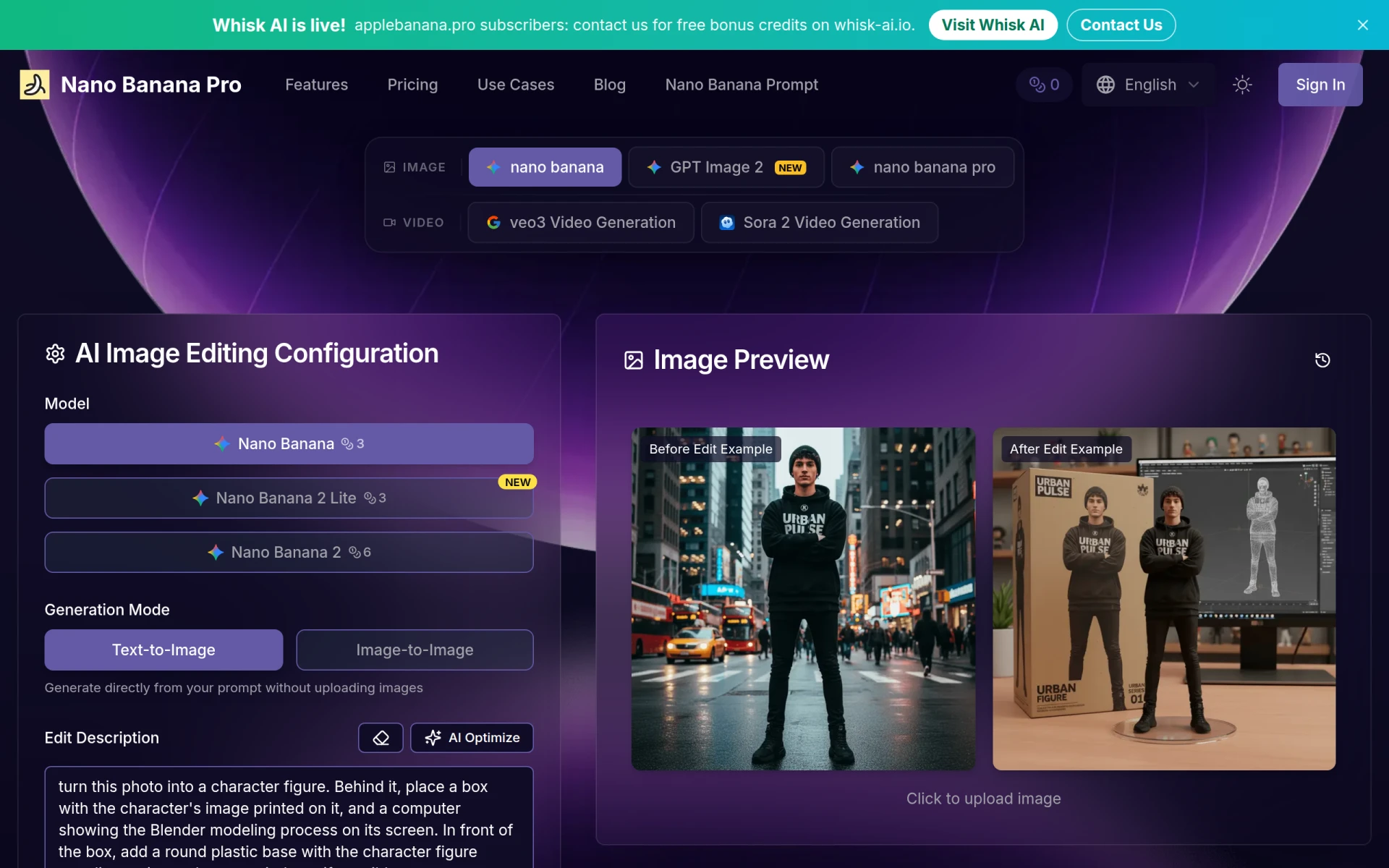 is a fast and user-friendly AI image editor that allows users to edit photos through natural language commands. This innovative approach differentiates it from Image Candy, which relies on more traditional editing methods. Nano Banana is ideal for users who may find complex editing tools overwhelming and prefer a more intuitive way to make changes to their images. By simply typing commands, users can accomplish tasks such as adjusting brightness, cropping, or applying filters, making it a great choice for those seeking a hassle-free editing experience.
The ease of use and accessibility of Nano Banana make it particularly appealing for casual users and beginners who may not have extensive experience with photo editing software. This tool allows for rapid edits and adjustments, making it efficient for social media posts or quick enhancements. While Image Candy provides a variety of editing tools, it does not offer the same level of intuitive interaction that Nano Banana provides, making it a better fit for users who want a simple and effective editing solution.
Pricing: Free with no clear pricing details available. Best for: Casual users seeking an intuitive editing experience.
Craiyon is an AI art generator that transforms text prompts into unique images quickly and easily. This tool offers a creative alternative to Image Candy, which primarily focuses on traditional image editing. Craiyon is particularly suited for artists, designers, and content creators who want to generate original artwork or visual concepts from simple text descriptions. The ability to create images based solely on prompts opens up a world of creative possibilities that standard editing tools cannot match.
The user-friendly interface of Craiyon allows users to input their text prompts and receive generated images in a matter of minutes. This efficiency is beneficial for those who need to produce unique visuals for projects, social media, or marketing materials. While Image Candy provides a robust suite of editing tools, it does not possess the generative capabilities that Craiyon offers, making it a superior choice for users focused on creating original art.
Pricing: Free with no clear pricing details available. Best for: Artists and creators looking for original art generation.
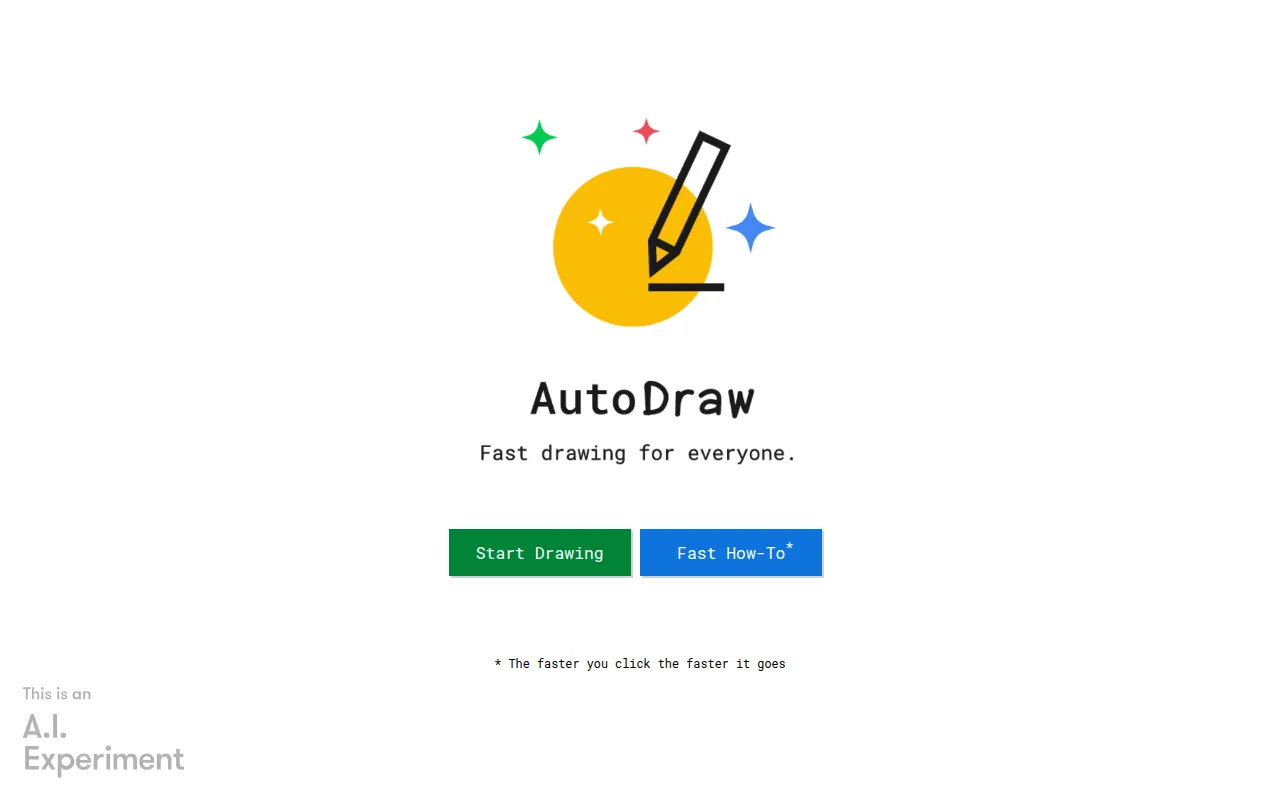
AutoDraw is an online drawing tool that uses machine learning to assist users in creating quick sketches and drawings. This tool provides a unique alternative to Image Candy by focusing on drawing rather than traditional image editing. AutoDraw is ideal for users who want to sketch ideas rapidly, whether for brainstorming, presentations, or casual art projects. The tool's smart suggestions help users refine their sketches, making it easier to achieve desirable results even for those with limited drawing skills.
The efficiency of AutoDraw allows users to create visual representations quickly, which is valuable for educators, students, and professionals who need to express ideas visually without extensive artistic training. While Image Candy provides a variety of photo editing options, it does not cater to the sketching needs that AutoDraw addresses, making it a better fit for those focused on fast, creative expression.
Pricing: Free to use with no hidden fees. Best for: Users seeking a quick and easy sketching solution.
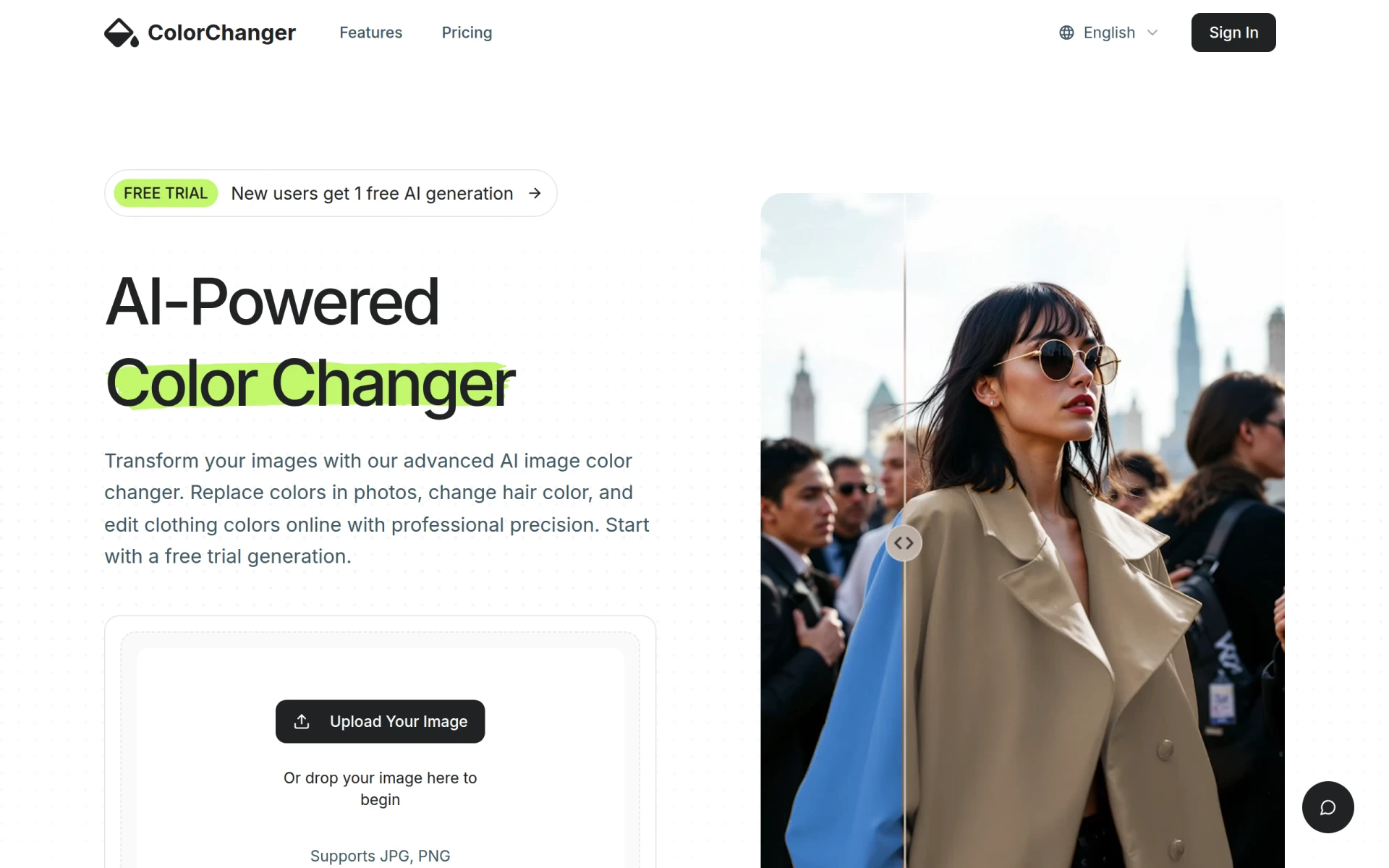
ColorChanger is an innovative tool that allows users to change hair, clothing, and object colors in images online without the need for Photoshop. This focused functionality distinguishes it from Image Candy, which provides general editing tools. ColorChanger is particularly beneficial for fashion designers, e-commerce businesses, and marketers who require quick color adjustments for their images. The ability to make precise color changes without advanced editing skills makes it an appealing choice for users looking to enhance their product photos or promotional materials.
The user-friendly interface of ColorChanger allows for efficient editing, enabling users to achieve their desired results swiftly. This tool’s focus on color adjustment sets it apart from broader editing platforms like Image Candy, making it a more suitable option for those who prioritize color editing in their work. While it may not offer the extensive range of features found in more comprehensive tools, ColorChanger excels in its specific niche.
Pricing: Freemium model starting at $2.99 for 20 generation credits. Best for: Fashion designers and marketers needing quick color adjustments.
| Tool | Best For | Starting Price | Free Plan | Standout Feature |
|---|---|---|---|---|
| Image Candy | Basic image editing | Free | Yes | Wide range of editing tools |
| Pixelcut | AI-powered photo editing | Freemium | Yes | Automatic background removal |
| Lazyeyefix AI Photo Editor | Correcting lazy eye | Free | Yes | Automated enhancements |
| Image to Sketch | Artistic transformations | Free | Yes | Sketch conversion |
AI Image Expander | iExPander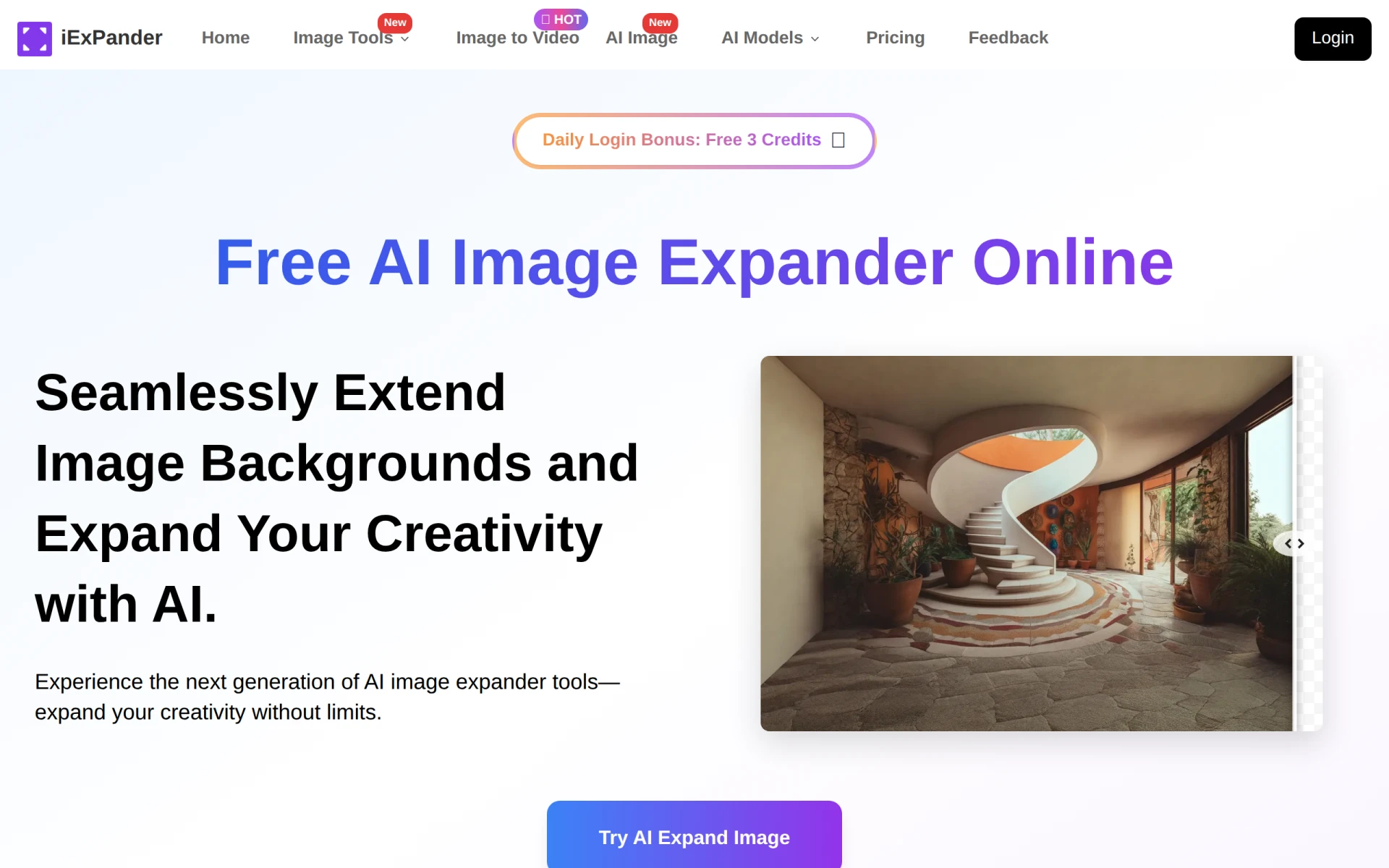 | Social media visuals | Free | Yes | Image expansion |
| Magnific AI Image Generator | Creative content generation | Free | Yes | Image generation from text |
| AI Polaroid | Vintage-style images | Free | Yes | Polaroid-style transformation |
| Pixelicious | Pixel art creation | Freemium | Yes | Customizable pixel art |
| Resize Image for Instagram | Social media optimization | Free | Yes | Instagram resizing |
| Paintit | Interior design visualization | Free | Yes | AI-driven design |
| Magic Studio | Quick image creation | Freemium | Yes | AI-powered image creation |
BgEraser - Background Remover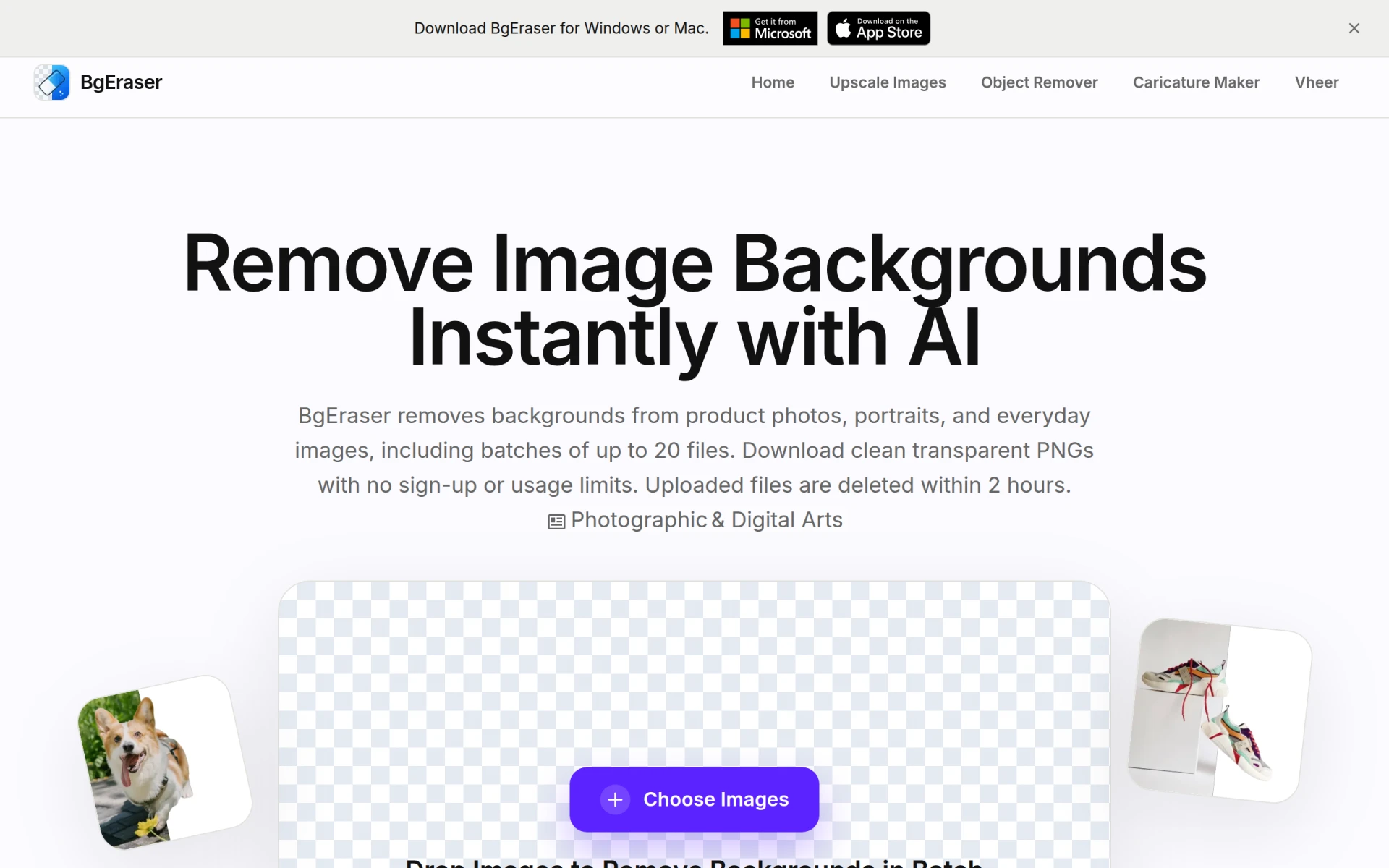 | Background removal | Free | Yes | Batch processing |
| Nano Banana | Natural language editing | Free | Yes | Intuitive editing |
| Craiyon | AI art generation | Free | Yes | Image generation from text |
| Autodraw | Quick sketching | Free | Yes | Machine learning-assisted sketching |
| AI-Powered Color Editing | Fashion and e-commerce | Freemium | Yes | Color adjustments without Photoshop |
When considering alternatives to Image Candy, it's essential to evaluate your specific needs and use cases. If you are a content creator looking for advanced features and AI capabilities, tools like Pixelcut or Magic Studio may be the best fit for you. These platforms offer sophisticated editing options that can elevate your visuals to a professional standard, making them ideal for marketing or branding purposes.
On the other hand, if you require specialized tools for tasks like background removal or artistic transformations, BgEraser and Image to Sketch are excellent choices. Their focused functionalities allow for quick and efficient edits tailored to specific requirements. For those in the fashion industry, ColorChanger is an invaluable tool for making precise color adjustments without the complexity of traditional software.
Ultimately, the right alternative will depend on your editing style, the type of projects you work on, and whether you prioritize ease of use or advanced features. Take the time to explore the unique strengths of each tool to find the one that aligns best with your creative vision.
In conclusion, while Image Candy offers a range of basic editing tools, the alternatives discussed provide specialized functionalities that cater to various user needs. For advanced AI editing, Pixelcut is a top choice, while Lazyeyefix excels in correcting specific image issues. If you're looking to create artistic visuals or require quick social media optimization, tools like Image to Sketch and Resize Image for Instagram stand out. Ultimately, the best choice will depend on your individual requirements and creative goals.
Pixelcut is an AI-powered photo editing tool designed to create stunning visuals effortlessly.
Lazyeyefix AI Photo Editor automatically corrects lazy eye in photos, making image enhancement quick and accessible.
Image to Sketch is a free online tool that converts photos into pencil sketches and line drawings without requiring any drawing skills.
iExPander is an AI tool that seamlessly expands images, perfect for enhancing visuals for social media and creative projects.
Magnific AI Image Generator allows users to create images from text prompts with various styles and models.
AI Polaroid is a free online tool that transforms images into vintage-style Polaroid photos using advanced AI technology.
Pixelicious is an online tool for converting images into pixel art with customizable grids and color palettes.
Resize Image for Instagram is a free online tool to adjust photos for optimal Instagram display.
Paintit is an AI-powered interior design tool that allows users to redesign any room easily and for free.
Magic Studio enables users to create stunning images using AI without prior design skills.
BgEraser is a free online tool to quickly remove backgrounds from images without sign-up and allows batch processing of up to 20 photos.
Nano Banana is a fast and user-friendly AI image editor that allows photo editing through natural language commands
Craiyon is an AI art generator that transforms text prompts into unique images quickly and easily.
AutoDraw is an online drawing tool that uses machine learning to help users create quick sketches and drawings.
Easily change hair, clothing, and object colors in images online without Photoshop using AI technology.
Switching from Image Candy can provide you with access to advanced editing features such as AI enhancements, batch processing, and specialized tools. Many users feel constrained by Image Candy's basic capabilities and seek alternatives that cater to professional needs.
One of the best overall alternatives to Image Candy is Adobe Photoshop Express. It combines powerful editing tools with an intuitive interface, making it suitable for both beginners and professionals looking for advanced features.
Pricing for alternatives varies widely. Some options like GIMP are completely free, while others such as Adobe Photoshop require a subscription, typically starting around $20 per month. It's essential to assess your budget and required features before choosing.
Yes, there are several free alternatives to Image Candy, including GIMP, Pixlr, and Photopea. These tools provide a range of features comparable to paid software, allowing users to perform complex edits without any cost.
When migrating from Image Candy, start by identifying your specific editing needs and exploring alternatives that best fit those requirements. Familiarize yourself with the new tool through tutorials or user guides to ease the transition and maximize productivity.
It's a common concern, but most alternatives allow you to export your edited images in various formats. Make sure to save your projects in compatible formats before switching, and consider keeping backups of your original images to prevent any loss.
Weekly roundup of new AI tools, launches, and trending software. No spam — unsubscribe anytime.
No credit card required · Cancel anytime
Weekly roundup of new AI tools, launches, and trending software. No spam — unsubscribe anytime.
No credit card required · Cancel anytime