Why Look for Alternatives to ByteCap?
While ByteCap shines in its ability to transform lengthy videos into concise, engaging clips, it does come with limitations that prompt users to seek alternatives. One of the primary concerns is its lack of transparent pricing information. Users often feel hesitant to invest time and resources in a platform when they cannot understand the costs involved. This ambiguity can be particularly problematic for marketers and content creators who operate within strict budgets and require clarity on their expenditures.
Moreover, ByteCap may not fully cater to the diverse needs of all users. For example, those looking to create platform-specific content such as TikToks or Reels might find ByteCap's features lacking compared to other tools that specialize in those formats. Features like advanced editing options, customizable templates, or the ability to directly publish to social media platforms may be missing or underdeveloped. These gaps in functionality can hinder creators who are looking for a comprehensive solution to manage their video content across various channels.
Best Alternatives to ByteCap in 2026
Klap - Best for Social Media Creators
Klap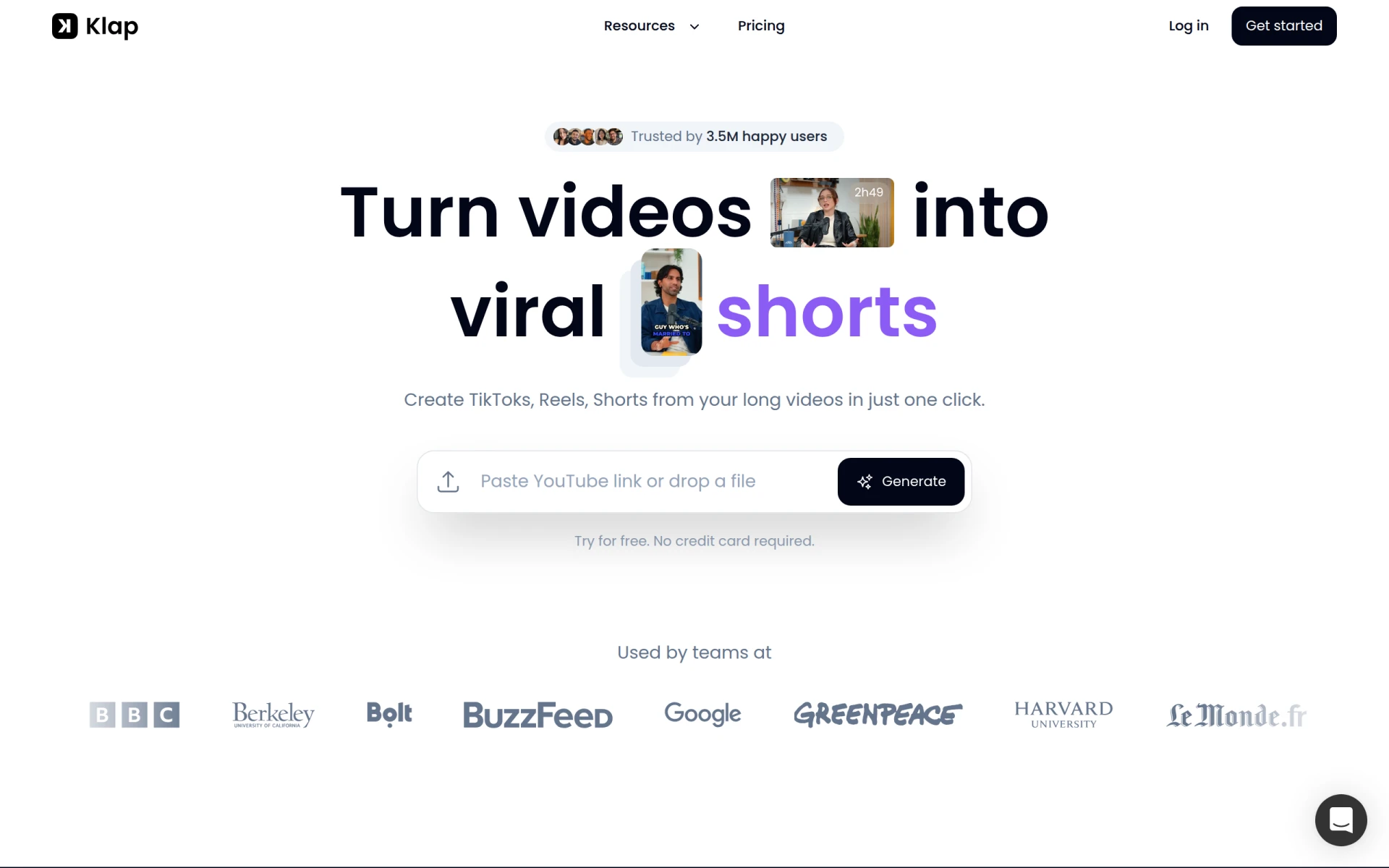 is an innovative AI-powered tool that specializes in transforming long videos into easily shareable content for platforms like TikTok, Instagram Reels, and YouTube Shorts. Unlike ByteCap, which primarily focuses on general video editing, Klap is tailored specifically for the intricacies of social media content. This makes it an ideal choice for influencers and marketers who need to adapt their long-form videos to meet the fast-paced demands of social media. Klap's AI-driven features allow users to highlight the most engaging moments, creating content that resonates with audience trends.
Klap also boasts an intuitive user interface, making it accessible for those who may not have extensive video editing experience. Users can quickly upload their long videos and let Klap’s AI identify and extract key moments, significantly reducing the time spent on editing. This efficiency is a game-changer for busy creators who want to maintain a consistent posting schedule without sacrificing quality. In comparison to ByteCap, Klap provides a more focused approach for social media engagement, ensuring that users can maximize their reach and impact.
- Key Strength: AI-driven social media optimization, perfect for creating trendy content.
- Key Strength: User-friendly interface that caters to all skill levels.
- Key Strength: Quick extraction of engaging moments from long videos.
- Limitation: Limited features for non-social media video formats.
Pricing: Freemium model with monthly and yearly subscription options. Best for: Social media creators and marketers looking to enhance engagement with short clips.
VEED.IO - Best for Marketers and Solopreneurs
VEED.IO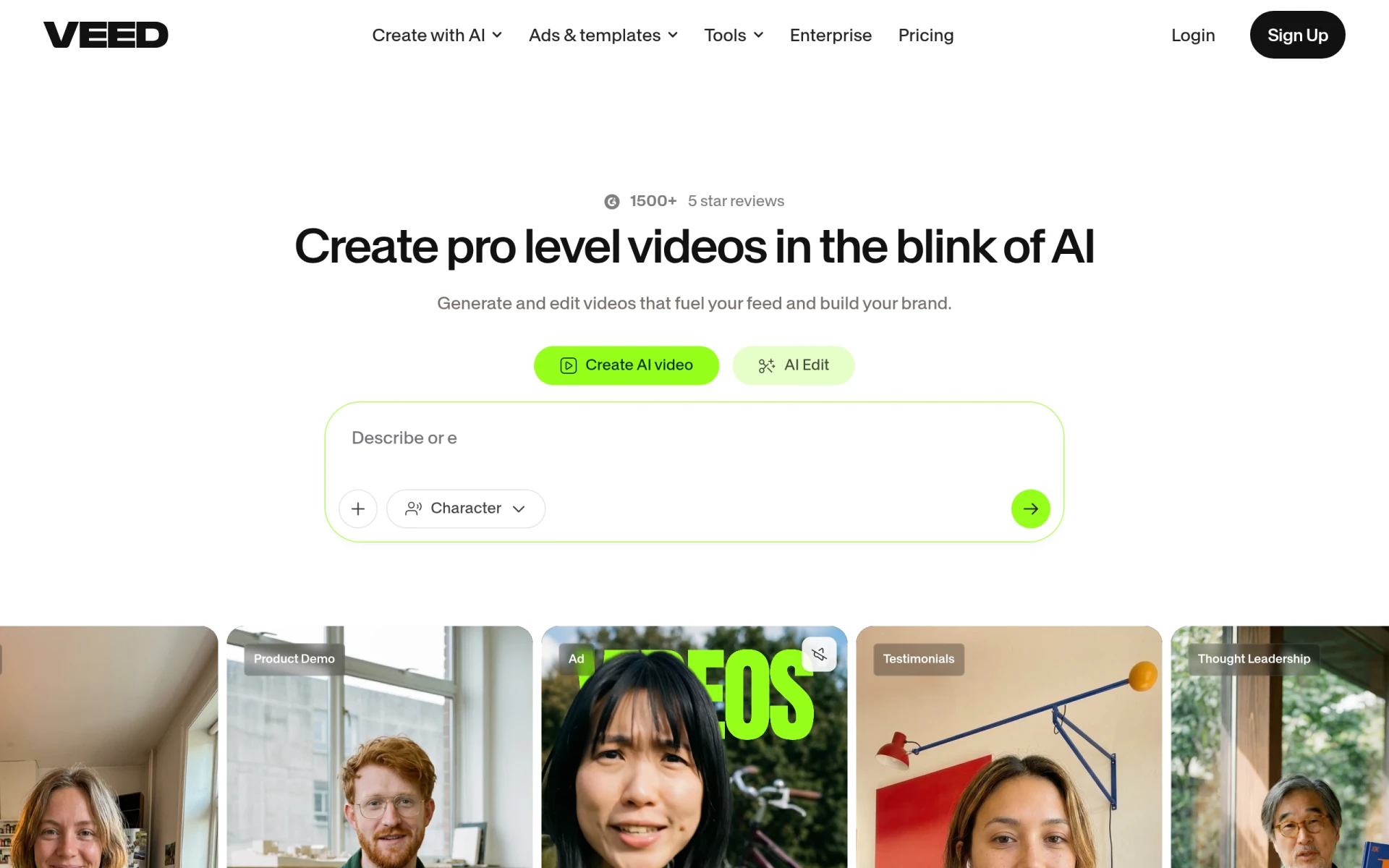 is a comprehensive video creation and editing platform that stands out for its ease of use and powerful features tailored for marketers and solopreneurs. Unlike ByteCap, which focuses primarily on clipping videos, VEED.IO offers a suite of editing tools that allow users to add text, captions, music, and various effects to their videos. This versatility makes it suitable for those who want to produce polished, professional-looking content without needing advanced technical skills. VEED.IO’s AI capabilities assist in automating many of the tedious aspects of video editing, streamlining the creation process significantly.
Another significant advantage of VEED.IO is its collaborative features, which allow multiple users to work on projects simultaneously. This is particularly beneficial for marketing teams or freelancers who often need feedback from clients or colleagues during the editing process. In contrast, ByteCap lacks such collaborative capabilities, which can limit efficiency when multiple stakeholders are involved. For marketers and solopreneurs who need a robust video editing solution that combines ease of use with advanced features, VEED.IO is an excellent alternative to ByteCap.
- Key Strength: Comprehensive editing tools that go beyond clipping.
- Key Strength: Collaboration features for team projects.
- Key Strength: AI-assisted automation for quick edits and enhancements.
- Limitation: May have a steeper learning curve for beginners.
Pricing: Freemium model with a free plan and additional features available through paid plans. Best for: Marketers and solopreneurs seeking versatile editing capabilities.
HiClip - Best for Quick Social Media Edits
HiClip is an AI-powered video editing tool designed to convert long videos into engaging short clips for social media platforms. Similar to ByteCap, HiClip focuses on the efficiency of condensing video content. However, it distinguishes itself by offering a more streamlined process specifically for social media formats. With HiClip, users can expect a faster turnaround time when creating content tailored for platforms like Instagram and TikTok. The AI analyzes video footage to automatically select clips that will resonate with audiences, making it an excellent choice for users looking to quickly generate engaging posts.
In terms of user experience, HiClip emphasizes simplicity and speed, allowing users to upload videos and receive condensed versions within minutes. This focus on quick edits is particularly advantageous for users who frequently need to produce content on tight schedules. While ByteCap provides automated editing capabilities, HiClip's dedicated approach to social media content makes it a compelling alternative for creators who prioritize speed without compromising quality.
- Key Strength: Fast video condensation specifically for social media.
- Key Strength: AI-driven selection of engaging clips.
- Key Strength: User-friendly experience focused on efficiency.
- Limitation: Limited customization options for advanced edits.
Pricing: Freemium model with pricing details currently unavailable. Best for: Users needing quick and efficient edits for social media.
Similar Video - Best for Effortless Video Editing
Similar Video is an AI-powered tool that simplifies video editing by generating content effortlessly. Unlike ByteCap, which focuses on transforming long videos into short clips, Similar Video excels in automation and ease of use. Its primary appeal lies in its ability to generate video content without requiring extensive editing skills. This makes it particularly suitable for beginners or those who want to produce videos without getting bogged down in complex editing processes. Users can upload their long videos and rely on Similar Video's AI to suggest cuts, transitions, and even music, leading to a polished final product.
The platform also supports a variety of formats, making it versatile for different types of content creation. Whether users are looking to create promotional videos, tutorials, or social media posts, Similar Video provides a straightforward solution that enhances productivity. While ByteCap offers a robust toolset for creating shorter clips, it may require more manual input and editing skills compared to Similar Video, making the latter a better choice for those who prioritize simplicity and efficiency.
- Key Strength: Effortless video generation with minimal user input.
- Key Strength: Versatile support for various content formats.
- Key Strength: Automation of editing processes for quicker results.
- Limitation: May lack advanced editing features for experienced users.
Pricing: Freemium model with pricing information currently unavailable. Best for: Beginners looking for effortless video creation.
VideoShorts - Best for Quick Engagement
VideoShorts is an AI-powered editing tool that focuses on helping users create engaging short videos quickly and efficiently. This tool stands out from ByteCap by not only condensing videos but also enhancing them for social media platforms. VideoShorts allows users to add effects, music, and text overlays, making it easier to craft content that captures attention. Its focus on short-form content is ideal for those wanting to cater to the growing demand for quick, engaging videos on platforms like TikTok and Instagram.
Another significant advantage of VideoShorts is its user-friendly interface, which is designed to facilitate fast edits without sacrificing quality. Users can easily navigate through the platform, making it accessible even for those without prior editing experience. This ease of use combined with enhanced creative features makes VideoShorts an appealing alternative for creators who want to maximize their impact on social media without spending excessive time on editing, a challenge that can be prevalent with ByteCap.
- Key Strength: Quick video creation focused on short-form engagement.
- Key Strength: Enhanced features for adding effects and overlays.
- Key Strength: Intuitive interface for faster edits.
- Limitation: Limited advanced editing features for seasoned editors.
Pricing: Freemium model with no explicit pricing available. Best for: Users needing quick and engaging short video creation.
Vid.AI - Best for Simplified Video Creation
Vid.AI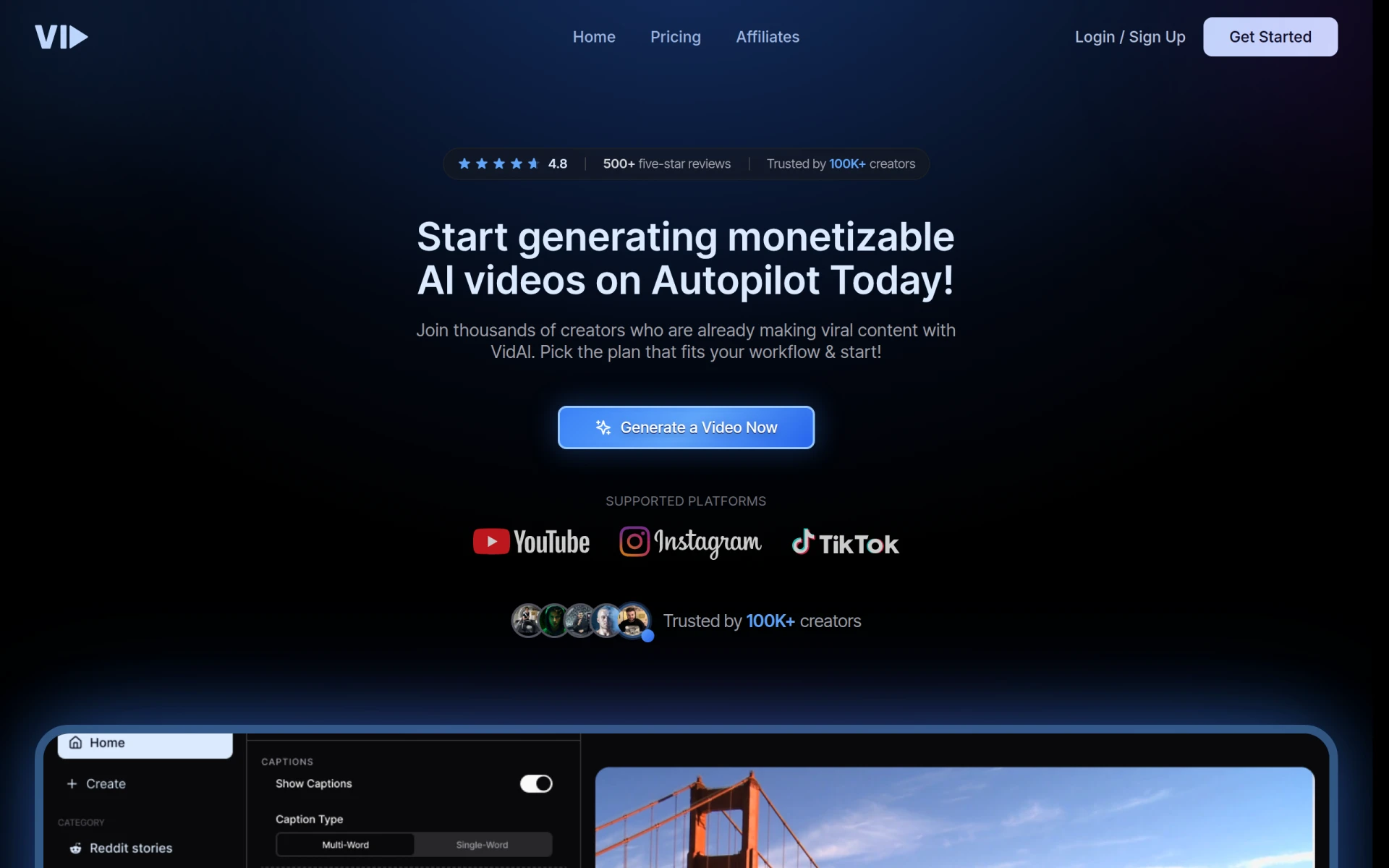 is a powerful video editing tool designed to simplify the video creation process for users of all skill levels. While ByteCap focuses on extracting key moments from long videos, Vid.AI offers a broader range of editing capabilities, allowing users to create, edit, and enhance videos seamlessly. Its AI features assist with tasks such as auto-captioning and scene selection, making it suitable for users who want to create comprehensive video content with minimal effort. This simplification of the editing process is particularly beneficial for those who may not have a technical background in video production.
Moreover, Vid.AI’s design emphasizes accessibility, ensuring that users can produce high-quality videos without extensive training or experience. With its array of tools, users can easily customize their videos, add effects, and even integrate music, making it a more versatile option compared to ByteCap. Whether you are a content creator, educator, or marketer, Vid.AI provides the features necessary to produce engaging videos that can capture and retain viewer attention effectively.
- Key Strength: Simplified video creation process for all skill levels.
- Key Strength: Comprehensive editing capabilities beyond just clipping.
- Key Strength: AI features for auto-captioning and scene selection.
- Limitation: Some advanced features may require a learning curve.
Pricing: Freemium model with pricing information currently unavailable. Best for: Users seeking an easy-to-use video editing solution with versatile capabilities.
VideoGen - Best for Fast Video Generation
VideoGen is an AI-powered video generator that enables users to create and edit videos quickly and efficiently. Unlike ByteCap, which primarily focuses on transforming longer video content into shorter clips, VideoGen emphasizes rapid video creation from scratch. This platform is ideal for users who need to produce video content on short notice, as it offers various templates and customization options that facilitate quick edits. The AI capabilities allow for intuitive content generation, making it easier for users to create videos that align with their branding and messaging.
One of the standout features of VideoGen is its ability to integrate various media formats, allowing users to include images, text, and audio seamlessly. This flexibility is particularly beneficial for marketers and content creators who want to produce diverse video content for different platforms. While ByteCap may excel in creating short clips, VideoGen’s focus on speed and versatility makes it a compelling alternative for those looking for a comprehensive video generation tool.
- Key Strength: Rapid video creation with various templates.
- Key Strength: Seamless integration of media formats.
- Key Strength: Intuitive AI capabilities for content generation.
- Limitation: May lack advanced editing features for detailed projects.
Pricing: Single pricing plan at $16 per month with additional credits available for purchase. Best for: Users needing fast and versatile video generation.
Creative Reality Studio (D-ID) - Best for Visual Storytelling
Creative Reality Studio by D-ID is a unique platform that allows users to create professional videos from still images using text or audio. This tool stands out in the market as an alternative to ByteCap by focusing on a different method of video creation. Instead of condensing long videos, Creative Reality Studio enables users to transform static images into dynamic video narratives, making it an excellent choice for marketers or educators looking to present information creatively. This capability is particularly useful for creating explainer videos, promotional content, or educational materials.
The AI technology behind Creative Reality Studio streamlines the video production process, allowing users to generate engaging content quickly. While ByteCap is limited to editing existing video clips, Creative Reality Studio opens the door to visual storytelling, offering a fresh approach for those who want to captivate their audience through innovative presentations. Users who are interested in combining visuals with narrative elements will find this tool particularly advantageous.
- Key Strength: Transforming still images into engaging videos.
- Key Strength: Innovative approach to visual storytelling.
- Key Strength: AI technology for quick video generation.
- Limitation: Primarily focused on image-based content rather than traditional video editing.
Pricing: Freemium model with pricing information not publicly disclosed. Best for: Users interested in creative visual storytelling.
Gling - Best for YouTube Creators
Gling is an AI-driven video editing software specifically designed to streamline the video creation process for content creators on platforms like YouTube. While ByteCap primarily focuses on creating shorter clips, Gling provides a more comprehensive editing suite that caters to YouTube’s unique requirements. Gling’s AI features assist in organizing footage, suggesting edits, and even optimizing videos for better viewer engagement. This makes it a powerful alternative for YouTube creators looking to enhance their video quality and production speed.
Additionally, Gling offers intuitive tools for adding effects, transitions, and captions, allowing users to create polished videos that stand out on the platform. The focused approach on YouTube also means that Gling provides specific features that help in maximizing video performance, such as SEO optimization tools and analytics integration. This level of customization and focus on a particular platform distinguishes Gling from ByteCap, making it a more versatile option for dedicated YouTube creators.
- Key Strength: Tailored features for YouTube content creation.
- Key Strength: AI assistance for organizing and optimizing video content.
- Key Strength: User-friendly tools for adding effects and captions.
- Limitation: May not be as effective for non-YouTube platforms.
Pricing: Freemium model with a free trial and specific pricing details unavailable. Best for: YouTube creators looking for specialized editing tools.
Opus Clip - Best for Engaging Short Clips
Opus Clip is an AI-driven video editing tool that excels at transforming long videos into short, engaging clips suitable for social media platforms. Its primary advantage over ByteCap is its user-friendly interface and specific focus on creating content optimized for virality. Opus Clip’s AI technology analyzes videos to identify the most compelling moments, allowing users to create shareable clips that are more likely to attract attention. This capability is vital for content creators who want to maximize their reach on platforms like TikTok and Instagram.
In addition to its clipping features, Opus Clip also offers customization options such as text overlays, music integration, and visual effects. This versatility allows users to enhance their short videos, ensuring they stand out in crowded feeds. While ByteCap provides robust tools for editing longer content, Opus Clip’s specific emphasis on short-form video content makes it an attractive alternative for creators focused on social media engagement and audience growth.
- Key Strength: Focus on creating engaging short clips for social media.
- Key Strength: AI-driven identification of compelling video moments.
- Key Strength: Customization options for enhancing video content.
- Limitation: Limited features for traditional long-form video editing.
Pricing: Starter plan at $15 per month with a free trial available. Best for: Social media creators looking to produce engaging short clips.
Spikes Studio - Best for Streamlined Video Creation
Spikes Studio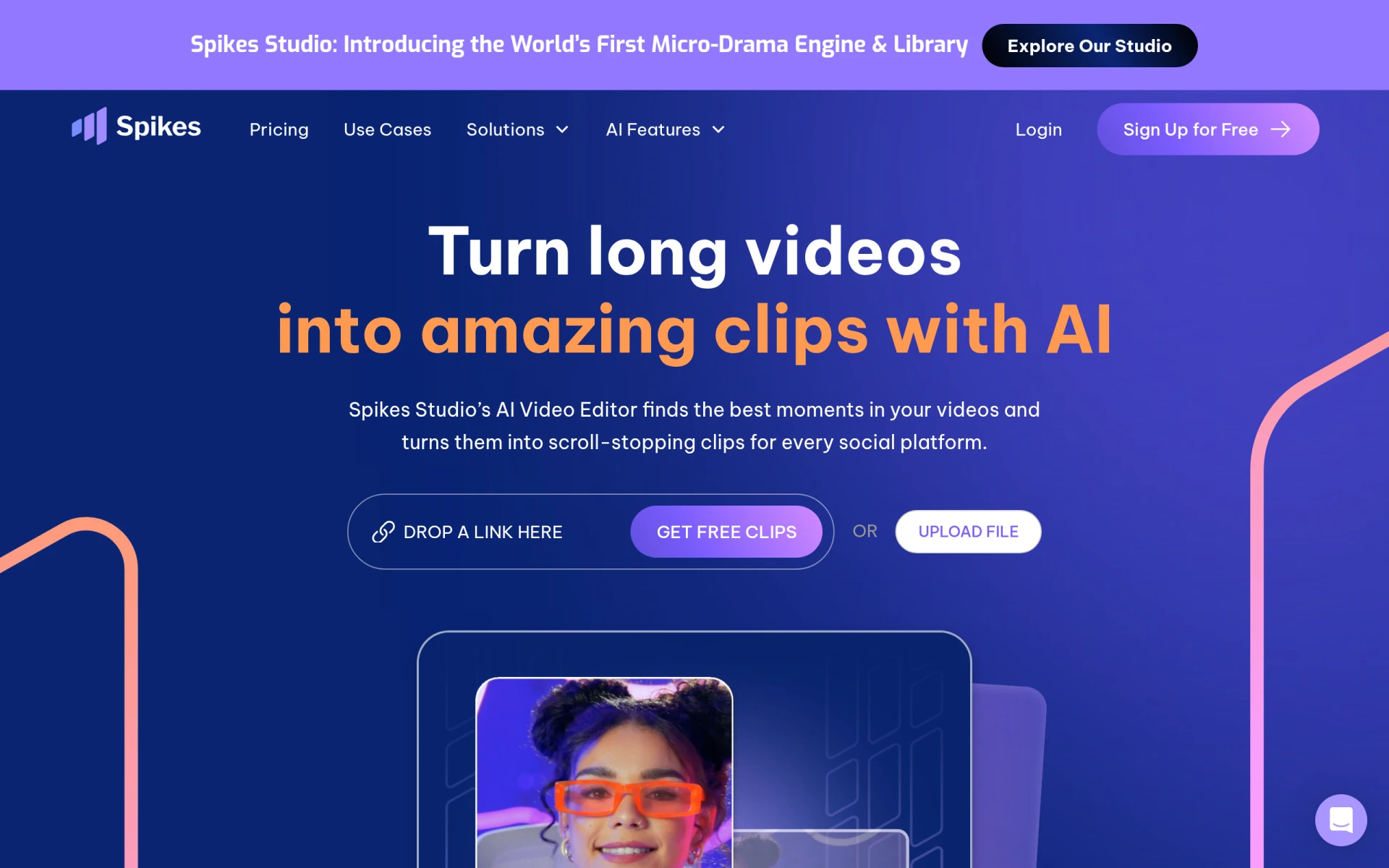 is an AI-driven video editing tool focused on creating engaging clips for platforms such as YouTube, TikTok, and Twitch. Its streamlined approach to video editing makes it a suitable alternative to ByteCap for users looking to produce high-quality content quickly. Spikes Studio offers features that allow for easy trimming, clipping, and enhancing of video content, making it ideal for creators who need to maintain a steady output of engaging videos without spending excessive time on editing.
Moreover, Spikes Studio includes various templates and effects tailored for different platforms, enabling users to create content that resonates with their target audience. While ByteCap primarily condenses longer videos, Spikes Studio’s emphasis on platform-specific features provides users with the tools necessary to optimize their videos for maximum engagement. This makes Spikes Studio a valuable alternative for creators who are serious about growing their presence on multiple platforms.
- Key Strength: Streamlined features for quick video creation across platforms.
- Key Strength: Templates and effects tailored for social media.
- Key Strength: User-friendly interface for easy navigation.
- Limitation: May lack some advanced editing features for experienced users.
Pricing: Freemium model with a free plan and a Pro plan starting at $14.09 per month when billed annually. Best for: Creators needing quick and efficient video production.
Wan - Best for Comprehensive Creative Needs
Wan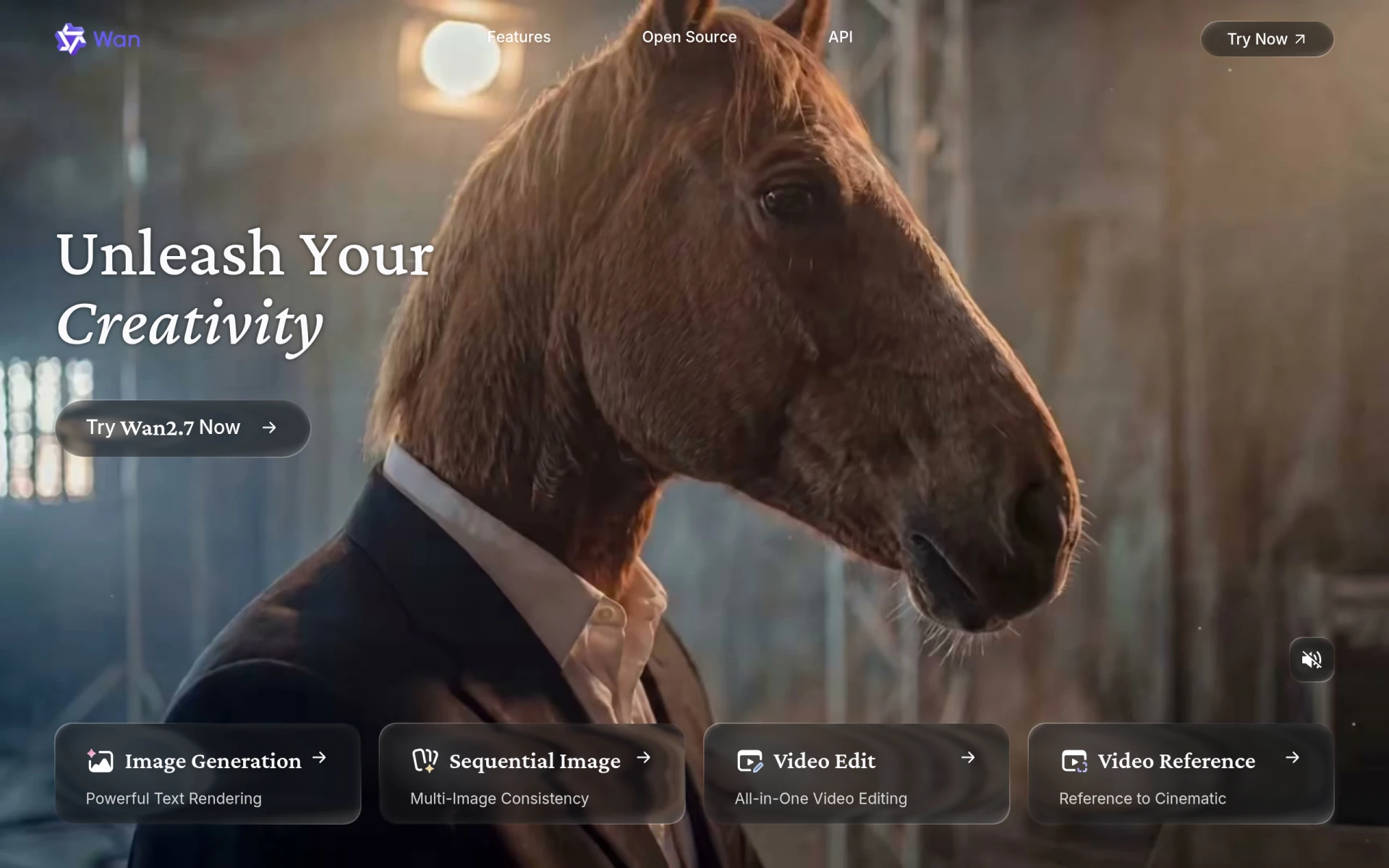 is an AI-powered video editing and generation platform designed to simplify the creative processes for users. While it shares similarities with ByteCap in terms of automation, Wan offers a broader range of editing capabilities, making it suitable for users who want to create comprehensive video content. Wan’s AI tools assist in various aspects of video editing, from trimming and clipping to adding effects and transitions, ensuring that users can produce high-quality videos with relative ease.
One of the unique features of Wan is its ability to cater to diverse content types, making it suitable for everything from social media clips to professional presentations. This versatility sets it apart from ByteCap, which is primarily focused on condensing existing content. Users who need a more extensive toolkit for video creation will find Wan to be a valuable alternative that meets a wider variety of creative needs.
- Key Strength: Comprehensive editing capabilities for diverse content types.
- Key Strength: User-friendly interface designed for various skill levels.
- Key Strength: AI tools assisting in multiple facets of video editing.
- Limitation: Pricing information currently unavailable, which may deter some users.
Pricing: Freemium model with pricing information currently unavailable. Best for: Users needing a comprehensive toolkit for video creation.
Captions - Best for Creating Shareable Videos
Captions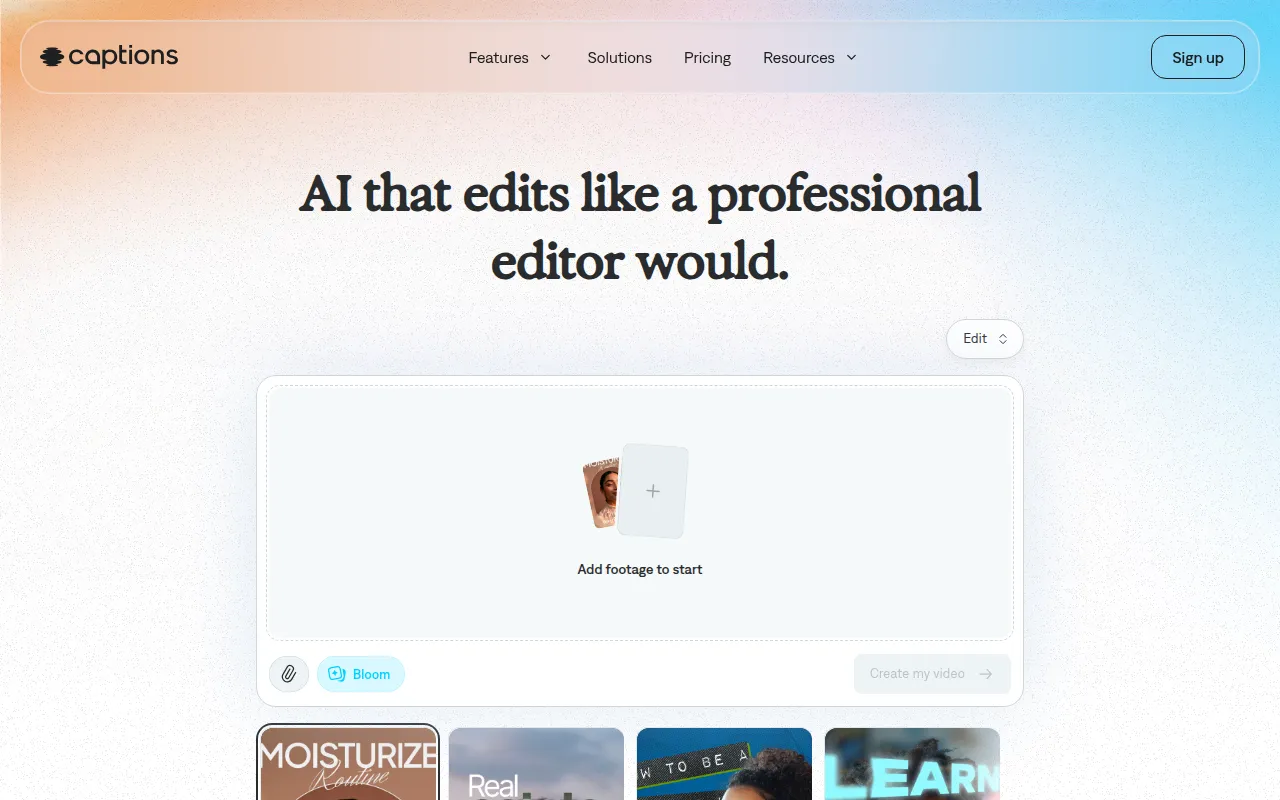 is an AI video editing tool that focuses on transforming ideas into shareable videos effortlessly. While ByteCap is primarily centered around condensing long-form video content, Captions excels in creating engaging and visually appealing videos that are easy to share across platforms. This tool is particularly beneficial for marketers and content creators who want to incorporate text and captions effectively into their videos, enhancing their messaging and reach. Captions’ AI capabilities allow for intuitive editing, making it accessible for users of all skill levels.
Another significant advantage of Captions is its emphasis on shareability. The platform offers features that optimize videos for various social media channels, ensuring that users can effectively engage their target audience. This focus on creating content that is easily shareable sets Captions apart from ByteCap, which may not address specific social media needs as effectively. For those looking to amplify their online presence through engaging video content, Captions presents a robust alternative.
- Key Strength: Focus on creating shareable videos with effective text integration.
- Key Strength: User-friendly editing tools for all skill levels.
- Key Strength: Optimization features for various social media platforms.
- Limitation: Limited advanced editing features for users seeking extensive customization.
Pricing: Freemium model with the most popular subscription priced at $24.99 per month. Best for: Marketers and content creators focused on shareable video content.
PowerDirector - Best for Advanced Editing Needs
PowerDirector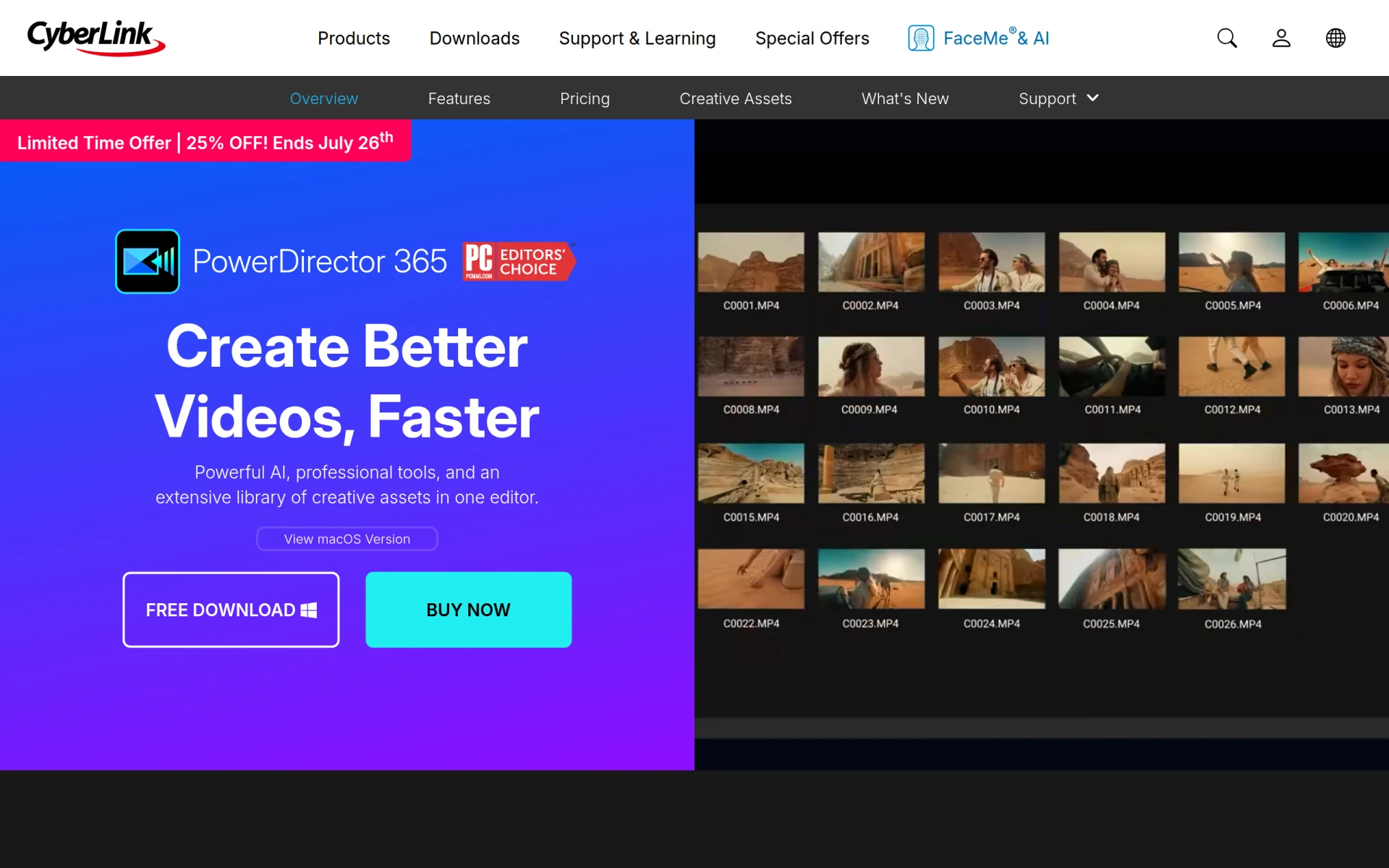 is a versatile video editing software that combines advanced AI tools with professional-grade effects and a vast asset library. Unlike ByteCap, which primarily focuses on creating shorter video clips, PowerDirector offers extensive editing capabilities that cater to users looking for a more sophisticated video production experience. This platform is ideal for content creators who want to produce high-quality videos with intricate edits, effects, and transitions. PowerDirector’s robust features make it suitable for both novice and experienced editors, providing a wide range of tools to enhance video quality.
Moreover, PowerDirector supports various video formats and resolutions, allowing users to create content for multiple platforms without losing quality. Its extensive library of effects and templates further enhances the editing experience, making it easier to produce professional-looking videos. For users who require more than just clipping functionalities, PowerDirector provides a comprehensive solution that addresses advanced video editing needs, setting it apart from ByteCap’s more limited capabilities.
- Key Strength: Advanced editing tools and professional-grade effects.
- Key Strength: Extensive asset library for diverse content creation.
- Key Strength: Supports various formats and resolutions for high-quality output.
- Limitation: May have a steeper learning curve for beginners.
Pricing: Freemium model with subscription options tailored for different user needs. Best for: Users requiring advanced editing capabilities.
Clipchamp - Best for User-Friendly Video Editing
Clipchamp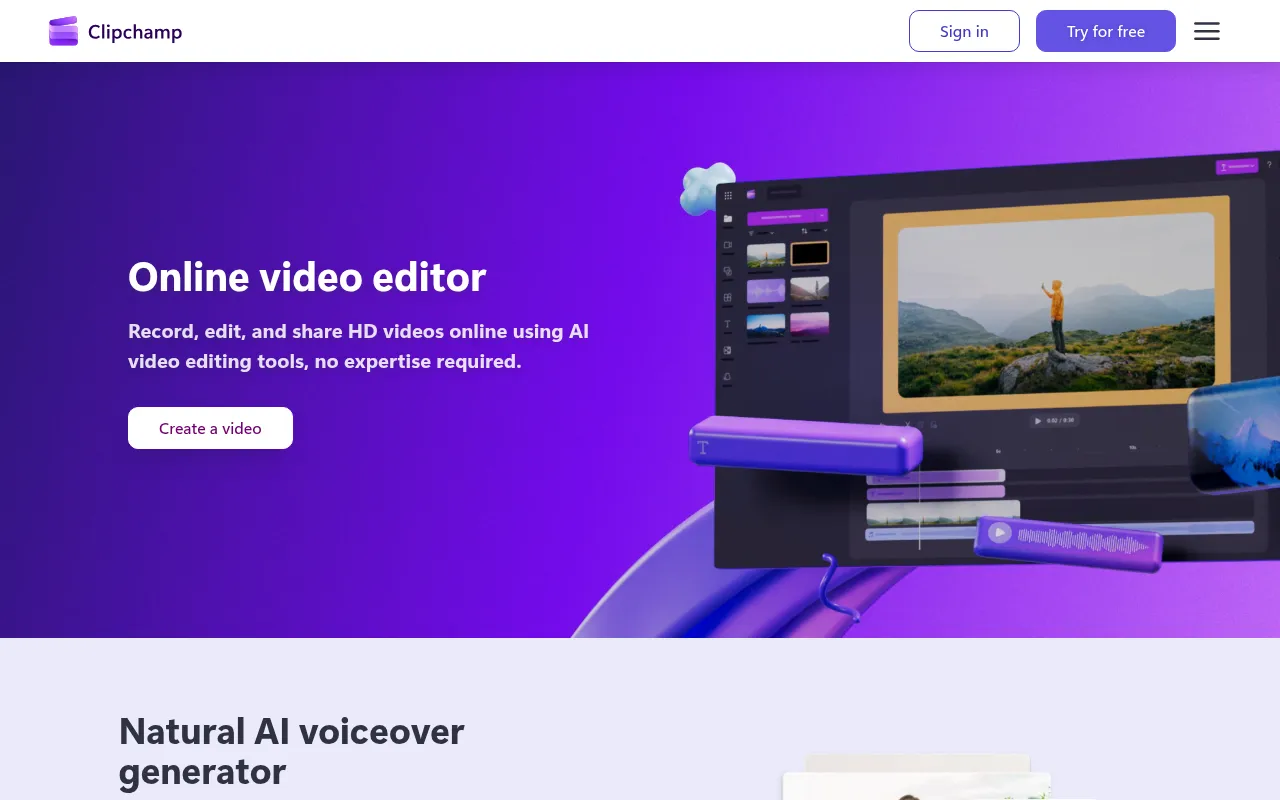 is an online video editing tool that allows users to create and edit videos easily without prior expertise. Unlike ByteCap, which primarily focuses on creating short clips, Clipchamp offers a more comprehensive editing experience, making it suitable for a wide range of video projects. Its user-friendly interface and intuitive features make it accessible for beginners, while still providing enough depth for experienced editors. Clipchamp’s capabilities include various editing tools, effects, and the ability to export videos in different formats, catering to diverse creative needs.
Another significant advantage of Clipchamp is its online accessibility, allowing users to edit videos from any device with internet access. This flexibility is particularly beneficial for users who may need to work on projects from different locations. Additionally, Clipchamp integrates with Microsoft 365, providing users with additional features and tools that enhance the editing experience. For those looking for a versatile video editing solution that balances ease of use with comprehensive features, Clipchamp serves as an excellent alternative to ByteCap.
- Key Strength: Comprehensive editing experience suitable for various projects.
- Key Strength: User-friendly interface for easy navigation.
- Key Strength: Online accessibility for editing on different devices.
- Limitation: Some advanced features may require Microsoft 365 subscription.
Pricing: Freemium model with a free version and premium features available through Microsoft 365 subscriptions. Best for: Users seeking a user-friendly video editing solution.
Feature Comparison Table
| Tool | Best For | Starting Price | Free Plan | Standout Feature |
|---|
| ByteCap | Shortening long videos | Free | Yes | AI-driven video condensation |
| Klap | Social media creators | Freemium | Yes | AI-driven social media optimization |
| VEED.IO | Marketers and solopreneurs | Freemium | Yes | Comprehensive editing tools |
| HiClip | Quick social media edits | Freemium | Yes | Fast video condensation |
| Similar Video | Effortless video editing | Freemium | Yes | Effortless video generation |
| VideoShorts | Quick engagement | Freemium | Yes | Quick video creation |
| Vid.AI | Simplified video creation | Freemium | Yes | AI features for auto-captioning |
| VideoGen | Fast video generation | $16/mo | Yes | Rapid video creation |
| Creative Reality Studio | Visual storytelling | Freemium | No | Transforming still images into videos |
| Gling | YouTube creators | Freemium | Yes | Tailored features for YouTube |
| Opus Clip | Engaging short clips | $15/mo | Yes | Focus on social media engagement |
| Spikes Studio | Streamlined video creation | Freemium | Yes | Quick video creation features |
| Wan | Comprehensive creative needs | Freemium | No | Comprehensive editing capabilities |
| Captions | Shareable videos | Freemium | Yes | Effective text integration |
| PowerDirector | Advanced editing needs | Freemium | Yes | Professional-grade effects |
| Clipchamp | User-friendly editing | Freemium | Yes | Comprehensive editing experience |
How to Choose the Right Alternative to ByteCap
When considering alternatives to ByteCap, it's essential to evaluate your specific needs and use cases. For social media creators, tools like Klap and Opus Clip may be the best fit due to their focus on producing engaging short content tailored for platforms like TikTok and Instagram. If you are a marketer or solopreneur looking for a more comprehensive editing suite, VEED.IO or Vid.AI could provide the advanced features needed to create polished and professional videos.
On the other hand, if you require a tool that simplifies the video creation process without extensive editing skills, Similar Video or Captions might be the right choice. These platforms emphasize automation and ease of use, allowing users to generate videos quickly. For users with advanced editing needs, exploring options like PowerDirector or Clipchamp can provide a more in-depth editing experience, empowering creators to produce high-quality content that stands out.
Final Verdict
In conclusion, while ByteCap offers valuable features for condensing long videos, several alternatives cater to diverse user needs. Klap and Opus Clip shine for social media creators, while VEED.IO and Vid.AI cater to marketers seeking comprehensive editing solutions. For effortless creation, Similar Video and Captions are excellent picks, while PowerDirector and Clipchamp serve users needing advanced editing capabilities. Choose the alternative that aligns best with your specific video creation goals.