ProPhotos
Freemium
AI
ProPhotos is an AI-powered photo editing tool designed to enhance images quickly and efficiently.
Discover the best Cutout Pro alternatives! Compare features, pricing, and usability to find the right design tool for you today.

Looking for alternatives to
Cutout Pro is an all-in-one visual design platform offering AI-powered tools for photo and video editing.
View Cutout Pro Profile →While Cutout Pro offers a robust platform for photo and video editing, users often find themselves seeking alternatives due to specific limitations. One of the most pressing concerns is pricing transparency; the lack of readily available pricing information can frustrate potential users who wish to compare costs before fully committing to a tool. Additionally, Cutout Pro may not cater to certain niche editing needs, such as advanced artistic transformations or specialized enhancement features that are becoming increasingly popular among digital creators. Users looking for these specific functionalities might feel constrained by the offerings of Cutout Pro.
Moreover, the user interface and learning curve can be another pain point. Some users have reported that while Cutout Pro is feature-rich, it can be overwhelming for beginners who may struggle to find the tools they need quickly. This complexity can detract from the overall user experience, particularly for those who are seeking intuitive and user-friendly solutions. These common issues drive many users to explore alternatives that may better suit their specific needs and preferences, from pricing models to user interface design.
ProPhotos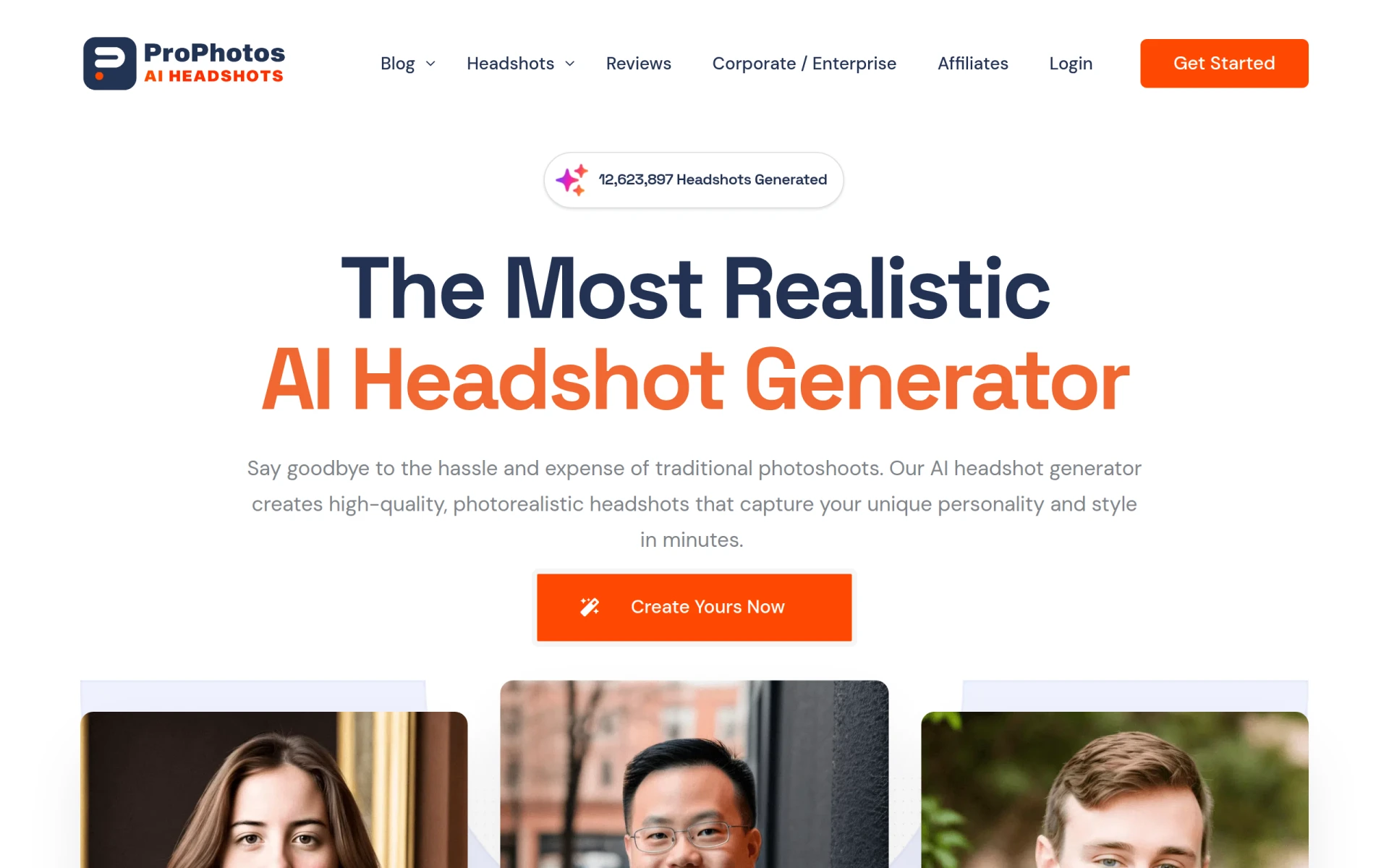 is an AI-powered photo editing tool designed to enhance images quickly and efficiently, making it a formidable alternative to Cutout Pro. One of ProPhotos' standout features is its ability to automatically adjust image parameters such as brightness, contrast, and saturation, which can save users significant time during the editing process. Unlike Cutout Pro, which can sometimes require manual adjustments to achieve optimal results, ProPhotos utilizes advanced algorithms to streamline this workflow, making it particularly appealing to users who need fast, effective edits without diving deep into complex settings.
Moreover, ProPhotos excels in providing a user-friendly interface that caters to both beginners and seasoned editors. The platform’s simplicity allows users to navigate through its features with ease, making it less intimidating than some of its competitors. For those who primarily require straightforward image enhancements rather than advanced design capabilities, ProPhotos offers a practical solution that aligns well with their editing needs.
Pricing: Freemium. Best for: Users seeking quick and easy photo enhancements.
PicMa Studio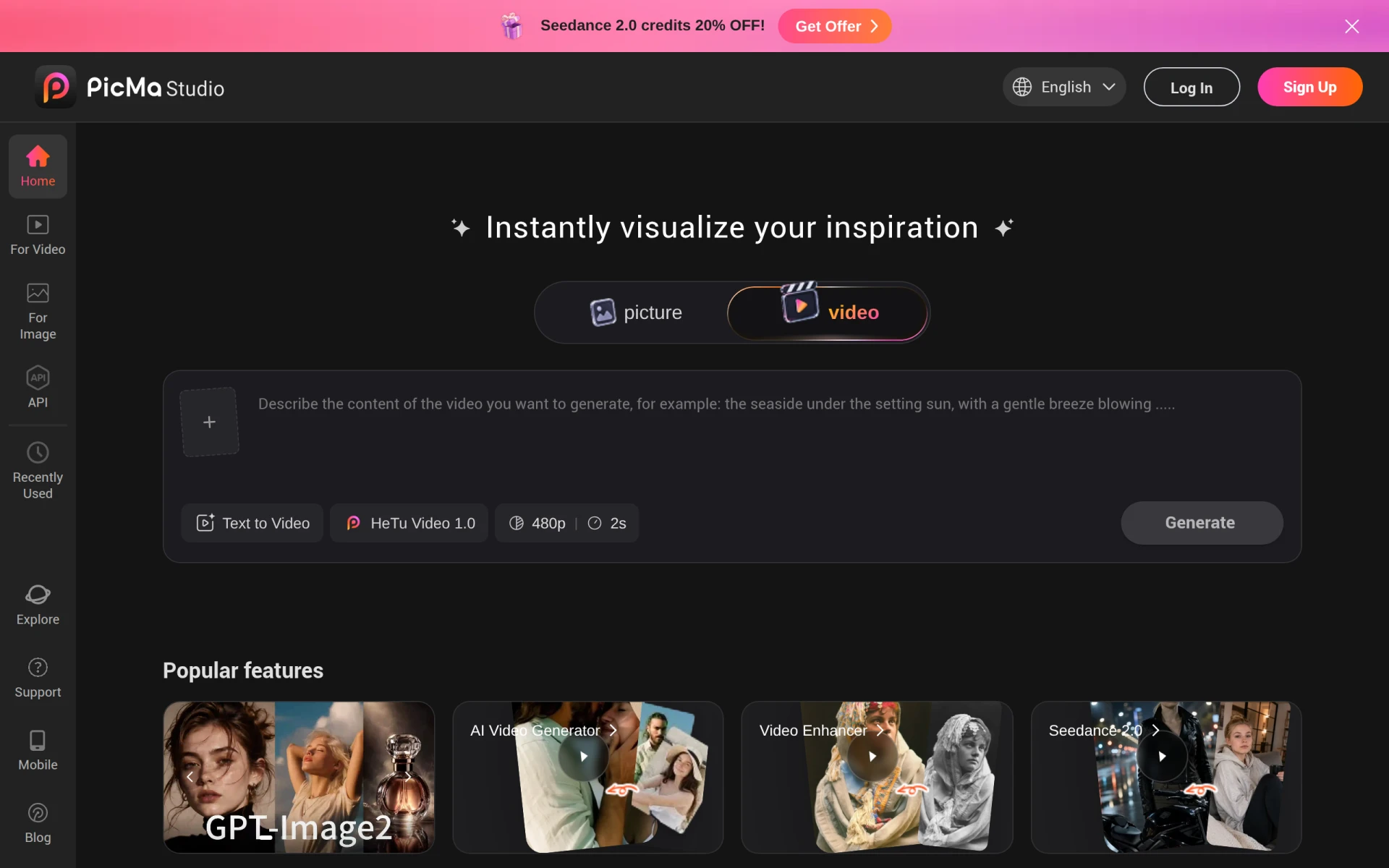 is another AI-powered photo editing tool that focuses on simplifying the editing process for users. It offers a range of features that enhance images with minimal effort, making it an excellent alternative for those who find Cutout Pro's functionalities a bit overwhelming. With PicMa Studio, users can achieve professional-quality results without needing extensive knowledge of photo editing, which is a significant advantage for novices or casual users who prioritize ease of use over detailed customization.
The platform also supports a variety of file types and integrates seamlessly with different devices, ensuring that users can edit their images on the go. This flexibility sets PicMa Studio apart from Cutout Pro, which may not offer the same level of accessibility across platforms. For those who need a straightforward tool that doesn't compromise on quality, PicMa Studio stands out as a reliable choice.
Pricing: Freemium. Best for: Users looking for a simplified editing experience.
Prisma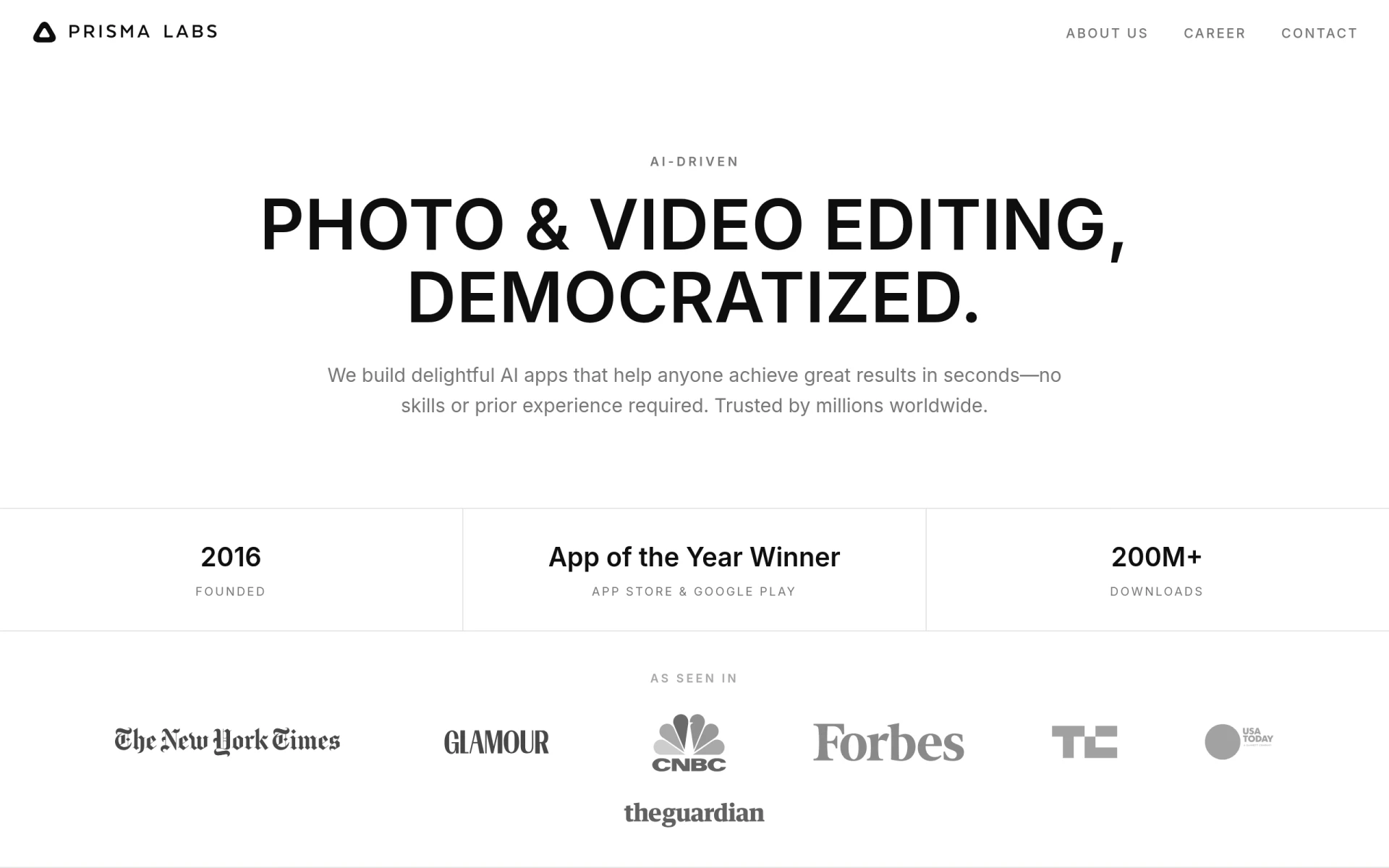 is renowned for its ability to transform images into artistic styles, making it a unique alternative to Cutout Pro. Unlike Cutout Pro, which focuses primarily on traditional photo editing, Prisma leverages AI to apply artistic filters that mimic famous painting styles. This feature is particularly appealing to creative professionals and social media enthusiasts who wish to produce eye-catching visuals that stand out from standard photographs. The artistic filters are not only diverse but also highly customizable, allowing users to adjust the intensity of these effects according to their preferences.
Furthermore, Prisma's mobile-friendly application enables users to edit on-the-go, providing flexibility that is crucial for photographers and creators who work outside of a traditional desktop environment. In contrast to Cutout Pro, which may not offer the same level of artistic features, Prisma provides a distinctive toolset that is ideal for users focused on creativity and visual storytelling.
Pricing: Freemium. Best for: Users looking to create artistic and visually striking images.
Slazzer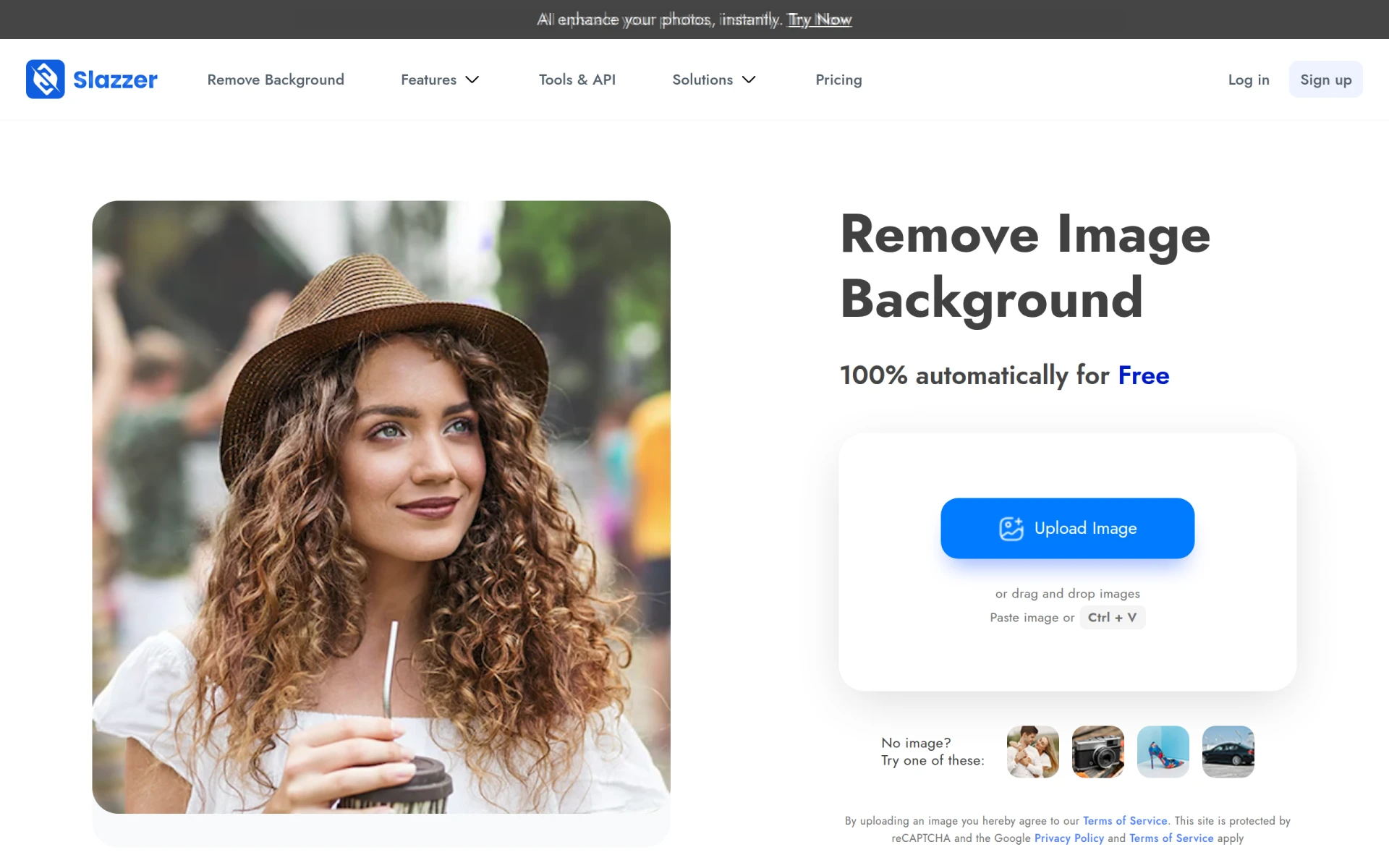 is an AI-powered tool specifically designed for removing backgrounds from images quickly and effortlessly. For users who frequently require background removal for e-commerce or personal projects, Slazzer serves as a targeted alternative to Cutout Pro. It excels in delivering high-quality results with minimal manual input, allowing users to focus on other aspects of their projects. This level of efficiency is particularly beneficial for those who need to process a large number of images in a short time frame.
In addition to its background removal capabilities, Slazzer offers a user-friendly interface that simplifies the editing process. Users can easily upload images, remove backgrounds, and download results in a matter of minutes. Compared to Cutout Pro, which may offer more comprehensive editing features but can also be more complex, Slazzer's simplicity is a significant advantage for users who prioritize speed and convenience in background removal tasks.
Pricing: Freemium with credit-based pricing for high-definition downloads. Best for: Users needing efficient background removal solutions.
Photor AI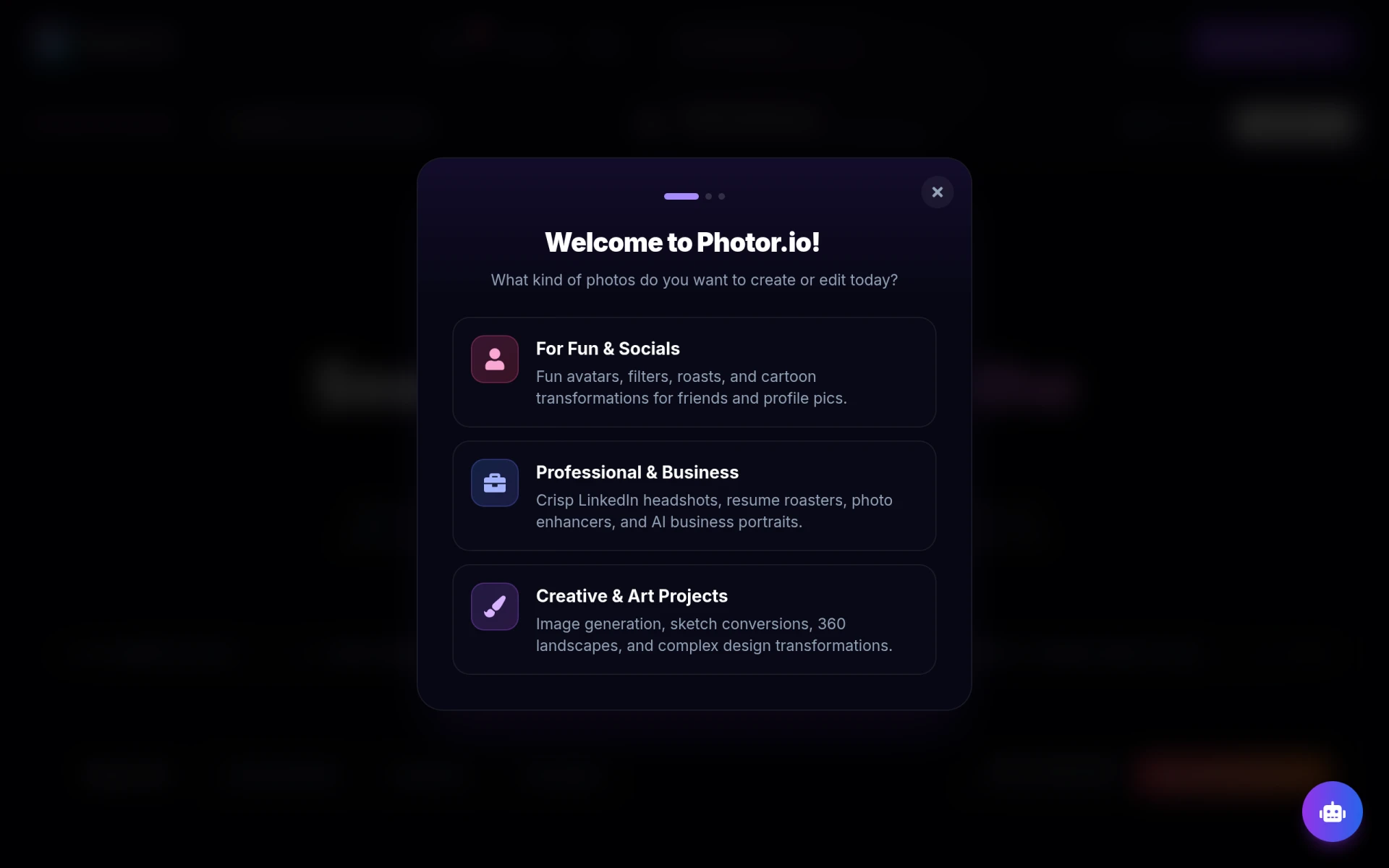 stands out as a versatile tool offering AI-powered features for photo analysis, age transformation, and face restoration. Unlike Cutout Pro, which primarily focuses on traditional editing, Photor AI provides unique functionalities that cater to users looking to enhance their images in innovative ways. The ability to analyze photos and apply transformations such as age progression or regression is particularly valuable for professionals in fields like marketing and social media who may need to showcase different demographics or styles.
In addition to its transformative capabilities, Photor AI also includes restoration features that can help revitalize old or damaged photos, making it a suitable choice for users who value preserving memories and enhancing quality. This combination of features makes Photor AI a compelling alternative to Cutout Pro for those focused on both creative and functional aspects of image editing.
Pricing: Freemium with a personal plan at $9.99 per month. Best for: Users needing advanced photo analysis and restoration features.
Reshot AI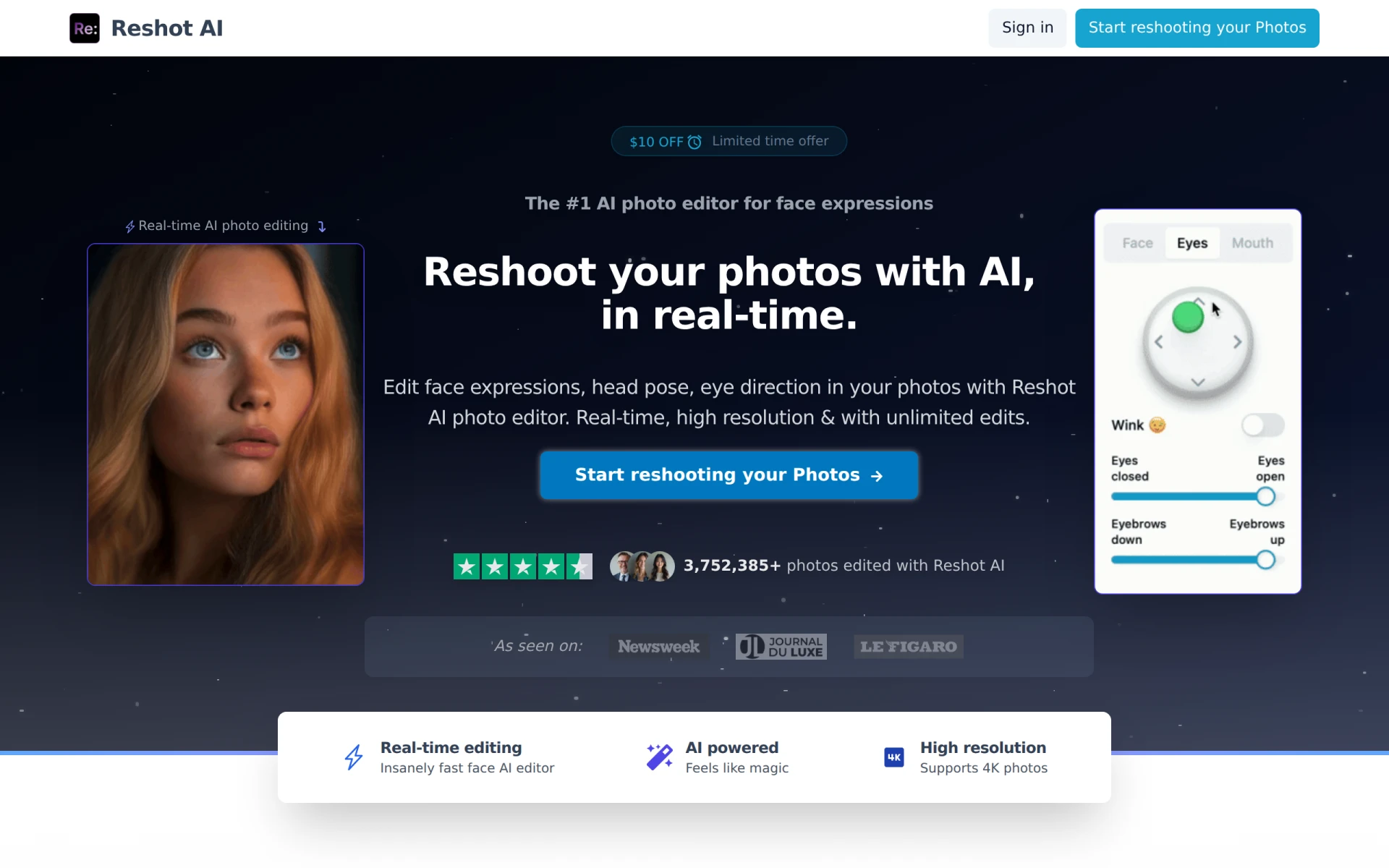 is an innovative online face editor that allows users to change facial expressions and poses in real-time, making it a unique alternative to Cutout Pro. This tool is particularly beneficial for photographers and content creators who require high-quality, professional-looking images but may not have the resources for extensive photo shoots. Unlike Cutout Pro, which focuses on broader editing capabilities, Reshot AI's specialized features streamline the process of creating the perfect shot by allowing users to make adjustments on the fly.
The ease of use and the ability to manipulate facial features in real time distinguishes Reshot AI from other editing tools. This feature is especially useful for social media influencers and marketers who need to create engaging content quickly. While Cutout Pro offers a variety of editing tools, Reshot AI’s real-time capabilities provide a unique edge for those specifically focused on portrait photography and face editing.
Pricing: Paid with specific details not explicitly provided. Best for: Photographers needing real-time face editing capabilities.
Erase.bg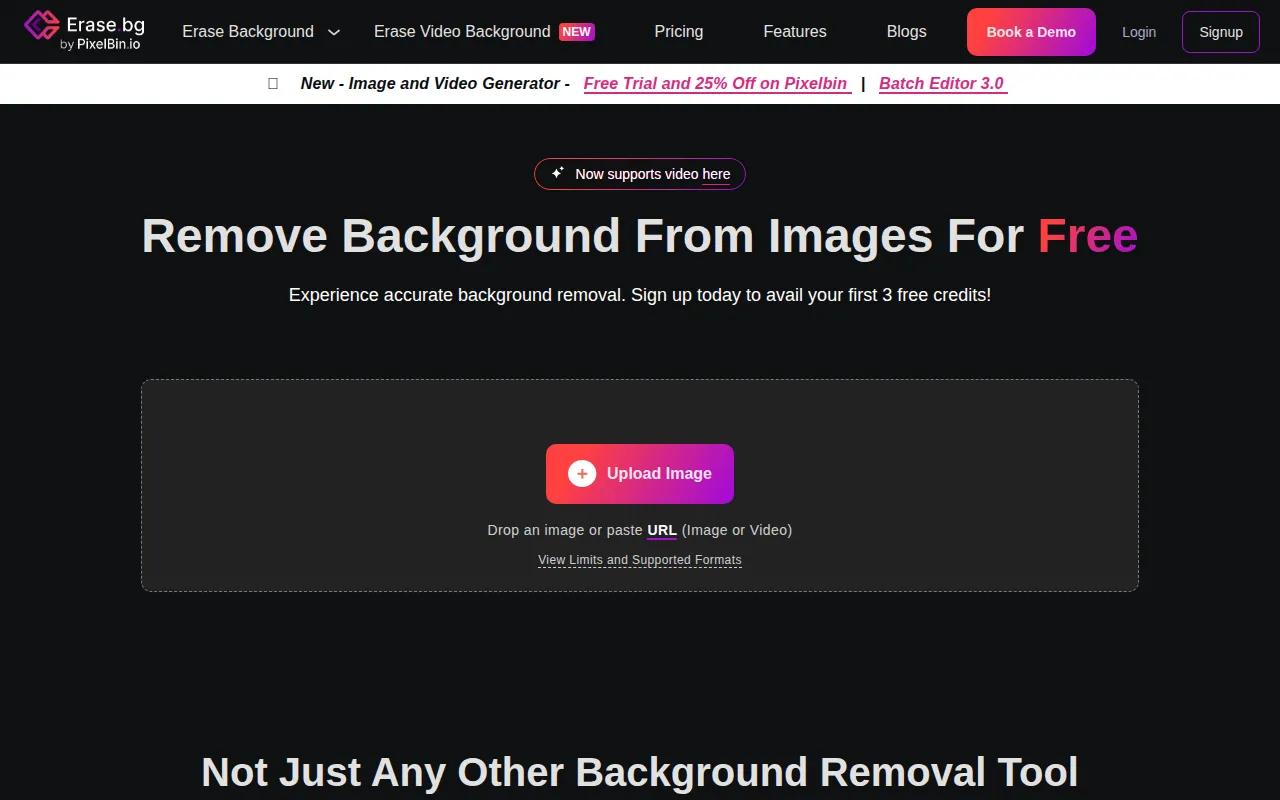 is a specialized AI-powered tool designed for removing backgrounds from images quickly and easily. This tool is particularly suited for e-commerce businesses that require high-quality product images without distractions. Unlike Cutout Pro, which offers a wide range of editing features, Erase.bg focuses specifically on background removal, making it an efficient choice for users with this singular need. The platform’s capability to deliver accurate results in seconds is a significant advantage for those who deal with large volumes of images.
Additionally, Erase.bg offers various pricing options, including a free plan with credits, which is ideal for users looking to test the service before committing. This flexibility allows businesses to scale their usage according to their needs. For users who prioritize quick and effective background removal, Erase.bg stands out as a reliable alternative to Cutout Pro.
Pricing: Freemium with credits for additional features. Best for: E-commerce users needing efficient background removal.
Face26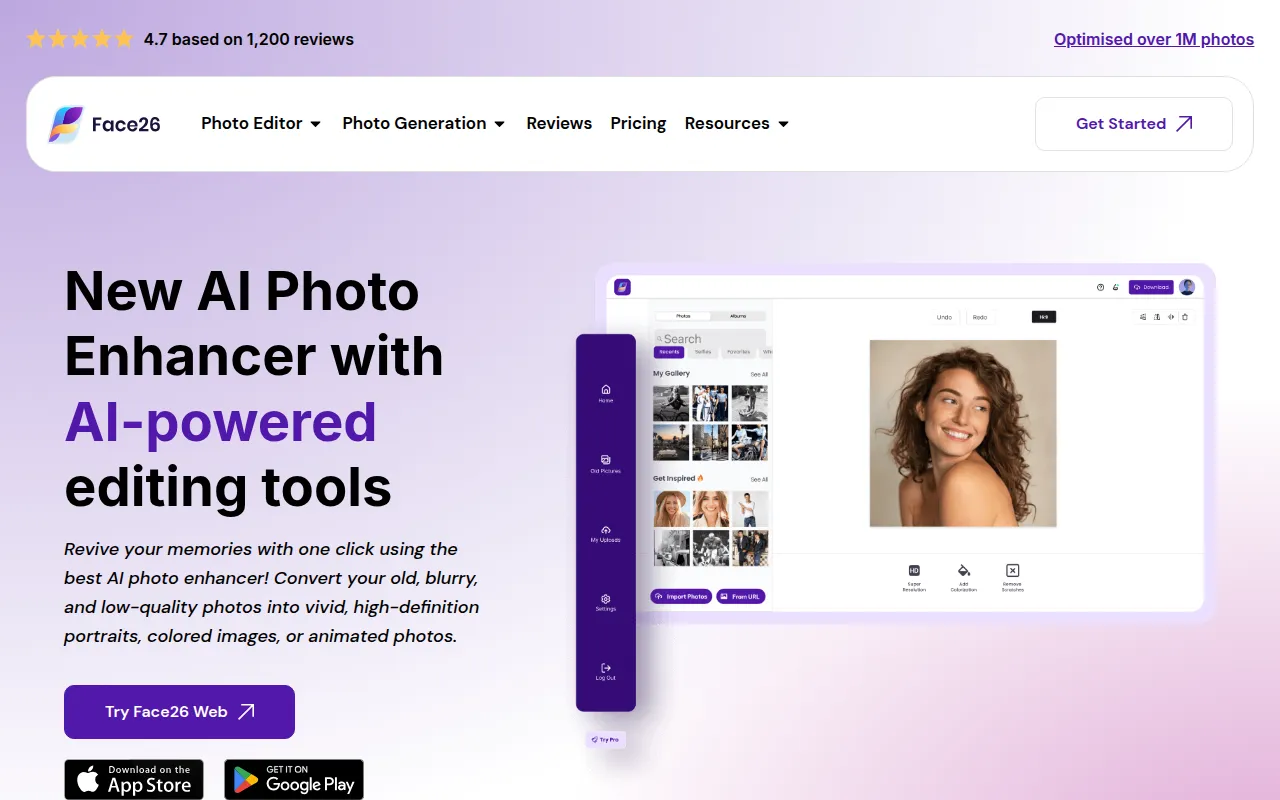 is an AI-powered photo enhancer that focuses on improving image quality and sharpness effortlessly. This tool is particularly valuable for users who often work with low-resolution images or require quick enhancements without extensive editing skills. Unlike Cutout Pro, which offers a broader range of editing tools, Face26 specializes in image quality improvement, making it a strong candidate for users who prioritize clarity and detail in their photos. This targeted approach allows users to achieve impressive results with minimal effort.
Moreover, Face26’s streamlined process ensures that users can make significant improvements in just a few clicks, which is a significant advantage for those who may not have the time or expertise to navigate more complex software. While Cutout Pro offers extensive features, Face26's focus on quality enhancement makes it an appealing choice for users who value speed and efficiency.
Pricing: Freemium. Best for: Users seeking quick image quality enhancements.
AirBrush AI Headshots specializes in creating professional AI-generated headshots that enhance online presence effortlessly. This tool is particularly useful for professionals and job seekers who want to present themselves in the best light without the need for a professional photographer. Unlike Cutout Pro, which offers a wider range of editing tools, AirBrush focuses specifically on headshot generation, making it a great option for users needing high-quality images for LinkedIn or other professional profiles.
The platform’s ease of use and ability to produce polished results quickly is a significant advantage for busy professionals. Users can simply upload their photos and let the AI do the rest, which significantly reduces the time and effort typically required for headshot preparation. For those who require professional-quality headshots without the hassle, AirBrush AI Headshots is a compelling alternative to Cutout Pro.
Pricing: Freemium. Best for: Professionals needing quick and high-quality headshots.
Profile Picture AI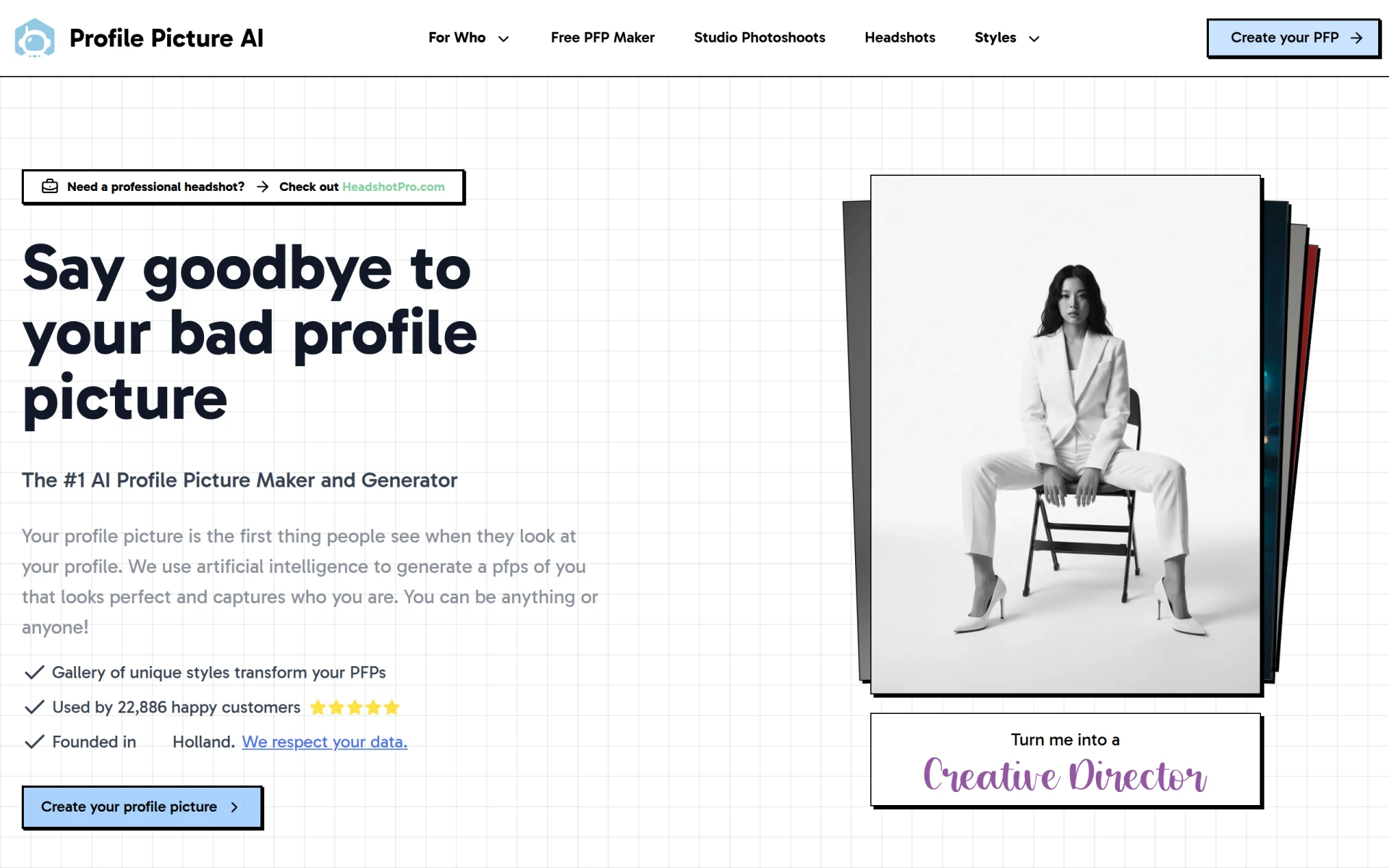 offers users a unique way to create personalized AI-generated profile pictures that enhance online presence. This tool is particularly appealing for social media users and professionals who want to stand out with customized images. Unlike Cutout Pro, which provides a comprehensive suite of editing tools, Profile Picture AI focuses specifically on profile picture creation, making it a go-to option for users seeking tailored visuals for platforms like Instagram, Facebook, and LinkedIn.
The platform’s ability to generate distinctive profile pictures quickly allows users to maintain a fresh and engaging online presence. This is particularly beneficial for those who frequently update their images to reflect personal branding efforts. Profile Picture AI's specialized focus on profile pictures differentiates it from Cutout Pro, making it ideal for users looking to enhance their digital identity without the complexity of broader editing tools.
Pricing: Freemium. Best for: Users needing unique and personalized profile pictures.
MagicPhotos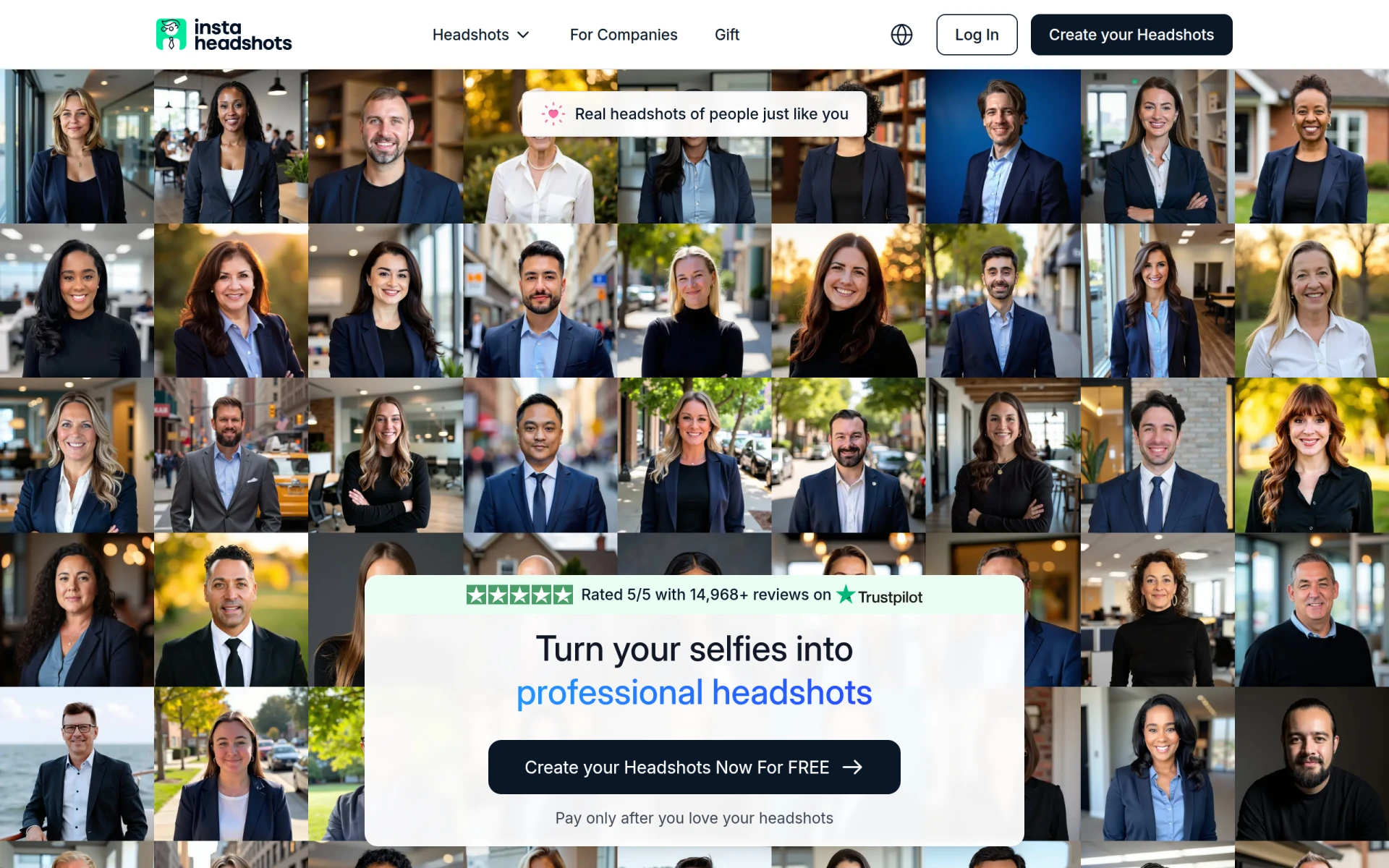 is an AI-driven headshot generator that transforms selfies into professional-quality headshots quickly and easily. This tool is ideal for users who wish to enhance their casual selfies into polished images suitable for professional use. Unlike Cutout Pro, which features a wide array of editing capabilities, MagicPhotos specializes in headshot generation and is particularly useful for those who need quick results without extensive editing skills.
The platform’s straightforward process allows users to upload their selfies and receive enhanced images in a matter of moments. This efficiency appeals to busy professionals and students who need quality headshots for resumes or social media profiles. For users seeking a dedicated solution for transforming selfies into professional images, MagicPhotos provides a focused alternative to Cutout Pro.
Pricing: Freemium. Best for: Users needing quick transformations of selfies into professional headshots.
Photo Editor AI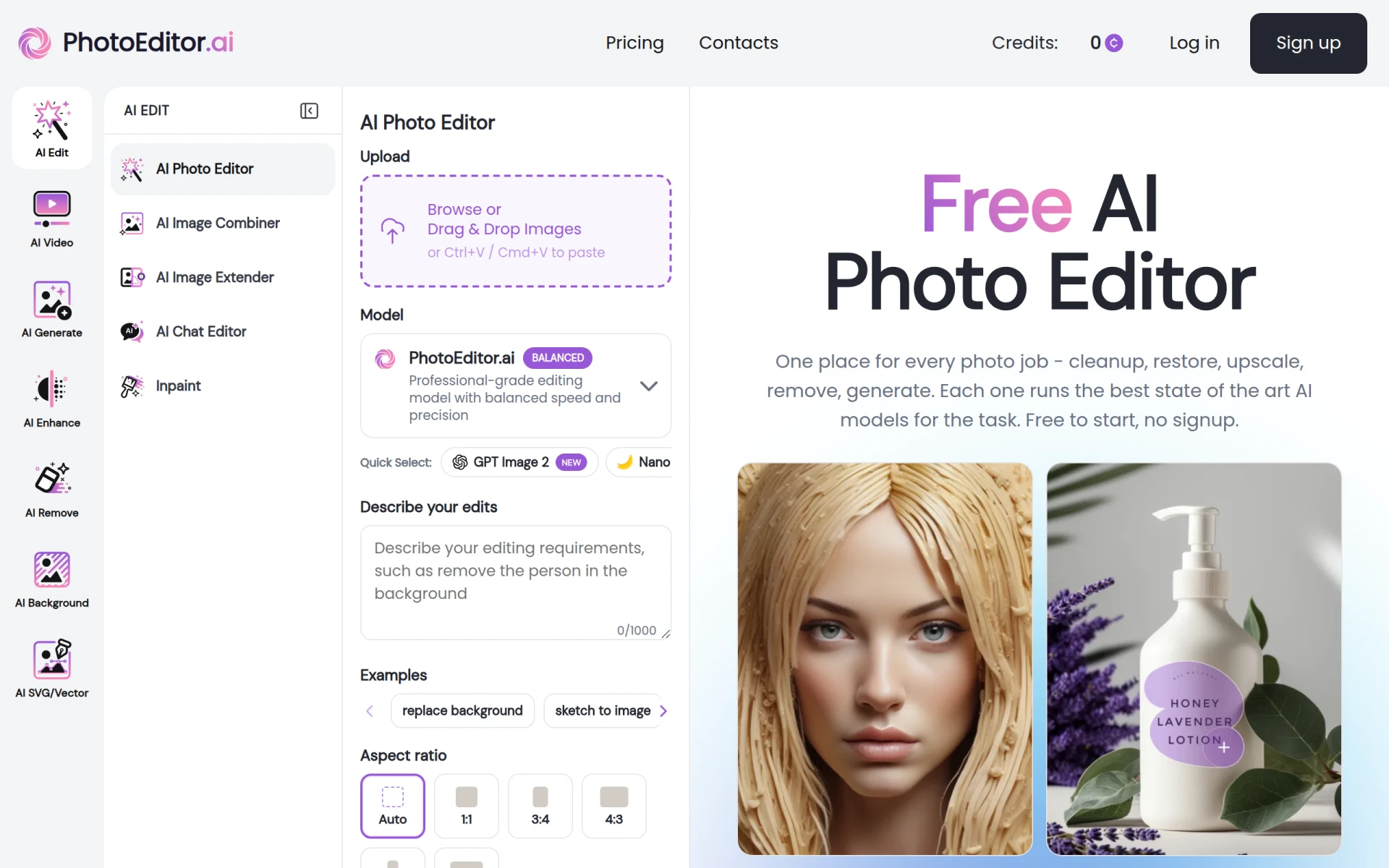 offers a suite of over 30 AI-powered tools for photo editing and image generation, making it one of the most comprehensive alternatives to Cutout Pro. Unlike Cutout Pro, which may focus on a specific set of features, Photo Editor AI provides a diverse array of editing options that cater to various user needs. Whether you are looking to enhance, transform, or create images, this platform equips users with the tools necessary to achieve professional results.
Additionally, Photo Editor AI's free version allows users to explore its features without the need for an upfront commitment, which is a significant advantage for those who want to test the waters before investing in a paid plan. The combination of extensive tools and a user-friendly interface makes Photo Editor AI an excellent choice for users who require versatile editing capabilities beyond what Cutout Pro offers.
Pricing: Freemium with paid plans starting at $9 per month. Best for: Users needing a wide range of comprehensive editing tools.
Alter AI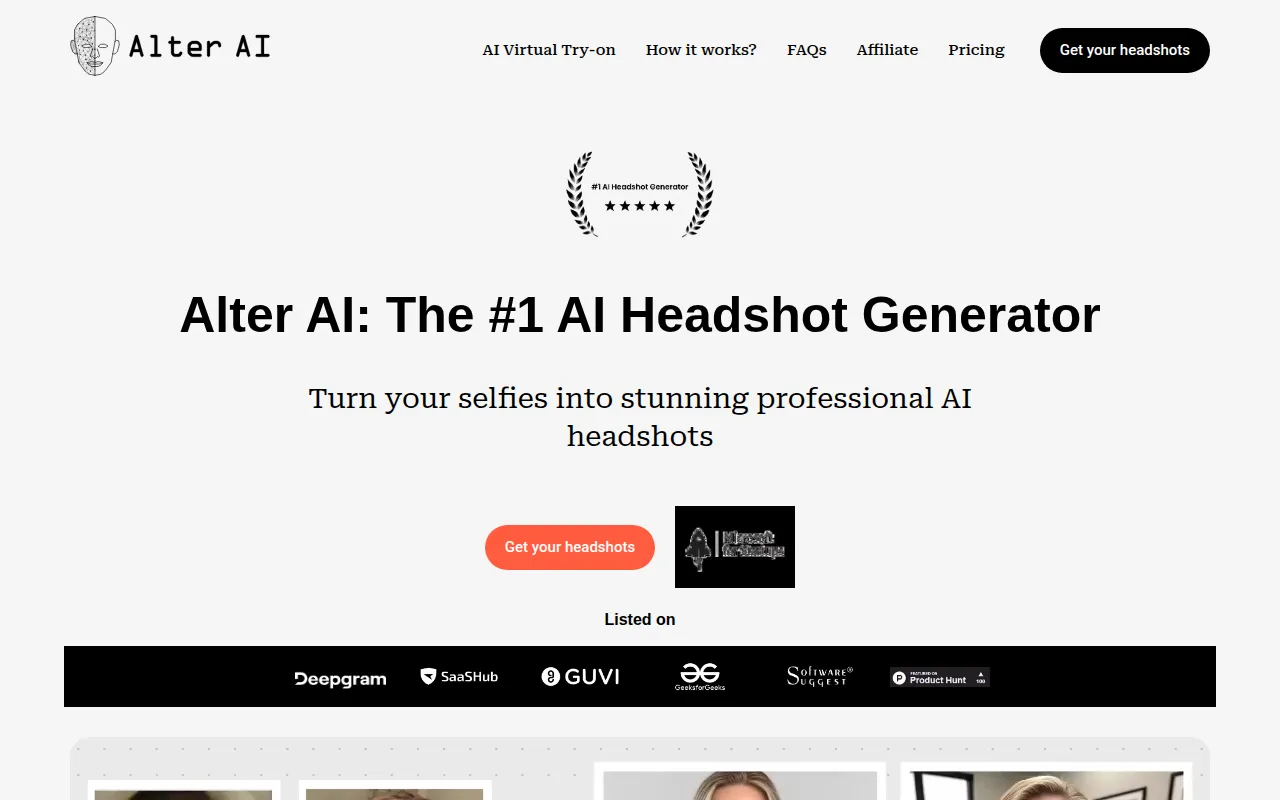 is an AI headshot generator that focuses on transforming selfies into professional-quality images for personal branding. This tool serves as an excellent alternative for users who require high-quality headshots without the need for extensive editing tools. Unlike Cutout Pro, which offers a variety of features across different editing categories, Alter AI zeroes in on headshot creation, making it a smart choice for professionals and job seekers who want to present their best selves online.
The ease of use and quick processing time make Alter AI an attractive option for users who may not have the resources for professional photography. Furthermore, the platform's ability to generate polished images from casual selfies allows users to maintain a professional presence on platforms like LinkedIn. With its focused approach, Alter AI effectively meets the needs of users looking for dedicated headshot solutions.
Pricing: Freemium. Best for: Users needing specialized headshot creation.
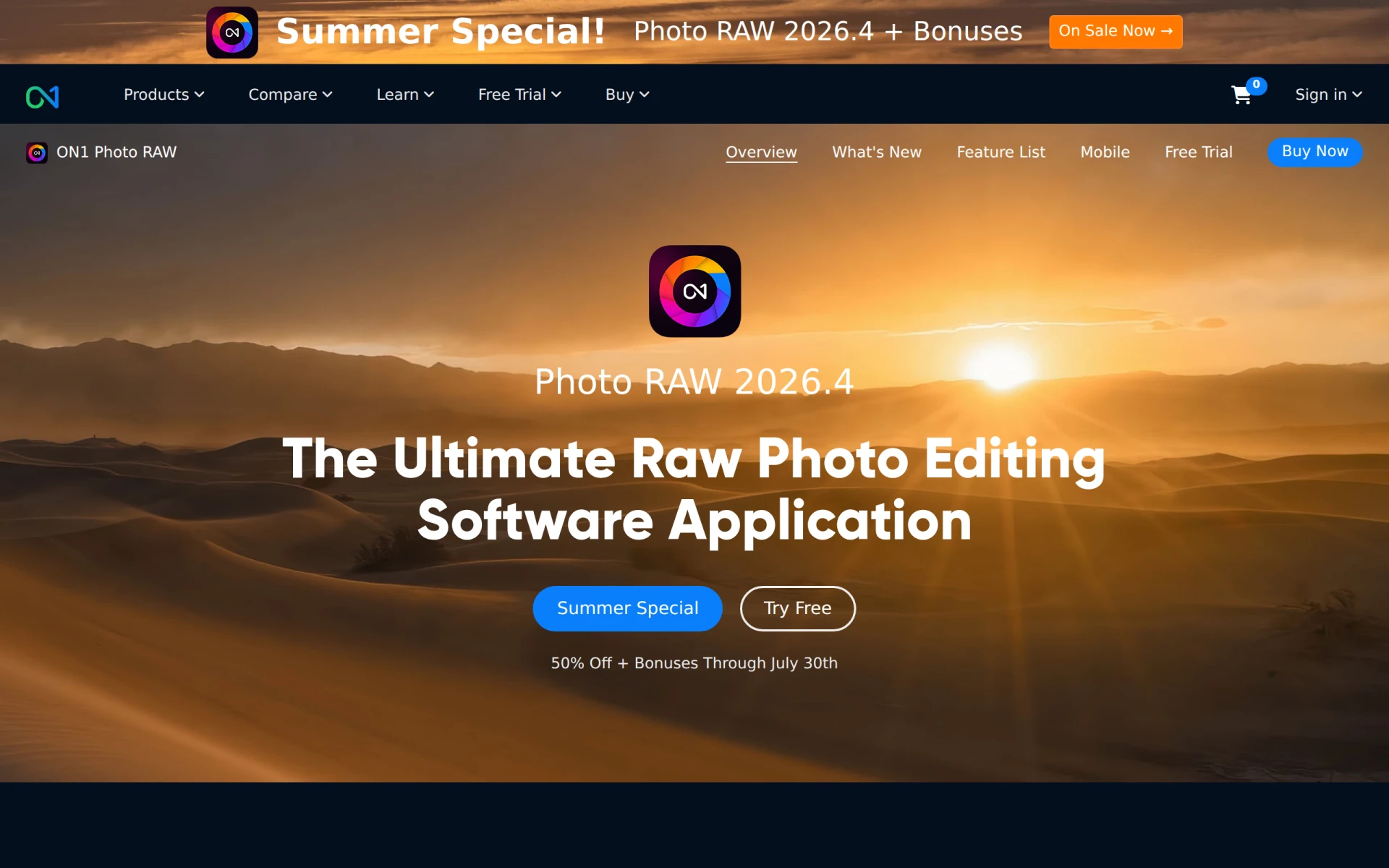
ON1 Photo RAW is an all-in-one software designed for RAW photo editing, combining powerful tools and AI features for effortless photo management. Unlike Cutout Pro, which primarily focuses on general photo and video editing, ON1 Photo RAW offers advanced capabilities specifically tailored for professional photographers working with RAW files. The software includes advanced editing features, extensive presets, and a highly customizable workflow that appeals to users seeking comprehensive control over their editing processes.
Moreover, ON1 Photo RAW's integration of AI technology helps streamline tasks such as noise reduction and sharpening, making it easier for users to achieve high-quality results quickly. For professional photographers or serious enthusiasts who require a specialized tool for managing and editing RAW images, ON1 Photo RAW serves as a superior alternative to Cutout Pro.
Pricing: Paid with subscription or outright purchase. Best for: Professional photographers needing advanced RAW editing tools.
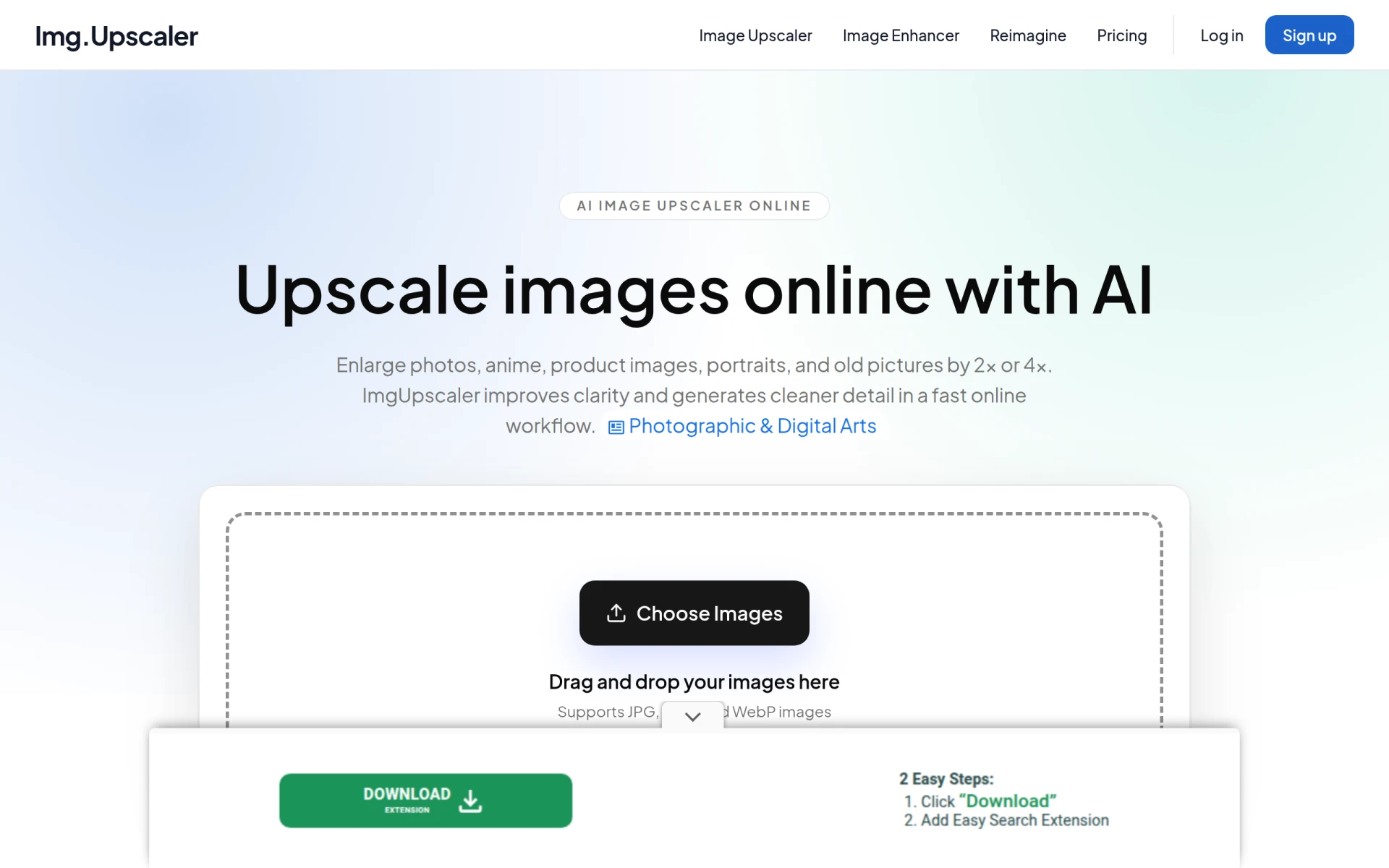
ImgUpscaler is an online tool that enhances and upscales images using AI technology, making it ideal for users looking to improve photo quality without losing detail. Unlike Cutout Pro, which offers a broader range of editing features, ImgUpscaler focuses specifically on image enlargement and enhancement. This targeted functionality is especially beneficial for users who work with low-resolution images or need to maintain high quality in printed materials.
The platform’s straightforward interface allows for quick uploads and processing, ensuring that users can achieve enhanced results in no time. For those who prioritize image quality and need a dedicated tool for upscaling, ImgUpscaler provides a focused and effective alternative to Cutout Pro.
Pricing: Freemium with paid upgrades available. Best for: Users needing to upscale images without losing quality.
| Tool | Best For | Starting Price | Free Plan | Standout Feature |
|---|---|---|---|---|
| Cutout Pro | General photo and video editing | Freemium | Yes | Comprehensive design tools |
| ProPhotos | Quick image enhancements | Freemium | Yes | Automated adjustments |
| PicMa Studio | Simplified editing processes | Freemium | Yes | Ease of use |
| Prisma | Artistic transformations | Freemium | Yes | Artistic filters |
| Slazzer | Background removal | Freemium | Yes | Fast background removal |
| Photor AI | Image analysis and restoration | Freemium | Yes | Age transformation |
| Reshot AI | Real-time face editing | Paid | No | Real-time adjustments |
| Erase.bg | E-commerce background removal | Freemium | Yes | E-commerce focus |
| Face26 | Image quality enhancement | Freemium | Yes | Quality improvement |
| AirBrush AI Headshots | Professional headshots | Freemium | Yes | Headshot specialization |
| Profile Picture AI | Custom profile pictures | Freemium | Yes | Personalization options |
| MagicPhotos | Selfie transformations | Freemium | Yes | Quick headshot generation |
| Photo Editor AI | Comprehensive editing tools | Freemium | Yes | Wide range of tools |
| Alter AI | Professional headshot creation | Freemium | Yes | Focused headshot design |
| ON1 Photo RAW | RAW photo editing | Paid | No | Advanced RAW features |
| ImgUpscaler | Image upscaling | Freemium | Yes | Quality preservation |
When selecting the right alternative to Cutout Pro, consider your specific needs and use cases. If you require quick and efficient image enhancements, tools like ProPhotos or PicMa Studio may be ideal for you, as they focus on streamlining the editing process and delivering results quickly. For users seeking artistic transformations, Prisma offers a unique way to apply creative filters that can elevate standard photos into visually stunning art pieces.
For those who need specialized functionalities such as background removal or headshot creation, Slazzer and AirBrush AI Headshots cater to those specific needs effectively. If your focus is on comprehensive editing capabilities or RAW photo management, options like Photo Editor AI and ON1 Photo RAW provide a broader suite of tools that can accommodate more complex editing tasks. Ultimately, identifying your primary objectives will guide you in choosing the most suitable alternative to Cutout Pro.
In conclusion, while Cutout Pro offers a range of features for photo and video editing, the alternatives discussed provide specialized tools that cater to specific user needs. For quick enhancements, ProPhotos and PicMa Studio excel, while Prisma stands out for artistic transformations. Slazzer and Erase.bg are unbeatable for background removal, and ON1 Photo RAW is the go-to for RAW editing. Depending on your requirements, one of these alternatives is sure to meet your editing needs more effectively than Cutout Pro.
ProPhotos is an AI-powered photo editing tool designed to enhance images quickly and efficiently.
PicMa Studio is an AI-powered photo editing tool that enhances images and simplifies the editing process for users.
Prisma is an AI-powered photo and video editing tool that transforms images into artistic styles with ease.
Slazzer is an AI-powered tool for removing backgrounds from images quickly and effortlessly.
Photor AI offers AI-powered tools for photo analysis, age transformation, and face restoration.
Reshot AI is an online AI face editor that allows users to change facial expressions and poses in real time for professional-quality photos.
Erase.bg is an AI-powered tool that removes backgrounds from images quickly and easily, making it ideal for e-commerce and personal use.
Face26 is an AI-powered photo enhancer that improves image quality and sharpness effortlessly.
AirBrush AI Headshots creates professional AI-generated headshots for various needs, enhancing your online presence effortlessly.
Profile Picture AI creates personalized AI-generated profile pictures to enhance your online presence.
MagicPhotos is an AI-driven headshot generator that transforms selfies into professional-quality headshots quickly and easily.
Photo Editor AI offers over 30 AI-powered tools for photo editing and image generation, all accessible for free without signing up.
Alter AI is an AI headshot generator that transforms selfies into professional-quality images for personal branding.
ON1 Photo RAW is an all-in-one software for RAW photo editing, combining powerful tools and AI features for effortless photo management.
ImgUpscaler is an online tool for enhancing and upscaling images using AI technology, ideal for improving photo quality without losing detail.
Users often switch from Cutout Pro due to its lack of pricing transparency, making it difficult to compare costs. Additionally, some seek alternatives that cater to niche editing needs or offer advanced artistic transformation features.
One of the best overall alternatives to Cutout Pro is Adobe Photoshop, which provides extensive editing capabilities, including advanced tools for artistic transformations and specialized enhancements.
Many alternatives to Cutout Pro offer clearer pricing structures, such as subscription models or one-time payments. This transparency allows users to better assess their budget and choose a tool that meets their needs without hidden costs.
Yes, several free alternatives exist, such as GIMP for photo editing and DaVinci Resolve for video editing. These tools offer a range of features that can cater to both basic and advanced editing needs without any financial commitment.
To ensure a smooth transition, start by exporting your projects and assets in compatible formats. Familiarize yourself with the new platform's interface through tutorials, and consider replicating a few projects to practice using the new tools effectively.
A common concern is the learning curve associated with new software. Users may worry that they will struggle to adapt to different interfaces or features, but most alternatives provide resources and communities to assist with the transition.
Weekly roundup of new AI tools, launches, and trending software. No spam — unsubscribe anytime.
No credit card required · Cancel anytime
Weekly roundup of new AI tools, launches, and trending software. No spam — unsubscribe anytime.
No credit card required · Cancel anytime