Why Look for Alternatives to Kira?
While Kira is a popular graphic design tool that offers users an easy way to create visually appealing content, it does come with some limitations that may prompt users to seek alternatives. One notable concern is its credit-based pricing model, which can be confusing for new users and may lead to unexpected costs. Users often find themselves needing to purchase additional credits for asset usage, which can quickly add up, especially for those who rely on the tool for frequent design work. This pricing structure can deter small businesses or freelancers who prefer a more straightforward subscription model without hidden costs.
Additionally, Kira's feature set, while robust for basic design tasks, may fall short for users who need advanced capabilities. For instance, users looking for sophisticated photo editing or unique artistic transformations might find Kira lacking in these areas. Furthermore, Kira's templates may not always meet the needs of users who require highly customizable designs. As a result, many users have started to explore alternatives that provide more flexibility, advanced features, and a better pricing structure suited for their specific design needs.
Best Alternatives to Kira in 2026
Prisma - Best for Artistic Transformations
Prisma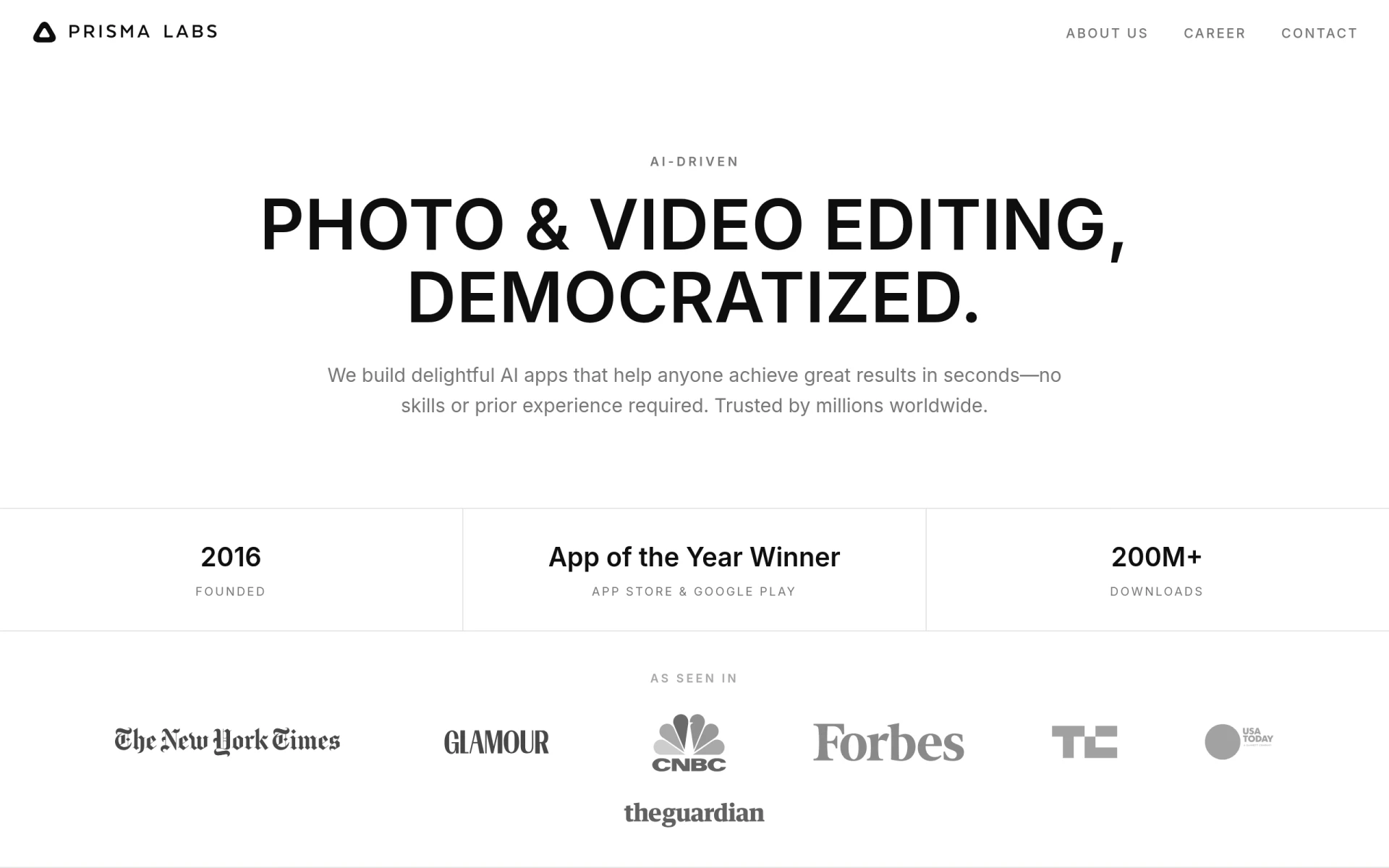 is an AI-powered photo and video editing tool that excels in transforming images into artistic styles, making it a fantastic alternative for users seeking a creative outlet. Unlike Kira, which focuses primarily on graphic design, Prisma offers a unique blend of photo editing and artistic filters that can convert ordinary images into stunning works of art. This makes Prisma particularly appealing for social media managers, photographers, and anyone looking to create eye-catching visuals for their platforms. Its user-friendly interface allows users to apply effects seamlessly, giving them the ability to produce professional-grade content without extensive design skills.
Users who choose Prisma will benefit from its vast library of artistic styles that are regularly updated. This gives them the ability to experiment with new looks and trends continually. Additionally, Prisma’s community aspect allows users to share their creations and gain inspiration from others, fostering a collaborative and creative environment. However, one limitation is that Prisma primarily focuses on photo and video effects rather than comprehensive graphic design features that Kira provides. Users looking for all-in-one design capabilities may find this restrictive.
- Key Strength: Unique artistic filters that transform images into stunning art.
- Key Strength: User-friendly interface makes editing accessible to everyone.
- Key Strength: Active community for sharing and inspiration.
- Limitation: Limited graphic design features compared to Kira.
Pricing: Freemium model with premium features available. Best for: Creative individuals and social media managers seeking artistic photo transformations.
Lucidpic - Best for Simplified Visual Creations
Lucidpic stands out as a graphic design tool that simplifies the creation of visuals for various digital platforms. It provides a user-friendly experience that allows users to produce high-quality graphics with minimal effort. Compared to Kira, Lucidpic focuses on streamlining the design process, making it an excellent choice for small business owners and marketers who need to create engaging content quickly. The intuitive drag-and-drop interface means users can easily customize designs without needing extensive design knowledge, enabling them to maintain a professional appearance in their marketing materials.
Moreover, Lucidpic offers a variety of templates tailored for social media, presentations, and print materials. This versatility makes it a great alternative for users who require different types of content for various platforms. Although Lucidpic may not have as many advanced features as Kira, its strengths in ease of use and template variety make it appealing to users who prioritize quick turnaround times. However, the lack of detailed pricing information may leave potential users uncertain about the costs associated with utilizing Lucidpic.
- Key Strength: Streamlined design process for quick content creation.
- Key Strength: A wide variety of templates for different digital platforms.
- Key Strength: Intuitive drag-and-drop interface that requires no design skills.
- Limitation: Limited advanced features compared to Kira.
Pricing: Freemium model. Best for: Small business owners and marketers who need quick and easy visual content.
Pebblely - Best for User-Friendly Design
Pebblely is a graphic design tool that simplifies the creation of visual content through its user-friendly features and templates. This makes it an excellent alternative for those who may find Kira’s interface overwhelming. Pebblely focuses on providing accessible design solutions for users who want to create professional-looking graphics without diving deep into complex design principles. This tool is particularly advantageous for bloggers, social media influencers, and small business owners who need to produce visually appealing content quickly.
With its extensive library of templates and design assets, Pebblely allows users to customize their visuals easily while ensuring they maintain a high standard of quality. The drag-and-drop functionality further enhances usability, ensuring that even those with minimal design experience can create stunning graphics. However, like other alternatives, Pebblely's pricing information is currently unavailable, which may lead to hesitation among potential users who need clarity on costs before committing.
- Key Strength: Extremely user-friendly interface suitable for beginners.
- Key Strength: Extensive library of templates and design assets.
- Key Strength: Drag-and-drop functionality for easy customization.
- Limitation: Lack of clear pricing information may deter potential users.
Pricing: Freemium model. Best for: Bloggers and small business owners looking for easy-to-use design solutions.
ProPhotos - Best for Quick Image Enhancements
ProPhotos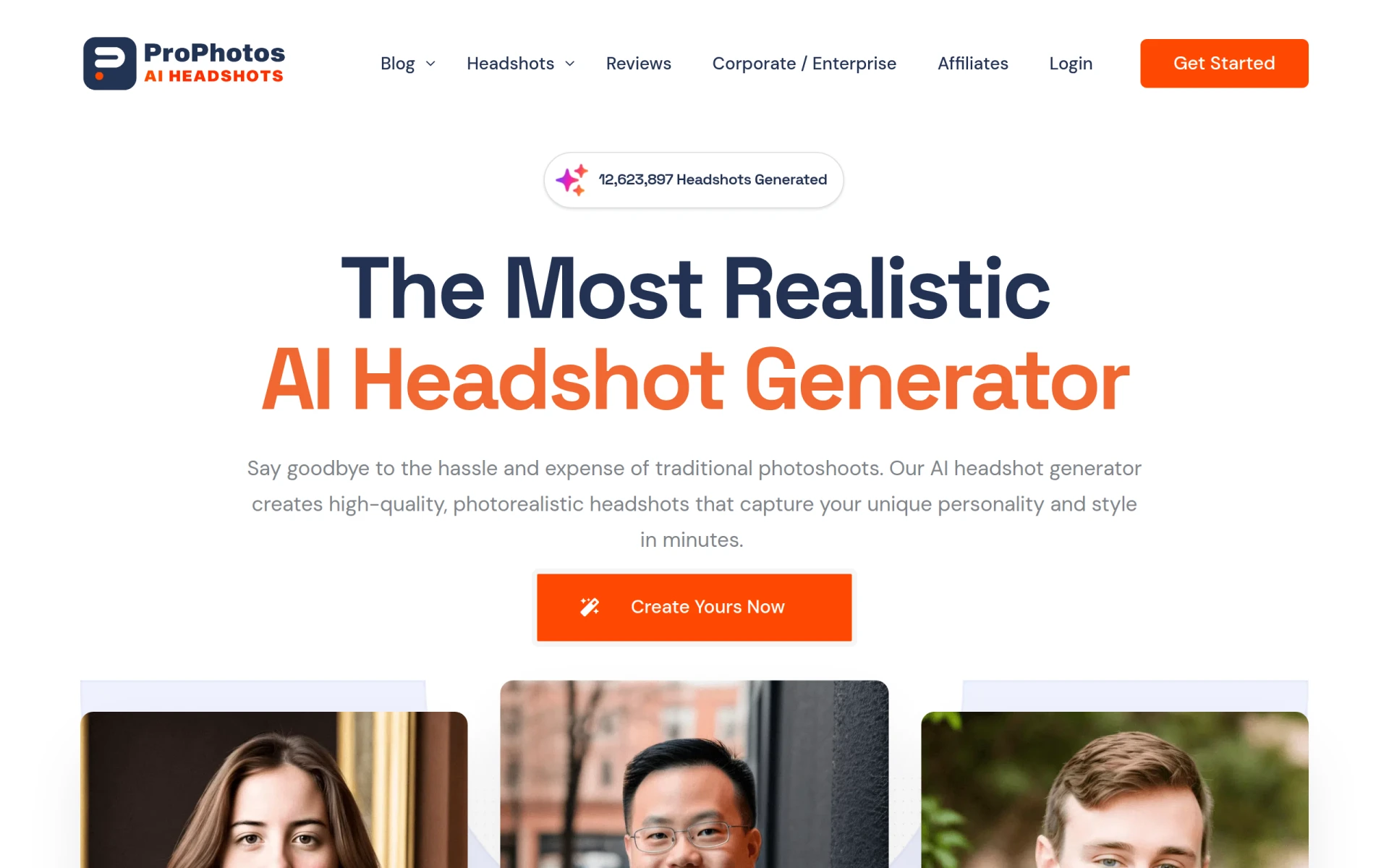 is an AI-powered photo editing tool designed to enhance images quickly and efficiently. Unlike Kira, which focuses on graphic design, ProPhotos specializes in photo editing, making it a suitable alternative for users who need to improve their images without extensive editing skills. It is particularly beneficial for photographers and online retailers who require high-quality images for their products and portfolios. The rapid editing capabilities of ProPhotos allow users to apply enhancements and adjustments seamlessly, saving them time and effort in their creative processes.
ProPhotos excels in its AI-driven features, which automate many editing tasks such as background removal, color correction, and image retouching. This automation not only speeds up the editing process but also ensures that users achieve professional-quality results even with minimal experience. However, its focus on photo editing means that users seeking comprehensive graphic design capabilities might find ProPhotos lacking in that area compared to Kira.
- Key Strength: Advanced AI features for quick and professional photo enhancements.
- Key Strength: User-friendly interface designed for rapid editing.
- Key Strength: Ideal for photographers and online retailers needing high-quality images.
- Limitation: Limited graphic design features compared to Kira.
Pricing: Freemium model. Best for: Photographers and online retailers needing quick image enhancements.
AyeCreate - Best for Effortless Multimedia Creation
AyeCreate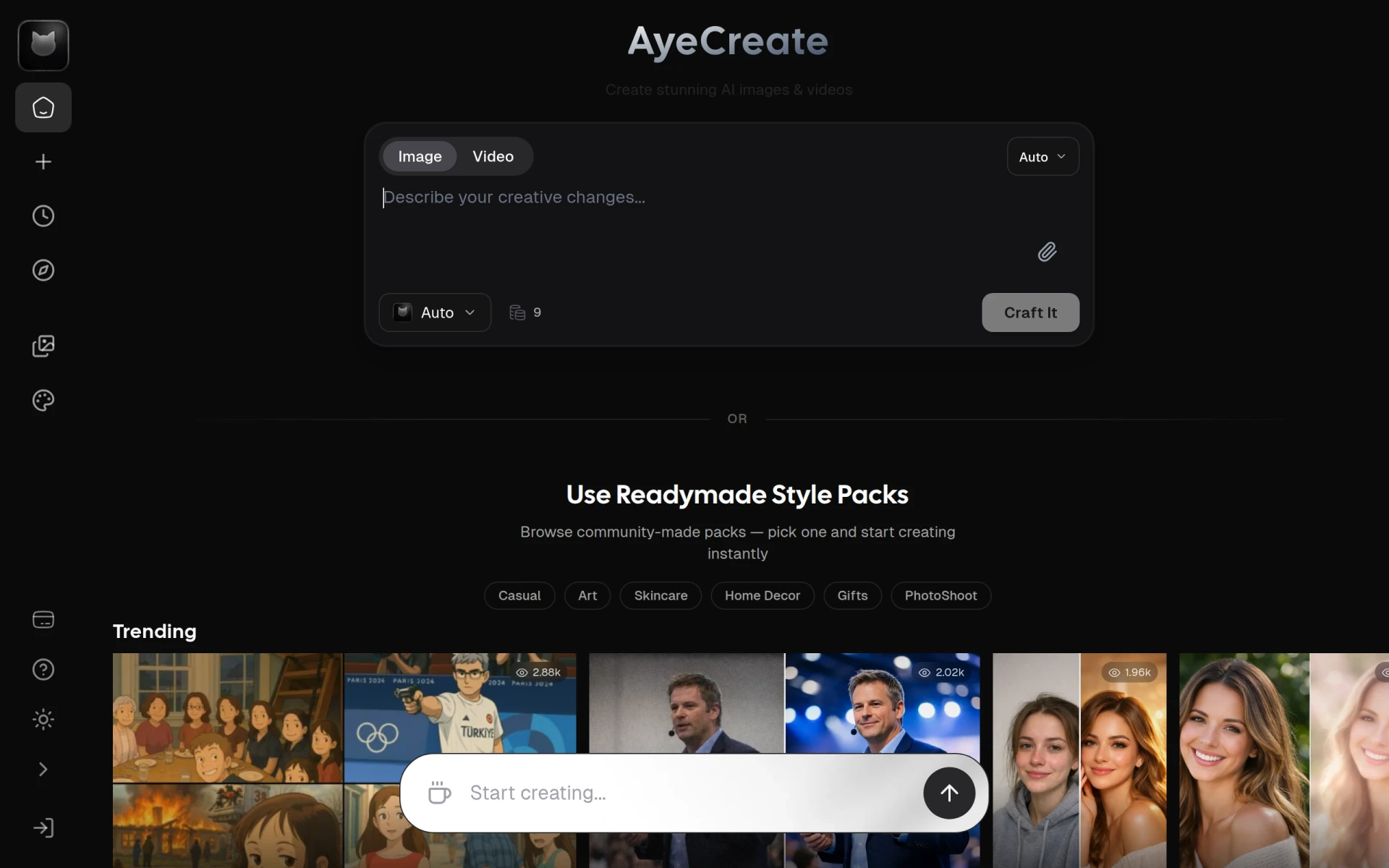 is an AI-powered studio that allows users to generate images, videos, and edit photos quickly, making it a compelling alternative to Kira for those looking to create multimedia content. This tool stands out for its capability to cater to different creative needs in one platform, unlike Kira, which primarily focuses on graphic design. AyeCreate is particularly beneficial for content creators and marketers who need to produce a mix of visual assets efficiently and without the need for extensive design skills.
The platform's AI-driven features assist users in generating high-quality visuals quickly, ensuring they can keep pace with the demands of digital marketing and content creation. The ability to create both images and videos in one place streamlines workflows significantly, providing a comprehensive solution for users who often switch between formats. However, like many other alternatives, AyeCreate's pricing details are not publicly available, which may create uncertainty for potential users.
- Key Strength: Comprehensive solution for generating images and videos in one platform.
- Key Strength: AI-driven features for quick and high-quality visual creation.
- Key Strength: Suitable for content creators needing diverse multimedia content.
- Limitation: Lack of public pricing information may deter users.
Pricing: Freemium model. Best for: Content creators who need a mix of images and videos quickly.
Bria - Best for Enterprise-Level Visual Asset Generation
Bria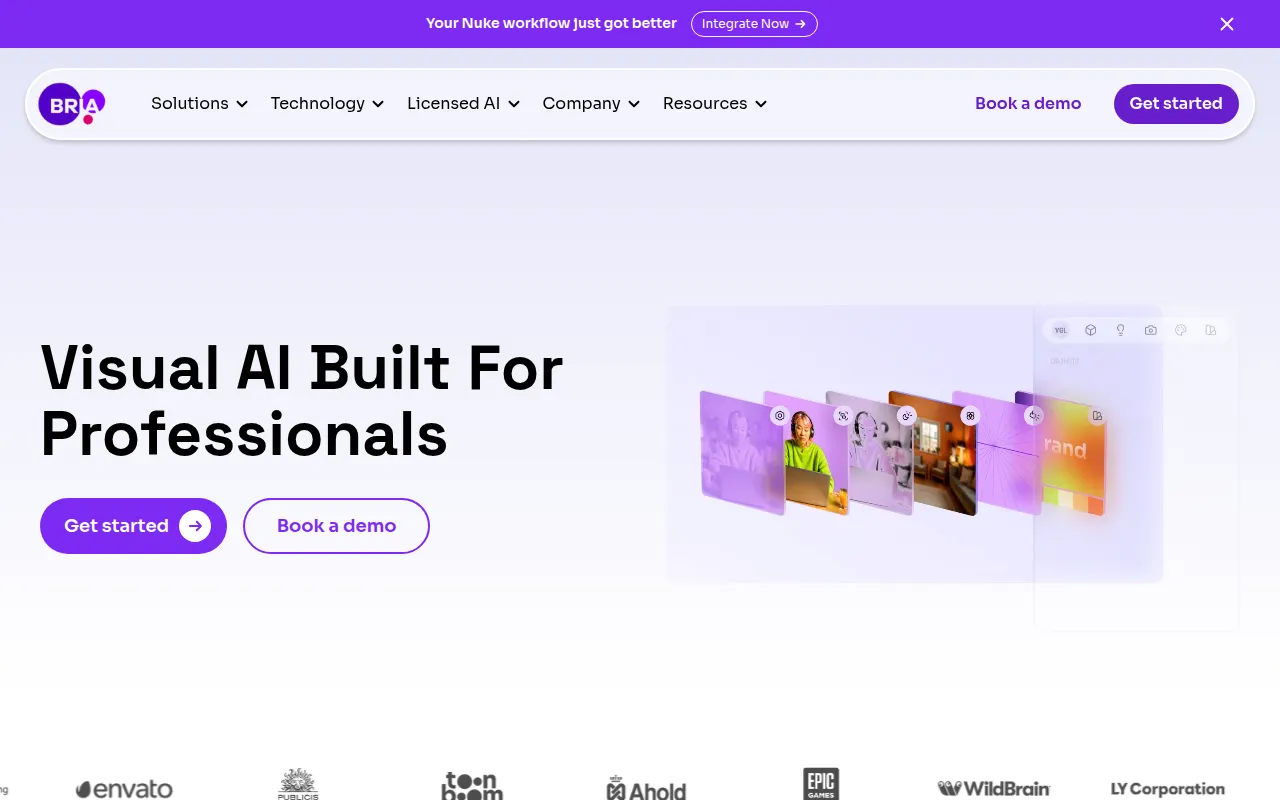 is an AI-powered design tool that enables enterprises to generate controllable visual assets efficiently and at scale. Unlike Kira, which is more suited for individual users and small businesses, Bria caters specifically to larger organizations that require consistent branding and high-quality visuals across multiple campaigns. Its ability to generate assets at scale makes it an excellent choice for marketing teams and agencies looking to streamline their design processes without sacrificing quality.
Bria's flexible pricing model, which includes a free trial, allows users to assess its capabilities before committing to a paid plan. Furthermore, its advanced collaboration features enable teams to work together seamlessly, ensuring that everyone is aligned on brand guidelines and creative direction. However, the complexity of its features may pose a challenge for smaller teams or individual users who may feel overwhelmed by the extensive capabilities Bria offers.
- Key Strength: Scalable visual asset generation tailored for enterprises.
- Key Strength: Advanced collaboration features for team alignment.
- Key Strength: Flexible pricing model with a free trial for assessment.
- Limitation: Complexity may overwhelm smaller teams or individual users.
Pricing: Freemium model with flexible usage-based pricing. Best for: Enterprises and marketing teams requiring scalable visual asset solutions.
AI HUB by Picsart - Best for Enhanced Creative Workflows
AI HUB by Picsart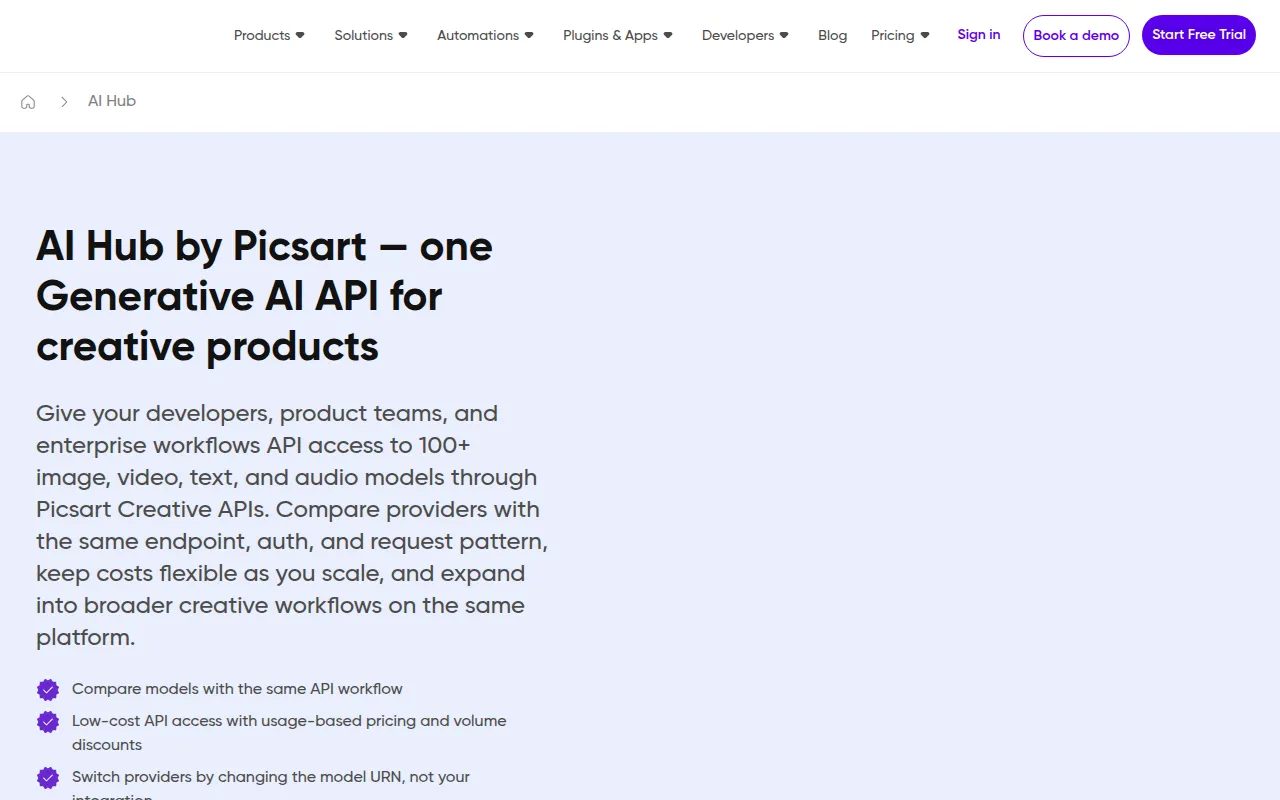 leverages AI technology to enhance creative workflows and streamline design processes, making it a great alternative for users seeking efficiency in their design work. Unlike Kira, which focuses on graphic design, AI HUB offers an integrated approach that combines various design tools in one platform, catering to users who require a more comprehensive solution. This is particularly beneficial for graphic designers and content creators who need to manage multiple design tasks simultaneously.
The platform's AI features assist users in automating repetitive tasks, allowing them to focus on the creative aspects of their work. Additionally, AI HUB provides a range of templates and design assets that can be customized to fit specific needs, making it easier for users to produce high-quality content quickly. However, as with some other alternatives, pricing information is not readily available, which might make it difficult for users to evaluate its affordability.
- Key Strength: Integration of various design tools for a comprehensive solution.
- Key Strength: AI-driven automation for enhanced efficiency in workflows.
- Key Strength: Extensive library of customizable templates and design assets.
- Limitation: Lack of clear pricing information may deter potential users.
Pricing: Freemium model. Best for: Graphic designers and content creators needing integrated design solutions.
Pixlr: AI-Powered Editor - Best for Online Photo Editing
Pixlr is a free online AI photo editor and image generator that allows users to enhance images and create graphics effortlessly. It provides a more robust photo editing experience compared to Kira, which is primarily focused on graphic design. Pixlr is ideal for users who need to edit photos quickly and effectively, making it a great option for social media marketers, bloggers, and anyone needing to improve images for online use. Its features include AI-driven enhancements, filters, and editing tools that cater to both beginners and experienced users alike.
What sets Pixlr apart is its freemium model, which offers users access to basic features for free while providing subscription options for advanced functionalities. This makes it accessible for users who may not have the budget for premium design tools but still want to create high-quality images. However, while it excels in photo editing, users looking for comprehensive graphic design features may find Pixlr lacking compared to Kira.
- Key Strength: Enhanced photo editing capabilities with AI-driven features.
- Key Strength: Freemium model with basic features available for free.
- Key Strength: Accessible interface suitable for both beginners and experienced users.
- Limitation: Limited graphic design functionalities compared to Kira.
Pricing: Freemium model with subscription options for advanced features. Best for: Users needing robust online photo editing capabilities.
AI Image Generator - Best for Professional-Grade Image Creation
AI Image Generator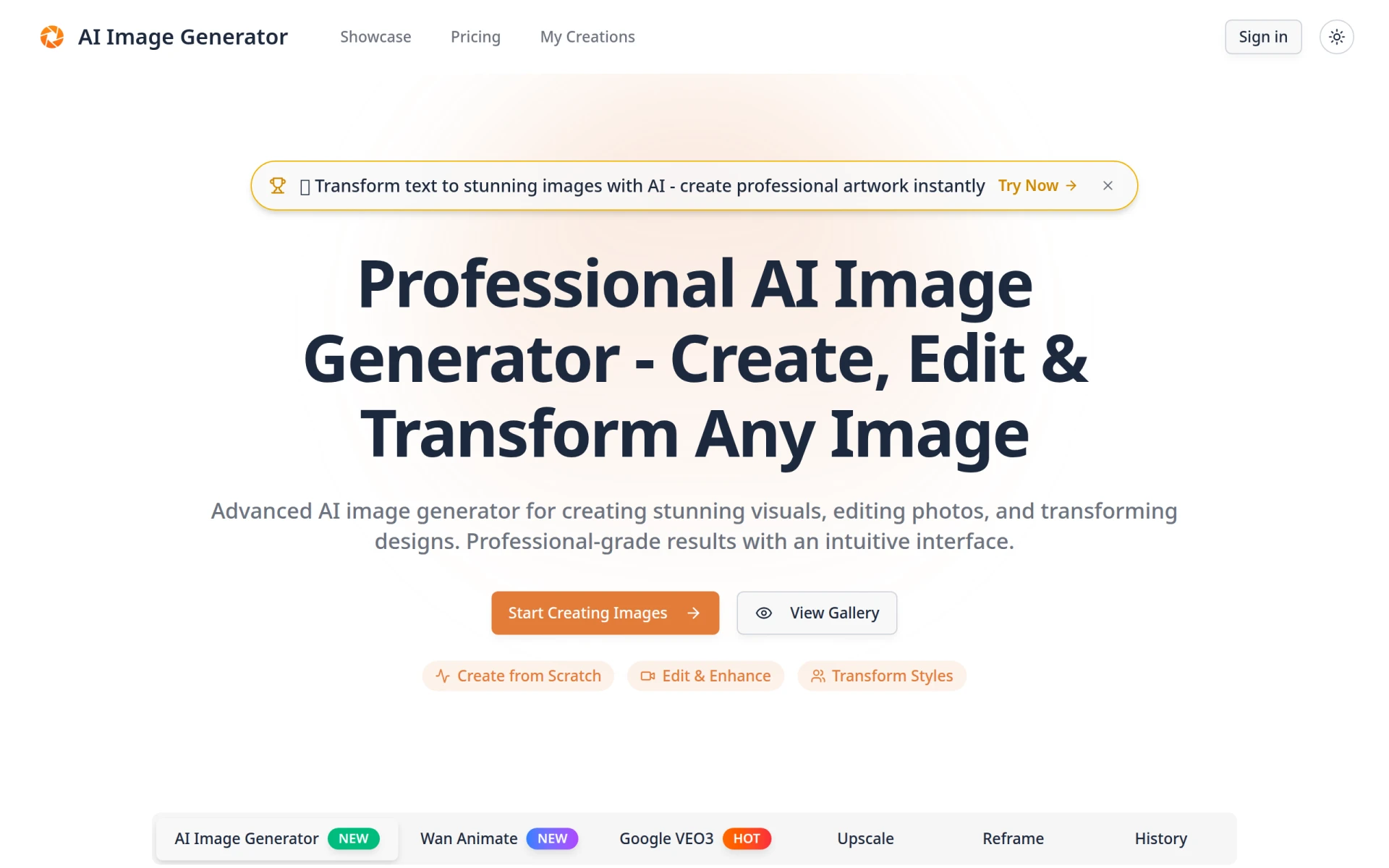 is a powerful tool that allows users to create, edit, and transform images using advanced AI technology for professional-grade results. This tool differentiates itself from Kira by focusing on high-quality image generation rather than graphic design. It is particularly suited for businesses and marketers who require unique images for campaigns, advertisements, or digital content. The AI capabilities enable users to produce stunning visuals tailored to their specific needs, making it an excellent option for those who prioritize originality and quality.
AI Image Generator offers a tiered pricing model, with a Basic plan starting at $9.99 per month, making it accessible for users looking for professional results without breaking the bank. The Pro plan at $29 per month provides even more advanced features, ensuring users can create top-notch images efficiently. However, users seeking more comprehensive graphic design features may find AI Image Generator lacking in that aspect compared to Kira.
- Key Strength: Advanced AI technology for professional-grade image creation.
- Key Strength: Tiered pricing options make it accessible for various budgets.
- Key Strength: Tailored visuals specifically designed for marketing and advertising.
- Limitation: Limited graphic design functionalities compared to Kira.
Pricing: Basic plan starting at $9.99 per month, Pro plan at $29 per month. Best for: Businesses and marketers needing high-quality, unique images.
WonderShare Media.io - Best for Multi-Format Editing
WonderShare Media.io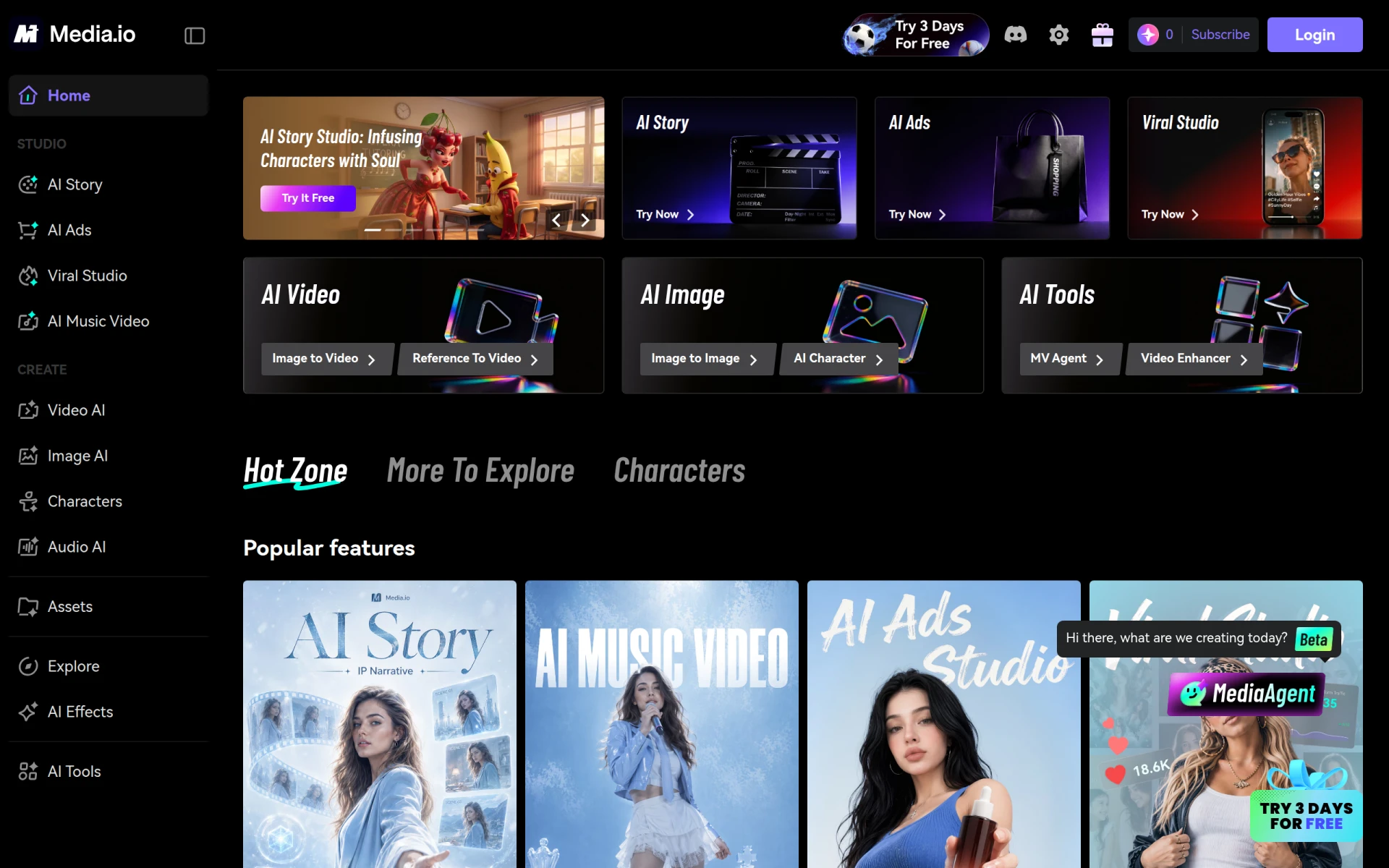 provides a suite of AI tools for video, image, and audio editing, streamlining content creation for users who require multi-format capabilities. Unlike Kira, which focuses primarily on graphic design, WonderShare gives users the ability to edit and enhance various types of media, making it an ideal choice for content creators who need to produce diverse types of content. This tool is particularly useful for those involved in video marketing, social media content creation, or anyone looking to engage audiences across multiple platforms.
With its user-friendly interface, WonderShare allows users to switch seamlessly between different editing tasks, ensuring they can manage their projects efficiently. The AI-driven features simplify complex editing tasks, enabling users to focus more on creativity than technicalities. However, like many alternatives, specific pricing details are not readily available, which may create uncertainty for potential users regarding the cost of using the platform.
- Key Strength: Multi-format editing capabilities for videos, images, and audio.
- Key Strength: User-friendly interface for seamless content creation.
- Key Strength: AI-driven features simplify complex editing tasks.
- Limitation: Lack of clear pricing information may deter potential users.
Pricing: Freemium model. Best for: Content creators needing multi-format editing tools.
aividmaker - Best for Unique Multimedia Content Creation
aividmaker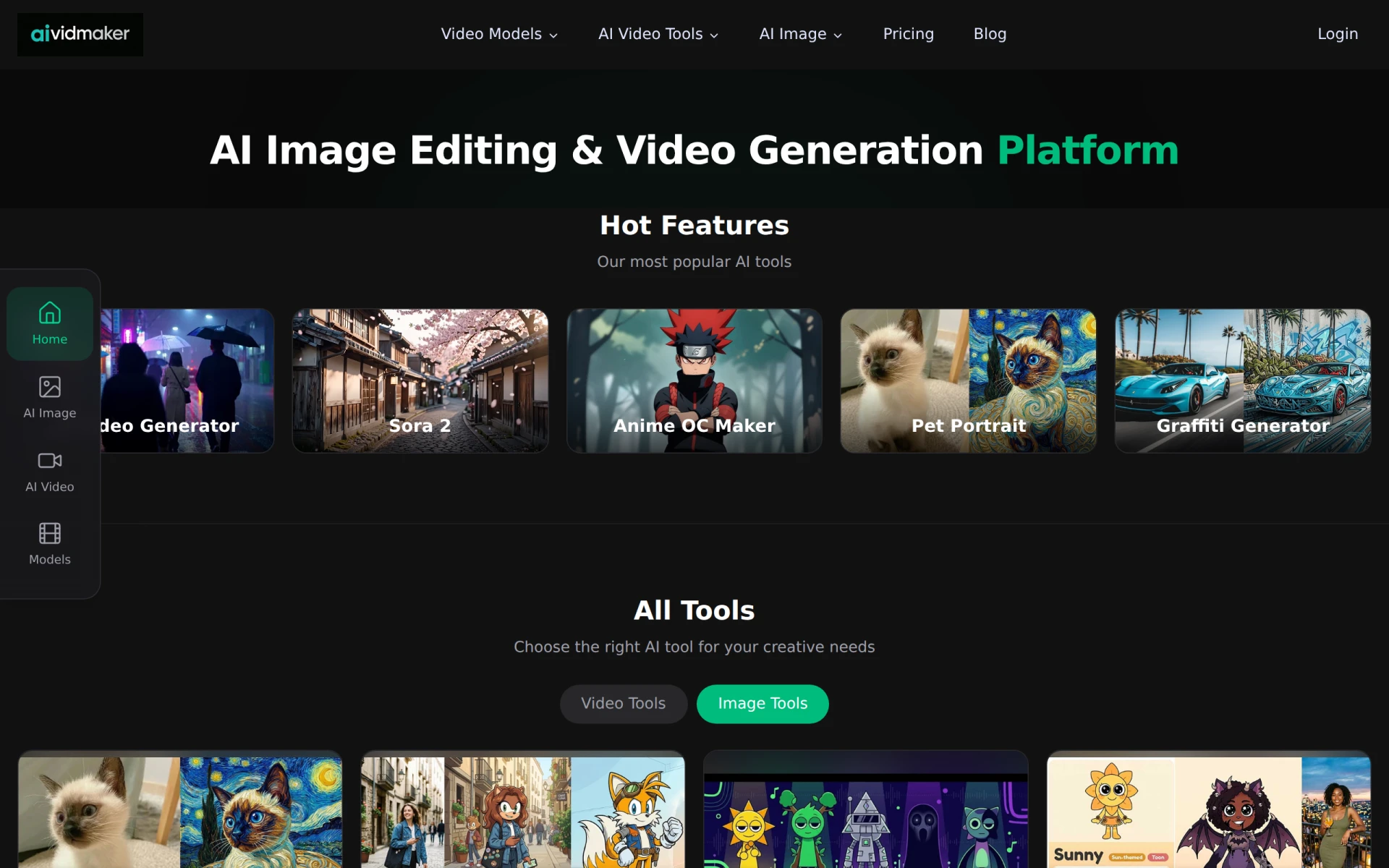 is an AI-powered video and image generation tool that enables users to create unique multimedia content effortlessly. This makes it a captivating alternative for users who want to produce engaging videos and images without extensive design knowledge. Unlike Kira, which focuses on graphic design, aividmaker offers a more specialized approach to multimedia creation, making it ideal for marketers, influencers, and anyone looking to create dynamic content quickly.
The platform's AI features streamline the content creation process, allowing users to focus on creativity while the tool handles the technical aspects. This efficiency is particularly valuable for those who need to produce a high volume of content regularly. However, users may find that aividmaker lacks some of the comprehensive design features found in Kira, which could be a limitation for those expecting a full-fledged design tool.
- Key Strength: Specialized tool for creating unique multimedia content.
- Key Strength: AI-driven features streamline the content creation process.
- Key Strength: Ideal for marketers and influencers needing dynamic content.
- Limitation: Lacks some comprehensive design features compared to Kira.
Pricing: Freemium model with subscription plans and credit purchases. Best for: Marketers and influencers seeking engaging multimedia content.
Artta AI - Best for All-in-One Multimedia Generation
Artta AI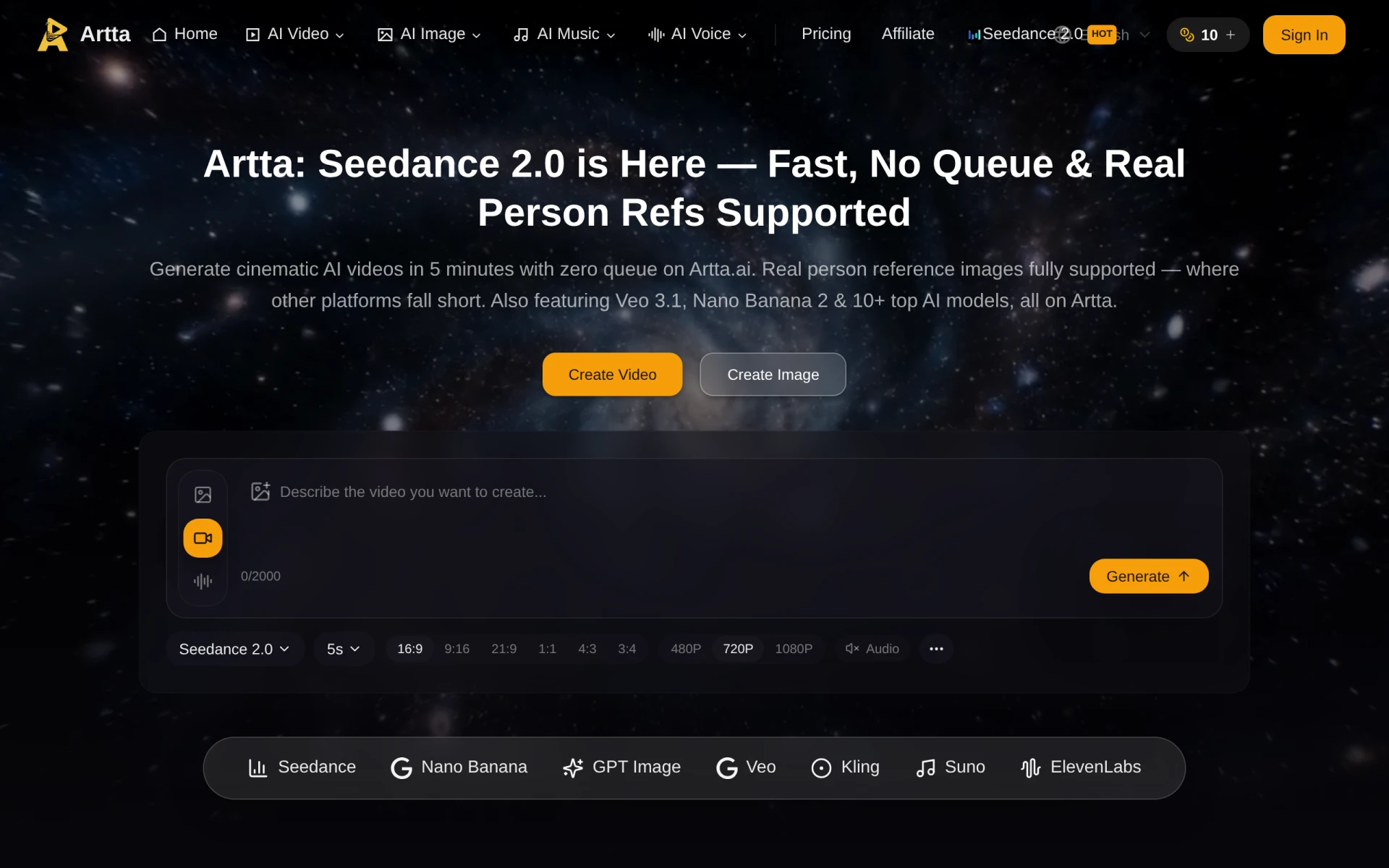 is an all-in-one platform for generating videos and images using advanced AI technology. This makes it a versatile alternative for users who want to create both visual and video content without the need for complex design software. Artta AI's ability to cater to multiple content formats sets it apart from Kira, which is more focused on graphic design. Users, especially content creators and marketers, will appreciate the convenience of having a single platform to generate various media types quickly.
The platform's user-friendly interface and AI capabilities allow users to produce high-quality content efficiently, making it suitable for those who need to keep up with fast-paced digital marketing environments. However, similar to other alternatives, Artta AI’s pricing information is currently unavailable, which might create uncertainty for potential users who are evaluating their options.
- Key Strength: All-in-one platform for video and image generation.
- Key Strength: AI-driven features for efficient content creation.
- Key Strength: User-friendly interface caters to various content creators.
- Limitation: Lack of clear pricing information may deter potential users.
Pricing: Freemium model. Best for: Content creators needing a versatile media generation platform.
Kitkoo - Best for Mockup Generation
Kitkoo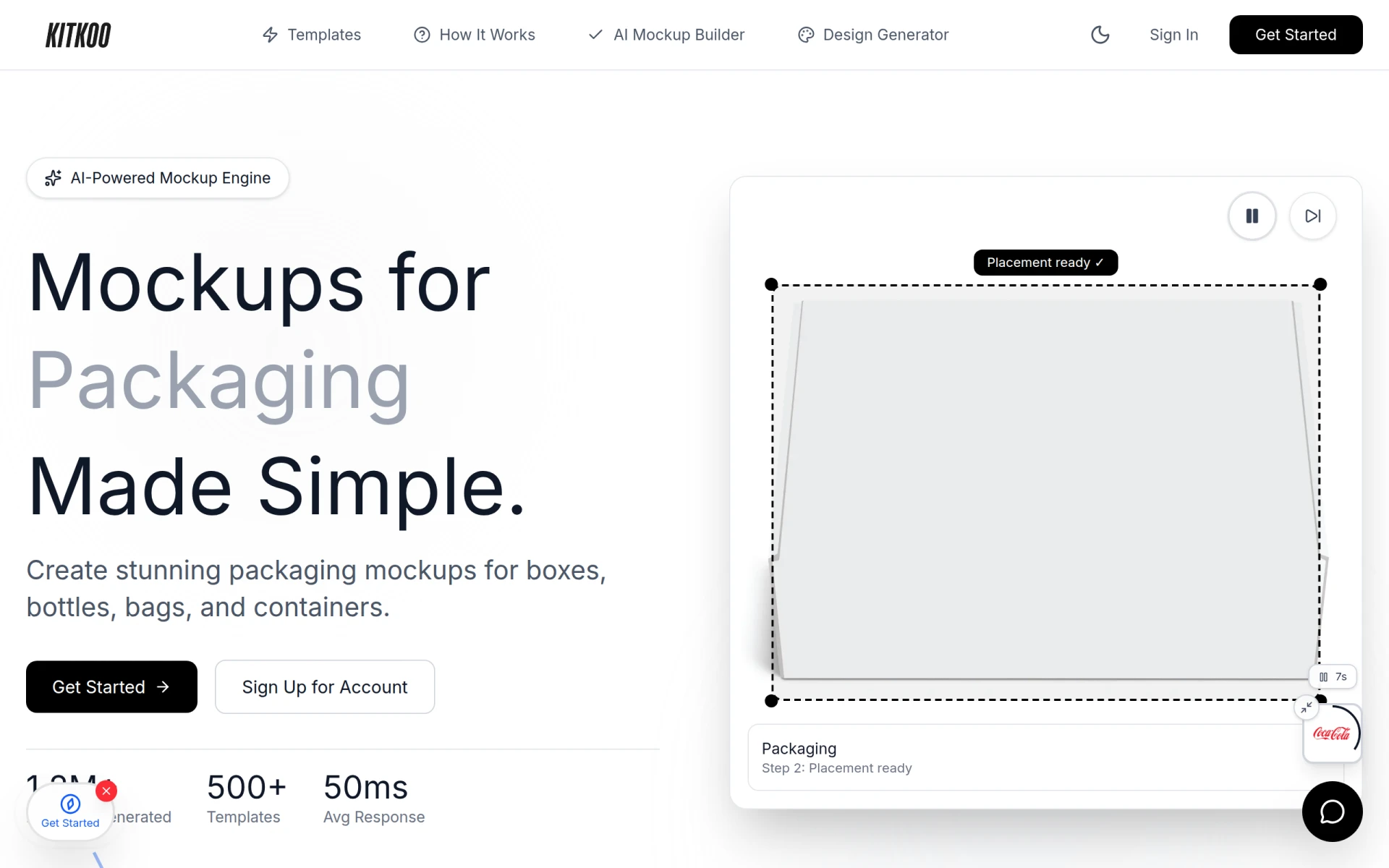 is an AI-powered mockup generator that enables users to create professional product mockups effortlessly. This tool is particularly useful for e-commerce businesses and designers who need to showcase their products in a realistic and appealing way. Unlike Kira, which is more generalized in its graphic design capabilities, Kitkoo specializes in mockup creation, making it a valuable asset for users focused on marketing physical products. The ability to generate high-quality mockups can significantly enhance product presentations and marketing materials.
Kitkoo's user-friendly interface and customizable templates allow users to create mockups quickly, streamlining the product marketing process. The subscription plans starting at $29 per month make it accessible for businesses looking to improve their product visuals without a significant investment in design software. However, users seeking a broader range of graphic design features may find Kitkoo’s focus on mockups somewhat limiting compared to Kira.
- Key Strength: Specialized tool for generating professional product mockups.
- Key Strength: User-friendly interface with customizable templates.
- Key Strength: Affordable subscription plans for e-commerce businesses.
- Limitation: Limited graphic design features beyond mockup generation.
Pricing: Subscription plans starting at $29 per month with a free trial available. Best for: E-commerce businesses and designers needing high-quality product mockups.
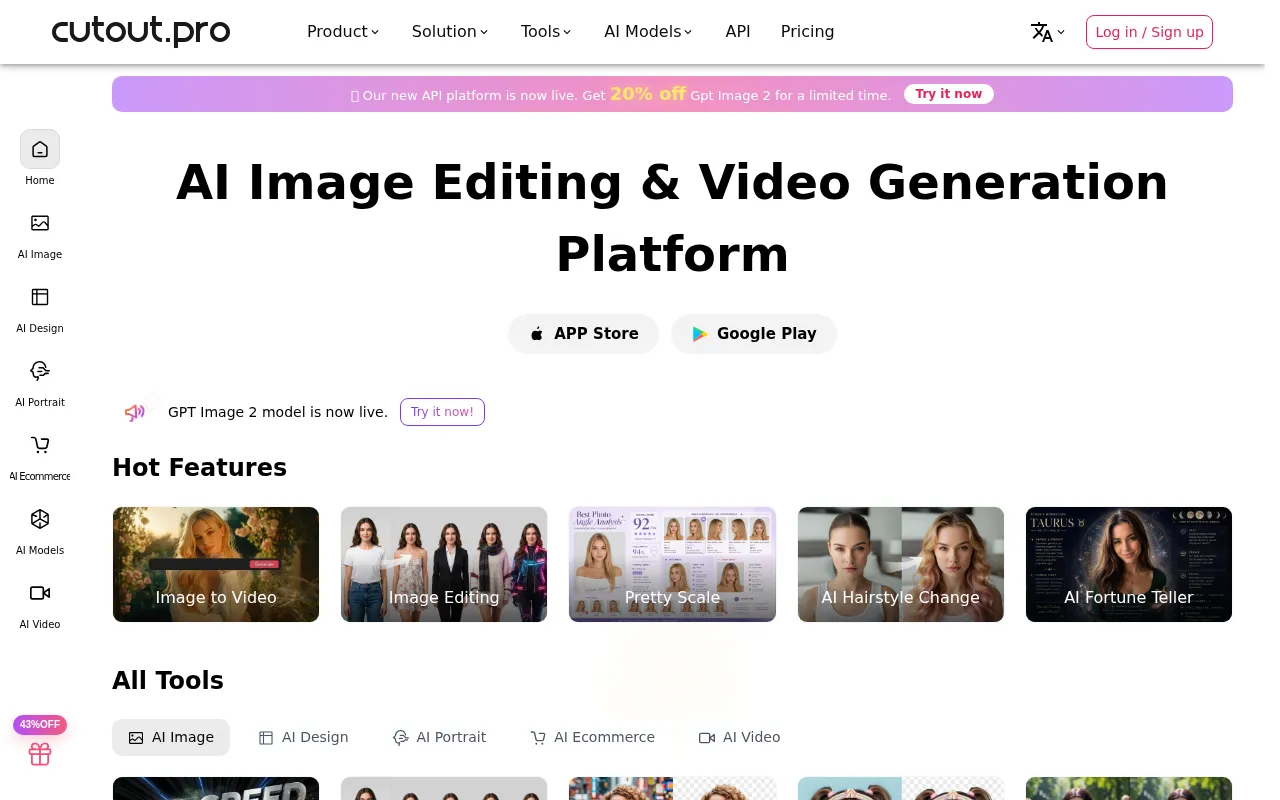
Cutout Pro - Best for All-in-One Visual Design
Cutout Pro is an all-in-one visual design platform that offers AI-powered tools for photo and video editing, making it a strong alternative to Kira for users seeking comprehensive design capabilities. Unlike Kira, which primarily focuses on graphic design, Cutout Pro provides a broader range of functionalities that cater to both photo and video editing needs. This makes it ideal for content creators and marketers who require versatile tools to produce engaging visuals across different formats.
The platform’s AI features help users automate tasks such as background removal and image enhancement, significantly speeding up the editing process. This efficiency is particularly beneficial for those who need to produce content quickly. However, users may find that while Cutout Pro excels in various editing functionalities, it may not offer the same level of user-friendliness as Kira, which could pose a challenge for beginners.
- Key Strength: Comprehensive platform for both photo and video editing.
- Key Strength: AI-driven automation for efficient editing processes.
- Key Strength: Versatile tools suitable for various content creators.
- Limitation: May be less user-friendly for beginners compared to Kira.
Pricing: Freemium model. Best for: Content creators needing an all-in-one visual design platform.
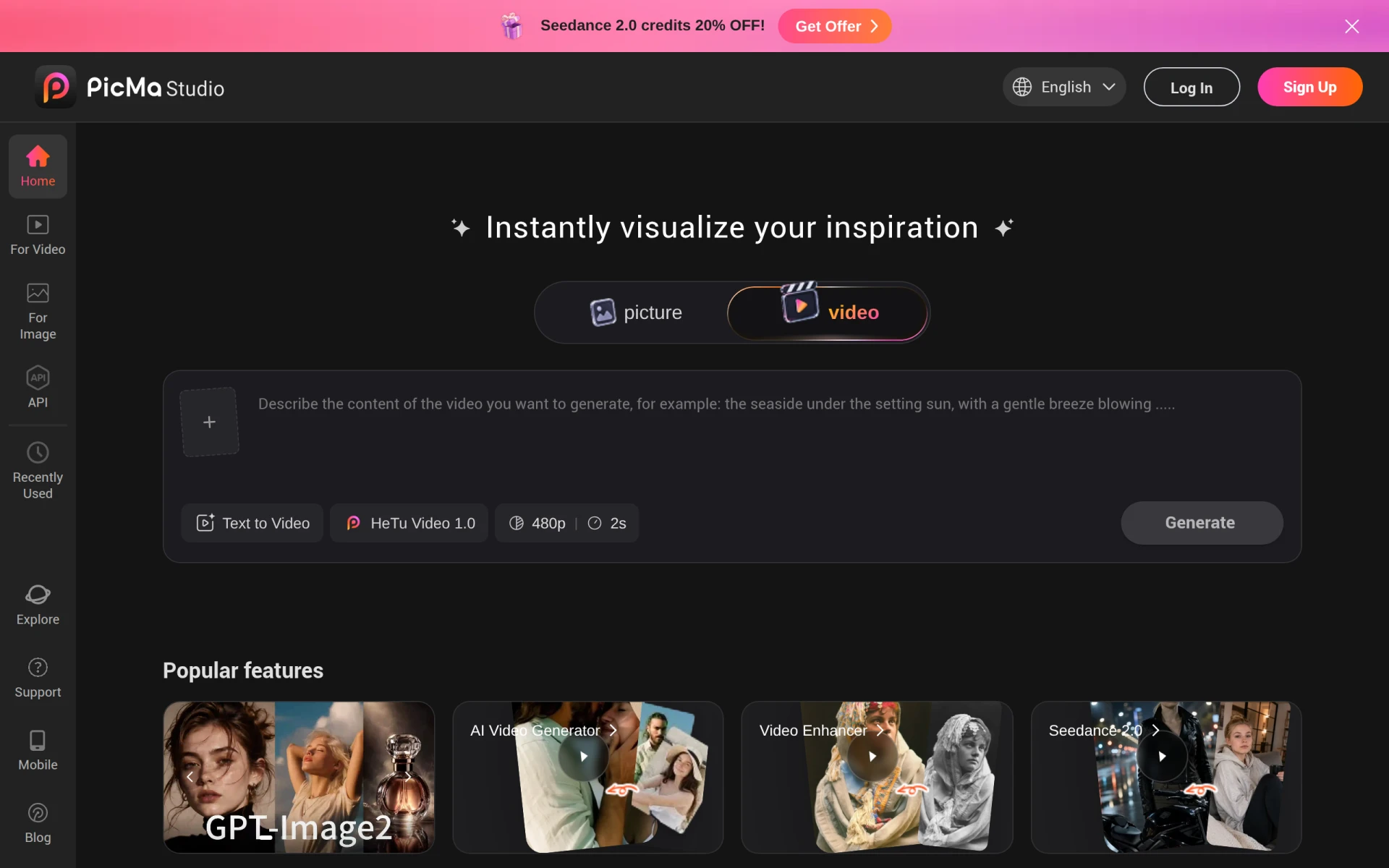
PicMa Studio - Best for Simplified Photo Editing
PicMa Studio is an AI-powered photo editing tool that enhances images while simplifying the editing process for users. Unlike Kira's focus on graphic design, PicMa Studio is tailored specifically for photo enhancement, making it a suitable alternative for users who prioritize image quality over graphic design capabilities. This tool is particularly advantageous for photographers, bloggers, and social media managers who need to enhance their images quickly and efficiently.
With its user-friendly interface and AI-driven features, PicMa Studio allows users to apply enhancements and corrections with ease, ensuring they can achieve professional-looking results without extensive editing skills. However, its focus on photo editing means that users looking for broader graphic design functionalities may find it lacking compared to Kira.
- Key Strength: Specialized tool for photo enhancement and editing.
- Key Strength: AI-driven features simplify the editing process.
- Key Strength: Ideal for users needing quick image improvements.
- Limitation: Limited graphic design features compared to Kira.
Pricing: Freemium model. Best for: Photographers and social media managers needing quick photo enhancements.
Feature Comparison Table
| Tool | Best For | Starting Price | Free Plan | Standout Feature |
|---|
| Kira | Graphic design | Freemium | Yes | Credit-based asset usage |
| Prisma | Artistic transformations | Freemium | Yes | Unique artistic filters |
| Lucidpic | Simplified visual creations | Freemium | Yes | Streamlined design process |
| Pebblely | User-friendly design | Freemium | Yes | Extensive template library |
| ProPhotos | Quick image enhancements | Freemium | Yes | AI-powered photo editing |
| AyeCreate | Effortless multimedia creation | Freemium | Yes | Image and video generation |
| Bria | Enterprise-level visual assets | Freemium | Yes | Scalable asset generation |
| AI HUB by Picsart | Enhanced creative workflows | Freemium | Yes | Integration of design tools |
Pixlr: AI-Powered Editor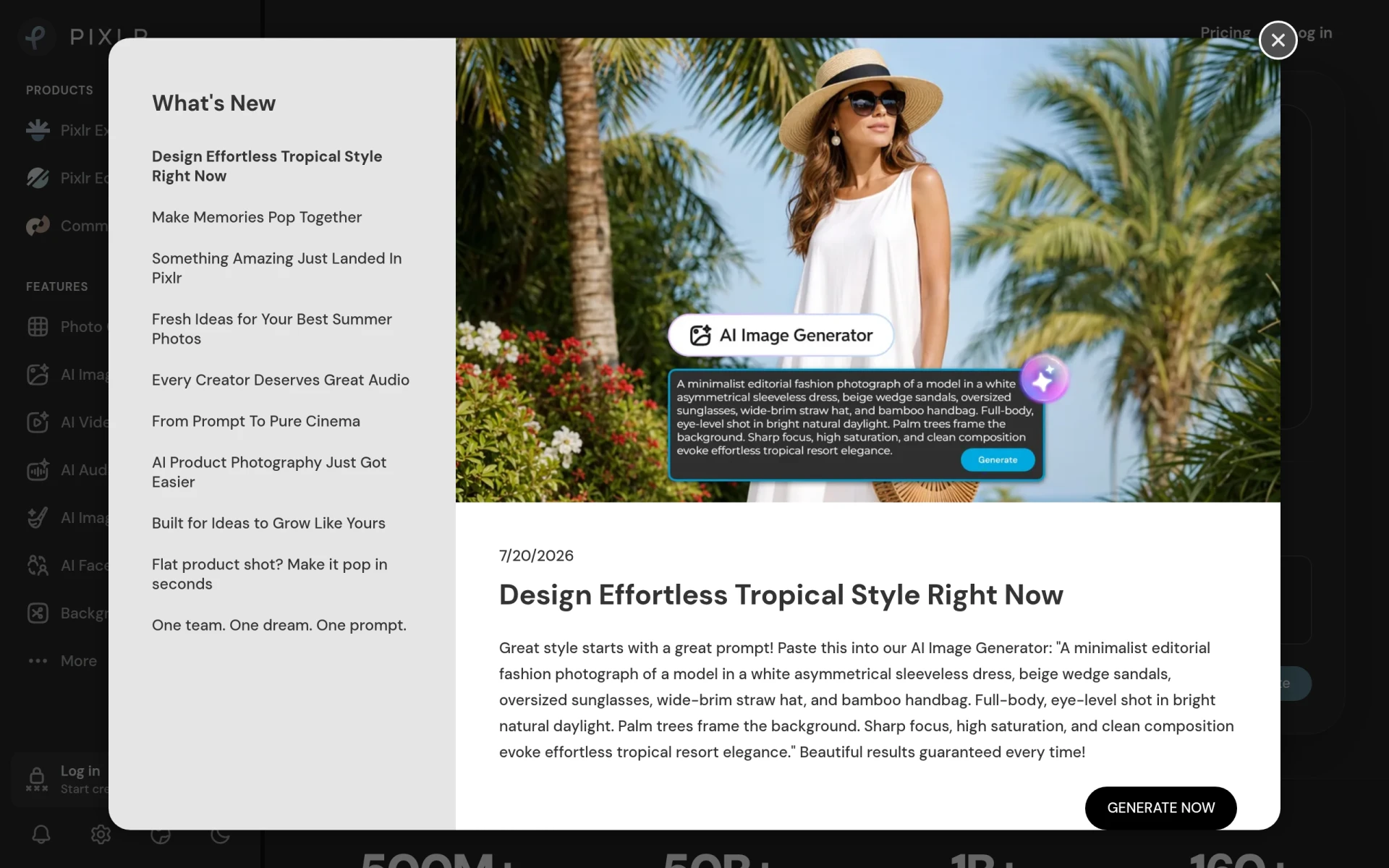 | Online photo editing | Freemium | Yes | Robust photo editing features |
| AI Image Generator | Professional-grade image creation | $9.99/mo | No | Advanced AI technology |
| WonderShare Media.io | Multi-format editing | Freemium | Yes | Comprehensive editing tools |
| aividmaker | Unique multimedia content | Freemium | Yes | Specialized multimedia creation |
| Artta AI | All-in-one multimedia generation | Freemium | Yes | Versatile media generation |
| Kitkoo | Mockup generation | $29/mo | Yes | Professional product mockups |
| Cutout Pro | All-in-one visual design | Freemium | Yes | Photo and video editing capabilities |
| PicMa Studio | Simplified photo editing | Freemium | Yes | Quick image enhancements |
How to Choose the Right Alternative to Kira
When evaluating alternatives to Kira, it’s essential to consider your specific needs and use cases. If you are primarily focused on graphic design and need a tool that allows for easy customization of templates and assets, options like Lucidpic or Pebblely may be the best fit for you. These tools prioritize usability and offer a wide range of templates, making them ideal for small business owners or marketers who require quick and effective design solutions.
For users who are more focused on photo editing rather than graphic design, tools such as ProPhotos and Pixlr offer specialized features that enhance image quality and provide robust editing capabilities. If your work involves creating multimedia content, consider AyeCreate or aividmaker, which allow for seamless integration of images and videos. Ultimately, your choice should align with your specific requirements, whether that be artistic transformations, quick enhancements, or comprehensive design capabilities.
Final Verdict
In conclusion, while Kira offers a solid foundation for graphic design, several alternatives provide specialized features that may better suit your needs. For artistic transformations, Prisma is an excellent choice, while ProPhotos excels in rapid image enhancement. If you need an all-in-one solution, consider Artta AI or aividmaker. Ultimately, the best alternative depends on your specific use case, budget, and the type of content you need to create.