Why Look for Alternatives to Klap?
Klap is a popular tool for transforming long videos into shareable short clips suitable for platforms like TikTok, Reels, and Shorts. However, as users dive deeper into their video editing needs, they often encounter limitations that drive them to seek alternatives. One common issue is the lack of advanced editing features that allow for more personalized content creation. While Klap provides a user-friendly experience, it may fall short for seasoned creators who require more granular control over their edits, such as precise trimming, custom transitions, and advanced color grading options.
Another pain point is pricing. Although Klap offers a freemium model, some users find the subscription options to be restrictive or not comprehensive enough for their needs. Users looking to scale their content creation may find that the monthly or yearly fees can add up, especially if they are also investing in additional tools. Additionally, Klap may not fully support all types of media formats or provide integrations with other platforms, which can limit its usability for professional creators who rely on a seamless workflow across multiple applications.
Best Alternatives to Klap in 2026
HiClip - Best for Quick Social Media Edits
HiClip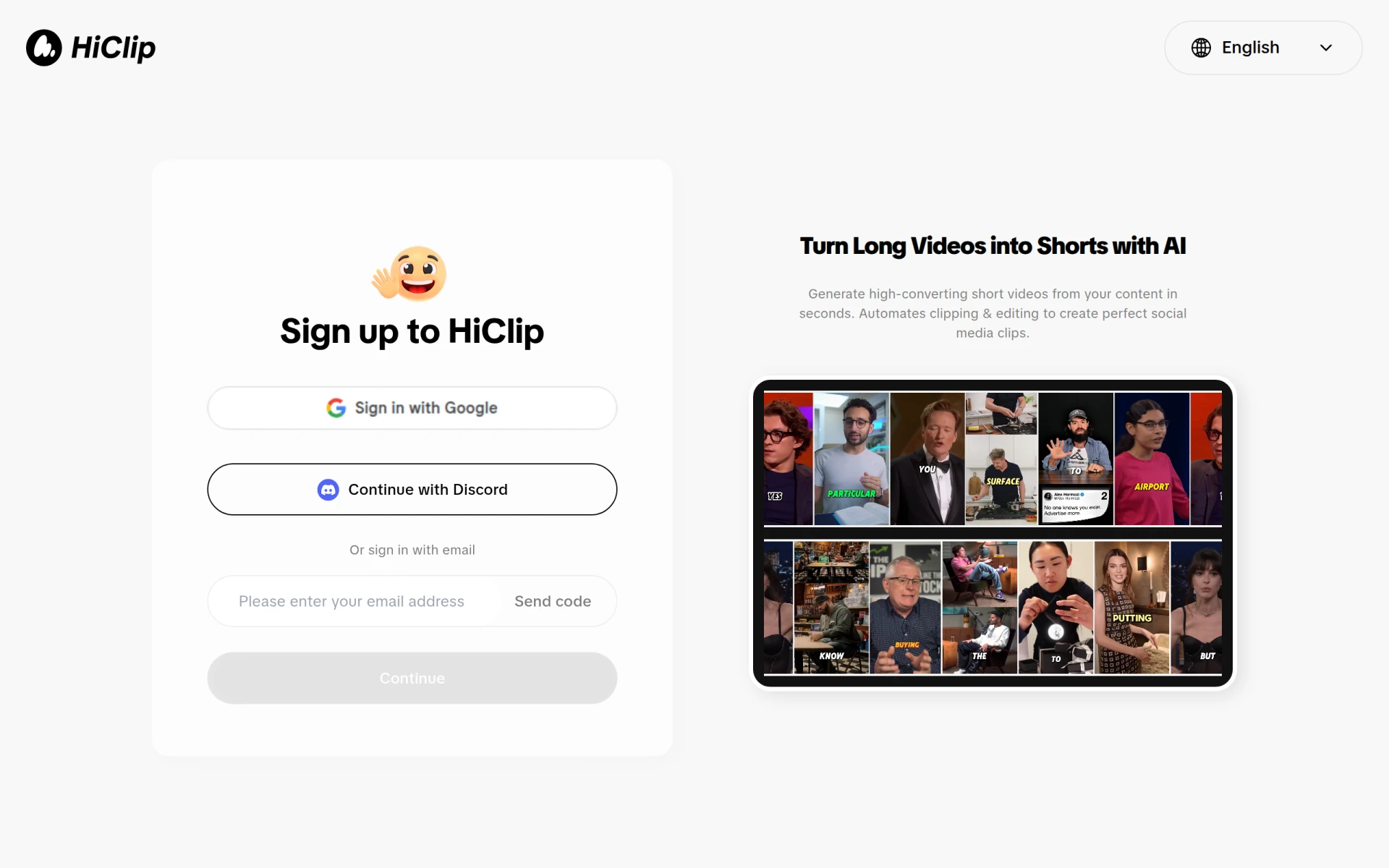 is an AI-powered video editing tool that excels in transforming long videos into engaging short clips tailored for social media platforms. Compared to Klap, HiClip offers a more intuitive interface that allows users to quickly apply various editing techniques without extensive technical knowledge. This makes it an excellent choice for users who want to produce content rapidly while still maintaining a level of quality and engagement suitable for viral platforms like TikTok and Instagram.
One standout feature of HiClip is its extensive library of templates and effects that enhance the visual appeal of videos. This feature can help creators save time by eliminating the need to start from scratch with each project. By using HiClip, users can create dynamic content that resonates well with audiences, making it a solid alternative for those who prioritize speed and creativity in their video editing processes.
- Key Strength: Intuitive interface that accelerates the editing process
- Key Strength: Extensive library of templates and effects
- Key Strength: Designed specifically for social media engagement
- Limitation: May lack advanced features for professional-grade editing
Pricing: Freemium - Pricing information currently unavailable. Best for: Social media creators looking for quick and engaging edits.
WUI.AI - Best for Faceless Video Creation
WUI.AI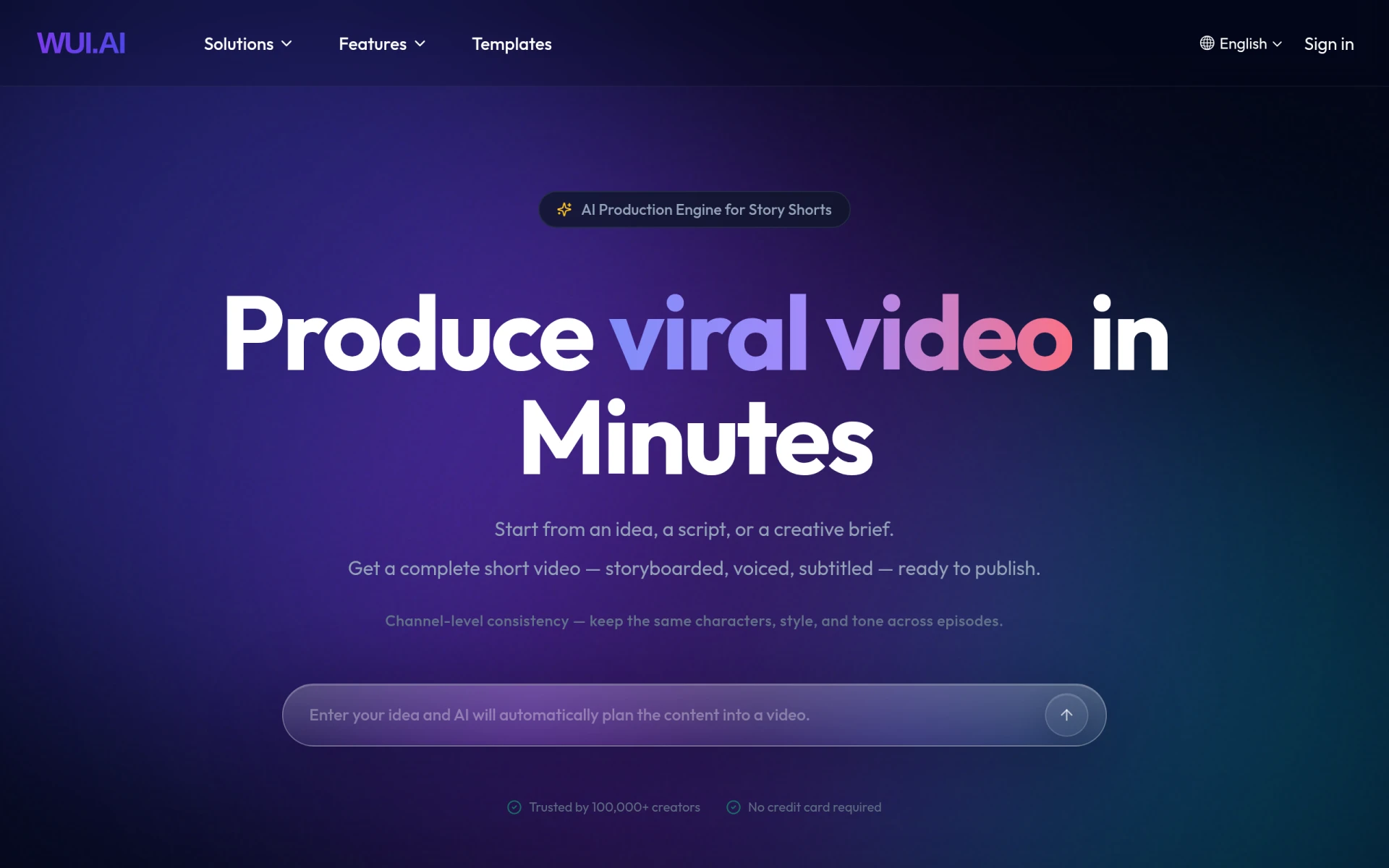 is designed to help users create engaging faceless videos quickly, making it an ideal alternative to Klap for those focused on anonymity in their content or those who prefer not to appear on camera. The tool simplifies the video creation process, enabling users to generate content that can be published on platforms like TikTok and YouTube Shorts without the necessity of a traditional face-to-camera presentation. This feature can be particularly beneficial for educators, marketers, or hobbyists who want to share information without personal exposure.
In comparison to Klap, WUI.AI provides unique functionalities that emphasize voiceovers and text-based storytelling, allowing users to convey messages effectively without appearing on screen. This approach can lead to creative video formats that are both entertaining and informative, broadening the scope for content creators who want to reach diverse audiences while maintaining a level of privacy.
- Key Strength: Specialized in creating faceless videos
- Key Strength: Focus on voiceover and text-based storytelling
- Key Strength: Streamlined for quick content generation
- Limitation: Limited customization options for visual elements
Pricing: Freemium - Pricing information currently unavailable. Best for: Users who prefer faceless video creation.
VideoShorts - Best for Efficient Video Creation
VideoShorts is another AI-powered tool that focuses on helping users create engaging short videos quickly and efficiently. This tool stands out for its user-friendly design and straightforward workflow, which allows creators to convert long-form content into concise, captivating clips with just a few clicks. Compared to Klap, VideoShorts provides a more streamlined process that minimizes the time spent on video editing, which is ideal for busy content creators who need to produce high volumes of content regularly.
In addition to its efficiency, VideoShorts offers various editing features that enhance the overall quality of the videos produced. These features include automatic captioning, which is essential for making content accessible and engaging for viewers who watch videos without sound. This function, combined with its ease of use, makes VideoShorts a compelling alternative for those who want to maximize their social media presence without compromising on quality.
- Key Strength: Streamlined editing process for quick video creation
- Key Strength: Automatic captioning for enhanced accessibility
- Key Strength: User-friendly interface that requires minimal learning
- Limitation: Pricing details are not explicitly available on the website
Pricing: Freemium - Pricing information currently unavailable. Best for: Busy content creators needing efficient video editing solutions.
2short.ai - Best for YouTube Video Repurposing
2short.ai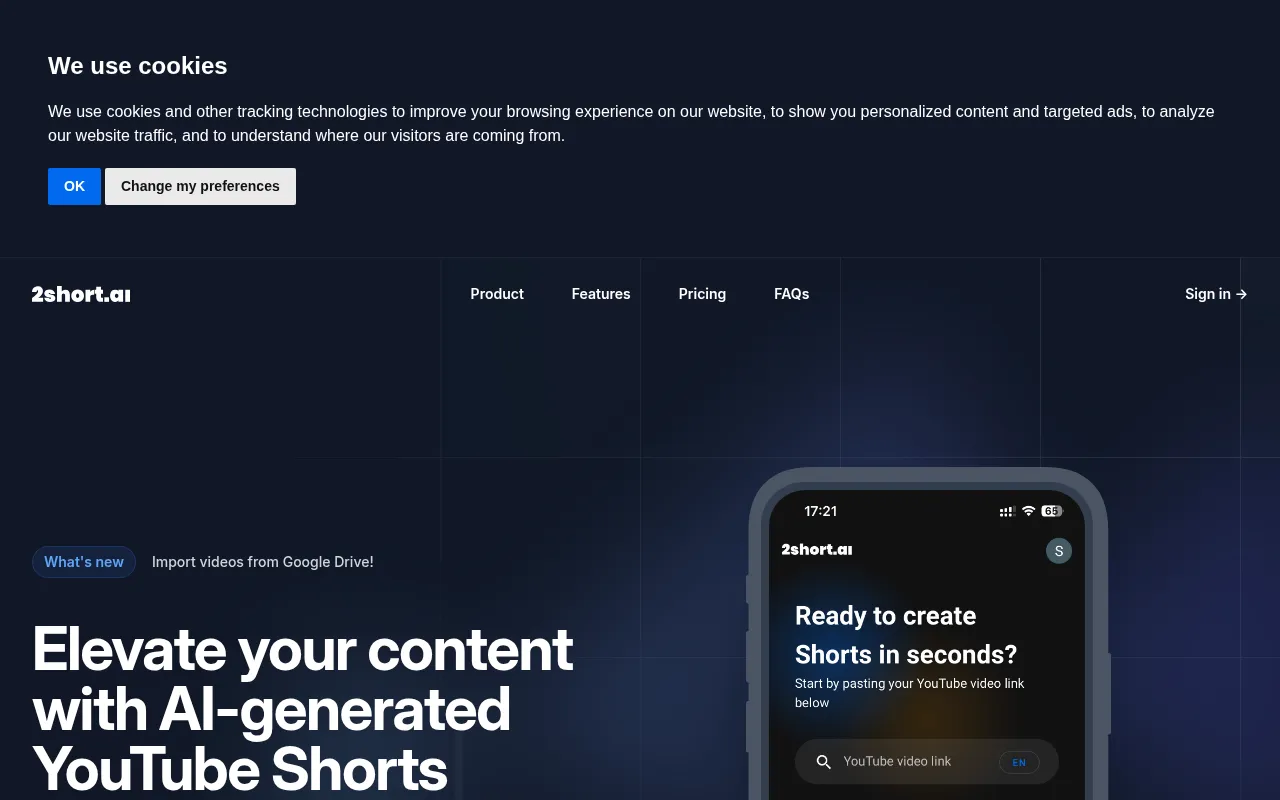 specializes in transforming long YouTube videos into engaging short clips, making it a top choice for creators looking to repurpose their existing content for platforms like TikTok and Instagram. This tool offers a unique advantage over Klap by focusing on YouTube as a primary source, enabling users to maximize the reach of their content without needing to create new videos from scratch. It is particularly useful for content creators who already have a substantial library of long-form videos and want to leverage them for short-form platforms.
With 2short.ai, users can expect an editing experience that is tailored for quick turnarounds, allowing them to engage their audience with relevant snippets from their longer videos. The tool’s emphasis on AI-driven editing ensures that the resulting clips maintain the essence of the original content while presenting it in a more digestible format for users on fast-paced social media platforms. This makes 2short.ai a strong contender for anyone focused on maximizing content distribution.
- Key Strength: Designed specifically for repurposing YouTube videos
- Key Strength: Quick turnaround for creating engaging short clips
- Key Strength: Maintains the essence of long-form content
- Limitation: Limited to YouTube content as a source
Pricing: Freemium - Pricing information currently unavailable. Best for: YouTube creators looking to maximize content reach.
ByteCap - Best for Highlighting Key Moments
ByteCap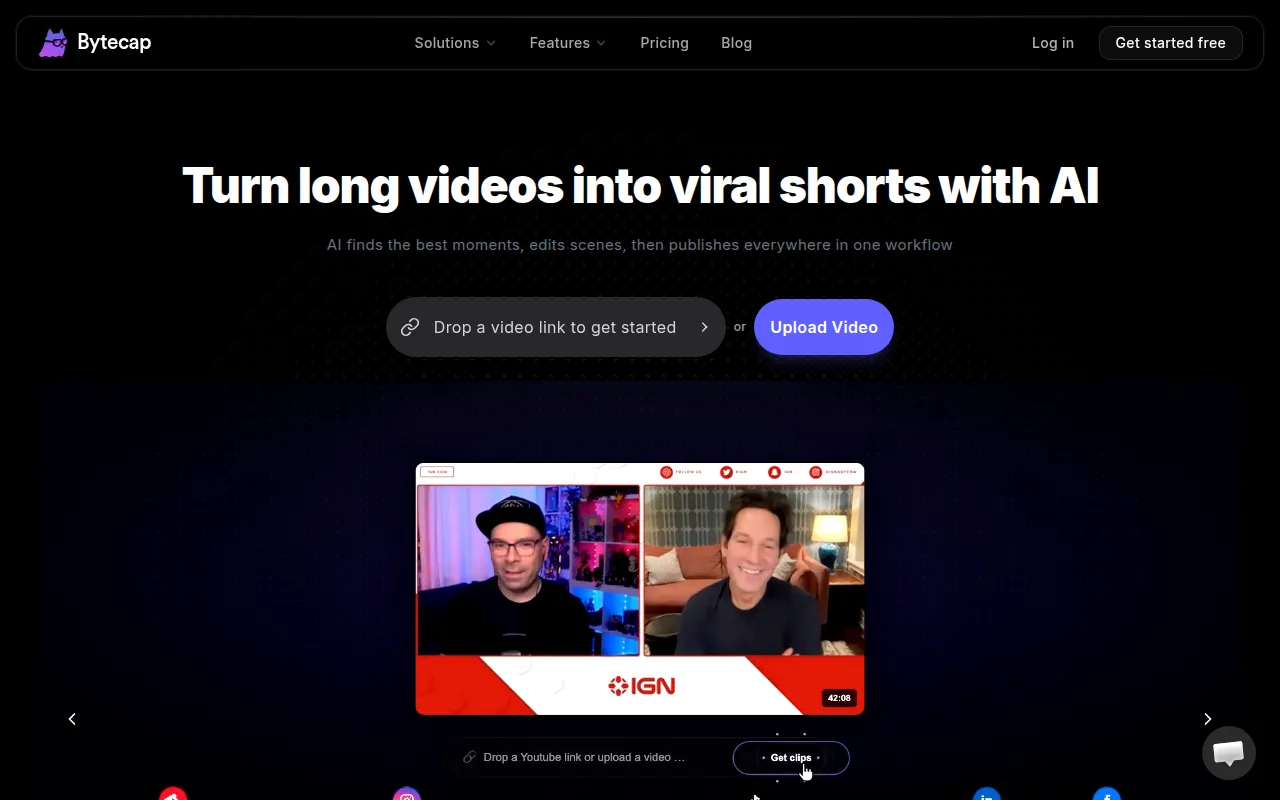 is an AI-powered tool that excels in transforming long videos into engaging short clips by highlighting key moments. This feature distinguishes it from Klap, which may not focus as heavily on identifying pivotal content. For creators who want to emphasize critical points in their videos and deliver impactful messages quickly, ByteCap provides a valuable solution. Its ability to automatically identify and extract highlights makes it an efficient choice for busy creators who want to enhance viewer engagement.
ByteCap's user interface is designed to be intuitive, enabling users to quickly edit and share their highlighted clips across various social media platforms. This ease of use, combined with its focus on key moments, makes it an excellent alternative for those who want to create compelling short videos without investing too much time in the editing process. ByteCap's technology allows creators to present their best content in a concise format, appealing to audiences who prefer bite-sized videos.
- Key Strength: Automatic highlight detection for key moments
- Key Strength: Intuitive interface for quick edits
- Key Strength: Effective for enhancing viewer engagement
- Limitation: Limited customization options compared to full editing suites
Pricing: Freemium - Pricing information currently unavailable. Best for: Creators wanting to highlight key moments efficiently.
Similar Video - Best for Effortless Content Generation
Similar Video is an AI-powered tool that streamlines the video editing process by generating video content effortlessly. This feature makes it a noteworthy alternative to Klap, especially for creators looking for simplicity in generating engaging videos without extensive editing skills. With its user-friendly interface, Similar Video allows users to create and share content with minimal effort, making it ideal for those who want to maintain a consistent output of video content without the intricacies of traditional editing.
One of the standout aspects of Similar Video is its ability to automate many of the editing tasks that typically require a considerable amount of time and expertise. This automation is perfect for users who may not have the technical skills necessary to produce high-quality edits but still want to engage their audiences effectively. As a result, Similar Video serves as an excellent option for novice creators or those who prioritize efficiency over intricate edits.
- Key Strength: Automated content generation for quick video creation
- Key Strength: Simple interface that requires no advanced skills
- Key Strength: Ideal for maintaining a consistent output of content
- Limitation: May lack advanced editing features for professional use
Pricing: Freemium - Pricing information currently unavailable. Best for: Novice creators seeking effortless content generation.
Taja AI - Best for Comprehensive Content Creation
Taja AI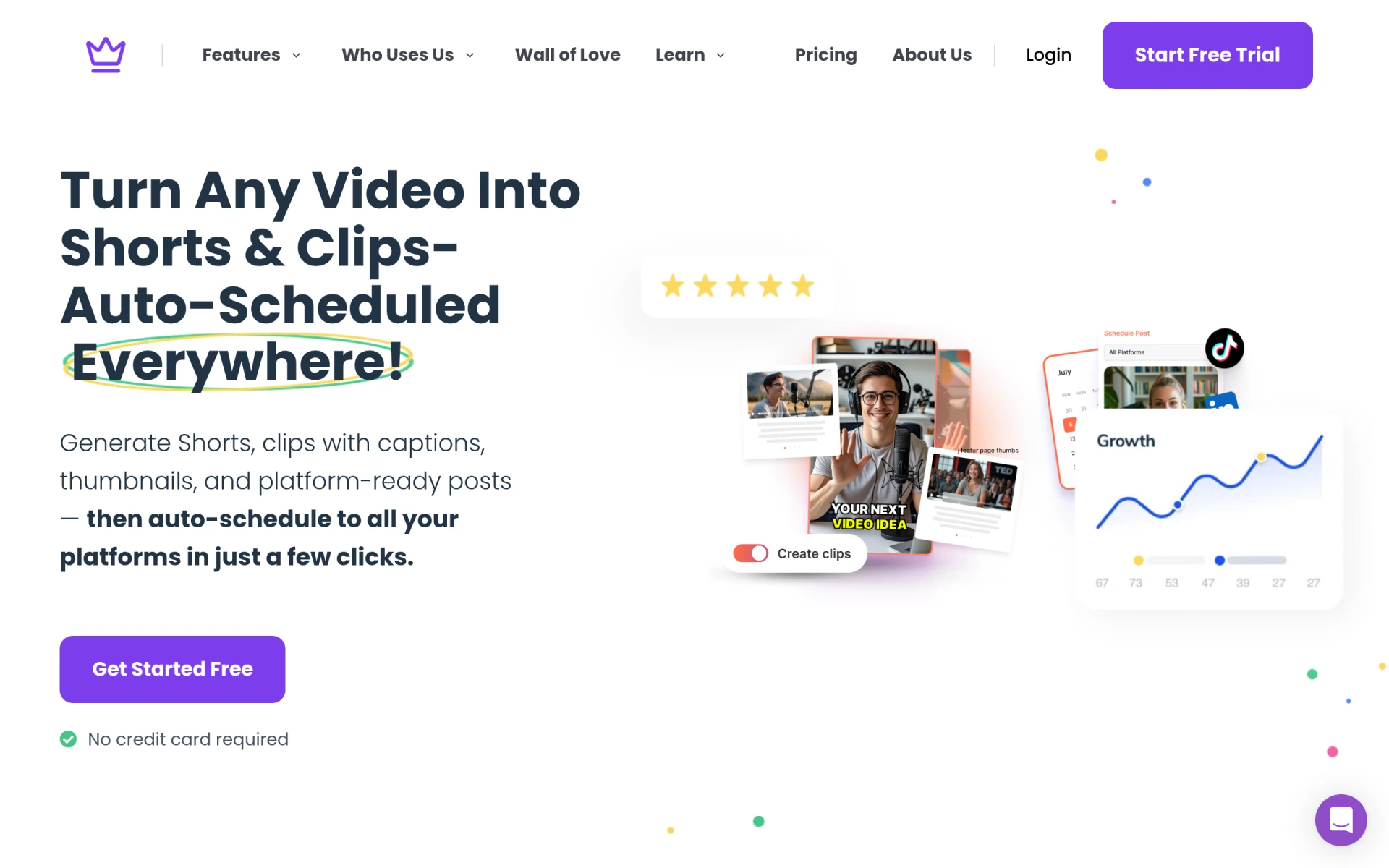 offers a robust platform that transforms long-form videos into engaging shorts, blogs, and social media posts. This comprehensive approach distinguishes it from Klap, which primarily focuses on short video creation. Taja AI is ideal for content creators and businesses looking to streamline their content production across multiple formats. The tool allows users to maximize their existing video content by repurposing it into various formats that cater to different audiences and platforms.
In addition to its impressive content transformation capabilities, Taja AI provides users with valuable insights and analytics regarding viewer engagement. This data can help creators refine their content strategies and understand what resonates with their audiences. Overall, Taja AI appeals to a broader range of users, from marketers to educators, who value versatility in their content creation efforts.
- Key Strength: Comprehensive content transformation into multiple formats
- Key Strength: Valuable insights and analytics for content strategy
- Key Strength: Ideal for businesses looking to streamline content production
- Limitation: May be more complex than necessary for simple video edits
Pricing: Freemium - Starter plan starting at $19.99 per month. Best for: Businesses seeking comprehensive content solutions.
Opus Clip - Best for Engaging Clips with Minimal Effort
Opus Clip is an AI-driven video editing tool that stands out for its ability to transform long videos into short, engaging clips suitable for social media platforms. Unlike Klap, Opus Clip emphasizes ease of use while ensuring that the output is engaging and visually appealing. This combination is particularly beneficial for creators who want to maintain high engagement levels without spending excessive time on editing. The tool's design is centered around simplicity, making it accessible for users of all skill levels.
For creators looking to produce content that captures attention quickly, Opus Clip offers features such as automated scene detection and customizable templates that enhance the visual appeal of clips. This focus on aesthetics, combined with its easy-to-navigate interface, makes Opus Clip a compelling alternative for those who prioritize both efficiency and creativity in their video production process.
- Key Strength: Automated scene detection for quick editing
- Key Strength: Customizable templates for engaging visuals
- Key Strength: User-friendly design for all skill levels
- Limitation: Limited advanced features for professional editing
Pricing: Freemium - Starter plan available for $15 per month with a free trial. Best for: Creators wanting engaging clips with minimal effort.
Clipchamp - Best for Comprehensive Video Editing
Clipchamp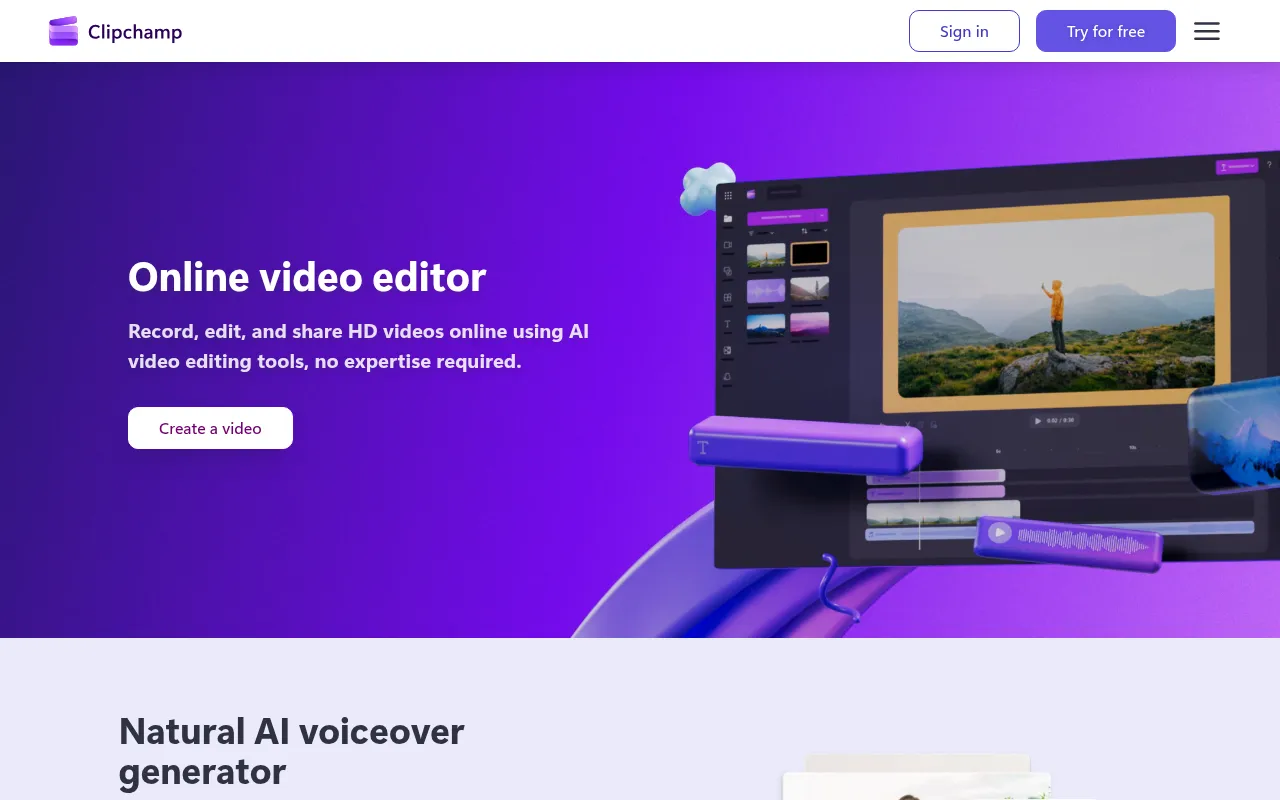 is an online video editing tool that allows users to create and edit videos easily, even without prior expertise. This sets it apart from Klap, which focuses primarily on short video transformations. Clipchamp offers a more comprehensive suite of tools that cater to a wide range of video editing needs, making it ideal for users who want to take a more hands-on approach to their content creation. With features like drag-and-drop editing, a rich library of stock assets, and customizable templates, Clipchamp provides a complete editing experience.
For creators looking to produce high-quality content across various platforms, Clipchamp offers excellent versatility. Users can craft everything from simple social media posts to more intricate projects, such as promotional videos or tutorials. Its robust set of features allows for greater creative freedom, making it a great alternative for those who want to go beyond the capabilities of Klap while still benefiting from a freemium pricing model.
- Key Strength: Comprehensive suite of editing tools for various needs
- Key Strength: Rich library of stock assets and customizable templates
- Key Strength: User-friendly drag-and-drop interface
- Limitation: May be overwhelming for users looking for simple video creation
Pricing: Freemium - Offers a free version with premium features available through Microsoft 365 subscriptions. Best for: Users seeking comprehensive video editing capabilities.
Vid.AI - Best for Simplified Video Creation
Vid.AI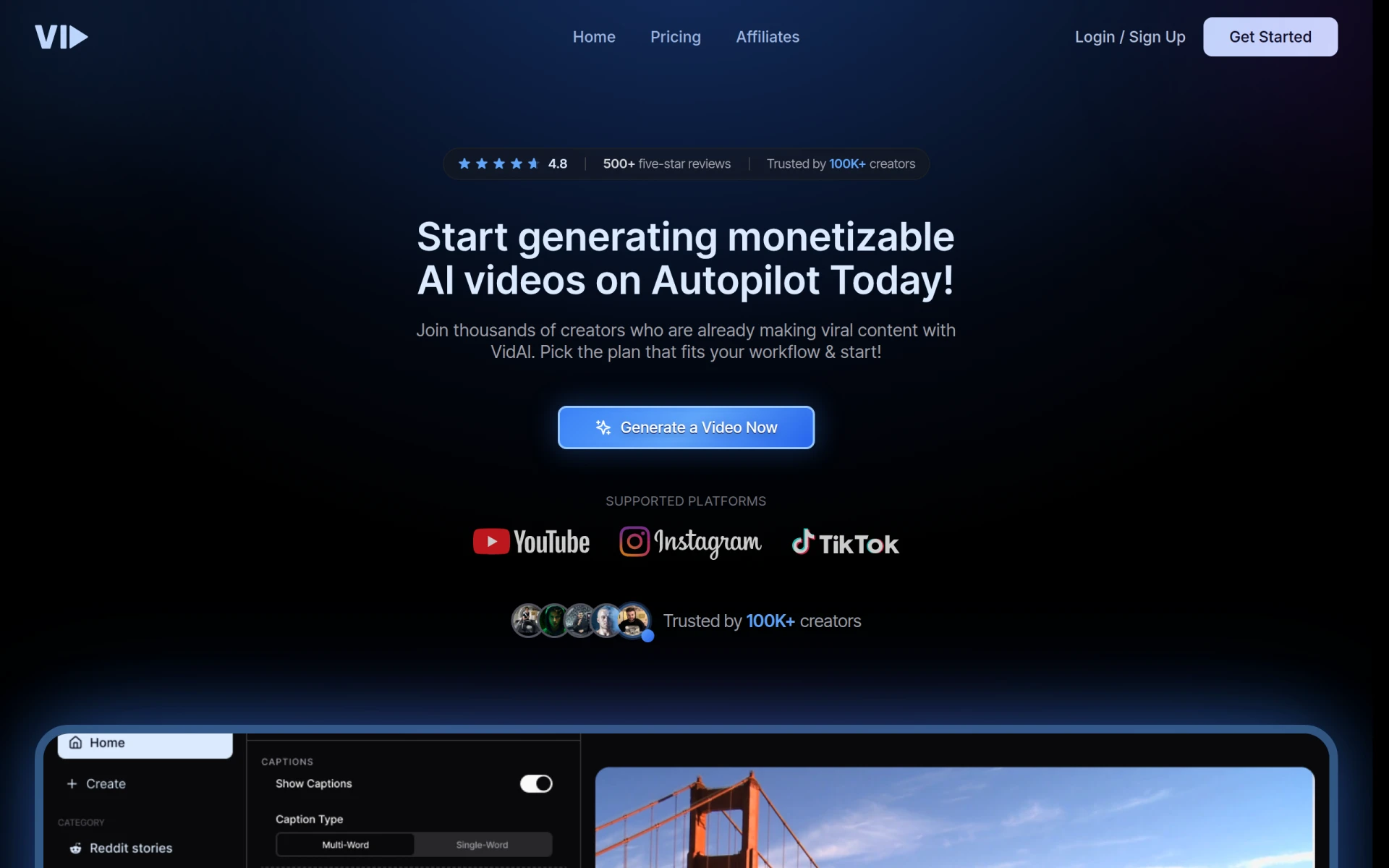 is a video editing tool that leverages artificial intelligence to simplify the video creation process, making it accessible for users of all skill levels. This positions it as a strong alternative to Klap, especially for those who may not have advanced editing skills but still want to create engaging content. Vid.AI focuses on automation, allowing users to generate videos quickly while still maintaining a level of quality that can compete with more traditional editing methods.
The tool’s AI-driven features help streamline the editing workflow, making it easier for users to produce polished videos without extensive training. This accessibility is particularly appealing for new creators or small businesses that want to establish a video presence without dedicating significant resources to the editing process. Overall, Vid.AI is a practical choice for those who prioritize ease of use and efficiency in their video production.
- Key Strength: AI-driven automation for simplified editing
- Key Strength: Accessible for users of all skill levels
- Key Strength: Focus on producing polished videos quickly
- Limitation: Limited advanced editing features for seasoned creators
Pricing: Freemium - Pricing information currently unavailable. Best for: New creators seeking simplified video creation.
Spikes Studio - Best for Gamers and Streamers
Spikes Studio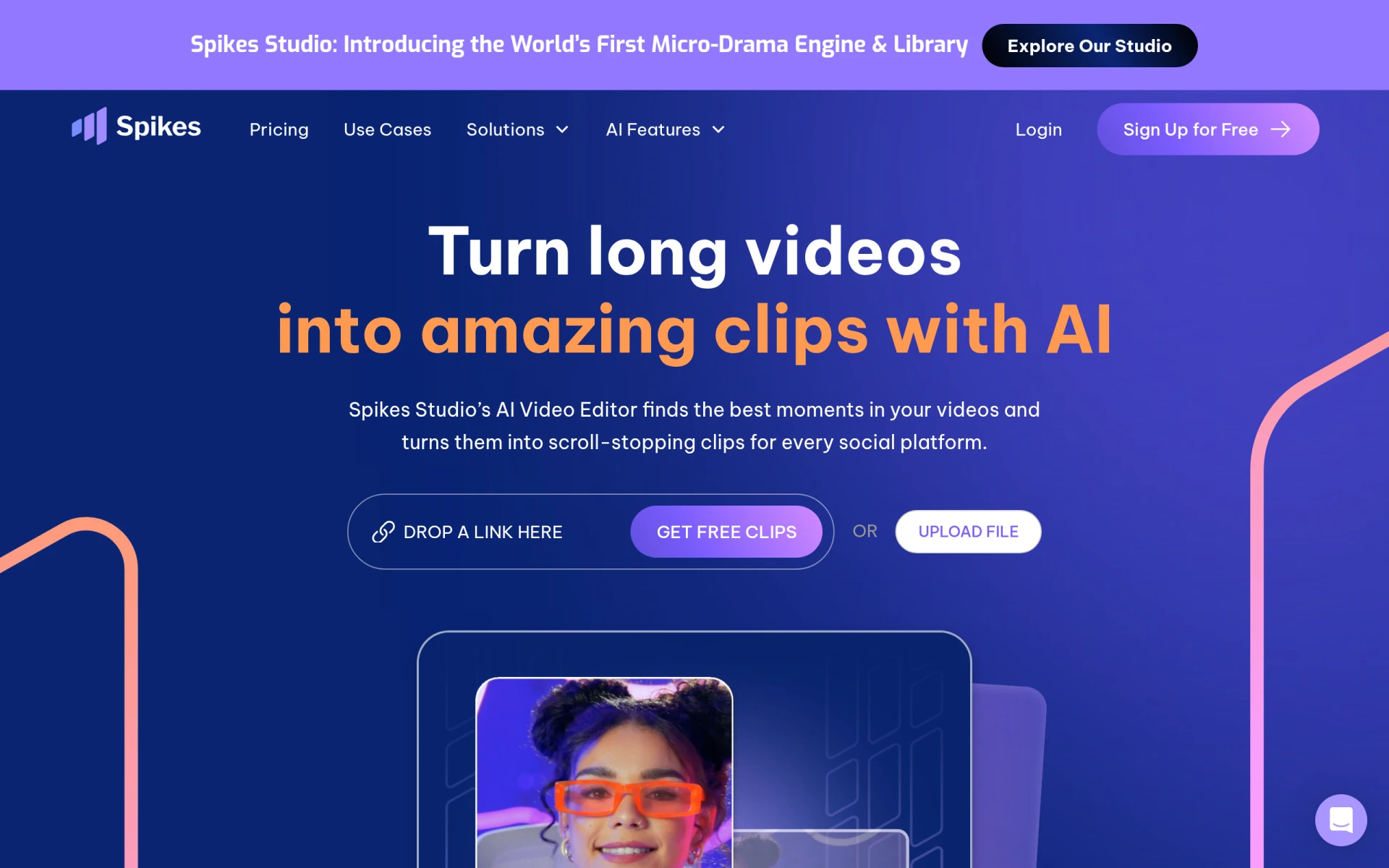 is an AI-driven video editing tool designed specifically for creating engaging clips for platforms like YouTube, TikTok, and Twitch. This targeted approach makes it an excellent alternative to Klap for gamers and streamers who want to produce highlight reels and engaging content from their gameplay. Spikes Studio provides features tailored to the needs of this audience, such as scene detection and real-time editing capabilities that help capture the essence of live streams.
In comparison to Klap, Spikes Studio offers a more specialized toolset that caters to the unique requirements of gamers and content creators in the streaming space. Its focus on gameplay highlights and quick edits allows users to share their best moments seamlessly, making it a preferred option for those who want to engage their audience with dynamic content. Overall, Spikes Studio is a compelling choice for those in the gaming community looking for efficient video editing solutions.
- Key Strength: Specialized for gamers and streamers
- Key Strength: Real-time editing capabilities for live content
- Key Strength: Scene detection tailored for gameplay highlights
- Limitation: May not be suitable for general video editing needs
Pricing: Freemium - Free plan available, with a Pro plan starting at $14.09 per month when billed annually. Best for: Gamers and streamers seeking specialized editing tools.
Creative Reality Studio (D-ID) - Best for Professional Video Creation
Creative Reality Studio (D-ID) provides a unique solution for creating professional videos from still images using text or audio inputs. This innovative approach sets it apart from Klap, which generally focuses on editing existing videos rather than generating new content from scratch. Creative Reality Studio is ideal for marketers, educators, and businesses looking to create engaging video content without requiring actual video footage. Users can leverage the power of AI to produce visually appealing videos that convey their messages effectively.
The tool’s focus on transforming static images into dynamic video content allows for a high level of creativity and customization, making it suitable for a wide range of applications, from promotional videos to educational content. While Klap may excel in transforming existing video footage, Creative Reality Studio offers a fresh alternative for those looking to innovate in their video production efforts.
- Key Strength: Unique ability to create videos from still images
- Key Strength: Supports text and audio inputs for diverse content
- Key Strength: Ideal for professional-grade video creation
- Limitation: May require a learning curve for new users
Pricing: Freemium - Pricing information currently unavailable. Best for: Professionals seeking innovative video solutions.
VideoGen - Best for Quick Video Generation
VideoGen is an AI-powered video generator that enables users to create and edit videos quickly and easily. This tool stands out as a viable alternative to Klap, particularly for those who prioritize speed and efficiency in their video production process. VideoGen allows users to generate videos with minimal effort, making it suitable for creators who need to produce content rapidly, such as marketers or social media influencers looking to maintain a consistent posting schedule.
The intuitive interface and AI-driven features of VideoGen ensure that users can create high-quality videos without requiring extensive editing skills. This accessibility, combined with the tool's focus on speed, makes it an attractive option for those who want to maximize their content output without compromising on quality. Overall, VideoGen serves as a practical solution for users looking to enhance their video creation capabilities while keeping the process simple.
- Key Strength: Quick video generation capabilities
- Key Strength: Intuitive interface for easy editing
- Key Strength: Suitable for maintaining a high content output
- Limitation: Limited advanced editing features for complex projects
Pricing: Freemium - A single pricing plan at $16 per month, with additional credits available for purchase. Best for: Users needing quick and efficient video generation.
CapCut - Best for Mobile Video Editing
CapCut is a user-friendly video editing tool designed for creating engaging content across various platforms, particularly on mobile devices. This focus on mobile usability makes it an excellent alternative to Klap, especially for creators who prefer to edit videos on-the-go. CapCut offers a robust set of features that cater to mobile users, including intuitive touch controls and a variety of editing tools for trimming, effects, and transitions, enabling users to produce professional-looking videos from their smartphones.
In comparison to Klap, which primarily targets desktop users, CapCut’s mobile-first design allows for greater flexibility and convenience. This is particularly beneficial for social media influencers and content creators who often capture and edit videos directly from their phones. The tool's extensive library of music, sound effects, and stock footage further enhances its appeal, making CapCut a solid choice for those looking to create engaging content quickly and efficiently.
- Key Strength: Mobile-friendly design for on-the-go editing
- Key Strength: Extensive library of music and sound effects
- Key Strength: User-friendly touch controls for easy navigation
- Limitation: Limited features for more complex video projects
Pricing: Freemium - Free to use, with options for in-app purchases. Best for: Mobile users seeking convenient video editing solutions.
Gling - Best for YouTube Creators
Gling is an AI-driven video editing software designed to streamline the video creation process for YouTube creators. This focus on YouTube content makes it a superior alternative to Klap for those dedicated to building their presence on this platform. Gling offers features tailored to the needs of YouTube creators, such as automatic scene detection and customizable templates, allowing users to produce high-quality videos that engage audiences effectively.
With Gling, creators can minimize the time spent on editing while maximizing the impact of their content. The tool’s intuitive interface and specialized features make it easy for users to enhance their videos with professional-grade effects and transitions. For YouTube creators looking to maintain a consistent output of engaging content, Gling provides an excellent solution that complements their video creation efforts.
- Key Strength: Specialized tools for YouTube creators
- Key Strength: Automatic scene detection for efficient editing
- Key Strength: Customizable templates for professional results
- Limitation: Limited functionality for other video platforms
Pricing: Freemium - Offers a free trial, with specific pricing details currently unavailable. Best for: YouTube creators seeking specialized editing tools.
Feature Comparison Table
| Tool | Best For | Starting Price | Free Plan | Standout Feature |
|---|
| Klap | Short video transformations | Freemium | Yes | AI-driven editing |
| HiClip | Quick social media edits | Freemium | Yes | Extensive library of templates |
| WUI.AI | Faceless video creation | Freemium | Yes | Voiceover and text storytelling |
| VideoShorts | Efficient video creation | Freemium | Yes | Automatic captioning |
| 2short.ai | YouTube video repurposing | Freemium | Yes | Focus on YouTube content |
| ByteCap | Highlighting key moments | Freemium | Yes | Automatic highlight detection |
| Similar Video | Effortless content generation | Freemium | Yes | Automated content generation |
| Taja AI | Comprehensive content creation | $19.99/mo | Yes | Multi-format content transformation |
| Opus Clip | Engaging clips with minimal effort | $15/mo | Yes | Automated scene detection |
| Clipchamp | Comprehensive video editing | Freemium | Yes | Rich library of assets |
| Vid.AI | Simplified video creation | Freemium | Yes | AI-driven automation |
| Spikes Studio | Gamers and streamers | Freemium | Yes | Real-time editing capabilities |
| Creative Reality Studio | Professional video creation | Freemium | Yes | Videos from still images |
| VideoGen | Quick video generation | $16/mo | Yes | Quick video generation |
| CapCut | Mobile video editing | Freemium | Yes | Mobile-friendly design |
| Gling | YouTube creators | Freemium | Yes | Specialized tools for YouTube |
How to Choose the Right Alternative to Klap
When deciding on the right alternative to Klap, it’s essential to consider your specific needs and video creation goals. If you’re a social media creator focused on quick and engaging content, tools like HiClip or VideoShorts may be better suited for your fast-paced editing requirements. Their emphasis on templates and efficiency can significantly enhance your content production workflow.
For users who prioritize versatility and comprehensive editing capabilities, Clipchamp or Taja AI might be the way to go. These platforms offer advanced features that cater to a broader range of content formats, making them ideal for professionals seeking to elevate their video production quality. On the other hand, if you are part of the gaming community or primarily create content for platforms like YouTube, tools like Spikes Studio and Gling are tailored to meet your specific needs with specialized features.
Final Verdict
In the rapidly evolving landscape of video editing tools, several alternatives to Klap stand out for their unique strengths. For quick social media edits, HiClip is an excellent choice, while Taja AI shines in comprehensive content creation. Ultimately, the best alternative will depend on your specific use case, whether it be mobile editing with CapCut or highlighting key moments with ByteCap. By evaluating your requirements and exploring these options, you can confidently choose the right tool for your video creation needs.