Why Look for Alternatives to Imagecolorizer?
ImageColorizer is a popular tool for colorizing black and white photos and restoring old images effortlessly. However, despite its AI-driven capabilities, many users find it lacking in certain areas. One common pain point is the pricing structure; while it operates on a freemium model, users quickly deplete their free credits and are left with the decision to purchase additional credits. This pay-as-you-go system can become costly for users who frequently need to colorize images, especially for bulk projects. Additionally, the quality of colorization can sometimes be inconsistent, particularly with complex images, leaving users searching for alternatives that may offer better results.
Another limitation is the lack of advanced features that some users might expect from a design tool. For instance, users looking to apply specific styles or customize color palettes may find ImageColorizer's capabilities insufficient. Furthermore, it does not support various file formats that some users prefer, which can hinder the workflow for professionals in photography or graphic design. Therefore, many users are actively seeking alternative tools that provide more flexibility, better pricing options, and enhanced features tailored to diverse needs.
Best Alternatives to Imagecolorizer in 2026
Palette.fm - Best for Quick and Accurate Colorization
Palette.fm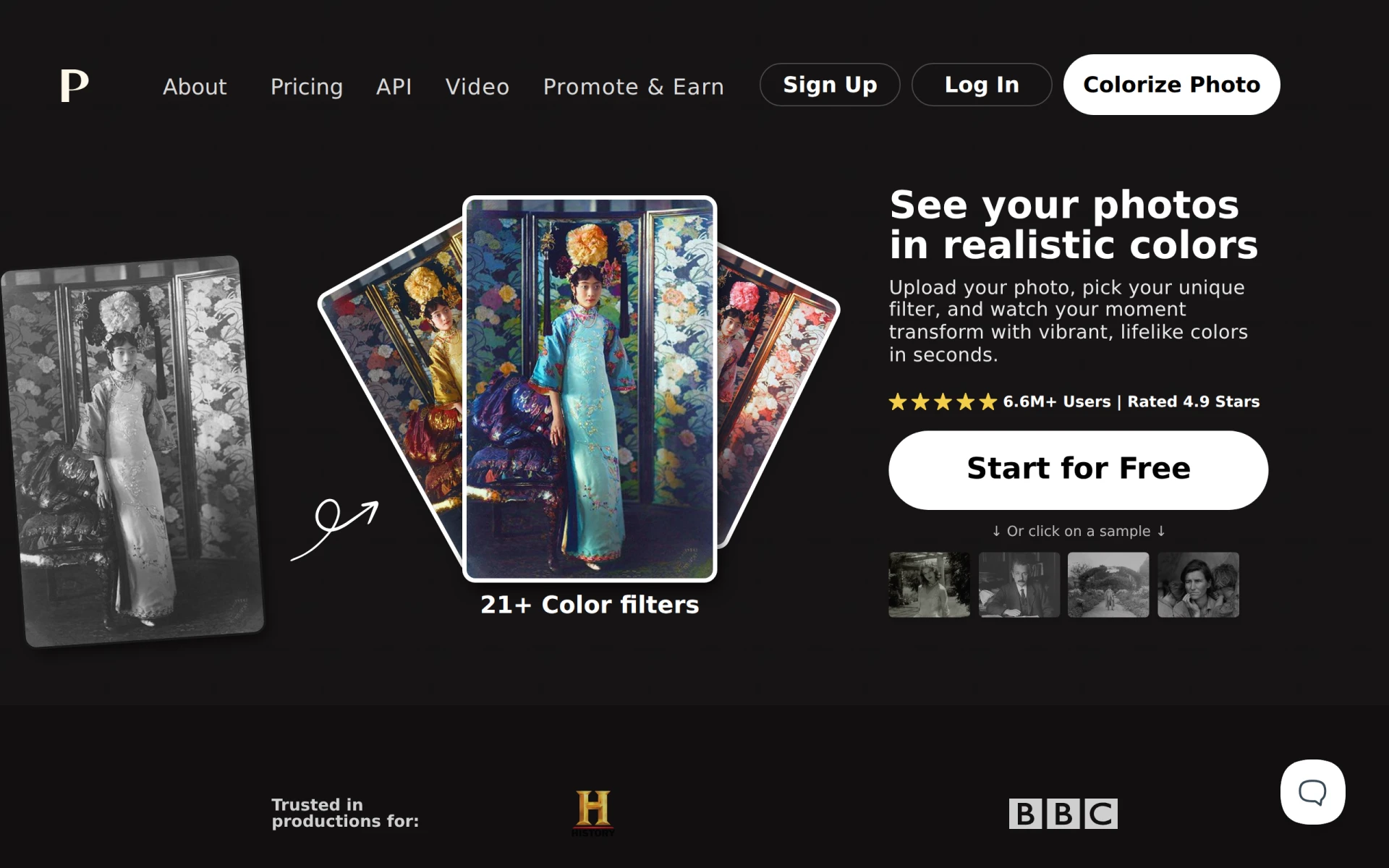 stands out as an online AI tool that excels in colorizing black and white images quickly and accurately. Unlike ImageColorizer, Palette.fm does not require users to sign up, making it exceptionally user-friendly for those who want a seamless experience. This tool leverages advanced AI algorithms to ensure high-quality colorization, and many users report faster processing times compared to ImageColorizer. For individuals or businesses needing to colorize images frequently, Palette.fm offers a straightforward solution without the hassle of managing credits or subscriptions.
Who should choose Palette.fm? It is ideal for casual users and professionals looking for a no-frills solution to colorization without committing to a credit-based model. The simplicity of Palette.fm makes it especially appealing for users who do not want to deal with complex pricing structures. With its focus on quick results, this tool is perfect for those who need to colorize images for social media, blogs, or presentations without sacrificing quality.
- Key Strength: No sign-up required, allowing immediate use.
- Key Strength: Fast processing times for quick results.
- Key Strength: High accuracy in colorization.
- Limitation: Limited customization options for specific color palettes.
Pricing: Freemium - Pricing information not publicly available. Best for: Users seeking quick and hassle-free colorization.
Photor AI - Best for Comprehensive Photo Analysis
Photor AI offers a suite of AI-powered tools for photo analysis, age transformation, and face restoration, making it a robust alternative to ImageColorizer. While ImageColorizer is primarily focused on colorization, Photor AI allows users to perform multiple tasks, including enhancing images and altering facial features. This multi-functionality can be particularly beneficial for photographers and digital artists who require a comprehensive editing tool rather than a single-purpose application.
The platform supports a freemium model, allowing users to utilize its basic features without upfront costs. For those looking for more advanced functionalities, Photor AI offers a personal plan at $9.99 per month, which can be an attractive option for users invested in improving their photo editing capabilities. The diverse range of features available makes Photor AI suitable for various use cases, from personal projects to professional photo enhancements.
- Key Strength: Multi-functional capabilities beyond colorization.
- Key Strength: Age transformation and face restoration features.
- Key Strength: Affordable monthly subscription for advanced features.
- Limitation: The learning curve may be steeper due to its extensive features.
Pricing: Freemium - Free tier and personal plan at $9.99 per month. Best for: Users needing comprehensive photo editing and analysis tools.
AI-Powered ColorChanger - Best for Fashion and E-commerce
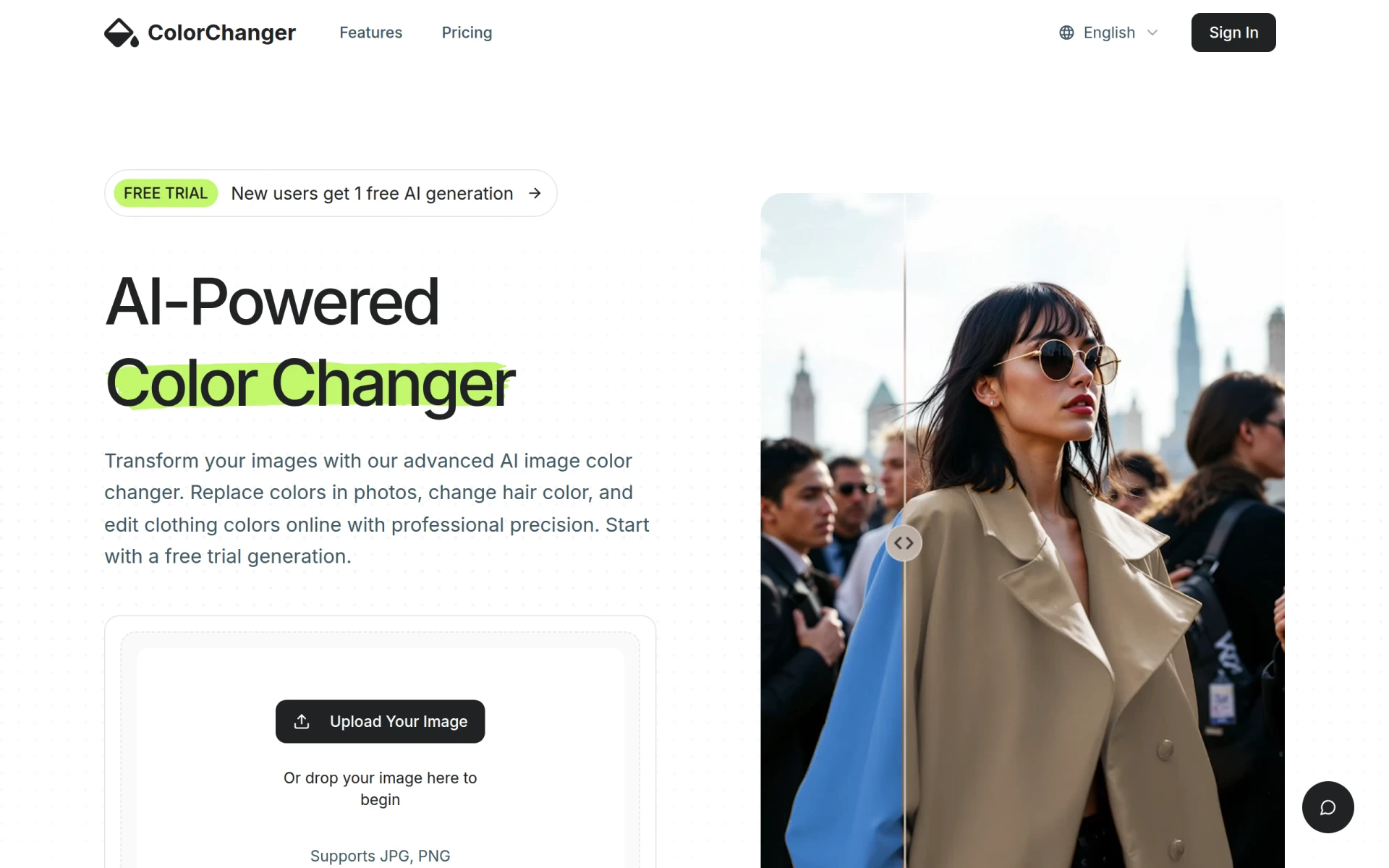
AI-Powered ColorChanger is an innovative solution designed specifically for changing hair, clothing, and object colors in images online without the need for Photoshop. This tool is particularly valuable for fashion designers, e-commerce businesses, and marketers who require quick and easy modifications to product images. Unlike ImageColorizer, which focuses solely on colorizing black and white images, ColorChanger allows users to customize colors in a way that aligns with branding and marketing strategies.
The pay-as-you-go model, starting at $2.99 for 20 generation credits, makes it a cost-effective choice for users who may not need to colorize images frequently but still want the flexibility to modify images as needed. This approach can be particularly beneficial for businesses that need to create multiple variations of a product image without incurring high costs. Overall, ColorChanger provides a specialized solution that meets the specific needs of fashion and e-commerce professionals.
- Key Strength: Customizable color changes for fashion and product images.
- Key Strength: Pay-as-you-go model is budget-friendly.
- Key Strength: User-friendly interface for quick modifications.
- Limitation: Limited features for general photo editing beyond color changes.
Pricing: Freemium - Starts at $2.99 for 20 generation credits. Best for: Fashion designers and e-commerce businesses needing color modifications.
Pixlr: AI-Powered Editor - Best for Versatile Photo Editing
Pixlr is a versatile online AI photo editor and image generator that enables users to enhance images and create graphics effortlessly. Unlike ImageColorizer, which is focused on a single function, Pixlr offers a comprehensive suite of editing tools, including filters, effects, and overlays. This versatility makes it an excellent choice for users who want more control over their photo editing projects, allowing for both detail-oriented adjustments and creative enhancements.
The freemium model allows users to access basic features for free, with additional functionalities available through a subscription. This tiered pricing structure caters to both casual users and professionals, making it easy to choose a plan that fits individual needs. With Pixlr’s powerful AI capabilities, users can achieve high-quality results in less time, making it a strong alternative for those looking to elevate their photo editing game.
- Key Strength: Comprehensive editing tools beyond colorization.
- Key Strength: User-friendly interface with a variety of filters and effects.
- Key Strength: Freemium model with flexible subscription options.
- Limitation: Advanced features may require a learning curve for new users.
Pricing: Freemium - Offers a free version with basic features and a subscription model for advanced functionalities. Best for: Users seeking a versatile photo editing tool.
Photo AI - Best for Photorealistic Image Generation
Photo AI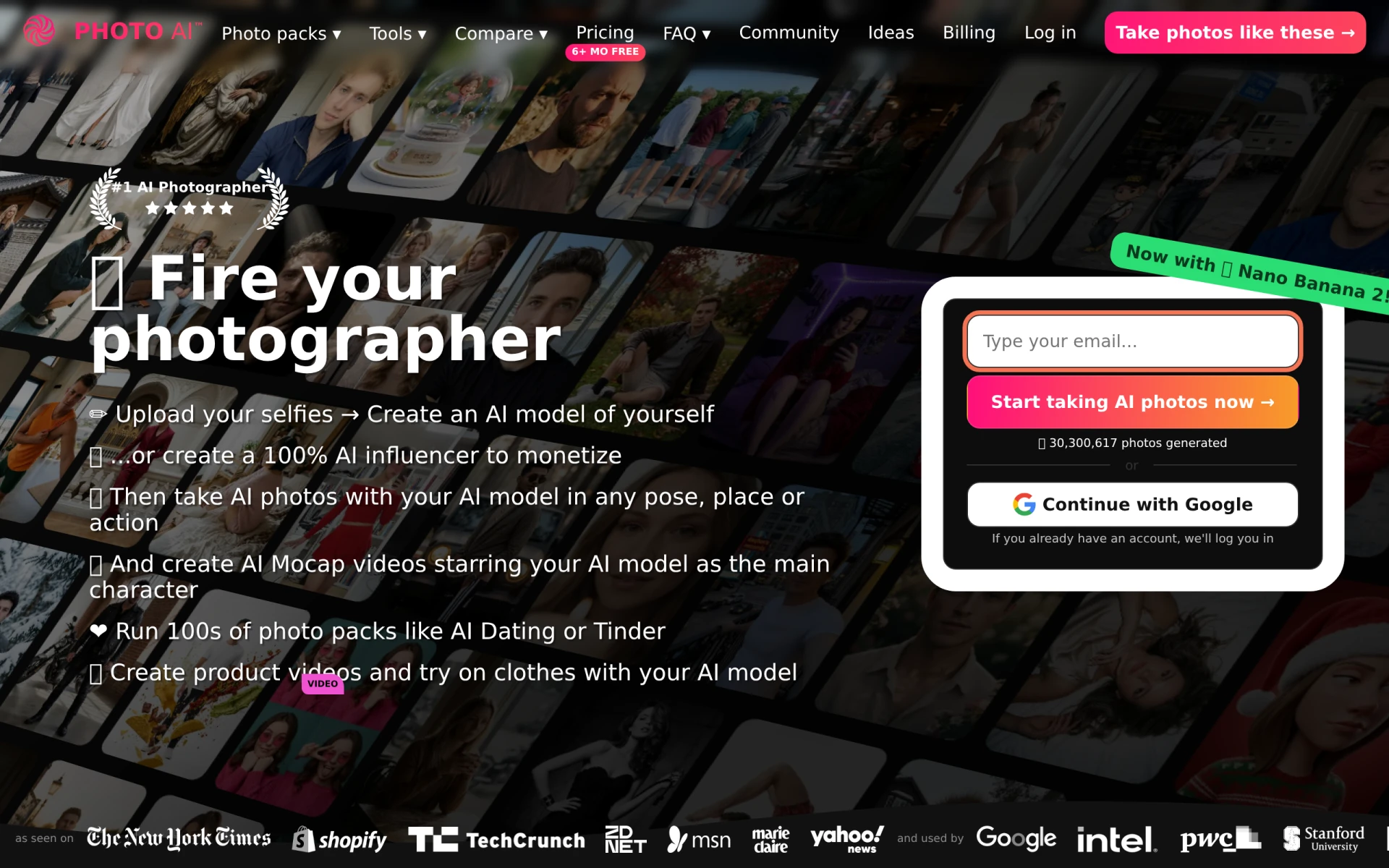 is an advanced AI image and video generator designed to create photorealistic images of people. Unlike ImageColorizer, which specializes in colorizing existing images, Photo AI focuses on generating new images from scratch, making it suitable for creative professionals and marketers who need to create unique visuals. This can be particularly beneficial for those in advertising or content creation who require original images without the constraints of copyright.
Although pricing details for Photo AI are currently unavailable, its capabilities in generating high-quality, lifelike images set it apart from other tools. This makes it an attractive option for users looking to leverage AI technology to produce unique content that stands out. The ability to create photorealistic images can significantly enhance branding efforts and marketing campaigns.
- Key Strength: Ability to generate original, photorealistic images.
- Key Strength: Ideal for content creators needing unique visuals.
- Key Strength: Leverages advanced AI technology for high-quality output.
- Limitation: Pricing information is currently unavailable.
Pricing: Freemium - Pricing details currently unavailable. Best for: Content creators and marketers seeking unique images.
ProPhotos - Best for Quick Enhancements
ProPhotos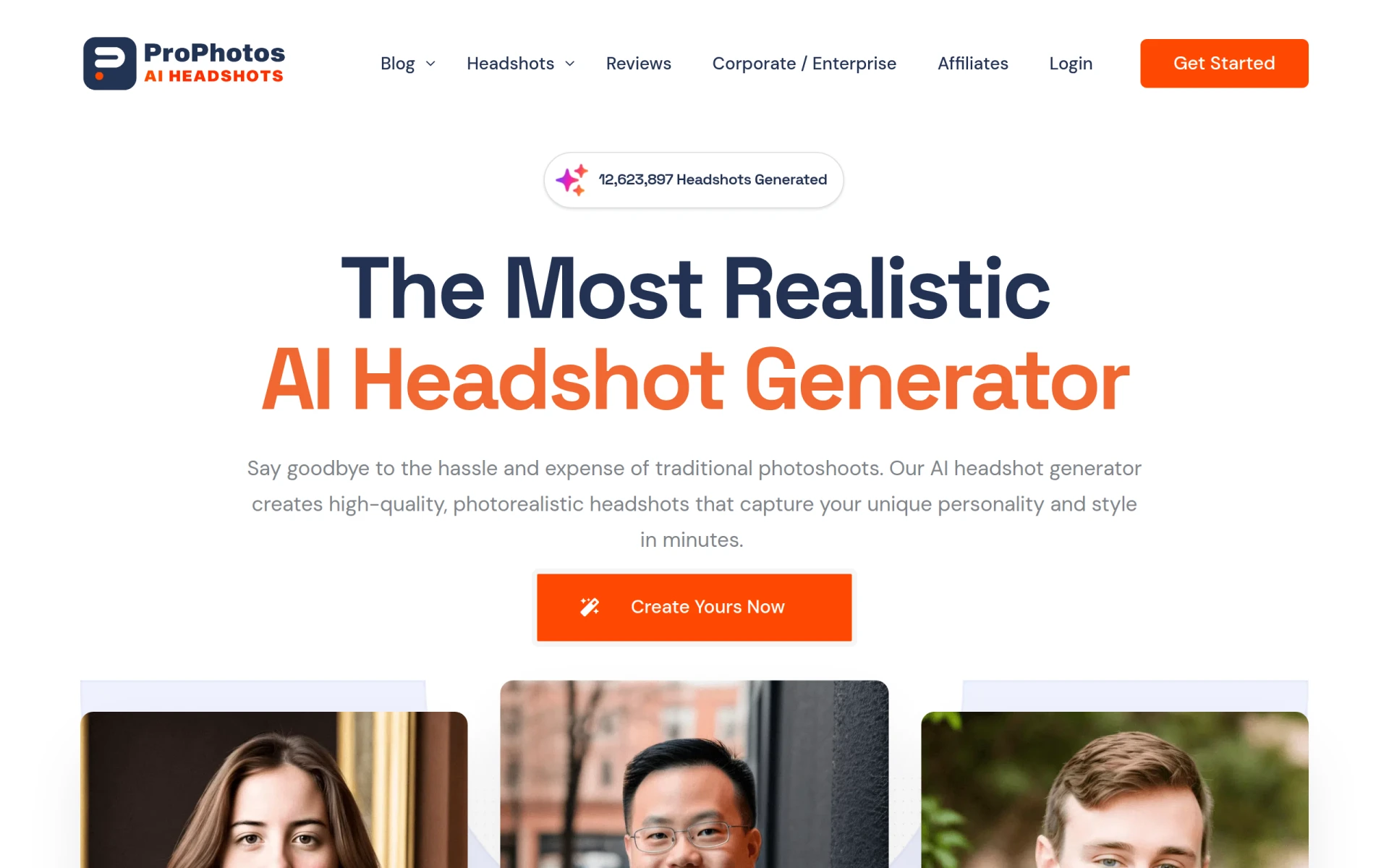 is an AI-powered photo editing tool designed to enhance images quickly and efficiently. It stands out as a strong alternative to ImageColorizer for users who want more than just colorization. ProPhotos focuses on improving image quality, making it ideal for photographers who need fast fixes to enhance their work. Users can benefit from its AI-driven enhancements that can transform standard images into stunning visuals without requiring extensive editing knowledge.
The platform operates on a freemium model, allowing users to start enhancing their images without upfront costs. This approach is beneficial for casual users and professionals alike, as it encourages experimentation without the fear of wasting money. ProPhotos provides a balance between ease of use and powerful features, making it suitable for various users looking to enhance their images quickly.
- Key Strength: Quick enhancement tools for rapid results.
- Key Strength: AI-driven features that improve image quality effortlessly.
- Key Strength: Freemium model encourages experimentation.
- Limitation: Specific pricing details are not explicitly available.
Pricing: Freemium - Pricing details not explicitly available. Best for: Users needing quick and efficient image enhancements.
ImgUpscaler - Best for Image Quality Improvement
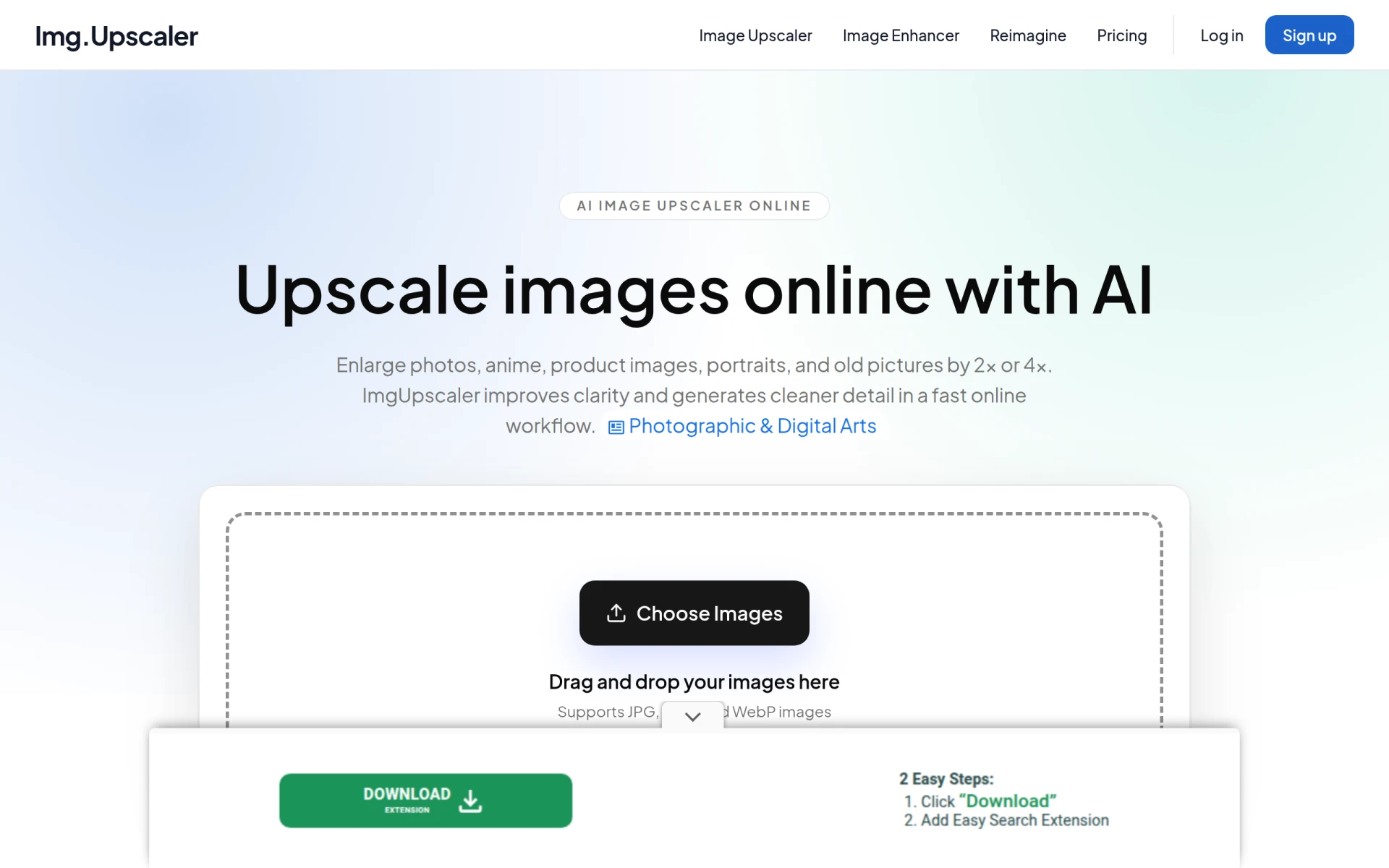
ImgUpscaler is an online tool that specializes in enhancing and upscaling images using AI technology. This tool is particularly useful for users who want to improve photo quality without losing detail, making it an excellent alternative to ImageColorizer for those focused on resolution and clarity. ImgUpscaler offers capabilities that go beyond simple colorization, allowing users to upscale images for printing or high-resolution displays, which can be a significant advantage for photographers and graphic designers.
Operating on a freemium model, ImgUpscaler provides a free plan with options for paid upgrades based on credit needs. This flexibility allows users to choose a plan that aligns with their specific usage, making it a cost-effective solution for enhancing image quality. Overall, ImgUpscaler is a robust tool for those looking to ensure their images maintain high fidelity and detail when scaled up.
- Key Strength: Specializes in image upscaling for improved resolution.
- Key Strength: Maintains detail and clarity during enhancement.
- Key Strength: Flexible pricing options for varying user needs.
- Limitation: Limited features for colorization compared to ImageColorizer.
Pricing: Freemium - Offers a free plan with options for paid upgrades. Best for: Users focused on enhancing image quality and resolution.
Krea - Best for Comprehensive Creative Needs
Krea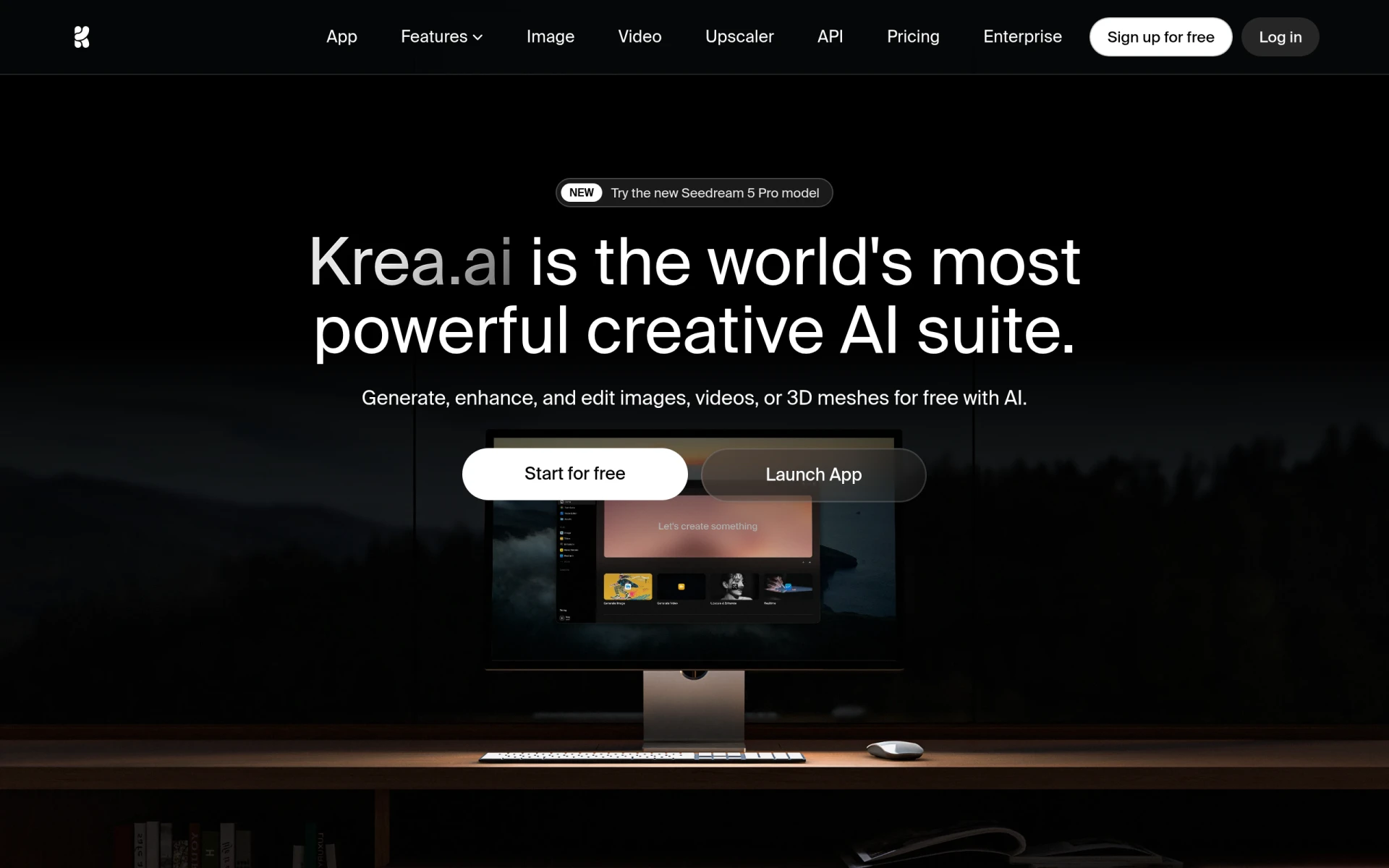 is an AI-powered creative suite designed for generating and enhancing images, videos, and 3D assets. Its comprehensive capabilities make it a versatile alternative to ImageColorizer, especially for users who require a broader range of creative tools. Unlike ImageColorizer, which focuses solely on colorization, Krea supports various media types, making it suitable for filmmakers, designers, and marketers alike.
While specific pricing details are not publicly available, Krea’s diverse functionalities cater to users looking for an all-in-one solution for their creative projects. This flexibility allows users to explore different types of content creation without the need to switch between multiple tools. Krea's AI-driven features enhance user creativity and productivity, positioning it as a strong contender in the design tools market.
- Key Strength: Comprehensive suite for images, videos, and 3D assets.
- Key Strength: AI-driven features that enhance creative output.
- Key Strength: Versatile tool for various media types.
- Limitation: Pricing details not publicly available.
Pricing: Freemium - Pricing details not publicly available. Best for: Users needing a comprehensive creative suite.
AI Photo Editor - Best for Easy Image Enhancements
AI Photo Editor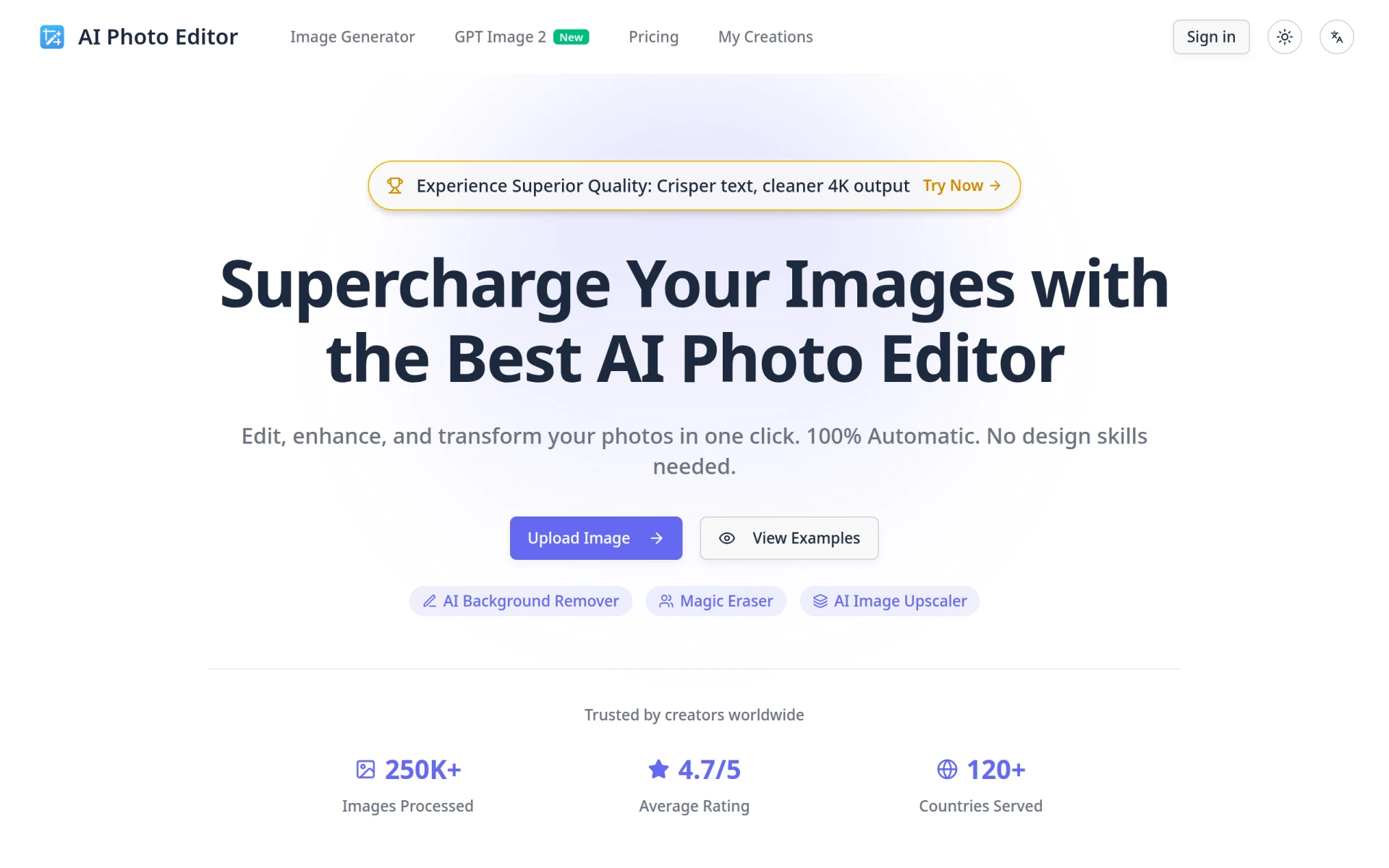 is a free online tool that simplifies the process of enhancing and editing images without requiring design skills. This tool serves as a great alternative to ImageColorizer for users who may not be technically inclined but still want to improve their images. With an intuitive interface and straightforward editing options, AI Photo Editor allows users to achieve quality results effortlessly, making it ideal for casual users and beginners.
The freemium model, which starts at $6.99 per month for advanced features, makes it accessible to a wide range of users. The tool’s focus on ease of use combined with effective editing capabilities means that users can achieve satisfactory results without needing extensive knowledge of photo editing software. This makes AI Photo Editor a reliable choice for anyone looking to enhance their images quickly and simply.
- Key Strength: User-friendly interface for easy image enhancements.
- Key Strength: Effective editing tools for users without design skills.
- Key Strength: Accessible freemium model for various user needs.
- Limitation: Limited advanced features compared to professional tools.
Pricing: Freemium - Free version and paid plans starting at $6.99 per month. Best for: Casual users needing easy image enhancements.
Pixelcut - Best for Creative Visuals
Pixelcut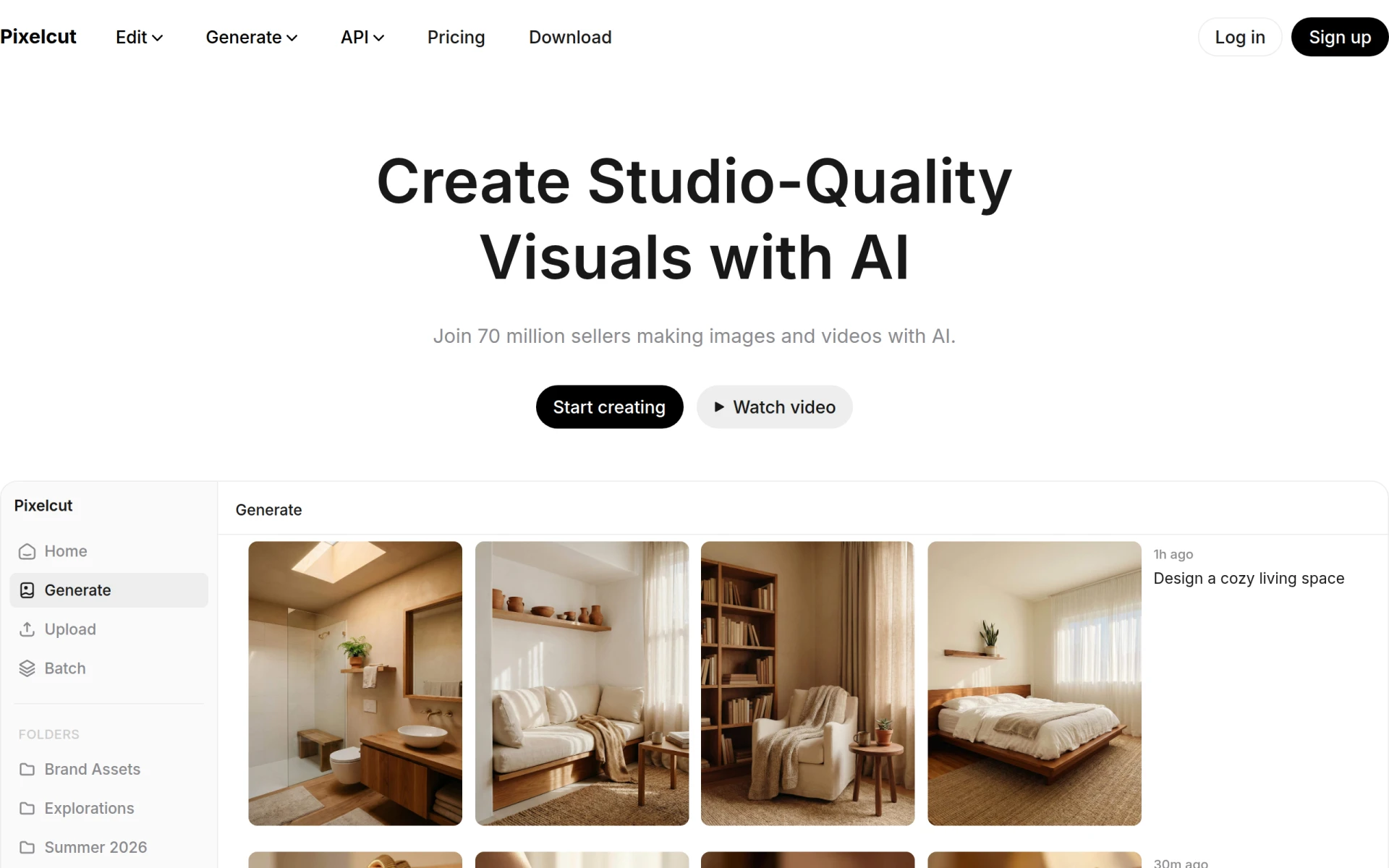 is an AI-powered photo editing tool designed to create stunning visuals effortlessly. This tool serves as an excellent alternative to ImageColorizer for users focused on producing high-quality content quickly. With its advanced AI capabilities, Pixelcut simplifies the editing process, allowing users to enhance their images with minimal effort. This makes it an attractive option for social media marketers, graphic designers, and content creators who want to create eye-catching visuals without spending hours on editing.
While specific pricing information is not provided, Pixelcut operates on a freemium model that allows users to access basic features for free. This accessibility encourages experimentation and creativity, making it a go-to solution for users who want to produce professional-looking images without extensive experience in photo editing. Overall, Pixelcut offers a compelling option for those looking to elevate their visual content easily.
- Key Strength: Simplifies the process of creating stunning visuals.
- Key Strength: Advanced AI capabilities streamline editing.
- Key Strength: Freemium model encourages creativity and exploration.
- Limitation: Pricing details not explicitly provided.
Pricing: Freemium - Pricing information not explicitly provided. Best for: Users seeking to create high-quality visuals easily.
Vectorizer.ai - Best for Image Vectorization
Vectorizer.ai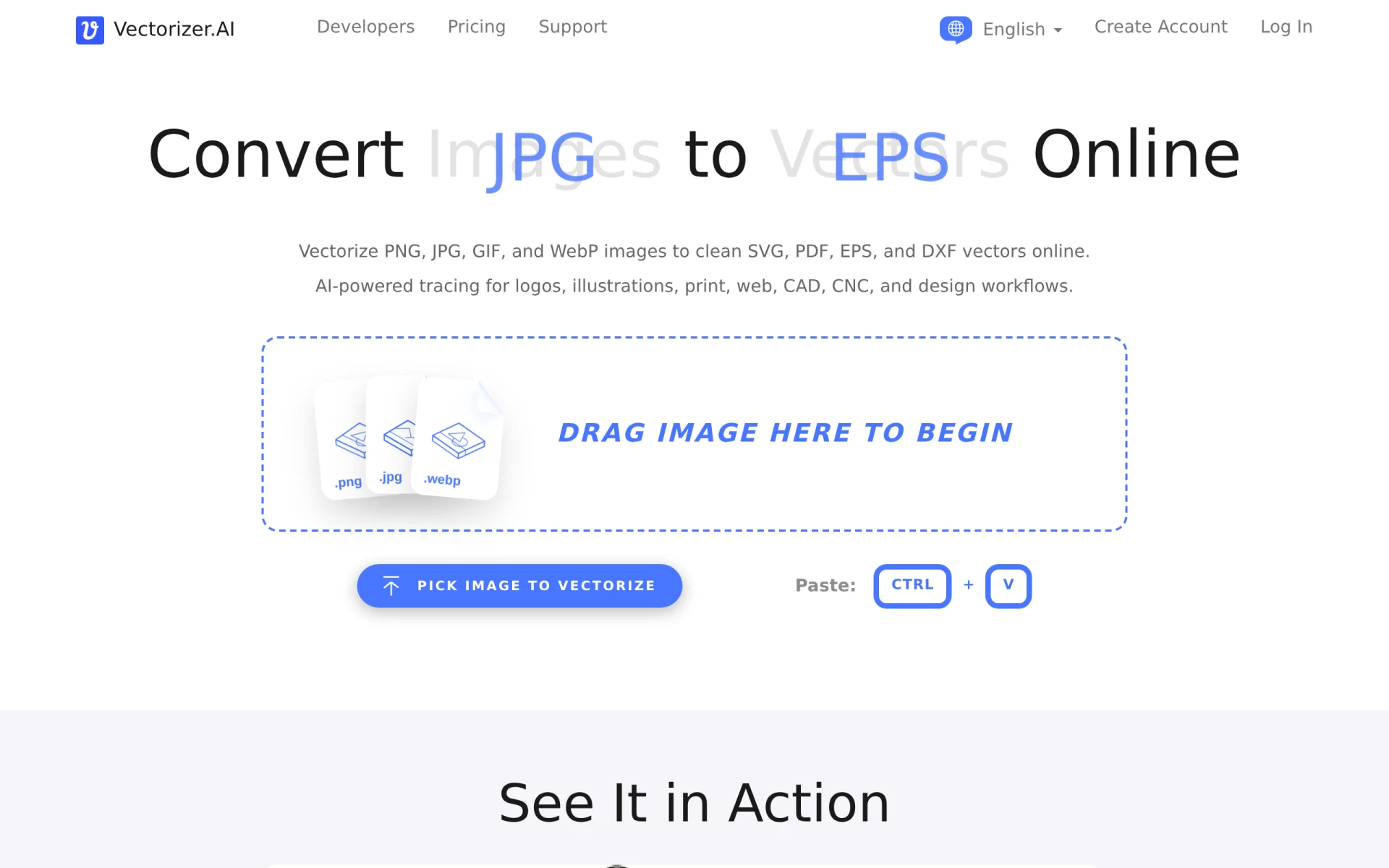 is an AI-powered tool that converts bitmap images into scalable vector formats like SVG and PDF quickly and easily. This functionality makes it a unique alternative to ImageColorizer, primarily focused on colorization rather than vectorization. Users in graphic design, web development, and printing industries can benefit significantly from Vectorizer.ai, as it allows them to convert images into formats that are ideal for scaling without loss of quality.
This tool operates on a freemium model, offering unlimited web app plans and usage-based API plans for image vectorization. This flexibility can be particularly beneficial for businesses that require multiple conversions and need a cost-effective solution for managing image files. Overall, Vectorizer.ai provides a specialized service that meets the needs of users looking to optimize their images for various applications.
- Key Strength: Specializes in converting bitmaps to scalable vector formats.
- Key Strength: Ideal for graphic design and printing applications.
- Key Strength: Flexible pricing plans for different usage levels.
- Limitation: Limited features for colorization or photo editing.
Pricing: Freemium - Unlimited web app plans and usage-based API plans available. Best for: Users needing to convert images to vector formats.
Face26 - Best for Image Quality Enhancement
Face26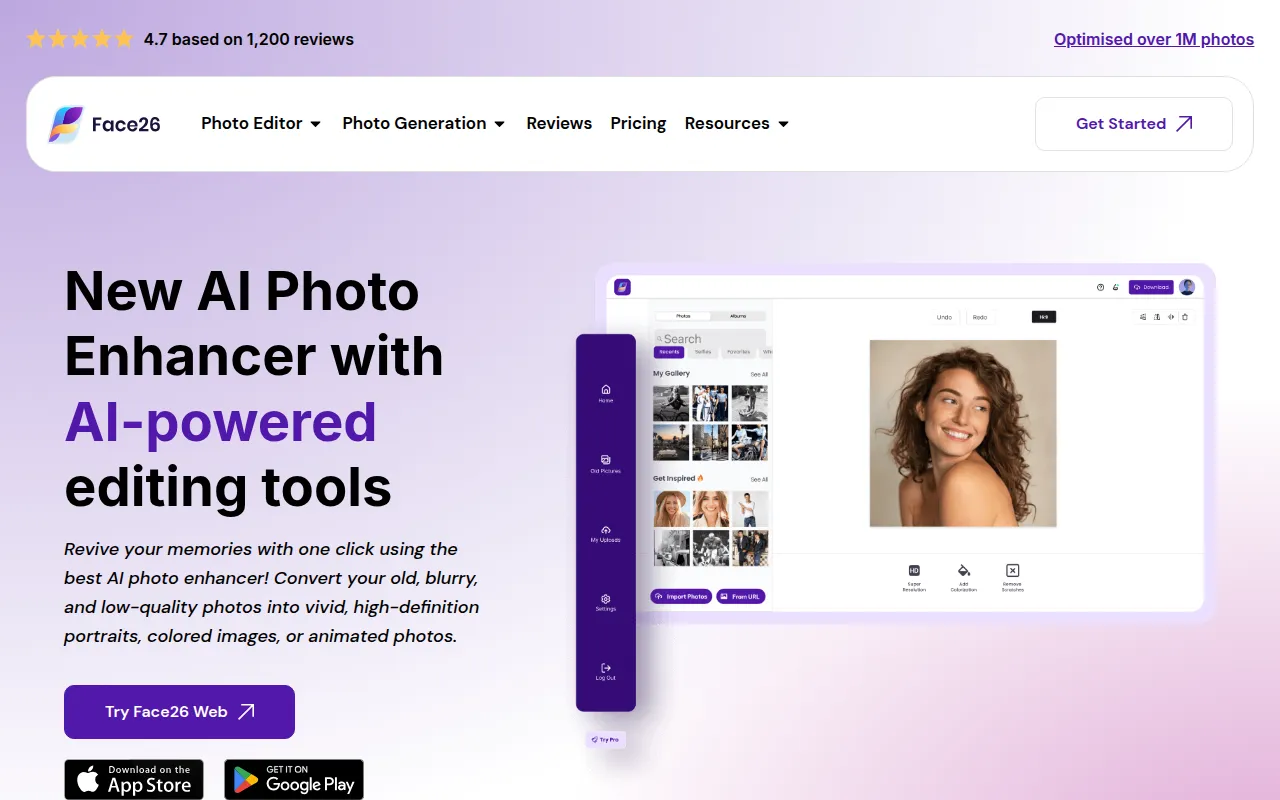 is an AI-powered photo enhancer that improves image quality and sharpness effortlessly. This tool serves as a solid alternative to ImageColorizer for users focused on enhancing existing images rather than merely colorizing them. Face26 provides users with the ability to boost image clarity and detail, making it particularly suitable for photographers and content creators looking to refine their work.
While specific pricing information is currently unavailable, Face26’s capabilities in enhancing photos can be appealing for users who prioritize quality over colorization. Its ease of use allows users to achieve noticeable improvements without needing extensive editing experience. Overall, Face26 is a great choice for anyone looking to enhance their images quickly and effectively.
- Key Strength: Focuses on improving image quality and sharpness.
- Key Strength: User-friendly interface for easy enhancements.
- Key Strength: Fast processing times for quick results.
- Limitation: Pricing details are currently unavailable.
Pricing: Freemium - Pricing information currently unavailable. Best for: Users needing to enhance image quality quickly.
Pixelicious - Best for Pixel Art Creation
Pixelicious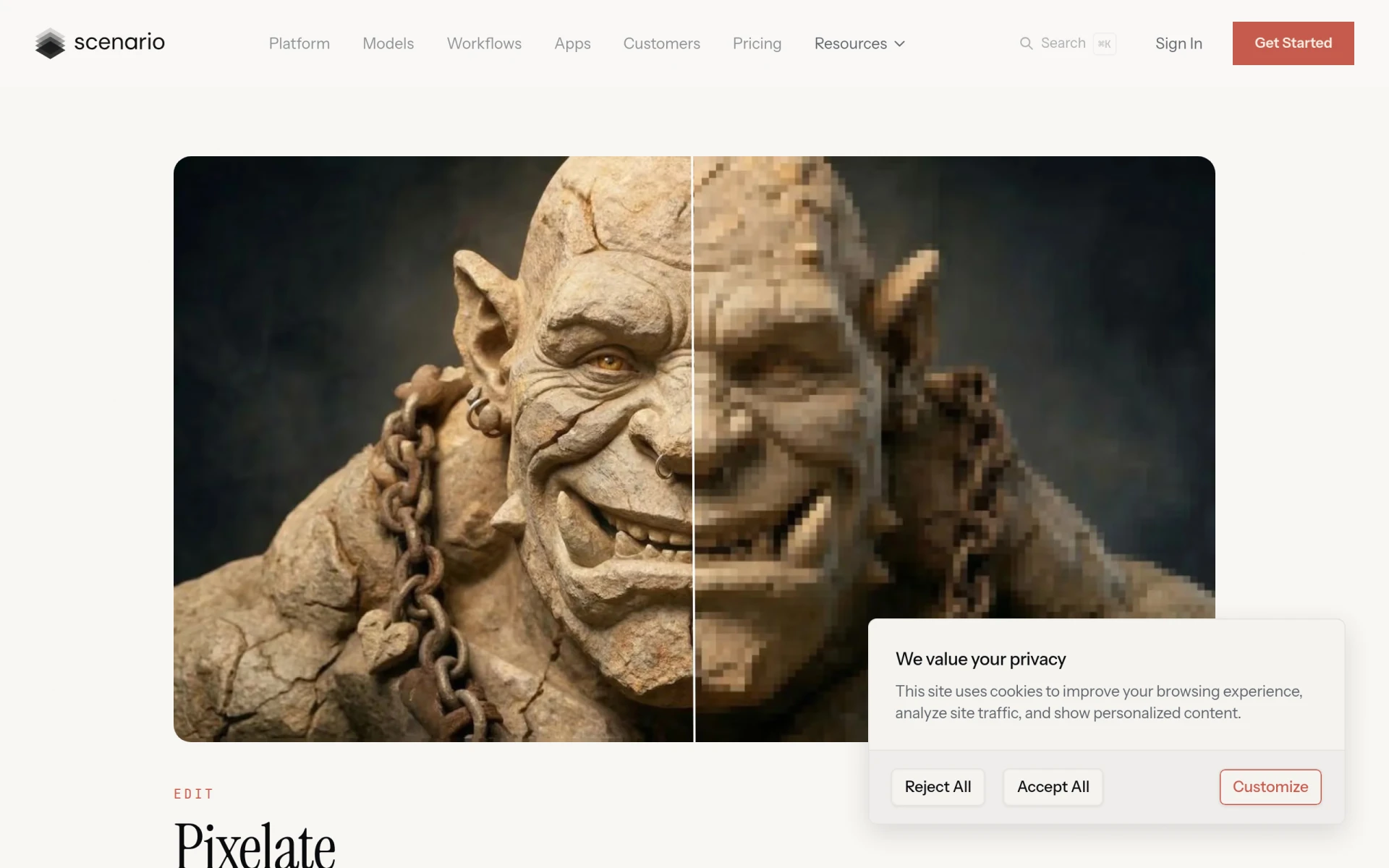 is an online tool for converting images into pixel art with customizable grids and color palettes. While it serves a niche market, it offers a unique alternative to ImageColorizer for users interested in the pixel art style. Unlike ImageColorizer, which primarily focuses on colorizing existing images, Pixelicious allows users to create an entirely different aesthetic, making it suitable for artists and designers looking to produce pixel art for games, websites, or social media.
Although specific pricing information is not available, Pixelicious provides a straightforward way for artists to explore the pixel art style without extensive technical knowledge. The customizable grids and palettes enable users to personalize their creations, which can be a fun and engaging process. Overall, Pixelicious is a great option for those looking to create pixel art easily.
- Key Strength: Allows conversion of images into customizable pixel art.
- Key Strength: Engaging tool for artists and designers.
- Key Strength: User-friendly interface for creating pixel art.
- Limitation: Limited to pixel art style, not suitable for general editing.
Pricing: Freemium - Pricing information currently unavailable. Best for: Artists and designers interested in pixel art creation.
PhotoFuse - Best for Transforming Selfies
PhotoFuse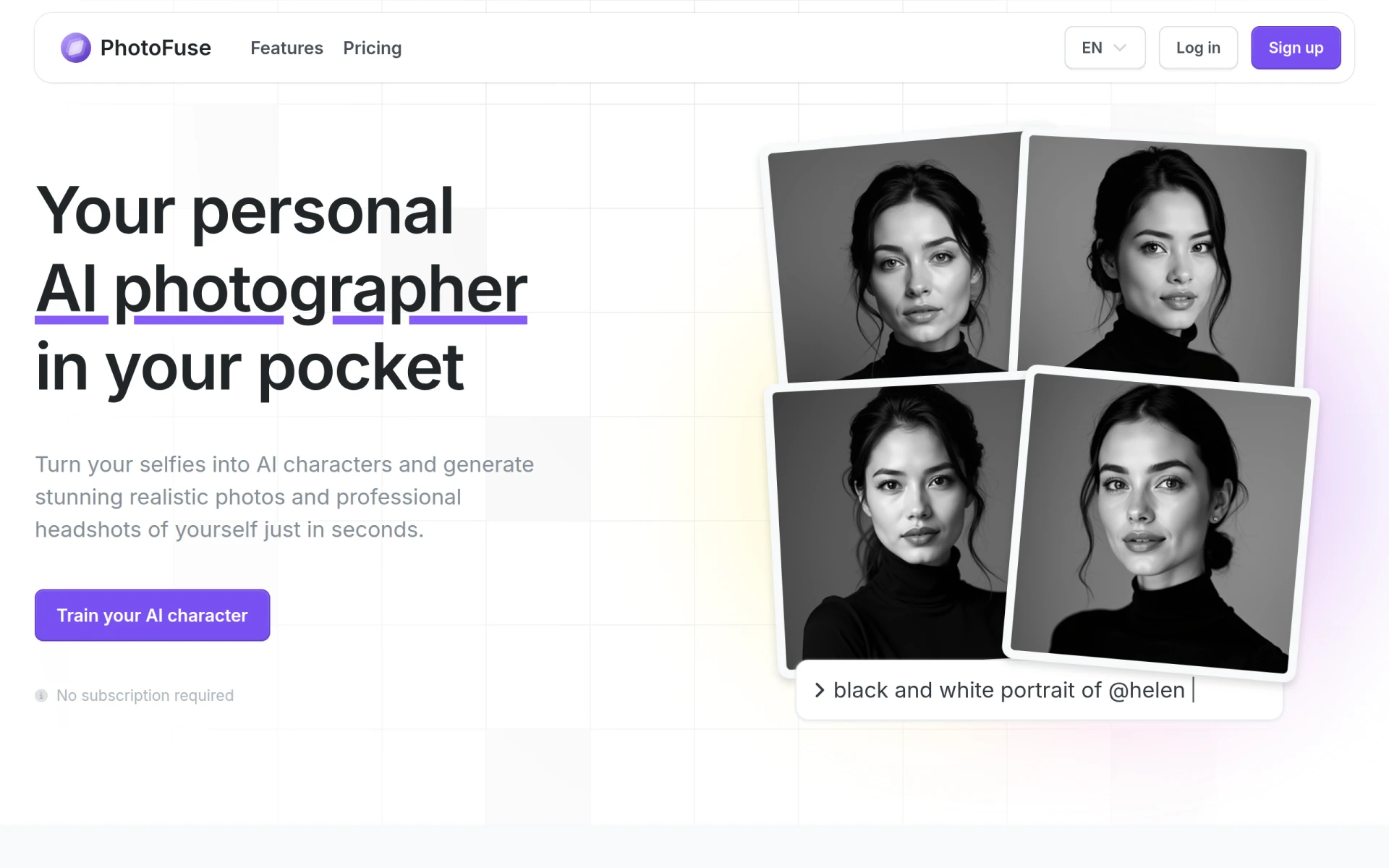 is an AI-powered tool that transforms selfies into stunning AI characters and realistic photos in seconds. This unique functionality makes it a compelling alternative to ImageColorizer for users who want more than just colorization. PhotoFuse allows users to reimagine their photos in creative ways, making it particularly appealing for social media enthusiasts and content creators looking to enhance their online presence.
While specific pricing information is currently unavailable, the tool’s ability to create unique character representations offers a fun and engaging experience for users. This makes PhotoFuse a great choice for anyone looking to add a creative flair to their selfies or portraits. Overall, PhotoFuse provides an exciting option for users who enjoy experimenting with their images.
- Key Strength: Transforms selfies into AI characters and realistic photos.
- Key Strength: Engaging and fun tool for social media users.
- Key Strength: Quick processing for immediate results.
- Limitation: Pricing details currently unavailable.
Pricing: Freemium - Pricing information currently unavailable. Best for: Social media enthusiasts and content creators.
Creativio AI - Best for Product Photography Enhancement
Creativio AI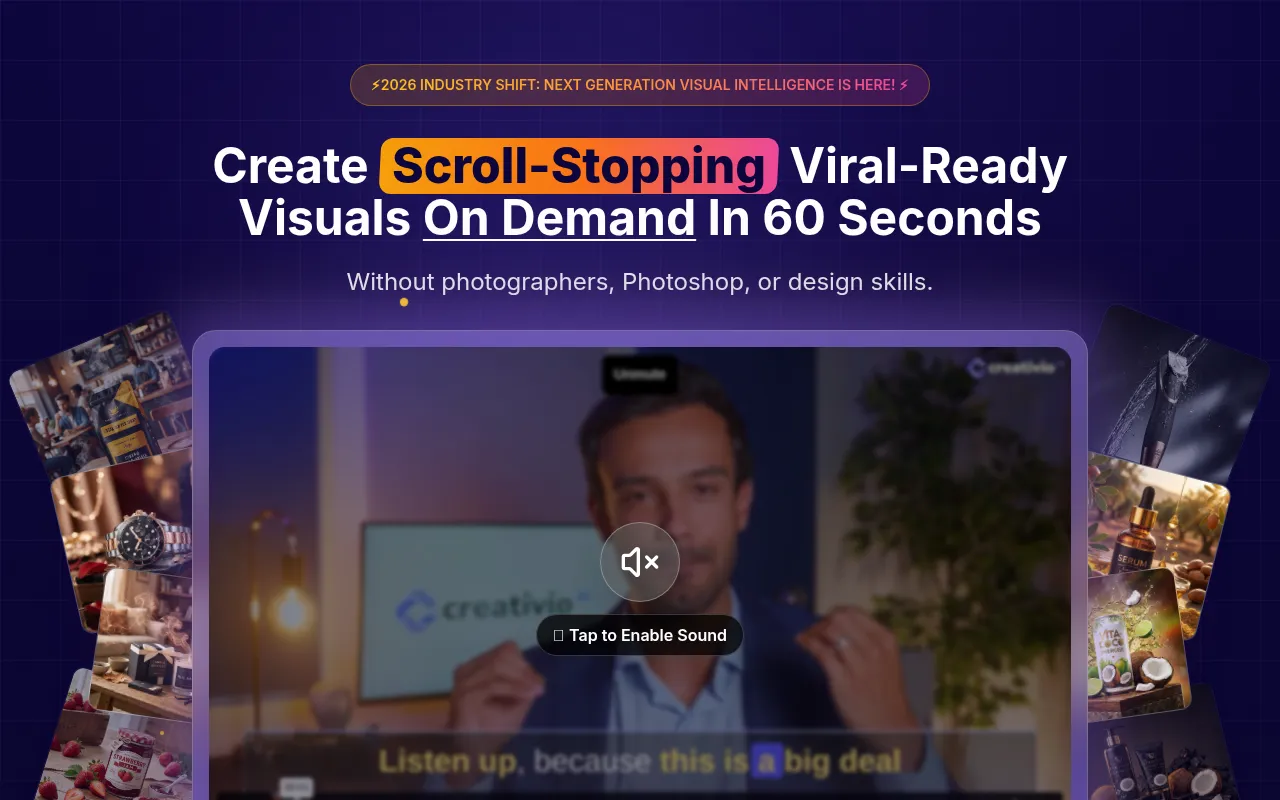 is designed to enhance product photography using AI technology, making it an excellent alternative to ImageColorizer for e-commerce businesses and marketers. Unlike ImageColorizer, which focuses solely on colorization, Creativio AI offers a suite of tools to improve product images and make them more appealing to potential customers. This can be crucial for businesses looking to optimize their visual marketing strategies.
While specific pricing information is not available, the tool’s focus on product photography means it is tailored for users who require high-quality images for online selling. With its AI-driven enhancements, Creativio AI can help businesses stand out in a competitive market by providing visually appealing product visuals. Overall, Creativio AI is an ideal option for e-commerce professionals looking to elevate their product imagery.
- Key Strength: Focuses on enhancing product photography for e-commerce.
- Key Strength: AI technology improves visuals effectively.
- Key Strength: Tailored for businesses looking to boost visual marketing.
- Limitation: Pricing details not publicly available.
Pricing: Freemium - Pricing information currently unavailable. Best for: E-commerce businesses needing high-quality product images.
Feature Comparison Table
| Tool | Best For | Starting Price | Free Plan | Standout Feature |
|---|
| Imagecolorizer | Colorizing black and white photos | Free/Credit-based | Yes | AI-driven colorization |
| Palette.fm | Quick and accurate colorization | Free/Unknown | Yes | No sign-up required |
| Photor AI | Comprehensive photo analysis | Free/$9.99/mo | Yes | Multi-functional tools |
| AI-Powered ColorChanger | Fashion and e-commerce | $2.99 for 20 credits | Yes | Customizable color changes |
Pixlr: AI-Powered Editor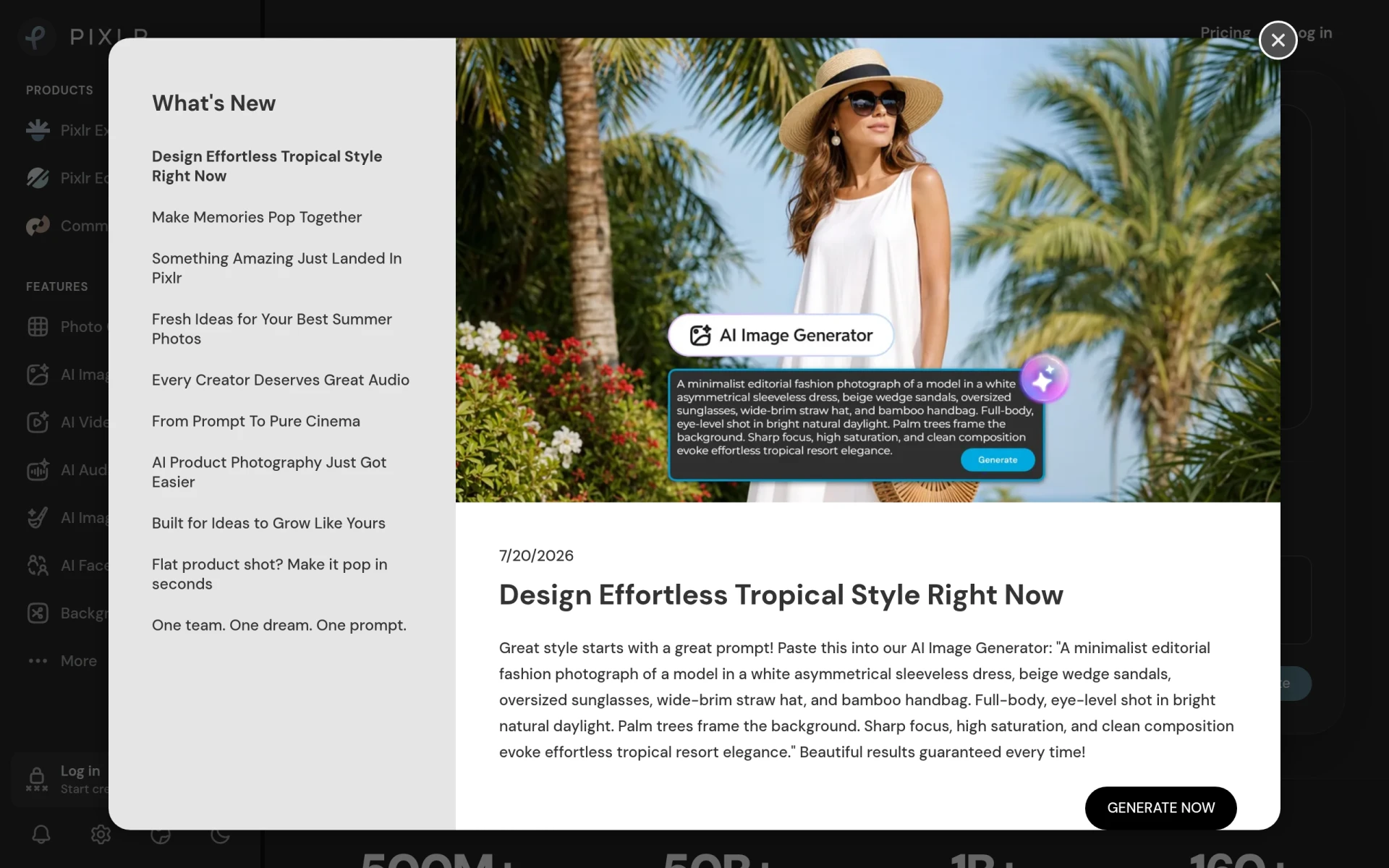 | Versatile photo editing | Free/Subscription | Yes | Comprehensive editing tools |
| Photo AI | Photorealistic image generation | Free/Unknown | Yes | Generates original images |
| ProPhotos | Quick enhancements | Free/Unknown | Yes | AI-driven image quality |
| ImgUpscaler | Image quality improvement | Free/Upgrade options | Yes | Maintains detail when upscaling |
| Krea | Comprehensive creative needs | Free/Unknown | Yes | Generates images, videos, and 3D assets |
| AI Photo Editor | Easy image enhancements | Free/$6.99/mo | Yes | User-friendly interface |
| Pixelcut | Creative visuals | Free/Unknown | Yes | Simplifies visual creation |
| Vectorizer.ai | Image vectorization | Free/Unknown | Yes | Converts bitmaps to scalable vectors |
| Face26 | Image quality enhancement | Free/Unknown | Yes | Improves sharpness effortlessly |
| Pixelicious | Pixel art creation | Free/Unknown | Yes | Customizable pixel art generation |
| PhotoFuse | Transforming selfies | Free/Unknown | Yes | Creates AI characters from selfies |
| Creativio AI | Product photography enhancement | Free/Unknown | Yes | Optimizes visuals for e-commerce |
How to Choose the Right Alternative to Imagecolorizer
When searching for the right alternative to ImageColorizer, it's essential to consider your specific use case and needs. If you are primarily focused on colorization, tools like Palette.fm offer quick and accurate results without the need for a sign-up process. However, if you require more comprehensive editing tools or features, then Photor AI or Pixlr may be more suitable. For fashion and e-commerce professionals, AI-Powered ColorChanger provides specialized capabilities that address specific color modification needs, making it a wise choice for those in the retail sector.
Additionally, assess the pricing structures of these alternatives. If you are a casual user, options that offer a robust free plan or low-cost credits, such as ImgUpscaler or AI Photo Editor, may be the best fit. Conversely, if you are a professional requiring advanced features, investing in a subscription plan with tools like Photor AI or Pixlr could be worthwhile for maximizing productivity and enhancing your work quality. Ultimately, aligning the tool's strengths with your project requirements will lead to the best choice.
Final Verdict
In conclusion, while ImageColorizer is a valuable tool for colorizing black and white photos, numerous alternatives offer unique strengths that cater to different user needs. For quick colorization without sign-up, Palette.fm excels. If you require comprehensive editing features, Photor AI or Pixlr may be the best fit. For specialized needs in fashion, AI-Powered ColorChanger stands out. Evaluating your specific requirements will help you select the ideal tool for your projects.