Why Look for Alternatives to Cleanup.pictures?
While Cleanup.pictures is a straightforward tool for removing unwanted elements from images, it does have its limitations that may lead users to seek alternatives. One significant drawback is its basic functionality which, although effective for small edits, can struggle with more complex images. Users looking for more advanced features such as batch processing, extensive editing options, or AI-driven enhancements may find Cleanup.pictures lacking. Additionally, the tool does not provide options for detailed retouching or artistic effects, which can be a deal-breaker for graphic designers or content creators who require more than just object removal.
Another consideration is the platform's pricing model. While Cleanup.pictures is free for its basic features, users may encounter limitations on the number of images they can process or the quality of the output. This can be frustrating for users with high-volume needs or those who seek premium results. As a result, individuals and businesses may be driven to explore other tools that offer wider functionalities, better performance, and flexible pricing plans that cater to their specific use cases.
Best Alternatives to Cleanup.pictures in 2026
BgEraser - Best for Fast Background Removal
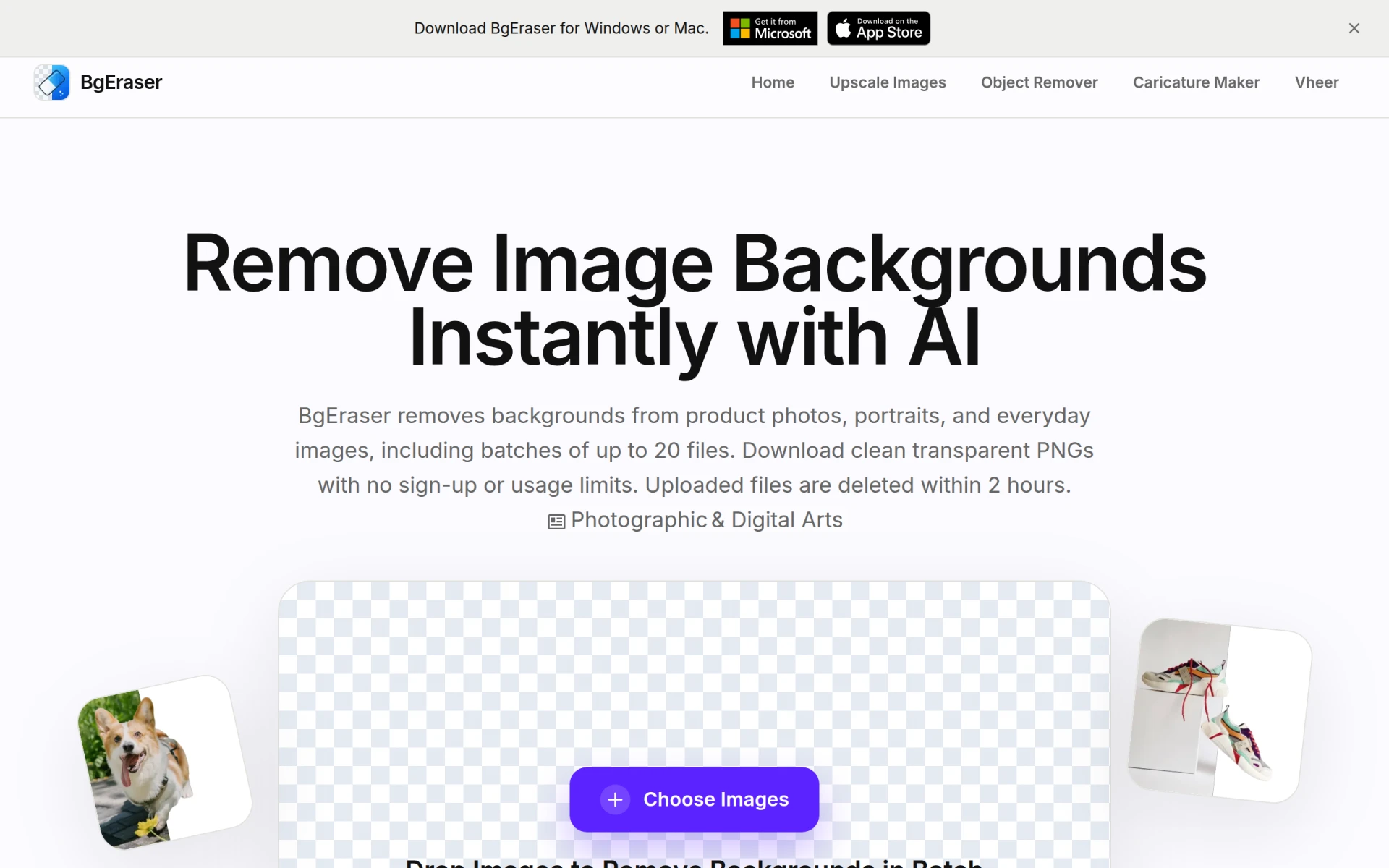
BgEraser is a free online tool specifically designed for quickly removing backgrounds from images without the need for sign-up. Unlike Cleanup.pictures, which focuses on object removal, BgEraser excels in background elimination, making it an ideal choice for users who frequently work with e-commerce photos or visual content that requires clean backgrounds. Its batch processing feature allows users to upload up to 20 images at once, significantly speeding up workflows for those handling multiple files. This functionality is particularly beneficial for businesses that need to streamline their image editing processes.
Additionally, BgEraser offers a user-friendly interface that makes it accessible even for those with limited technical skills. The results are often clean and professional, rivaling those of more complex software. Users who may find Cleanup.pictures restrictive due to its singular focus will appreciate BgEraser's versatility and efficiency in dealing with background issues. However, it should be noted that BgEraser may not provide the same level of detail in object manipulation as Cleanup.pictures does.
- Key Strength: Batch processing of up to 20 photos at once.
- Key Strength: No sign-up required, allowing immediate usage.
- Key Strength: Targeted for background removal, making it highly effective for e-commerce.
- Limitation: Lacks advanced editing features like object manipulation.
Pricing: Free. Best for: E-commerce sellers and content creators needing quick background removal.
Cutout Pro - Best for All-in-One Visual Design
Cutout Pro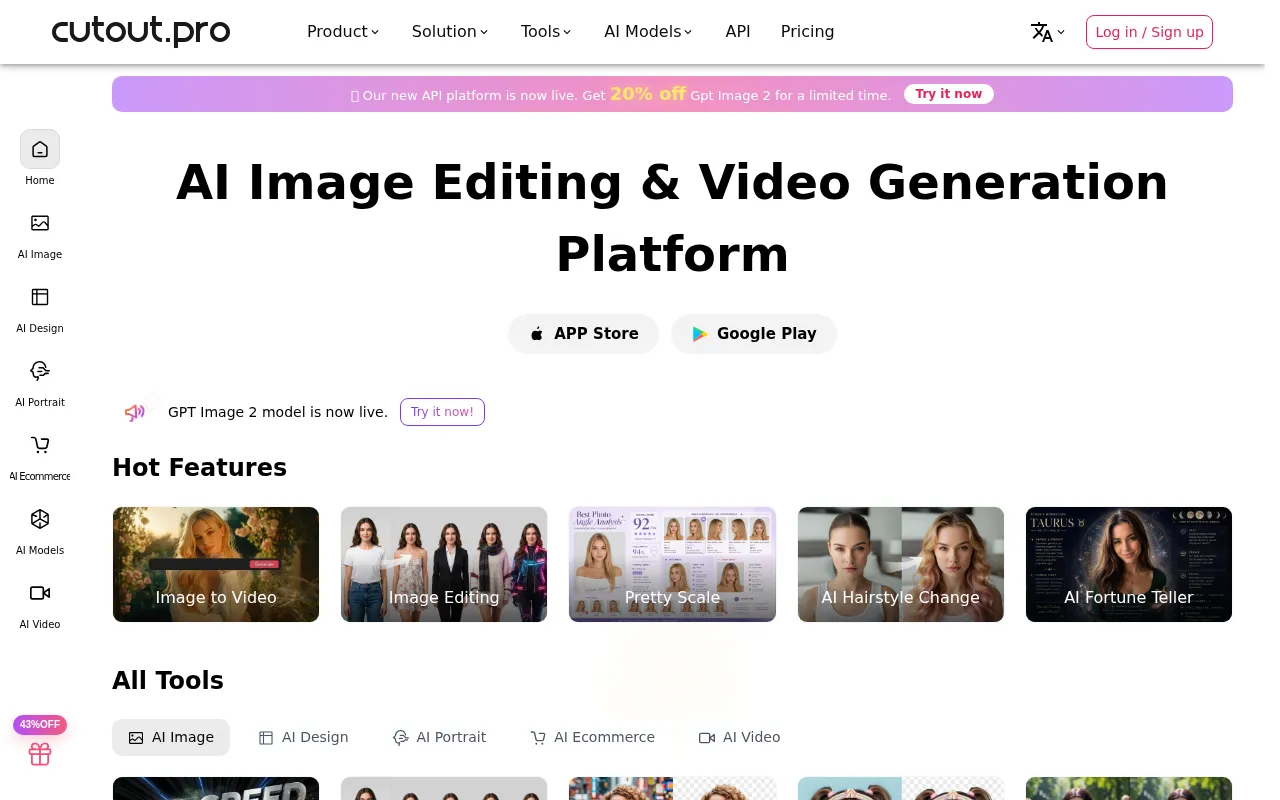 offers a comprehensive visual design platform equipped with AI-powered tools for photo and video editing. Unlike Cleanup.pictures, which is focused primarily on removing unwanted elements, Cutout Pro provides a wider suite of features, including background removal, color correction, and graphic design tools. This makes it suitable for users who require more extensive editing capabilities in one platform. The AI features allow for quick enhancements, making it a great choice for both casual users and professional designers.
With Cutout Pro, users can also benefit from its intuitive interface, which helps streamline the editing process. The platform is designed to accommodate a variety of user needs, from simple edits to more complex projects. Although Cutout Pro follows a freemium model, it offers enough features for free users to get started with high-quality edits. However, users looking for a completely free solution might find this model a drawback, as some advanced functionalities may require a paid subscription.
- Key Strength: Comprehensive suite of editing tools beyond just object removal.
- Key Strength: AI-powered features for faster and more efficient editing.
- Key Strength: User-friendly interface that caters to both beginners and experts.
- Limitation: Some advanced features are locked behind a paywall.
Pricing: Freemium. Best for: Users seeking a versatile design platform with advanced editing capabilities.
vivago.ai - Best for Creative Content Generation
vivago.ai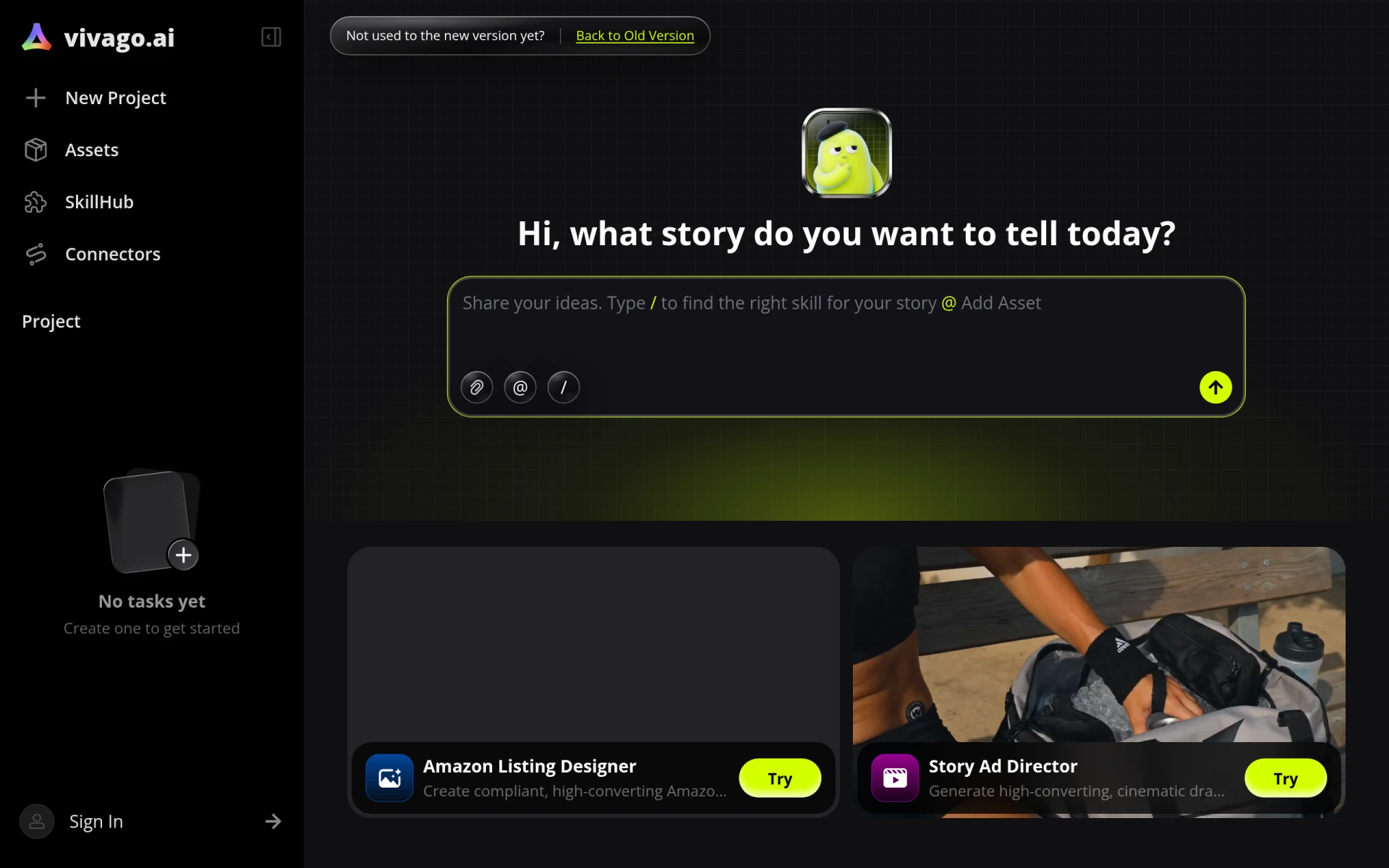 is an innovative AI tool that specializes in generating videos and images from text prompts, making it a unique alternative to Cleanup.pictures. While Cleanup.pictures focuses on removing unwanted elements, vivago.ai allows users to explore their creativity by producing visual content based on descriptions. This tool is ideal for content creators and marketers looking to generate engaging visuals quickly and efficiently. The ability to create images from text prompts adds a layer of creativity that Cleanup.pictures does not offer.
In addition to its generation capabilities, vivago.ai is completely free, making it accessible to anyone wanting to experiment with AI-generated content. The platform encourages users to think outside the box, producing visuals that can be tailored to specific themes or marketing campaigns. However, it is important to note that vivago.ai is not designed for traditional photo editing, so users looking for robust editing functionalities may find it lacking in that regard.
- Key Strength: Generates images and videos from text prompts for creative content.
- Key Strength: Completely free, providing a risk-free way to explore AI capabilities.
- Key Strength: Encourages creative exploration beyond standard photo edits.
- Limitation: Limited to content generation, not suitable for traditional photo editing.
Pricing: Free. Best for: Content creators looking to generate unique visuals from text prompts.
Kira - Best for Effortless Graphic Design
Kira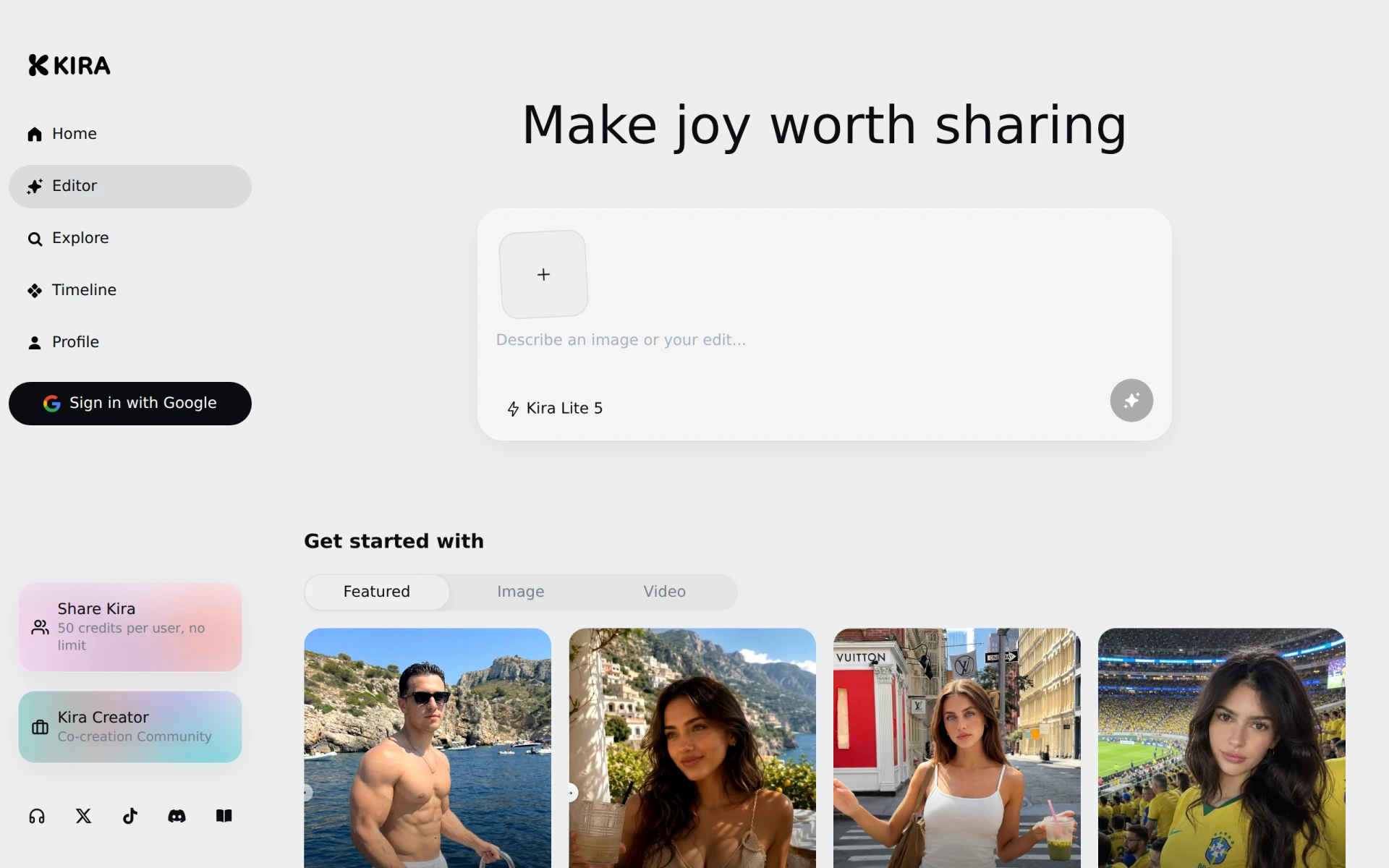 is a graphic design tool that simplifies the process of creating and sharing visually appealing content. While Cleanup.pictures is centered on object removal, Kira focuses on empowering users to craft entire designs effortlessly. This tool is perfect for social media managers, marketers, and anyone needing to create graphics quickly. Kira’s credit-based pricing model allows users to pay only for the assets they use, which can be more budget-friendly for occasional users compared to a flat subscription.
Moreover, Kira’s interface is designed to be intuitive, enabling even those with minimal design experience to create professional-looking graphics with ease. Its emphasis on design rather than just photo editing offers a broader array of creative possibilities. However, users seeking advanced photo manipulation features might find Kira’s toolset more limited compared to Cleanup.pictures, which specializes in precise edits.
- Key Strength: Intuitive design interface for creating graphics effortlessly.
- Key Strength: Credit-based pricing model suitable for infrequent users.
- Key Strength: Focuses on entire graphic design rather than just photo edits.
- Limitation: May lack advanced photo editing tools.
Pricing: Freemium. Best for: Users needing a simple, effective way to create graphics and designs.
Photo Editor AI - Best for Comprehensive Photo Editing
Photo Editor AI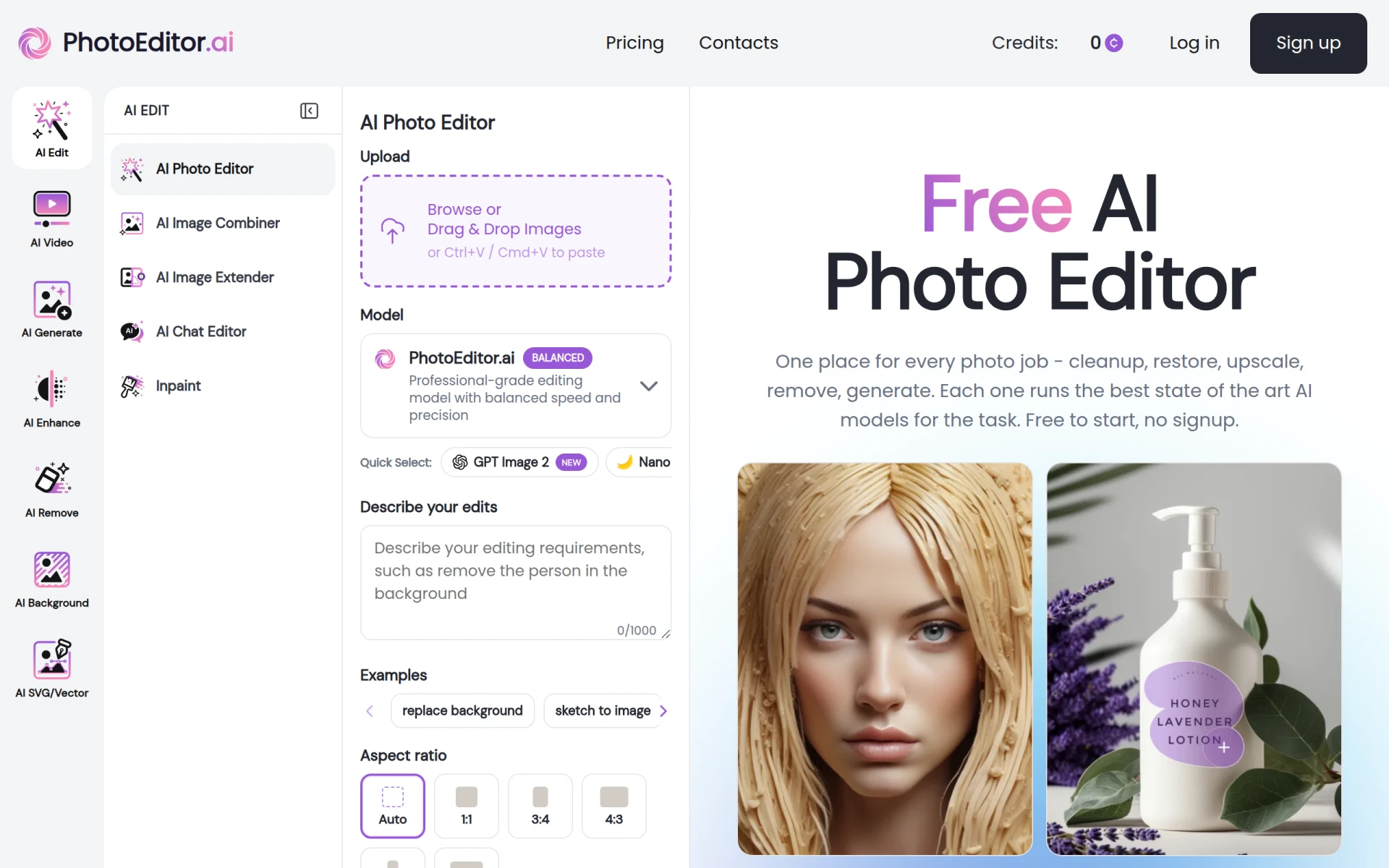 provides a robust suite of over 30 AI-powered tools for photo editing and image generation, making it a strong competitor to Cleanup.pictures. This platform goes beyond simple object removal by offering features like retouching, filters, and even AI-driven enhancements, catering to a wide range of editing needs. Users who find Cleanup.pictures lacking in advanced editing functionalities will benefit from the comprehensive toolset available in Photo Editor AI.
Additionally, Photo Editor AI has a freemium model that allows users to access a substantial portion of its features without any sign-up. This makes it a great option for casual users who want to experiment with photo editing without committing to a subscription. For those who require more advanced features, the paid plans start at $9 per month, which is competitive in the market. However, users might feel overwhelmed by the number of tools available, which could pose a learning curve.
- Key Strength: Over 30 AI-powered tools for comprehensive photo editing.
- Key Strength: Freemium model that allows access to features without sign-up.
- Key Strength: Competitive pricing for advanced functionalities.
- Limitation: Potential learning curve due to the extensive toolset.
Pricing: Freemium with paid plans starting at $9/month. Best for: Users needing a full-featured photo editing tool.
Upscal - Best for Offline Image Enhancement
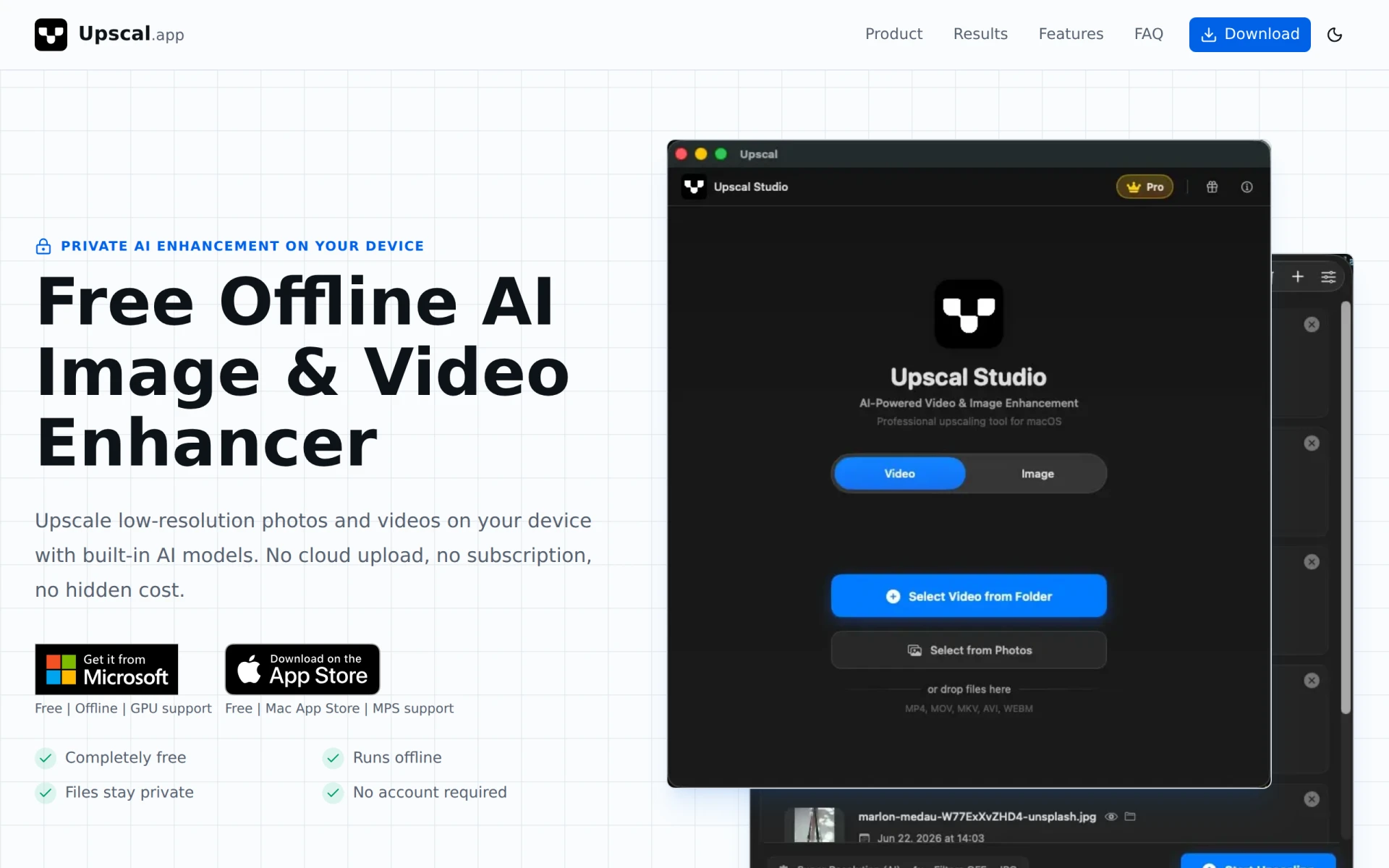
Upscal stands out as a free offline AI image and video enhancer that allows users to upscale low-resolution media without the need for cloud uploads. This feature differentiates it from Cleanup.pictures, which relies on online processing. Users who value privacy or have concerns about uploading sensitive images will appreciate Upscal’s offline capabilities. The ability to enhance images without needing an internet connection also adds convenience for those who work in areas with limited connectivity.
In addition to its offline functionality, Upscal provides users with the tools to significantly improve the quality of their images. This is particularly beneficial for photographers and designers who often deal with low-resolution files and want to achieve high-quality results. However, users looking for advanced editing features beyond enhancement may find Upscal lacking, as its primary focus is on upscaling rather than comprehensive editing.
- Key Strength: Offline processing for enhanced privacy and convenience.
- Key Strength: Effective upscaling of low-resolution images.
- Key Strength: No hidden costs or subscription fees.
- Limitation: Limited editing capabilities beyond image enhancement.
Pricing: Free. Best for: Users who need to enhance images offline.
MyShell - Best for Artistic Portraits
MyShell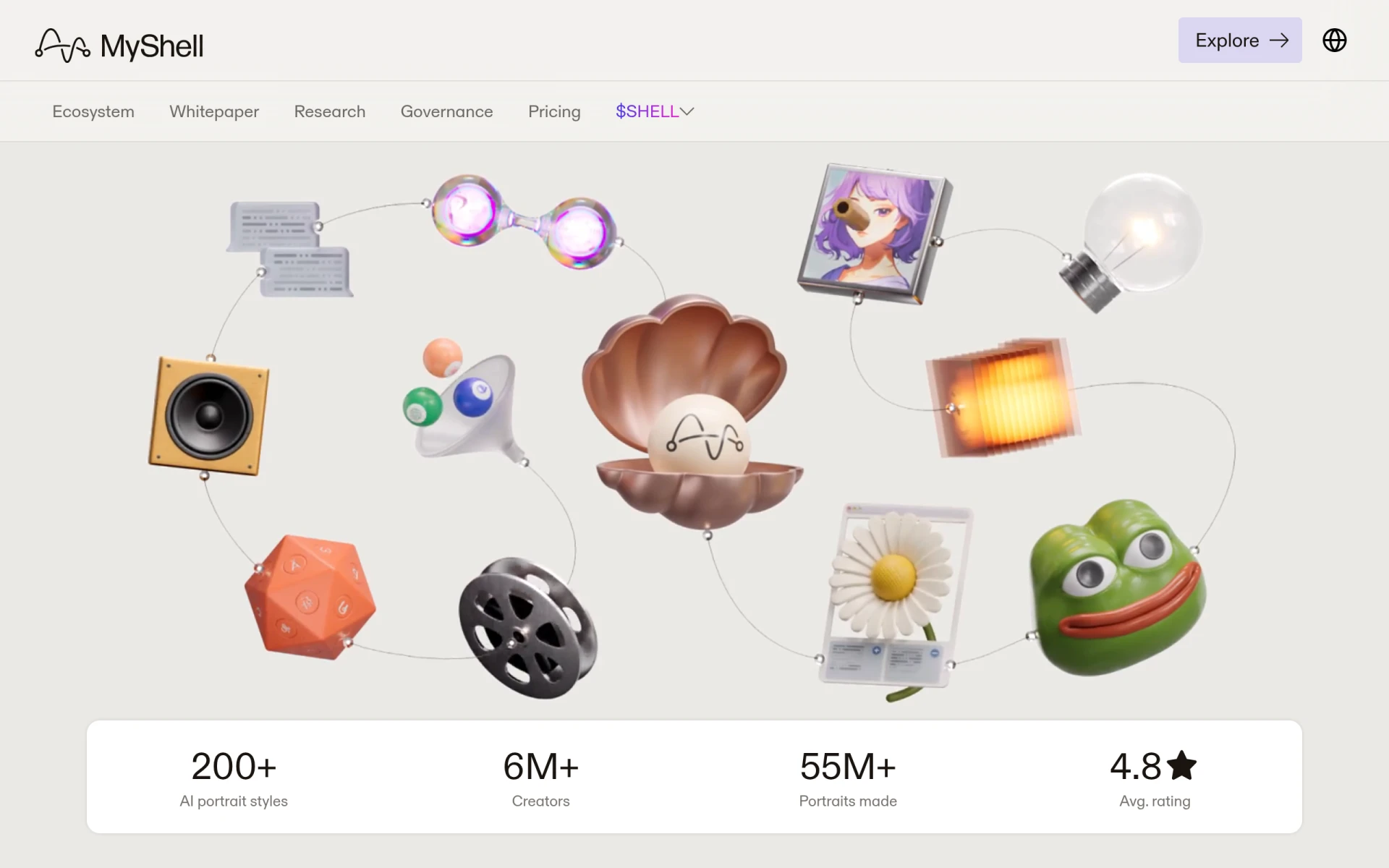 is an AI portrait studio that specializes in transforming selfies into artistic portraits and professional headshots quickly and for free. While Cleanup.pictures is adept at removing unwanted elements, MyShell caters to a niche market by focusing on the enhancement and artistic transformation of portraits. This makes it an excellent choice for individuals or businesses looking to create high-quality images for profiles, marketing materials, or social media.
The tool’s user-friendly interface allows users to upload their selfies and receive processed images that showcase artistic styles. This feature is particularly appealing for users who want to stand out in their online presence. However, MyShell may not be suitable for those looking for extensive image editing capabilities beyond portrait transformation, as its focus is narrow compared to Cleanup.pictures.
- Key Strength: Specializes in transforming selfies into artistic portraits.
- Key Strength: Completely free to use with no sign-up.
- Key Strength: User-friendly interface for quick processing.
- Limitation: Limited to portrait editing and transformation.
Pricing: Free. Best for: Users seeking artistic portraits and professional headshots.
ProPhotos - Best for Quick Enhancements
ProPhotos is an AI-powered photo editing tool designed to enhance images rapidly and efficiently. While Cleanup.pictures allows for object removal, ProPhotos focuses on enhancing the overall quality of images, making it suitable for users who prioritize quick edits without delving into more complex adjustments. This makes it a solid option for professionals needing to improve their photos with minimal effort.
The platform’s AI capabilities ensure that users receive high-quality enhancements in a short timeframe, which is crucial for those in fast-paced environments. Although ProPhotos operates on a freemium model, users can access a variety of features for free, with a personal plan available at $9.99 per month for more advanced functionalities. However, those looking for detailed editing tools may find ProPhotos lacking compared to Cleanup.pictures.
- Key Strength: AI-powered enhancements for quick image improvements.
- Key Strength: Freemium model with a low-cost personal plan.
- Key Strength: User-friendly interface designed for efficiency.
- Limitation: May not offer as many detailed editing options as Cleanup.pictures.
Pricing: Freemium with a personal plan at $9.99/month. Best for: Users needing rapid enhancements to photos.
Midjourney Prompt Helper - Best for AI Image Generation Assistance
Midjourney Prompt Helper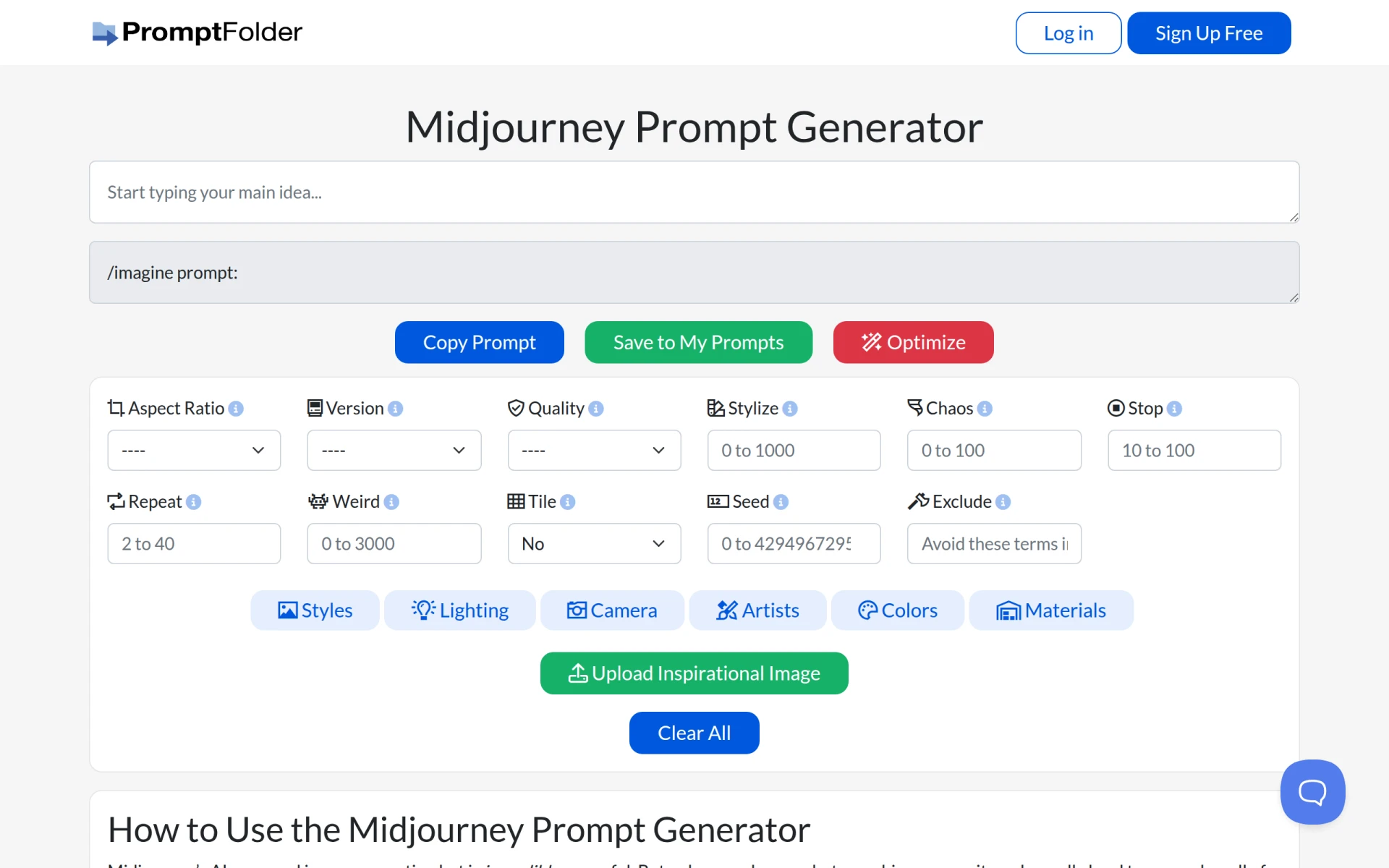 is a free tool designed to assist users in crafting effective prompts for AI image generation. While Cleanup.pictures targets image editing directly, Midjourney Prompt Helper focuses on helping users create high-quality images by providing guidance on how to formulate prompts for AI tools. This makes it an essential resource for those interested in leveraging AI for creative projects.
The tool simplifies the process of generating images, allowing users to explore the capabilities of AI without needing extensive knowledge of prompt crafting. For users who are already using AI image generation alongside Cleanup.pictures, this tool becomes a valuable addition to their workflow. However, it is important to note that Midjourney Prompt Helper does not offer image editing features, so it should be used in conjunction with other tools for a complete editing experience.
- Key Strength: Assists in crafting effective prompts for AI image generation.
- Key Strength: Completely free, allowing users to enhance their AI creativity.
- Key Strength: Simplifies the process of generating high-quality images.
- Limitation: Does not provide direct image editing capabilities.
Pricing: Free. Best for: Users looking for guidance in AI image generation.
Pixlr: AI-Powered Editor - Best for Versatile Online Editing
Pixlr is a free online AI photo editor and image generator that allows users to enhance images and create graphics with ease. Unlike Cleanup.pictures, which specializes in object removal, Pixlr provides a more rounded toolset for photo enhancement, including filters, overlays, and text options. This versatility makes it suitable for users who need a comprehensive online editing solution without the complexity of software installations.
With its freemium model, Pixlr offers a range of features for free, making it accessible to occasional users while still providing advanced options through a subscription model. This can be particularly advantageous for users who want to explore various editing styles without financial commitment. However, users seeking highly specialized tools for object removal might find Pixlr's focus on general editing somewhat lacking when compared to Cleanup.pictures.
- Key Strength: Comprehensive online editing tools beyond object removal.
- Key Strength: User-friendly interface suitable for all skill levels.
- Key Strength: Freemium model with advanced features available.
- Limitation: More generalized editing approach may not suit all users.
Pricing: Freemium. Best for: Users seeking an all-in-one online editing platform.
PicMa Studio - Best for Simplified Photo Editing
PicMa Studio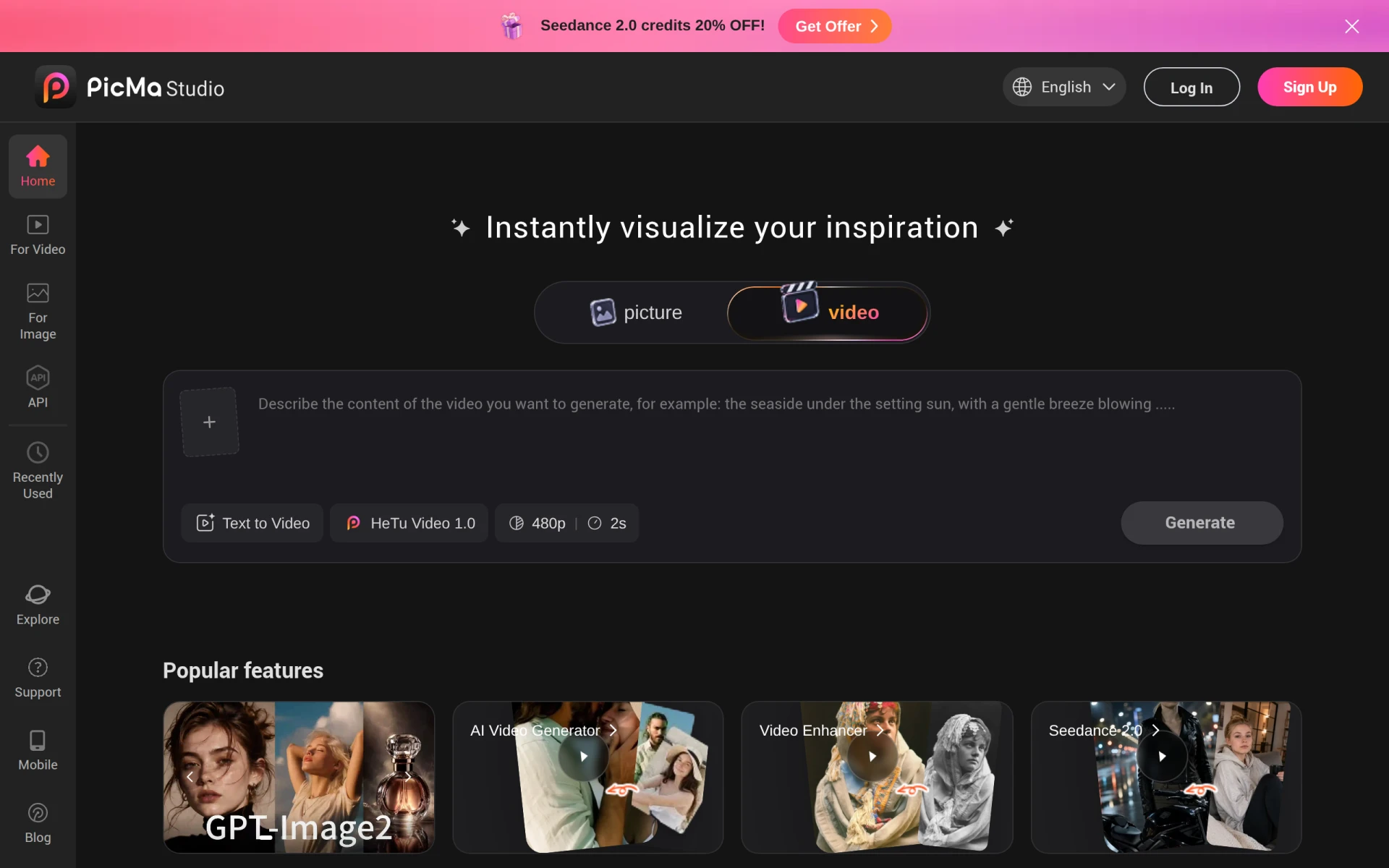 is an AI-powered photo editing tool designed to simplify the editing process for users. Unlike Cleanup.pictures, which focuses on object removal, PicMa Studio emphasizes ease of use and efficiency in various editing tasks. This makes it a valuable alternative for users who may not have extensive editing experience but still want to achieve professional-looking results quickly.
The platform's intuitive interface allows users to navigate its features effortlessly, making it ideal for beginners or those looking to complete edits without a steep learning curve. While specific pricing information is not readily available, PicMa Studio's focus on accessibility ensures that it caters to a wide range of users. However, those who need more advanced features may find the tool's capabilities limited compared to the comprehensive offerings of Cleanup.pictures.
- Key Strength: User-friendly interface for simplified editing.
- Key Strength: Designed for quick processing, suitable for beginners.
- Key Strength: Accessible for users with varying levels of experience.
- Limitation: May lack advanced editing functionalities.
Pricing: Freemium. Best for: Beginners seeking an easy-to-use photo editing tool.
Photor AI - Best for Advanced AI Photo Analysis
Photor AI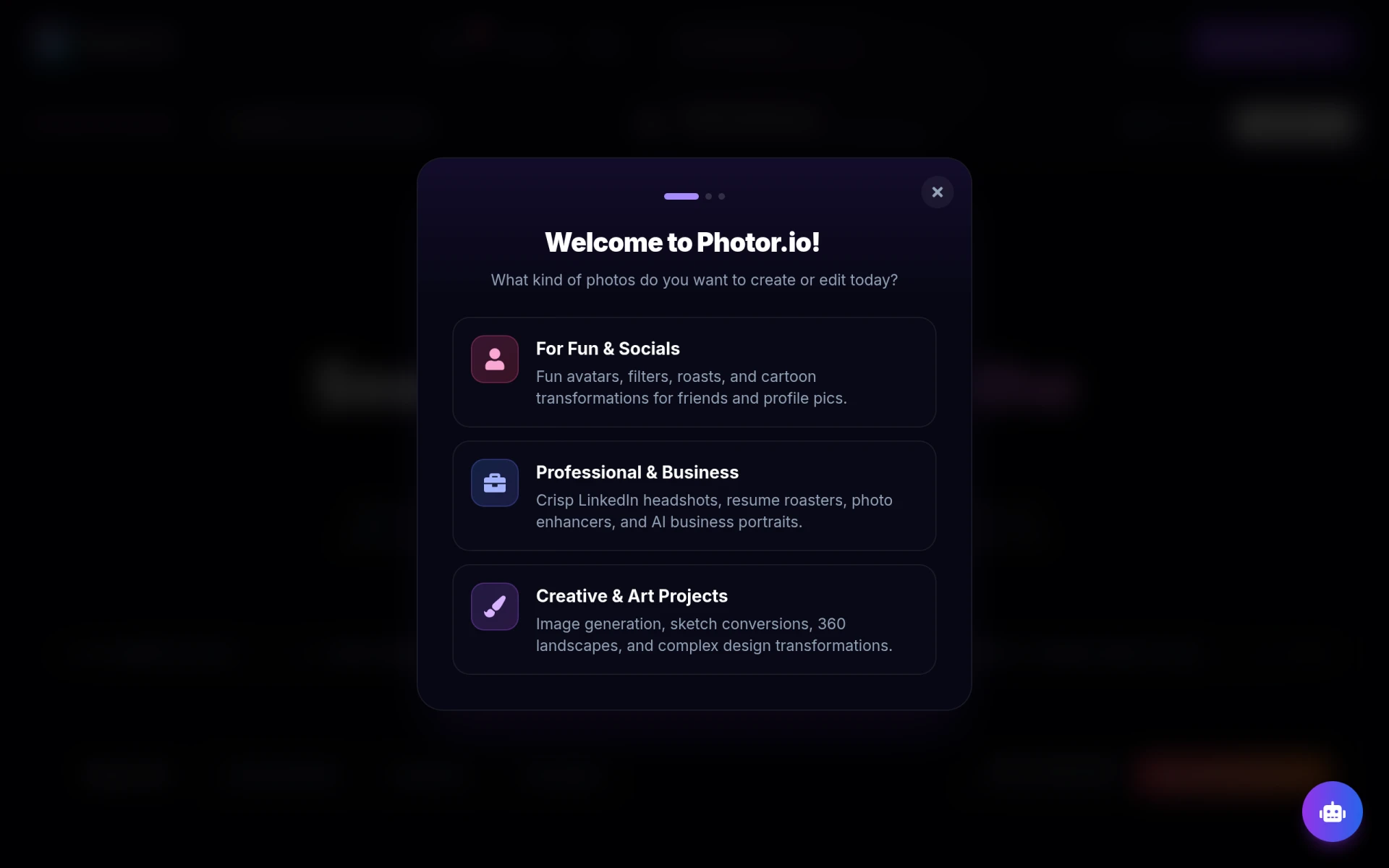 offers a suite of AI-powered tools for photo analysis, age transformation, and face restoration, setting it apart from Cleanup.pictures. While Cleanup.pictures is focused on removing objects, Photor AI provides advanced functionalities that cater to users interested in detailed photo analysis and enhancements. This makes it an excellent choice for photographers and content creators who want to explore the full potential of AI in their editing workflows.
The platform operates on a freemium model, allowing users to access essential features without signing up. The personal plan, starting at $9.99 per month, provides additional capabilities for those seeking more advanced options. Nevertheless, users who are primarily focused on simple object removal may find Photor AI's comprehensive features more than they need, making it essential to evaluate their specific editing requirements before opting for this tool.
- Key Strength: Advanced AI tools for photo analysis and restoration.
- Key Strength: Freemium model with a personal plan for added functionalities.
- Key Strength: Tailored for users interested in detailed photo enhancements.
- Limitation: May overwhelm users seeking simple object removal solutions.
Pricing: Freemium with a personal plan at $9.99/month. Best for: Users seeking advanced AI capabilities for photo analysis.
Prisma - Best for Artistic Effects
Prisma is an AI-powered photo and video editing tool that transforms images into artistic styles with ease. Unlike Cleanup.pictures, which is primarily used for object removal, Prisma focuses on enhancing photos by applying various artistic filters and effects. This makes it an excellent option for users looking to create visually striking content rather than simply editing out unwanted elements.
Prisma's user-friendly interface allows users to experiment with different styles and filters, making it suitable for both casual users and professional designers. The freemium model means that users can access a range of features for free, with additional premium options available. However, those who require in-depth editing tools for precise adjustments might find Prisma lacking in that area compared to Cleanup.pictures, which specializes in object removal and detailed editing.
- Key Strength: Unique artistic filters for transforming images.
- Key Strength: User-friendly interface that encourages creativity.
- Key Strength: Freemium model with additional premium filters.
- Limitation: Limited functionality for traditional photo editing tasks.
Pricing: Freemium. Best for: Users looking to create artistic images and videos.
Erase.bg - Best for E-commerce Background Removal
Erase.bg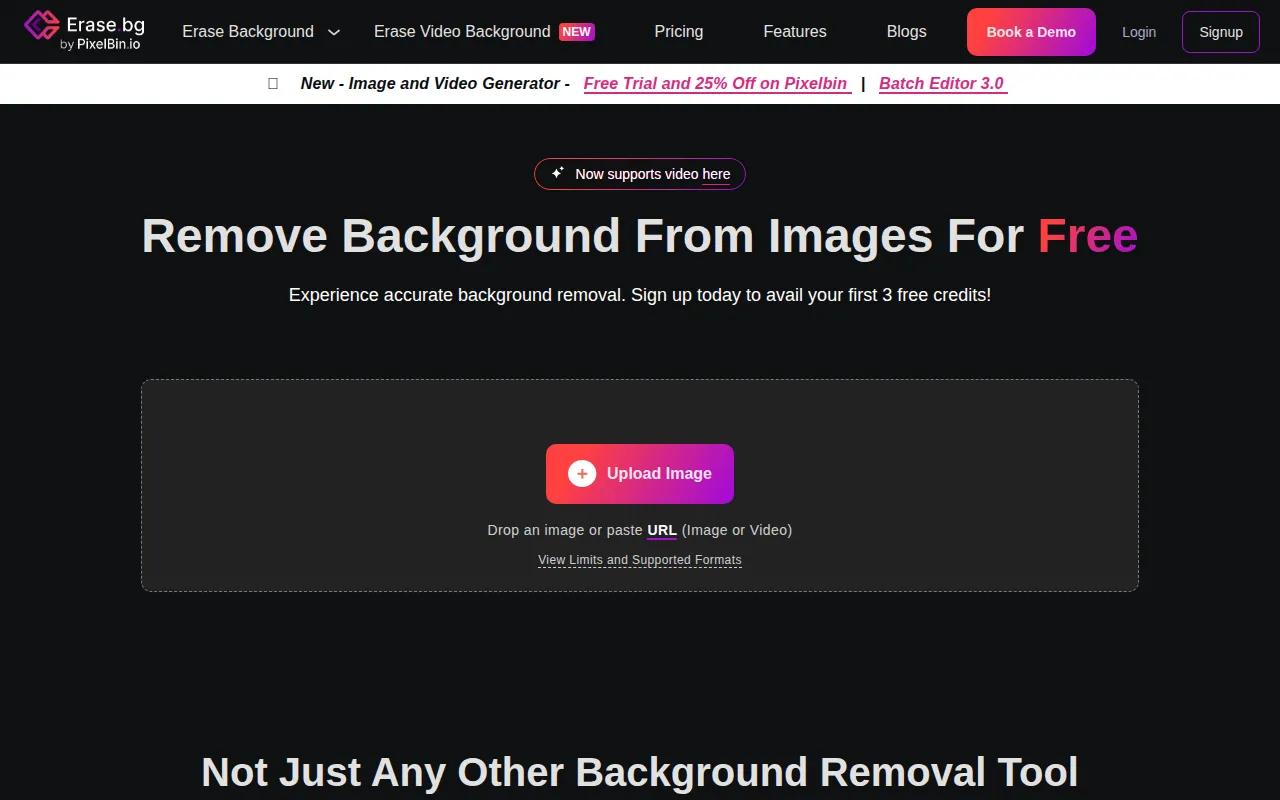 is an AI-powered tool specifically designed for quickly removing backgrounds from images, making it highly suitable for e-commerce and personal use. Unlike Cleanup.pictures, which focuses on object removal, Erase.bg excels in creating transparent backgrounds for product images. This specialization makes it an ideal choice for photographers and online sellers who require high-quality images with clean backgrounds.
With its freemium model, Erase.bg offers users a free plan with credits and additional paid options for purchasing credits, providing flexibility for those who need to process images on demand. The tool's efficiency in background removal allows for quick edits, making it an invaluable asset for businesses looking to enhance their product presentations. However, users seeking more comprehensive editing features may find Erase.bg's focus narrow compared to Cleanup.pictures.
- Key Strength: Specializes in fast and effective background removal.
- Key Strength: User-friendly interface designed for quick processing.
- Key Strength: Flexible pricing with a free plan and credit-based purchases.
- Limitation: Limited editing capabilities beyond background removal.
Pricing: Freemium with credit-based purchases. Best for: E-commerce users needing quick and clean background removal.
Face26 - Best for AI Photo Enhancement
Face26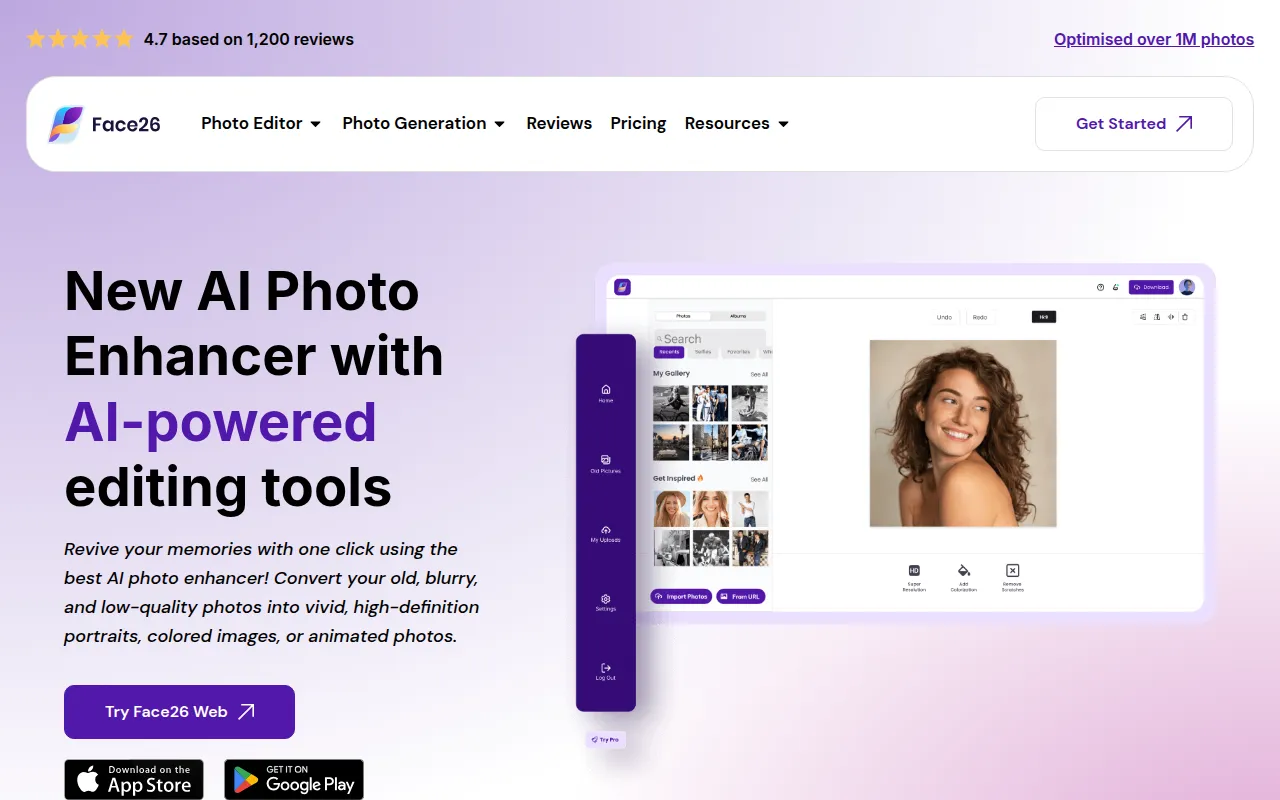 is an AI-powered photo enhancer that aims to improve image quality and sharpness with minimal effort. While Cleanup.pictures is focused on removing unwanted elements, Face26 excels in enhancing faces within images, making it perfect for portrait photographers and social media enthusiasts. This tool allows users to quickly enhance their images while retaining a natural look, setting it apart from more aggressive editing tools.
Although specific pricing information for Face26 is currently unavailable, its focus on photo enhancement presents a valuable option for users who prioritize quick fixes over detailed editing. However, those looking for comprehensive editing tools may find Face26 lacking, as its capabilities are centered primarily around enhancement rather than traditional editing tasks.
- Key Strength: Specializes in enhancing facial features and image sharpness.
- Key Strength: Quick processing for efficient enhancements.
- Key Strength: User-friendly interface designed for ease of use.
- Limitation: Limited options beyond enhancement functionality.
Pricing: Unavailable. Best for: Portrait photographers seeking quick enhancements.
Feature Comparison Table
| Tool | Best For | Starting Price | Free Plan | Standout Feature |
|---|
| Cleanup.pictures | Object removal | Free | Yes | Simple object removal |
| BgEraser | Fast background removal | Free | Yes | Batch processing of up to 20 photos |
| Cutout Pro | All-in-one visual design | Freemium | Yes | Comprehensive editing tools |
| vivago.ai | Creative content generation | Free | Yes | Generates images from text prompts |
| Kira | Effortless graphic design | Freemium | Yes | Credit-based pricing model |
| Photo Editor AI | Comprehensive photo editing | Freemium | Yes | Over 30 AI-powered tools |
| Upscal | Offline image enhancement | Free | Yes | Offline processing capabilities |
| MyShell | Artistic portraits | Free | Yes | Transforms selfies into artistic portraits |
| ProPhotos | Quick enhancements | Freemium | Yes | AI-powered enhancements |
| Midjourney Prompt Helper | AI image generation assistance | Free | Yes | Crafts effective prompts for AI tools |
Pixlr: AI-Powered Editor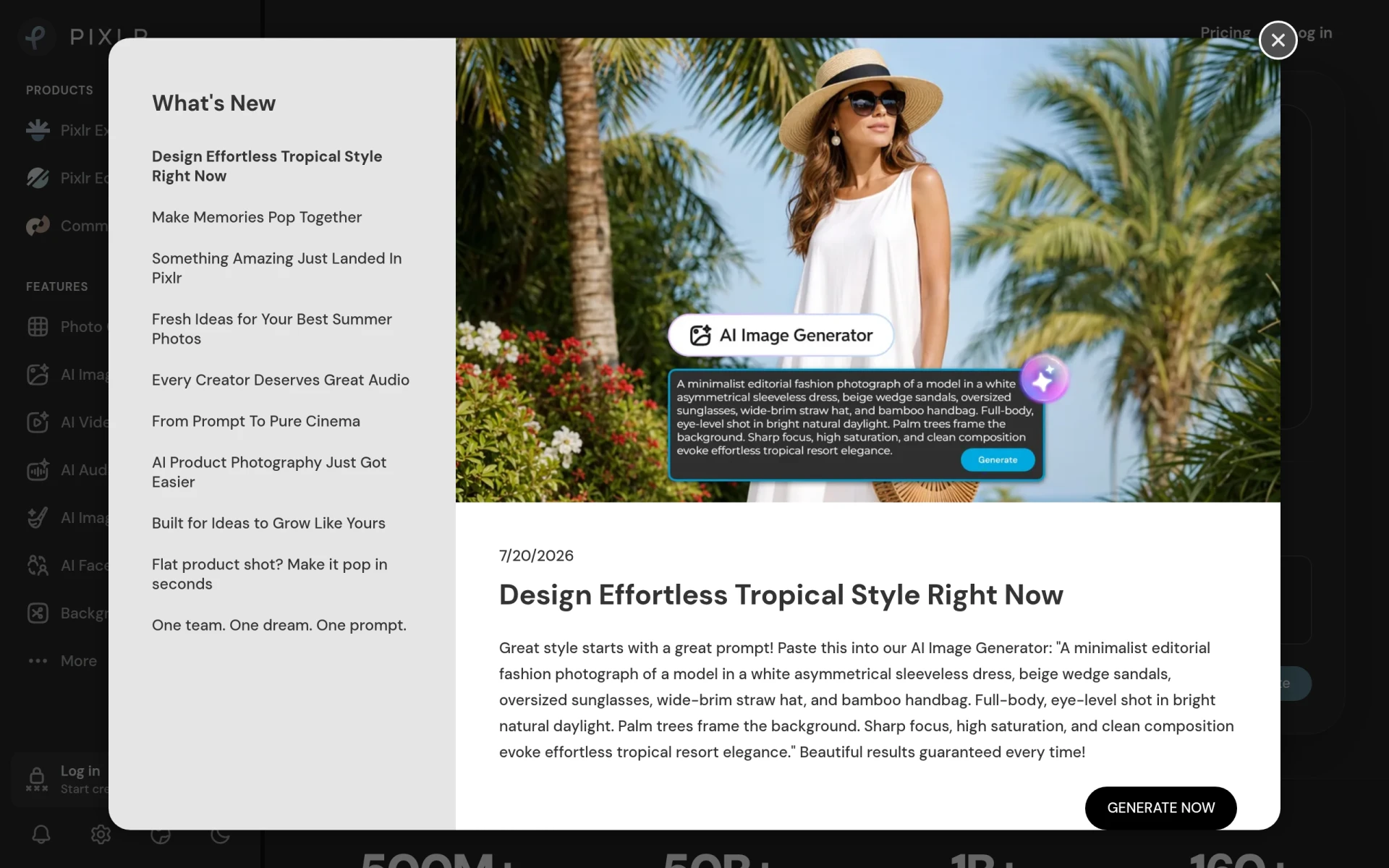 | Versatile online editing | Freemium | Yes | Comprehensive online editing tools |
| PicMa Studio | Simplified photo editing | Freemium | Yes | User-friendly interface for quick processing |
| Photor AI | Advanced AI photo analysis | Freemium | Yes | AI tools for photo analysis and restoration |
| Prisma | Artistic effects | Freemium | Yes | Transforms images into artistic styles |
| Erase.bg | E-commerce background removal | Freemium | Yes | Fast background removal |
| Face26 | AI photo enhancement | Unavailable | Yes | Enhances facial features and sharpness |
How to Choose the Right Alternative to Cleanup.pictures
Choosing the right alternative to Cleanup.pictures depends on your specific needs and the context in which you plan to use these tools. If you primarily need to remove objects or backgrounds from images, tools like BgEraser or Erase.bg cater specifically to those requirements with efficient and targeted functionalities. On the other hand, if you are looking for a more comprehensive editing solution that includes features beyond simple object removal, platforms like Photo Editor AI or Cutout Pro would be more suitable, providing a wider array of editing tools.
For creative professionals who require unique visuals or artistic effects, vivago.ai and Prisma stand out as excellent choices. These tools allow you to generate content from text prompts or apply artistic filters, enhancing your creative output. If you prefer working offline or have privacy concerns when editing images, Upscal provides an effective solution without the need for internet connectivity. By assessing your editing requirements and workflow preferences, you can choose the alternative that best aligns with your needs.
Final Verdict
In conclusion, the best alternative to Cleanup.pictures depends on your individual use case. For straightforward background or object removal, BgEraser and Erase.bg excel. For comprehensive editing needs, Photo Editor AI and Cutout Pro are superior options. If creative content generation is your goal, consider vivago.ai or Prisma for artistic transformations. Evaluate your specific requirements to make an informed decision that enhances your image editing experience.